A TikTok ad has seconds to earn a pause. If the opening feels like a TV commercial, people swipe before your offer appears.
This guide shows you how to make an ad for TikTok with a clear goal, a sharp hook, a vertical video, and a test plan you can repeat.
Step 1: Choose Your TikTok Ad Goal and Audience
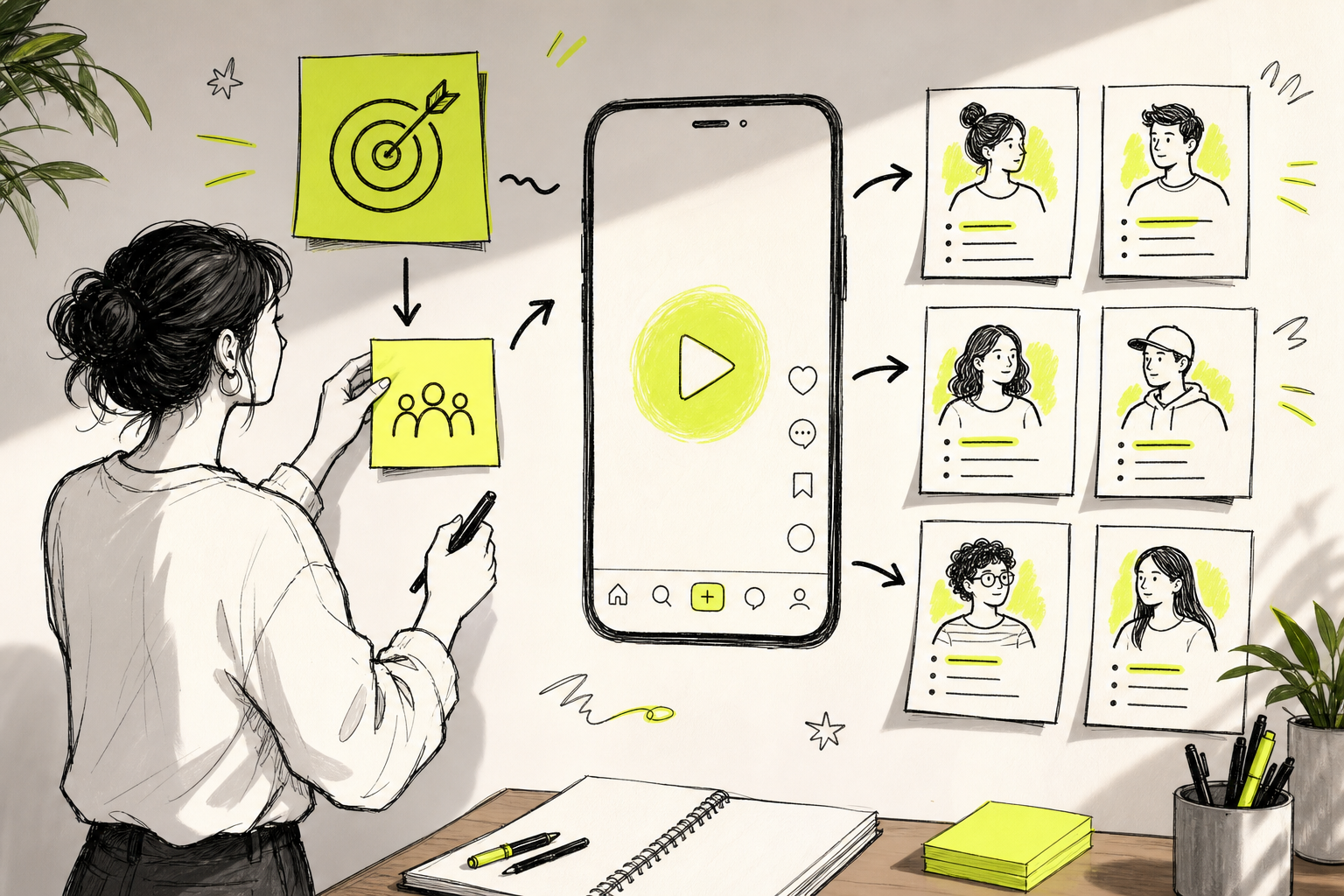
The first step in making a TikTok ad is to decide what you want the viewer to do. Pick one action before you write a script or open a video tool.
TikTok Ads Manager groups campaign goals into awareness, consideration, and conversion. You can choose reach, traffic, video views, lead generation, app promotion, or sales within those groups. to choosing an ad objective before you set up the campaign.
Write your goal in one plain sentence:
- “Send new visitors to my product page.”
- “Get more app installs.”
- “Collect leads from small business owners.”
- “Sell this product through TikTok Shop.”
Next, describe your audience. Start with the people most likely to need the offer. Note their age range, location, interests, buying stage, and main problem. Don't target “everyone.” A broad audience may work later, but your first creative needs a clear person in mind.
TikTok targeting works through dimensions such as demographics, audience groups, device type, and interests. Selections within one dimension can use OR logic, while selections across dimensions can narrow the audience with AND logic. Check the available settings for your market before launch.
Keep the audience and the goal in the same lane. A sales ad needs proof, product value, and a direct next step. A reach ad can focus more on recall. The same video won't always fit both jobs.
If you need a faster starting point, the workflow in How to Use an AI Video Ad Maker begins with this same goal and audience check.
By now you should have:one campaign goal, one audience description, and one action you want viewers to take.
Step 2: Write a Short Hook, Script, and Call to Action
To make a TikTok ad that holds attention, write the first line before anything else. Your hook must give people a reason to stay.
Good hooks make a promise, name a problem, ask a sharp question, or show an unexpected result. Keep the wording plain. “Still wasting an hour on this?” is easier to understand than a long claim about workflow efficiency.
Use this simple script shape:
- Hook:stop the scroll with a problem, question, or result.
- Proof or demo:show what changes after the viewer uses your offer.
- Reason:explain the feature or detail that makes the result possible.
- Call to action:ask for one next step.
For a short ad, give each beat a job. Don't spend the first half introducing your company. Show the problem fast, then let the viewer see the answer.
TikTok recommends putting the proposition in the first few seconds. It also recommends a hook in the first six seconds, vertical 9:16 video, sound, captions, and content that stays within the safe zone. You can review the full TikTok creative best practices before you build your final cut.
Write the spoken words as if you're talking to one person. Then write a matching visual prompt. For example:
Spoken line:“Your product photo can become a moving ad today.”
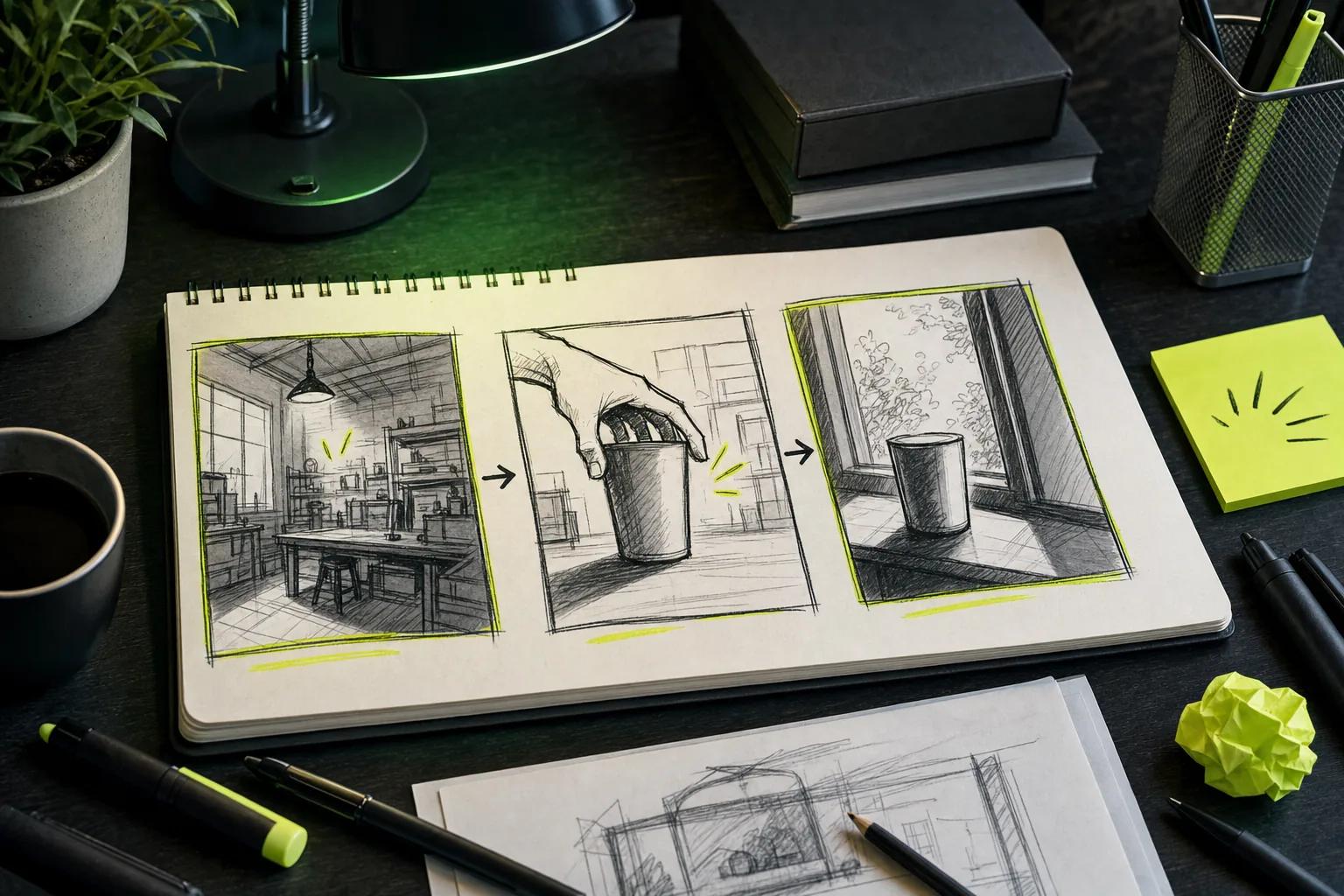
Visual direction:“A close product shot turns into a smooth vertical demo. The camera pushes in while a hand picks up the item. Keep the background clean and bright.”
Make the call to action part of the script. Use one ask, such as “Shop now,” “See how it works,” “Get started,” or “Visit the site.” The best phrase depends on the goal. A lead campaign should not sound like a product sale.
Keep on-screen text short. Use captions for key points, but don't cover the subject's face or the main product action. If the ad works with the sound off, you've made the message easier to follow.
For more hook ideas, use the structure in How to Make Viral TikTok Videos, then adapt the tone to your offer. Viral content and paid ads share some habits, but an ad still needs a clear business action.
By now you should have:a hook, a short script, a visual plan, and one call to action.
Step 3: Create the Video with Seedance Studio
Now turn the script into a vertical video. Seedance Studio lets you type a prompt or upload reference images, video clips, and audio in your browser.
We built Seedance Studio for short-form work. It uses Seedance 2.0 for text-to-video and image-to-video generation. You can direct the camera, keep characters consistent, and generate native sound in the same workflow. There's no download or waitlist, and a free tier lets you test the process before choosing a paid plan.
Start with the simplest input that can prove your idea. If the ad shows a real item, upload a clear product image. If it needs a recurring person or character, add a clean reference image. If the ad follows a beat, upload an audio reference.
Use a prompt that tells the model what to show and how it should move. Include:
- The main subject.
- The action or product use.
- The setting.
- The camera move.
- The light and mood.
- Any spoken line or sound cue.
For example, you might write: “A creator holds [Image1] toward the camera in a bright home office. Start with a quick close-up, then pull back as the creator shows the result. Use a warm, casual voice. Say, ‘Here’s the faster way to do it.’ Keep the framing vertical and leave space for captions.”
Plain language works. You don't need film terms for every shot. But a clear camera instruction helps when the opening depends on movement. If the first result misses the point, change one part of the prompt and generate again.
Use Seedance Studio when you need several related clips that feel like one ad. Keep the same reference image and the same subject name in each prompt. That gives you a better base for a product demo, a short story, or a sequence of hooks.
Our Seedance Studio workflow guide shows how to prepare references, set the aspect ratio, and refine prompts before the final render.
Generate a draft first. Watch it on your phone. Look for odd hand motion, a weak opening frame, mismatched character details, or audio that fights the voice. Fix the prompt before you spend time on polish.
AI video tools are getting common, but TikTok-sized templates remain less common. In our review of 33 tools, only two explicitly listed native 9:16 TikTok templates. Seedance Studio helps close that gap by pairing vertical output with text-to-video and image-to-video creation.
By now you should have:one usable draft and a short list of changes for the next version.
Step 4: Edit the Ad for TikTok's Vertical Feed
Editing is where you make the video feel native to TikTok. Keep the frame vertical and put the main idea where the app's controls won't hide it.
For many in-feed ads, TikTok lists 9:16 as the vertical format. Supported video files can include MP4 and MOV, plus placements may have different recommended duration ranges. Check the current specification for your exact placement before export.
Use this edit pass:
- Cut any pause before the hook.
- Put the main visual in the first frame.
- Keep faces, products, logos, and key text away from the top and bottom UI areas.
- Add captions that match the spoken words.
- Keep background sound below the voice.
- End with one clear action.
Don't cram every benefit into one clip. Pick the benefit that matches the goal from Step 1. A traffic ad may need a quick product explanation. A sales ad may need a price, proof point, or product use case, if those details are approved for your campaign.
Use motion to hold the eye. A slow push-in can support a product reveal. A quick cut can mark a problem. A reaction shot can make a creator-led ad feel less staged.
Captions need room. A captioning tool can generate captions from a script or voiceover, then let you adjust the text, font, color, and alignment. Read every caption yourself. AI transcription can miss names and product terms.
If your ad begins with a still image, add movement quickly. Avoid dull visual openings in some placements. A still can work as a reference or a brief beat, but the first moments should feel alive.
You can also start with an image and add movement in an image-to-video workflow. That helps when your team has strong product photography but no fresh footage.
Export a clean file and view it in the TikTok preview. Check the small screen, not just your desktop. If the product or first caption disappears under the interface, move it before launch.
Step 5: Upload, Launch, and Test Your TikTok Ad
The final step in making a TikTok ad is to launch with a test plan. Don't put all your budget behind one hook and call the result a verdict.
Upload the video in Ads Manager. Match the campaign objective to the goal you chose earlier. Add your destination, copy, CTA, audience, budget, and schedule. Preview the ad on mobile before you submit it.
Set up measurement before spending. For a website campaign, track actions beyond views and clicks. Track the event that matches your goal, such as a purchase, signup, lead, or app install.
Build a small first test. Keep the audience and offer steady while you change one creative element at a time. You could test:
- A question hook against a result-led hook.
- A creator-style opening against a product demo.
- A calm voice against a faster voice.
- “See how it works” against “Shop now.”
Don't change the hook, audience, budget, and landing page at once. If one ad wins, you won't know why. Change one element per test and match the metric to the campaign goal.
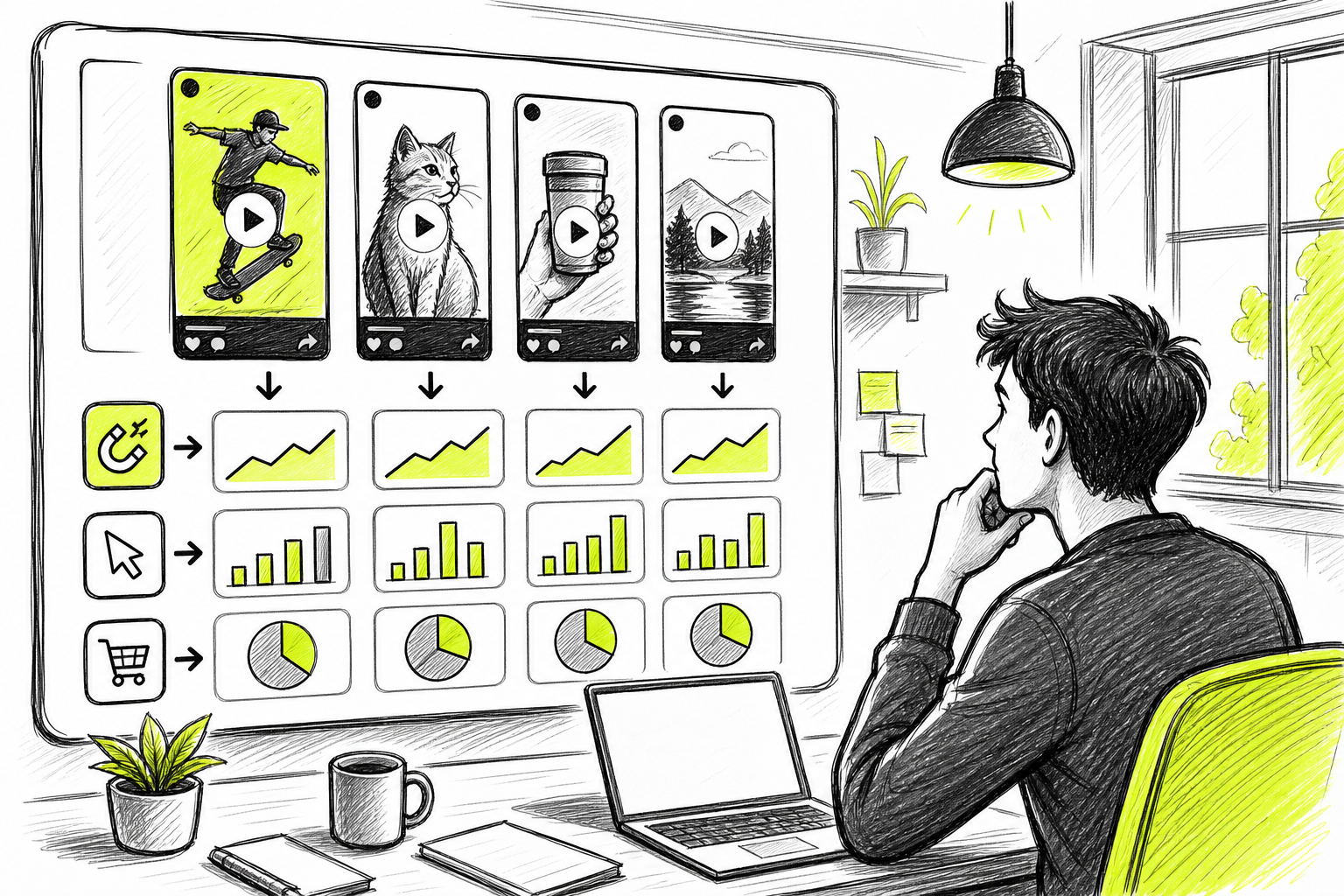
A useful test needs enough time to settle. Don't stop a campaign because of a few early views. Watch the metric tied to the goal, then compare the versions after they have had a fair chance to reach the audience.
For awareness, look at reach and view behavior. For traffic, watch clicks and cost per click. For leads or sales, focus on cost per result and the value of those results. Views can help you spot a weak hook, but they don't prove that the ad sells.
When a creative starts to fade, make a new opening before rebuilding the whole campaign. Seedance Studio makes that fast: keep the product reference and core idea, then generate a fresh first shot, voice line, or camera move.
Keep a simple record for each version. Write down the hook, audience, CTA, spend, result, and your next change. After a few tests, that record becomes your own playbook.
If you want a repeatable production system, the steps in How to Use an AI Commercial Generator can help you turn one script into several ad versions.
By now you should have:a live ad, a tracked conversion event, and a clear rule for what you will test next.
FAQ
How long should a TikTok ad be?
A TikTok ad should be only as long as it needs to make the point. Start with a short cut that delivers the hook at once, then show the proof and CTA. Placement-specific limits and recommendations can change, so check the current rules for your campaign type before export.
Can I make a TikTok ad without filming?
Yes, you can make a TikTok ad without filming by using text-to-video or image-to-video tools. With Seedance Studio, type a prompt or upload reference images, clips, or audio. Review each result for clear motion, accurate details, sound quality, and a natural fit with the feed.
What size should a TikTok ad be?
The safest starting size for a TikTok ad is vertical 9:16. Keep important text and visual details inside the safe area because TikTok controls can cover the edges. Export a clear MP4 or MOV, then use the platform preview to check how the ad looks on a phone.
How many TikTok ads should I test?
Start with several clearly different creative versions, then compare them against the same audience. Change one main element per test, such as the hook or CTA. The right number depends on your budget and audience size, but one ad is too little evidence for a strong decision.
What should I measure after launching?
Measure the result that matches your goal. Track reach for awareness, clicks for traffic, and cost per lead or purchase for conversion campaigns. Use watch time and early drop-off to judge the opening. A high view count alone doesn't show that the ad moved people to act.
Conclusion
Start with one goal, one audience, and one clear action. Then make a short vertical draft, test a different hook, and keep the version that earns the right result. Seedance Studio can help you move from a prompt or reference image to a TikTok-ready ad without a shoot. Create a free Seedance Studio account and make your first draft today.