Most TikTok videos die in the first three seconds. The ones that don't share a predictable pattern: a sharp hook, a clear story, and visuals that stop the scroll. This guide walks you through every step, from finding what's trending to repurposing your best clips, so you can post content that actually gets watched.
Step 1: Research Trending Hooks and Formats
Before you film or generate anything, spend 20 minutes on TikTok's Discover tab. You're looking for two things: formats that are spreading right now, and hooks that stop people mid-scroll.
Formats matter more than most creators realize. In 2026, companion-style content ("study with me," "get ready with me") pulls strong watch time because viewers keep it running in the background. POV videos work because they're fast, self-aware, and easy to share. Short educational clips between 15 and 30 seconds still dominate when they lead with personality, not just facts.
Hooks are where the algorithm makes its first call. Research shows the Product/Outcome Showcase hook—showing the finished result, transformation, or a key number in the first two seconds—tends to perform best. The algorithm decides whether to keep distributing your video early on, so your hook has to land quickly.
Five hook patterns consistently outperform everything else: outcome showcase, expert authority signal, contrarian open, specific number, and direct command. Vague openers like "Let me show you how I…" underperform every time. If your last video flopped, rewrite just the first three seconds using one of those five patterns and repost it.
Write down three formats and two hook styles that fit your niche. That short list is your content brief for the next step.
If you want a deeper look at which AI tools support rapid iteration on these formats, the best AI video generators for TikTok covers the options side by side.
Step 2: Script Your Story with a Strong Hook
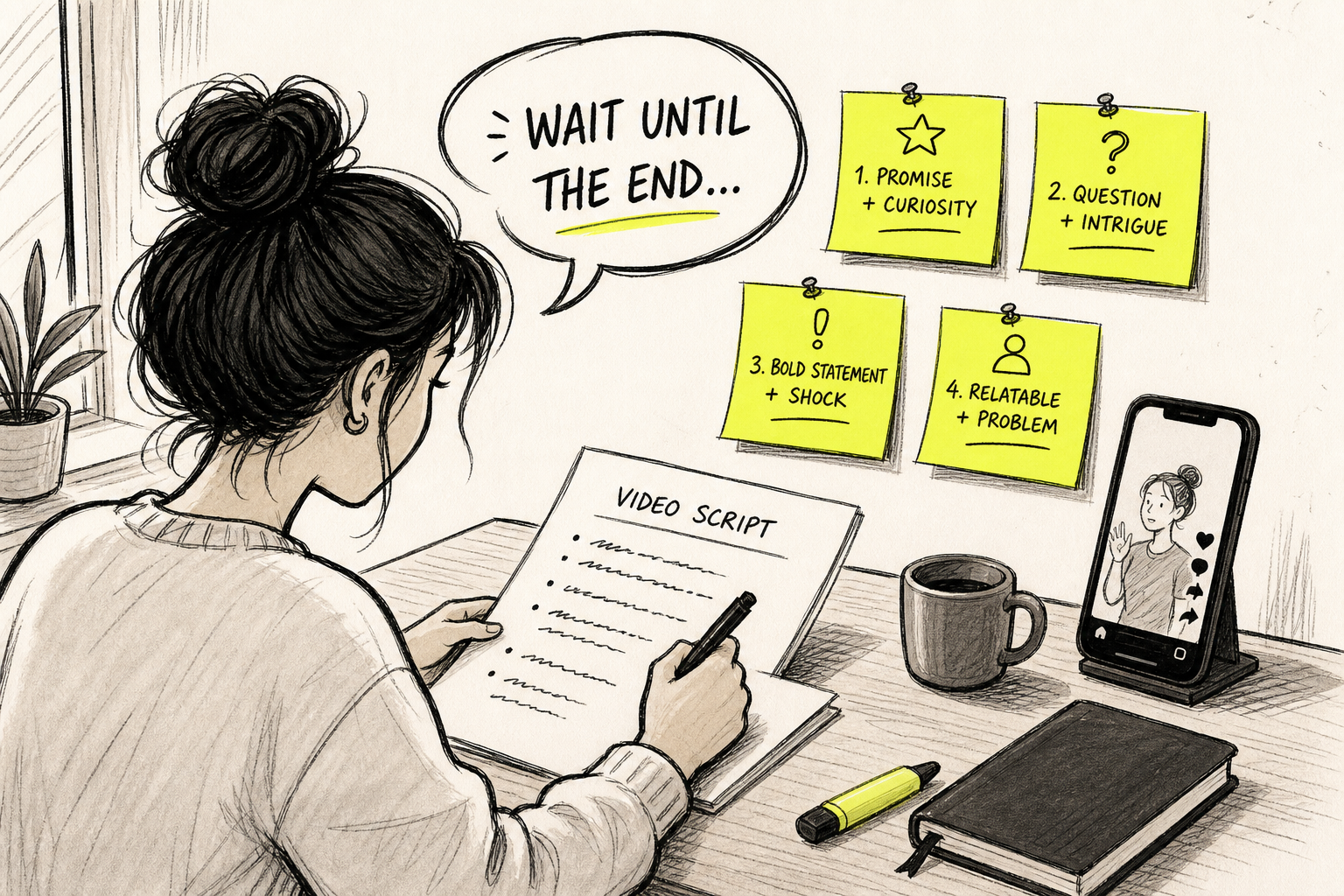
A script doesn't have to be a word-for-word read. It's a structure. Without one, videos drift, viewers leave, and the algorithm stops pushing the clip.
The structure that works for short-form content is: hook → tension → value beats → proof or example → payoff → CTA. The hook stops the scroll. The tension tells the viewer why they should keep watching. The value beats deliver the idea. The payoff closes the loop. The CTA gives one clear next step.
For a 30-second video, aim for roughly 70 to 110 words. Short spoken lines. One idea per sentence. Read it aloud before you record or generate anything. If it sounds stiff, cut it down.
Here's a simple template for educational or how-to content:
- Hook (0, 3 sec):Lead with the result or a specific number.
- Tension (3, 8 sec):Name the problem your viewer has right now.
- Value beats (8, 22 sec):Deliver the actual tip. One idea, clearly explained.
- Payoff (22, 27 sec):Show the result or summarize the takeaway.
- CTA (27, 30 sec):One action. Follow, save, or comment.
Keep the CTA to a single ask. Asking viewers to "like, comment, share, and follow" in one breath gets ignored. Pick one.
Once your script is done, it becomes your production brief. Every visual, caption, and sound choice in the next steps flows from it. A tight script also makes AI video generation much faster, because the model has clear direction instead of a vague idea to work from.
Step 3: Generate Eye‑Catching Visuals Using AI
You don't need a camera. AI video generation has gotten good enough that a well-written prompt produces scroll-stopping visuals in minutes, no filming required.
This is where Seedance Studio fits into the workflow. It runs in your browser, needs no download, and has no waitlist. You type a prompt or upload reference images, and the Seedance 2.0 model returns a finished clip with camera direction, consistent characters, and native sound already mixed in. The free tier gives you immediate access, which matters because most AI video tools either have no free option or lock the useful features behind a paywall.
For TikTok, set your aspect ratio to 9:16 before you generate anything. Seedance Studio also supports 16:9 and 1:1, so you can repurpose the same clip for YouTube Shorts or Instagram feed posts without regenerating from scratch. That format flexibility is rare: most tools are locked to a single vertical output.
Write your prompt like a director, not a search query. Instead of "a woman walking in a city," try "a young woman in a yellow jacket walking through a rainy street at dusk, puddles reflecting neon signs, slow push-in camera move." Name the subject, the action, the camera move, and the lighting. Specificity gives the model something to hold onto.
Generate two or three versions of each clip. Your first output is a draft. Watch it once, note what's off, adjust the prompt, and regenerate. Most good creators run two to three generations per clip before they have something post-ready. That's normal, not a sign the tool is broken.
If you're starting from a photo rather than a text prompt, the AI photo-to-video workflow walks through the exact prompt structure that produces stable motion from a single reference frame.
Step 4: Add Music, Captions, and Voiceover
A silent video with no captions loses a significant share of viewers before they've heard a word. A lot of TikTok is watched on mute, in public, with headphones still in a bag. Captions keep those viewers in.
Add auto-captions first. Most editing tools generate them from the audio track. Read through every line after generation because AI captions misfire on proper nouns and slang. Fix errors before you post. A caption that says the wrong word mid-sentence breaks trust fast.
For music, TikTok's native sound library is the safest choice because trending sounds already carry algorithmic momentum. When a sound is trending, the algorithm surfaces your video to people who've engaged with that sound before. That's free distribution. Check the Discover tab for sounds with an upward arrow, which signals a rising trend rather than a peak that's already passing.
Voiceover is optional but effective for educational content. Seedance Studio generates native sound alongside your visuals, so you can include spoken dialogue directly in your prompt by putting lines in quotes. The model generates lip-synced dialogue in the same pass as the video, which saves a separate recording step.
For creators who want more control over voiceover separately, tools like CapCut have built-in AI voiceover with auto-caption generation and direct TikTok posting. It's free and handles the basics well. The trade-off is that CapCut's AI generation is much simpler than a dedicated text-to-video model, so it works better as an editing layer on top of footage you've already generated.
Keep music volume lower than your voiceover. A common mistake is setting both at equal levels, which makes the speech hard to follow. The voice carries the story. The music supports it.
If you want to go deeper on building a full audio-visual workflow, the guide to using an AI video generator with sound covers how to layer music, effects, and dialogue from a single prompt.
Step 5: Optimize for TikTok's Algorithm
Publishing without optimization is like posting at 3am with no hashtags and hoping the algorithm finds you. A few specific choices at upload time make a real difference in early distribution.
Hashtags still matter, but three to five targeted ones outperform a wall of twenty generic ones. Use one broad hashtag for your niche, one trending hashtag from the Discover tab, and one or two specific to your video's topic. TikTok's search function is increasingly used like Google, so hashtags that match how people actually search perform better than vague category tags.
Your caption is searchable too. Write it like a sentence someone would type into TikTok's search bar. "How I grew 10k followers without posting every day" works better than "content tips 🔥🔥🔥".
Watch time and completion rate are primary signals the algorithm uses to decide whether to push a video further. A video that gets watched to the end, even by a small audience, gets tested with a wider one. That's why the hook matters so much: if viewers drop off in the first three seconds, the algorithm stops the test.
Post when your audience is active. Check your TikTok analytics for the hours your existing followers are online. If you're just starting out, early evening on weekdays and mid-morning on weekends are generally strong windows, but your own data will always beat a generic recommendation.
Consistency beats volume. Posting one well-crafted video per day outperforms posting five rushed ones. The algorithm rewards accounts that hold completion rates over time, not accounts that flood the feed.
For brands thinking about how social media video creation fits into a broader content strategy, this usable guide to social media video creation covers the planning and publishing side in more depth.
Step 6: Publish, Engage, and Repurpose
The first 30 minutes after you post matter more than most creators know. Reply to every comment that comes in during that window. Ask a follow-up question. Pin a comment that adds context or sparks more replies. TikTok's algorithm reads early engagement as a signal that the video is worth pushing to more people.
Watch your analytics at the 24-hour mark. Completion rate and shares are the two numbers to focus on. If completion rate is below 50%, the problem is usually a weak hook or a video that runs too long. If shares are low but completion is high, the content is good but not shareable: add a stronger opinion or a more surprising takeaway next time.
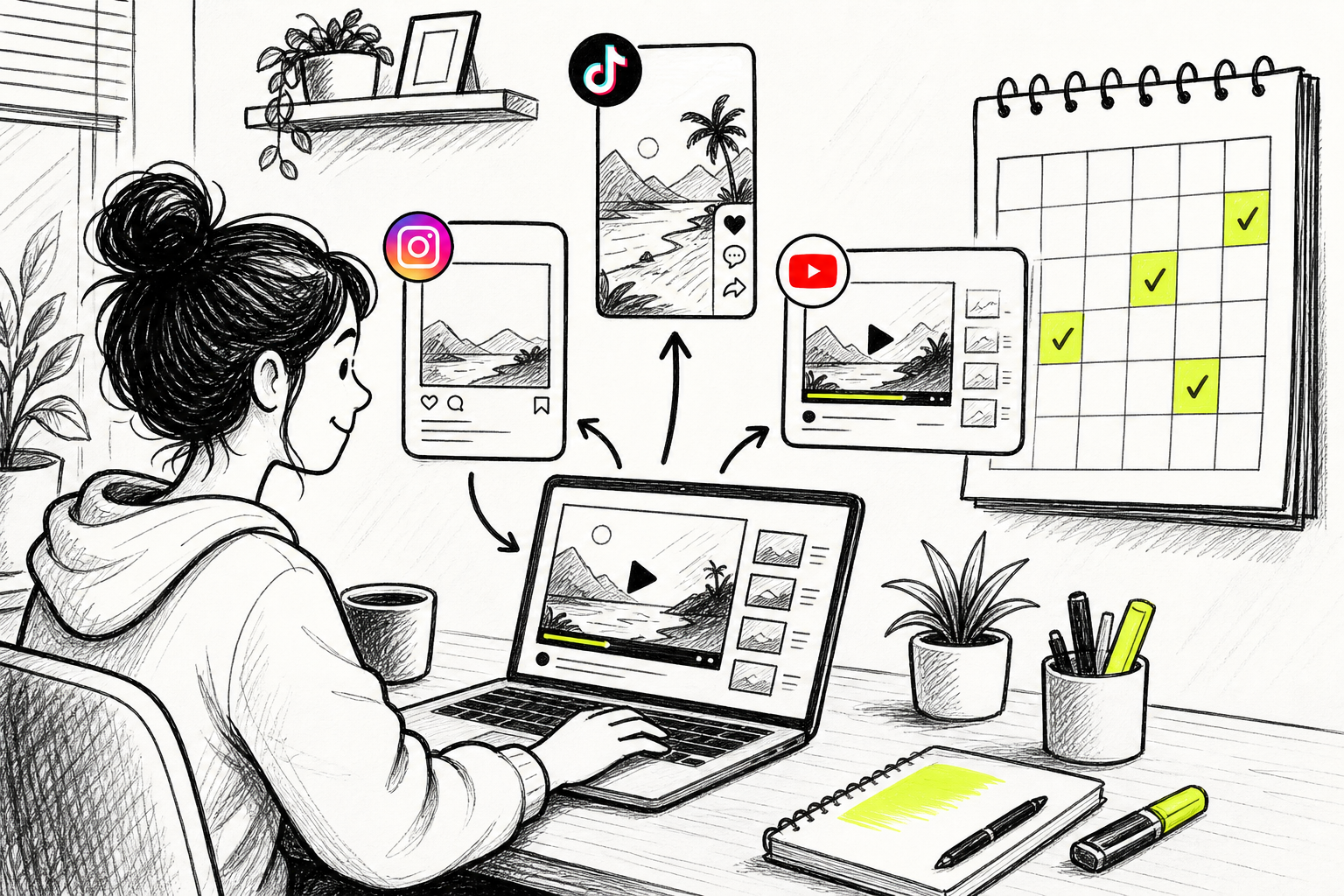
Repurposing is where the real efficiency lives. A single TikTok clip can become an Instagram Reel, a YouTube Short, and a LinkedIn post with almost no extra work. Because Seedance Studio outputs in multiple aspect ratios, you can generate the 9:16 TikTok version and the 16:9 YouTube version from the same prompt in the same session. That's a meaningful time saver when you're producing content regularly.
The full Seedance Studio workflow guide covers how to use the element system to keep characters and scenes consistent across multiple clips, which is the key to building a recognizable visual style across repurposed content.
Trends move fast. A format that's peaking today may be stale in 48 hours. AI generation is fast enough that you can go from script to posted clip in under an hour. Use that speed. Post before the moment passes, then loop back to Step 1 and find the next format worth riding.
Brands managing content across multiple channels sometimes work with UGC content agencies to scale production beyond what a solo creator can handle, especially when paid ad variations are involved alongside organic TikTok posts.
FAQ
How long should a viral TikTok video be?
The sweet spot for viral TikTok videos is 15 to 30 seconds. Shorter clips are easier to watch to completion, which is the primary signal TikTok's algorithm uses to decide whether to push your video further. Educational content can run up to 60 seconds if every second earns its place, but anything longer needs an exceptionally strong hook to hold attention past the first few seconds.
Do I need to show my face to go viral on TikTok?
No. Faceless TikTok videos perform well when the visuals are strong and the audio carries the story. AI-generated video tools like Seedance Studio produce faceless clips from a text prompt, no camera required. Educational content, product demos, and transformation videos all work without a person on screen, as long as the hook and pacing are tight.
What's the best time to post on TikTok for more views?
Check your own TikTok analytics first. The "Followers" tab shows the hours your audience is most active, and that data beats any general recommendation. If you're starting from zero, early evening on weekdays (6, 9pm local time) and mid-morning on weekends tend to see higher engagement, but those windows shift by niche and audience timezone.
How many hashtags should I use on TikTok?
Three to five hashtags outperform longer lists. Use one broad niche hashtag, one trending hashtag from the Discover tab, and one or two specific to your video's topic. TikTok's search function works increasingly like a search engine, so specific hashtags that match real search phrases drive more discovery than generic trending tags.
Can AI tools actually help make TikTok videos go viral?
AI tools help with speed and consistency, two things that matter for TikTok growth. Seedance Studio generates 9:16 vertical clips from a text prompt with camera direction and native audio, so you can test multiple hooks and formats quickly without filming anything. Virality still depends on the hook and story, but AI removes the production bottleneck that slows most creators down.
How do I repurpose a TikTok video for other platforms?
Download your TikTok clip as an MP4, then trim or reformat it for each platform. Instagram Reels and YouTube Shorts use the same 9:16 vertical format, so a TikTok video often works without changes. For YouTube standard or LinkedIn, you'll want a 16:9 version. If you generated the original in Seedance Studio, you can regenerate the same clip in 16:9 from the same prompt without starting over.
The fastest path to a viral TikTok video is a strong hook backed by a clear script and visuals that match the format. Start with Step 1 right now: open TikTok's Discover tab, find one trending format in your niche, and write a 30-second script around it. Then create a free Seedance Studio account and generate your first clip today.