You can go from raw idea to a finished video commercial in under an hour, with no studio, no camera, and no production crew. AI commercial generators have made that real. This guide walks you through every step, from writing your first prompt to hitting publish on TikTok or YouTube.
Step 1: Write a Strong Script and Prompt
Your prompt is the brief. Everything the AI generates flows from what you write here, so spending five minutes on it saves you ten rounds of regeneration later.
Start with your script. Keep it tight: a 15-second ad needs roughly 30-40 words of spoken copy, a 30-second ad needs 60-80. Use plain language. Write the way you talk, not the way you write an email.
Once you have your script, turn it into a visual prompt. Think like a director. Instead of writing "show a product," write something like: "Close-up dolly shot of a skincare serum on a marble countertop, warm morning light, steam rising from a coffee cup in the background." Name the camera move, the setting, the lighting, and the mood.
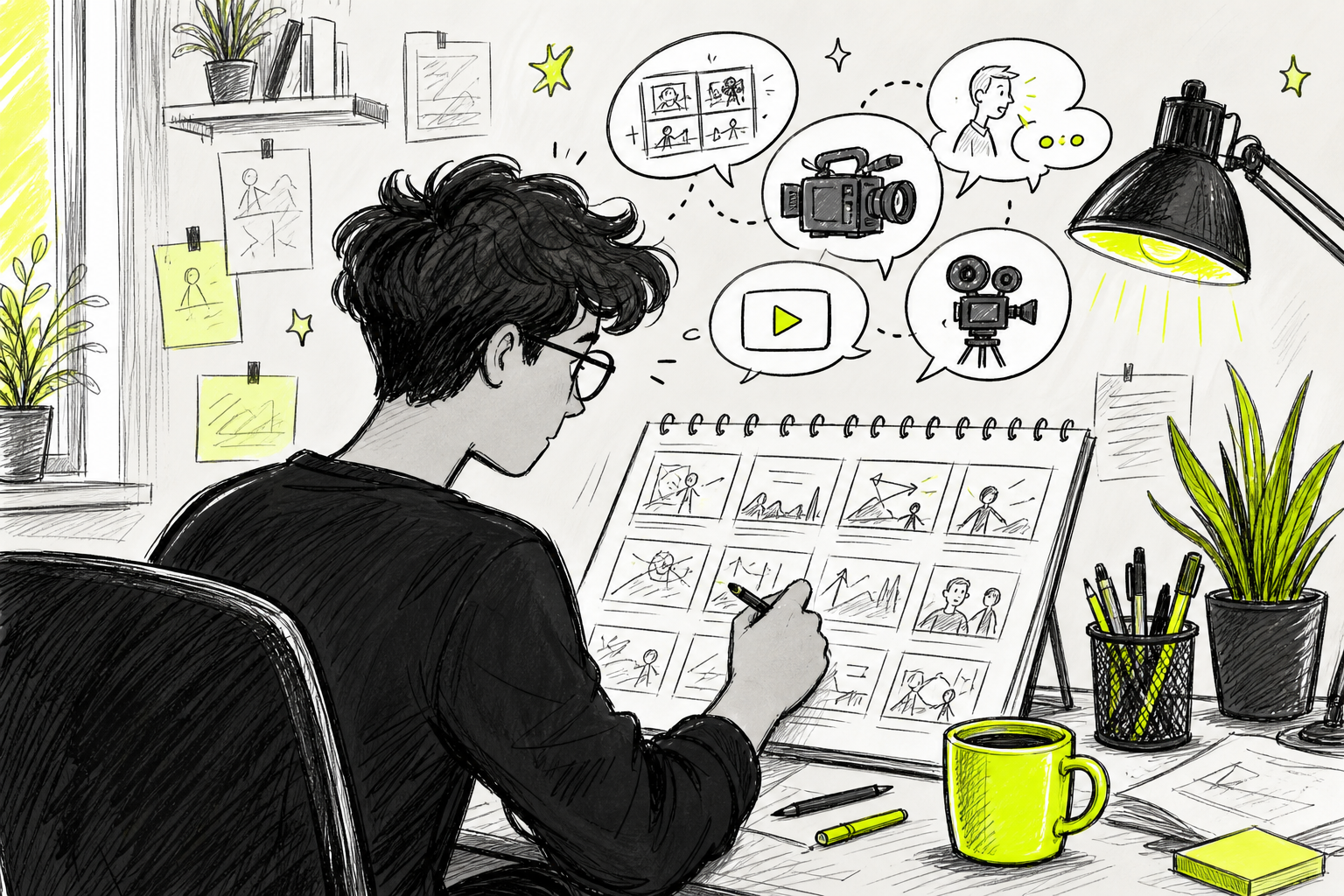
Here are the five hook structures that perform best for short video ads, based on proven direct-response frameworks:
- Pattern Interrupt: Open with something unexpected. Best for scroll-stopping on TikTok and Reels.
- Bold Claim: State the result up front. Works well for product demos and before/after formats.
- Question: Pose a problem your viewer already has. Strong for pain-point-led ads.
- POV: Put the viewer inside the experience. Great for lifestyle and travel products.
- Social Proof: Lead with a result or a number. Works across every platform.
One usable trick: write your prompt general enough to reuse. If you swap one product for another, a well-written prompt should need only minor edits. This lets you produce many variations without starting from scratch each time.
Once you have your script and your visual prompt, keep both in a text file. You'll paste them into your generator in the next step, and you'll want them handy when you build variations later.
Step 2: Choose the Right AI Commercial Generator Tool
The tool you pick determines what you can output: aspect ratios, character consistency, camera direction, and whether you get native audio or have to add it separately. These specs matter more than most vendor pages admit. Aspect ratio support — 9:16 for TikTok, 1:1 for feed posts, and 16:9 for YouTube pre-roll — is a real blind spot that many tools don't clearly document for ad creators.
Here's a decision-making matrix for the main options in the market right now:
| Tool | Best For | Free Tier | Starting Price | Key Automation |
|---|---|---|---|---|
| Seedance Studio | Full commercial pipeline | Yes | $14/month | Text-to-video, image-to-video, camera direction, native sound |
| Runway | Cinematic, film-style ads | Yes | $12/month | Director Mode camera paths, Sound-to-Video foley |
| Kling AI | Realistic human talent | Yes | $10/month | Lip-sync, fast generation |
| Pika Art 3.0 | Quick social clips | Yes | $10/month | Built-in lip-sync, Sound-to-Video audio sync |
| HeyGen | Multilingual avatar ads | Yes | $19/month | Synced mouth movements across 40+ languages |
| Luma Dream Machine | Cinematic speed | Yes | $9.99/month | Very fast generation, keyframes |
| Google Veo 3 | High-fidelity output | No | $28.99/month | Consistent character generation, natural language |
For most content creators and marketers building ads at scale, Seedance Studio's free plan is the strongest starting point. It's the only tool in this group that bundles camera direction, text-to-video, image-to-video, and native sound synthesis into one pipeline at $14/month , without needing separate add-ons for audio or character consistency. Runway comes close on camera control, and Kling AI leads on realistic human generation, but neither covers the full commercial pipeline at that price.
If you're on a team that runs social campaigns at scale, dedicated ad analytics platforms add predictive scoring and direct ad account integration. For avatar-led ads in multiple languages, HeyGen and Synthesia both generate synced mouth movements automatically. Pick the tool that matches your primary output format first, then layer in the extras.
Step 3: Generate Your Visuals and AI Talent
Open your tool of choice and paste your visual prompt from Step 1. Before you hit generate, set three things: aspect ratio, resolution, and duration.
For aspect ratio, match the platform. Use 9:16 for TikTok, Instagram Reels, and YouTube Shorts. Use 16:9 for YouTube pre-roll and standard display ads. Use 1:1 for Facebook and Instagram feed posts. Getting this wrong means cropping later, which almost always cuts off something important.
For AI talent, you have two routes. The first is text-to-video with no reference: the model generates a character from your description. The second is image-to-video with a reference photo: you upload a photo and the model animates it into your scene. The second approach gives you consistent faces across multiple shots, which matters a lot for brand ads where a spokesperson needs to look the same in every clip.
If you're using Seedance Studio, you can attach up to 12 references per generation , images, video clips, and audio tracks , and tag each one directly in your prompt. That means you can lock in a product photo, a character reference, and a background style all in one pass. If you'd like a full walkthrough of how to set up these references and run your first generation, the step-by-step Seedance 2.0 tutorial covers the process from prompt to finished clip.
Generate at a lower resolution first. This costs fewer credits and gets you a fast preview of whether the shot composition is right. Once you're happy with the framing and the character, regenerate at 1080p or 4K for your final export. Iterating at lower resolution is standard practice in professional AI video workflows and cuts your costs significantly.
One thing to watch: if the model changes your product's appearance between shots (a different bottle shape, a wrong label color), that's a product fidelity problem. Fix it by uploading a clear product reference image and tagging it explicitly in your prompt, rather than describing the product in text alone.
Step 4: Add Voiceover, Music, and Sound
Sound is half the ad. A great visual with flat audio loses attention fast. You have three layers to think about: voiceover, background music, and sound effects.
For voiceover, you can generate it directly in your video tool if it supports native dialogue, or use a dedicated text-to-speech service. Tools like HeyGen and Synthesia offer multilingual video generation with synced mouth movements, which gives them a natural tone that generic TTS tools often miss. You can adjust pacing and language, and maintain consistent narration across campaigns.
For sound effects, a text-to-sound-effects generator lets you describe a sound and get samples back in seconds. Many paid plans offer royalty-free effects for commercial use, including advertising. This matters because stock audio libraries often carry licensing restrictions that get complicated when you're running paid ads at scale.
For background music, stick to royalty-free sources or AI-generated tracks where you own the output. Sync your music to the pacing of your cuts , a slow ambient track under a fast-cut product demo usually kills the energy.
Once all three audio layers are ready, bring them into a video editor. A good editing tool works well for quick assembly and may include built-in sound effects libraries. Adjust your voiceover timing so the key claim lands in the first three seconds , that's where scroll behavior is decided. A useful next step after audio is locked: pair your finished ad with a follow-up mechanism. Direct-response teams often pair AI-generated video ads with inbound call campaigns , the video drives awareness, the call mechanism captures intent.
Step 5: Create Multiple Ad Variations for Testing
One ad is a guess. Ten ads is a test. The fastest way to find your winner is to produce variations before you spend a dollar on media.
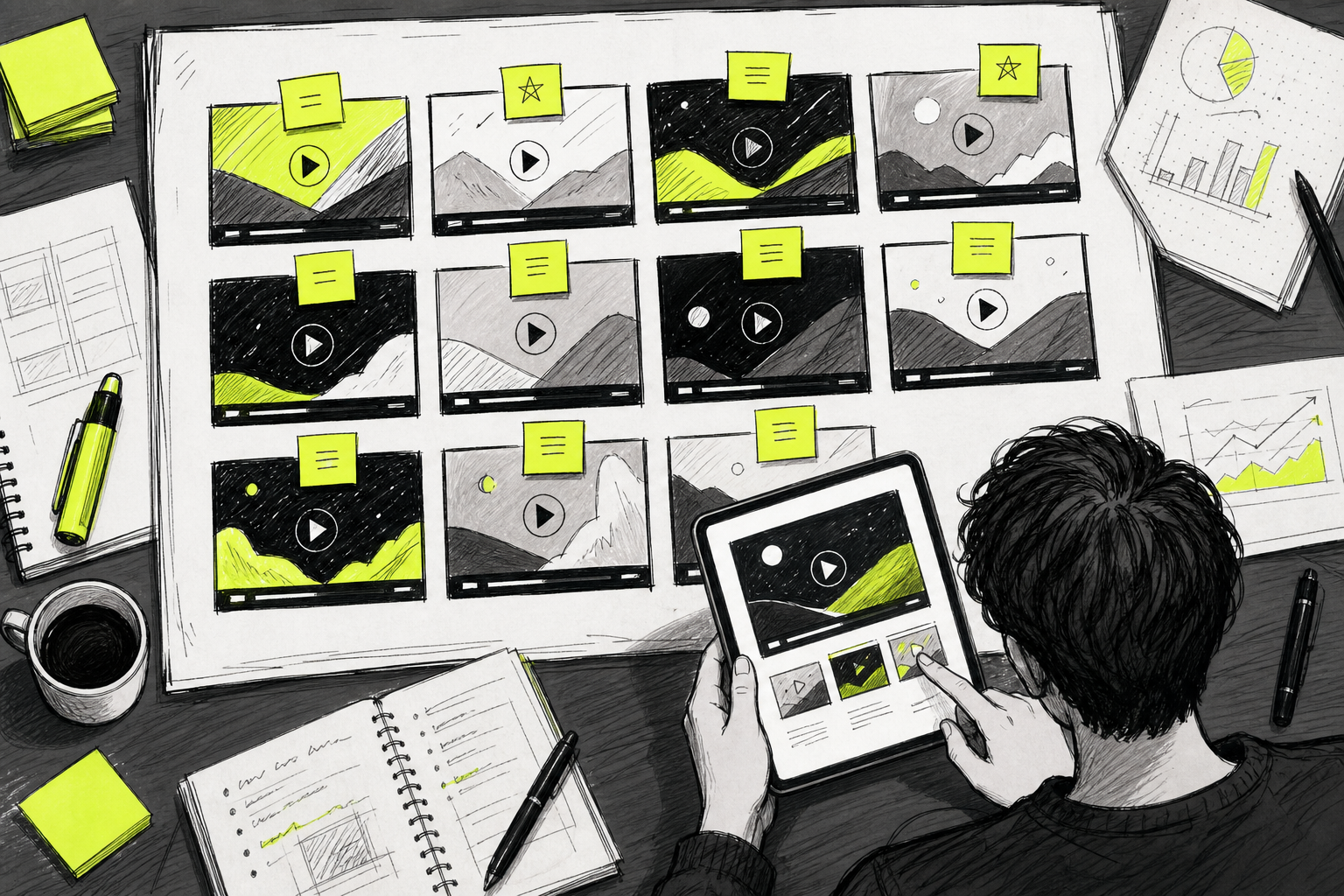
There are four variables worth testing in your first batch:
- Hook: Change the first three seconds. Try a bold claim in version A, a question in version B.
- Aspect ratio: A 9:16 and a 1:1 of the same ad often perform differently on the same platform.
- Voiceover tone: Warm and conversational versus fast and urgent can shift conversion rates significantly.
- CTA phrasing:"Shop now" versus "See how it works" versus "Get yours today" all pull different audiences.
The technical workflow for batch production is straightforward. Write one base prompt, then create variants by changing the hook line or the opening visual. Most AI video tools let you queue multiple generations at once. In Seedance Studio, you can submit several prompts back to back while earlier clips render in the background. For teams generating at higher volume, the Seedance API lets you submit generation jobs programmatically, which makes automated batch workflows possible without manual queuing.
Keep your test variables isolated. If you change the hook and the music at the same time, you won't know which one caused the performance difference. Change one thing per variant in your first round, then cross-test the winners.
Set minimum spend thresholds before you call a winner. A 15-second ad on a short-form video platform needs at least a few hundred impressions before click-through rate data is meaningful. Running five variants at $10 each gives you directional signal in 48 hours. Teams scaling ad spend can find useful approaches to testing and scaling ad budgets in growth-focused communities and forums where media budget allocation comes up regularly.
Step 6: Export and Launch Your Ad on TikTok, Reels, or YouTube
Export your final clip as an MP4 in H.264 at 1080p minimum. Most ad platforms accept up to 4K, but 1080p is the floor for anything that will run at scale. Check your file size: TikTok's ad manager caps video uploads at 500MB, Meta's Ads Manager at 4GB for most formats.
Before you upload, verify the aspect ratio against each platform's current spec. TikTok requires 9:16 for in-feed ads. YouTube pre-roll runs in 16:9. Instagram Reels accepts both 9:16 and 1:1. If you built your variations in the right ratios during Step 5, this is just a final check, not a rework.
When you upload to your ad platform of choice, add captions. A significant portion of users watch without sound, and on-screen text keeps them engaged. Most AI video tools can generate captions automatically from the voiceover transcript, or you can add them manually in a video editor before export.
Set your campaign objective to match your goal. Traffic campaigns optimize for clicks. Conversion campaigns optimize for purchases or sign-ups. If you're running your first AI-generated ad and you're not sure which performs better, start with traffic and a small daily budget. Once you have data from your variation tests, shift spend toward the creative with the lowest cost-per-click.
For teams that want to connect ad performance back into a broader marketing workflow, integrating your campaign data into a CRM gives you a cleaner picture of which creatives are driving pipeline. A solid CRM setup handles clean data and pipeline tracking, which makes it easier to tie a TikTok ad view to a downstream conversion in your reporting.
FAQ
What is an AI commercial generator?
An AI commercial generator is a tool that turns text prompts or reference images into finished video ads. You describe the scene, product, and tone, and the AI generates the visuals, camera movement, and often the audio in one pass. Tools range from simple text-to-video generators to full production platforms with built-in characters, voiceover, and multi-format export. Most offer a free tier to test output quality before committing to a paid plan.
Can I make a professional video ad with AI for free?
Yes, for a first draft. Most major tools including Seedance Studio offer free tiers that generate real video with the same underlying model as paid plans. Free outputs typically include a watermark and cap resolution at 480p, which is fine for testing concepts. If you want watermark-free, high-resolution exports with a commercial license, you'll need a paid plan , most start between $10 and $20 per month.
How do I keep characters consistent across multiple AI video shots?
Upload a clear reference photo of your character and tag it in every prompt. Tools that support image-to-video generation with reference locking, like Seedance Studio, will carry the same face across separate generations. Sora calls this Character References or Seed Locking. The key is always attaching the same reference image rather than describing the character in text, since text descriptions produce variations that slowly drift over multiple generations.
Are AI-generated video ads allowed on TikTok and YouTube?
Generally yes, but platform policies require disclosure. TikTok's ad policies ask advertisers to label AI-generated content in certain categories. YouTube's ad policies follow Google's broader AI content guidelines, which require disclosure when synthetic media depicts real people or realistic scenarios. Check each platform's current advertiser policies before launching, and make sure your tool provides a commercial license for the content it generates , most paid plans include this.
What aspect ratios do I need for video ads?
The five formats paid ad platforms actually need are 9:16 for TikTok and Reels, 1:1 for feed posts, 4:5 for Meta feed, 16:9 for YouTube pre-roll, and 1.91:1 for Google Display. Most AI video tools don't list supported aspect ratios on their product pages, which is a real planning gap. Generate your ads in the correct ratio from the start rather than cropping after export , cropping usually cuts off text or key visual elements.
How many ad variations should I test?
Start with five to ten. Test one variable at a time: hook, voiceover tone, aspect ratio, or CTA phrasing. With a small daily budget per variant, you can identify a directional winner within 48 to 72 hours. Once you have a top performer, you can use that creative as a base and run a second round of tests that pushes a single element further. AI video generators make this fast , a new variant takes minutes, not days.
Conclusion
The workflow is straightforward: write a tight script and visual prompt, pick a tool that handles your required formats, generate your visuals with consistent character references, add voiceover and audio, build five to ten variations, and export at the right spec for each platform. If you want to start without committing to a paid plan, Seedance Studio's free tier gives you the full Seedance 2.0 model , the same one that ranks #1 for text-to-video , with no credit card required. Write one prompt today and see what your first AI commercial looks like in under a minute.