Turn a single photo into a short, scroll-stopping video , that's the promise every tool on this list delivers. But most AI video generators are further apart under the hood than their marketing suggests: camera control, native audio, and a free tier to test with are rare, and most tools require payment from day one. Here are the seven best options right now, starting with the one we think is the strongest pick for creators who want the full package without a steep price tag.
1. Seedance Studio (Our Top Pick) , Image-to-Video with Native Audio and Camera Control
Seedance Studio runs on Seedance 2.0, ByteDance Seed's flagship model, built for multi-shot continuity, persistent camera direction, native audio, and dialogue. You upload a reference image, type a prompt in plain English, and get back a finished clip , up to 15 seconds, up to 4K , with native audio already mixed in.
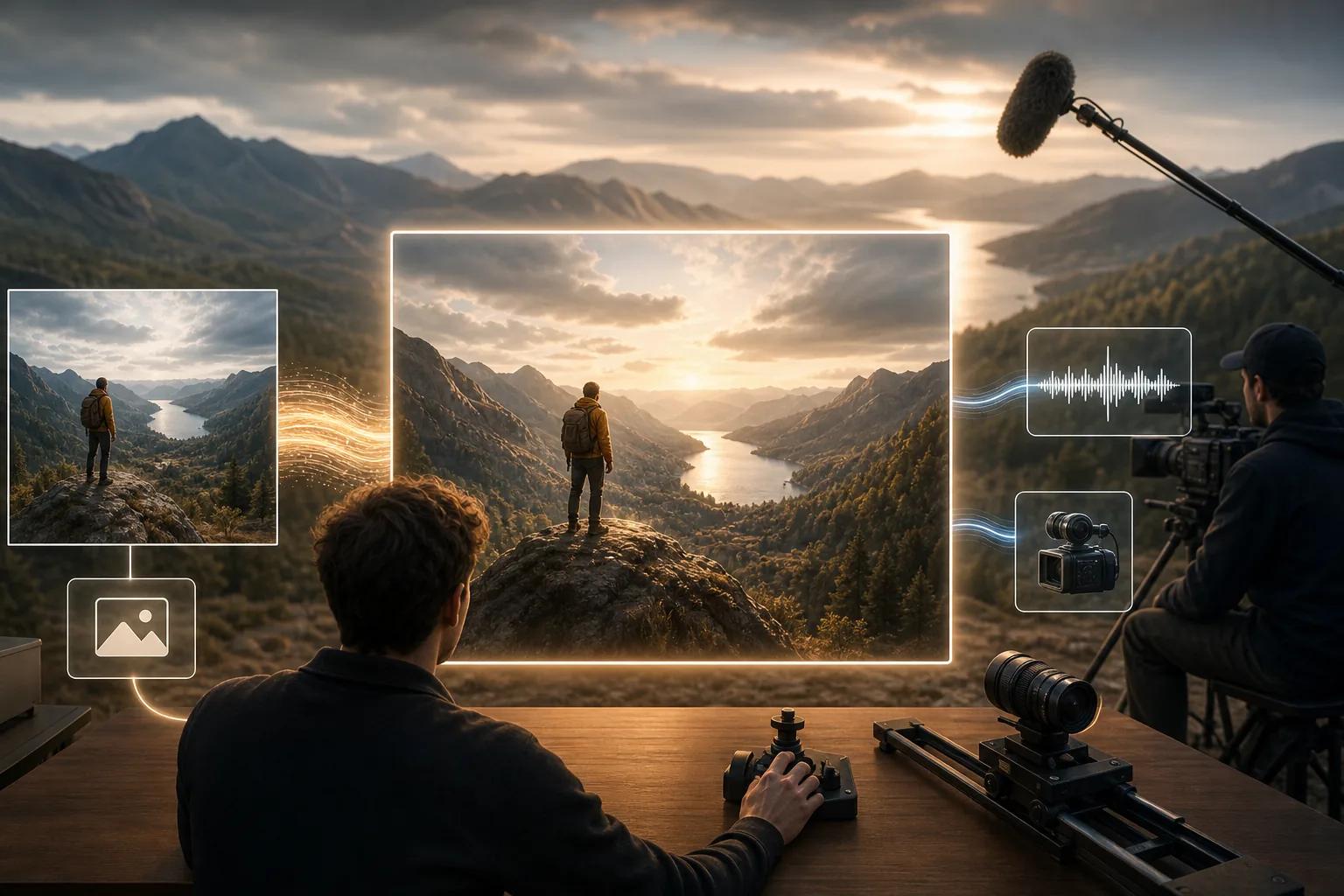
What sets it apart from every other tool on this list is the combination of camera direction, audio sync, and a free tier. Of the 15 AI video models we surveyed, only Seedance Studio explicitly offers persistent camera control , pans, push-ins, orbit moves , alongside synchronized sound. Most competitors offer vague "camera-aware prompting" with no concrete controls.
The workflow is browser-only. No download, no waitlist. Upload a photo (or several , you can attach up to 12 references per generation, including images, video clips, and audio tracks), write a prompt that reads like a director's instruction, and hit generate. Dialogue is supported too: put a spoken line in quotes in your prompt and the character on screen says it, with lip sync generated in the same pass as the video.
For format flexibility, you get 9:16 for TikTok and Reels, 16:9 for YouTube, and 1:1 for feed posts. Resolution runs from 480p on the free plan up to 4K on paid plans. The Seedance 2.0 free plan lets you generate a few videos per month with no credit card required , a rare offer in a market where 80% of tools charge from day one.
Paid plans start at $14/month, which is the lowest disclosed price point among tools with camera direction and audio sync. The one honest caveat: the free tier is limited in resolution and monthly volume, so heavy producers will need a paid plan fairly quickly.
2. Kling Video 3.0 4K , Native 4K Detail and Polished Audio Sync
Kling Video 3.0 is a strong second pick for creators who need final-shot quality. It generates clips up to 15 seconds at native 4K, at frame rates from 30fps to 60fps.
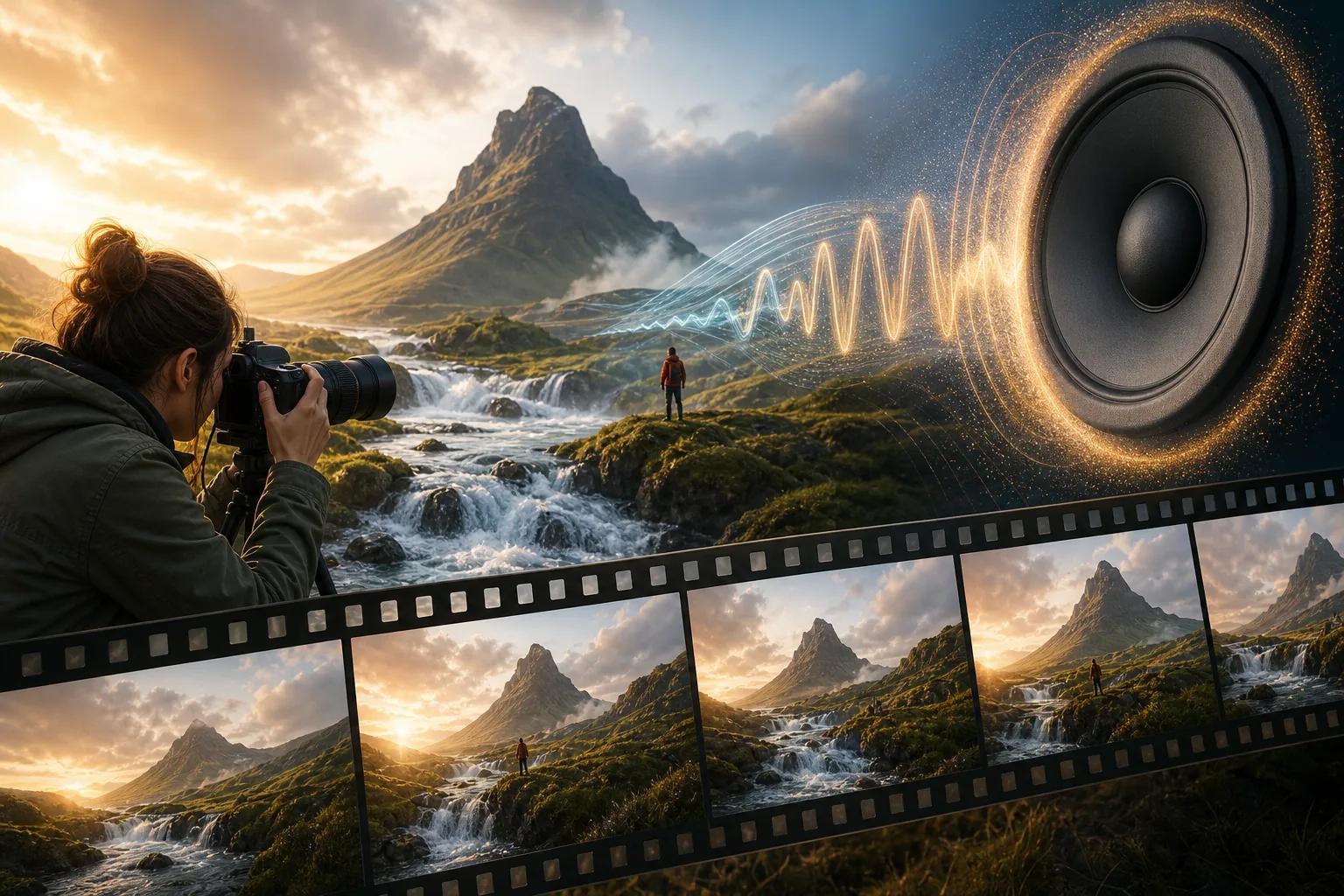
Audio integration is native: sound effects and speech are generated simultaneously with the video, not layered in afterward. Camera motion and signage stability are solid, which matters for product shots where text or logos need to stay readable across frames.
The model works best when prompts anchor the camera to a stable high-contrast element (a fixed object, a subject against a deep background). When prompts get abstract or crowd the frame with competing motion, consistency drops. Two-dimensional animation is a known weak point, with temporal consistency falling off when scenes involve complex overlapping movement.
Kling 3.0 is a physics-first model: it prioritizes realistic movement over strict prompt adherence when computational resources get tight. For image-to-video work, that means you'll get convincing motion , but you may need to refine prompts if the subject moves in a direction you didn't expect.
3. MiniMax Hailuo 2.3 , Stable Clips with Expressive Character Motion
MiniMax Hailuo 2.3 is a good pick when you need short, visually clean clips with expressive character motion and strong style adherence. The platform supports start-frame and end-frame inputs, so you can lock both ends of the shot and let the model fill in the motion , a useful feature for creators who need predictable composition.
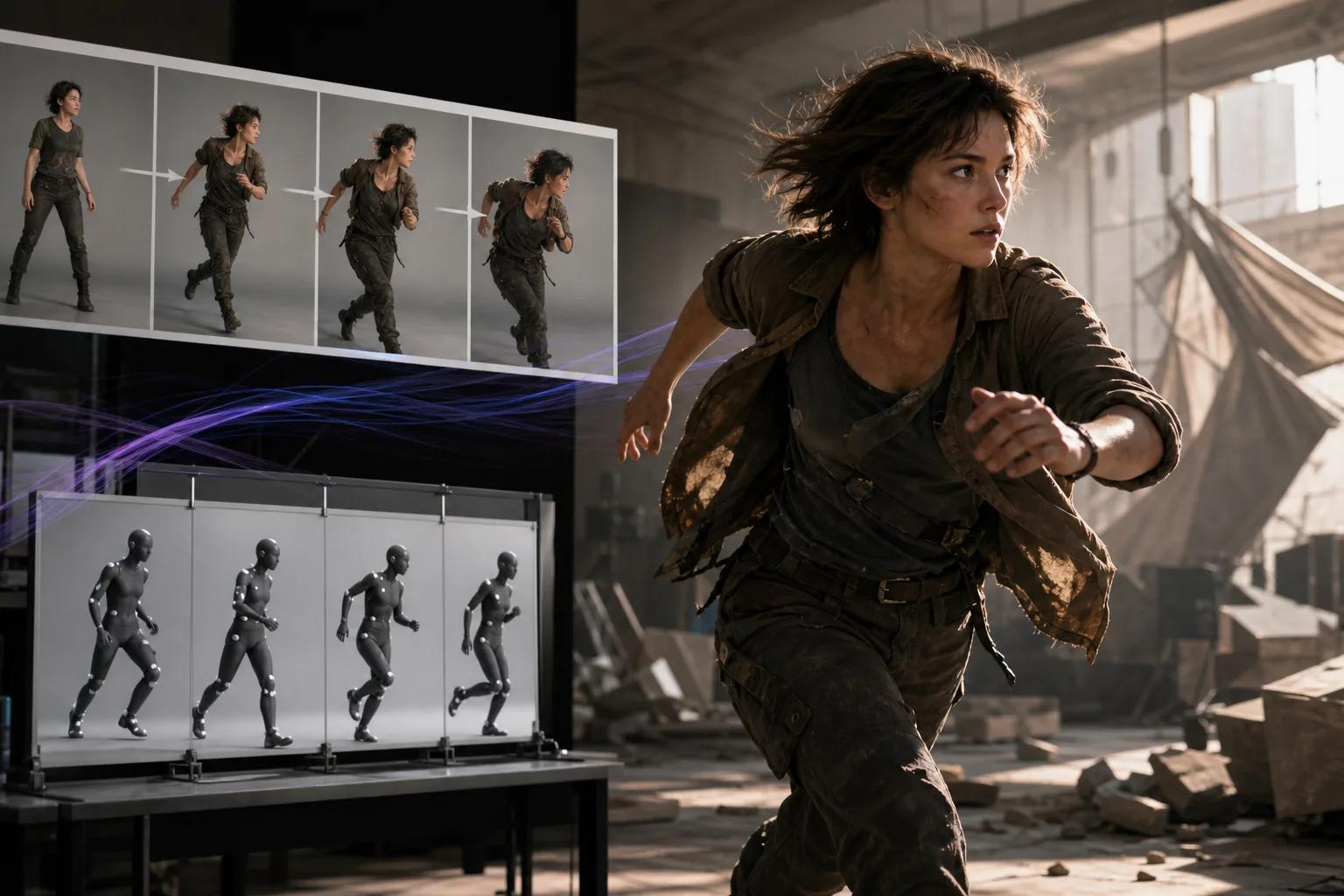
New users get daily free trial credits during the launch period, which gives you real room to test without committing to a subscription. The platform processes most short clips quickly, and short social clips typically render in well under a minute.
Hailuo 2.3 responds well to clear motion direction in prompts , phrases like "camera tilting up" or "golden sunlight, slow pan" produce consistent results. Character performance is expressive: the model handles subtle facial movement and body language better than many competitors at the same price tier.
The limitation worth knowing: Hailuo's free credits are a launch-period offer, and past behavior suggests limits tighten over time. If you're building a workflow around it, check the current credit terms before committing. Also, the platform's maximum native output is 768p at 6 seconds on standard settings, which may not suit creators who need longer or higher-resolution clips.
4. PixVerse V6 , Cinematic Shots for Fashion, Product, and Music Video Content
PixVerse V6 is built for creators where the look of the shot is as important as the subject. Fashion films, product spots, and music video content are where it performs best, because the model responds directly to explicit camera and lens language in your prompt , dolly-ins, POV moves, rack focus, wide establishing shots.
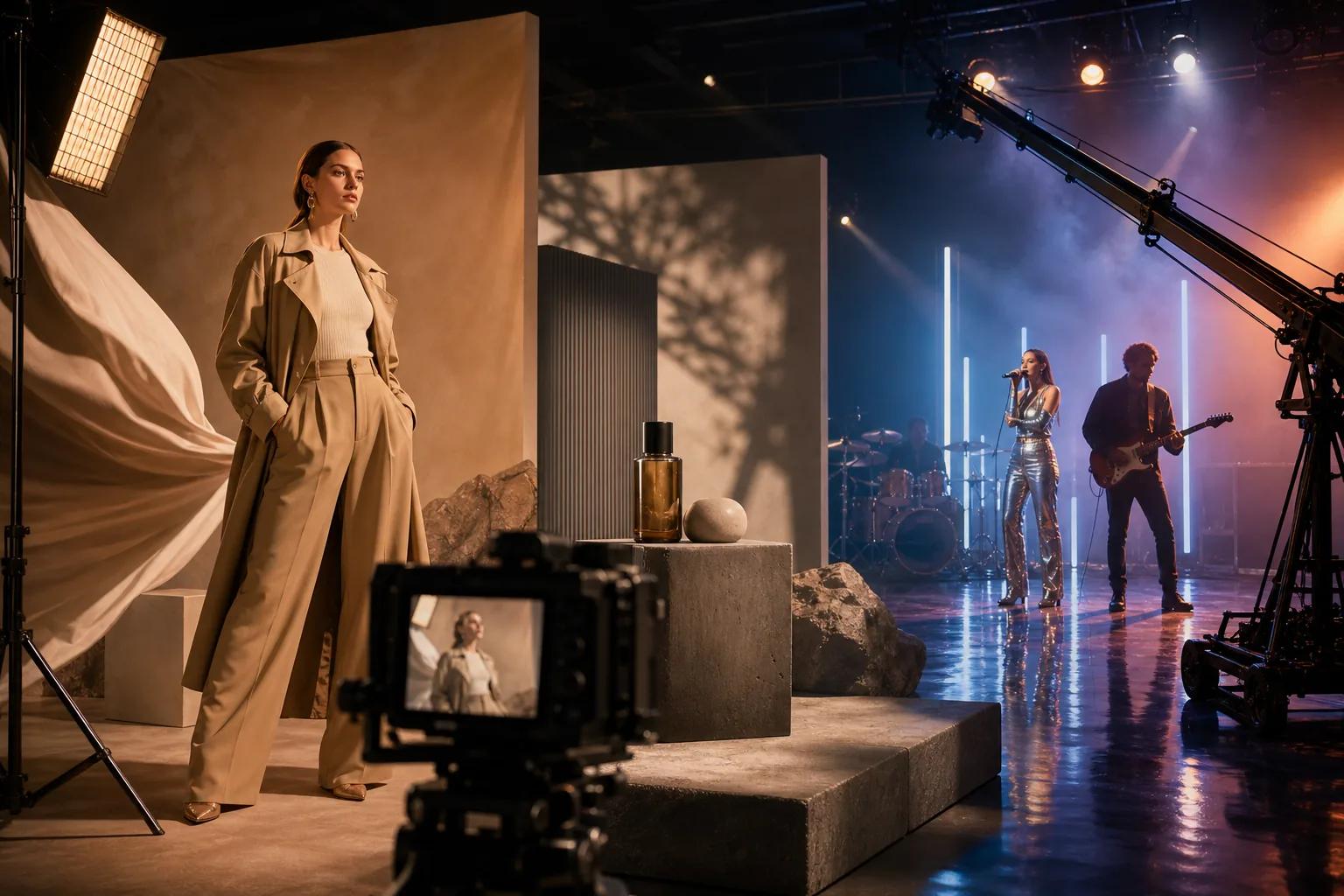
V6 supports generations up to 15 seconds at 1080p, with native audio and multiple aspect ratios in supported workflows. Billing is per-second, so you can calculate clip cost before you generate.
In testing, V6 performed best when prompts gave literal physical detail: visible character traits, lighting transitions, sound cues, and a named main object to stay in focus. The fox demon dialogue test , a character-continuity stress test , showed strong identity preservation across 15 seconds, with mouth movement staying close enough to the Japanese dialogue for a usable draft.
Where V6 falls short is complex multi-character action and scenes with high ambiguity. It's also not a one-try-solves-everything model: tracking retries, credit cost, and output observations before using a clip in a campaign is a good habit to build. For volume content creation, that retry overhead adds up.
5. Grok Imagine Video , Stylized Clips for Animation and Meme-Style Content
Grok Imagine Video is xAI's image-and-video generation tool, built for fast content creation with a focus on social media and viral-style visuals. It's powered by xAI's Aurora engine and generates short clips from text prompts or uploaded images in seconds , fast enough that creators who iterate on prompt variations will feel the speed difference compared to slower tools.
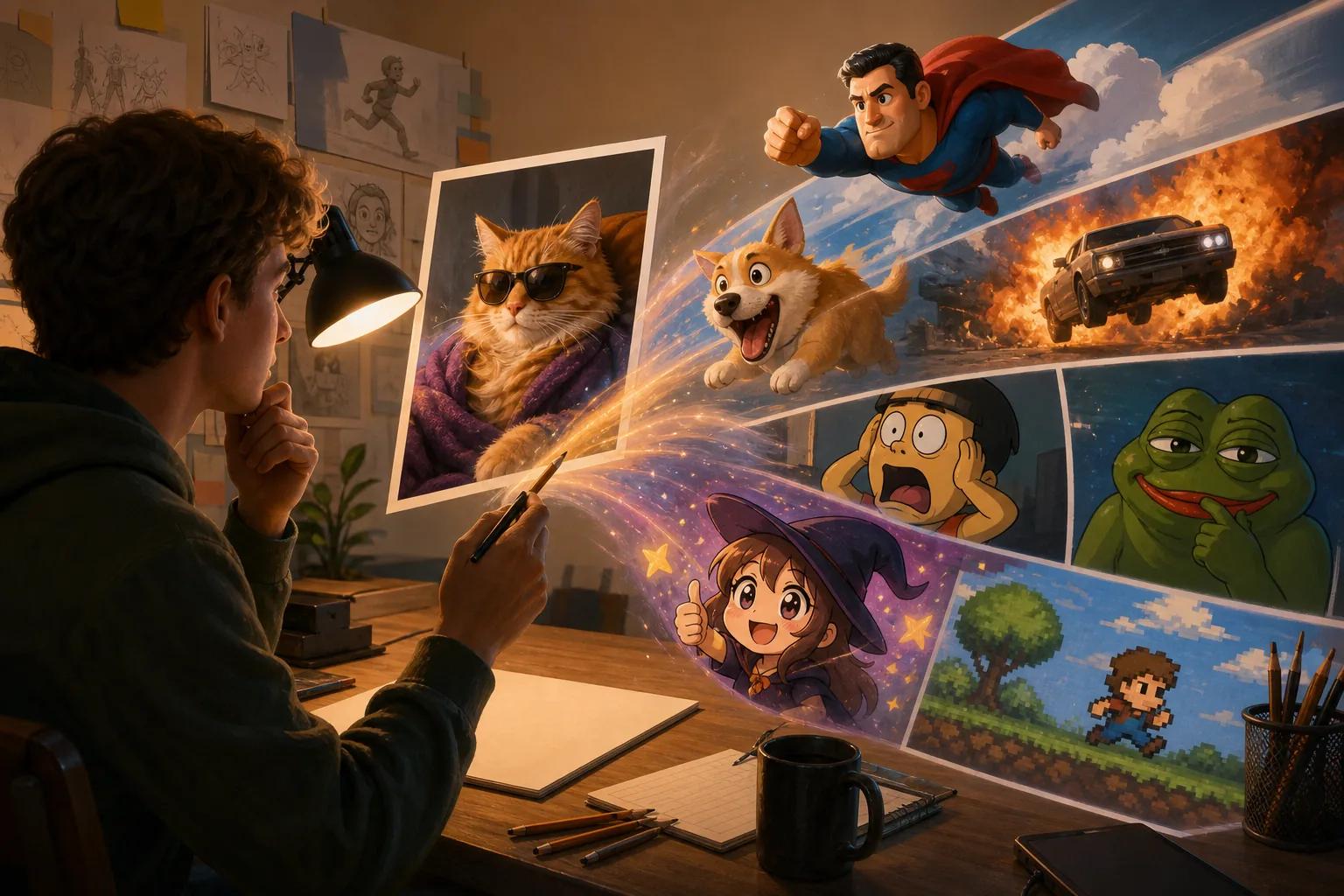
The platform supports animation, cyberpunk, music-video, meme, and art-directed styles. Native audio synchronization is included, and camera controls cover pans, zooms, and tracking shots. For creators building content for X, TikTok, or YouTube Shorts who need stylized output quickly, Grok Imagine fits that workflow well. You can also learn more about producing this type of content at scale in our guide on how to use an AI commercial generator step-by-step.
The main limitations are honest ones. Video duration tops out at roughly 6, 15 seconds depending on settings, which limits complex storytelling. Some users report visual glitches, morphing issues, and inconsistent character continuity across takes. Content moderation rules have also shifted multiple times, which can affect what the model will and won't generate.
Pricing runs through the SuperGrok plan at $30/month after a 3-day free trial. That's notably higher than Seedance Studio's $14/month entry point, for a tool that doesn't match Seedance 2.0's camera direction or reference system depth. For meme-speed content on a deadline, it earns its spot. For reference-consistent character work, look elsewhere.
6. Vidu Q3 , Multi-Shot Scenes with Subtitles and Audio Sync
Vidu Q3 is the pick for creators who need a longer narrative beat in a single generation. It supports clips up to 16 seconds at 1080p , longer than most competitors , with multi-shot structure built in. You can switch between multiple camera angles within one video: exterior reveals, close-ups, and cutaways, all in one render.
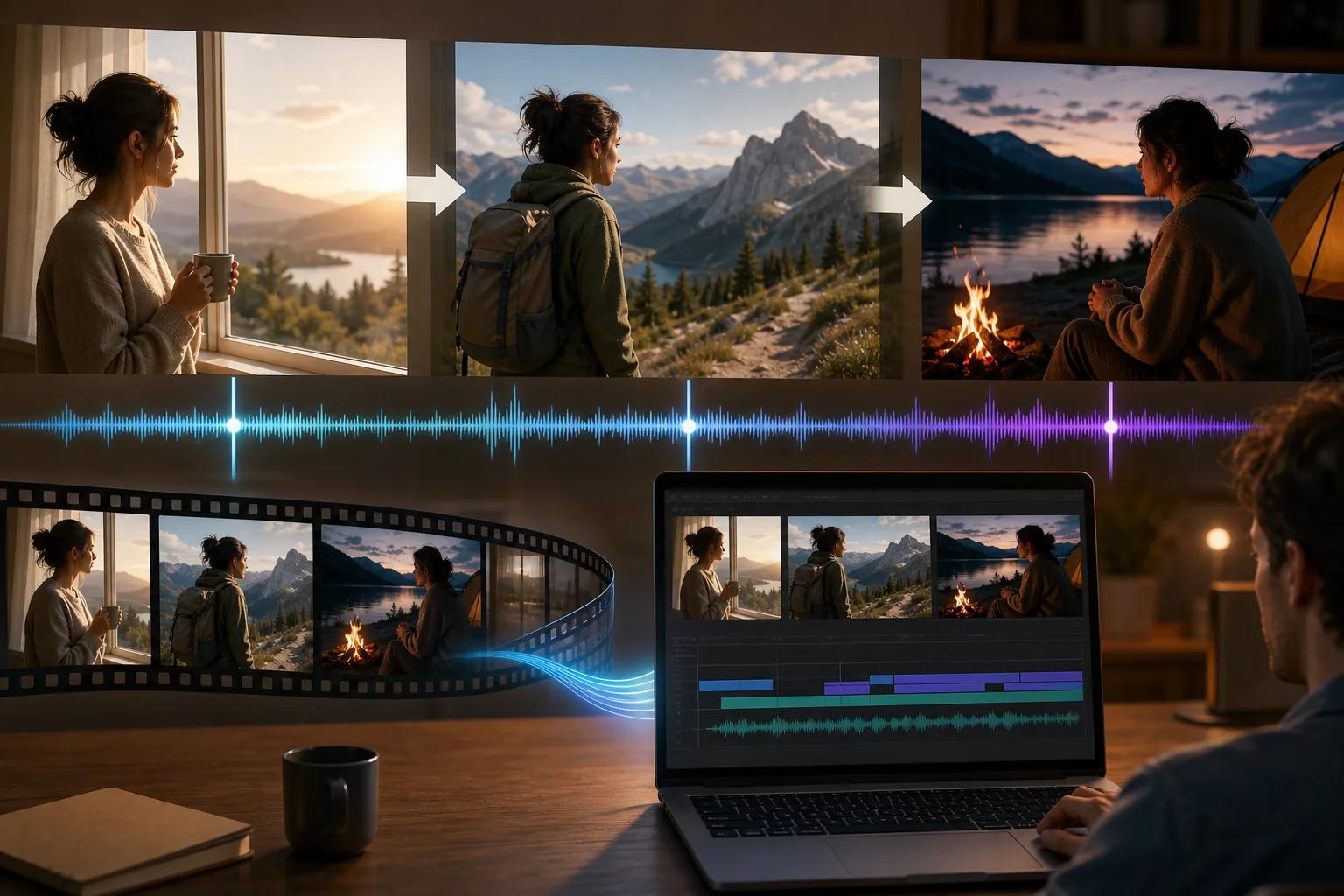
Audio sync is native and covers sound effects, background music, and dialogue, all automatically timed to on-screen actions. For product explainers with narration, or short films with a clear setup-action-payoff structure, that sync removes a post-production step that trips up most AI video workflows. For anyone producing short-form content at scale, this matters , integrating AI video tools into a broader AI-powered workflow automation for business platform can make the production pipeline even more efficient.
Camera-aware prompting in Vidu Q3 covers pans, push-ins, tracking shots, zooms, and orbit movements. The model understands cinematic structure: it interprets prompts with a beginning, development, and conclusion in mind, which makes it more useful for story-led content than for abstract or experimental clips.
The usable caveat is that 16-second multi-shot generation is a complex task, and the model works best when the prompt gives it clear scene logic. Vague prompts produce less predictable shot transitions. If your script calls for specific cut timing, you'll want to be explicit about when angles switch.
7. SkyReels V4 , Reference-Led Editing with Audio-Aware Workflows
SkyReels V4 is the right tool when you're not starting from scratch. It's built for audio-aware, reference-led workflows: you bring existing footage, frame references, masks, or audio tracks, and the model works with that material rather than generating from a blank prompt.
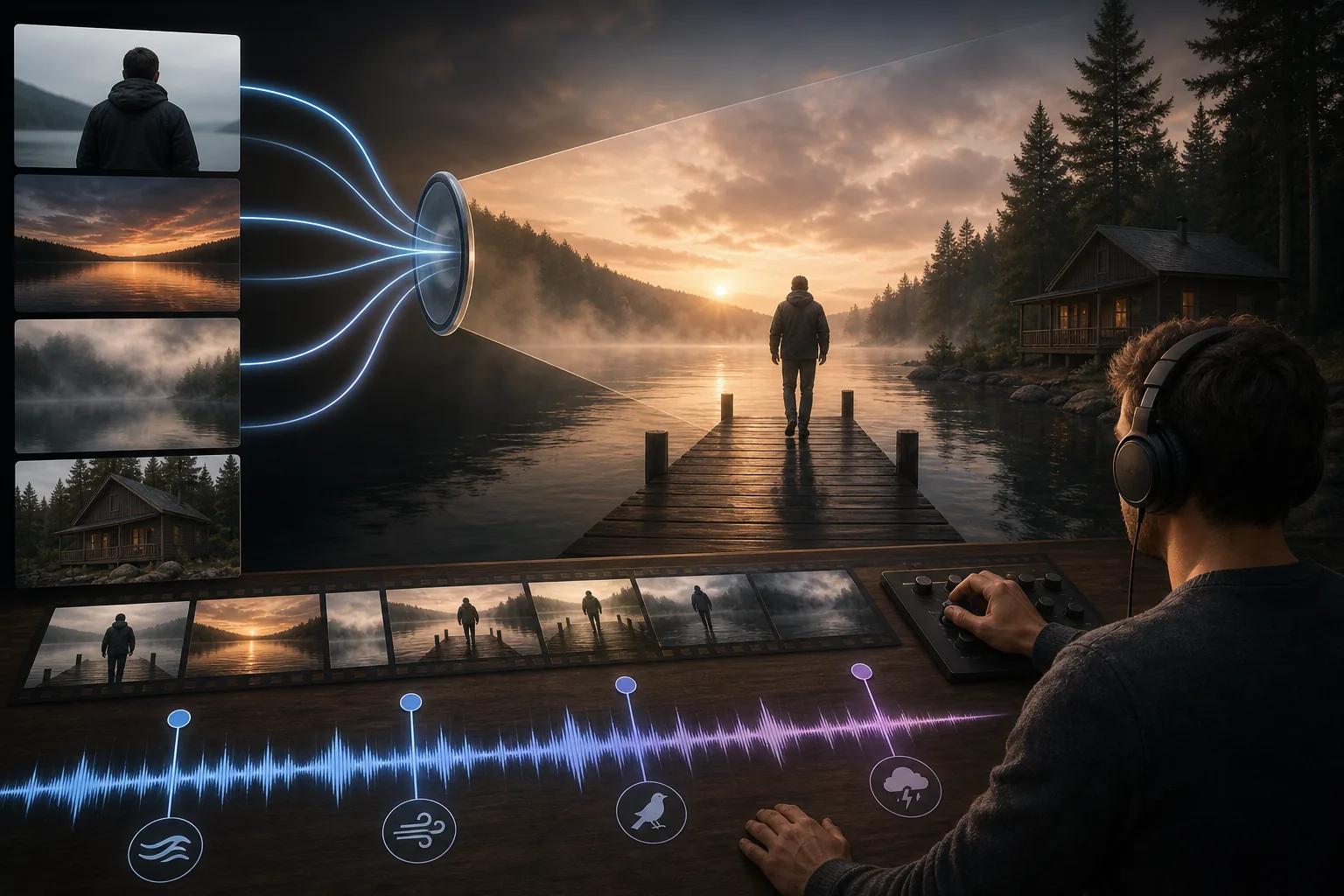
Camera-aware prompting is supported, and audio sync is native. The model's strength is in editing-led generation , taking a piece of footage you already have and transforming a specific element while leaving the rest intact. That's a different creative mode from most image-to-video generators, which are primarily about creating new motion from a still.
For content creators who want to repurpose existing photo or video assets , turning product photography into short video ads, or animating parts of an existing clip , SkyReels V4 fits that need well. If you're new to this type of workflow, our guide on using a free image to video generator covers the core concepts before you get into reference-heavy editing.
The limitation: SkyReels V4 is less useful as a pure from-scratch generator. If you don't have reference material to work with, the other tools on this list will feel more natural. It's a specialist tool for a specific editing-led use case, not a general-purpose image-to-video generator.
How to Choose the Right AI Image-to-Video Tool for Your Needs
Every tool above can turn a still image into motion. The real question is what else you need it to do. Here's how to narrow it down.
- You need camera control: Only Seedance Studio gives you explicit, persistent camera direction. If your content depends on a specific dolly move or orbit shot, that's the starting point. The Seedance 2.0 step-by-step tutorial walks through exactly how to use camera language in prompts.
- You need native 4K: Kling Video 3.0 is the clearest option here, with native 4K at up to 60fps and high visual fidelity scores in independent testing.
- You need a free tier to test first: Seedance Studio is the only tool with an ongoing free plan. MiniMax Hailuo 2.3 offers launch-period free credits, but those terms can change.
- You need stylized, fast-turnaround social content: Grok Imagine Video generates in seconds and handles animation, meme, and art-directed styles well , though consistency and video length are limited.
- You need multi-shot narrative structure: Vidu Q3's 16-second generation with built-in shot transitions and audio sync is the best fit for story-led short content.
- You're editing existing footage: SkyReels V4 is built for reference-led workflows where you bring material and reshape it.
- Budget matters: Seedance Studio at $14/month is the lowest disclosed price point for a tool with camera direction, audio sync, and image-to-video support. The next disclosed price in the market is $30/month for Grok's SuperGrok plan.
Audio sync is now common , 9 of the 15 tools we surveyed include it , but camera direction remains rare. If you need both in one tool, the shortlist gets short fast.
Side-by-Side Comparison: Top AI Video Generators from Image
| Tool | Camera Control | Audio Sync | Free Tier | Max Resolution | Max Clip Length | Best For |
|---|---|---|---|---|---|---|
| Seedance Studio | Yes (persistent) | Yes | Yes | 4K | 15 sec | Creators needing camera control + audio at low cost |
| Kling Video 3.0 | Yes | Yes | — | 4K native | 15 sec | High-fidelity final shots, polished textures |
| MiniMax Hailuo 2.3 | Partial | — | Launch credits | 768p (standard) | 6 sec (standard) | Expressive character motion, stable style |
| PixVerse V6 | Yes | Yes | — | 1080p | 15 sec | Fashion, product, music video cinematic shots |
| Grok Imagine Video | Yes | Yes | 3-day trial | HD | 6–15 sec | Stylized animation, meme-style, fast social content |
| Vidu Q3 | Yes | Yes | — | 1080p | 16 sec | Multi-shot narrative, subtitles, audio sync |
| SkyReels V4 | Yes | Yes | — | — | — | Reference-led editing, existing footage workflows |
FAQ
What does an AI video generator from image actually do?
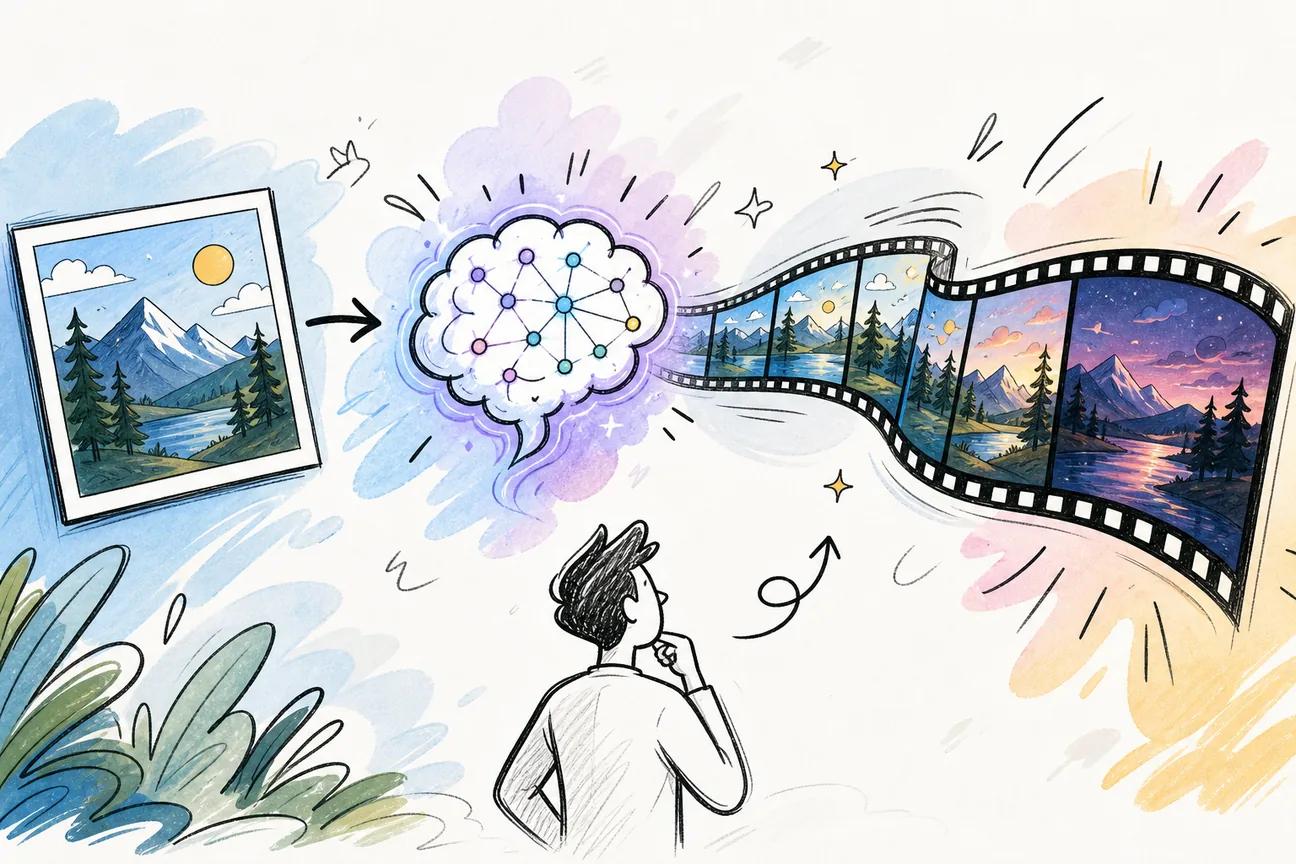
It takes a still photo and generates a short video clip from it, adding motion, camera movement, and often audio in the same pass. You upload a photo, describe the motion you want (or let the model decide), and download a finished MP4. These systems use deep learning models trained on large video datasets to understand scene composition and motion dynamics.
Which AI image-to-video tool has the best free plan?
Seedance Studio is the only tool on this list with an ongoing free plan that doesn't expire after a trial period. You get a few generations per month at 480p with no credit card required. MiniMax Hailuo 2.3 offers free credits at launch, but those terms have historically tightened over time. Most other tools require payment from day one.
How long does it take to render an AI video from an image?
Render times vary by model and clip length. MiniMax Hailuo states most clips complete in under 60 seconds. Seedance Studio's generation speed is fast enough for quick iteration , well under two minutes for most clips. Tools running on shared infrastructure during peak hours can be slower. Longer clips and higher resolutions always take more time than short, low-resolution drafts.
Can I control the camera movement in AI-generated video?
Most tools offer vague camera-aware prompting, but explicit, persistent camera direction is rare. Of the 15 tools we surveyed, only Seedance Studio explicitly supports controlled camera direction alongside audio sync. Other tools on this list , Kling, PixVerse V6, and Vidu Q3 , respond to camera language in prompts, though with varying consistency depending on prompt specificity.
What aspect ratios do AI image-to-video tools support?
Most tools cover 16:9 for YouTube, 9:16 for TikTok and Reels, and 1:1 for feed posts. Seedance Studio also supports 21:9, 4:3, and 3:4. PixVerse V6 supports multiple aspect ratios in supported workflows. If you're producing for a specific platform, check that the tool you choose can export in the native format without cropping or padding.
Do AI video generators include sound?
Many now include native audio , our survey found 9 of 15 tools provide synchronized audio. Seedance Studio generates sound effects, dialogue, and music in the same pass as the video at no extra cost. Kling 3.0, PixVerse V6, Grok Imagine Video, Vidu Q3, and SkyReels V4 also include audio sync. MiniMax Hailuo 2.3's audio support depends on the selected workflow and generation settings.
Conclusion
If you're picking one tool to start with, Seedance Studio covers the most ground for the lowest entry cost , camera direction, native audio, image-to-video, and a free tier to test before you spend anything. The next step is simple: check out what Seedance 2.0 can do and generate your first clip free, no card needed. For creators who need a specific capability another tool handles better , native 4K from Kling, multi-shot narrative from Vidu Q3, or meme-speed output from Grok , the comparison table above points you to the right fit.