

Most AI video tools promise speed but quietly fall short on the features marketers actually need. After scanning 43 tools across 10 sources, one pattern stood out: fewer than half list any integrations, and almost none advertise real workflow automation. Here are 7 tools that genuinely earn a spot in a marketing stack, starting with the one we think is the best overall pick right now.
1. Seedance Studio (Our Top Pick) — Fast, No-Wait, High-Quality AI Video
Seedance Studio runs on Seedance 2.0, ByteDance Seed's flagship model, known for strong performance in text-to-video and image-to-video generation.
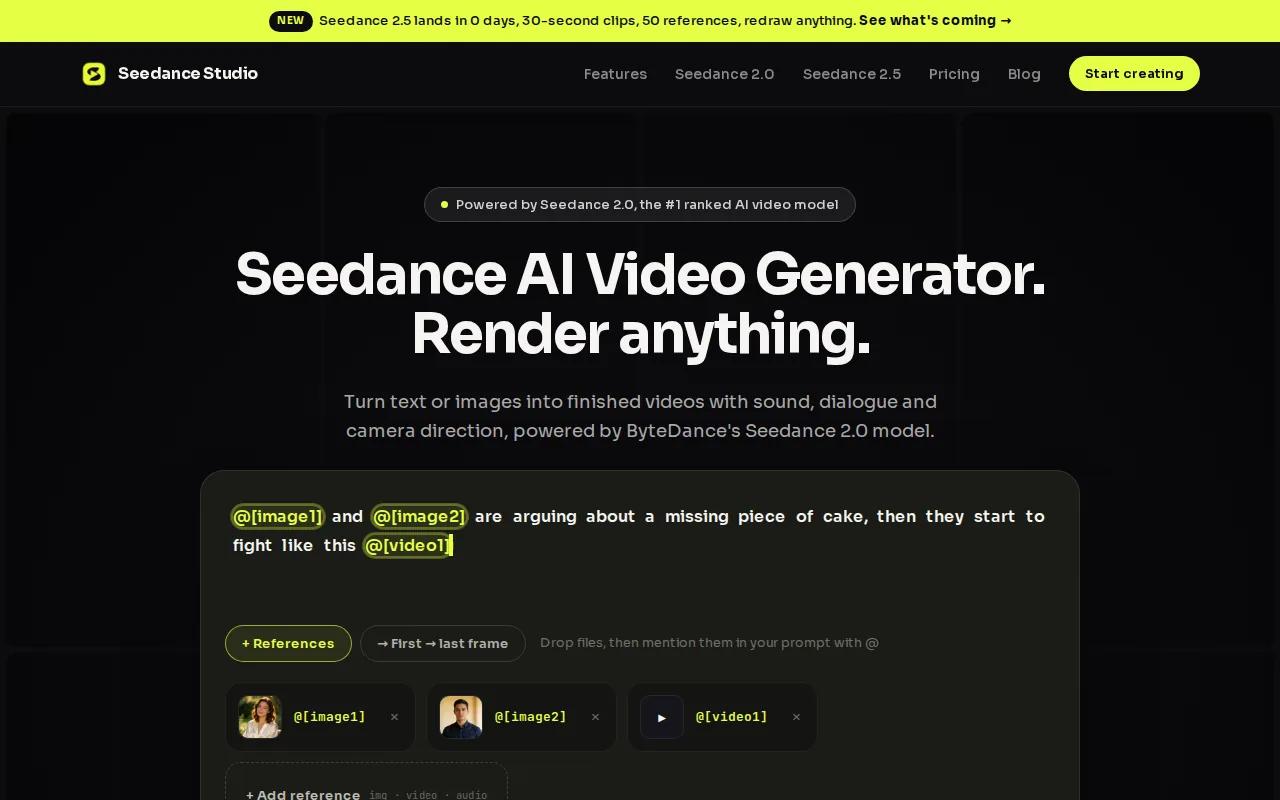
You type a prompt or upload reference images, clips, and audio, and the tool returns a finished video with camera direction, consistent characters, and native sound. No download. No waitlist. No editing software. It works entirely in your browser, which matters when you're trying to post before a trend dies.
What separates Seedance Studio from most alternatives is the reference system. You can attach up to 12 inputs per generation , product photos, character images, audio clips , and tag each one directly in your prompt. That's how you get a consistent face across 10 different clips, or a product that looks the same in every scene. For marketers building a campaign with multiple assets, that's the difference between a polished series and a random batch of clips.
There's a free tier to start, and paid plans begin at $14/month. If you want to see how the model handles a specific use case, the step-by-step guide to using Seedance Studio walks through the full prompt-to-export workflow, including how to set duration, aspect ratio, and resolution before you generate.
The one honest caveat: because the model is high-quality, generation takes a few minutes per clip. It's not instant. But for most marketing content, that tradeoff is worth it.
2. VideoGen — Automated Edits and Creative Variants for Teams
VideoGen is built for teams that need to ship a lot of videos fast, without rebuilding the workflow every time. The core idea is repeatable AI workflows: you set up a process once, and the tool handles scripting, media sourcing, editing, and output in a structured sequence.
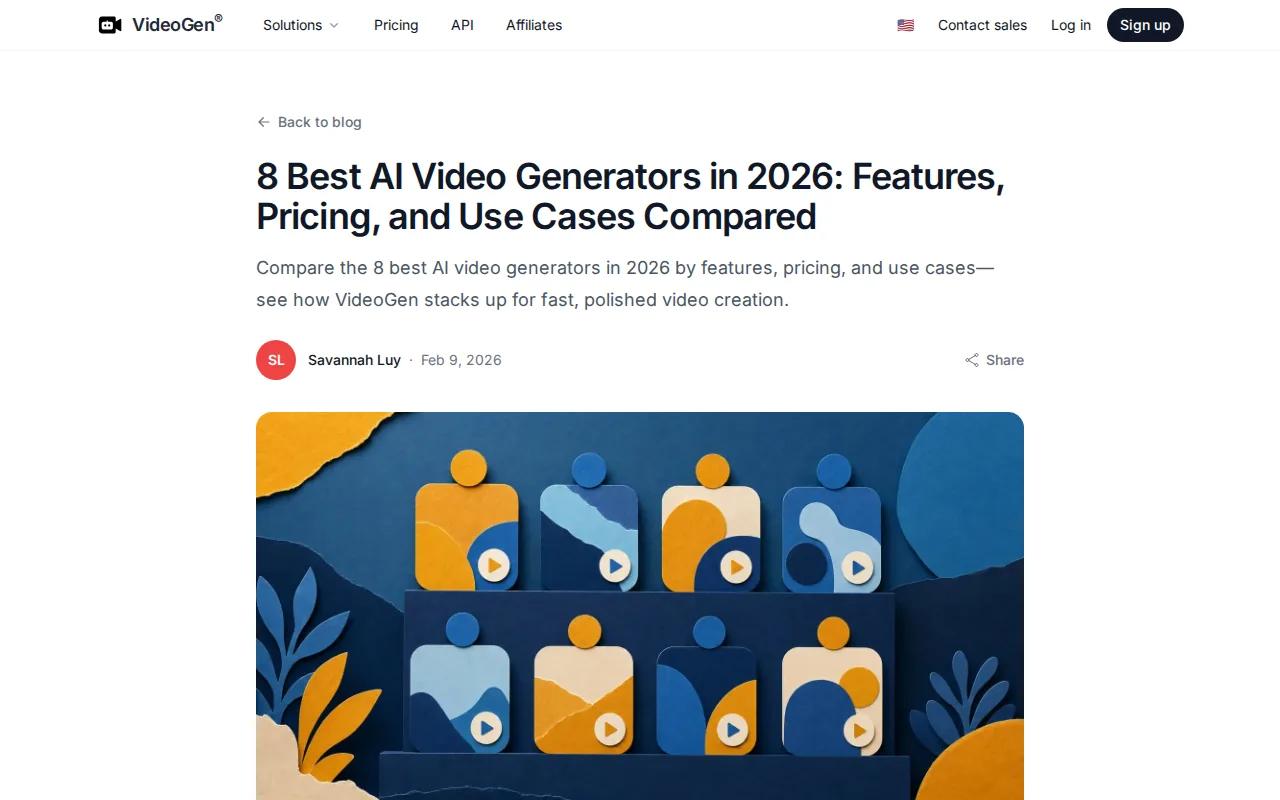
The platform connects to leading generation models, including Sora, Veo, Kling, and Seedance, from one place. You pick the model that fits each scene, compare results, and drop the best clips into your timeline. That multi-model access is genuinely useful when you're testing creative directions and don't want to manage four separate accounts.
For automation specifically, VideoGen stands out. It offers automatic captions, automatic cutdowns, and automatic resizing, which covers the repetitive work that eats up editing time. VideoGen supports many AI voices across multiple languages, plus one‑click translation for localization.
VideoGen also has Zapier integration, which puts it in a small group. Our research found that only a few tools list specific integrations, and Zapier is one of the few appearing across multiple platforms. For marketing teams that want to connect video production to their existing stack, that matters.
A free trial is available. The main limitation is that the multi-model approach adds a layer of decision‑making. You still need to know which model to pick for each job, which takes some trial and error upfront.
3. HeyGen — Avatar-Led Explainers Perfect for Marketing Videos
HeyGen is the go-to tool when you need a presenter on screen without booking a studio. You write a script, pick an avatar, and the platform produces a talking-head video in minutes. The lip sync is clean, and one-click translation rebuilds the video in another language without re-recording anything.
The free plan gives you three 3-minute videos per month at 720p, with access to 500+ stock avatars. The Creator plan at $29/month removes the cap and bumps resolution to 1080p with 700+ avatars. The Team plan adds 4K export. Those are real numbers from HeyGen's own pricing, not estimates.
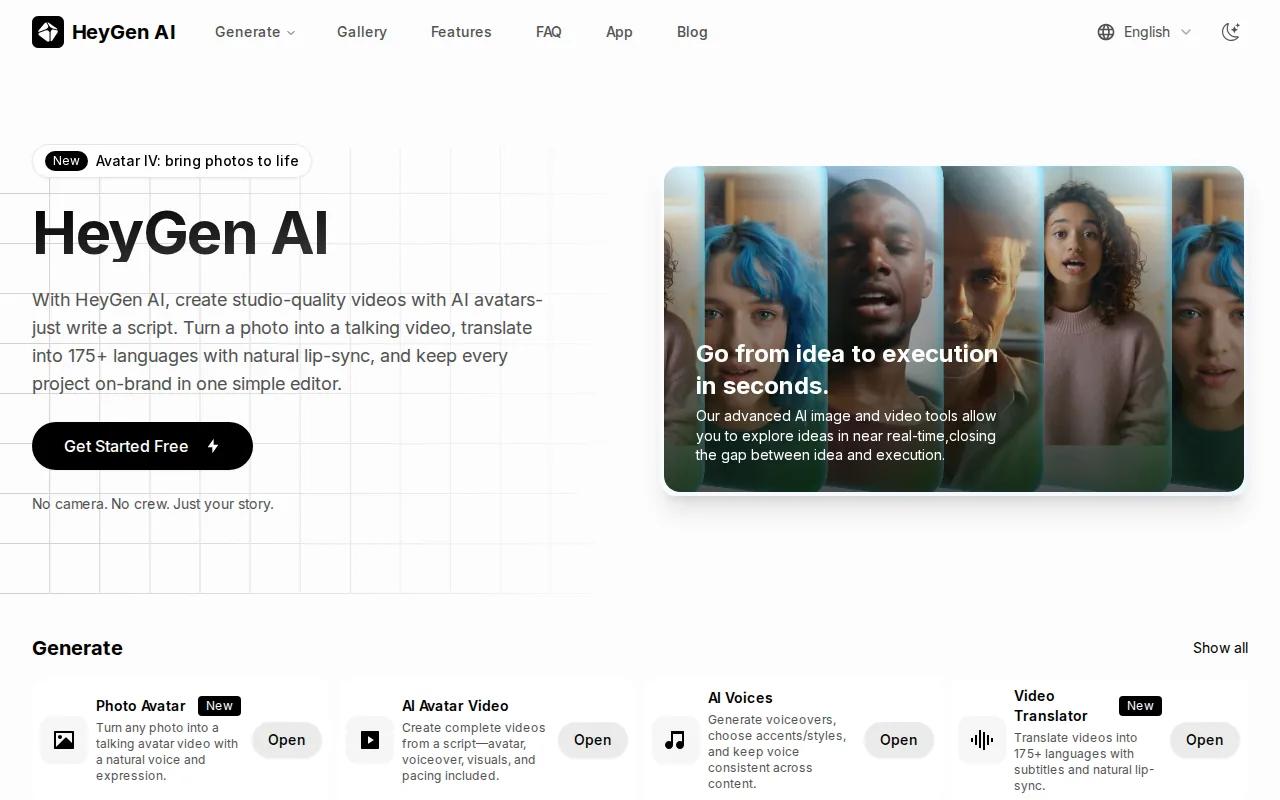
One feature worth flagging for marketers: interactive branching. Viewers can click a question and jump to a relevant answer, which lifts dwell time on product pages. That's not a feature most video tools have, and it opens up use cases beyond simple explainers.
The honest limitation is facial nuance. Avatar videos are polished and professional, but they don't match the authenticity of a real person on camera. For brand content where genuine connection matters, that gap shows. HeyGen works best for product demos, onboarding, and multi-language content where consistency and scale matter more than raw authenticity.
4. Pictory — Turn Long-Form Content into Short Social Clips
Pictory does one thing very well: it takes content you already have, a webinar recording, a podcast episode, a blog post, and turns it into short clips ready for social media. You don't start from scratch. You start from what you've already made.
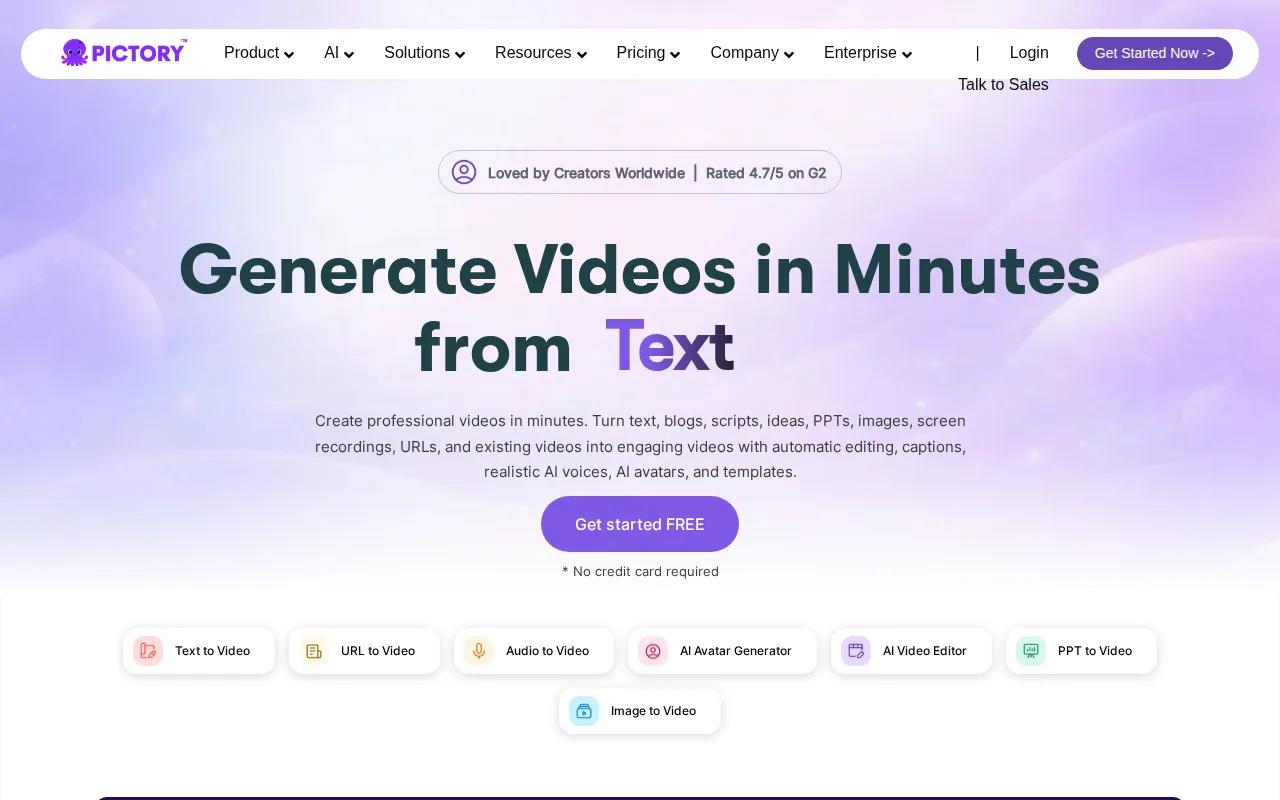
The automation here is genuinely useful. Pictory identifies highlights, adds captions, and assembles the clip automatically. For a marketing team sitting on hours of recorded webinar content, that's a real time save. A 60-minute recording can produce a week's worth of short-form posts without anyone manually scrubbing through the timeline.
If you're building a content repurposing workflow, pairing Pictory with a video processing and analytics tool that adapts streams and provides per-view metrics and trackable sharing links covers both the creation and distribution side of the pipeline.
The caveat with Pictory is that it's purpose-built for repurposing, not original creation. If you need to generate new visuals from a text prompt, you'll hit its limits fast. But for teams with a backlog of long-form content and a need to feed short-form channels, it's the right tool for that specific job.
5. Lumen5 — Article-to-Video with Brand Theming for Marketers
Lumen5 targets content marketers who publish articles regularly and want a fast way to turn each post into a social video. You paste a URL or a block of text, and the tool pulls out key sentences, matches them to visuals, and assembles a draft video. The brand theming system lets you lock in your fonts, colors, and logo so every output looks consistent.
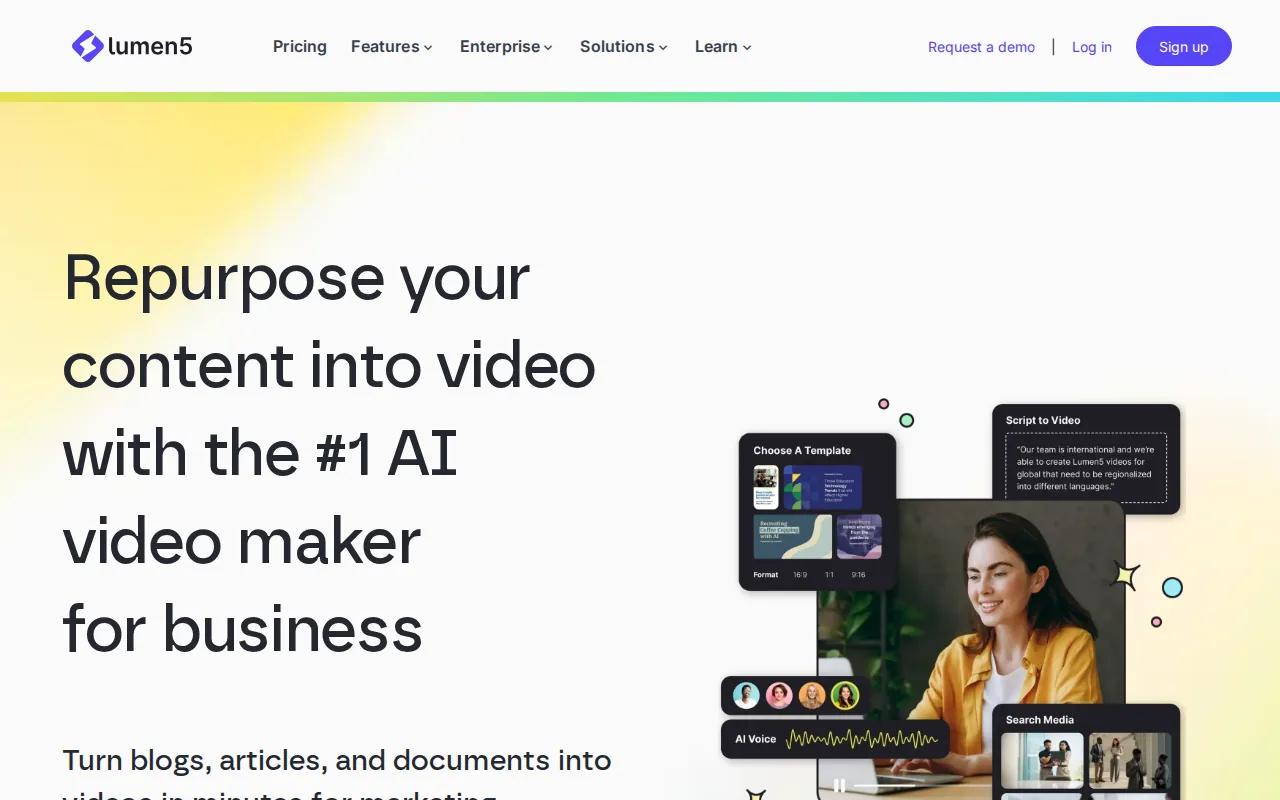
For teams shipping frequent social updates, that consistency matters more than it sounds. When you're producing 20 videos a month, manually adjusting brand settings on each one adds up. Lumen5 removes that step.
The tool is best for straightforward social content: quote cards, article summaries, announcement videos. It's not built for complex scenes or character-consistent storytelling. Think of it as a content distribution tool that happens to produce video, rather than a full creative production platform. If your goal is to get more mileage from written content without a dedicated video team, Lumen5 fits that workflow well. If you need original visuals or cinematic quality, look elsewhere.
Marketers who want to go deeper on turning scripts into video content can also check out the guide to converting an AI script to video, which covers the full workflow from prompt to export.
6. Synthesia — High-Quality Presenter Avatars for Training and Ads
Synthesia is the most polished avatar platform on this list. It has 125+ avatars, 140 voices, and supports more than 120 languages. The Starter plan costs $29/month for 10 video minutes at 1080p with watermark-free commercial rights. One-click translation rebuilds the whole video in another language without re-recording anything.
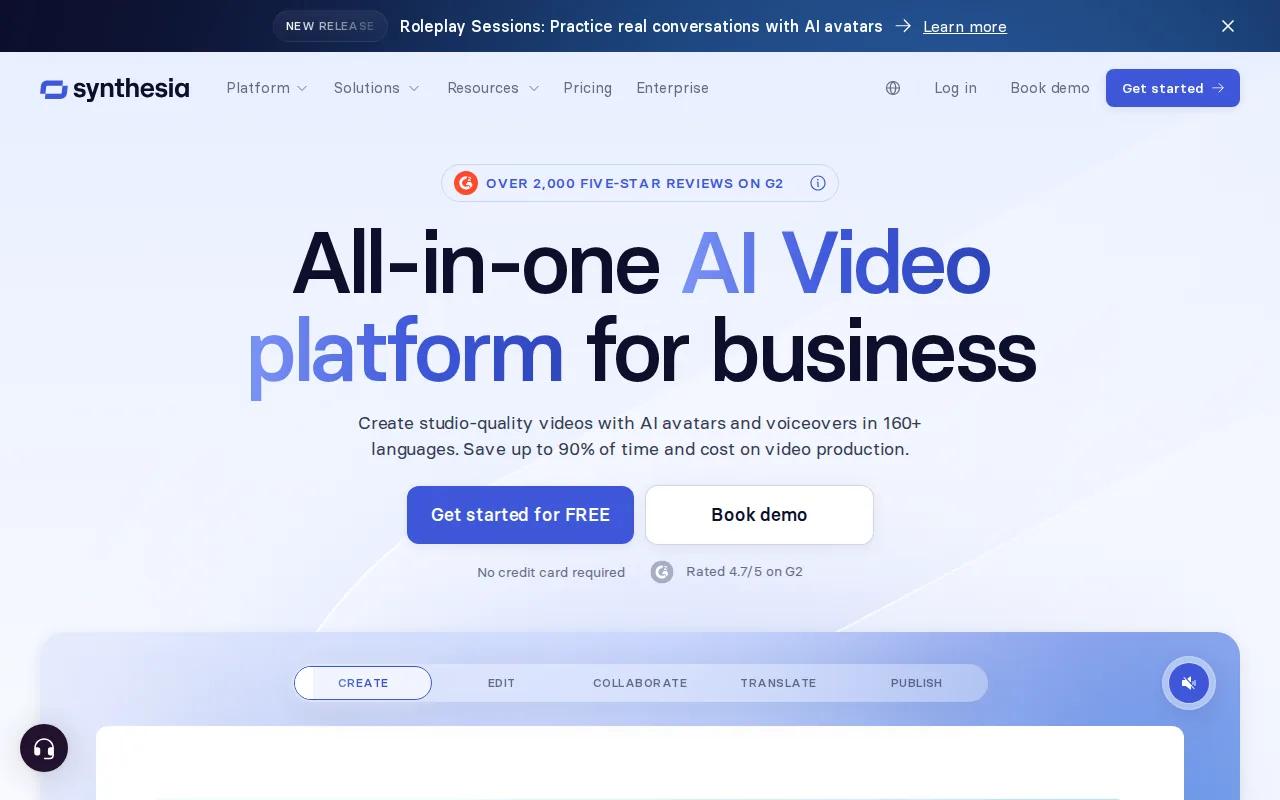
For training content and internal communications, Synthesia is the default choice for a reason. The output is clean, the avatars are professional, and the script-to-video workflow is fast. You write the script, pick a voice, and the platform handles scene assembly.
The limitation is creative range. Synthesia produces excellent presenter videos, but it's not the right tool for cinematic B-roll, product scenes, or anything that needs operational visual variety. For ads that need a spokesperson or a training module that needs a consistent presenter, it's a strong choice. For brand storytelling with dynamic visuals, pair it with a generation tool like Seedance Studio for the scene work.
If you're specifically building ad content with AI avatars, the comparison of AI video generators for ads covers how presenter-style tools stack up against generative video for paid campaigns.
Comparison Table: Features, Pricing, and Ideal Use Cases
Here's how the seven tools compare on the dimensions that matter most for marketing teams. Pricing shown is the entry paid tier where available.
| Tool | Best For | Automation Features | Integrations | Free Tier | Starting Price |
|---|---|---|---|---|---|
| Seedance Studio | High-quality generative video for social and ads | Text-to-video, image-to-video, up to 12 references per generation | — | Yes | $14/month |
| VideoGen | Teams scaling repeatable video production | Auto-captions, cutdowns, resizing, multi-model access | Zapier | Free trial | Varies |
| HeyGen | Avatar-led explainers and multilingual content | Script-to-avatar, one-click translation | — | 3 videos/month | $29/month |
| Pictory | Repurposing long-form content into short clips | Highlight detection, auto-captions, auto-assembly | — | — | Varies |
| Lumen5 | Article-to-video for content marketers | Text-to-video, brand theming | — | — | Varies |
| Synthesia | Training, onboarding, and presenter ads | Script-to-video, voice selection, scene assembly | Zapier | Limited minutes | $29/month |
One thing the table makes clear: most tools do one job well. VideoGen and Synthesia are the only two here with confirmed Zapier integration, which puts them ahead for teams that need video production to connect with the rest of their marketing workflow. For raw generative quality and reference consistency, Seedance Studio is the strongest option. If you want to compare more tools on watermark-free output specifically, the guide to AI video generators without watermarks covers free tiers and commercial rights in more detail.
How to Choose the Right AI Video Generator for Marketing
Before you pick a tool, get clear on your primary use case. These are the four questions that narrow the field fast:
- Do you need original visuals or repurposed content?If you're generating new scenes from prompts, you need a generative tool like Seedance Studio or VideoGen. If you're cutting down existing recordings, Pictory is the right fit.
- Does a presenter need to be on screen?Avatar tools like HeyGen and Synthesia are purpose-built for that. Generative tools are better for scene-based content without a talking head.
- How much automation do you need?If your team produces high volumes of video and needs the workflow to connect with other tools, prioritize platforms with Zapier integration. VideoGen and Synthesia both have it.
- What's your budget?Free tiers vary widely. HeyGen gives you three videos per month. Seedance Studio has a free tier with no waitlist. Most tools cap free usage to a handful of outputs, so test before you commit to a paid plan.
For UGC-style content specifically, where the goal is authentic-looking short-form video for TikTok or Reels, the guide to using an AI UGC video generator walks through how to write prompts that produce natural, platform-ready results.
FAQ
What is the best AI video generator for marketing right now?
Seedance Studio is our top pick for generative video quality. It runs on Seedance 2.0, which ranks #1 for text-to-video and image-to-video on a leading AI benchmark. For teams that need automation and Zapier connectivity, VideoGen and Synthesia are strong alternatives. The right choice depends on whether you need original visuals, avatar presenters, or content repurposing.
Can I use AI video generators for social media ads?
Yes. Most of the tools on this list export in formats sized for TikTok, Reels, and YouTube Shorts. For paid ads specifically, look for tools that support reference consistency so your product or character looks the same across multiple clips. Seedance Studio's 12-reference system is built for exactly that. HeyGen works well for presenter-style ad formats.
Do AI video generators work without any video editing skills?
Most of them do. Tools like VideoGen and Pictory handle scripting, media sourcing, and editing automatically. Seedance Studio requires writing a prompt, but no editing software or technical background. The learning curve is mostly about writing better prompts, not operating a timeline editor.
Are there free AI video generators for marketing?
Several tools have free tiers, but the limits vary a lot. Seedance Studio has a free tier with no waitlist. HeyGen gives three 3-minute videos per month. VideoGen offers a free trial. Most free plans cap output to a small number of videos or minutes per month, so they're good for testing but not for ongoing production volume.
How do AI video generators handle brand consistency across multiple clips?
This varies by tool. Seedance Studio lets you upload up to 12 reference inputs per generation, including character photos and product images, so the same face and product appear consistently across clips. Avatar tools like Synthesia and HeyGen maintain consistency through the avatar system. Most other tools don't have a built-in reference mechanism, which makes multi-clip brand consistency harder to control.
Conclusion
If you need one tool that handles original video generation, reference consistency, and high output quality without a waitlist or download, start with Seedance Studio. The free tier lets you test the model before spending anything. Go to tryseedance.ai, type a prompt, and see what the model produces for your use case.


