You can turn a single product photo into a scroll-stopping UGC ad in the time it takes to brew a coffee. No camera, no actors, no production budget. This guide walks you through the exact workflow , from picking the right tool to exporting a finished vertical video ready to run on TikTok or Reels.
What Is an AI UGC Video Generator (and Why Marketers Love It)
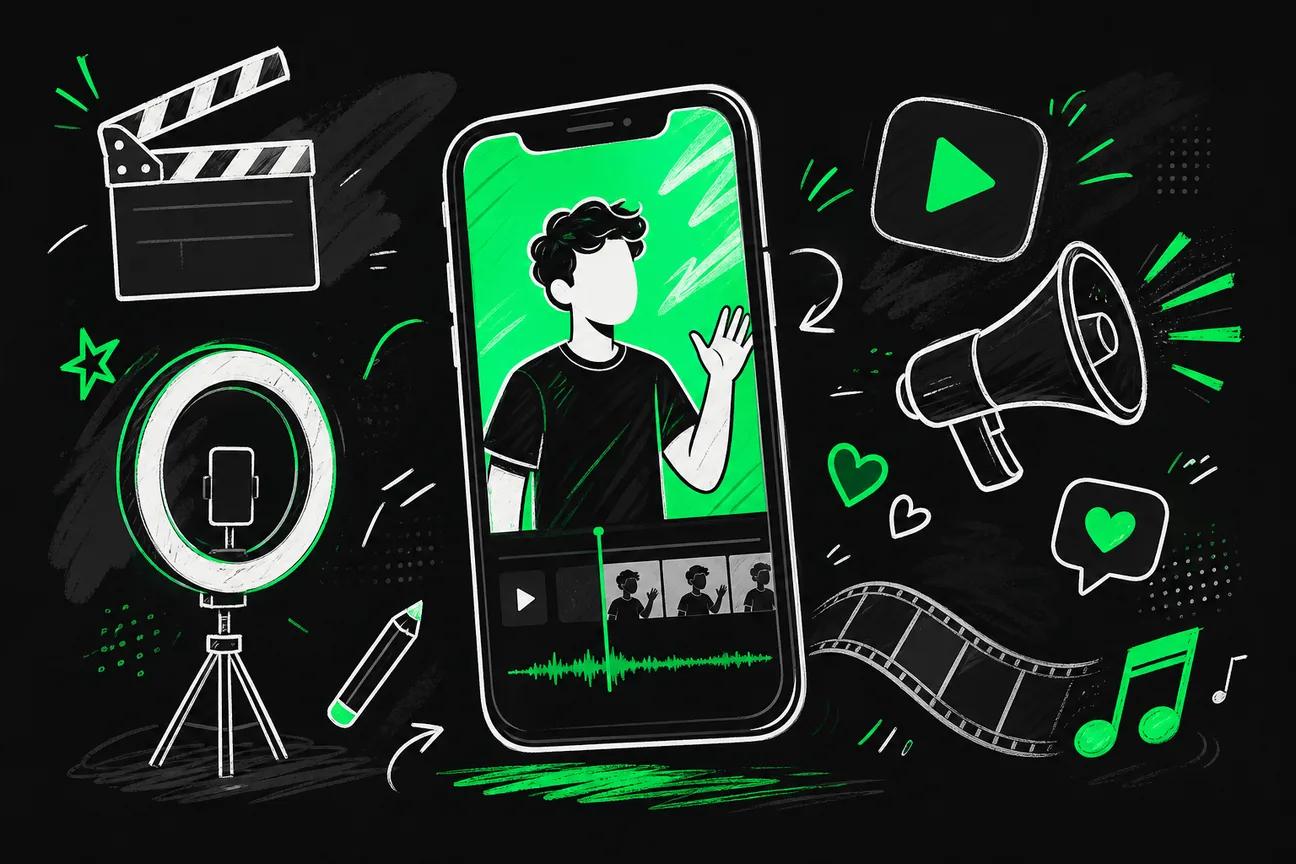
An AI UGC video generator is a browser-based tool that produces user-generated content-style videos using AI avatars, synthesized voices, and a text prompt or product image as the input. The output looks like a real person filmed themselves talking about your product , because the AI mimics that exact aesthetic.
Brands pay real creators anywhere from $100 to $500 per UGC video. AI tools collapse that cost to a fraction of the price and cut production time from days to minutes. That speed matters when you're testing five different hooks for the same product in the same week.
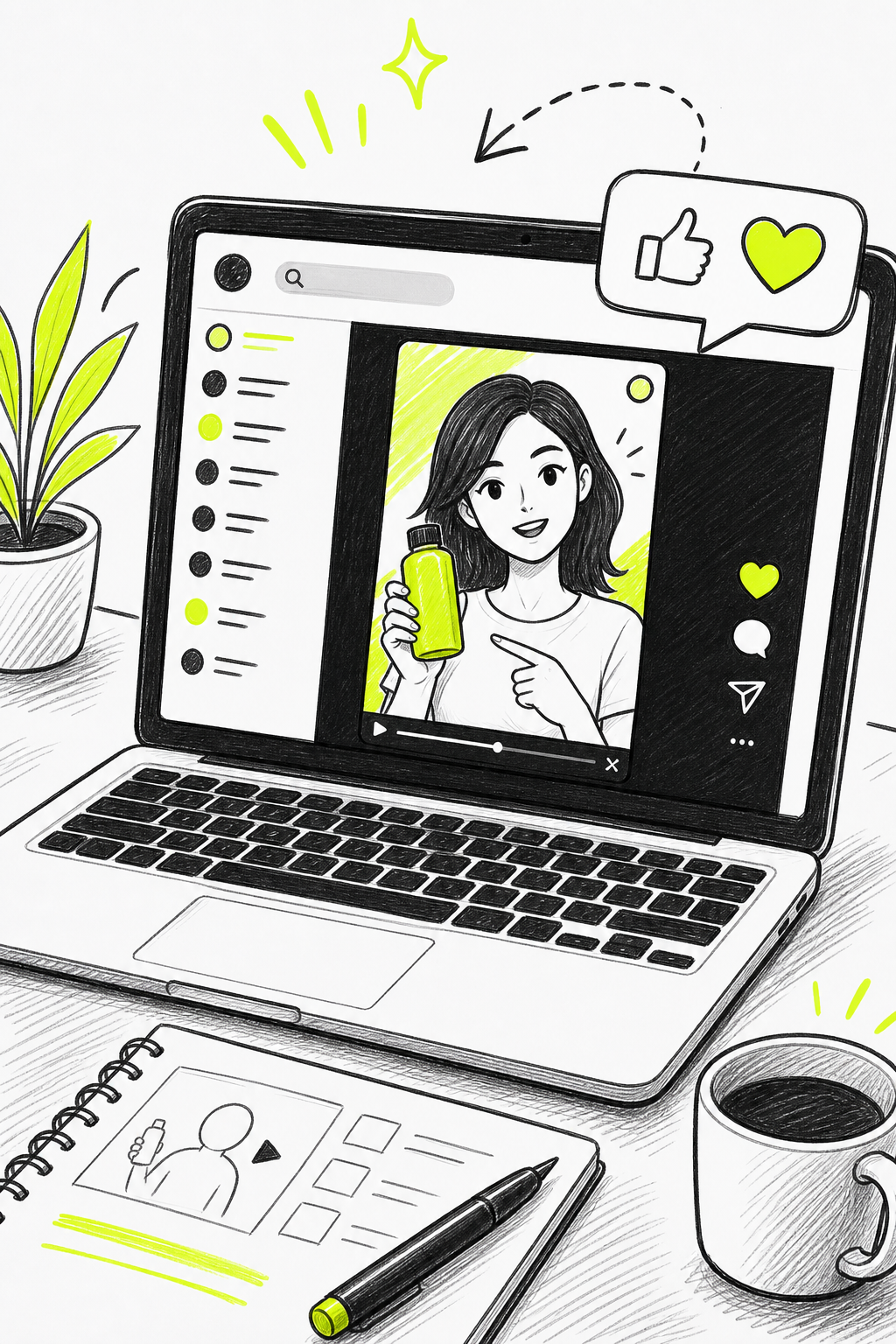
The appeal goes beyond cost. Good AI UGC generators now produce realistic hand movements, matched lip-sync, and voices that don't sound robotic. The authenticity of low-production video is exactly what makes it effective , audiences respond to it because it doesn't look like an ad. AI tools now reproduce that feel without hiring a single creator.
The real unlock is scale. One product image can branch into dozens of ad variations, each with a different avatar, script angle, and opening hook. That's not possible with traditional UGC at any reasonable cost.
Step 1: Choose the Right AI UGC Video Generator for Your Goals
The tool you pick sets the ceiling on what your videos can look like. A weak generator means generic avatars, robotic delivery, and ads that all feel the same. That burns money , you keep regenerating the same mediocre creatives instead of testing new angles.
Start with these three questions before you commit to any tool:
- Does it have a free tier? Only about 17% of AI video tools offer any free tier at all. If you want to test before paying, this matters.
- Which underlying video model does it use? The model determines output quality. Seedance 2.0 (ByteDance's flagship) currently ranks #1 for both text-to-video and image-to-video quality.
- Does it support 9:16 vertical output? TikTok, Reels, and YouTube Shorts all need vertical format. Tools that don't export it natively waste your time in post.
Seedance Studio's free plan gives you access to Seedance 2.0 , the top-ranked model , with no credit card required. Paid plans start at $14/month, which sits well below the median starting price of $17/month across tools that actually disclose their pricing.
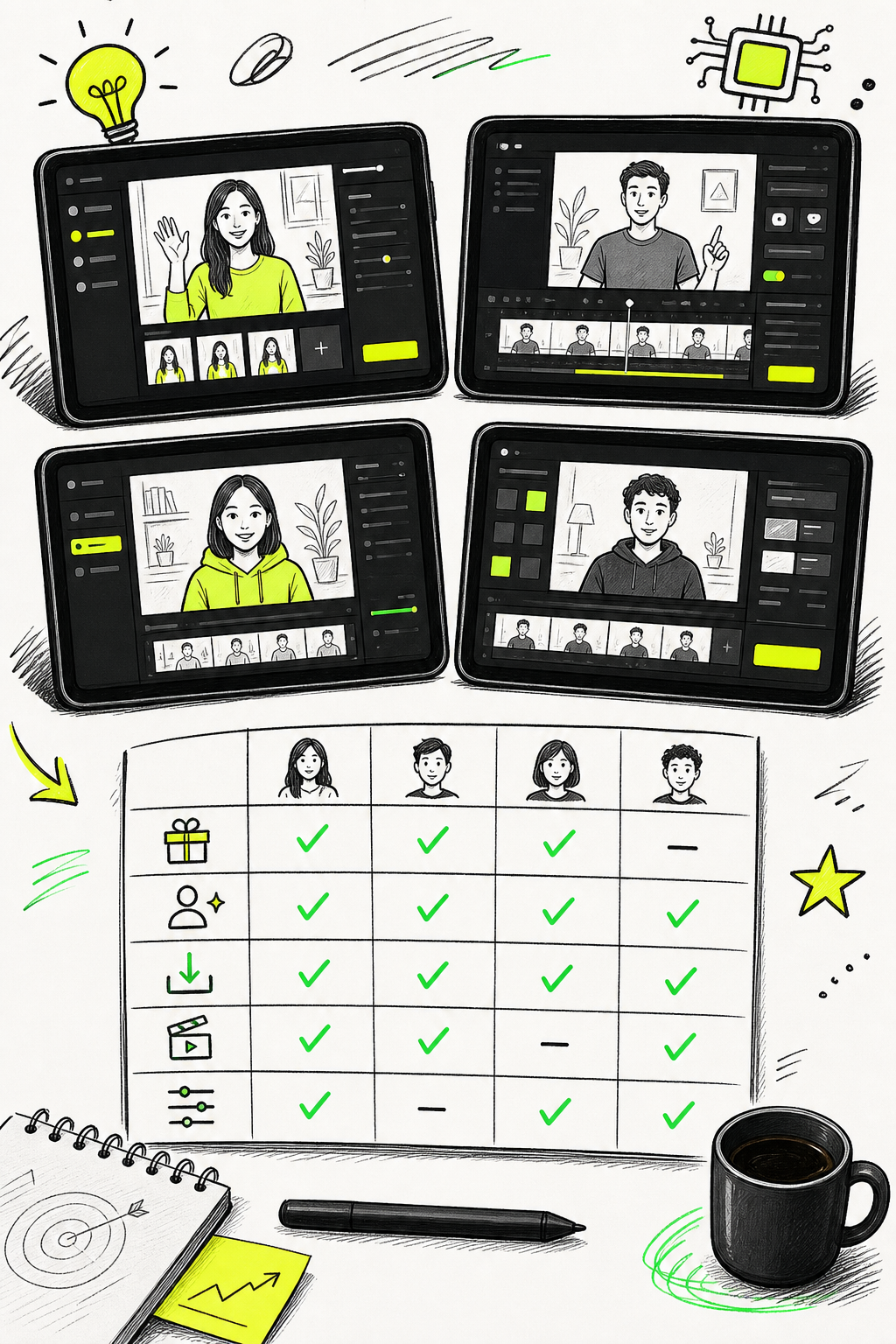
Here's a quick reference for choosing by goal:
| Goal | What to prioritize | Tool type to look for |
|---|---|---|
| Test ideas fast without paying | Free tier with quality output | Seedance Studio (free), Kling 3.0 (66 free gens/month) |
| Realistic lip-sync and avatars | Avatar library + voice controls | HeyGen ($24/mo), Seedance Studio ($14/mo) |
| Batch generation for 100+ ads | API or workflow builder | Seedance Studio API, node-based canvas tools |
| Native audio synced to video | Built-in audio generation | Veo 3 (Google), Seedance 2.0 |
| Post-production flexibility | Full desktop editor, 4K export | CapCut ($9.99/mo) |
One honest caveat: the phrase "auto-generation" means different things across tools. Across 39 tools analyzed, only two explicitly described automatic video generation from text prompts as a standardized feature. Read the feature list carefully rather than trusting the marketing copy.
Step 2: Upload Your Product Image or Reference Clip
Your product image is the foundation of the whole workflow. Everything the AI generates , the avatar's hands, the environment, the product placement , flows from this single input.
Use a clean, well-lit photo. If the product label or branding details are important, make sure the image is high-res enough that text stays legible when the AI renders it into video. A blurry or cluttered product shot is the single most common reason the output looks off.
If you don't have an isolated product image, don't skip this step. Some tools include built-in image editors that can isolate a product and place it on a clean background in seconds. That isolated image then carries into the video generation as a consistent reference , the avatar holds the real product, not a rough approximation of it.
You can also upload a short reference clip instead of a still image. A 2-3 second clip of the product in use gives the AI motion context, which often produces more natural-looking hand movements in the generated video. For e-commerce products, a still image works fine. For products where the use-case is physical , a water bottle, a skincare tool, a fitness device , a reference clip is worth the extra step.
Seedance Studio accepts up to 12 references per generation. You can mix product stills, environment photos, and short audio clips, then tag each one directly in your prompt. This is how you build a video where the avatar holds your specific product in your specific environment without describing every detail in text alone. That kind of reference-driven generation is also covered in the AI commercial generator step-by-step guide, which goes deeper on using multiple references together.
By the end of this step, you should have at least one clean product image (or short clip) uploaded to your chosen tool and ready to reference in the next step.
Step 3: Pick or Create Your AI Avatar and Voice
The avatar is what makes UGC content feel human. A generic avatar in a white-room setting looks exactly like AI. A specific, demographically matched avatar in a real environment looks like an actual creator filmed a review.
Most tools give you two options: pick from a library, or generate your own from a description.
Using a Library Avatar
Library avatars are the fast route. Good libraries let you filter by age, ethnicity, and style so you can match the avatar to your target audience. When the person on screen looks like your customer, the ad performs better. Preview the voice before you commit , tone and pacing matter as much as the face.
Creating a Custom Avatar
Custom avatars take a few extra minutes but give you a consistent character you can reuse across every future ad. Describe the avatar you want , age, style, hair, environment , and the tool generates a few options. Once you pick one, you can modify their outfit, background, and props without changing the face. That face consistency is what makes a brand feel like it has a real spokesperson rather than a rotating cast of strangers.
If you want the avatar to hold a specific product, upload a reference image of that product alongside the character description. The AI carries the product through into the final output automatically. This is the same principle as Step 2 , references beat description every time.
Setting the Voice
Voice settings have more impact on ad performance than most people expect. Key controls to adjust:
- Speed: Slightly faster delivery sounds more energetic and keeps short-form viewers engaged.
- Stability: Lower stability adds natural variation and reduces monotone delivery.
- Style exaggeration: Higher values add personality , useful for Gen Z-targeted content.
Some tools let you assign an emotion to each line of the script separately. An excited opener followed by a more conversational middle section sounds far more natural than a flat read-through. HeyGen's lip-sync engine works phoneme-by-phoneme, aligning mouth movements precisely to the audio track , the same kind of phoneme-level sync is what separates a convincing AI avatar from one that looks slightly off.
Test a short clip before generating your full video. A 5-second voice preview tells you more about the delivery quality than any settings description will.
Step 4: Write a Prompt That Gets Authentic-Looking Results
This is where most people leave performance on the table. A vague prompt gets a generic video. A specific, directed prompt gets something that actually looks like a real creator filmed it on their phone.
Think like a director, not a copywriter. Instead of writing "show a person talking about the product," write something like: "A woman in her late 20s sits by a window with natural light, holding the product at chest height. She looks directly at the camera, slightly casual. She says [your line]. Handheld feel, slight motion blur."
The UGC prompt structure that performs consistently uses these parameters:
- Accent/region: Matches the target audience's speech pattern.
- Vibe/mood: Casual, energetic, conversational, or skeptical-then-convinced.
- Camera motion: Handheld feels authentic. Static tripod feels like a corporate video.
- Eye direction: Direct camera contact increases engagement on short-form platforms.
- Dialogue and action: Write the spoken line and describe what the hands are doing simultaneously.
For the script itself, every high-performing UGC ad follows a four-part structure: hook, problem, solution, call to action. The hook is the only part that must be dialed in before you generate , it determines whether someone watches beyond the first two seconds. Test multiple hooks before changing anything else in the creative.
The Seedance 2.0 prompt guide breaks down a seven-part formula , subject, action, setting, camera, lighting, dialogue, and constraints , that works across product ads, lifestyle clips, and any UGC format. The core principle: name the camera move explicitly rather than using vague words like "cinematic." Write "low-angle handheld follow" and the model executes it. Write "cinematic angle" and you get a guess.
Avoid negative framing in prompts. Instead of "not robotic, not stiff," write "natural movement, relaxed posture, genuine expression." Models respond to what you want, not what you don't want.
Step 5: Generate, Add Captions and Music, Then Export
Generate at a lower resolution first. This uses fewer credits and gives you a fast preview of whether the shot composition, avatar placement, and pacing are right. Once you're satisfied with the framing, regenerate at 1080p or 4K for the final export.
After generation, three things need to happen before the video is ready to run as an ad.
Add Captions
A significant portion of social media users watch videos with the sound off. Captions keep them watching. Most AI video tools generate captions automatically from the voiceover transcript. If yours doesn't, add them in a video editor before export. Keep captions short , one line at a time , and position them in the lower third of the frame so they don't cover the product or the avatar's face.
Add Background Music
Music sets the energy. A slow ambient track under a fast-cut product demo kills the momentum. Match the music tempo to the pacing of your cuts. Use royalty-free sources or AI-generated tracks where you own the output. The music layer should sit well under the voiceover , audible but not competing.
Export Settings
Export as MP4. For TikTok, Reels, and YouTube Shorts, use 9:16 at 1080p minimum. TikTok's ad manager caps uploads at 500MB. Meta's Ads Manager accepts up to 4GB for most formats. Verify aspect ratio against each platform's current spec before uploading , getting it wrong means cropping later, which almost always cuts off something important.
When you want to produce ads at real scale , hundreds of variations from one product image , the manual workflow breaks down fast. A node-based automation approach connects image generation, video generation, and script variation into a single pipeline. The Seedance Studio API lets you submit generation jobs programmatically with a single REST call, which is how teams get from one product image to 50+ ad variants without switching between five different tabs for every single output.
Real estate agents running listing campaigns face a similar content volume problem , AI-generated video fills the marketing gap, letting agents produce property walkthroughs without booking a videographer for every new listing.
Once your first ad is exported and running, the next step is variation testing. Change one element per variant , the hook, the voice tone, or the CTA phrasing. Keep everything else fixed. That single-variable approach is how you find what actually moves the needle on your specific product and audience, without spending the budget guessing.
Creators building a social presence around their product content can also use link-in-bio pages to surface the best-performing UGC clips directly in their bio, turning ad content into social proof that works around the clock.
FAQ
What is an AI UGC video generator?
An AI UGC video generator is a tool that produces user-generated content-style videos using AI avatars, synthesized voices, and a text prompt or product image. The output mimics the look of a real creator filming a product review on their phone , without any actual filming. It's used by brands and marketers to produce ad creatives at scale without hiring creators for every variation.
How much does it cost to use an AI UGC video tool?
Pricing varies widely. Among tools that disclose pricing, the median starting price is around $17/month. Seedance Studio starts at $14/month, which includes access to the top-ranked Seedance 2.0 model. There's also a free tier with no credit card required. Some tools like Kling 3.0 offer up to 66 free generations per month, while others like HeyGen start at $24/month.
Do I need acting or video editing skills to make AI UGC ads?
No. The workflow is straightforward: upload a product image, pick an avatar, write a prompt describing the scene and script, then generate. Most tools handle lip-sync, voice, and basic editing automatically. You may want to add captions and music before export, but those steps take a few minutes in a simple editor and require no technical background.
What makes an AI UGC video look authentic?
Authenticity comes from several factors working together: realistic hand movements matched to the dialogue, phoneme-level lip-sync, natural voice delivery with slight variation in pacing, and a handheld camera aesthetic rather than a static tripod frame. Choosing an avatar that matches your target audience's demographics also increases the sense that a real person made the video.
Can I generate hundreds of ad variations from one product image?
Yes. The most efficient approach uses a node-based workflow or an API to connect image generation, avatar creation, and video generation in a single pipeline. Each node takes the output from the previous step automatically, so you're not manually moving files between tools. Seedance Studio's API supports this programmatically , one product image can branch into dozens of avatar and script combinations in parallel.
What aspect ratio should I use for TikTok and Reels?
Use 9:16 (vertical) for TikTok, Instagram Reels, and YouTube Shorts. Getting this wrong before generation means cropping in post, which usually cuts off the avatar's face or the product. Set the aspect ratio at the generation step, not after. Most AI UGC tools include 9:16 as a format option , confirm it's selected before you hit generate.
Conclusion
The workflow is five steps: choose a tool with a quality model, upload a clean product reference, build an avatar that matches your audience, write a directed prompt using specific camera and dialogue instructions, then generate, add captions and music, and export at the right spec. If you want to start without committing to a paid plan, try Seedance Studio's free tier, it runs on the same top-ranked model as the paid plans, so your first test is a real test, not a downgraded preview. Build one ad today, and you'll have the template for the next hundred.