Most AI video generators claim to be free, but a free tier doesn't mean watermark-free output. In fact, only a small fraction of tools on the market actually let you export clean clips without paying first. Here are the 10 best AI video generators that give you watermark-free results, who each one is built for, and what the real catch is.
1. Seedance Studio (Our Top Pick) — Best for Quick Prompt Testing
Seedance Studio runs on Seedance 2.0, ByteDance Seed's flagship video model, currently ranked #1 for both text-to-video and image-to-video quality. You type a prompt or upload reference images, and the model returns a finished clip with camera direction, consistent characters, and native audio already mixed in.
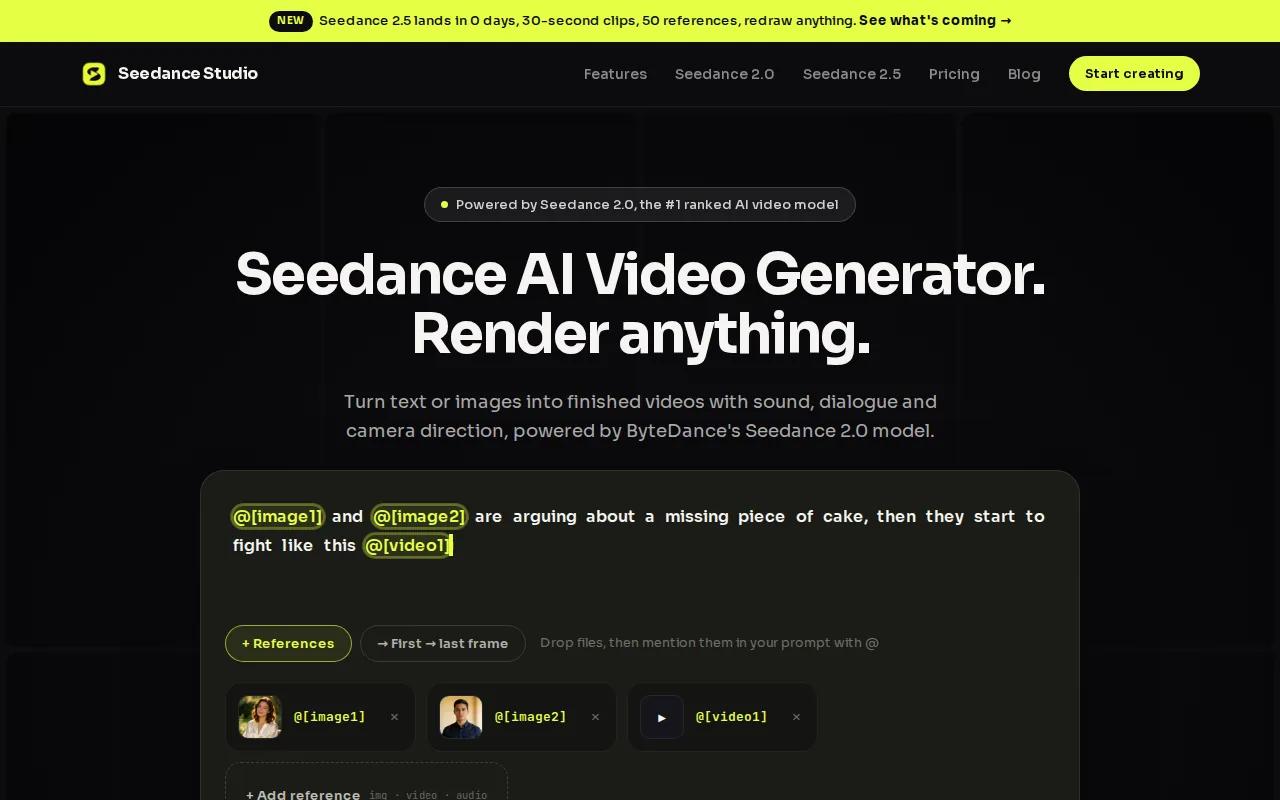
It's entirely browser-based. No download, no waitlist, no invite code. The free plan lets you generate a few videos per month at 480p with a small watermark. Paid plans start at $14/month and remove the watermark while unlocking 720p, 1080p, and 4K exports plus a commercial license.
For creators who need to test many prompt variations fast before committing to a final render, this is the most efficient starting point on the list. The model quality on the free tier is identical to paid, so you're not flying blind.
The one caveat: free exports carry a watermark, so you'll need a paid plan for anything you publish commercially. That said, the Seedance 2.0 free plan is the cleanest way to evaluate the model before spending a dollar.
2. HeyGen — Best for Presenter-Led Videos
HeyGen is built around one core use case: AI avatars that speak your script. You pick an avatar, paste in your text, and the platform generates a lip-synced presenter video with natural voice and expression. It's the go-to for marketing explainers, onboarding clips, and product demos where a talking head matters.
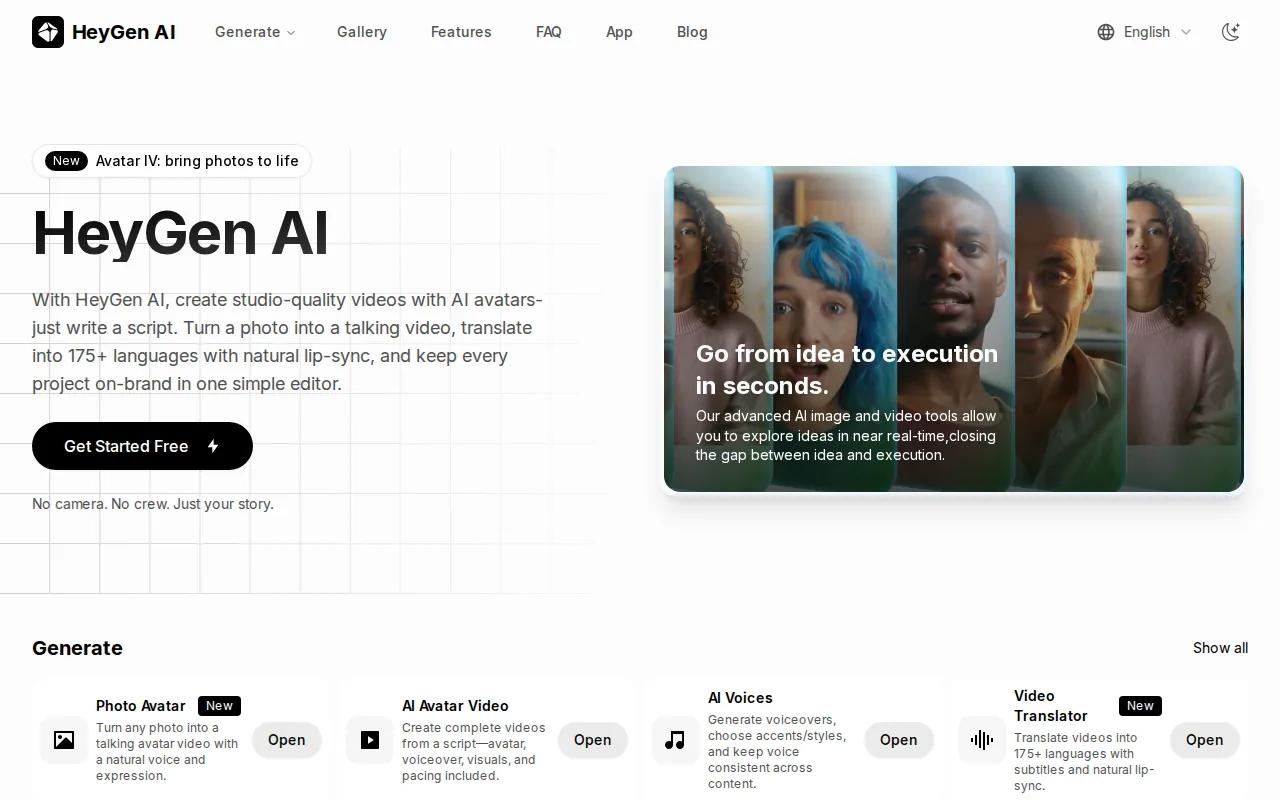
The free tier exists but does include a watermark. Watermarks are removed on paid plans, which start at $24/month on the Creator annual plan. The platform also has an API for teams that need to automate video production at scale.
HeyGen's avatar pipeline is genuinely strong. The lip-sync quality holds up even on longer scripts, and the avatar catalog covers a wide range of looks and languages. If your content doesn't need a presenter, though, it's probably overkill.
3. Google AI Studio (Veo 3) — Best for High-Fidelity B-Roll
Google AI Studio gives you access to Veo 3, the model that set a new bar for prompt-to-video realism. Type a scene description and it returns a clip with ambient sound that actually matches the visuals. A rainy street sounds like a rainy street. That built-in audio generation is what separates it from most competitors.
There's no watermark on any output tier, which makes it one of the few genuinely clean free options. It connects to Vertex AI API for developers who want to build on top of it. The trade-off is that it doesn't do presenter-led content or avatar pipelines. It's a B-roll and cinematic scene generator, full stop.
If you need high-fidelity background footage for a YouTube video or a polished product ad, this is worth testing first. Just don't expect it to replace a talking-head workflow.
4. CapCut — Best for Social Media Shorts
CapCut is the editing layer that most social creators already use. Its AI video features let you turn text, images, or keyframes into short clips directly in the browser, and the free tier exports without a watermark. That's a meaningful distinction given how many tools quietly add one.
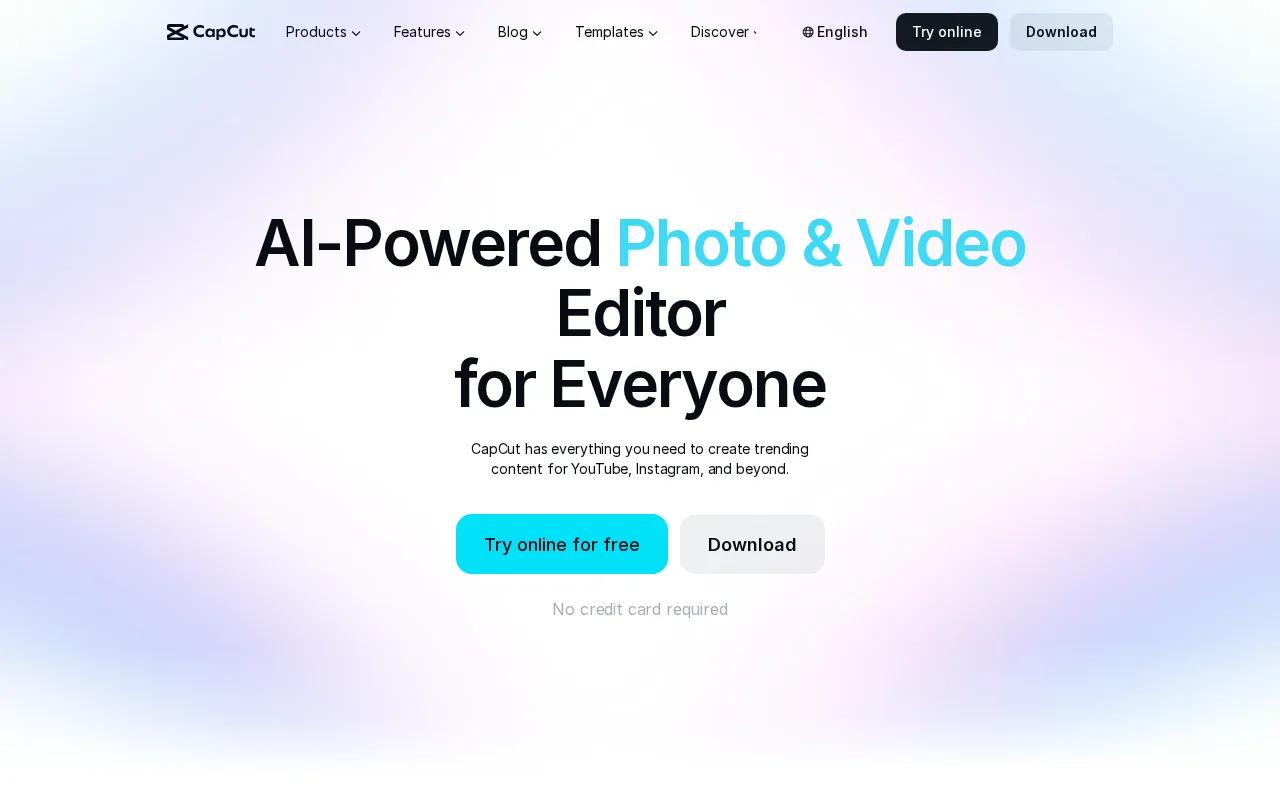
The platform is tightly integrated with TikTok, Instagram Reels, and YouTube Shorts workflows. Templates are built around vertical formats. You can generate AI visuals, remove backgrounds, add auto-subtitles, and convert text to speech all in one place without switching tools. Paid plans start at $9.99/month for heavier usage.
CapCut isn't a pure AI video generator in the way Seedance Studio or Veo 3 are. It's an editor with strong AI features layered in. That's actually an advantage if your workflow involves combining AI-generated clips with existing footage. If you want pure text-to-video generation with cinematic output, look elsewhere on this list.
5. Runway — Best for Filmmakers & VFX
Runway's Gen-4 model is aimed at people who think in shots. The camera controls are more granular than most tools on this list. You can direct motion, specify camera angles, and apply advanced scene edits in ways that matter to filmmakers and motion designers. Free credits produce unwatermarked clips, which is a good deal for testing.
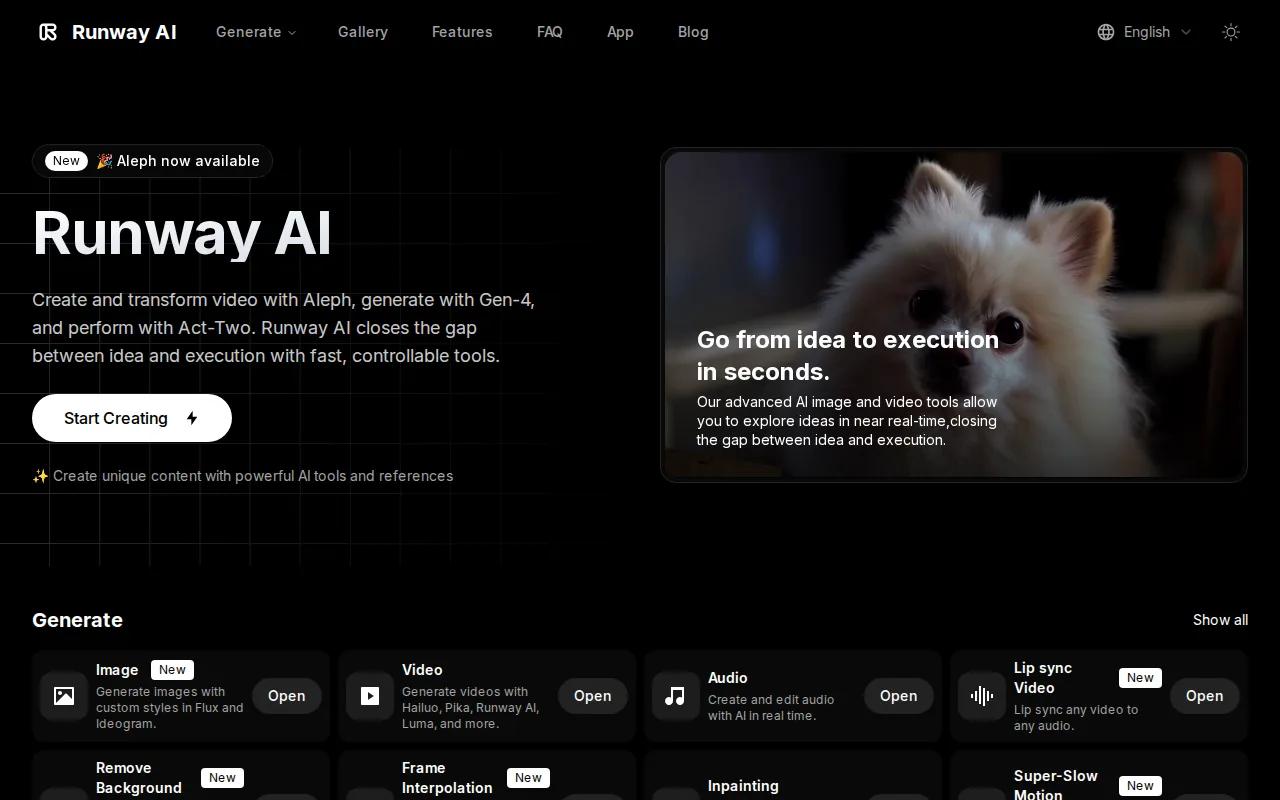
Paid plans start at $15/month. The cinematic output quality is consistently high, and the VFX toolset goes well beyond basic text-to-video. If you're building a short film, a music video, or a brand spot that needs real production value, Runway has the depth for it.
The learning curve is steeper than most tools here. Beginners often generate mediocre results simply because they haven't learned to use the camera controls. Give it a few hours before judging the output quality.
6. Google Veo 3 — Best for Cinematic Output
Veo 3 also appears as a standalone entry because its direct access path differs from the AI Studio route. Through Google's consumer surfaces and Vertex AI, Veo 3 is the current benchmark for prompt-to-video realism. No watermark on any plan. The audio generation is native, meaning sound effects and ambient noise come from the same model pass as the visuals.
For creators who want cinematic text-to-video output without managing a self-hosted model, Veo 3 is the cleanest option. The prompts need to be specific. Vague descriptions produce vague results. But a well-written prompt returns footage that's genuinely hard to distinguish from real B-roll at first glance.
Access is still gated in some regions, and the free quota is limited. Check availability in your account before building a workflow around it.
7. Kling AI 3.0 — Best for 4K/60fps Output
Kling AI 3.0 is the choice when output resolution actually matters for the final deliverable. The 3.0 series architecture supports native 4K/60fps with 16-bit HDR color depth and physics-aware generation. That last part means objects in the scene interact with gravity and surfaces in ways that look physically plausible, not floaty.
The free tier is watermark-free, which puts it in a small group of tools that genuinely deliver clean output at no cost. Clips can run up to 3 minutes, which is far longer than most competitors allow. API access is available for automation workflows.
For a detailed breakdown of how Kling compares to other top models on motion quality and consistency, the Seedance 2.0 vs Sora vs Veo vs Kling comparison covers the key differences side by side.
The main limitation is generation speed. High-resolution outputs take longer to process, and the queue can back up during peak hours. Plan your workflow around that if you're on a deadline.
8. Luma Dream Machine — Best for Cinematic B-Roll
Luma Dream Machine is built for one thing: photorealistic motion in natural scenes. Upload a reference image or write a prompt, and it returns footage with smooth, natural camera movement and lighting that holds up to scrutiny. The free tier is watermark-free.
It's not a full production tool. There's no avatar pipeline, no presenter mode, and the audio generation is limited compared to Veo 3. But for landscape shots, product reveals, and atmospheric B-roll, the output quality is among the best available without paying for a premium tier.
Luma is also one of the more transparent tools about its free tier limitations, which makes it easier to plan around. You know what you're getting before you generate.
9. Pika — Best for Multi-Style Content
Pika's strength is stylistic range. The same platform can generate cartoon, anime, 3D, and photorealistic video from a single prompt. That flexibility makes it useful for creators who produce content across multiple formats or who experiment with visual styles before committing to one.
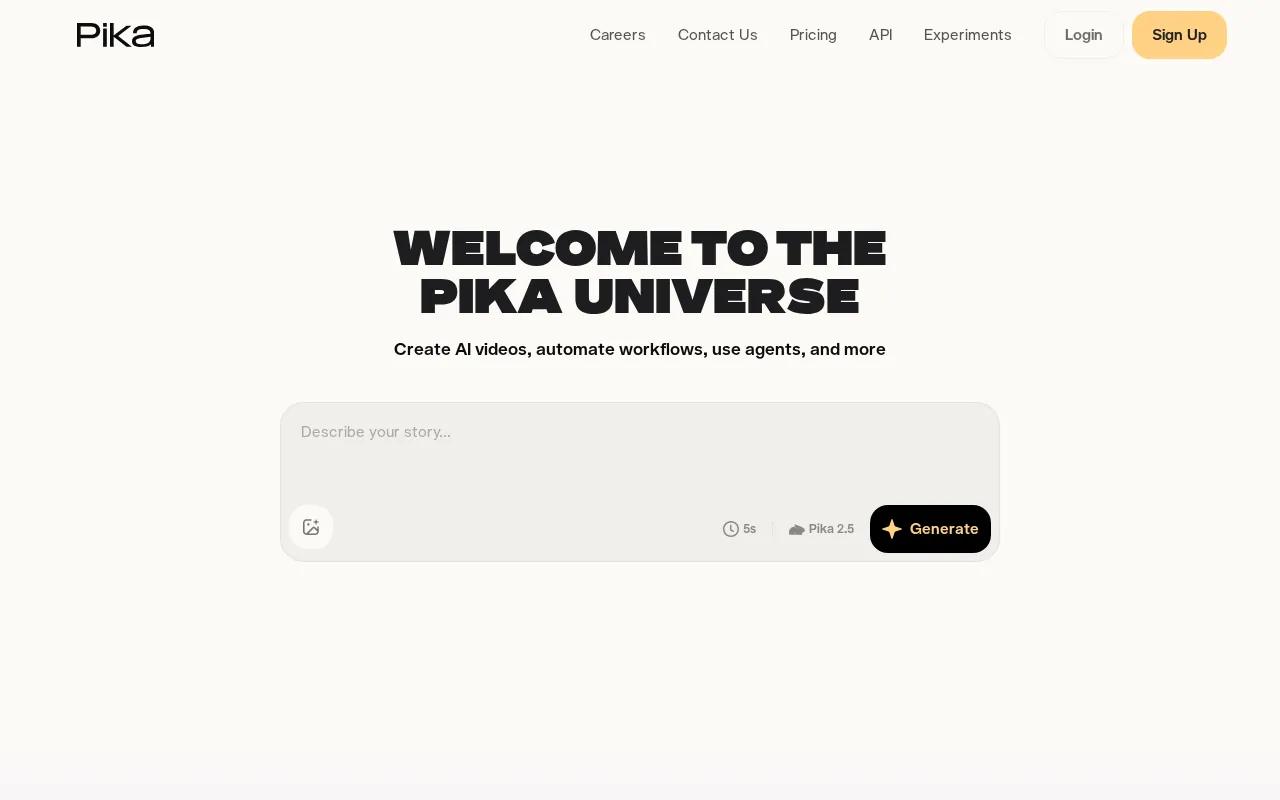
The free plan is watermark-free. Pika 2.5 is the current engine, built for short-form work with stronger character consistency than earlier versions. The platform also includes Pikaformance for lip-synced talking-face video, Pikaswaps for object replacement in existing footage, and Pikaffects for surreal physics-based transformations.
One thing worth knowing: Pika recently announced an AI Self feature that lets you build a monetizable AI agent. That feature is currently being recalibrated, so confirm current availability inside the platform before building a strategy around it. The core video generation tools are stable and actively updated.
10. Vivideo — Best for No-Account Quick Clips
Vivideo's main selling point is friction removal. No credit card, no account required to generate a clean clip. For social media short ads and quick presentation visuals, that zero-barrier entry is genuinely useful when you need something fast and don't want to manage another subscription.
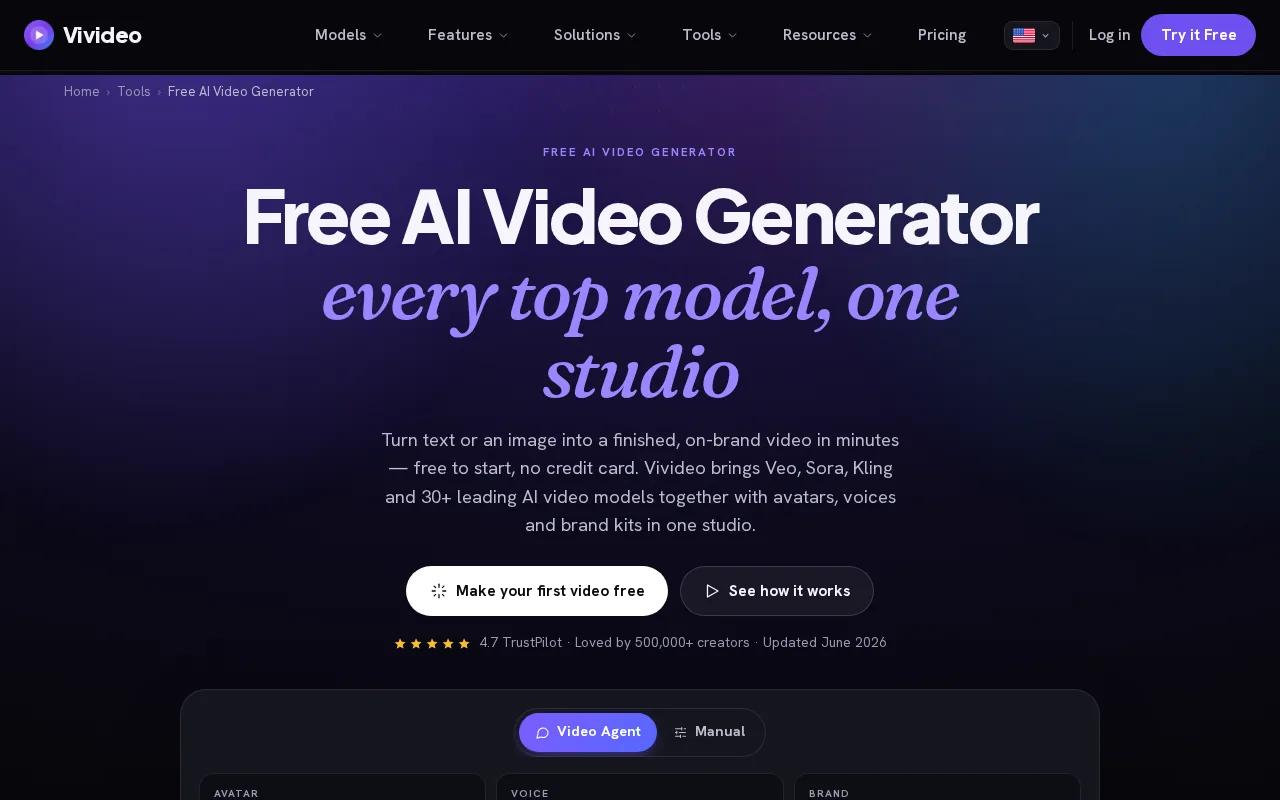
The free tier has no watermark. Image-to-video is supported. The output quality won't match Seedance Studio or Veo 3, but for simple social ads or quick concept clips, it's more than enough. Think of it as a scratchpad rather than a production tool.
If you find yourself needing more control over camera movement, character consistency, or audio, you'll hit the ceiling quickly. But as a zero-friction starting point for a quick clip, nothing on this list is faster to access.
Comparison Table: Top AI Video Generators Without Watermarks
Here's how the tools stack up across the decisions that actually matter when you're choosing one.
| Tool | Free Tier | Watermark-Free on Free? | Paid Starting Price | Best For | Key Differentiator |
|---|---|---|---|---|---|
| Seedance Studio | Yes | No (paid removes it) | $14/mo | Quick prompt testing | #1-ranked model, browser-based, no waitlist |
| HeyGen | Yes | No (paid removes it) | $24/mo | Presenter-led videos | Avatar pipeline with lip-sync and API |
| Google AI Studio (Veo 3) | Yes | Yes | — | High-fidelity B-roll | Native audio generation matching visuals |
| CapCut | Yes | Yes | $9.99/mo | Social media shorts | Full editing suite with AI features built in |
| Runway | Yes | Yes (free credits) | $15/mo | Filmmakers & VFX | Gen-4 model with granular camera controls |
| Google Veo 3 | Yes | Yes | — | Cinematic output | Benchmark prompt-to-video realism |
| Kling AI 3.0 | Yes | Yes | — | 4K/60fps output | Native 4K, 16-bit HDR, physics-aware generation |
| Luma Dream Machine | Yes | Yes | — | Cinematic B-roll | Photorealistic motion in natural scenes |
| Pika | Yes | Yes | — | Multi-style content | Cartoon, anime, 3D, photorealistic in one tool |
| Vivideo | Yes | Yes | — | No-account quick clips | No credit card, no account required |
How to Choose the Right AI Video Generator
The watermark question is the first filter, but it's not the only one. Here's what actually separates a good fit from a frustrating one.
Check the watermark policy before anything else.A free tier doesn't guarantee clean output. As the research across 25 tools shows, the majority either watermark free exports or don't state their policy clearly. Verify on the tool's own pricing page, not a third-party summary.
Match the tool to your output type.Presenter-led videos need HeyGen. Cinematic B-roll needs Veo 3 or Luma. Social shorts work well in CapCut or Seedance Studio. Trying to force a B-roll tool into a talking-head workflow wastes time.
Think about commercial rights.Watermark-free doesn't automatically mean commercial use is permitted. Check the terms. Seedance Studio's paid plans include an explicit commercial license. For a full walkthrough of how to build a commercial video from a prompt, the AI commercial generator guide covers the workflow step by step.
- Free tier quality:Does the free plan use the same model as paid, or a downgraded version?
- Resolution limits:Some tools cap free exports at 480p. Fine for testing, not for publishing.
- Generation speed:High-resolution outputs can take several minutes. Factor that into deadlines.
- Integrations:Only about a third of tools mention integrations at all. If you need API access or a TikTok direct export, confirm it before committing.
If you're building a repeatable content workflow rather than testing one-off clips, also consider how well the tool handles character consistency across multiple generations. Seedance Studio supports up to 12 reference inputs per generation, which makes it easier to keep a character's look stable across a series of clips. That matters a lot for branded content and ongoing social series.
Security teams evaluating AI tools for enterprise use should also consider the broader software stack. Just as attack surface management tools help organizations track external-facing assets, vetting the data handling and output rights of AI video platforms is worth doing before rolling them out at scale.
Frequently Asked Questions
Which AI video generators are truly free with no watermark?
Google AI Studio (Veo 3), CapCut, Kling AI 3.0, Luma Dream Machine, Pika, and Vivideo all offer free tiers with no visible watermark on exports. Seedance Studio's free tier includes a small watermark, but paid plans starting at $14/month remove it and add a commercial license. Always verify on the tool's own pricing page since policies change.
Does watermark-free mean I can use the video commercially?
No, not automatically. A clean export without a visible watermark doesn't guarantee commercial rights. You need to check the platform's terms of service. Seedance Studio's paid plans include an explicit commercial license. For tools with free watermark-free output, the commercial rights terms vary and some restrict monetized use even on paid plans.
What's the difference between a visible watermark and an invisible one?
A visible watermark is the logo or text overlay you can see on the exported clip. An invisible watermark is a digital signal embedded in the pixels that persists even after editing or re-encoding. Most free AI video tools use visible watermarks. Some tools embed invisible watermarks to identify AI-generated content without affecting the visual quality.
Can I remove a watermark from an AI-generated video?
Removing a visible watermark by cropping or inpainting may violate the platform's terms of service and can degrade video quality. The cleaner approach is to upgrade to a paid plan that removes it at export. For Seedance Studio, that's $14/month. Trying to edit out a watermark post-export is slower and often produces worse results than just paying for a clean export.
Which AI video generator produces the best quality output?
Seedance 2.0 currently ranks #1 on independent benchmarks for both text-to-video and image-to-video quality. Google Veo 3 is the closest competitor for cinematic realism and is the current standard for prompt-to-video fidelity. Kling AI 3.0 leads on resolution, with native 4K/60fps output. The best choice depends on your use case: character-driven content, B-roll, or high-resolution delivery.
Do I need to download software to use these tools?
Most tools on this list are fully browser-based. Seedance Studio, HeyGen, Google AI Studio, CapCut, Pika, and Vivideo all run in the browser with no download required. Runway is also browser-based. The only category that requires a local setup is open-source self-hosted models, which aren't covered in this list but offer unlimited generation at the cost of technical setup time.
Conclusion
If you want the fastest path to high-quality, watermark-free AI video, start with Seedance Studio's free plan. The model is the top-ranked option available right now, it runs in your browser, and you can test your first prompt in minutes without a credit card. When you're ready to publish commercially, the paid plan removes the watermark and adds a commercial license for $14/month. Generate your first clip, see what the model does with your idea, and go from there.