
Most AI video tools promise instant ads but deliver generic clips that look nothing like your brand. The tools on this list actually work for ad production , text-to-video, talking heads, URL-to-video, and multilingual output. Here are the 7 best options, starting with our top pick.
1. Seedance Studio (Our Top Pick) — AI video generator built on Seedance 2.0
Seedance Studio runs entirely in the browser at tryseedance.ai and is built on Seedance 2.0, ByteDance Seed's flagship video model, currently ranked #1 for both text-to-video and image-to-video on independent benchmarks. You type a prompt or upload reference images, video clips, and audio, and get back a finished clip with native sound and director-level camera control in a single pass.
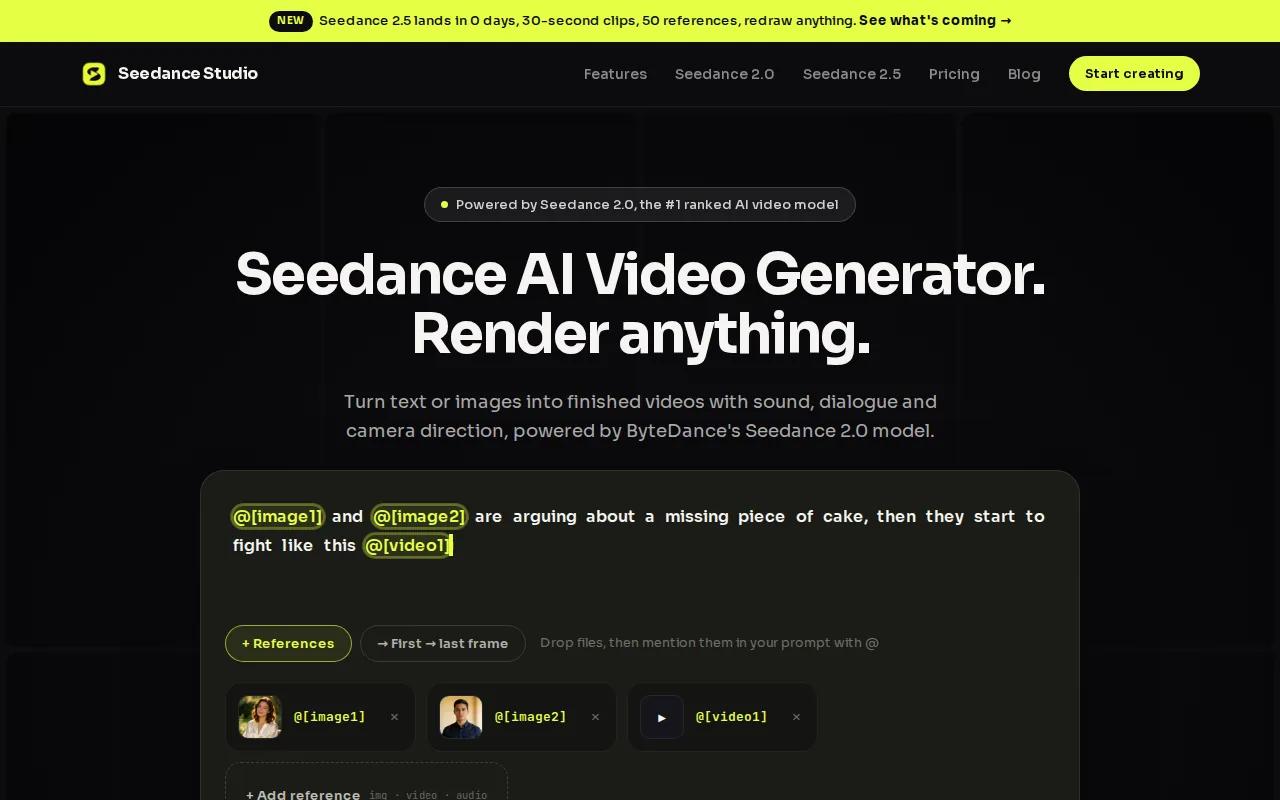
For ad production, that matters. You don't need to layer audio in post or fix camera drift between cuts. The model handles multi-subject interactions, lip-synced dialogue, and consistent character appearance across shots , all things that break down in cheaper tools.
Paid plans start at $14/month, which sits well below the market median of $19 and the average starting price of $47.86 across comparable tools. There's also a genuine free tier: full-feature access, no watermark, no credit card required. Most competitors either skip a free tier entirely or lock it behind watermarks and credit caps.
The one limitation to know: Seedance Studio is purpose-built for short-form video. If you need built-in ad analytics or a competitor ad tracker, you'll pair it with a separate tool. But for raw video quality at this price, nothing else on this list comes close. See the step-by-step guide to making an AI commercial to get your first ad out fast.
2. AdCreate — All-in-one AI ad video maker with avatars & music
AdCreate is a full production suite that pulls together video generation, AI avatars, royalty-free music, captions, and a brand kit under one roof. It integrates Google Veo 3.1 and OpenAI Sora 2, so you pick the model that fits each project rather than being locked to one engine.
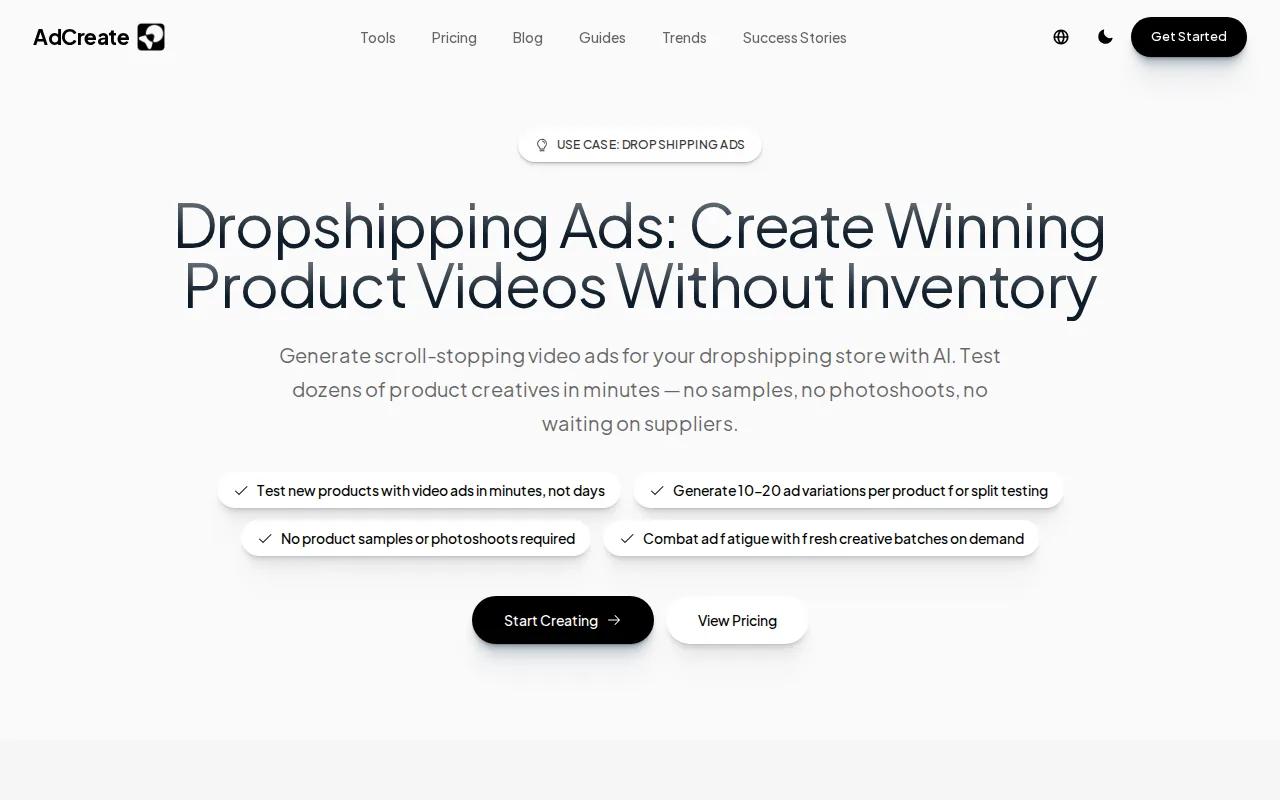
The avatar library has over 100 options with natural lip sync, and the music generator produces original tracks , not stock loops. That combination is rare. Most tools make you leave the platform for audio, which breaks the workflow.
Paid plans start at $23/month (billed annually), with a free tier that needs no credit card. The credit system is worth understanding before you commit: different tools cost different credit amounts, and a pro-quality video can use up to 75 credits per clip. The Starter plan includes 800 credits/month, which is enough for light testing but may feel tight if you're running batch campaigns.
AdCreate is a strong fit for marketers who want everything in one place and don't want to manage multiple subscriptions. If you're producing UGC-style ads at scale, the Persona UGC format and multi-model flexibility make it a usable choice over piecing together separate tools.
3. Creatify — URL-to-video conversion and batch generation for e-commerce
Creatify's headline feature is URL-to-video: paste a product page link and the AI extracts your product details, then renders a ready-to-post video ad. For e-commerce teams managing dozens of SKUs, that's a real time saver compared to writing prompts from scratch for each product.
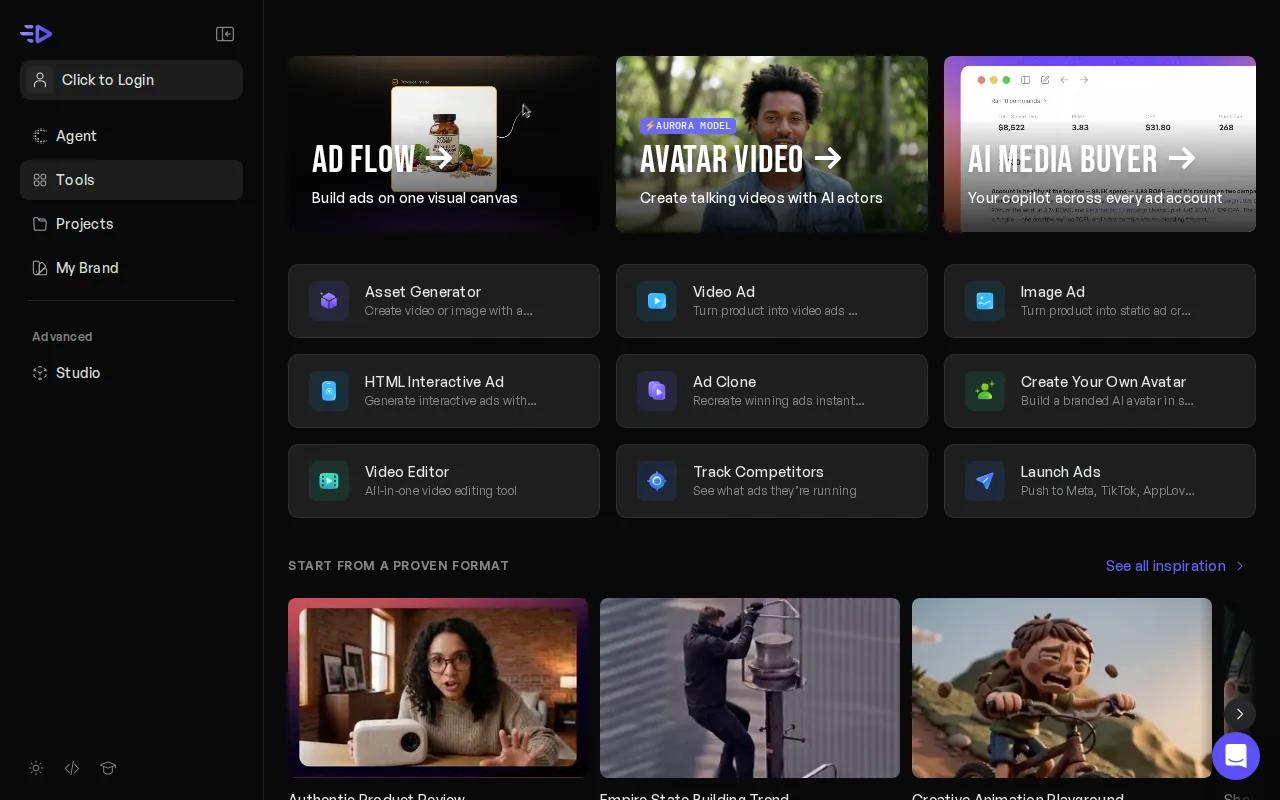
Batch generation goes up to 50 video variants at once. Combined with built-in A/B testing and a competitor ad tracker pulling from millions of live Meta ads, Creatify gives performance marketers a full test-and-iterate loop inside one platform. Brands using the platform have reported improvements in ROAS and reductions in CPA, though individual results depend heavily on creative quality and targeting.
Pricing starts at $19/month for the Starter plan (100 credits/month), with a free tier that includes 10 credits and watermarked exports. The Pro plan at $99/month unlocks a large library of AI actors, many ad templates, and supports video durations up to 10 minutes.
The credit rollover policy is worth checking before you sign up , unused credits don't carry over, which can sting if your production schedule is uneven month to month.
4. Arcads — High-volume talking-head ads with AI actors
Arcads has a large library of AI actors and is built specifically for talking-head UGC-style ads. You write a script, pick an actor, and get a finished clip where the actor delivers your copy to camera with natural emotion and pacing.
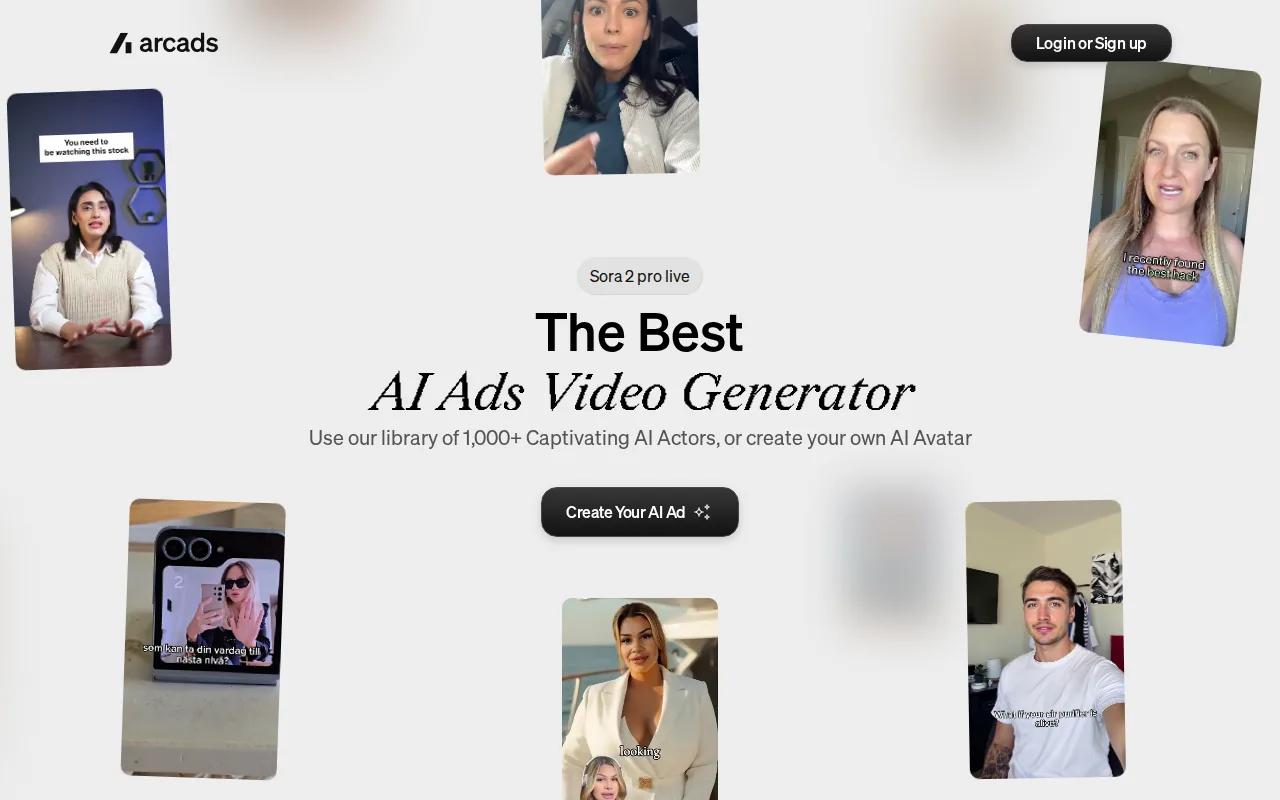
It integrates with ElevenLabs for voice generation and supports translation into 30+ languages. For D2C brands running app, SaaS, or info-product campaigns, the per-clip economics work well , especially when you need many actor and script combinations to test different hooks.
The catch is physical products. Arcads actors can mention a product but can't genuinely demonstrate one. If your winning ad format involves someone actually using your item on camera, this tool isn't the right fit.
Pricing starts at roughly $110/month, though Arcads doesn't publish rates publicly , you only see plans after creating a free account. That opacity is a real friction point.
5. Superscale — Team-focused AI creator with competitor research
Superscale is built for startup growth teams who want to make ad creative decisions based on what's already working in their market. It pulls from Meta Ad Library directly, so you can see competitor creatives before you build your own.
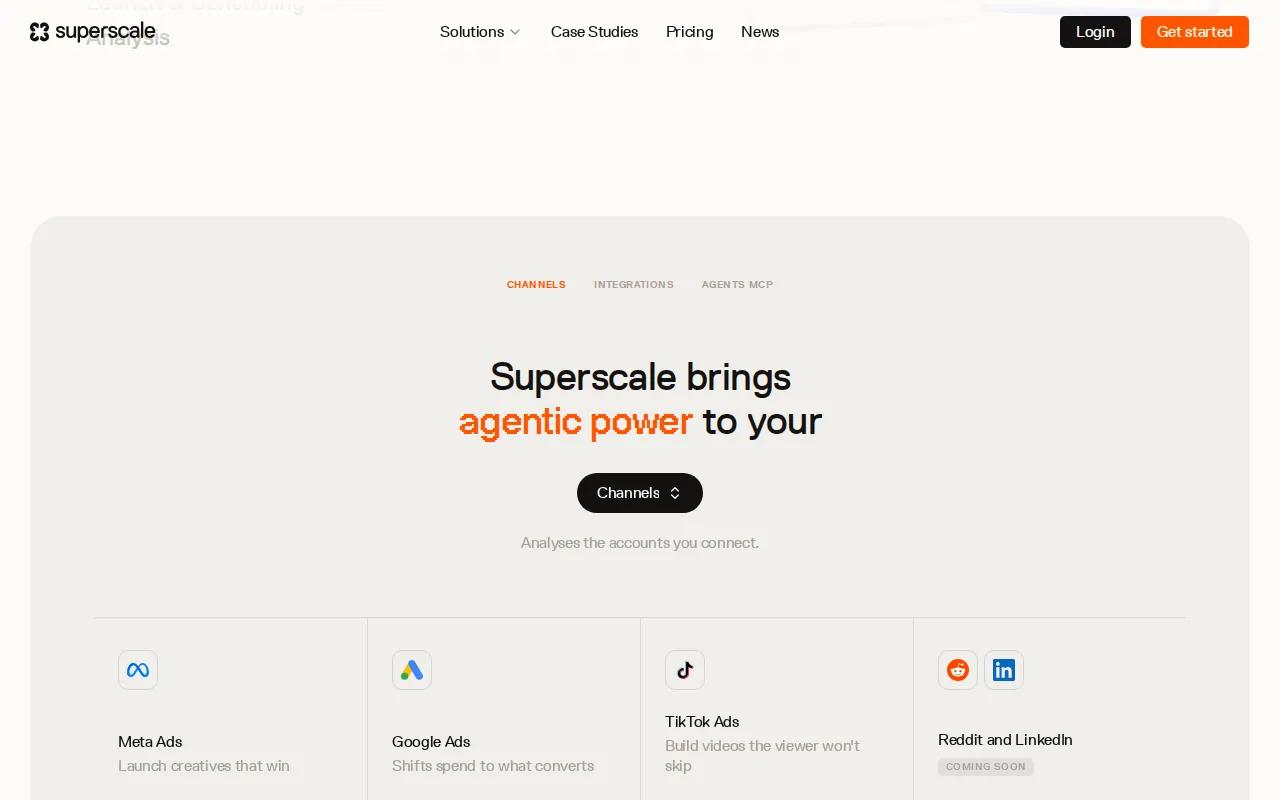
It integrates Sora 2, Veo 3, and ElevenLabs, and supports team collaboration natively. That matters for agencies or in-house teams where creative review and approval happen across multiple people. Most tools on this list are designed for solo use; Superscale treats the team workflow as a first-class feature.
Starting price is $99/month with no free tier. That's a meaningful commitment for a small team, and you'll want to confirm the competitor research features justify the cost over Creatify's similar (cheaper) ad tracker. For growth teams running paid social at scale, the combination of competitor intelligence and multi-model video generation in one workspace is genuinely useful. For a solo founder testing ad concepts, it's probably more tool than you need.
6. HeyGen — Multilingual AI avatars & video translation
HeyGen's core strength is language. It translates videos into 175+ languages with voice cloning and lip sync , you upload a video or paste a YouTube link and it re-renders the speaker's mouth movements to match the translated audio. The result looks native, not dubbed.
For brands running ads across multiple markets, that's a significant production shortcut. One English-language video ad can become 10 localized versions without a reshoot. The free tier allows up to 3 video translations per month (up to 3 minutes each), which is enough to test the quality before committing.
Paid plans start at $29/month. The avatar library is strong, and the platform supports generating multilingual content from scratch , write one script, pick an avatar, and produce in multiple languages simultaneously.
HeyGen is the clearest choice if multilingual reach is a priority. If you're only running ads in one language, the translation features don't justify the premium over Seedance Studio or Creatify. Good social media video creation for global brands almost always involves some localization step, and HeyGen handles that better than any other tool on this list.
7. Pencil — Budget-friendly multi-model generator with performance scoring
Pencil connects to Veo 3, Sora 2, Runway, and Imagen 4 from a single interface, and adds predictive performance scoring on top. Before you spend budget running an ad, Pencil estimates how it's likely to perform based on creative signals. That's a useful filter when you're producing many variants and need to prioritize which ones to actually test.
Starting price is $14/month, matching Seedance Studio as the most affordable entry point on this list. There's no free tier, but $14 is low enough that the trial risk is minimal.
The text-to-video output quality depends on which underlying model you choose , Sora 2 and Veo 3 produce better results than Runway for most ad formats, but each generation costs more credits. Pencil works best for solopreneurs who want model flexibility and performance prediction without paying enterprise prices. If you need consistent characters or native audio baked into the clip, Seedance Studio is a stronger pick at the same price point.
Comparison Table: Features & Pricing at a Glance
Use this table to match each tool to your actual workflow. Price alone doesn't tell the full story , the free tier quality and automation depth matter just as much for most ad teams.
| Tool | Starting Price | Free Tier | Best For | Key Limitation |
|---|---|---|---|---|
| Seedance Studio | $14/mo | Yes (no watermark) | High-quality short-form ads, consistent characters, native audio | No built-in ad analytics |
| AdCreate | $23/mo | Yes | All-in-one production with avatars and AI music | Credit system can feel limiting on Starter plan |
| Creatify | $19/mo | Yes (watermarked) | E-commerce URL-to-video and batch generation | Credits don't roll over |
| Arcads | ~$110/mo | No | High-volume talking-head UGC ads for D2C | Can't demo physical products on camera |
| Superscale | $99/mo | No | Growth teams needing competitor research + video | No free tier; overkill for solo use |
| HeyGen | $29/mo | Yes (3 videos/mo) | Multilingual avatar ads and video translation | Premium over rivals if you only need one language |
| Pencil | $14/mo | No | Budget-conscious solopreneurs wanting multi-model access | No native audio; no consistent character system |
For teams deciding between these options, the full AI video generator comparison covers model benchmarks and output quality in more depth.
How to Choose the Right AI Video Generator for Ads
Before you pick a tool, answer three questions. First: what format do your ads need? Talking-head UGC, cinematic product shots, and URL-to-video all need different tools. Second: how many videos do you produce per month? A solo founder testing 5 ads a month has different needs than an agency running 300. Third: do you need multilingual output?
- Best for raw video quality at low cost:Seedance Studio ($14/mo, no-watermark free tier)
- Best for e-commerce with many SKUs:Creatify (URL-to-video, batch generation)
- Best for talking-head UGC at volume:A platform offering AI actors for UGC-style ads
- Best for multilingual campaigns:HeyGen (multilingual video translation, voice cloning, lip sync)
- Best for teams with competitor research needs:Superscale (Meta Ad Library integration)
- Best all-in-one with music:AdCreate (avatars, AI music, multi-model in one plan)
- Best for model flexibility on a tight budget:Pencil ($14/mo, performance scoring)
If you're still not sure where to start, the free tier on Seedance Studio lets you generate real clips with no card required. Test your first ad prompt, see the output quality, and upgrade only if you need more volume.
FAQ
What is the best AI video generator for ads right now?
Seedance Studio is the strongest pick for most marketers , it runs on the #1-ranked Seedance 2.0 model, includes native audio and consistent characters, and starts at $14/month with a no-watermark free tier. For e-commerce teams needing URL-to-video workflows, Creatify is a close second. For multilingual campaigns, HeyGen leads the field. The right tool depends on your ad format and volume.
Can I make video ads with AI for free?
Yes, but most "free" tiers are limited. Only about 21% of AI video tools offer a genuinely usable free tier, and many of those add watermarks or restrict credits heavily. Seedance Studio's free plan gives full-feature access without watermarks. Creatify's free plan includes 10 credits with watermarked exports. AdCreate and HeyGen also have free tiers worth testing before you commit to a paid plan.
How long does it take to generate a video ad with AI?
Most tools return a clip in under 60 seconds at standard resolution. Seedance Studio typically generates a 720p clip in under a minute. AdCreate estimates 2 to 5 minutes for more complex avatar-plus-caption videos. Arcads generation time varies by actor and script length. Resolution matters: 1080p and 4K exports take longer than 720p drafts, so generate at lower resolution first when testing concepts.
Do AI-generated video ads actually convert?
They can, especially for social platforms like TikTok, Instagram Reels, and YouTube Shorts where native-looking content outperforms polished production. The key variables are the hook (first 3 seconds), character consistency across cuts, and audio quality. Tools like Seedance Studio that generate native audio and maintain consistent characters give you the best foundation. Testing multiple variants is still essential , no AI tool guarantees conversion on the first output.
What's the difference between text-to-video and URL-to-video for ads?
Text-to-video takes a written prompt and generates video from scratch , useful for brand storytelling and cinematic product shots. URL-to-video (Creatify's specialty) scrapes a product page and auto-builds an ad from the existing images and copy. URL-to-video is faster for e-commerce teams with many products. Text-to-video gives more creative control over camera direction, character, and mood.
Is Seedance Studio affiliated with ByteDance or TikTok?
No. Seedance Studio is an independent app at tryseedance.ai. It runs on the Seedance 2.0 model developed by ByteDance Seed, but it's not owned by or affiliated with ByteDance or TikTok. It offers the model through a browser-based interface with a free tier and paid plans, with no waitlist or app download needed.
Conclusion
For most marketers making short-form video ads, Seedance Studio is the clearest starting point , the underlying model ranks #1 independently, the free tier has no watermarks, and $14/month is hard to beat for the output quality you get. If your workflow is specifically e-commerce URL-to-video, try Creatify. If multilingual reach is the priority, HeyGen. But if you want to test before committing to anything, start with an AI UGC video on the free plan and see what the model can do with your product.


