A free AI video generator from text can turn a written prompt into moving footage, but the free plan may limit clip length, use, or sound. Here are four options, starting with Seedance Studio, and the trade-offs to check before you build a video around one.
We analyzed 38 YouTube comments about free AI video generators and found that 26% mentioned limited free video credits.
1. Seedance Studio
Seedance Studio is a browser-based AI video and image generator. Type a scene prompt or add reference material, then use the Seedance model to make a video. It’s built for creators and marketers who want to test a short-form idea without downloading an app.
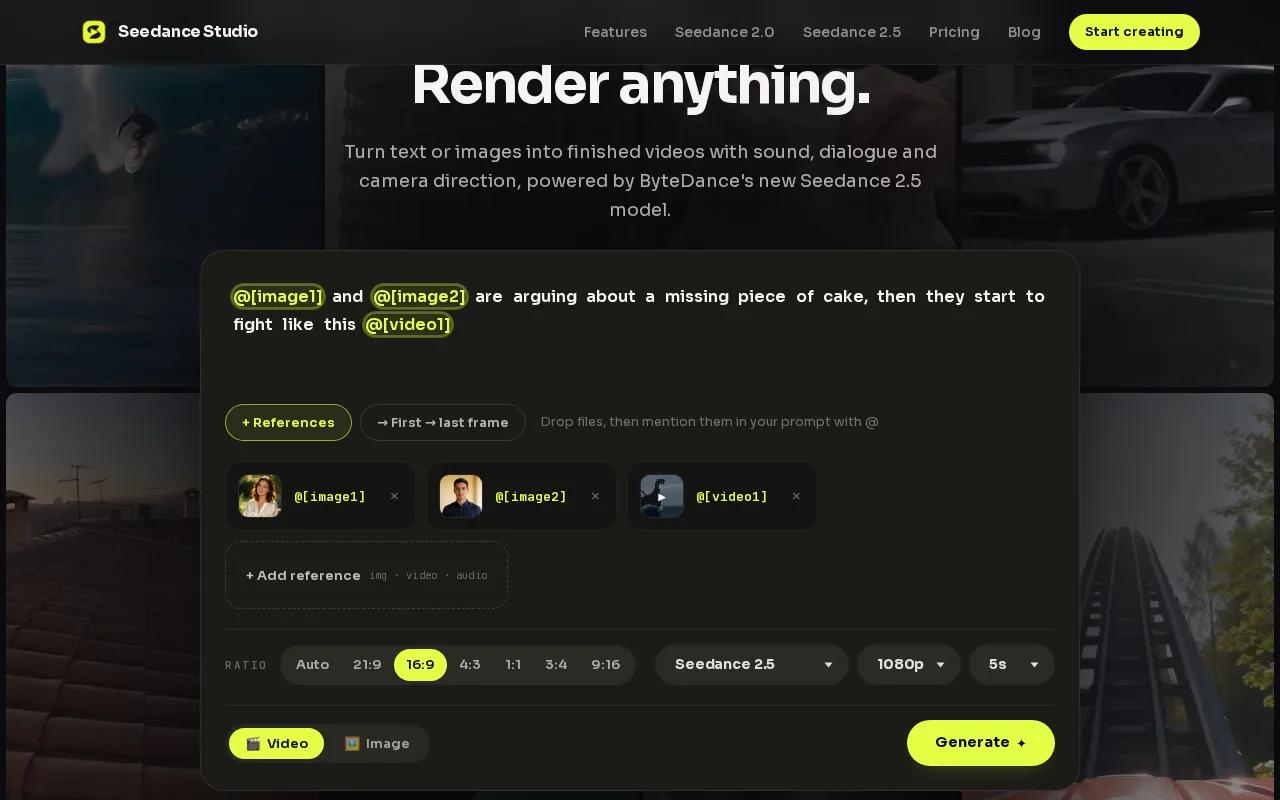
We make Seedance 2.5 the default model on every plan. It can plan a scene with camera movement and keep characters consistent between shots. The workflow also supports native sound, so you can ask for a scene and its audio in one generation. Plain language works. For example, describe the subject, action, setting, and mood instead of writing technical camera instructions.
The free plan includes a couple of videos each month, with no card required. Those videos carry a watermark. Every plan includes a commercial license, though the free watermark still matters if you’re preparing a polished public post. Paid plans start at $14 a month.
If you want to test the model before paying, the Seedance free plan is a place to start. The Seedance 2.5 model page also explains the current default model and its role in the studio.
Before you generate, make the prompt describe one clear shot. Then review the result for character consistency and sound. That gives you a useful first draft to judge before you spend a limited monthly generation.
2. Canva: short clips inside a familiar design tool
Canva Free includes AI video generation within its design tool. It suits people who want to make a short visual for a social post and already work in Canva’s design environment.
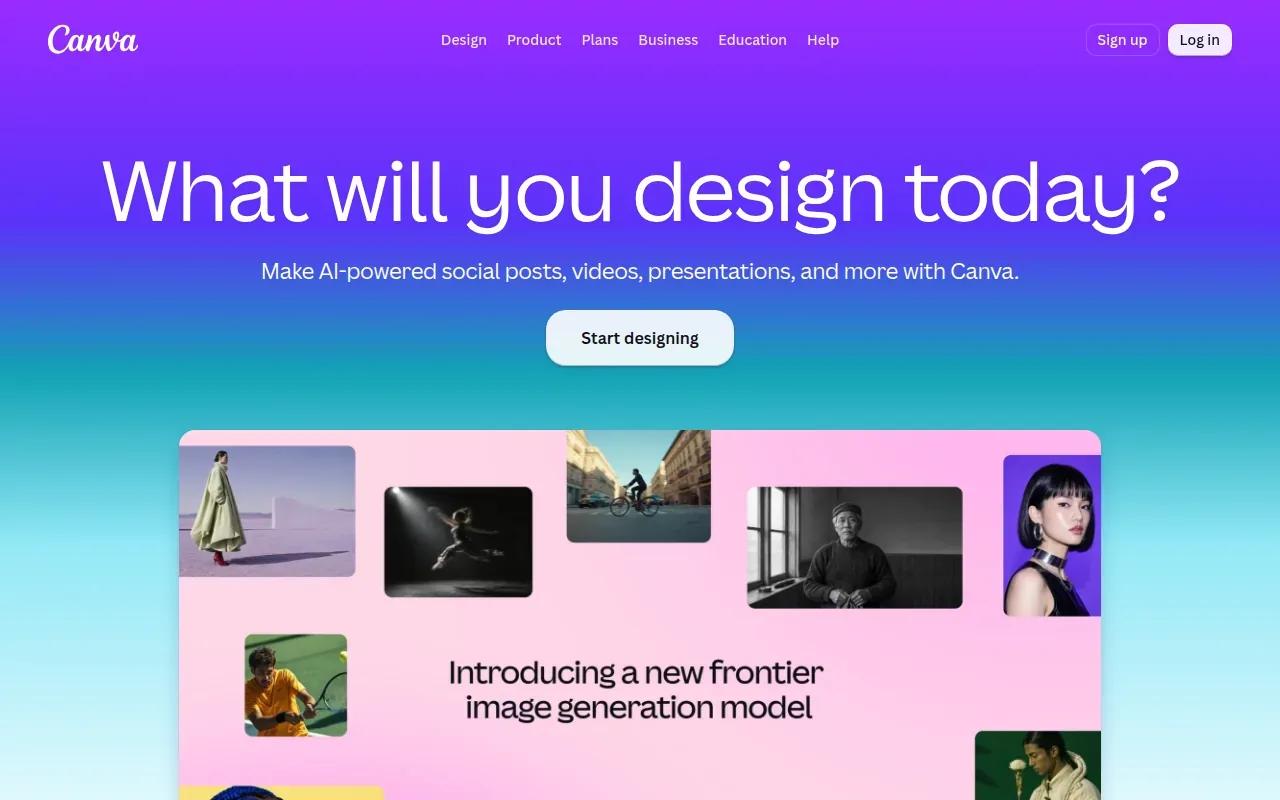
The free tier allows up to 20 AI uses a month. Each generated clip is four seconds long, and it has no audio. Canva Free generates video at the Premium quality tier.
That mix makes Canva useful for a silent visual that will sit inside a larger design. For example, a marketer could generate a four-second product mood shot, then add a headline or other design elements around it. But if the brief calls for spoken narration or sound generated with the footage, this free tier doesn’t cover that need.
Keep the clip limit in view while you plan. A four-second scene can work as a quick hook or background moment. It’s a tight fit for a story that needs several actions to unfold, so write a prompt around one visible moment rather than a full sequence.
Canva is a good fit when the design around the clip matters as much as the clip itself. For a longer scene or generated audio, compare the limits before you start building the rest of the post.
3. Adobe Express: a small number of free short generations
Adobe Express includes a free text-to-video generator with two free lifetime uses of its five-second generator. It’s a fit for someone who needs a couple of short visuals and wants commercial use included on the free tier.
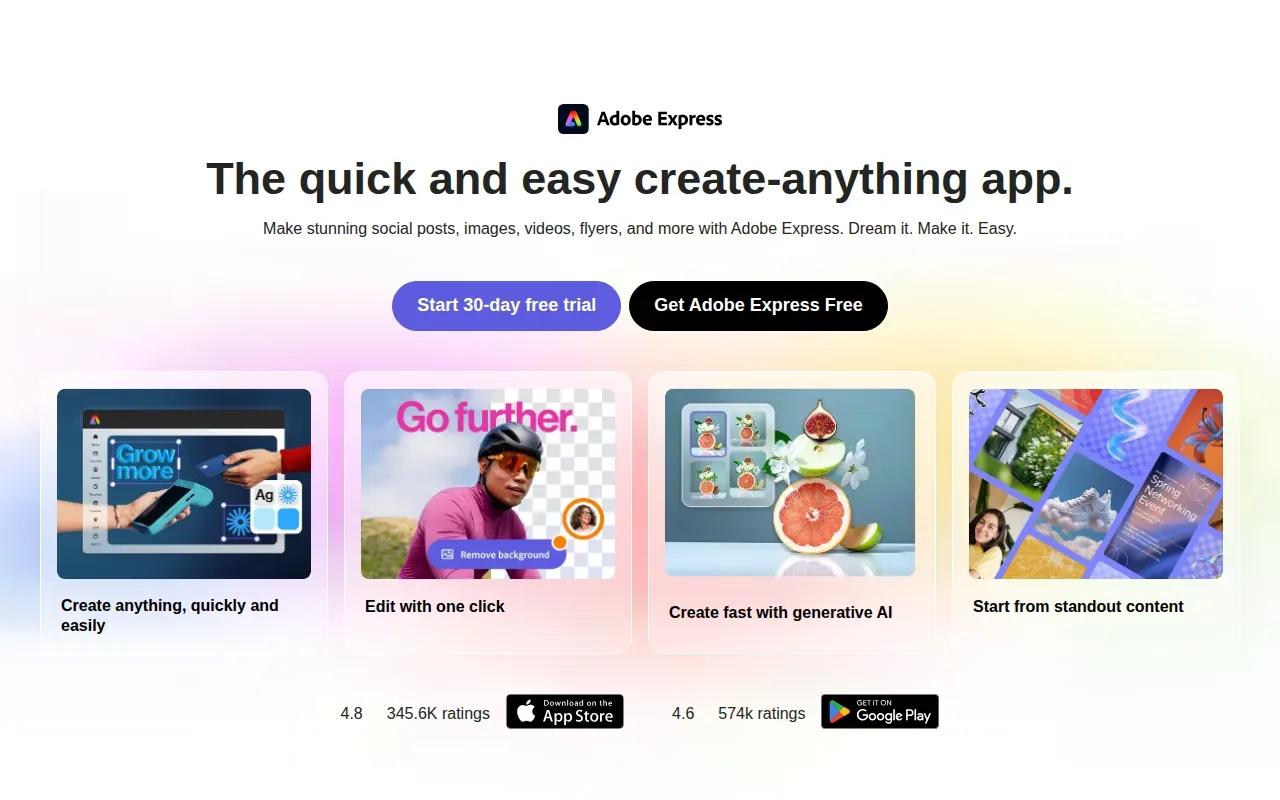
The lifetime limit is the key detail. Unlike a monthly allowance, two uses don’t refresh each month. That makes the free generation option better for trying a specific idea than for a recurring content calendar. Save each attempt for a prompt you’ve already refined.
Five seconds gives a scene a little more room than a four-second clip, but it’s still short. Keep your prompt focused on one action. A simple scene, such as a close-up of a hand opening a package, is easier to judge in a few seconds than a story with several cuts.
Adobe Express marks commercial use as included on its free tier. That’s helpful when you’re making a client-facing or brand-related clip, but it doesn’t change the two-use lifetime cap. If you need many variations, use one generation to test the visual direction before committing the next.
One useful habit: write down what you want to change between attempts. If the first result has the right subject but the wrong mood, adjust only the mood in the next prompt. That makes the limited free uses easier to compare.
Pick Adobe Express when occasional five-second clips are enough and commercial use matters. For a steady stream of drafts, its free allowance may not match the pace of your work.
4. Google Flow: daily credits with defined free-tier trade-offs
Google Flow gives non-subscribers 50 credits a day. The credits don’t roll over, so the free tier suits people who make short videos regularly and can use their daily allowance as they go.
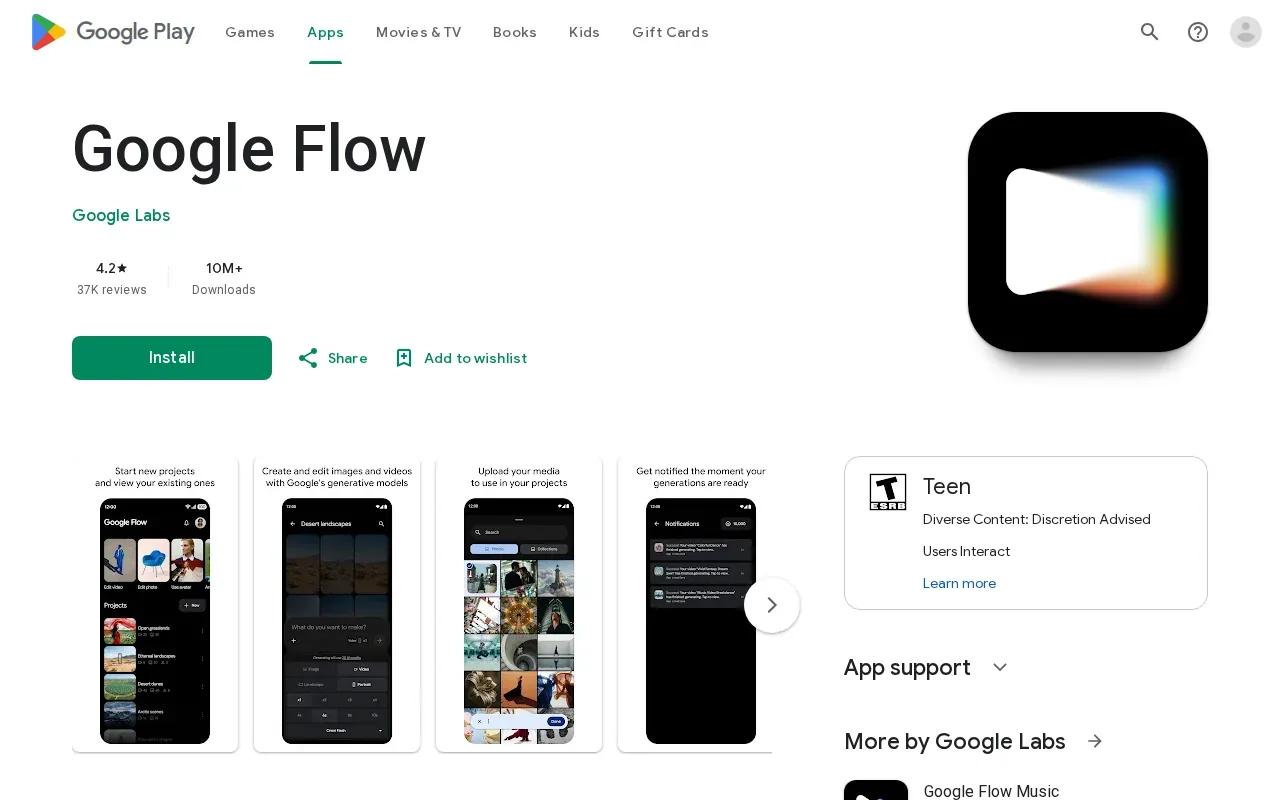
Daily credits can sound generous, but credits aren’t the same as a fixed number of videos. The amount used depends on the generation choice. Check the credit cost shown for your selected output before you submit a prompt, especially if you plan to make several versions.
There are clear trade-offs. Free users don’t get 1080p upscaling, and generated output has a watermark. Those limits matter if your video needs a clean export or a higher-resolution finish. A watermark may be fine for checking an idea, but it can change whether a clip is ready for a client or public campaign.
Flow’s daily model works best when you can return often. Use one session to test a prompt, then spend another day refining it if needed. Since unused credits don’t carry forward, there’s no benefit to saving them for a later week.
For any generator, start with a short prompt that names the subject and action. After you see the first result, change one detail at a time. This keeps your daily tries focused instead of spending credits on several versions that differ in too many ways.
Choose Flow if daily access matters more than rollover or a watermark-free export. If you need a final file for paid work, check the output terms and quality before making it part of your production plan.
Here’s a quick way to match the four options to the job you have in front of you:
| Your main need | Option to consider | Known free-tier detail |
|---|---|---|
| Prompt-led scenes with native sound | Seedance Studio | A couple of videos monthly; watermark on free videos |
| Very short clips inside a design workflow | Canva | Up to 20 monthly AI uses; four-second clips without audio |
| Occasional commercial-use clips | Adobe Express | Two lifetime uses of the five-second generator |
| Regular daily experiments | Google Flow | 50 credits daily, with no rollover |
Use that table as a first filter, not a quality ranking. The right fit depends on whether you need sound, commercial permission, repeated generations, or a clip that sits inside a design. Those needs can matter more than a model’s name.
Before choosing any free tier, check four things: how often the allowance resets, how long each clip can be, whether the output has sound, and whether the export has a watermark. For a broader look at plan costs and free allowances, compare AI video generator prices and free tiers. Then make one test video with the kind of prompt you plan to use. A real sample will tell you more than a feature list.
FAQ
What is a free AI video generator from text?
A free AI video generator from text turns a written prompt or script into video. You describe what should appear, and the tool generates footage based on that description. Free plans may limit the number of generations, clip length, sound, or export quality, so check those terms before planning a full project.
Can I use free AI-generated videos for commercial work?
Some tools allow commercial use on free plans, but the terms differ. Canva’s free video generator allows personal or commercial projects, and Adobe Express includes commercial use on its free tier. Every Seedance Studio plan includes a commercial license, while free videos carry a watermark. Review the current terms before publishing for a client or brand.
Which free AI video tool gives me sound?
Seedance Studio’s workflow supports native sound with its video generation. Canva’s free generated clips have no audio. The other options in this shortlist have different free limits, so check the output settings before you generate if sound is part of the brief.
Do free AI video generators add watermarks?
Some do. Seedance Studio’s free videos carry a watermark, and Google Flow’s free output has one. Check the export itself before you publish, since a watermark can make a draft unsuitable for a finished post.
How long are videos made with free AI tools?
Clip lengths vary by tool. Canva’s free generator makes four-second clips, while Adobe Express gives two lifetime uses of a five-second generator. Other options have different limits or use credits. Check the duration setting before you submit a prompt, then make sure the generated clip fits the job.
Conclusion
For a prompt-led scene with native sound, start with Seedance Studio and test one idea on its free plan. The free videos have a watermark, so review the result before deciding whether it fits your publishing needs. Use this short-video workflow to shape a clear prompt, then create a free account when you’re ready to try it.