Most AI video tools spit out generic clips that look nothing like what TikTok actually rewards. You need camera direction, consistent characters, and audio that fits , not just a slideshow with transitions. Here are the two AI video generators worth your time right now, and which one actually delivers finished TikTok-ready content.
1. Seedance Studio – Best All-in-One AI Video Generator for TikTok
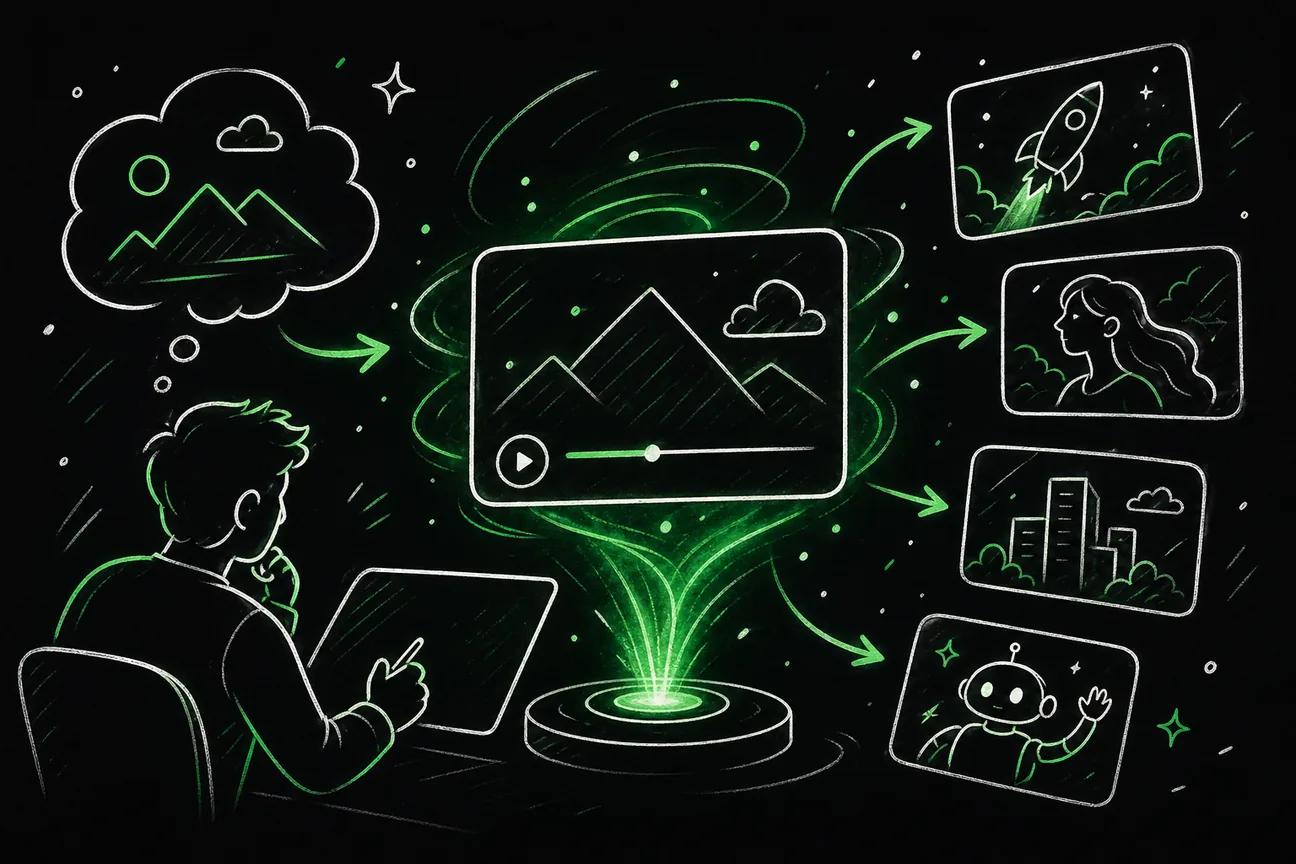
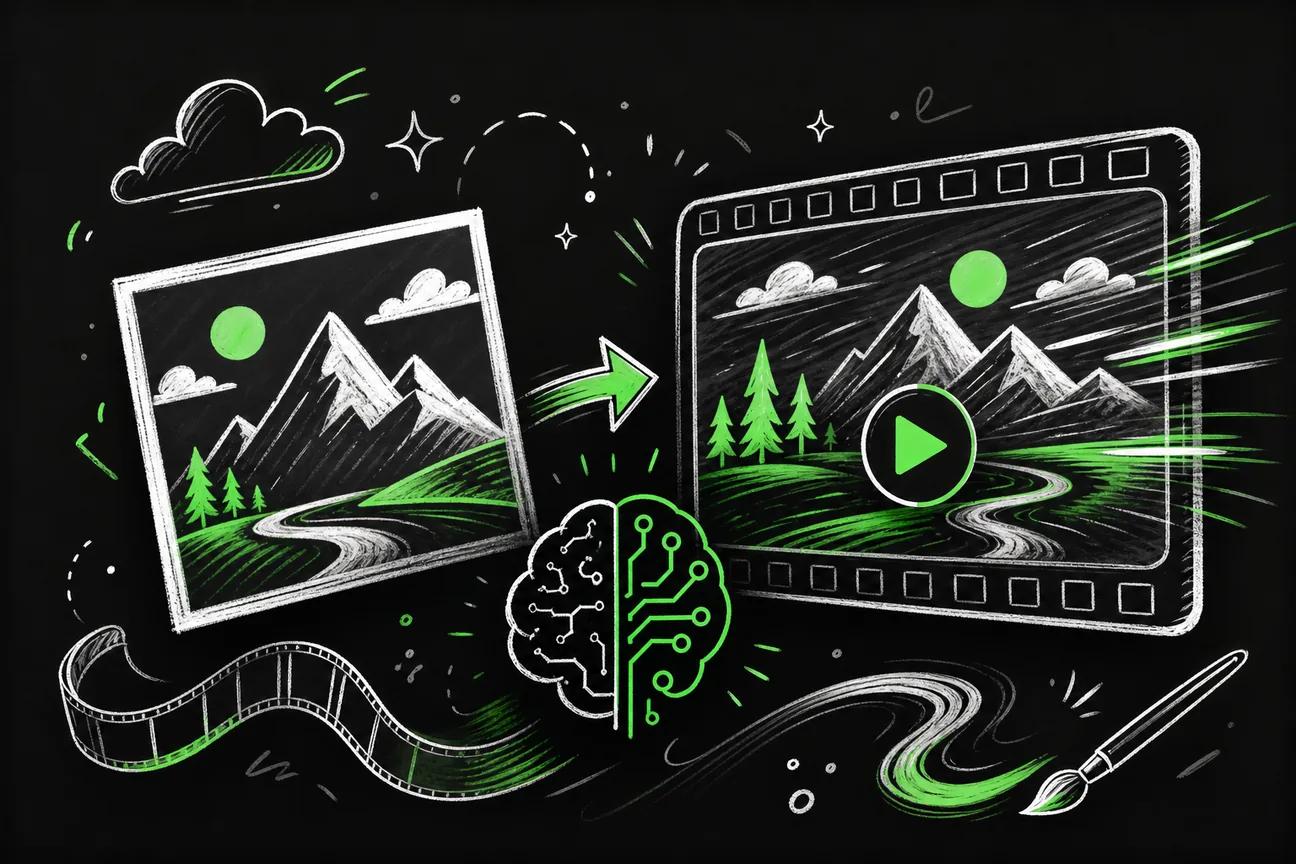
Seedance Studio is a browser-based AI video generator built on Seedance 2.0, ByteDance Seed's flagship video model. It ranked #1 for both text-to-video and image-to-video on independent benchmarks. You type a prompt or upload reference images, clips, and audio , and get back a finished video with camera direction, consistent characters, and native sound.

That last part matters more than people realize. Most AI video tools produce visuals only , you still have to layer in voiceover, music, and sound effects yourself. Seedance Studio handles all of that in a single generation. For TikTok creators who need to post before a trend dies, that time savings is the whole point.
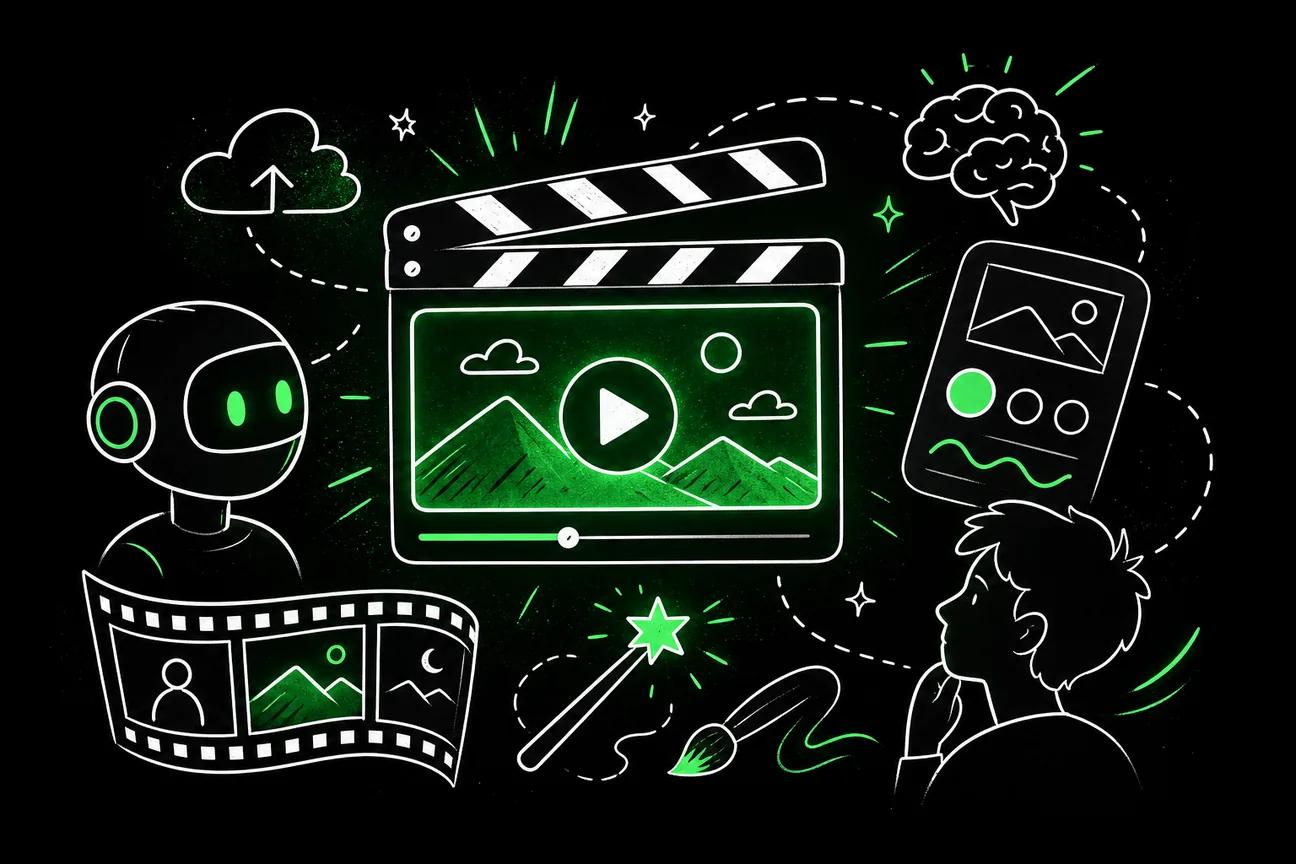
You can attach up to 12 reference inputs per generation: images, video clips, and audio tracks. Tag each one directly in your prompt and the model uses them to keep characters and scenes consistent across multiple clips. That's the feature that makes it possible to build a multi-part TikTok series without your main character looking like a different person in every clip. For a deeper look at how that works in practice, see how to use Seedance to make AI videos fast.
The model also takes camera direction literally. Write "low-angle handheld follow" and it executes that move. Write "cinematic" and you get a guess. That specificity is what separates Seedance 2.0 from most text-to-video tools, which treat camera instructions as suggestions.
Seedance Studio has a free tier with no waitlist and no download required. Paid plans start at $14/month. That's a few dollars more than the next option, but the automation gap is real , no other tool in this comparison documents anything close to the same level of finished-video output from a single prompt.
If you want to see the full output format workflow for TikTok specifically, the guide on using a free image to video generator covers aspect ratios, file sizes, and export specs in detail.
The one honest caveat: Seedance Studio doesn't publicly list which video formats it exports to. Verify that before committing to a paid plan if your workflow depends on a specific container or codec.
2. DeepAI – Versatile Creative AI Platform for TikTok Videos
DeepAI is a broad creative AI platform that covers image generation, text tools, and video capabilities under one roof. It's built for general creative use rather than short-form social specifically, but TikTok creators who want a lower entry price and a flexible toolkit will find it worth testing.

The platform's main appeal is accessibility. DeepAI has a free tier, and paid plans start at $9.99/month , the lowest starting price among the tools in this comparison. For a creator just getting into AI video who wants to experiment without a large upfront commitment, that lower floor is genuinely useful.
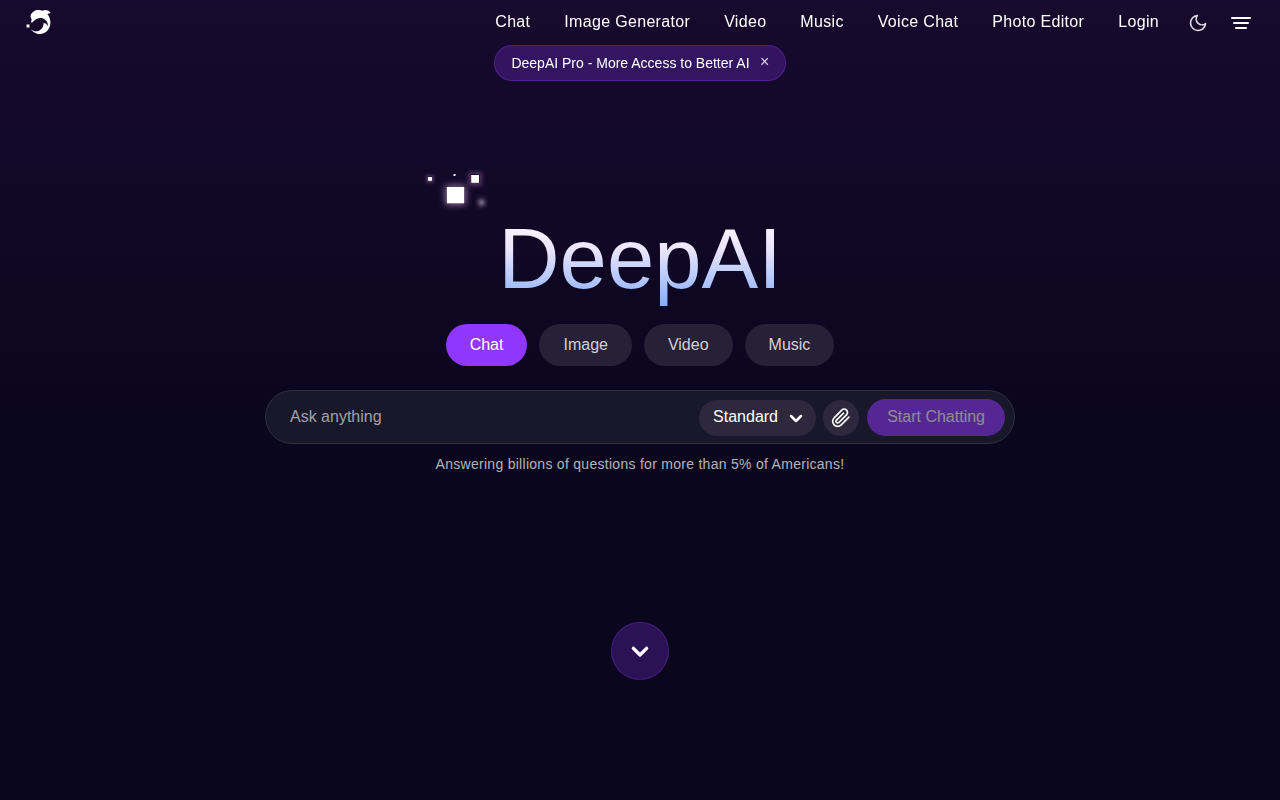
Where DeepAI differs from Seedance Studio is scope. DeepAI positions itself as an all-in-one creative AI platform built for everyone, which means it covers a lot of ground. That breadth can be an advantage if you also need image generation or text tools alongside video. But it also means the video feature isn't the platform's sole focus.
One thing worth flagging: DeepAI doesn't publicly document automation features for video generation , things like camera direction, native sound output, or multi-reference character consistency. That doesn't mean those features don't exist in some form, but they aren't listed. If those capabilities are central to your TikTok workflow, you'll need to test the platform directly before committing. The platform is designed for broad creative use, so the video toolset reflects that general-purpose approach rather than short-form social optimization.
DeepAI is a reasonable starting point for creators who want a cheap way to experiment with AI-generated content. It's less suited to creators who need polished, sound-on TikTok clips ready to post straight from the generator.
How to Choose the Right AI Video Generator for TikTok
Picking between these tools comes down to what your TikTok workflow actually needs. Here's a usable checklist to help you decide.
1. Do you need native audio in the output?
TikTok is a sound-first platform. If your tool produces silent video that you then have to score separately, you're adding a step that slows everything down. Seedance Studio generates native sound as part of the clip. If audio matters to your workflow, that's the deciding factor right there. The full breakdown of what to look for is in our guide on using an AI video generator with sound.
2. Do you need consistent characters across multiple clips?
A single TikTok is one thing. A series , or a brand account with a recurring persona , needs character consistency across every clip. Seedance Studio's multi-reference system (up to 12 inputs per generation) is built for exactly that. If you're making one-off videos, this matters less. If you're building a content library, it matters a lot.
3. What's your actual budget?
DeepAI starts at $9.99/month. Seedance Studio starts at $14/month. That $4 gap is small, but the feature gap is larger. If budget is the hard constraint, start with the free tier on both platforms and test. Both offer free access before you pay anything.
4. Do you need camera direction control?
If you want to direct shots , specific angles, movement, framing , you need a model that takes those instructions literally. Seedance 2.0 is built for this. Write the camera move explicitly and it executes it. That level of control is what separates an AI video generator from a clip-maker. For TikTok ads specifically, that control directly affects whether your hook lands in the first two seconds.
5. Verify format compatibility before you pay
Neither tool publicly lists supported export formats. TikTok requires 9:16 vertical video at 1080p minimum, and the ad manager caps uploads at 500MB. Before upgrading to a paid plan on either platform, run a test generation and confirm the output matches those specs. Getting the aspect ratio wrong means cropping later, which almost always cuts off something important.
| Feature | Seedance Studio | DeepAI |
|---|---|---|
| Starting price | $14/month | $9.99/month |
| Free tier | Yes | Yes |
| Native audio output | Yes | Not documented |
| Camera direction control | Yes | Not documented |
| Multi-reference consistency | Up to 12 inputs | Not documented |
| Best for | TikTok-ready finished clips | General creative AI work |
One broader point worth making: the tools you use for video are just one part of a creator's tech stack. Businesses managing product catalogs for online marketplaces or other e-commerce channels often find that product feed management software becomes equally important once content starts driving real sales volume , keeping product data accurate across platforms is a separate workflow from video production itself.
For creators making UGC-style ads, the prompt structure matters as much as the tool. UGC formats work because they feel authentic rather than produced , and that authenticity has to be built into the prompt itself, not just the tool. Our full walkthrough on using an AI UGC video generator covers the four-part script structure and prompt formula that makes TikTok ads actually perform.
FAQ
What is the best AI video generator for TikTok right now?
Seedance Studio is the strongest option for TikTok creators who need finished clips with native sound and camera direction from a single prompt. It runs on Seedance 2.0, which ranked #1 for text-to-video on independent benchmarks. DeepAI is a cheaper starting point for general creative experimentation, but it doesn't document the same level of short-form video automation.
Can I make TikTok videos with AI for free?
Yes. Both Seedance Studio and DeepAI offer free tiers with no credit card required upfront. Seedance Studio's free tier gives you access to the Seedance 2.0 model with no waitlist. Start there, test your first few prompts, and upgrade only once you're confident the output matches what you need for TikTok.
What video format does TikTok require?
TikTok requires 9:16 vertical video at 1080p minimum for in-feed posts. The platform caps uploads at 1GB for standard posts and 500MB for ads uploaded through the ad manager. Always verify aspect ratio before exporting , generating in the wrong ratio and cropping afterward almost always cuts off part of the frame.
How do I keep characters consistent across multiple TikTok clips?
Use a tool that supports reference inputs. Seedance Studio lets you attach up to 12 reference images, clips, and audio files per generation. Tag each reference directly in your prompt and use the exact same character description in every clip. Consistency breaks when the prompt description changes between generations, so treat your character description like a template you copy-paste every time.
Is Seedance Studio the same as seedance.ai or seedance2.ai?
No. Seedance Studio at tryseedance.ai is a separate, independent app. It uses the Seedance 2.0 model but is not affiliated with ByteDance directly. Other domains like seedance.ai are different products. If you're looking for the tool described in this article, go to tryseedance.ai specifically.
Conclusion
If you're serious about making TikTok content with AI, Seedance Studio is the clear choice , it's the only option here that outputs a finished, sound-on clip from a single prompt, with real camera direction and character consistency built in. Try Seedance Studio free and generate your first TikTok clip today.