

The best AI video generator for Instagram should do more than make a short clip. It should help you reach a finished vertical Reel without stitching together five separate tools. We compared the strongest options for creators, marketers, and social teams, with Seedance Studio at the top.
1. Seedance Studio: Our Top Pick
Seedance Studio is a browser-based AI video generator for Instagram that turns a prompt or reference files into a finished short video. It runs on Seedance 2.0, which the company describes as its flagship model for text-to-video and image-to-video work.
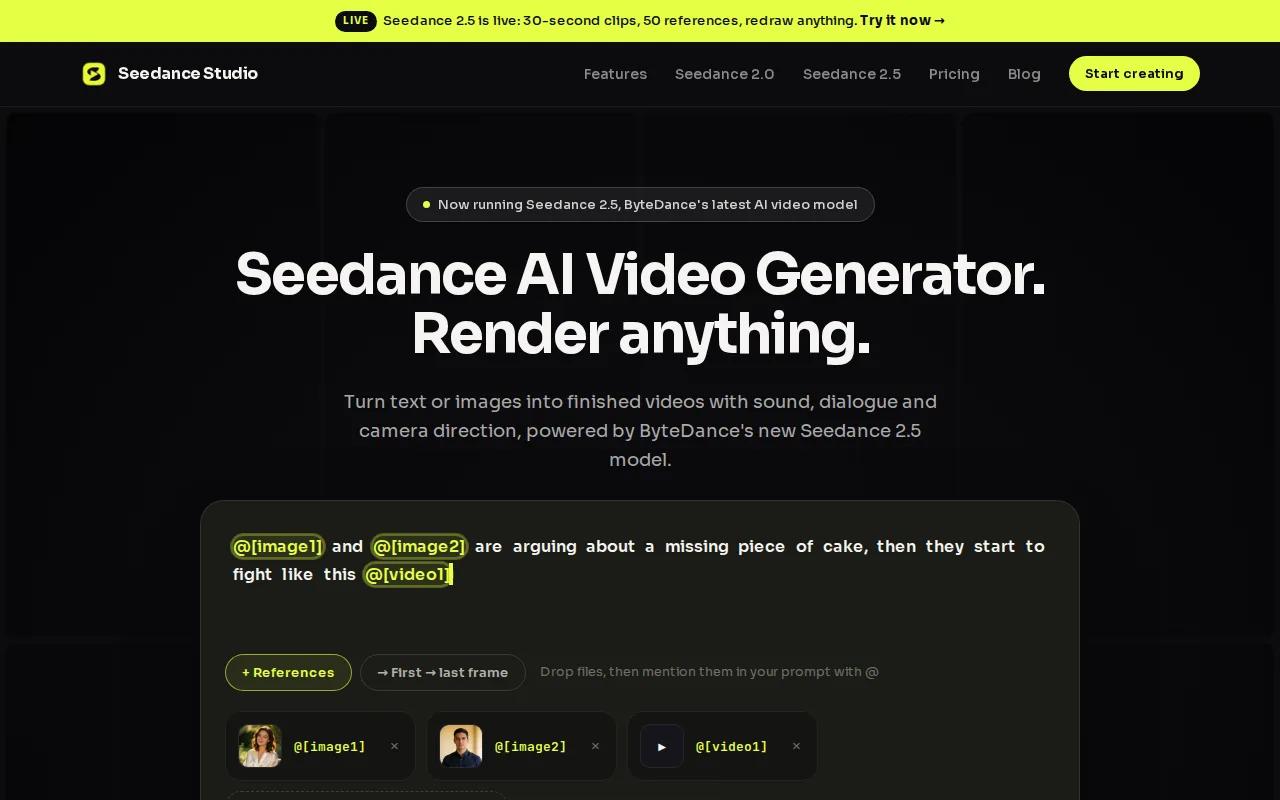
You can type a scene in plain English, upload reference images, or add clips and audio. Seedance Studio handles camera direction, character consistency, and native sound in the generation flow. That matters when you need a Reel that feels finished before you open an editor. For more help with music, voice-overs, and effects, see this guide to using an AI video generator with sound.
The workflow suits a product launch, a fast trend response, or a short visual ad. Describe the subject first. Then state the action, camera move, mood, and format. You can also use up to 12 references per generation, based on the product workflow described in Seedance Studio's own publishing materials.
Seedance Studio requires no download or waitlist. It has a free tier, while paid plans start at $14 per month. That gives you room to test the output before you build it into a daily posting routine. You can also read the team's advice on how to make AI videos for Instagram when you need prompt ideas. A separate step-by-step guide on how to make videos for Instagram Reels can help you plan the final post.
The main caveat is that a generated Reel still needs a human check. Watch for odd hand motion, unclear text, or a product detail that shifts between shots. For creators who want a one-step path from idea to upload, Seedance Studio is the clear first test.
2. Pexo: Easiest Reels from a Simple Description
Pexo is a good fit if you want to describe an Instagram Reel without learning prompt syntax. Its core workflow starts with a plain-language brief, then builds a vertical video with automatic captions.
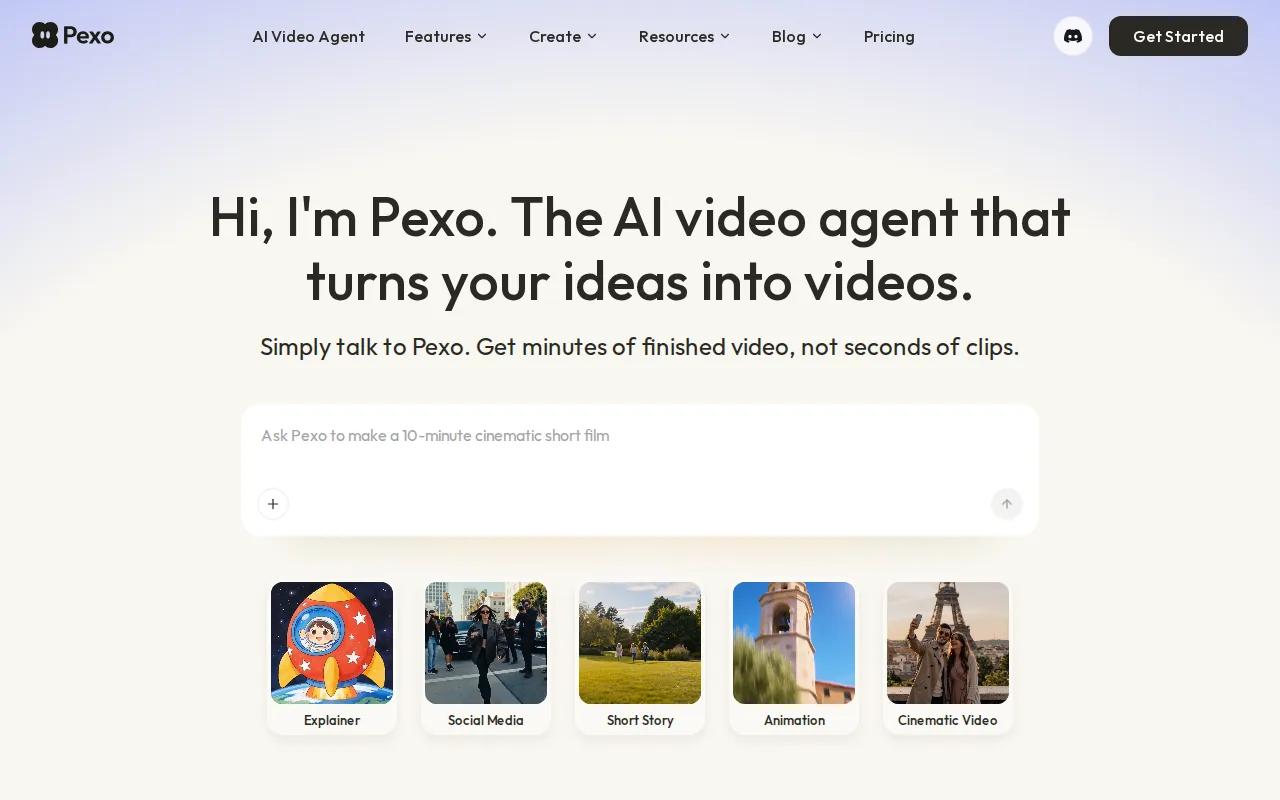
Imagine typing, “Make a 30-second skincare routine Reel with soft morning light and calm music.” Pexo is built around that kind of request. It produces a 9:16 Reel and adds captions, which removes much of the setup work for a solo creator.
Pexo works well for a social manager who needs quick drafts across several accounts. It also suits a seller who wants to turn a simple idea into a short product clip without building a timeline by hand. The free tier includes sign-up credits, so you can test the flow before paying.
The trade-off is control. Pexo is aimed at generation from a description, rather than cutting down a long video you already filmed. It also uses credits, so high-volume users need to watch how quickly those credits go. If you want to direct one exact model by hand, a single-model tool may feel better.
Choose Pexo when speed and plain language matter more than detailed control. It is especially useful for testing several hooks before you settle on one Reel.
3. InVideo AI: Best for Scripted Voiceovers
InVideo AI is the strongest choice here for scripted voiceovers over stock footage. You give it a topic or prompt, and it builds a narrated Reel around that idea.
This workflow fits faceless content. Think list videos, short lessons, news-style clips, or affiliate posts where the voice carries the message. InVideo AI can generate captions automatically, which helps when viewers watch without sound.
The key strength is the script-to-stock process. You don't need to search for every background clip yourself. The system matches narration with stock visuals, then gives you a draft that you can revise. That can save time when the Reel needs to explain an idea rather than show a specific original scene.
But stock footage has limits. If the Reel must show your exact product, store, or custom character, the visual match may feel generic. The free plan also places a watermark on exports, so serious posting may require a paid plan.
InVideo AI makes sense for creators who publish narrated content on a set schedule. It is less suited to a brand that needs a highly specific visual world in every clip.
4. Runway: Best for Cinematic Original B-Roll
Runway is a strong pick for cinematic original B-roll, especially when you want to direct the shot instead of relying on stock footage. It is best for cinematic, original B-roll clips that you assemble into a Reel.
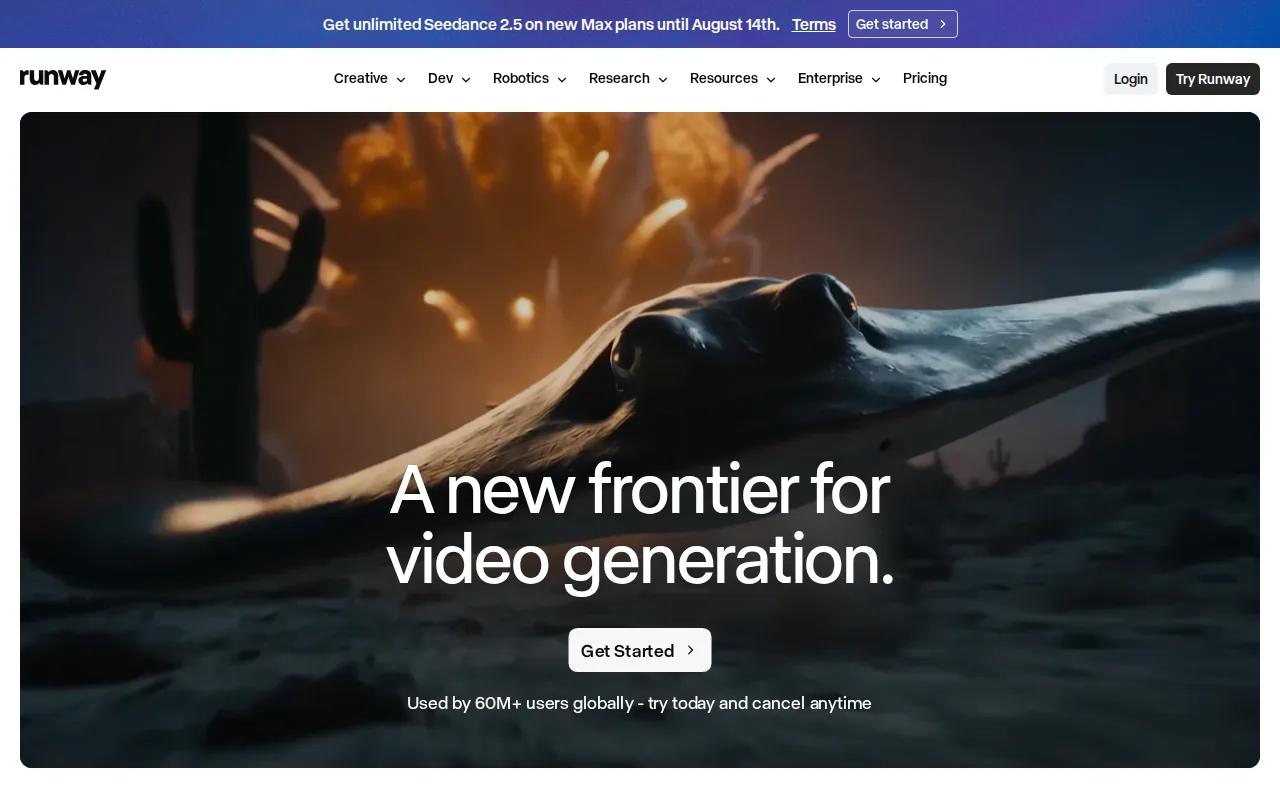
Runway is known for cinematic quality and offers one-time trial credits. It also integrates with Veo, Kling, Seedance, and FLUX.
Reference images can help keep the same character across several shots. That makes Runway useful for a short visual story, a fashion concept, or a brand Reel that needs a clear mood. Supported models can also generate dialogue or music during creation, while other clips can receive audio later.
Runway is free to start with one-time trial credits. Still, it asks for more creative input than a one-prompt Reel maker. You may need several generations before the camera move, subject, and pacing feel right.
Pick Runway when the shot itself is the point. If you only need daily captioned posts, its creative control may be more than you need.
5. Veed.io: Best for Accurate Auto-Subtitles
Veed.io is a browser video tool with a strong focus on editing and automatic subtitles. It fits creators who already have footage but want captions that are easier to fix and style.
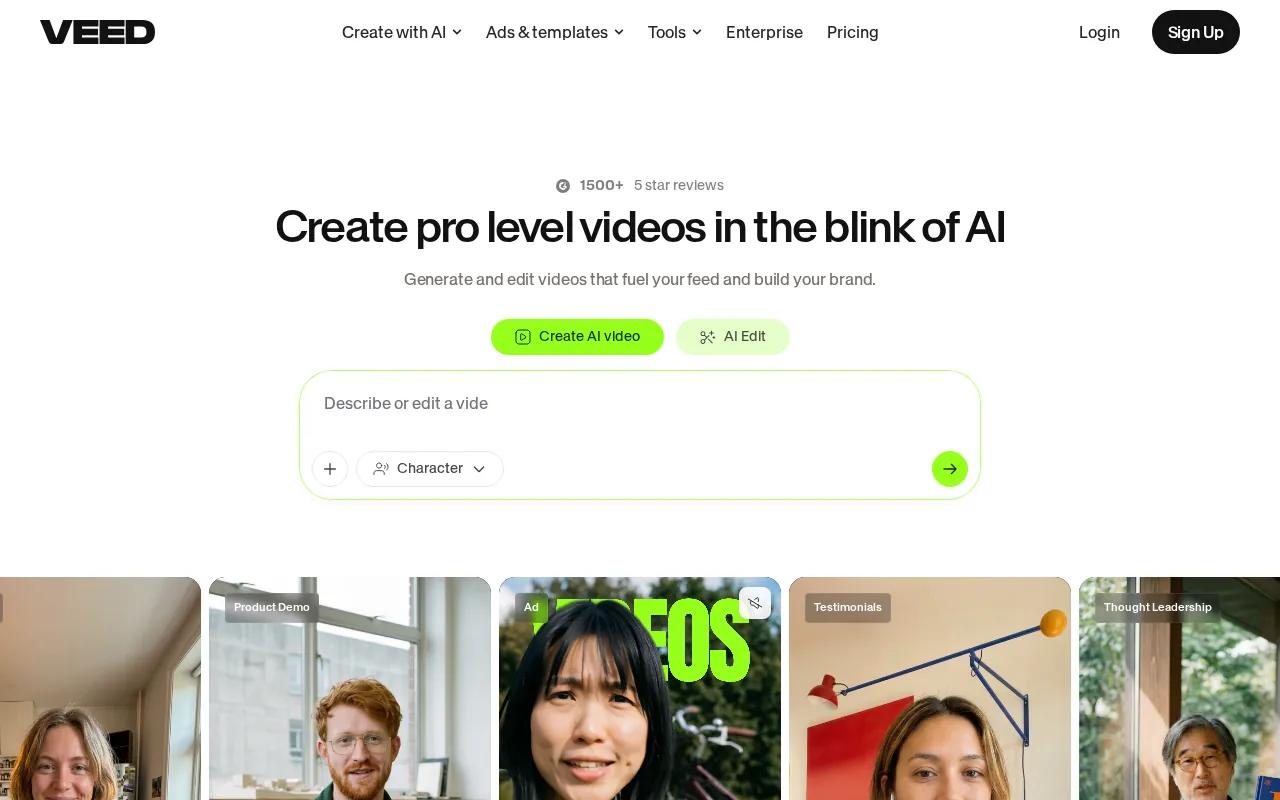
For Instagram Reels, accurate subtitles can make a spoken clip easier to follow. Veed.io generates subtitles, then lets you adjust their look and placement. That gives you more control than simply burning plain text into the bottom of a video.
Veed.io works well for interviews, talking-head clips, tutorials, and customer videos. Start with a recording, add the transcript, then check names and technical terms by hand. Automatic captions save time, but they still need a quick review before you publish.
The free plan includes a watermark. Veed.io also focuses more on the edit stage than on inventing every visual from a text prompt. If your main need is original AI scenes with native sound, Seedance Studio is a closer fit.
Choose Veed.io when the footage already exists and the final polish is the slow part. It is a smart handoff tool for teams that record first and edit later.
Best AI Video Generators for Instagram: Quick Comparison
The best AI video generator for Instagram depends on where your work slows down. Some tools make original scenes. Others write scripts, pull stock footage, or fix captions after filming.
Use this table as a fast filter. It focuses on the first job each tool handles well, rather than pretending every generator works the same way.
| Tool | Best fit | Starting point | Free access | Main trade-off |
|---|---|---|---|---|
| Seedance Studio | Finished AI Reels with sound | Text, images, clips, or audio | Yes | Review each generation before posting |
| Pexo | Plain-language Reel drafts | Simple description | Yes, sign-up credits | Credit use rises with volume |
| InVideo AI | Scripted narration | Topic or script prompt | Yes, with watermark | Stock visuals may feel generic |
| Runway | Cinematic original B-roll | Text, image, or video | Yes, trial credits | Needs more creative direction |
| Veed.io | Auto-subtitles and editing | Existing video | Yes, with watermark | Less focused on full scene generation |
Automation and free access vary across tools. Those differences make Seedance Studio's free entry point useful for creators who want to test a full generation workflow first.
Integrations are another gap. Many creators still generate in one app, add captions in another, then upload to Instagram themselves. That extra handoff is fine for a planned campaign. It feels slow when a trend may fade in two days.
For prompt-to-Reel work, start with Seedance Studio or Pexo. For narrated stock clips, try InVideo AI. For directed visual shots, use Runway. For subtitle cleanup, use Veed.io. You can also review Seedance Studio's wider AI video generator comparison when your work includes more than Instagram.
FAQ: Best AI Video Generators for Instagram
What is the best AI video generator for Instagram Reels?
Seedance Studio is the best overall starting point for Instagram Reels when you want a finished 9:16 video from a prompt or reference files. It includes camera direction, character consistency, and native sound in the generation flow. Its free tier also lets you test the workflow before you commit to a paid plan.
Can AI make Instagram Reels from text?
Yes, AI video generators can make Instagram Reels from text. Seedance Studio, Pexo, InVideo AI, and Runway all support text-led workflows, but they solve different jobs. Some build full clips, while others focus on narration, stock footage, or cinematic B-roll. Keep your prompt specific about the subject, action, camera, and vertical format.
Which AI video generator has a free tier?
Seedance Studio has a free tier, and Pexo provides sign-up credits. InVideo AI and Veed.io have free plans with watermarks, while Runway provides trial credits. Free access can change, so check the tool's current plan before you build a large batch of Reels around it.
What tool is best for adding captions to Instagram videos?
Veed.io is the best fit for accurate and customizable auto-subtitles. It works well when you already have footage and need to turn speech into readable captions. InVideo AI and Pexo can also generate captions during their Reel workflows. Always check names, product terms, and timing before export.
What format should an AI video use for Instagram Reels?
A vertical 9:16 format is the right starting point for Instagram Reels. It fills the phone screen and gives the subject more room than a horizontal clip. Set the format before generation when possible. Then watch the final export on a phone, since text near the edges may be covered by Instagram's interface.
Conclusion
Start with Seedance Studio if you want one prompt to produce a polished vertical Reel with sound, reference consistency, and no download step. Create a free account, generate two versions with different opening hooks, and watch both on your phone before posting. That small test will show you whether the workflow fits your content pace.


