Most AI video generators can handle one good-looking shot. Getting a finished, polished clip with consistent characters, native sound, and the right aspect ratio for your platform is a different problem entirely. We tested the top options right now and ranked them by what actually matters: output quality, free tier access, resolution, and how fast you can go from prompt to published. Here are the ten best AI video generators available today, and who each one is actually for.
1. Seedance Studio (Our Top Pick) , Browser-Based, No Waitlist, Free Tier Available
Seedance Studio runs on Seedance 2.0, ByteDance Seed's flagship model. You type a prompt or upload reference images, clips, and audio, and the model returns a finished video with automatic camera direction, consistent characters, and native sound already mixed in. No download, no waitlist, no invite code.
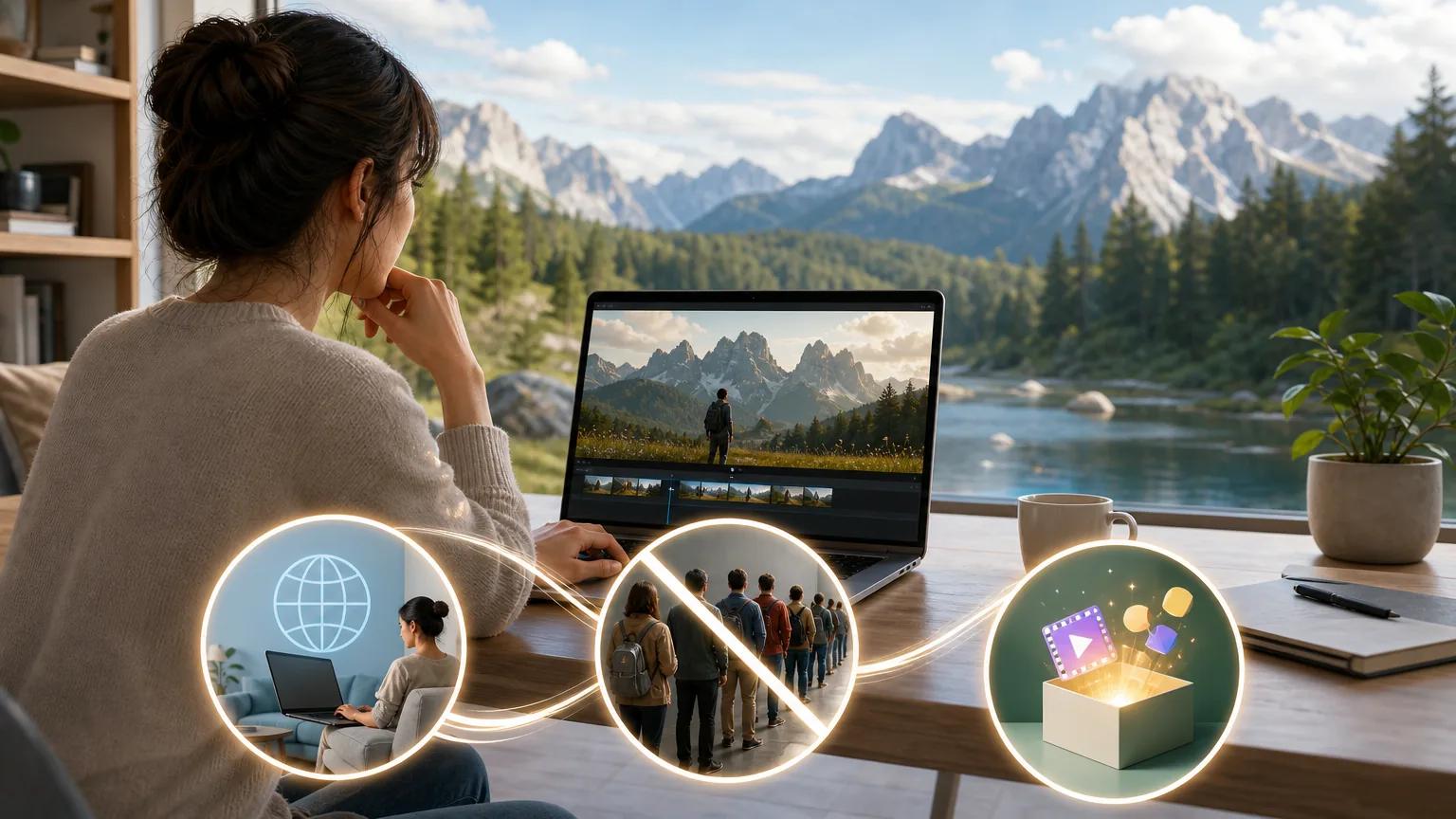
The free tier is genuinely useful. It includes text-to-video and image-to-video generation at 480p, which is enough to test ideas and iterate on prompts before committing to a paid plan. Paid plans start at $14/month and unlock 720p, 1080p, and 4K exports, watermark-free downloads, and a commercial license. You can attach up to 12 references per generation: 9 images, 3 video clips, and 3 audio tracks. That makes character and product consistency possible across a full shoot without any post-production stitching.
The biggest differentiator is the automation depth. Seedance Studio covers text-to-video, image-to-video, camera direction, and native sound generation in a single pass. Only 44% of tools in our comparison even listed their supported output formats, and 4K export appears in just three of the tools we reviewed. Seedance Studio is one of them. If you want a step-by-step walkthrough, our Seedance 2.0 tutorial covers the whole process from prompt to export.
2. Google Veo 3.1 , Best for Enterprises Needing Compliance and Scale
Google Veo 3.1 is built for teams that need more than a great video model. It integrates directly with the Gemini API, Vertex AI, Google AI Studio, Google Flow, and Google Vids, making it the obvious pick for organizations already running on Google Cloud infrastructure. Enterprise-grade SLAs, Western data residency, and Google's compliance posture mean regulated industries can use it without running a procurement gauntlet.
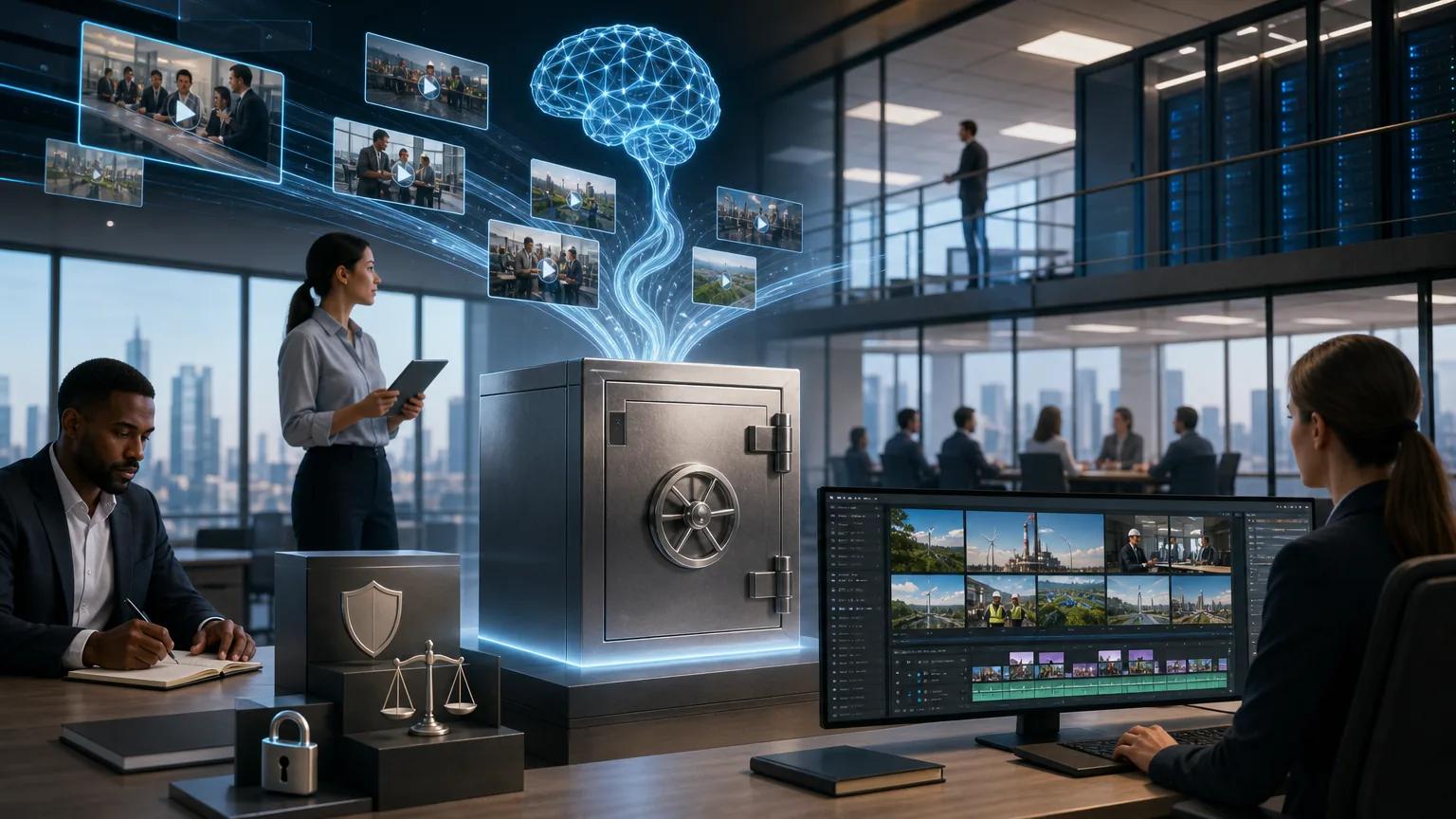
Video quality is strong, and lip sync scored near the top in head-to-head comparisons run with the same prompts across all models. Audio performance in particular stands out: in blind tests, Veo 3.1 produced the clearest voice and the most natural ambient sound, though outputs are limited to 8 seconds natively. That length constraint is the main trade-off versus tools that support up to 15-second clips. Watermarks also appear on Pro plans, requiring an Ultra subscription to remove them.
For a solo creator, Veo 3.1 is probably more than you need and less convenient than browser-first options. But for an enterprise content team shipping branded video at scale through Google's ecosystem, it's the logical anchor. Veo is available through Vertex AI for enterprise deployment with customizable safety filters and content moderation.
3. Runway Gen-4.5 , Best for Filmmakers and Motion Designers
Runway Gen-4.5 is for creators who need control, not just speed. Keyframes, motion brush, video-to-video transfers, and a Runway API give filmmakers and motion designers the tools to iterate on specific shots rather than just regenerate from scratch. The free tier includes 125 one-time credits, enough to evaluate the output quality before committing.
Gen-4.5 supports 4K output and integrates with Adobe Creative Cloud, which makes it the most natural fit for agencies already working inside professional post-production pipelines. The motion brush in particular lets you paint movement onto specific areas of a frame, a feature that shows up in very few other tools. The trade-off is cost. Runway's credit consumption runs higher than most alternatives, so high-volume social media teams may find the economics don't work at scale.
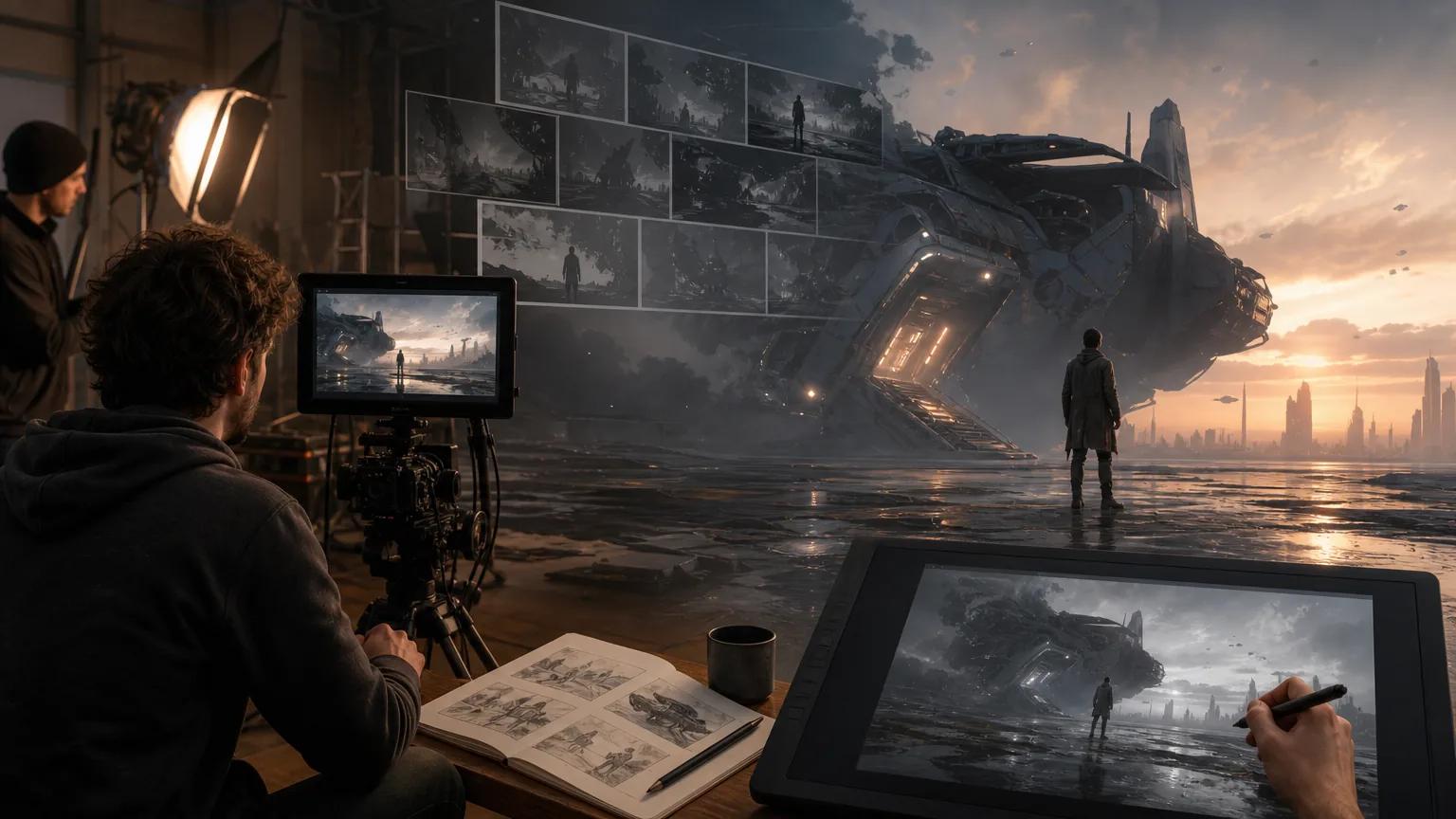
If you're building a short film, a brand commercial, or a motion graphics package, Runway Gen-4.5 earns its place. For bulk short-form content, the credit cost makes it a harder sell compared to Seedance Studio or Kling.
4. Kling 3.0 , Best Value for High-Volume Social Media Clips
Kling 3.0 is the value champion for marketing teams that need to ship a lot of clips. It supports 16:9, 9:16, and 1:1 aspect ratios natively, with 720p and 1080p resolution, native multilingual support, and photorealistic human character generation with strong lip-sync performance. In direct comparisons using identical prompts and image references, Kling 3.0 scored 9 out of 10 for physics realism, dropping only slightly behind Seedance 2.0 on shirt-removal motion.
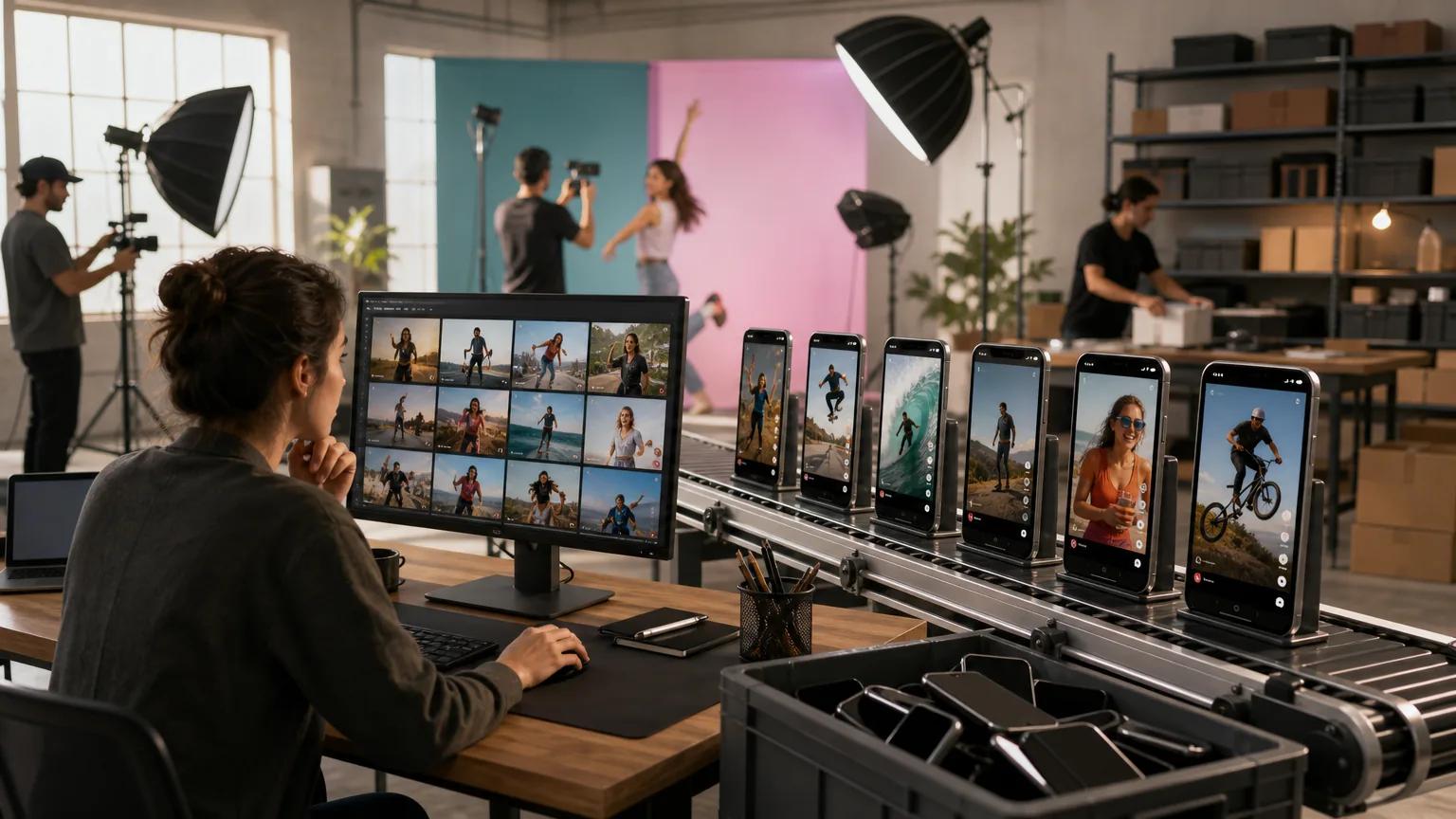
For an e-commerce team running product videos for multiple markets, the multilingual capability alone changes the production math. You can generate localized clips without separate voice recording sessions. Kling 3.0 also integrates with DeepSeek, which opens up prompt-chaining possibilities for teams building more automated content pipelines. If you're thinking about how AI workflow automation can reduce production overhead, Kling's multilingual output fits naturally into that kind of system.
The caveat: Kling's free tier is more limited than Seedance Studio's, and the interface is less beginner-friendly for creators coming from non-technical backgrounds. But for output quality at the price point, it's hard to beat for social content at volume.
5. OpenAI Sora 2 , Best for One-Off Creative Work in ChatGPT
OpenAI Sora 2 lives inside ChatGPT, which makes it convenient for one-off creative experiments rather than production pipelines. If you're already in a ChatGPT session brainstorming a campaign concept, generating a quick reference clip is two prompts away. Supported resolutions include 720p (1280×720) and 1080p (1792×1024), with native audio synchronization baked in.

The limitation is structural. Sora 2 isn't designed for high-volume output or integration into external workflows. The free tier has a 5-second, 480p cap that makes iteration slow. For production pipelines that need consistent character references, multi-shot sequences, or high-resolution export at volume, Sora 2 falls short of what Seedance Studio or Runway can do. It's best treated as a creative sandbox rather than a production tool.
If your team uses ChatGPT Enterprise and needs occasional video mockups for stakeholder presentations, Sora 2 is genuinely useful. But it's not a replacement for a dedicated AI video generator with a proper free tier and commercial licensing.
6. Luma Dream Machine (Ray 3) , Best for Prompt Adherence and Agentic Workflows
Luma Dream Machine's Ray 3 model is notable for two things: strong prompt adherence and a self-evaluating video pipeline. The model checks its own output against the prompt and corrects before returning the final clip, which means fewer surprise misses on complex scene descriptions. Native resolution is 1080p, with 720p on cheaper tiers and a 4K upscaling path available for finished work.
The free tier is available, though credit details aren't fixed. The 4K HDR output, paired with Ray 3's agentic correction loop, makes it a serious tool for concept visualization and social media content where prompt fidelity matters. Luma also runs fast enough for iterative workflows where you're testing multiple scene variations in sequence.
The honest limitation: Luma's self-correction feature is genuinely useful but also means generation times run slightly longer than simpler models. For real-time social content that needs to be live within the hour, you may prefer the speed of a tool like Pika or Seedance Studio's 2.0 Fast variant.
7. MiniMax Hailuo 2.3 , Best Budget Pick for Solo Creators and Students
MiniMax Hailuo 2.3 produces native 1080p output at 6-second clip lengths, which is enough for a TikTok hook or a product teaser. For solo creators, startups, or students who need quality output at the lowest monthly cost, it's the most accessible option on this list. The free tier is available, and lower resolutions are available for longer clips when you need more than 6 seconds.
The output quality punches above what you'd expect at this price point. The trade-off is automation depth. Hailuo 2.3 doesn't have the character consistency tools or the multi-reference system that Seedance Studio offers. You're getting strong single-shot quality, not a full content pipeline. For a student producing a portfolio piece or a solo creator testing AI video for the first time, that trade-off is reasonable.
One specific use case where it shines: short product clips for Shopify or social ads where you need clean 1080p output without a subscription commitment. Keep expectations calibrated to 6-second clips and you'll rarely be disappointed.
8. Pika , Best for Fast TikTok and Instagram Reels Content
Pika is designed around speed and attention-grabbing effects, which makes it a natural fit for TikTok and Instagram Reels creators who need to post before a trend dies. The free Basic plan includes 80 credits, and output is 1080p with a maximum 10-second clip length. The interface is straightforward enough that a creator without any video production background can generate a polished Reel in under 10 minutes.
What Pika does especially well is motion effects. The platform includes tools for quick visual punch: speed ramps, style transfers, and animated overlays that work on both text-to-video and image-to-video inputs. For a brand account that publishes daily short-form content and needs a consistent creative rhythm, Pika's speed and effect library are genuinely useful. Creators who need to understand the full scope of how AI video models generate motion and sound will find that Pika's outputs are less controllable than Seedance Studio's reference system, but faster to produce.
Where it falls short: Pika's character consistency across clips is limited. If you need the same face, product, or brand visual across five different shots, the reference system in Seedance Studio handles that more reliably. Pika is a volume tool, not a precision tool.
9. Hedra , Best All-in-One Hub for Multi-Model Access
Hedra gives creators, marketers, and teams access to multiple AI video models under one subscription, without managing separate accounts and credit pools. The free tier includes 300 credits per month, which is one of the more generous free allowances on this list. Web access and an API mean both manual and programmatic workflows are supported.
The platform's main value proposition is flexibility. If your team needs to test Seedance outputs against Kling outputs on the same prompt, or wants to run character animation alongside text-to-video generation, Hedra reduces the friction of doing that across separate subscriptions. The agentic workflow features let you chain model outputs into longer sequences without manual handoffs between tools.
The honest caveat: Hedra is a hub, not a model. The underlying output quality depends entirely on which model you've selected for a given task. Teams that already know which model they prefer will get more direct value from accessing that model natively. For teams still evaluating options or running multi-model content strategies, the consolidation is worth paying for.
10. Wan2.2 , Best for Developers Who Want Full Pipeline Control
Wan2.2 is an open-weights model from Alibaba's research team, free to download and run locally. It uses a Mixture-of-Experts (MoE) architecture that separates the denoising process across specialized models, expanding overall capacity without increasing computational cost proportionally. The official Wan2.2 repository on GitHub includes inference code, model weights, and support for ComfyUI, Hugging Face, and multi-GPU setups.
The TI2V-5B model supports 720P at 24fps and runs on consumer-grade GPUs like the RTX 4090, which makes self-hosting viable for developers who don't want usage-based pricing. For teams building custom video generation pipelines, Wan2.2 offers something no hosted tool can: full control over the inference stack, fine-tuning, and output formatting. The Wan2.2-Animate-14B variant supports character animation with full body movement and expression replication.
The trade-off is setup time. Running Wan2.2 locally requires GPU hardware, dependency management, and engineering time. For a creator or marketer who wants to post a video today, Wan2.2 is the wrong choice. For a developer building a video generation product or a research team that needs reproducible outputs at scale, it's the most capable open option available right now.
How to Pick the Right AI Video Generator for Your Needs
The right tool depends on three variables: your output volume, your technical comfort level, and your resolution requirements. Most creators producing short-form content for TikTok, Reels, or YouTube Shorts will get the most value from a browser-based tool with a free tier, strong character consistency, and native sound. That's where Seedance Studio, Kling, and Pika compete directly.
For teams at the enterprise end, the compliance infrastructure around Google Veo 3.1 and the integration flexibility of Hedra matter more than the free tier. For developers, Wan2.2's open weights and self-hosting path are the deciding factor.
A few specific questions worth answering before you choose:
- Do you need 4K output? Only three tools on this list support it: Seedance Studio, Runway Gen-4.5, and Luma Dream Machine.
- Do you need commercial rights on a free plan? Most free tiers exclude commercial use. Seedance Studio's paid plans start at $14/month and include a commercial license.
- Do you need consistent characters across shots? Multi-reference systems matter here. Seedance Studio supports up to 12 references per generation, including image, video, and audio references together.
- Do you need multilingual output? Kling 3.0's native multilingual support is the clearest option for global marketing teams.
The Seedance Studio pricing page shows the full breakdown of what's included at each tier, which makes it easy to compare against the free-tier limits of other tools before committing to anything.
Side-by-Side Comparison: Top AI Video Generators at a Glance
This table focuses on the decisions that actually matter when choosing between tools: free tier access, max resolution, and the use case where each tool is strongest.
| Tool | Free Tier | Max Resolution | Best For | Commercial License |
|---|---|---|---|---|
| Seedance Studio | Yes (no waitlist) | 4K | Creators, marketers, social teams | Yes (paid plans) |
| Google Veo 3.1 | — | 1080p (native) | Enterprise, regulated industries | Enterprise terms |
| Runway Gen-4.5 | 125 one-time credits | 4K | Filmmakers, motion designers | Yes (paid plans) |
| Kling 3.0 | Limited | 1080p | High-volume social clips | Yes (paid plans) |
| OpenAI Sora 2 | 480p, 5-second cap | 1080p | One-off creative work in ChatGPT | Per OpenAI terms |
| Luma Dream Machine (Ray 3) | Yes | 4K (upscaled) | Prompt adherence, agentic workflows | Yes (paid plans) |
| MiniMax Hailuo 2.3 | Yes | 1080p (6s clips) | Solo creators, students | Check terms |
| Pika | 80 credits | 1080p | TikTok and Reels speed content | Yes (paid plans) |
| Hedra | 300 credits/month | Varies by model | Multi-model access, teams | Yes (paid plans) |
| Wan2.2 | Free (self-hosted) | 720p (24fps) | Developers, custom pipelines | Open weights license |
The gap between free-tier offerings is wider than most comparisons show. Seedance Studio's free tier is described in our research as genuinely unlimited for the core feature set at 480p, while OpenAI Sora 2 caps the free experience at 5 seconds and 480p. Hedra's 300 monthly credits is the most generous structured free tier on the list. For a more detailed breakdown of the Seedance 2.0 model's capabilities, the Seedance model guide covers what's changed across versions and what to expect from the current release.
Developers who need programmatic access to video generation can also connect directly via API. Seedance Studio's Seedance API runs the same Seedance 2.0 model as the studio, accepting text prompts, image references, video references, and audio in a single REST call, returning a finished MP4 with sound. That's the same output quality as the browser interface, driven from your own code. Video generation models in production today represent some of the most computationally intensive applications of diffusion-based generation, which is why API access and credit efficiency matter more as you scale output.
Frequently Asked Questions
What is the best free AI video generator right now?
Seedance Studio has the most capable free tier right now, with no waitlist, no download, and access to text-to-video and image-to-video generation at 480p. It's the only free option that also includes automatic camera direction and native sound in the same generation pass. Hedra offers 300 free credits per month if you want multi-model flexibility without paying upfront.
Which AI video generator produces the best 4K output?
Three tools currently support 4K: Seedance Studio, Runway Gen-4.5, and Luma Dream Machine (Ray 3). Seedance Studio and Runway support native 4K on paid plans. Luma's 4K is an upscaling path from native 1080p. For the combination of 4K access and a usable free tier to test first, Seedance Studio is the clearest choice.
Can I use AI video generators for commercial projects?
Most tools require a paid plan for commercial licensing. Seedance Studio's paid plans start at $14/month and include a commercial license. Runway and Pika also offer commercial rights on paid tiers. OpenAI Sora operates under ChatGPT's standard terms. Wan2.2 is open-weights, so commercial use is subject to the model's specific license terms, which should be reviewed before publishing commercially.
Which AI video generator is best for TikTok and Instagram Reels?
Pika is purpose-built for short-form social content with fast generation and attention-grabbing effects. Kling 3.0 is a strong alternative for teams posting at higher volume, with native 9:16 aspect ratio and multilingual support. Seedance Studio also handles 9:16 natively and gives you character consistency across a series of clips, which Pika doesn't match as reliably.
Do I need a GPU or software to use these AI video generators?
For every tool on this list except Wan2.2, no. Seedance Studio, Kling, Runway, Pika, Luma, Hedra, Hailuo, and Sora all run in the browser or through a web app. You need a device and an internet connection. Only Wan2.2 requires local GPU hardware (minimum 24GB VRAM for the 5B model) for self-hosted use.
How do AI video generators handle character consistency across multiple clips?
Character consistency is one of the hardest problems in AI video. Seedance Studio handles it best through its multi-reference system: you can attach up to 9 image references per generation and tag them in your prompt, locking the character's appearance across different shots. Most other tools rely on prompt descriptions alone, which produces more variation between clips. For a production that requires the same face in every scene, reference-driven generation is essential.
Conclusion
For most creators and marketing teams, Seedance Studio is the clearest starting point: no waitlist, a real free tier, and the deepest automation feature set of any tool on this list. Type a prompt, upload a reference image, and you have a 4K-capable clip with native sound ready to post. Create a free account at Seedance Studio and make your first video today.