
Most AI video tools promise one-click ads. Very few actually handle the full workflow. After reviewing 36 platforms, only a handful can take you from raw idea to a publish-ready ad without a separate editing pass. Here are the six best AI video generators for advertising right now, and who each one is actually for.
1. Seedance Studio (Our Top Pick) — Browser-based, no waitlist
Seedance Studio runs on Seedance 2.0, ByteDance Seed's flagship model, which sits at the top of independent video generation benchmarks for both text-to-video and image-to-video quality. You type a prompt, upload a product photo or reference clip, and get back a finished video with camera direction, consistent characters, and audio already mixed in. No download. No waitlist. Free to start.
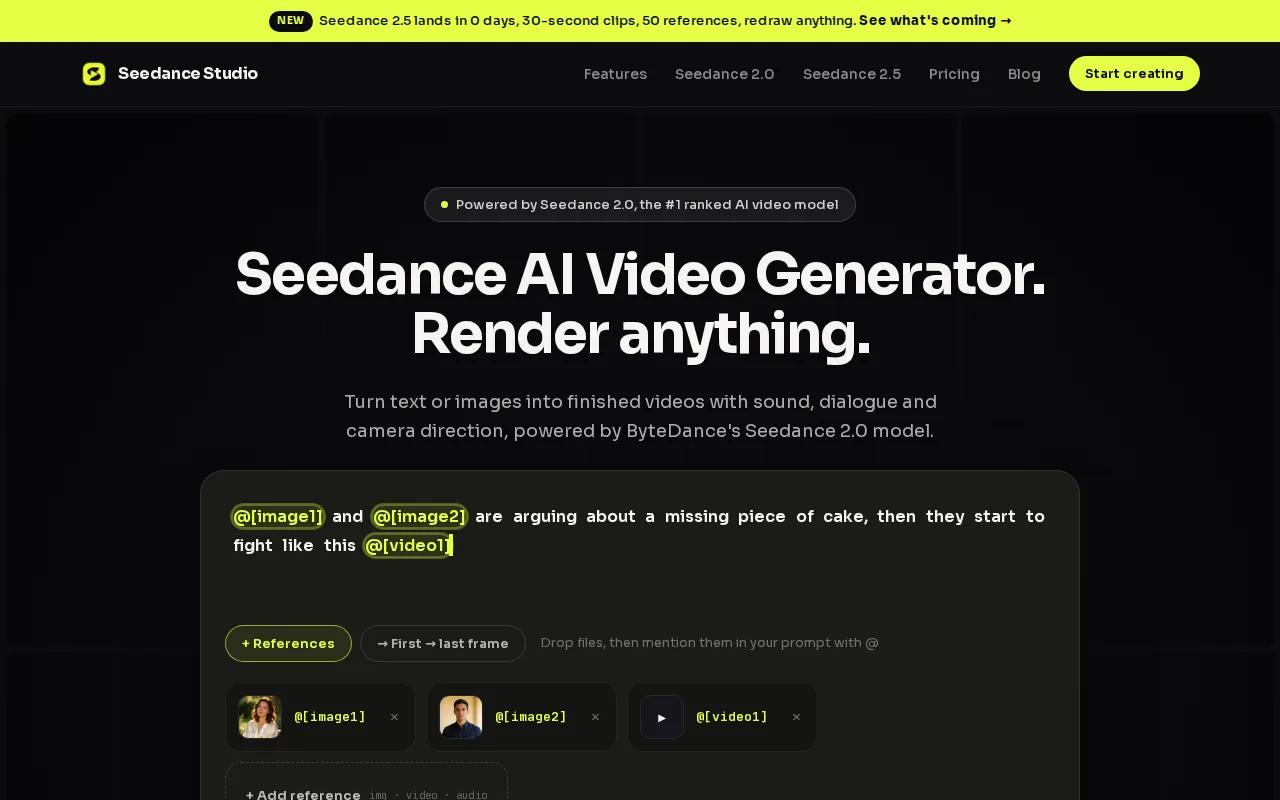
For advertisers, the key capability is multi-reference input. You can attach up to 12 assets per generation , product images, a reference video showing the camera style you want, an audio track for beat-sync , and tag each one in your prompt using a simple @ mention. The model understands real cinematography language, so you can call for a Hitchcock zoom or a tracking shot in plain English and it delivers.
We built Seedance Studio specifically for content creators and marketers who need short, high-quality clips for TikTok, Reels, and YouTube Shorts. The free tier needs no credit card. Paid plans start at $14/month and unlock 1080p and 4K exports with a commercial license. If you want to make video ads that actually convert, this is the fastest path from idea to finished asset.
The one honest caveat: Seedance Studio is a video generator, not a full ad-platform suite. You won't find built-in A/B testing dashboards or native ad-network publishing here. You generate the asset, then deploy it wherever you run ads.
2. AdCreate — URL-to-video workflow for brand assets
AdCreate is built around one specific workflow: paste a product URL and get a finished ad. The platform pulls your product details, writes a conversion-optimized script using frameworks like AIDA and PAS, and renders a video in under 60 seconds. That end-to-end automation in a single input is rare. Across 36 tools surveyed, only about 5% bundled URL-to-video, image-to-video, and talking-avatar generation in one place.
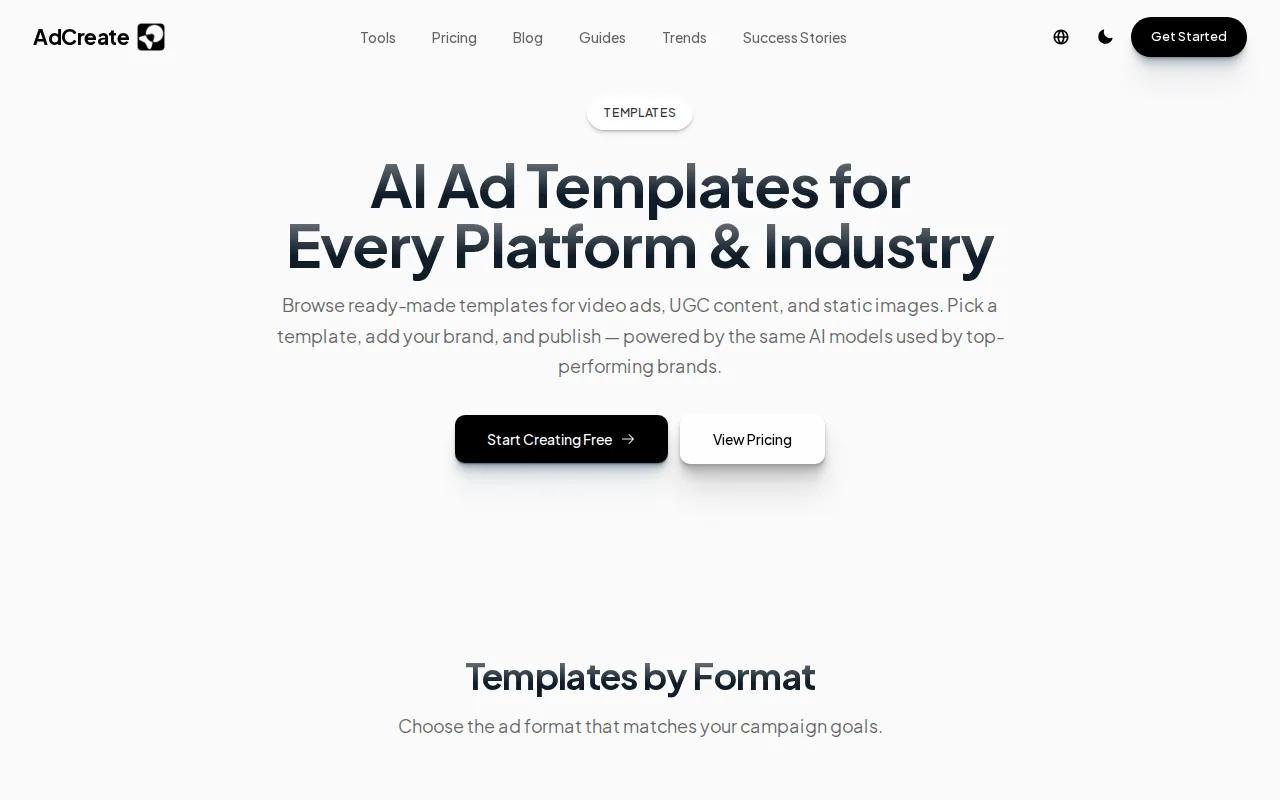
AdCreate is powered by Google Veo 3.1 and OpenAI Sora 2, so you can pick the model that fits the job: photorealistic product shots or more stylized storytelling. The avatar library has 100+ AI spokespersons, supports 40+ languages with lip sync, and every output comes in 9:16, 16:9, and 1:1 so you're not reformatting manually for each platform.
The free tier gives you 50 credits with no credit card required, which covers roughly 5 to 10 complete video ads depending on complexity. That's a real free tier, not a watermarked demo. For e-commerce teams running frequent split tests across Facebook and TikTok, AdCreate's template system and built-in copy frameworks save a lot of brief-writing time.
Where it falls short: the URL extraction works best with clean product pages. If your landing page is heavy on JavaScript or has thin copy, the AI has less to work with and you'll need to fill in the brief manually.
3. HeyFish.ai — Dual-person dialogue avatars
HeyFish.ai is the only platform that offers dual-person dialogue avatars as a standard feature. You write a two-person script, pick two AI actors from a library of 1,500+ digital humans, and the platform generates a natural back-and-forth conversation , complete with accurate lip sync across 70+ languages. Arcads, MakeUGC, and Creatify don't offer this.
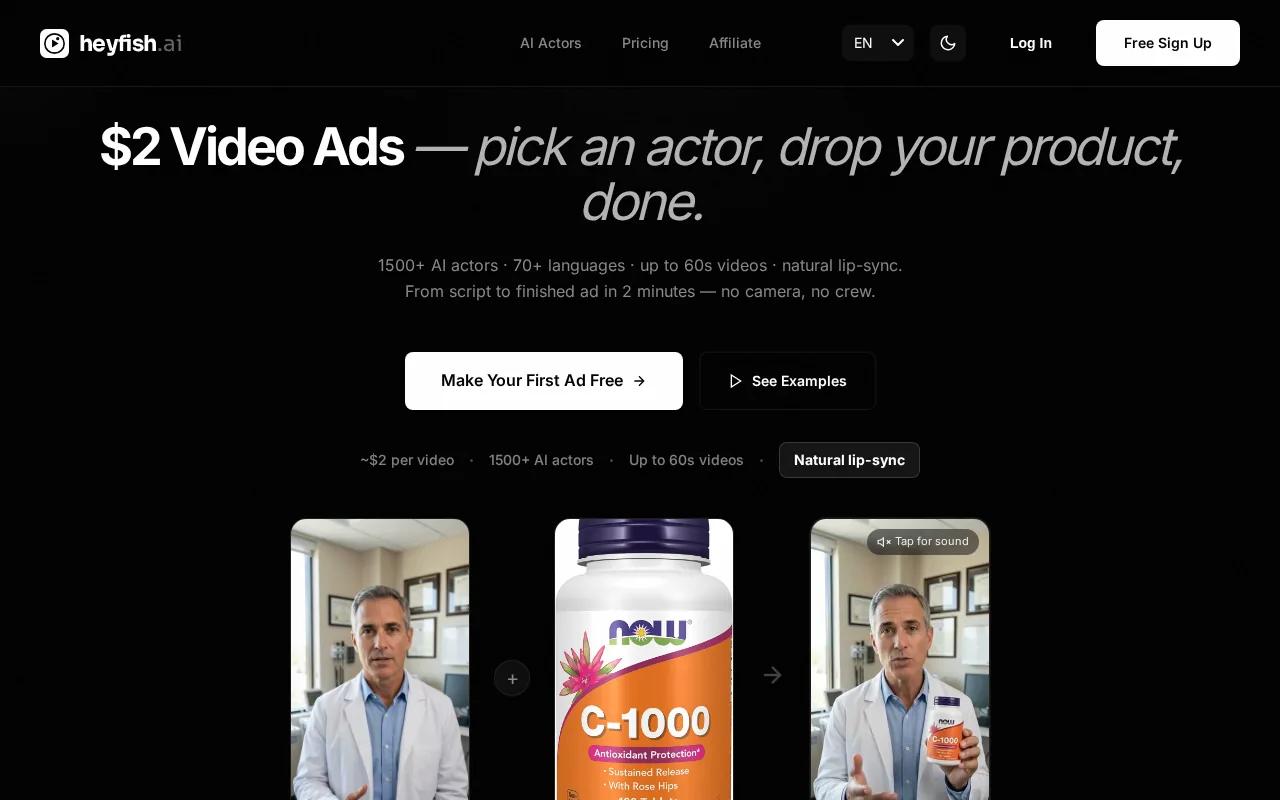
For advertisers running UGC-style testimonial ads, that matters. A two-person conversation format mimics the kind of organic content that performs well on TikTok and Reels. You also get AI actors that can hold and interact with a physical product through image-to-avatar technology: upload a product photo and the actor will hold it naturally on screen.
Voice cloning needs just 30 seconds of reference audio, and the cloned voice carries across all supported languages. So if your brand spokesperson records one English clip, you can generate that same voice in French or Japanese without a separate recording session. Plans start at $24.99/month for the Starter tier, which works out to roughly $2 per video , far cheaper than Arcads at around $110 per video.
One limitation worth knowing: HeyFish.ai is optimized for avatar-led UGC ads. If you need cinematic product visuals or scene-based storytelling without a presenter, you'll want to pair it with a different generator.
4. Runway — Cinematic 4K AI video for hero ads
Runway is the right tool when visual quality is the whole point. Its Gen-4 models produce 4K output with cinematic detail that holds up in brand films and high-production hero ads. If you're running a campaign where the creative itself needs to look expensive, Runway is the clearest option on this list for that job.
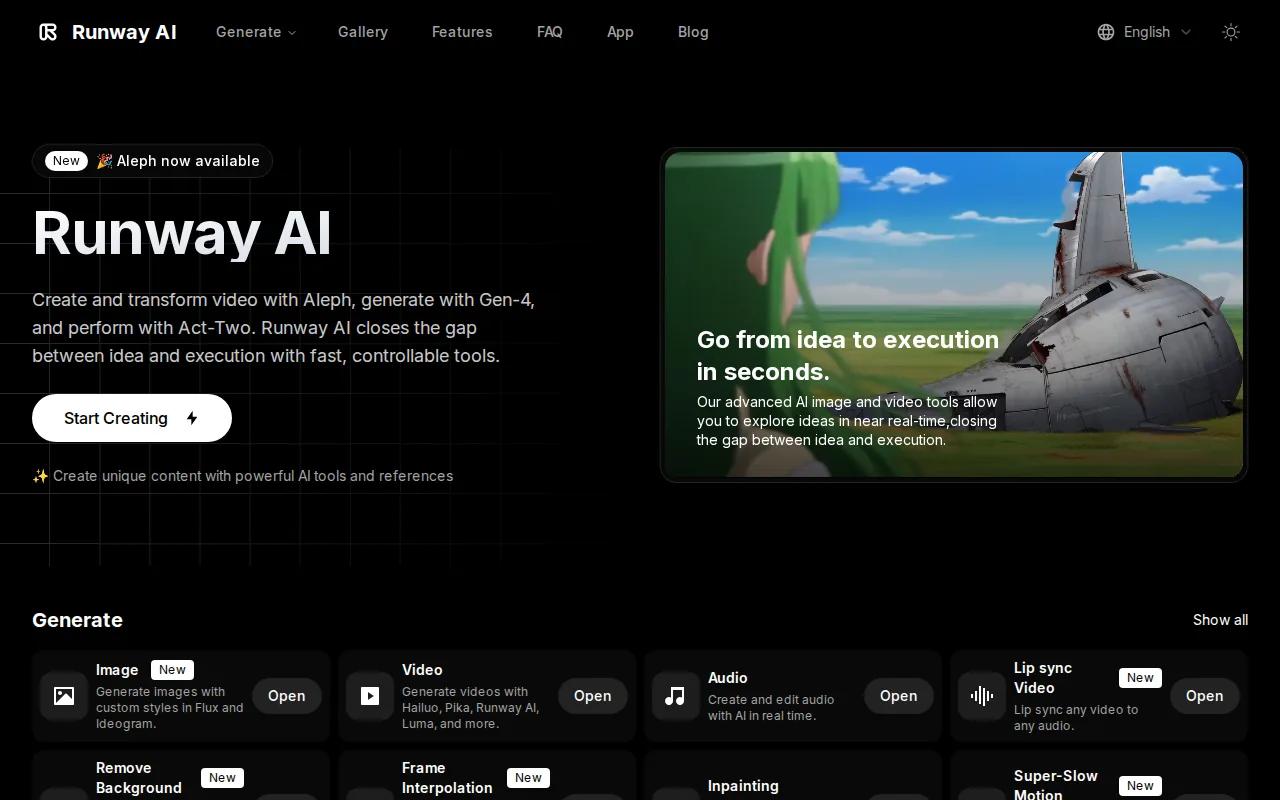
Pricing starts at $9.90/month on a promotional plan, which gives you access to 125 free credits with watermarks on the free tier. The caveat is that Runway is a creative tool, not an ad-specific platform. There are no built-in ad templates, no copywriting frameworks, and no URL-to-video workflow. You need to know how to write an effective prompt to get usable results. That's a real skill gap for marketers who aren't used to thinking like directors.
Runway sits at the top of leaderboard rankings for cinematic detail. For a cinematic AI video generation workflow, it's worth the learning curve if your brand demands that level of polish. But for teams producing high-volume ad variations on a weekly basis, the lack of ad-specific tooling makes it slower than AdCreate or Seedance Studio.
5. ngram — Free tier, multi-ratio output for product marketers
ngram is built for teams that produce ads on a regular schedule and can't afford to look generic. You feed it a prompt, a URL, a PDF, a deck, or a screen recording , and it plans a full script and storyboard before any rendering starts. That planning step is editable, so you can adjust the message before you burn credits on a render.
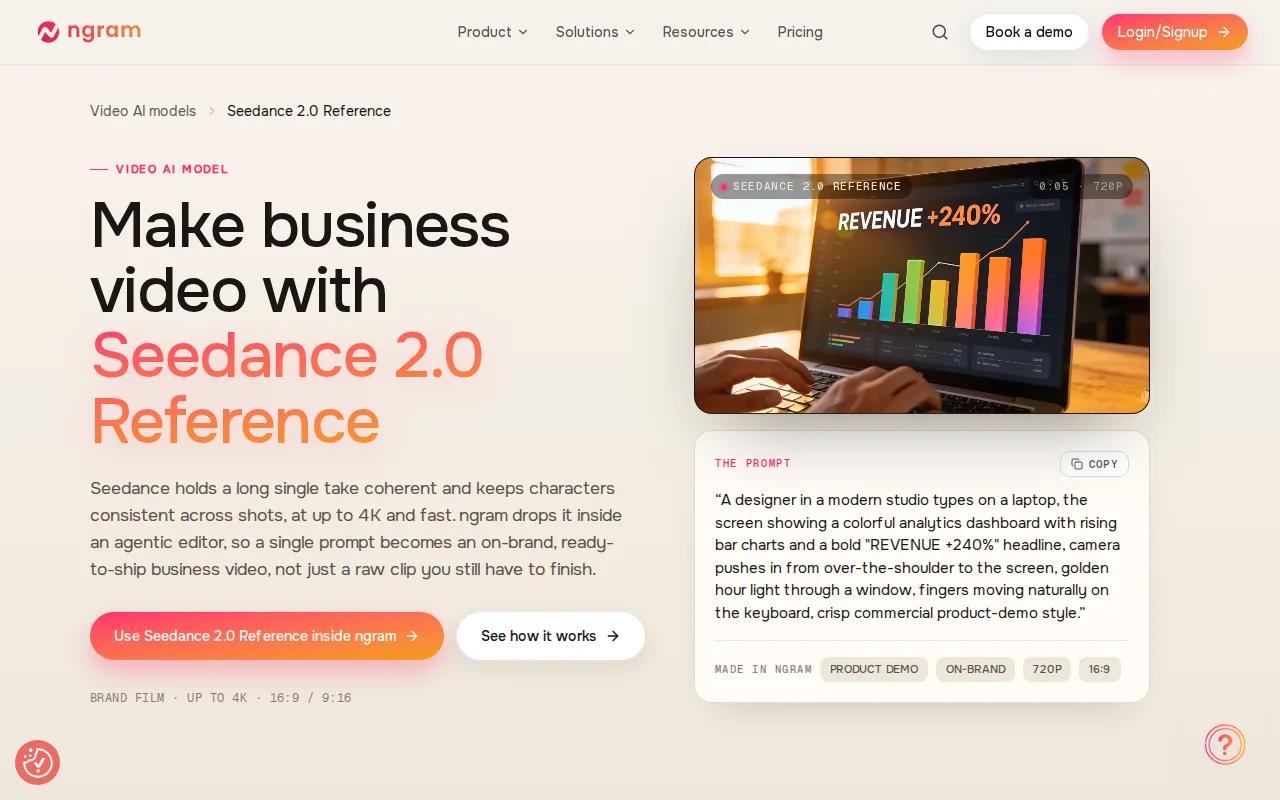
The output comes in 9:16, 1:1, and 16:9 in the same pass, which cuts reformatting time significantly. ngram also applies brand direction automatically: logos, fonts, color treatment, and approved phrasing carry into every generated video without manual setup on each project. A free tier is available, making it accessible for smaller teams who want to test the workflow before committing.
According to ngram's own documentation, the platform is designed for product marketers, growth teams, and marketing managers who already have the source material and need a planned, branded video the same day. That positioning is accurate. If your input is a brief and a brand kit, ngram moves fast. If you're starting from scratch with no existing assets, the blank-prompt experience is less guided than AdCreate's template system.
ngram's strength is message-led video. It's less suited for pure cinematic product visuals or avatar-driven UGC content.
6. Synthesia — Strong for corporate training, usable for ads
Synthesia is one of the most recognized names in AI video, and its official platform genuinely earns that reputation for corporate training and internal communications. It supports 160+ languages, integrates with learning management systems, and has passed compliance audits at 90% of the Fortune 100. The Starter plan runs at $22/month.
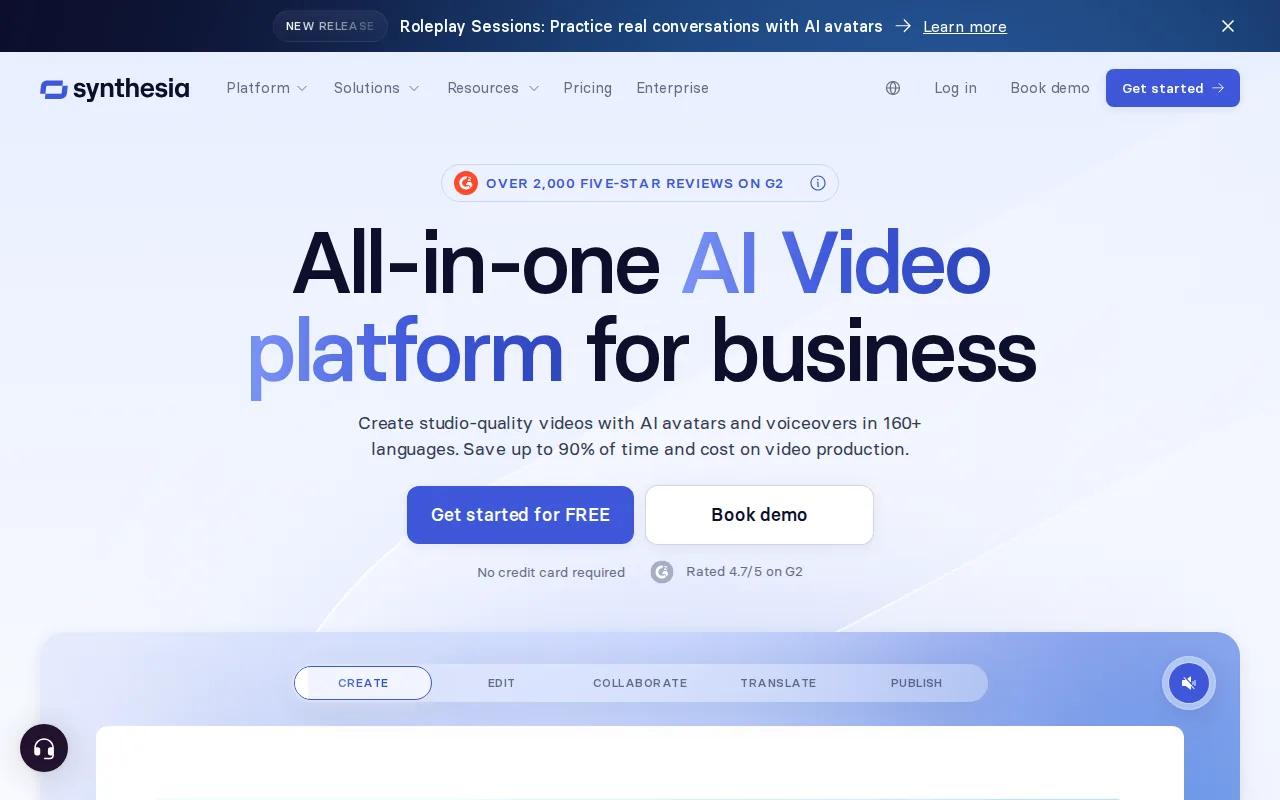
For advertising specifically, it's usable but not purpose-built. You get AI avatars, a solid script-to-video workflow, and brand customization. The free plan gives you 10 minutes of video per month with 9 stock avatars, which is enough to test the format. But the avatar library and ad-template depth don't match what HeyFish.ai or AdCreate offer for paid ad production.
Where Synthesia makes sense for advertisers is in the overlap between internal content and external-facing video. If your team is already using it for training materials and you want to repurpose that workflow for simple product explainers or spokesperson ads, the learning curve is zero. For teams whose primary goal is high-volume ad creative, though, it's not the first tool we'd reach for. The platform's real depth is in education and corporate video, and that focus shows in the feature set.
Comparison Table
| Tool | Best For | Free Tier | Starting Price | Key Limitation |
|---|---|---|---|---|
| Seedance Studio | High-quality short-form ads, multi-reference generation | Yes, no card needed | $14/month | No built-in ad-platform publishing |
| AdCreate | E-commerce teams, URL-to-ad automation | Yes, 50 credits | Pricing varies | Needs a clean product page to extract well |
| HeyFish.ai | UGC testimonial ads, dual-person dialogue | $1 trial (3 days) | $24.99/month | Avatar-focused; weak on cinematic scene work |
| Runway | Hero ads, brand films, cinematic quality | Yes, 125 credits (watermarked) | $9.90/month | No ad templates or copywriting tools |
| ngram | Product marketers, branded multi-ratio output | Yes | Pricing varies | Less guided without existing source material |
| Synthesia | Corporate video teams repurposing for ads | Yes, 10 min/month | $22/month | Not purpose-built for ad creative |
How to Choose the Right AI Video Generator for Your Ad Workflow
Start with your output format. If you need 9:16 vertical clips for TikTok and Reels, every tool on this list supports it , but Seedance Studio and AdCreate have the most direct path to a publish-ready vertical ad. If you need all three ratios in one pass, ngram handles that automatically.
Then think about your creative input. Do you have a product URL and want the AI to write the script? AdCreate. Do you have reference images and want cinematic motion with consistent characters? Seedance Studio. Do you need a two-person conversation format for UGC-style ads? HeyFish.ai is the only real option.
Budget matters too, but not in the obvious direction. The research shows a clear pricing paradox: some of the highest-capability platforms still offer genuine free tiers (Seedance Studio, AdCreate), while several cheaper-looking tools have no free access at all. Test the free tier before you pay. If you want to understand the full range of AI video generators for ads before committing, that comparison goes deeper on features and pricing.
For teams producing five or more ads per week, a credit-based free tier runs out fast. That's when a paid plan at $14 to $25/month makes more sense than burning free credits on drafts.
FAQ
What is the best AI video generator for advertising?
Seedance Studio is our top pick for most advertisers. It runs on Seedance 2.0, ByteDance Seed's #1-ranked video model, and handles text-to-video and image-to-video with native audio in one pass. The free tier needs no credit card. For teams that need a URL-to-ad workflow, AdCreate is the strongest alternative. For avatar-driven UGC ads, HeyFish.ai is the most capable option at the lowest per-video cost.
Can I use AI-generated video for paid ads on TikTok and Meta?
Yes. Most tools on this list include commercial licensing on paid plans. HeyFish.ai includes commercial rights on all plans with no watermarks. Seedance Studio's paid plans include a commercial license starting at $14/month. Always check the specific plan terms before running paid media , some free tiers include watermarks or restrict commercial use.
Do any AI video generators connect directly to Google Ads or TikTok?
Very few. Across 36 tools surveyed, only 5 listed native ad-network integrations, and all five included TikTok. Google Veo 3 is the only tool integrated directly with Google Ads Asset Studio. Most AI video generators produce the asset and you upload it manually to your ad platform. That's the norm, not the exception , plan your workflow accordingly.
How long does it take to generate an AI video ad?
Most platforms deliver a finished clip in under 5 minutes for standard generations. AdCreate claims under 60 seconds for template-based ads. HeyFish.ai notes that dual-person avatar videos may take slightly longer. Seedance Studio's generation time depends on resolution and clip length , lower-resolution drafts render faster, so iterate at 720p and render your final at 1080p or 4K.
What aspect ratios do AI video ad generators support?
9:16 is the default on almost every platform and the right format for TikTok, Instagram Reels, and YouTube Shorts. AdCreate, HeyFish.ai, and ngram all support 9:16, 16:9, and 1:1 in the same tool. Seedance Studio supports 9:16, 16:9, 1:1, and additional ratios including 21:9 and 4:3. Aspect-ratio transparency is poor across the industry , 78% of tools surveyed don't publish their supported formats, so always test before committing to a plan.
Is there a free AI video generator I can use for advertising without a watermark?
Yes. Seedance Studio's free tier has no watermark and no credit card requirement. AdCreate's 50-credit free tier also has no watermark, which is a real advantage for professional use. HeyFish.ai offers a $1 three-day trial with full access and no watermarks. Runway's free credits do include a watermark, making it better for testing prompts than for publishing live ads.
Conclusion
If you're starting today, try Seedance Studio's free plan, no card, no waitlist, and the model behind it leads independent benchmarks for video quality. For teams with a specific URL-to-ad need, AdCreate is worth testing in parallel. The right tool depends on your creative input and output format, not on headline pricing. Pick the one that fits your actual workflow, generate a few test clips, and ship something before the trend moves on. If you want a step-by-step walkthrough of the full production process, the guide on how to use an AI commercial generator covers prompt writing through final export.


