
Most video ads get skipped in three seconds. The ones that don't all share the same structure: a clear audience, a specific goal, and a CTA that tells viewers exactly what to do next. This guide walks you through each step so your next ad actually earns clicks.
Step 1: Define Your Audience and Campaign Goals
Before you open any tool, write down who you're talking to. Not just "people who like fitness" , get specific. Age range, platform they use most, and the one problem your product solves for them. The more tightly you define this person, the better every creative decision that follows will be.
Once you have the person in mind, set a single campaign goal. Are you driving website clicks? Building awareness? Getting sign-ups? Your goal changes everything from video length to your CTA copy. Trying to hit two goals at once usually means you hit neither.
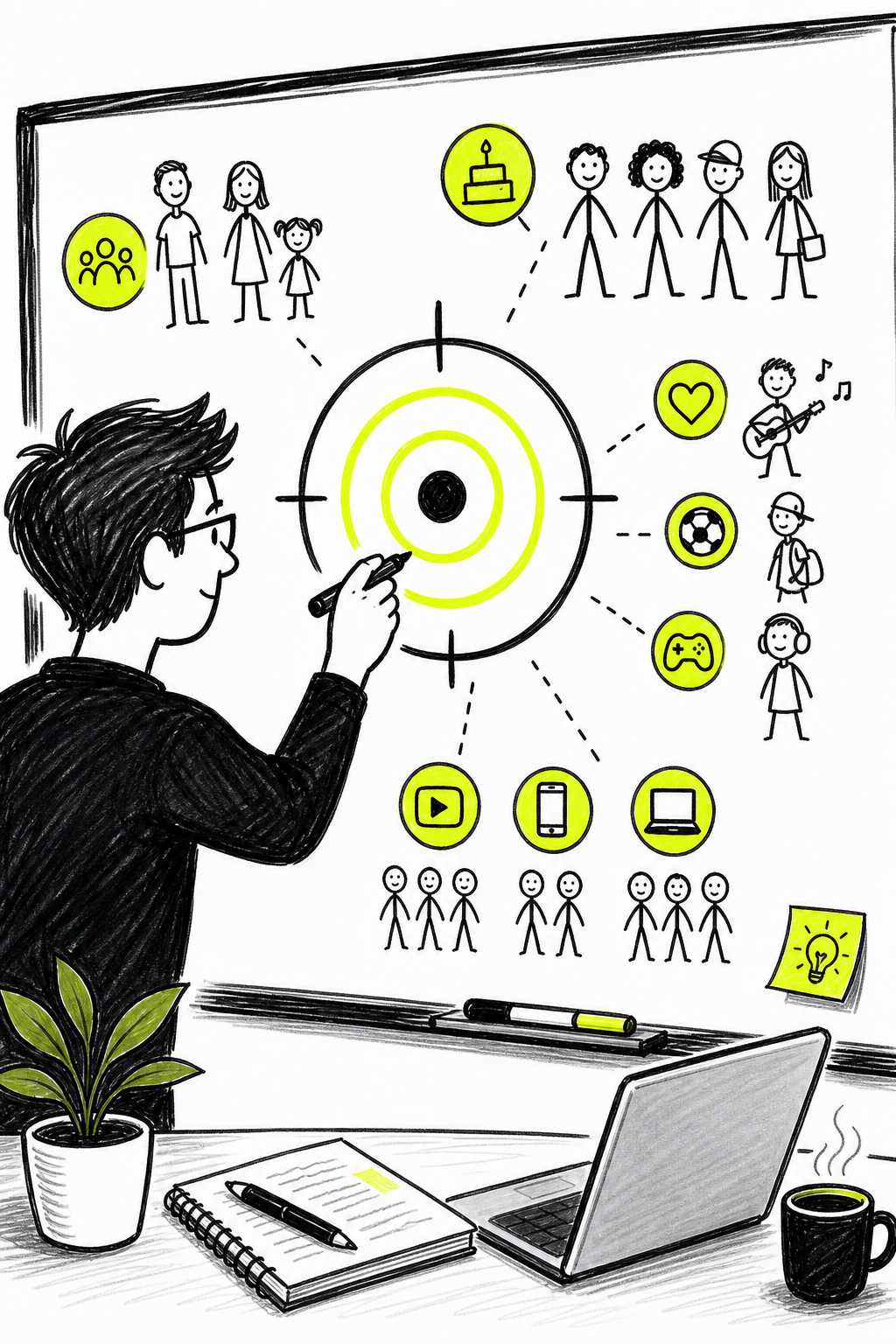
Platform choice follows naturally from your audience. Younger viewers are on TikTok and Reels. B2B buyers are on LinkedIn. YouTube suits pre-roll for almost every demographic. Each platform also has distinct targeting methods , you can layer demographics, interests, and content placements to narrow who sees your ad. The tighter the targeting, the less you waste on viewers who'll never buy.
One usable move: write a one-sentence audience statement before you do anything else. Something like, "I'm selling to women 28, 40 who run small businesses and need a faster way to make content." That sentence will guide your tone, your visuals, and the problem you put on screen in the first three seconds.
Step 2: Plan Your Storyboard and Gather Assets
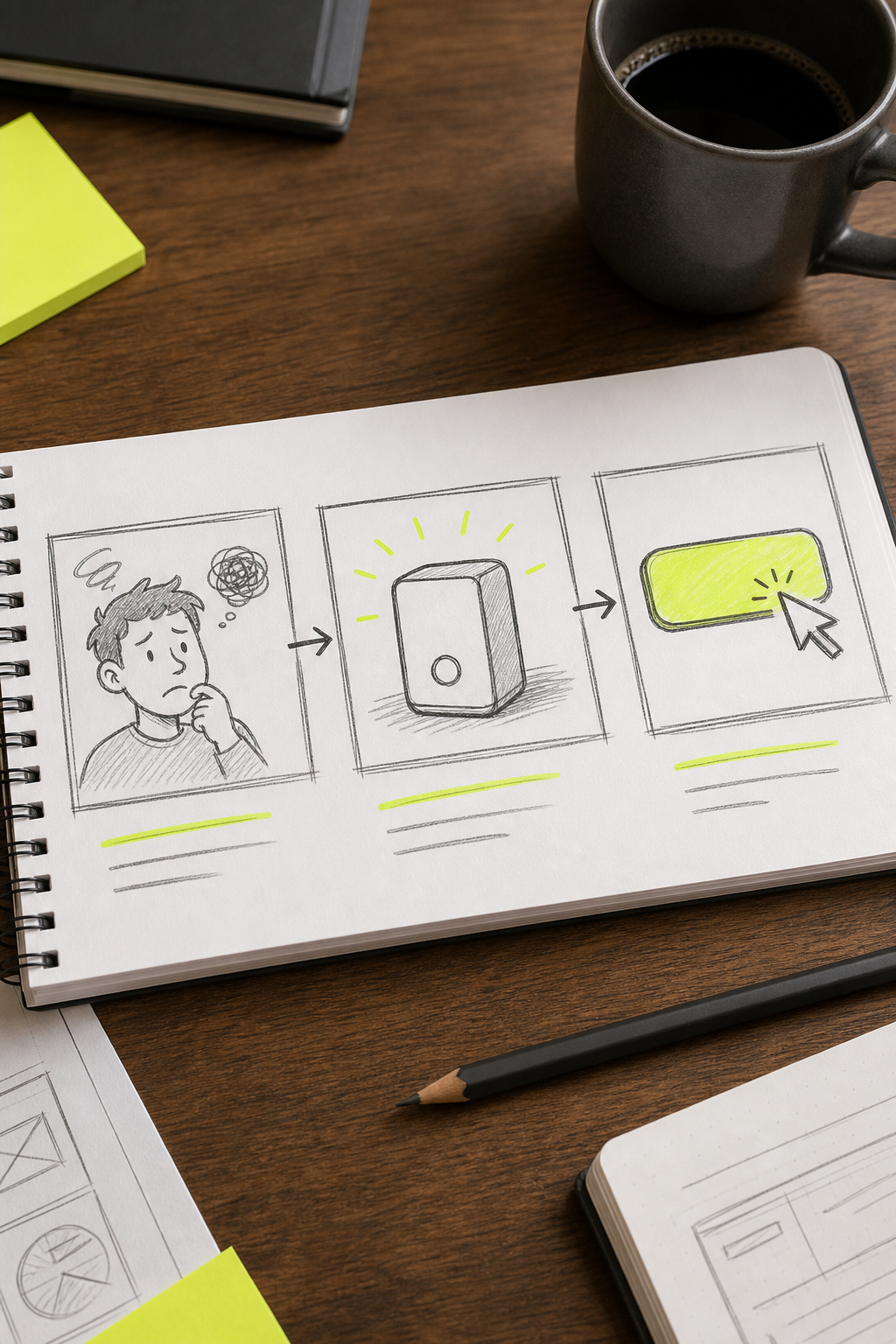
You don't need a full screenplay. A storyboard for a 15-second ad is just three to five boxes on paper , one box per scene , with a note about what happens visually and what's being said. This forces you to think about the story before you touch any software.
A basic structure that works for almost every short ad: open with the problem (or a pattern interrupt), show the solution in action, then close with a CTA. Three scenes. Done. The mistake most beginners make is spending too long on the product and not enough time on the viewer's problem. People don't buy products; they buy relief from a specific pain.
Gathering assets before you generate or record saves enormous time. Assets are any media used in production: footage clips, still images, audio tracks, and brand files like logos and fonts. Pull all of these into one folder before you start. If you're using stock footage, check the license , not all "free" clips allow commercial use. Royalty-free music libraries exist specifically for ad makers, so use those rather than pulling a song you like from Spotify.
If you're making a product ad, photograph the product from multiple angles in good light. If you're making a service ad, gather any real customer visuals you have permission to use. And if you have nothing yet, that's fine , AI video generators can produce scenes from a text prompt alone. Keep all your raw assets in one folder and label them clearly. You'll reference them repeatedly.
Step 3: Create Your Video Ad with an AI Video Generator
This is where the actual video gets made. AI video generators have changed what's possible for solo creators and small marketing teams , you no longer need a camera crew, actors, or a studio to produce something that looks professional.
We recommend using an AI video ad maker like Seedance Studio. It runs entirely in your browser , no download, no waitlist , and it's built on Seedance 2.0, currently ranked number one for both text-to-video and image-to-video. Type a prompt, or upload reference images, existing clips, and audio, and it returns a finished video with automatic camera direction, consistent characters, and native sound already mixed in. Free to start, with paid plans from $14/month.
The prompt is the most important thing you write. Think like a director, not a copywriter. Instead of "show my product," write something like: "Close-up dolly shot of a skincare serum on a marble counter, warm morning light, steam rising from a coffee cup in the background." Name the camera move, the lighting, and the mood. Seedance Studio understands plain cinematography language and returns shots that match it.
For platform-specific specs, TikTok ads require 1080×1920 resolution, a maximum of 15 seconds, and no more than 44 text characters on screen. Set your aspect ratio to 9:16 for TikTok, Reels, and YouTube Shorts. Use 16:9 for YouTube pre-roll. Match the format to the platform before you generate , cropping after the fact rarely works as well as generating at the right ratio from the start.
If you want a consistent character across multiple scenes, upload a reference photo and tag it in your prompt. Seedance Studio lets you attach up to 12 references per generation , images, video clips, and audio tracks , so you can anchor a character's look across every shot in a campaign. Generate at a lower resolution first to check the framing, then regenerate at 1080p or 4K for your final export. You can on how to use Seedance 2.0 in five steps.
Step 4: Edit, Brand, and Keep It Short
Brevity wins. The research-backed sweet spot for TikTok and Reels is 5, 15 seconds. For YouTube and Facebook, 20, 30 seconds. Every second you add is another second the viewer can hit skip. If you can say it in 10 seconds, don't say it in 20.
Once your raw clip is generated or recorded, bring it into a video editor to trim, add branding, and layer in text. Your brand elements , logo, brand color, and any signature font , should appear consistently but not overwhelm the frame. A small logo in the corner and your brand color used in text overlays is usually enough. For creators managing their comfort during long editing sessions, a supportive chair makes a real difference , an ergonomic desk chair is worth looking at if you're spending hours at a desk.
On-screen text matters more than most people expect. A significant portion of users watch social media video with sound off. Captions and text overlays keep them engaged even in silence. Most AI video tools can generate captions automatically from the voiceover transcript , use that feature. Keep text under 44 characters on screen at any one moment if you're targeting TikTok.
Watch your final cut on a phone before you call it done. What looks sharp on a desktop monitor often looks washed out or too dark on a mobile screen. Check that the key message is visible in the first three seconds and that your CTA is readable at the end. If anything looks off, fix it before you upload , most platforms re-compress your video on upload, so starting with the highest quality file you have gives you a buffer against that loss.
For a deeper guide on building UGC-style ads that feel native on social platforms, the piece on how to use an AI UGC video generator covers the specific workflow step by step.
Step 5: Add a Strong Call-to-Action
Your CTA is the only thing that converts a viewer into a customer. It has to be specific, visible, and placed at the right moment , usually the last two to three seconds of the ad.
Vague CTAs kill conversions. "Learn more" asks the viewer to do extra thinking. "Shop the sale , ends Sunday" tells them exactly what to do and why to do it now. The more specific the instruction, the better the click rate. Match the CTA to your campaign goal: if your goal is sign-ups, say "Start your free trial." If it's sales, say "Get 20% off today." If it's app downloads, say "Download free on the App Store."
Urgency helps, but it has to be real. A countdown that resets every day trains viewers to ignore it. A genuine deadline , a sale that ends, a limited batch, a real event , gives the CTA teeth. If you don't have a real deadline, use social proof instead: a line like "Join thousands of creators" works because it implies you'd be missing something others already have.
Place the CTA both on screen as text and in the voiceover. Reading and hearing it simultaneously reinforces the instruction. For mobile, make sure the text is large enough to read without zooming , small CTAs get missed. If your ad platform supports an overlay button (TikTok, YouTube, Meta all do), use it. The button gives viewers a tap target they don't have to hunt for.
One more thing: keep the landing page consistent with the ad. If your ad says "Get 20% off hoodies," the page they land on should show hoodies with 20% off , not your homepage. Mismatched landing pages are where conversion rates die after a strong CTA.
Step 6: Publish and Track Performance
Publishing is the easy part. Tracking is where most people drop off , and it's where the money is. Once your ad is live, the numbers tell you exactly what to fix next.
The core metrics to watch are view rate, click-through rate (CTR), and completion rate. View rate is the primary indicator of how compelling your ad is , a high view rate means viewers chose to keep watching rather than skip. CTR tells you whether your CTA landed. Completion rate (the percentage of viewers who watched to the end) tells you whether the middle of your ad is holding attention. If you see a steep drop at the five-second mark on an in-stream ad, that's the skip button. If there's a drop at ten seconds, something in the story broke engagement there.
Once your initial ad has run for a few days, build variations. Change one thing per variant , the opening hook, the CTA phrasing, or the aspect ratio. Run them side by side. This is A/B testing, and it's how you stop guessing. When you have a winner, pause the losers and put more budget behind the version that performs.
For anyone publishing across multiple platforms, video SEO matters too. Optimizing your video metadata , title, description, and captions , affects discoverability on both social feeds and search. If you're also thinking about mobile reach,this guide on mobile SEO for small businessesexplains how mobile-first indexing affects visibility in 2026 and what to do about it.
Set a review cadence , check metrics at 24 hours, 72 hours, and one week. At 24 hours you're catching any platform compliance issues (TikTok's review window can take up to 24 hours and may suspend an ad during that time, so check the status before scaling spend). Most ad platforms break these down by ad, so you can see exactly which creative is carrying the spend. At one week you have enough data to make real optimization decisions. If a video is consistently underperforming on view rate, the problem is usually the first three seconds. Reshoot or regenerate just the hook and test again.
If you want to go deeper on creating AI-generated clips specifically built for social sound, the guide on using an AI video generator with sound covers music, voiceover, and sound effect layering in detail.
FAQ
How long should a video ad be?
For TikTok and Reels, 5, 15 seconds is ideal. For YouTube pre-roll, 15, 30 seconds works well if your hook is strong. Facebook and Instagram feed ads perform best under 30 seconds. The general rule: if you can make your point in less time, do it. Every extra second is another chance for the viewer to scroll past.
Do I need a camera to create video ads?
No. AI video generators let you produce professional-quality clips entirely from text prompts or still images. Tools like Seedance Studio generate video with camera direction, consistent characters, and native audio from a typed prompt alone. You can produce a complete ad without recording a single second of live footage.
What makes a video ad actually convert?
The first three seconds decide whether anyone watches. After that, the ad needs to show the viewer's problem, connect it to your solution, and close with a specific CTA. Ads that focus on what the viewer gets , rather than what the product does , convert better. Keep the message to one clear idea per ad.
How do I know if my video ad is working?
Watch view rate, CTR, and completion rate. View rate tells you whether people chose to keep watching. CTR tells you whether your CTA motivated action. Completion rate reveals where in the video you're losing people. Most major ad platforms break these down by ad, so you can see exactly which creative is carrying the spend and which isn't.
Can I run A/B tests on video ads without a big budget?
Yes. Run two versions of the same ad with one variable changed , different hooks, different CTA copy, or different aspect ratios. Set a small daily budget for each, wait three to seven days for meaningful data, then pause the loser. Most ad platforms have built-in split-testing tools. Small tests run repeatedly beat large bets on a single untested creative.
What's the best platform to run video ads on?
It depends on where your audience spends time. TikTok and Instagram Reels reach younger consumers at relatively low cost per view. YouTube suits longer consideration-stage ads and pre-roll. LinkedIn works for B2B. Start on one platform, get your baseline metrics right, then expand. Spreading budget too thin across platforms before you have a winning creative is a common early mistake.
Wrapping Up
The steps above are the same ones working ads follow, whether the budget is $50 or $5,000. Define the person you're talking to, plan three scenes on paper, generate your footage, keep it short, put a specific CTA at the end, and let the data tell you what to improve. If you want to skip the camera setup entirely, create a free Seedance Studio account and generate your first clip today , no download, no card required.


