
Most AI video tools shout "4K" in their headlines. But out of 44 generators we surveyed, only 6 actually produce native 4K , the rest upscale from 720p or 1080p and hope you don't zoom in. Here are the 10 best options right now, starting with the one that delivers true 4K on a free tier.
1. Seedance Studio (Our Top Pick) — browser-based 4K AI video with no waitlist
Seedance Studio runs on Seedance 2.0, ByteDance's flagship video model, and it's the only tool in this comparison that pairs genuine native 4K output with a free tier and a clear $14/month starting price. No waitlist. No download. Open a browser tab and generate.
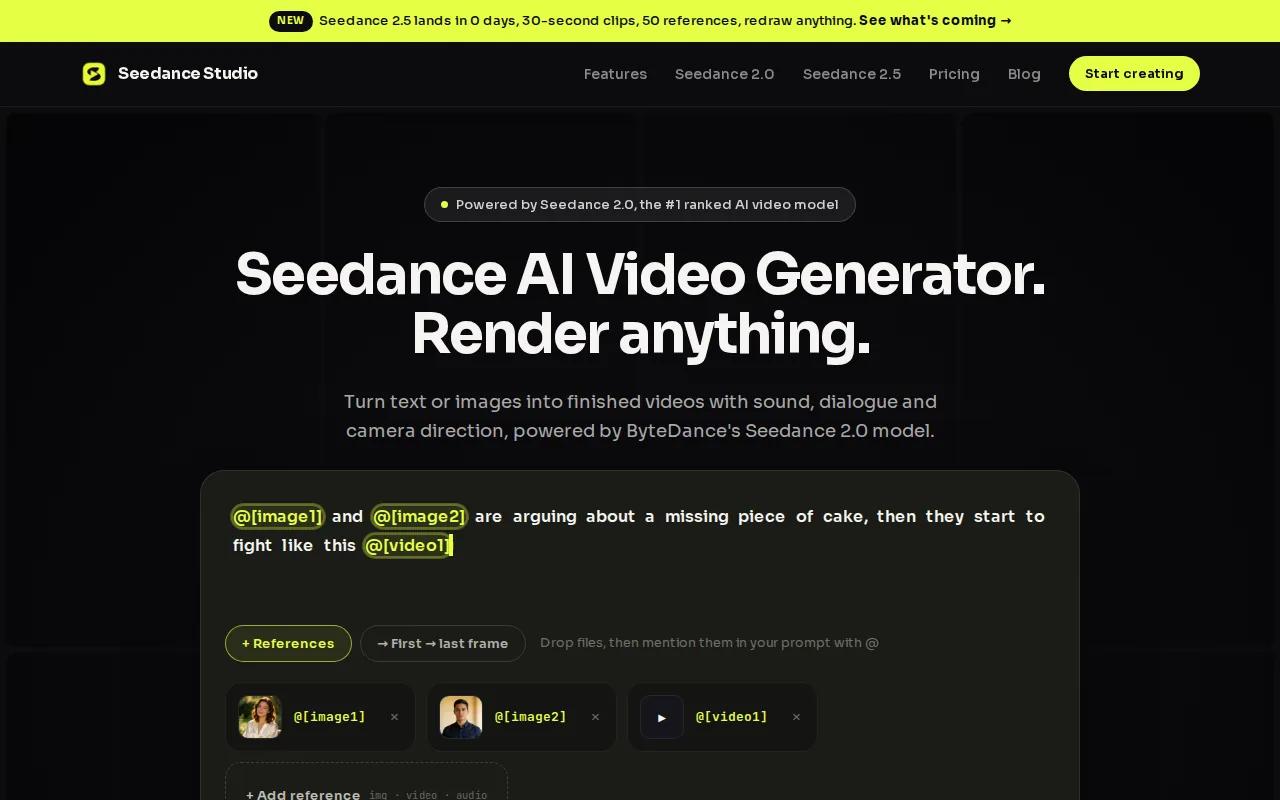
The model accepts text, images, video clips, and audio all in one generation pass. You can upload up to 9 reference images, 3 video clips, and 3 audio files simultaneously, and use a natural-language @ mention system to tell the AI exactly what role each asset plays , character appearance, camera style, audio rhythm. That multimodal depth is rare. Most competitors support text plus one additional input at best.
Output is a true 3840×2160 render, not a stretched 1080p. Fine detail holds through fast camera moves and close-ups. Clips run 4 to 15 seconds, with 6 aspect ratio options including 9:16 for Reels and TikTok. Synchronized audio , dialogue, sound effects, ambient sound , generates in the same pass, so you skip post-production audio work entirely.
The caveat: the free plan generates at 480p with a watermark. You need a paid plan for 4K exports and commercial rights. But at $14/month, it sits well below the median starting price we found across the 44 tools surveyed ($17.49). For creators who need a genuine 4K AI video generator without burning through credits on a tool that upscales anyway, this is the clear first choice.
2. Kling 3.0 — native 4K with AI Director mode
Kling 3.0 is built on a fully upgraded architecture that supports native 4K output alongside what Kuaishou calls AI Director mode , a multi-shot storyboard system that lets you specify shot size, perspective, and duration for each segment in a single generation. The model handles shot-reverse-shot dialogue, camera transitions, and cross-cutting automatically.
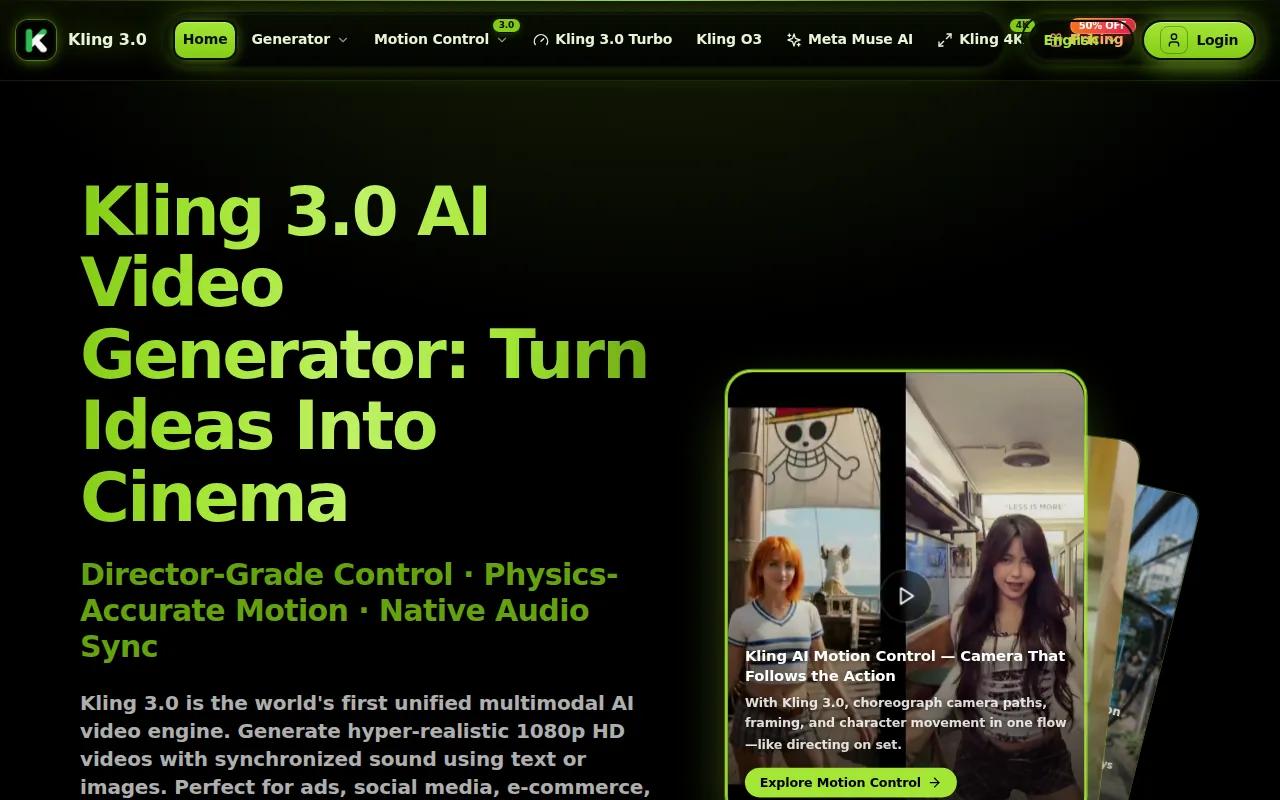
In side-by-side testing, Kling 3.0 consistently uses multiple camera angles within a single clip rather than locking to one perspective. That makes it feel more like edited footage than a single AI take. Temporal consistency is strong too , character details, clothing, and skin texture stay stable across cuts in a way that upscalers simply can't replicate, because the model generates spatial and temporal data together rather than processing frames in isolation.
The honest limitation: the free tier caps at 720p with watermarks, and native 4K requires the Pro plan at $37/month , significantly more than Seedance Studio. For teams with budget who need multi-shot storyboard control baked into the generator itself, Kling 3.0 earns its price. Native generation calculates every pixel at full resolution from the start, which is why fine texture on fabric or skin holds up on large displays in a way that upscaled output can't match.
3. Veo 3.1 — ingredient-based prompting for precise 4K scenes
Veo 3.1 is a leading AI video model, and its standout feature is ingredient-based prompting , you specify character references, style inputs, and scene elements separately, and the model composes them into a coherent 4K shot. Output reaches up to 8 seconds per generation at 4K, with native 9:16 support for vertical formats.
The motion quality is genuinely strong. Slow dolly shots, tracking shots, and crane moves hold physics in a way that impressed creators in blind tests. Color science is also a highlight for YouTube-destined content. The audio situation has improved too , a single prompt returns dialogue, sound effects, and ambient audio alongside the video.
Access is the friction point. Pay-per-second pricing starts at $0.15/s for 720p/1080p. True 4K sits behind a higher subscription tier, or you can access it via API at per-second rates. There's no free tier for 4K output. For creators who need the highest cinematic quality and have the budget, Veo 3.1 is a serious option. For everyone else, the cost math doesn't work out.
4. Runway Gen-4.5 — mature creative control with motion brush
Runway Gen-4.5 has the most mature creative control pipeline in this list. Motion Brush lets you set specific object trajectories , you paint over a part of the frame and direct how it moves, which is useful for product shots where you want a precise camera path rather than whatever the model guesses. A unified storyboard workflow generates cinematic sequences in a single pass, and the model handles camera transitions automatically.
Character consistency is a genuine strength. Upload a reference image of a person or product and generate multiple separate clips that maintain that character's facial identity, body type, and clothing across all of them. For brands building a recurring on-screen character or a recognizable visual identity across ads, that solves a problem that previously needed manual post-production work.
The 4K output here is upscaled, not native , worth knowing before you commit. Runway starts at $12/month with 125 free one-time credits to try it. If you're already working inside professional post-production pipelines and want the most control over how a scene moves, Gen-4.5 is the right fit. If native 4K is the priority, look at Seedance Studio or Kling 3.0 instead.
5. Luma Ray 3.14 — affordable 4K HDR up-res
Luma Ray 3.14 is the budget entry point for 4K output, starting at $7.99/month. Its main draw is 4K HDR up-res , it takes lower-resolution generations and applies a high-quality upscaling pass that holds up better than most browser-based upscalers, particularly on stylized and AI-generated footage.
The tool is fast for visual concepting. If you need to iterate quickly on ideas and then push the final clip to 4K for delivery, the workflow fits. It won't match native 4K on close-up texture detail, but for social content and short-form ads, the difference is hard to spot on a phone screen.
No free tier, and the $7.99/month plan has generation limits worth checking before you commit to a volume workflow. Best for creators who want affordable 4K output and don't need the deep reference-input system that Seedance Studio offers.
6. InVideo — stock-powered AI video up to 4K
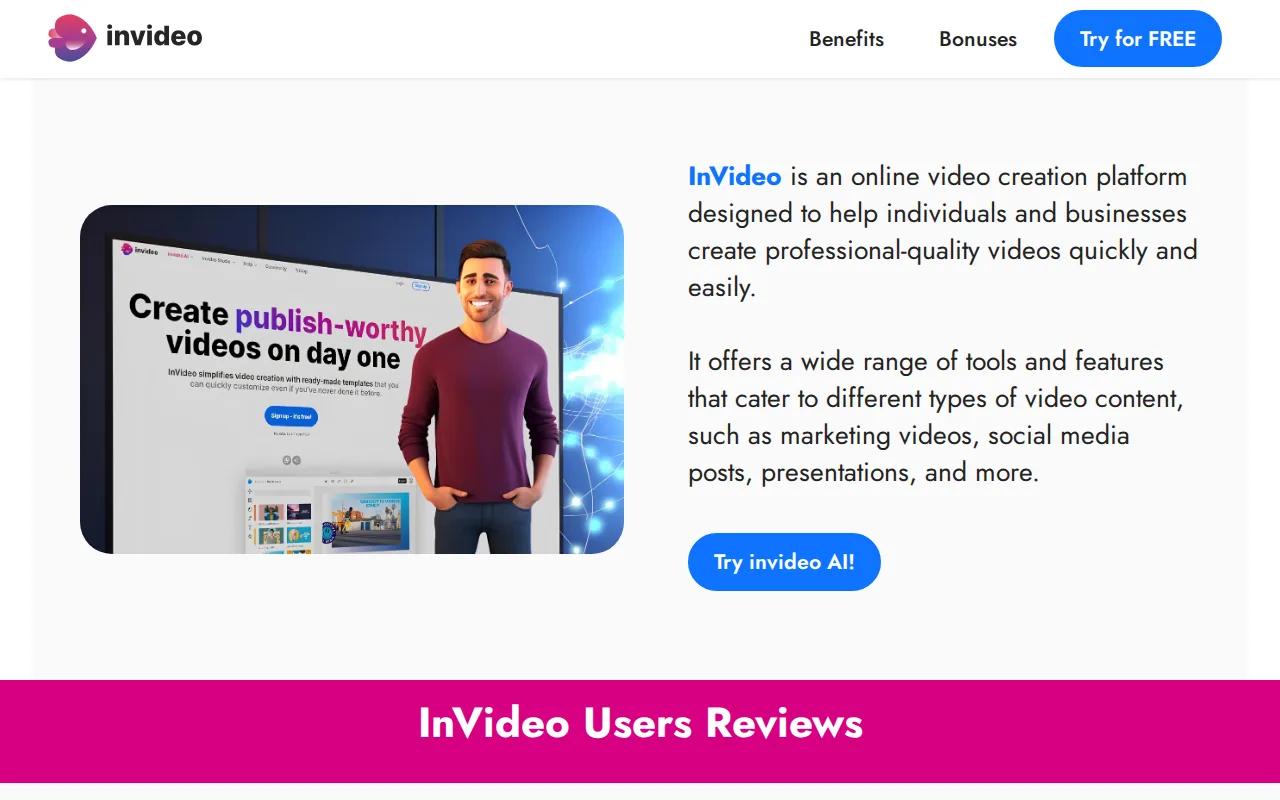
InVideo takes a different approach. Rather than pure AI generation, it combines AI-generated clips with access to stock footage from iStock and similar libraries — over 16 million assets. It also connects to models including Seedance 2.0, Veo 3.1, and Kling 3.0, so you're picking which generation engine to use per shot inside a single platform.
The agent system handles context across your whole project. Brief it once and it stays on brand across formats , useful for spinning one idea into vertical cuts for TikTok, square posts for Instagram, and horizontal cuts for YouTube without re-prompting from scratch each time.
4K export is on the Max plan. The free tier gives you watermarked 720p. The Plus plan starts at $28/month with iStock credits included. If you're a social media team that needs both AI generation and stock footage in one place, InVideo covers that. Pure AI video creators who want the deepest 4K generation quality will get more from a dedicated model like Seedance Studio.
7. Dreamina — free daily credits for social-ready AI video
Dreamina is ByteDance's all-in-one creative platform. Every user gets free daily credits, enough to generate images and short video clips without paying. Paid plans unlock more credits, priority processing, and commercial rights, but there's no paywall to start.
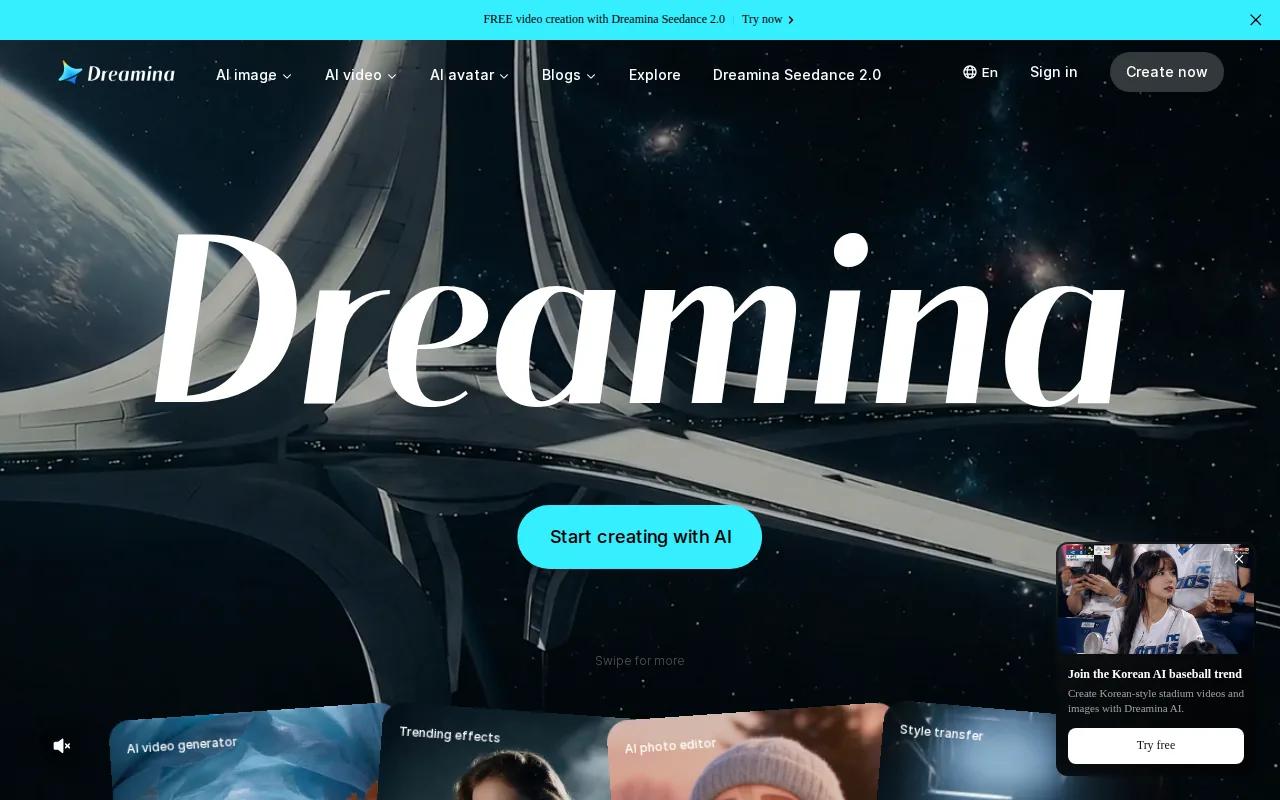
The platform covers text-to-image, text-to-video, image-to-video, and a multi-layer canvas editor in one browser-based interface. For social creators who need a fast, free tool to produce reels, product showcases, and character clips, it covers a lot of ground. The free daily credit model is genuinely useful for low-volume creators who don't want a monthly subscription.
The trade-off is depth. Dreamina's generation quality is solid for social content, but it doesn't match the multimodal reference system or native 4K output of Seedance Studio. If your main need is free daily generations for social posts, Dreamina works. If you need 4K exports with commercial rights, you'll need a paid plan or a different tool.
8. Hedra — visual AI workspace with free tier
Hedra is a browser-based visual AI workspace that gives you 5 free generations per day with no account required and no credit card. Output exports as MP4 at up to 4K with no watermarks, and full commercial rights apply to content you generate. It covers text-to-video, photo animation, voice cloning, background removal, and a cinematic relighting studio in one interface.
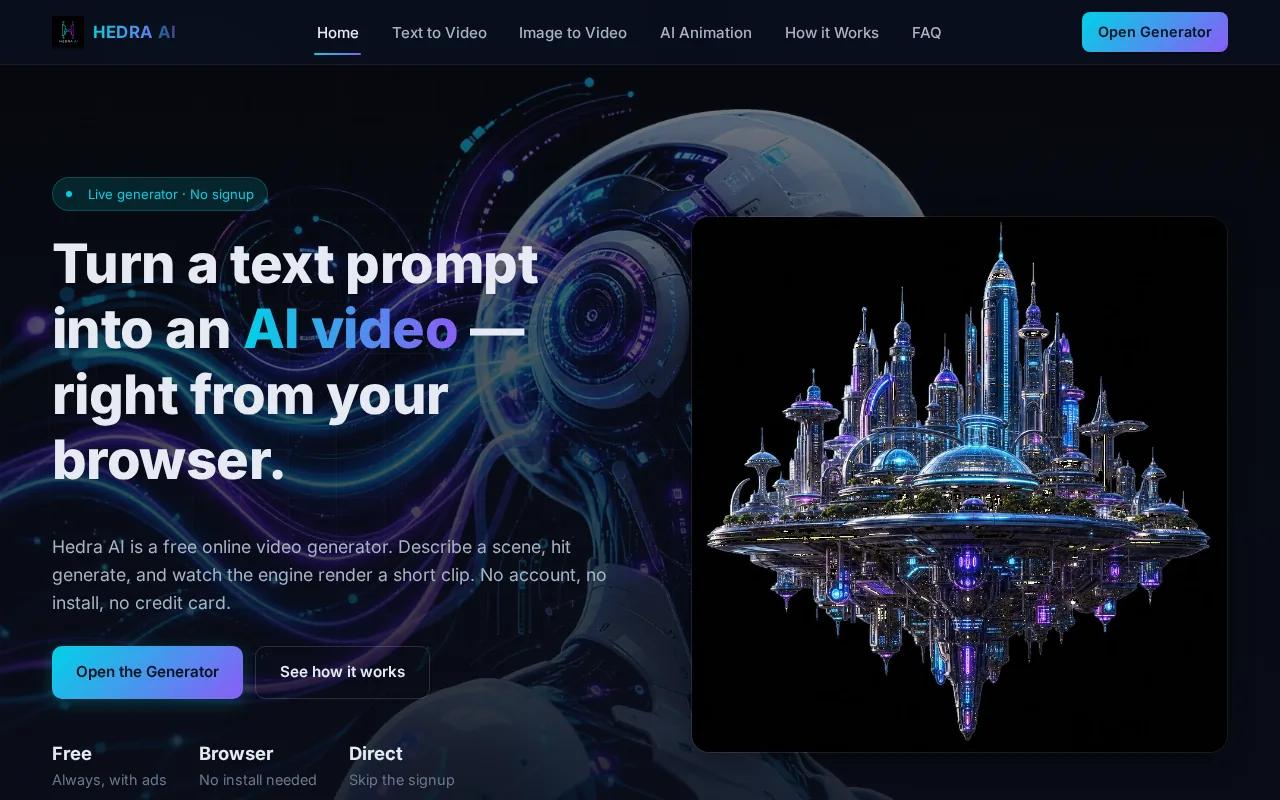
The free tier is genuinely generous , 5 generations daily, uploads auto-deleted within 24 hours, and no hidden fees. Most generations complete in under 60 seconds. For creators who want to prototype ideas fast without committing to a subscription, Hedra is a usable starting point.
It runs on open-source models and is transparent about that. The generation quality reflects it , strong for social content and quick prototypes, but not at the level of Seedance 2.0 or Kling 3.0 for cinematic 4K output. Think of it as a free creative suite for daily experimentation rather than a production-grade 4K generator.
9. WaveSpeedAI — 600+ models including Kling and Seedance
WaveSpeedAI is a model aggregator. It gives you access to over 600 AI models in one place, including Kling 2.0, Seedance v3, and WAN 2.6. If you want to compare outputs from multiple generation engines on the same prompt without managing separate subscriptions, WaveSpeedAI handles that in one dashboard.
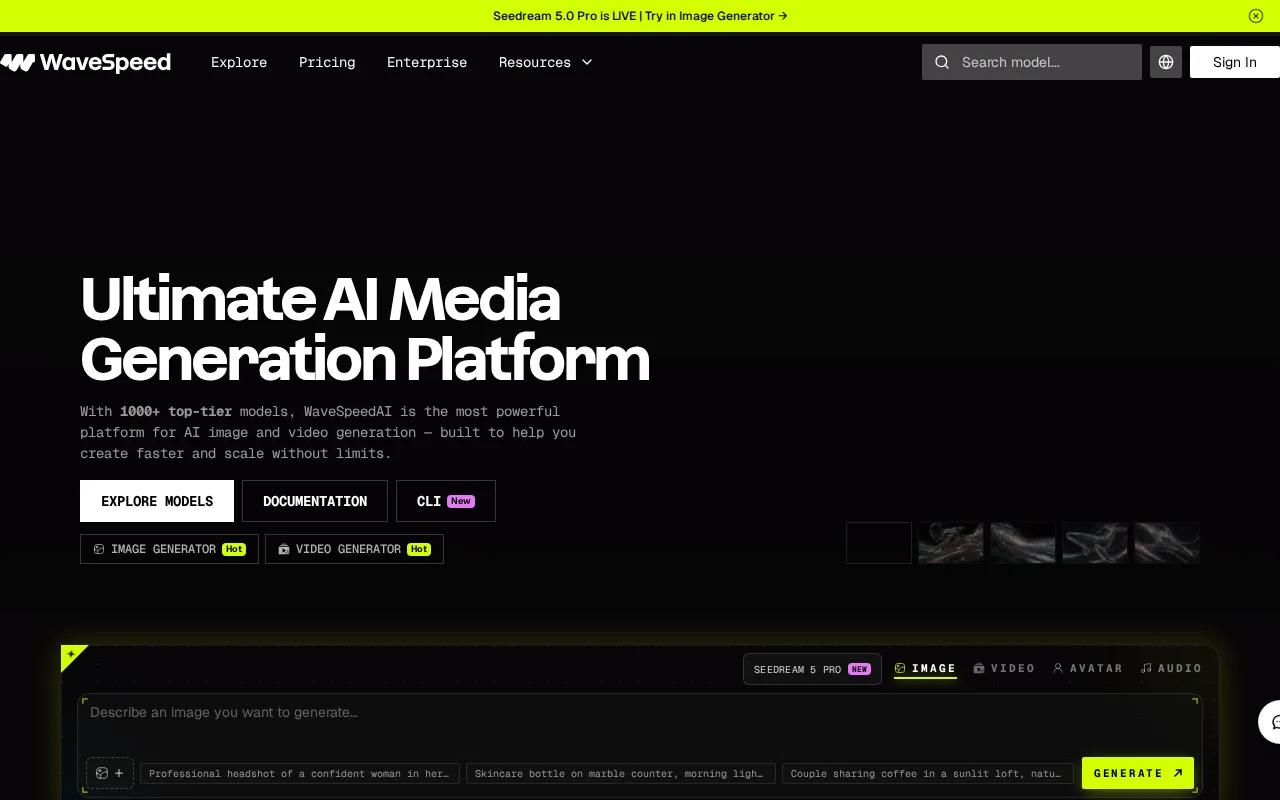
The usable use case is testing. Run the same prompt through three or four models, compare the 4K outputs side by side, and pick the best frame for your final delivery. That's faster than subscribing to each tool individually and switching between tabs.
No free tier. The model breadth is the main selling point, not any single generation capability. Teams running bulk production pipelines or agencies that need to match different visual styles to different clients will get the most value here. For individual creators who've already settled on a model they like, the aggregator overhead isn't worth it.
10. ComfyUI Cloud — node-level control for technical pipelines
ComfyUI Cloud is for technical users who want to build custom video generation workflows from scratch. The node-based interface lets you chain models together — text-to-video, super-resolution, frame interpolation, depth control — into a single pipeline. Output can reach 4K using the 4x video super-resolution path, with H.264 output at CRF18.
The text-to-video base model here requires significant VRAM to run. That's the real barrier. This is not a point-and-click tool. You build the workflow, manage the node dependencies, and troubleshoot frame rate mismatches yourself. Around $20/month for the cloud version removes the local GPU requirement, but the complexity stays.
For developers building automated video pipelines, agencies with technical staff, or creators who want maximum control over every stage of the process, ComfyUI Cloud is the right tool. For everyone else, the learning curve isn't worth it when tools like Seedance Studio's straightforward generation workflow get you to 4K output in minutes.
Native 4K vs Upscaled 4K: What Actually Matters
Two tools can both call their output "4K" and mean completely different things. Native 4K means the model rendered every pixel at 3840×2160 from the start. Upscaled 4K means the model generated at 720p or 1080p, then a super-resolution algorithm stretched it to fill the frame.
The difference shows up in three places. First, texture fidelity , native 4K renders fabric weave, skin pores, and surface micro-texture because those pixels were generated at full resolution. Upscaling guesses at that detail, and often smooths it out entirely, producing the "mannequin effect" where skin looks waxy and faces lose their natural depth. Second, temporal consistency , upscalers process frames individually or in small batches, which causes flickering on hair, grass, and fine patterns. Native generation calculates spatial and temporal data together, so those details stay stable across the clip. Third, text and logos , upscaling a clip with branded text often blurs or warps it during fast motion. Native generation keeps those elements sharp because the pixels carry real information.
The usable question is whether native 4K matters for your use case. For social content viewed on a phone, upscaled 4K is often fine. For YouTube uploads, it's worth knowing that YouTube processes 4K uploads with a modern video codec, which produces noticeably sharper output at every resolution , meaning a native 4K upload looks better even for viewers watching at 1080p. For hero shots, large-format displays, or anything that will be color-graded in post, native 4K is worth the extra render time and cost.
How to Choose the Right 4K AI Video Generator
| Tool | Free Tier | 4K Type | Starting Price | Best For |
|---|---|---|---|---|
| Seedance Studio | Yes (no waitlist) | Native | $14/month | Creators, marketers, social teams |
| Kling 3.0 | Limited (720p only) | Native | $37/month | Multi-shot storyboard control |
| Veo 3.1 | No | Native | $0.15/s (720p/1080p) | Cinematic quality, synchronized audio |
| Runway Gen-4.5 | 125 one-time credits | Upscaled | $12/month | Motion brush, character consistency |
| Luma Ray 3.14 | No | Up-res HDR | $7.99/month | Budget 4K delivery |
| InVideo | Yes (720p, watermarked) | Up to 4K (Max plan) | $28/month | Stock + AI hybrid workflows |
| Dreamina | Yes (daily credits) | — | Free tier available | Free daily social content |
| Hedra | Yes (5/day, no card) | Up to 4K | Free tier available | Free creative prototyping |
| WaveSpeedAI | No | Varies by model | — | Multi-model testing |
| ComfyUI Cloud | No | Up to 4K | ~$20/month | Technical custom pipelines |
Start with these four questions. First: do you need native 4K or will upscaled output work? For YouTube and large-format displays, native matters. For phone-first social content, upscaled is usually fine. Second: what's your budget? Seedance Studio at $14/month is the most affordable native 4K option. Kling 3.0 at $37/month adds multi-shot storyboard control. Veo 3.1 is pay-per-second and costs more at scale. Third: how complex are your inputs? If you want to feed in character references, audio, and video clips all at once, Seedance Studio's multimodal system handles that better than any other tool here. Fourth: do you need a free tier to test before committing? Seedance Studio, Hedra, and Dreamina all offer free starting points , though only Seedance Studio's free tier leads to a genuine native 4K upgrade path.
For most creators and marketers, the decision comes down to Seedance Studio for the best value on native 4K, or Kling 3.0 if multi-shot storyboard control is the priority. If you're building automated pipelines, look at WaveSpeedAI or ComfyUI Cloud. If you just want free daily generations for social posts, Dreamina or Hedra cover that without a subscription. You can also check our roundup of affordable AI video generators if budget is the primary filter.
Frequently Asked Questions
Which AI video generator actually produces native 4K, not just upscaled?
Native 4K AI video generators , tools that render every pixel at 3840×2160 from the start , include Seedance Studio, Kling 3.0, and Veo 3.1. Runway Gen-4.5 labels its output as upscaled 4K. Out of 44 tools surveyed, only 6 confirmed native 4K support. If a tool doesn't specify native in its documentation, assume the output is upscaled from a lower resolution.
Is there a free AI video generator that exports in 4K?
Seedance Studio is the only tool in this comparison with a genuine free tier that leads to a native 4K upgrade path , no waitlist, no credit card for the free plan. Hedra offers 5 free generations per day with 4K export and no watermarks. Dreamina gives free daily credits but 4K export requires a paid plan. Most tools that claim free 4K are either upscaling or giving you a very limited one-time trial.
How much does a 4K AI video generator cost per month?
Prices vary widely. Seedance Studio starts at $14/month for native 4K , below the $17.49 median we found across 44 tools. Luma Ray 3.14 starts at $7.99/month for 4K up-res. Kling 3.0 costs $37/month for native 4K. Veo 3.1 charges $0.15 per second at standard resolutions, with true 4K pricing available on request. Runway Gen-4.5 starts at $12/month with limited free credits.
What's the difference between 4K AI video and upscaled 4K?
Native 4K means the AI model generated every pixel at full 3840×2160 resolution. Upscaled 4K means the model generated at 720p or 1080p, then a super-resolution algorithm stretched the output. Native 4K holds fine texture detail , skin, fabric, text , through fast motion. Upscaled output often produces flickering on hair and soft edges on close-ups, which is most visible on large displays and in professional post-production workflows.
Can I upload my own images and audio to an AI video generator for 4K output?
Yes, but the depth of input support varies. Seedance Studio accepts up to 9 reference images, 3 video clips, and 3 audio files in a single generation pass, with a natural-language system for specifying what role each asset plays. Most other tools support text plus one image reference. If multimodal input is important to your workflow , for character consistency, branded visuals, or audio-synced content , Seedance Studio's reference system is the most complete option available.
Should I upload in 4K to YouTube even if most viewers watch at 1080p?
Yes. YouTube processes 4K uploads at higher quality settings, which results in noticeably sharper output at every resolution, including 1080p. A 4K upload viewed at 1080p on YouTube looks cleaner than a native 1080p upload of the same source. For 4K at 30fps, use a bitrate of 35, 45 Mbps with H.264 encoding, or 15, 25 Mbps with H.265 for a smaller file at equivalent quality.
Conclusion
If you want native 4K AI video without a waitlist or an enterprise budget, Seedance Studio is the place to start. It's the only tool here that combines true 4K output, multimodal reference inputs, synchronized audio, and a free tier under $14/month. The other tools on this list are worth knowing , Kling 3.0 for multi-shot storyboard control, Veo 3.1 for cinematic quality, Runway Gen-4.5 for motion brush precision , but for most creators and marketers, Seedance Studio covers the most ground for the least cost. Create a free account at tryseedance.ai and run your first generation today.


