
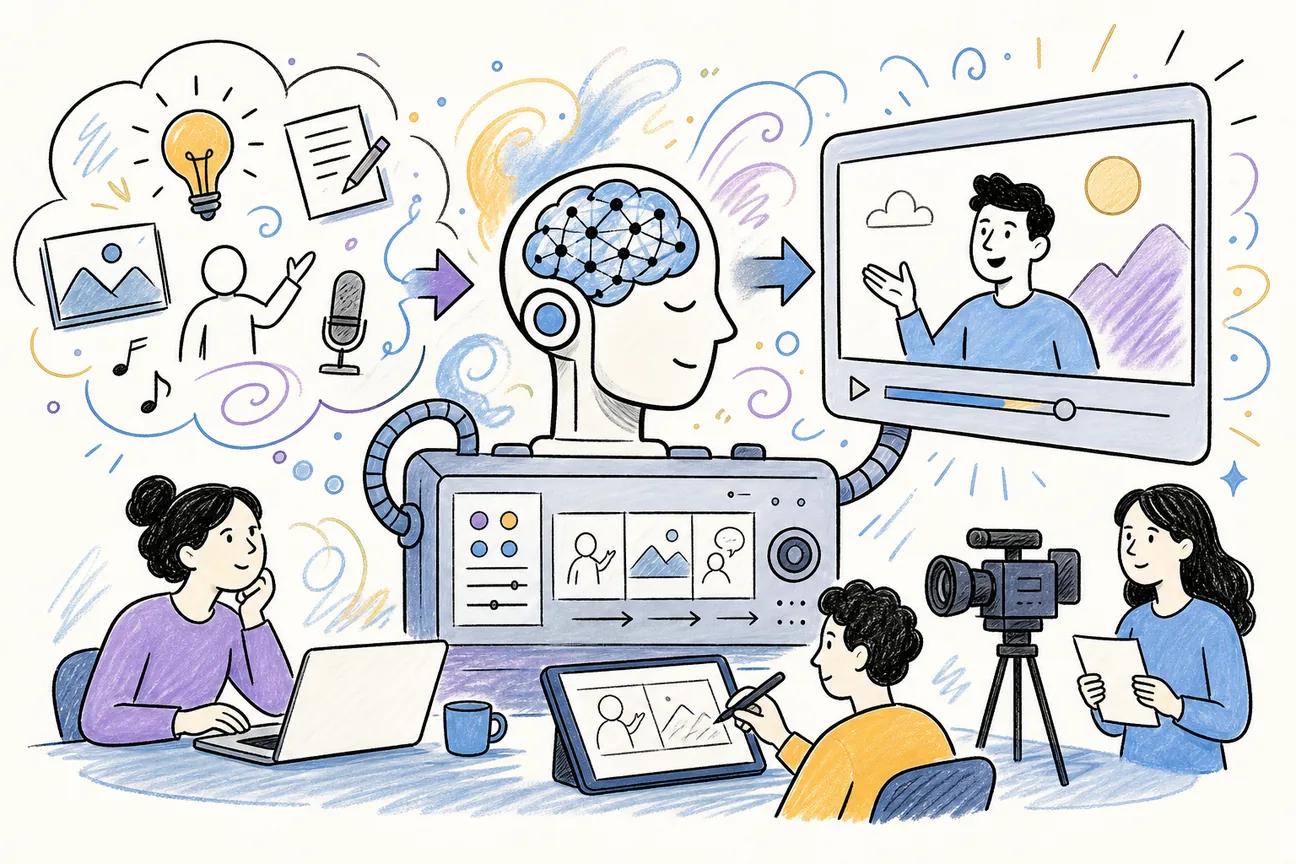
Most AI video tools bury their format specs in fine print, but creators need to know upfront whether a tool actually outputs vertical video for TikTok or square clips for Instagram. This shortlist cuts through that noise. Here are five of the best AI explainer video generators right now, ranked by what they actually deliver, starting with the one we think earns the top spot.
1. Seedance Studio (Our Top Pick) — Browser-based AI video generator with no waitlist
Seedance Studio runs on Seedance 2.0, ByteDance Seed's flagship video model, which currently ranks #1 for both text-to-video and image-to-video on an independent ranking. You type a prompt, upload reference images or clips, and get back a finished video with camera movement, consistent characters, and native audio already mixed in. No download. No invite code. It all runs in the browser.
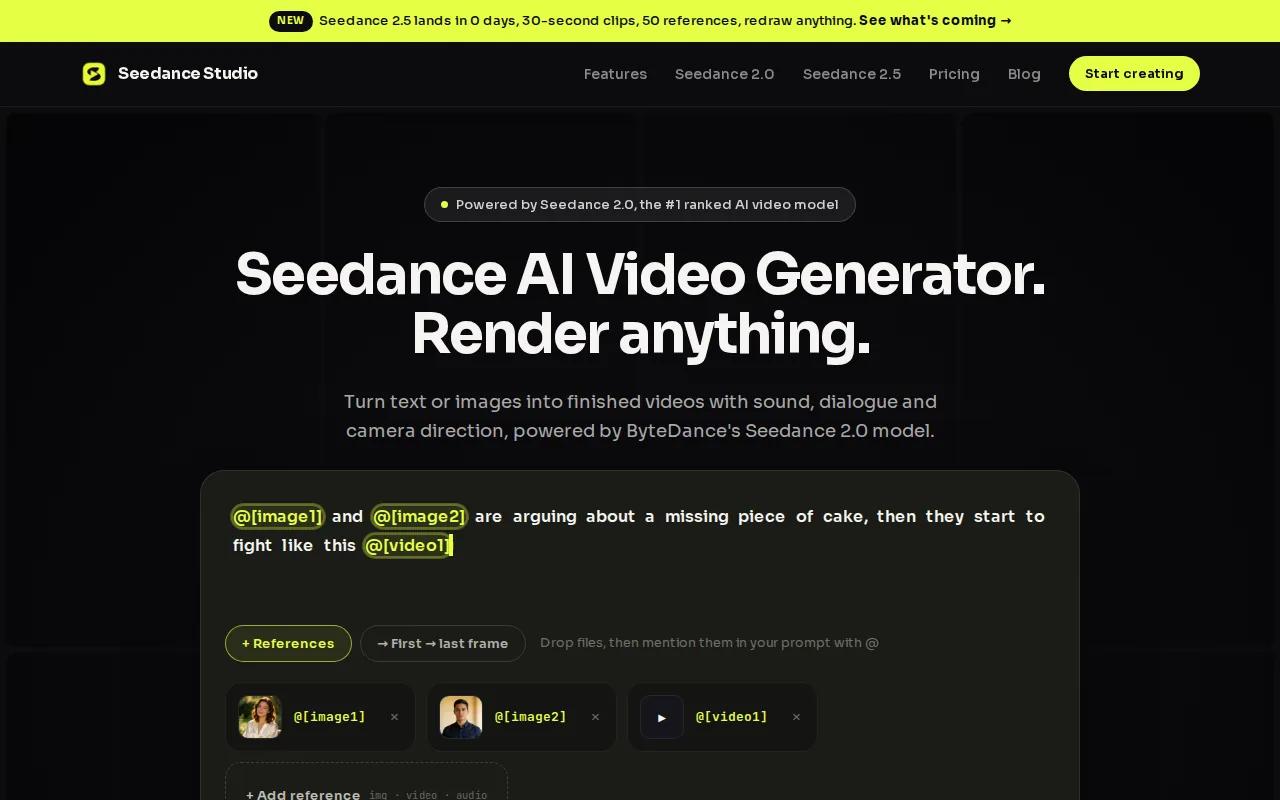
What makes it the strongest pick for explainer content is the combination of format flexibility and output quality. You get three aspect ratio presets: 16:9 for YouTube, 9:16 for TikTok and Reels, and 1:1 for feed posts. Output goes up to 4K. Of the 26 tools we surveyed for this guide, only six explicitly offer that combination of 4K support and multi-format presets, and Seedance Studio does it on a free tier with no credit card required.
The prompting system understands real cinematography language. You can write "slow dolly-in from medium to close-up, warm morning light, cinematic 35mm aesthetic" and the model follows it. For explainer videos, that means you can direct the camera like a producer rather than hoping the AI guesses right. The step-by-step process for building an explainer video with Seedance Studio covers scripting, storyboarding, and prompt structure in detail.
Clips run up to 15 seconds per generation, which fits short-form explainer content well. For longer pieces, you generate segments separately and cut them together. Paid plans start at $14/month and add more generations, higher resolution exports, and a commercial license. The free tier gives you enough to test your concept before spending anything.
The one real caveat: Seedance Studio focuses on AI-generated scene footage, not on slide-based or avatar-driven formats. If your explainer style is a talking-head presenter reading a script, one of the tools below fits that workflow better. But for motion-rich, cinematic explainer clips built from text or images, this is the tool.
2. Synthesia — Enterprise-grade AI avatars for professional videos
Synthesia is built for organizations that need to produce polished, presenter-led explainer videos at scale. You type a script, pick an AI avatar, and the system generates a video with the avatar delivering your content in lip-synced dialogue. The platform supports 160+ languages with native accent voiceovers, which makes it a strong fit for global training programs or multilingual product explainers.
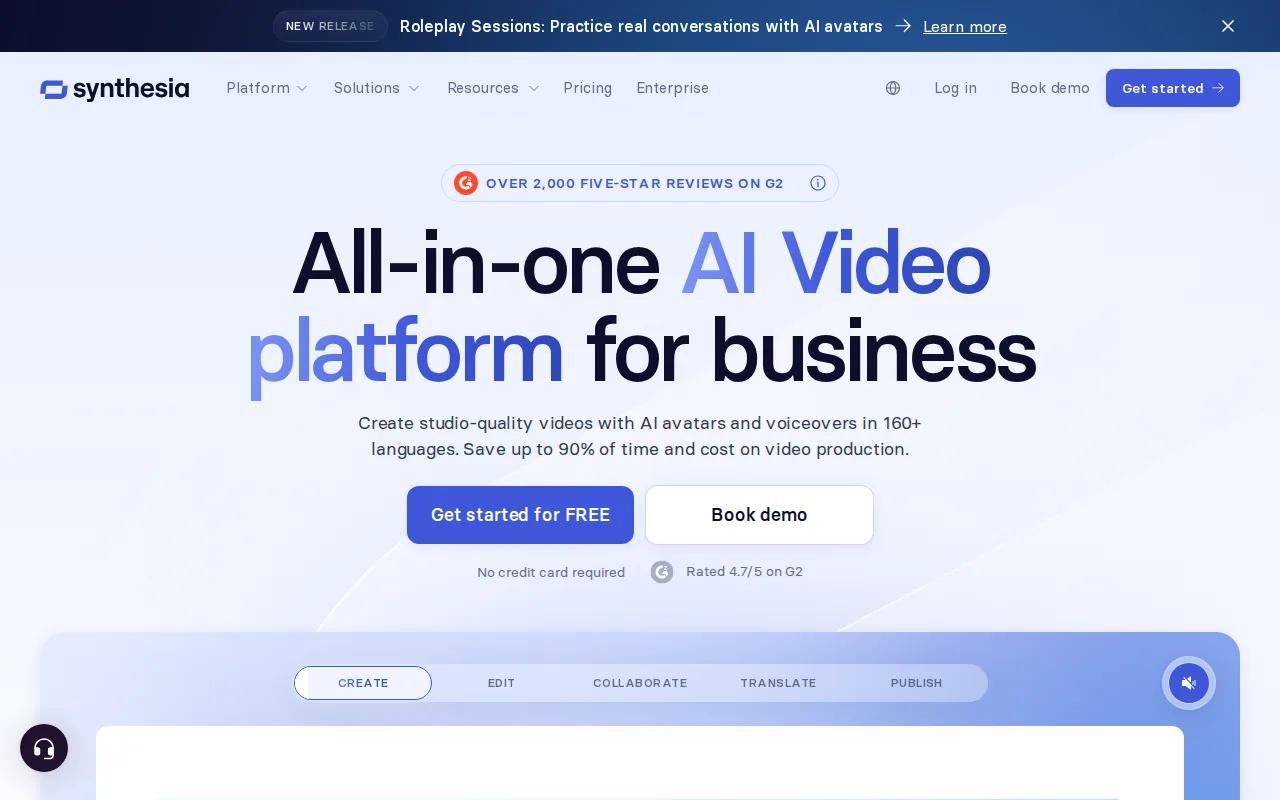
The enterprise angle is real. Synthesia has passed compliance audits at 90% of the Fortune 100 and is SOC 2 Type II and GDPR compliant. For marketing teams at mid-to-large companies, that matters. The platform also integrates with learning management systems, so training videos can be pushed directly into course platforms without manual re-uploading. One user quoted on the site reported producing 180 videos in 5 languages with minimal friction, and another noted cutting a 4-hour production process down to 30 minutes.
The free plan includes 10 minutes of video per month with 9 stock avatars, which is enough to evaluate the workflow. Paid plans unlock custom avatars, brand colors, and logo overlays. Analytics show views, drop-offs, and completion rates, so you can see which explainer videos actually hold attention.
The limitation is creative range. Synthesia produces clean, professional presenter videos, but the visual style is structured and corporate. If you need cinematic motion, dynamic environments, or footage that feels more like a brand film than a training module, the format won't stretch that far. It's the right tool for documentation, onboarding content, and compliance training. For creative brand explainers, you'll want a different approach.
3. HeyGen — Multilingual AI avatars with a generous free tier
HeyGen covers similar ground to Synthesia but with a more accessible entry point. The free tier requires no credit card, which removes the friction for creators who want to test avatar-based explainer video before committing to a subscription. The platform supports 140+ languages with lip-sync accuracy, so a script written in English can be delivered by an avatar in Spanish, Japanese, or Portuguese without re-recording anything.
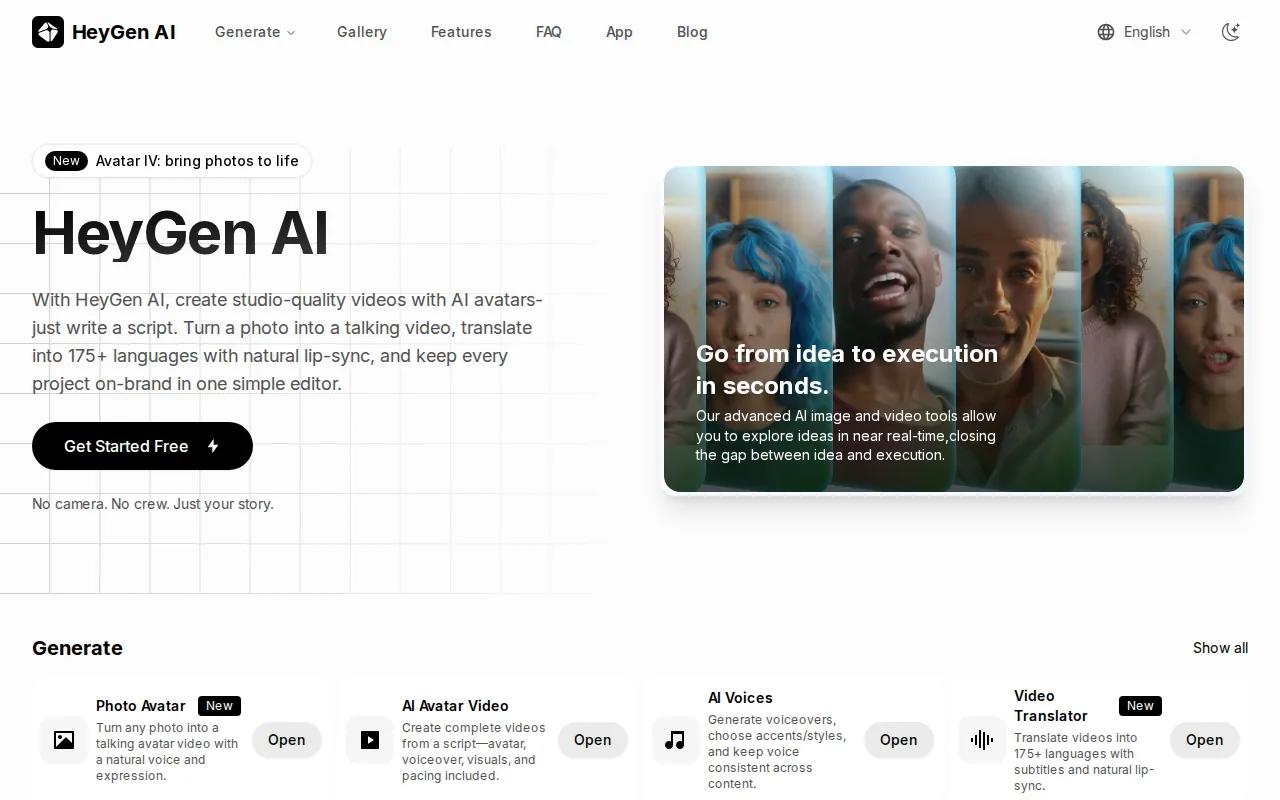
For companies with global audiences, that's a meaningful time saver. You build the explainer once and localize it by swapping the language, not by reshooting the whole video. HeyGen is particularly well-suited to international agencies and product teams that need consistent presenter-led content across multiple markets. If you're building AI-driven script-to-video workflows for multilingual campaigns, HeyGen fits that pipeline naturally.
The native accent voiceovers are a specific strength. Many avatar tools generate voiceovers that sound like translated text read by a generic voice. HeyGen's accents are more natural, which matters for audience trust in markets where dubbed content is common.
Where HeyGen falls short is in visual dynamism. Like Synthesia, it produces presenter-on-background videos. The avatar format works well for explainers, tutorials, and product walkthroughs, but it doesn't generate scene footage or motion graphics. Think of it as a very capable script-delivery tool, not a cinematic video generator.
4. Runway — Creative AI tools for motion graphics and automatic editing
Runway is for video editors and motion designers who want AI to accelerate their existing workflow rather than replace it. The platform's strengths are effects generation, background removal, motion tracking, automatic scene detection, and color grading. It's less a "type a prompt, get a finished video" tool and more a creative toolkit that layers AI capabilities onto a real editing environment.
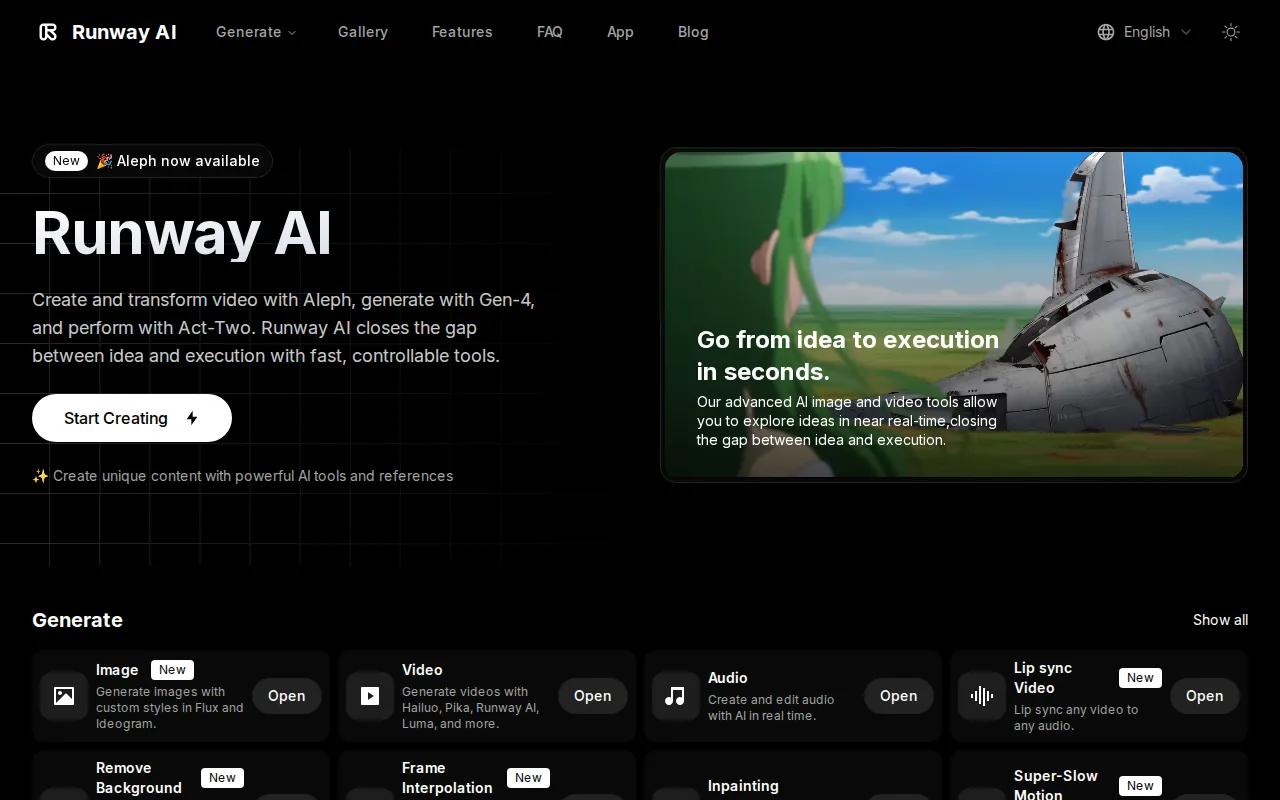
The model lineup is broad. Runway's Pro plan at $28/month includes access to Gen-4.5, Kling 3.0, and notably Seedance 2.0, which means you can run the same underlying model that powers Seedance Studio directly inside Runway's editor if you prefer that interface. The Runway pricing page breaks down credit costs per model: Seedance 2.0 Pro runs 160 credits per 4-second clip at 1080p, while the faster variant costs 116 credits for the same length. The free plan includes 125 one-time credits to explore the tools.
For explainer video production, Runway's value is in post-production. You can generate a raw clip with any model, then use Runway's editing tools to remove backgrounds, add motion-based cuts, and apply color grades without switching software. That all-in-one approach suits professional editors who are already comfortable in a timeline-based interface.
The credit system can get expensive fast for high-volume work. If you're generating dozens of clips per week, the cost per generation adds up quickly at the Pro tier. Runway is best for creators who treat AI generation as one step in a larger edit, not as the entire production pipeline. For pure prompt-to-finished-video workflows, tools with flat-rate plans are more predictable on cost.
5. Pictory — Text-to-video with stock footage and AI voiceovers
Pictory takes a different approach from every other tool on this list. Instead of generating original footage, it builds explainer videos by matching your script to stock footage clips, then adds an AI voiceover and automatic captions on top. You paste in a blog post, article, or script, and Pictory assembles a video from it. The result looks more like a produced marketing video than an AI-generated film.
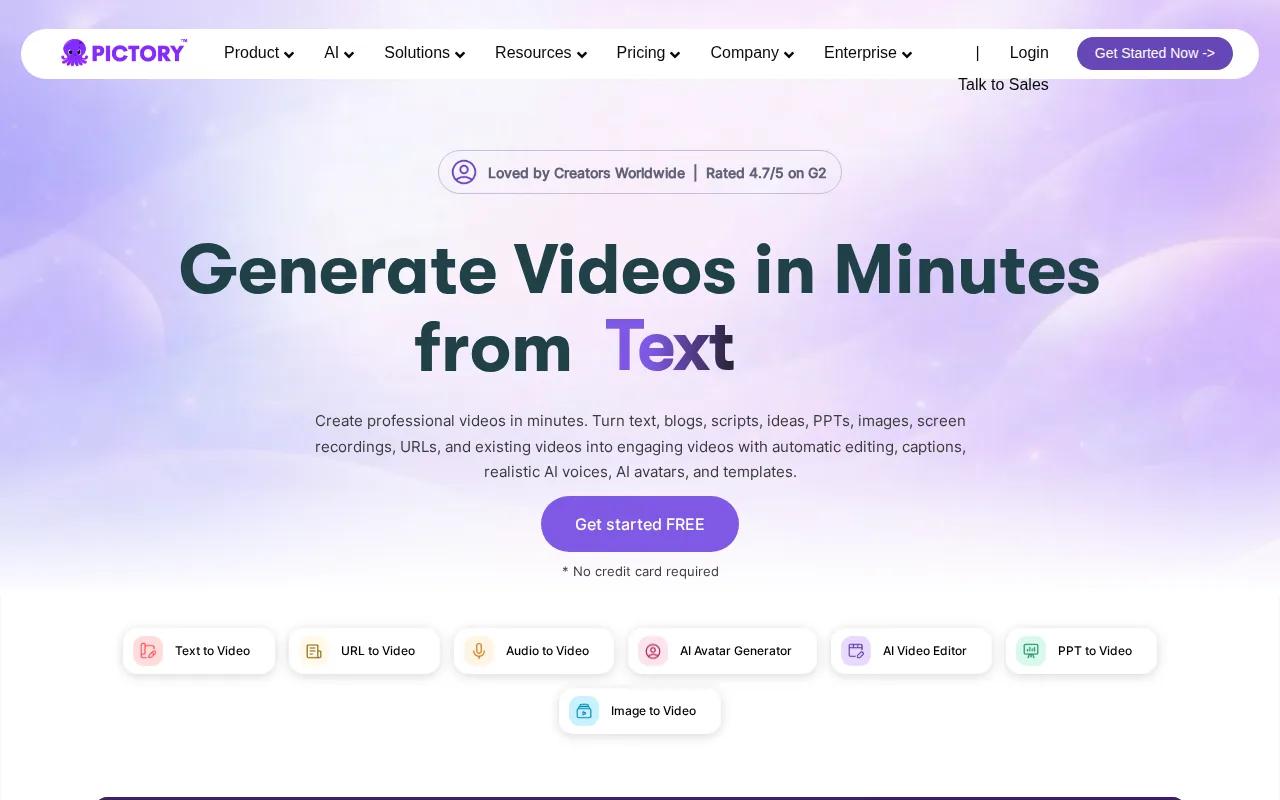
That workflow is genuinely fast for content marketing teams. If you already have written content and want to turn it into video without filming anything, Pictory removes most of the manual work. The automatic captions are accurate enough to use without heavy editing, and the AI voiceover options cover a range of tones and accents. For educational content creators and teams producing high volumes of short explainers from existing copy, the time savings are real.
Pictory also has a free tier with no credit card required, which puts it in the more accessible segment of the market. The broader comparison of AI video generator tools covers where stock-footage-based tools like Pictory sit relative to generative models.
The main limitation is originality. Because Pictory pulls from stock libraries, your video may use footage that appears in other people's content. For brand-differentiated explainers where visual uniqueness matters, that's a real constraint. It works well for informational content where the message is the focus, less well for campaigns where the visual identity needs to stand out. For musicians or artists who want to pair video content with their work and get feedback on both, various platforms show how creative professionals are building review and distribution workflows around their visual and audio content together.
Feature Comparison Table
Here's how the five tools compare across the decisions that actually matter when you're picking one for explainer video work.
| Tool | Output Type | Free Tier | Max Resolution | Best Use Case | Key Limitation |
|---|---|---|---|---|---|
| Seedance Studio | AI-generated scene footage | Yes, no card required | 4K | Cinematic explainers, short-form social content | No avatar/presenter format |
| Synthesia | Avatar-based presenter video | Yes (10 min/month) | — | Enterprise training, multilingual onboarding | Limited creative visual range |
| HeyGen | Avatar-based presenter video | Yes, no card required | — | Global multilingual explainers | No scene footage generation |
| Runway | AI footage + editing tools | Yes (125 one-time credits) | 4K upscaling | Motion graphics, post-production editing | Credit costs at high volume |
| Pictory | Stock footage + voiceover assembly | Yes, no card required | — | Content marketing, script-to-video repurposing | Non-original stock footage |
If you need to pick one starting point: Seedance Studio is the strongest option for creators who want original AI footage with format flexibility. Synthesia or HeyGen fit better if your explainer style is presenter-led. Runway is the right call if you're already editing video professionally and want AI tools inside that workflow. Pictory works when you have existing written content to repurpose fast. For a broader look at how to pick between AI video apps across different use cases, that guide covers the decision in more depth.
FAQ
What is an AI explainer video generator?
An AI explainer video generator is a tool that turns text, scripts, or images into short videos automatically, without filming or traditional editing. You provide a prompt or script, and the AI produces footage, voiceover, captions, or avatar-delivered content depending on the tool. They range from cinematic scene generators like Seedance Studio to presenter-based platforms like Synthesia and stock-footage assemblers like Pictory.
Which AI explainer video tool is best for TikTok and Reels?
Seedance Studio is the strongest pick for short-form vertical content. It supports 9:16 aspect ratio natively, outputs up to 4K, and generates original footage rather than pulling from stock libraries. You can go from a text prompt to a finished vertical clip in under a minute. That combination of format presets and generative quality is rare among tools that also offer a free tier.
Can I make an explainer video for free with AI?
Yes. Seedance Studio, HeyGen, and Pictory all offer free tiers with no credit card required. Synthesia's free plan gives 10 minutes of video per month. Runway includes 125 one-time credits on its free plan. The free tiers are enough to test each tool's output quality before committing to a paid plan. For most creators, Seedance Studio's free tier gives the most useful output for social explainer content.
How long can AI explainer videos be?
It depends on the tool. Seedance Studio generates clips up to 15 seconds per generation, which you can chain into longer pieces. Avatar-based tools like Synthesia and HeyGen can produce longer presenter videos from a full script in a single pass. For explainer content meant for social platforms, 15 to 60 seconds is the usable range, and most AI tools are optimized for that length.
Do AI video generators support multiple languages?
Synthesia and HeyGen both support 140-160+ languages with lip-synced avatar delivery, making them the top choices for multilingual explainer content. Seedance Studio generates scene footage rather than avatar-delivered scripts, so multilingual support works differently: you'd provide a script in your target language and the model generates audio to match. According to Wikipedia's overview of machine translation, AI-driven language generation has advanced significantly, which underlies the quality of these voiceover and lip-sync systems.
What's the difference between AI scene generation and avatar-based video?
AI scene generation (like Seedance Studio) creates original footage from scratch using a text or image prompt. You direct the camera, environment, and action. Avatar-based tools (like Synthesia and HeyGen) generate a digital presenter delivering a script. Scene generation is better for cinematic or brand-driven explainers. Avatar tools are better for training content, product walkthroughs, and anything where a human presenter format builds trust with the audience.
Conclusion
For most creators and marketers making short-form explainer content, Seedance Studio is the place to start. It's the only tool on this list that combines 4K output, multi-format presets, original AI-generated footage, and a free tier with no credit card. If your style is presenter-led, HeyGen is the most accessible avatar option. But if you want cinematic, scroll-stopping clips built from a text prompt, create a free Seedance Studio account and run your first generation today.


