
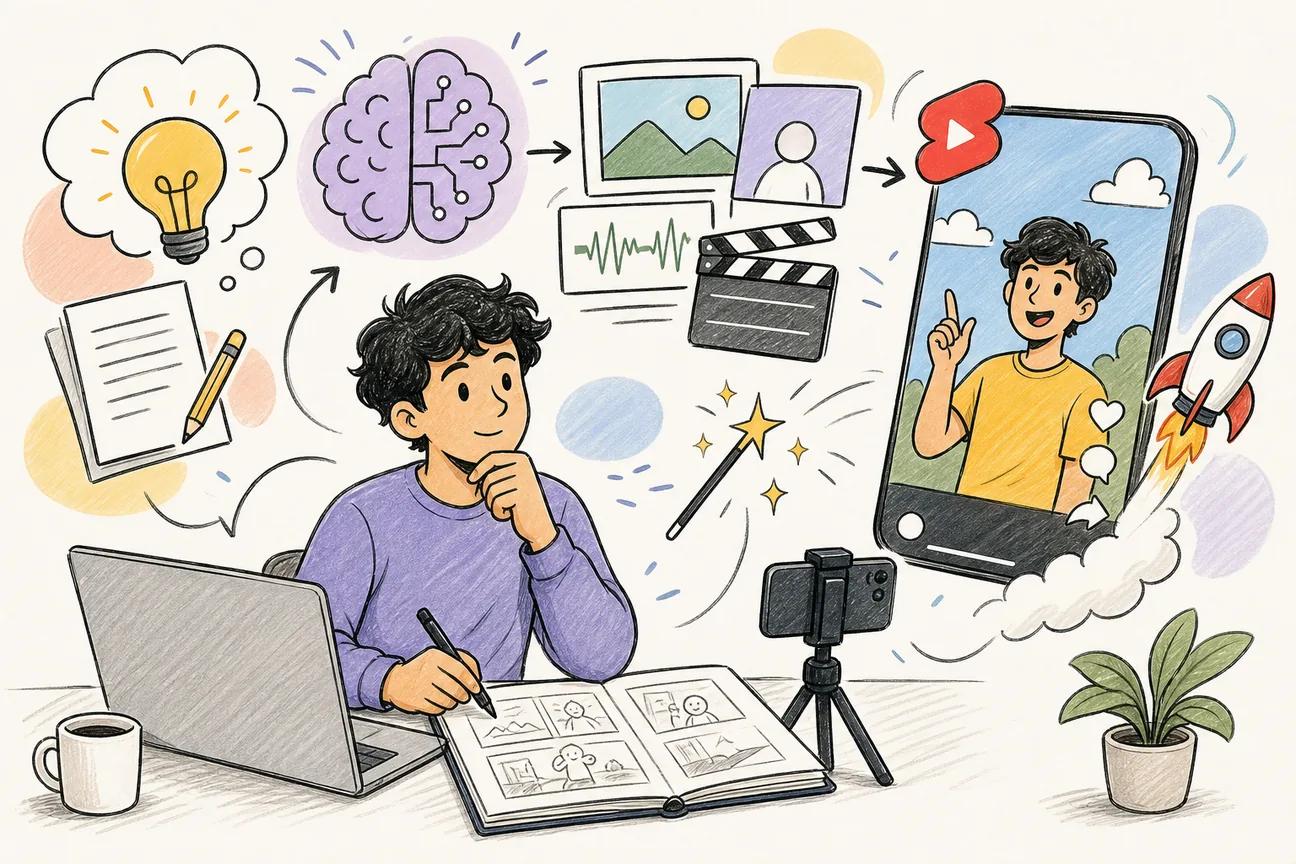
Making YouTube Shorts with AI used to mean stitching together five different tools. Now you can go from a text prompt to a finished vertical clip in under 15 minutes. Here are the 10 best AI tools for the job, ranked by what actually matters for Shorts: 9:16 output, free tiers, and end-to-end workflow.
1. Seedance Studio (Our Top Pick) — Browser-based, no waitlist, free tier
Seedance Studio is a browser-based AI video generator built on Seedance 2.0, currently ranked #1 for both text-to-video and image-to-video. You type a prompt, upload reference images or audio if you want them, and get back a finished clip with camera direction, consistent characters, and native sound. No download. No waitlist.
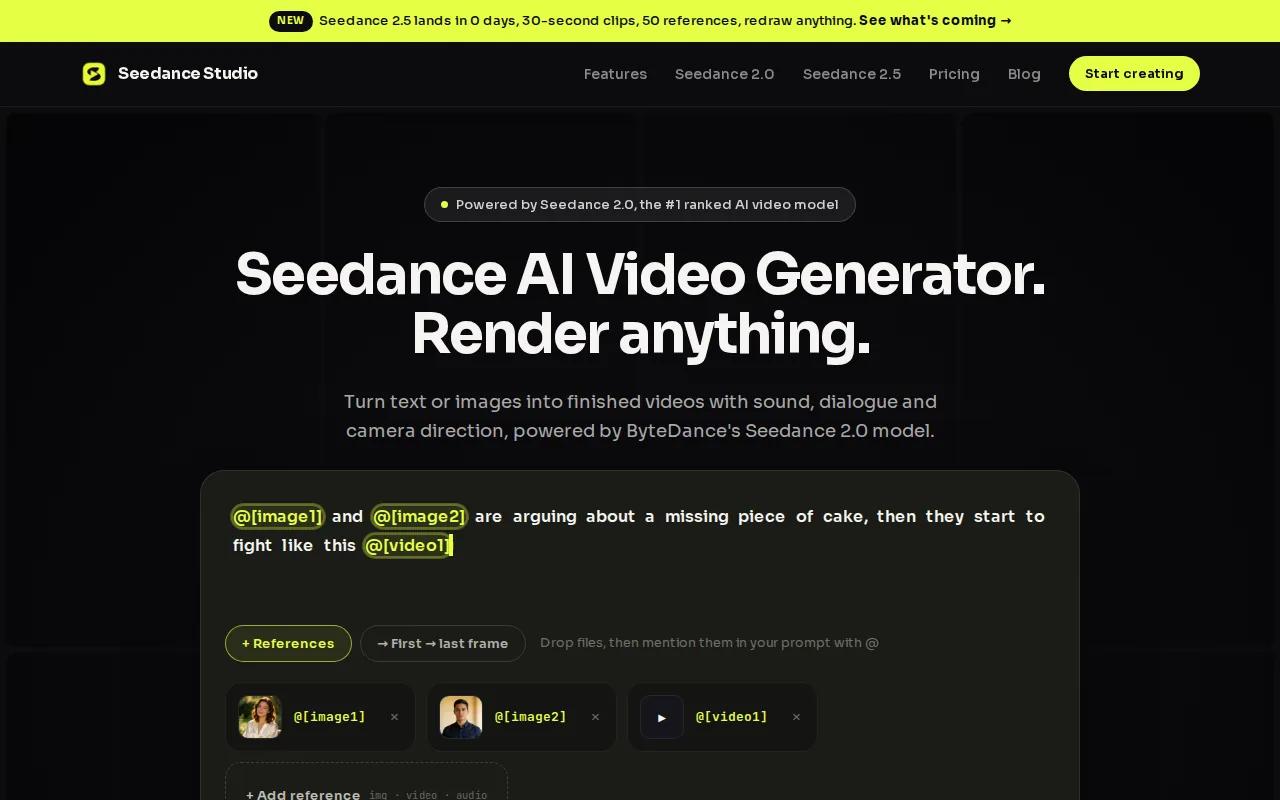
For YouTube Shorts specifically, it hits every requirement out of the box. It generates natively at 9:16 (vertical), supports 16:9 and 1:1 too, and goes up to 4K resolution on paid plans. Clips run up to 15 seconds, which is the sweet spot for the Shorts feed. The free tier gives you immediate access without a credit card, which puts it in a small group: only about 14% of AI video platforms offer any free tier at all.
Pricing starts at $14/month on Seedance Studio's paid plan, well below the $18 median across comparable tools. And unlike per-second billing models, it's a flat fee, so a 15-second Short doesn't quietly cost more than your monthly plan. You can attach up to 12 reference inputs per generation, which makes character and scene consistency across multiple clips genuinely usable.
The one caveat: text rendering inside generated clips is unreliable. Add captions and titles in a separate editor like CapCut after export. That's a one-step addition, not a dealbreaker, but worth knowing before you start.
2. Runway Gen-4.5 — Leader on AI video leaderboard, strong visual scene generation
Runway Gen-4.5 holds the #1 position on the Artificial Analysis text-to-video leaderboard, which tracks output quality across major AI video models. Its strength is generative visual scenes: dramatic environments, dynamic lighting, and shot-level control that makes B-roll look intentional rather than stock.
For Shorts creators who want cinematic-quality visuals without shooting real footage, Runway is a strong option. It has a free tier and a starting price of $12/month (billed yearly). The workflow requires more manual steps than Seedance Studio: script-to-video is separate, and keyframe setup takes time to learn. If you're building a faceless channel where visual quality is the differentiator, the output quality justifies the learning curve. If you need a fast one-prompt pipeline, it's not the right fit.
3. Sora 2 — Creative narrative coherence, premium pricing
Sora 2 is the model most creators point to when they want a Short that feels like a short film. Its narrative coherence across a clip is genuinely different from most tools: characters behave consistently, scenes have logical cause-and-effect motion, and the overall feel is closer to directed footage than generated imagery.
The catch is the price. Sora 2 starts at $200/month, which makes it one of the most expensive options on this list. That's a reasonable spend for a brand running paid social at scale, but it's hard to justify for a solo creator testing hooks. If your Shorts rely on storytelling and visual realism over speed or volume, Sora 2 is worth a trial. For most creators, the cost-to-output ratio makes it a secondary tool rather than a daily driver.
4. Kling 3.0 — Multi-shot storyboarding, consistent characters, pay-per-second
Kling 3.0 is built for creators who plan their Shorts shot by shot. Its multi-shot storyboarding feature lets you define camera angles, transitions, and character positions across a sequence, and the model holds character consistency across those angles. That's genuinely useful for narrative Shorts where the same subject needs to appear in multiple scenes without drifting.
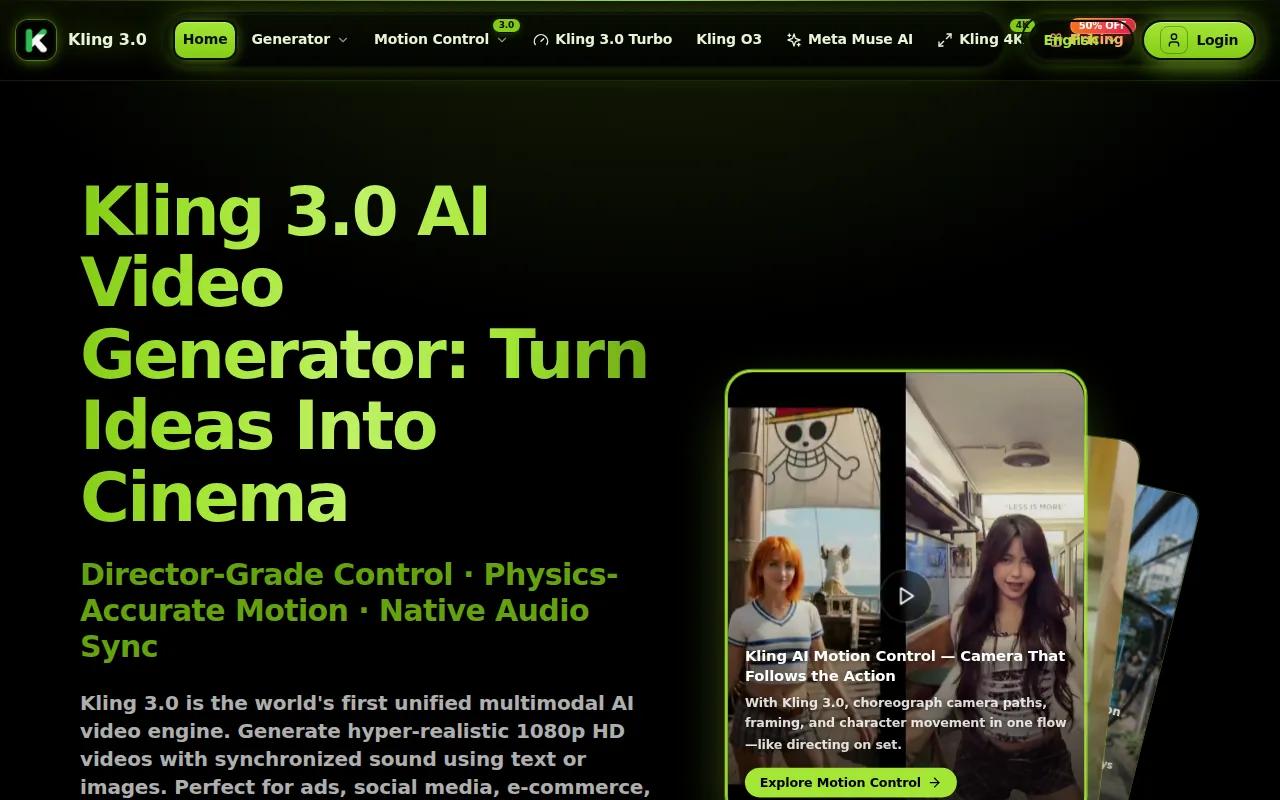
Pricing is $0.07 per second. Costs scale with usage, making it suitable for projects where you can manage per‑second pricing. Kling 3.0 is the right pick when you need storyboard-level control and you're working on a defined project. It's less suited to daily high-volume production where predictable costs matter more than shot precision.
5. Veo 3.1 — Natural lip-sync, lifelike body language for talking-heads
Veo 3.1 is the go-to tool when your Short needs a talking-head presenter. Its lip-sync is the most natural-looking of any model tested: mouth movements match audio timing accurately, and body language reads as human rather than mechanical. For educational Shorts, product explainers, or any format where an on-screen speaker is the hook, Veo 3.1 produces results that hold up at full screen on a phone.
It bills at $0.20 per second, so a 15-second Short costs $3. That adds up fast if you're producing daily. Veo 3.1 earns its place for avatar-led content where realism directly affects watch time. For text-to-video or B-roll-heavy Shorts, the per-second cost makes cheaper options more usable. Worth knowing: Veo 3.1 also offers Google Cloud integration, which can be useful for automated pipelines.
6. Wan 2.6 — Most affordable per-second rate, good for bulk Shorts
Wan 2.6 is the cheapest per-second model on this list at $0.05 per second. A 15-second Short costs $0.75. If you're running a faceless channel and producing 30 or more Shorts a month, that pricing structure keeps costs well under a flat monthly plan at volume.
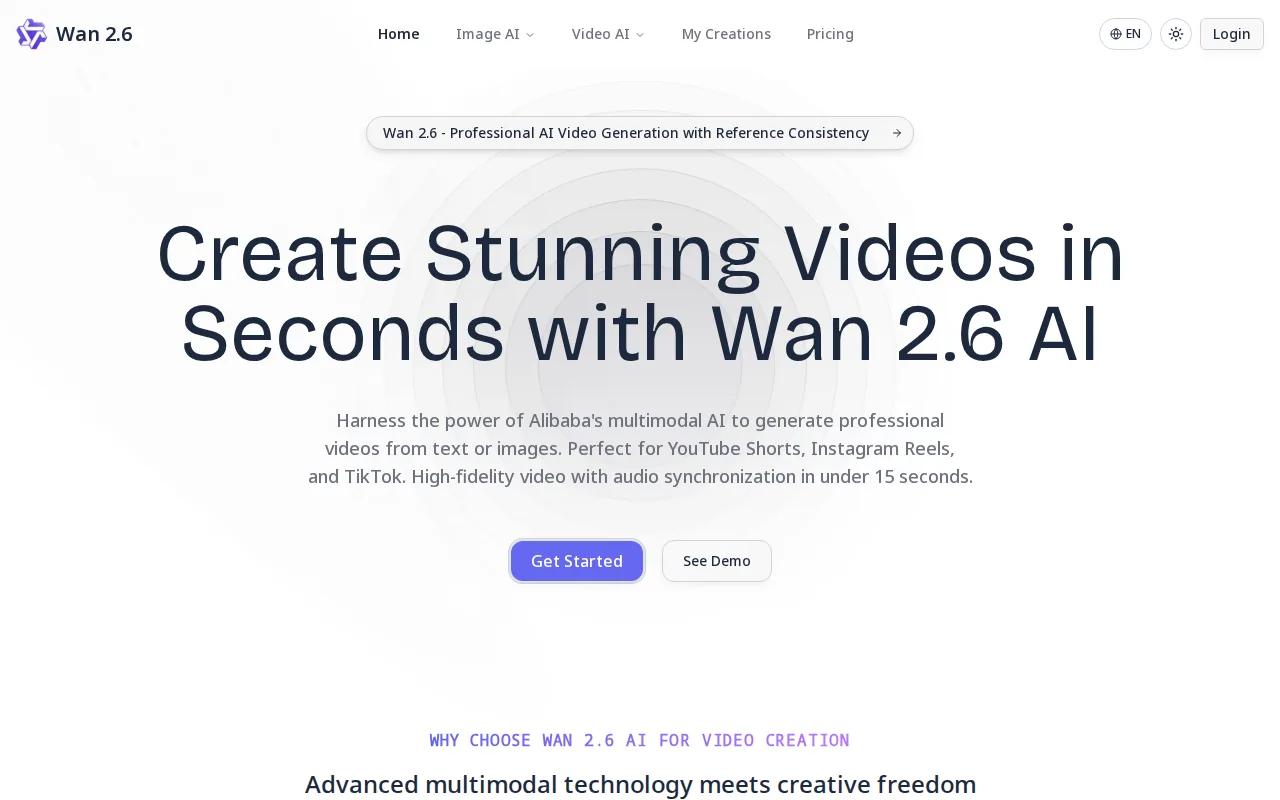
The trade-off is output quality. Wan 2.6 is solid for motion-heavy visuals and abstract content, but it doesn't match Runway or Sora 2 on scene realism. For creators in niches where visual style matters less than posting frequency (facts channels, quote channels, ranking content), Wan 2.6 is a usable backbone. Pair it with a good script-generation workflow and you can build a high-volume short video production system without burning through a large budget.
7. Hailuo 2.3 — Stylized anime and illustration output, single-pipeline workflow
Hailuo 2.3 is the specialist pick for creators whose brand aesthetic leans toward animation. It supports anime, illustration, and ink-wash painting styles with output quality that looks intentional rather than filtered. If your Shorts channel is built around a stylized visual identity, Hailuo 2.3 produces that look more consistently than general-purpose models.
Its Media Agent handles the full workflow from model selection through to editing in a single pipeline, which reduces the number of tabs you need open. The limitation is narrow: if your content is realistic or live-action in style, Hailuo 2.3's strengths don't apply. It's a strong choice for animation-first channels and a poor fit for anything else.
8. Pika 2.0 — Fastest output under 3 minutes, low monthly fee
Pika 2.0 is the only AI video generator that consistently delivers usable output in under 3 minutes. For creators who post during trending moments, that speed matters. If a meme format or audio trend spikes on YouTube Shorts, Pika 2.0 lets you publish before the window closes.
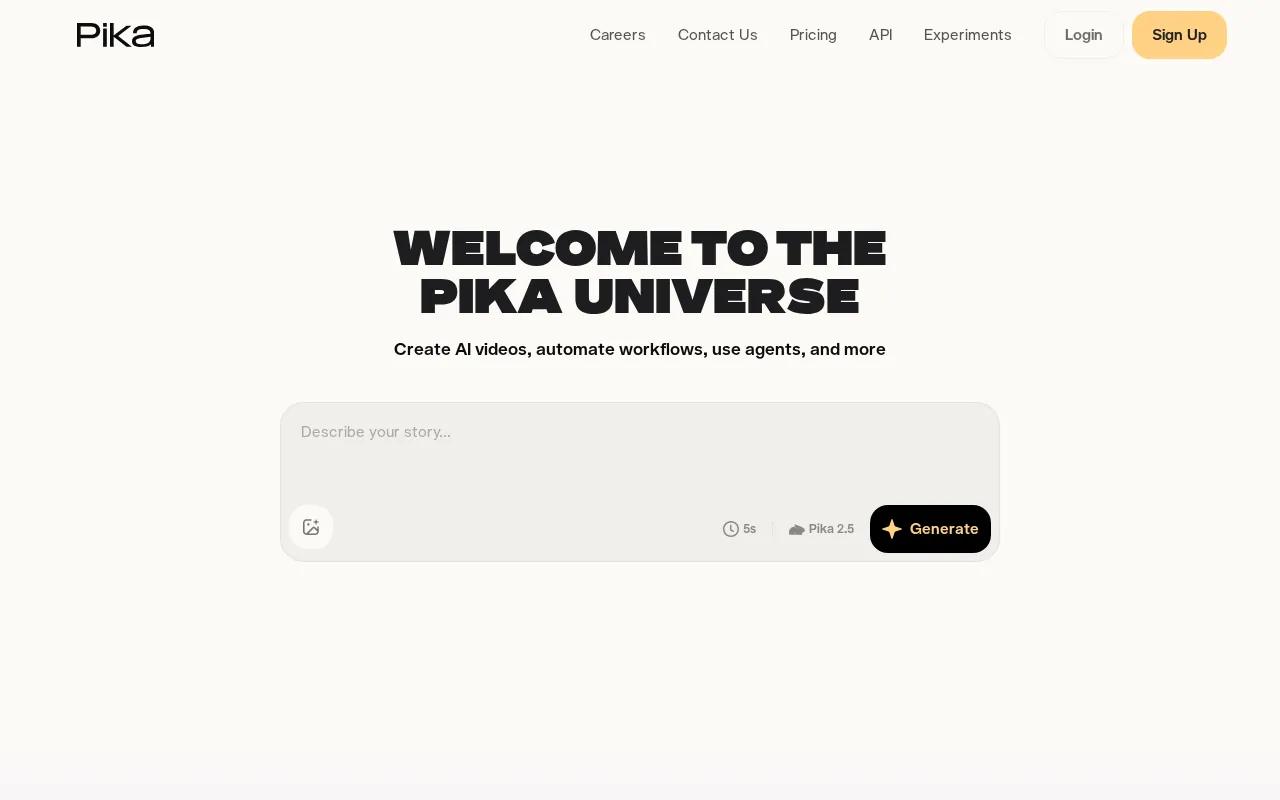
It starts at $10/month, which makes it one of the more accessible paid options. Output quality is good for the speed, though not at the level of Runway or Sora 2 for complex scenes. Think of Pika 2.0 as your reactive tool: use it when timing is the priority. For planned, high-quality content, slower tools with more control are worth the wait.
9. CapCut's AI Video Generator — Free tier for 15-second clips, music library
CapCut's AI Video Generator is the most accessible entry point on this list. The free tier supports clips up to 15 seconds, which is exactly the Shorts format length. It also includes a licensed music library, so you can add background audio without worrying about copyright claims, which is a real usable advantage for new creators.
The workflow is mobile-first and built for social content, so the editing interface will feel familiar if you've used CapCut for manual editing. The AI generation quality is more limited than dedicated video generation tools, and the free tier has clear output constraints. But for someone just starting to make YouTube Shorts with AI and not ready to pay for a tool, CapCut's AI features are a reasonable first step. Once you need more control over camera direction or character consistency, it's time to move up to a dedicated generator like Seedance Studio.
10. HeyGen — Avatar realism with automatic script segmentation
HeyGen is the strongest tool on this list for avatar-led Shorts. Its avatar realism is high, lip-sync is accurate, and it automatically segments a script into scenes, which removes one of the more tedious parts of building a talking-head Short. It has a free tier and starts at $24/month billed yearly.

The use case is specific: if your Shorts format requires a consistent AI presenter, HeyGen is the right tool. It's less suited to B-roll-heavy or abstract visual content. For educational channels, product demos, and any format where a presenter builds trust with the audience, HeyGen's avatar quality and script automation make it worth the price. Pair it with a solid AI avatar workflow and you can build a consistent presenter-led channel without recording a single frame yourself.
What to Look for When Choosing an AI Video Generator
Most AI video tool comparisons focus on output quality alone. But for YouTube Shorts, four other factors matter just as much.
Native 9:16 output.YouTube Shorts requires vertical video at 1080x1920. Generating in landscape and cropping wastes resolution and pushes your subject off-frame. Check that the tool outputs 9:16 natively before you commit to it.
Free tier or low entry cost.Only about 14% of AI video platforms offer any free tier. If you're testing hooks and posting cadence, you don't want to burn credits on experiments. Tools with free tiers let you find your format before you pay.
Flat pricing vs. per-second billing.Per-second models like Kling ($0.07/sec) and Veo ($0.20/sec) can cost more than a flat monthly plan once you're producing daily Shorts. A 15-second Short on Veo costs $3. Producing 10 a week can lead to a substantial monthly expense. Flat-fee tools are more predictable for high‑volume creators.
End-to-end workflow vs. single-step tools.Some tools generate visuals only. Others handle script, voice, captions, and export in one flow. The more steps you need to stitch together manually, the slower your posting cadence. For a creator aiming to post three Shorts a day, a single‑pipeline tool is worth more than marginally better output quality from a multi‑tool workflow.
Character consistency.If your channel has a recurring presenter or character, the tool needs to hold that character's appearance across multiple clips. Most cheap tools don't do this well. Check for reference image support before choosing. For a deeper look at how reference inputs work in practice, see how to use Seedance 2.0 to build your first AI video in five steps.
According to Wikipedia's overview of YouTube Shorts, the format requires vertical video under 60 seconds to qualify for the Shorts feed, which means aspect ratio and duration are non‑negotiable technical requirements, not preferences.
Feature Comparison Table
| Tool | Free Tier | Starting Price | Native 9:16 | Best For | Key Limitation |
|---|---|---|---|---|---|
| Seedance Studio | Yes | $14/mo | Yes | End-to-end Shorts workflow | Text rendering needs external editor |
| Runway Gen-4.5 | Yes | $12/mo | Yes | Cinematic B-roll quality | Multi-step workflow |
| Sora 2 | No | $200/mo | Yes | Narrative-driven Shorts | High cost |
| Kling 3.0 | No | $0.07/sec | Yes | Multi-shot storyboarding | Per-second cost adds up |
| Veo 3.1 | No | $0.20/sec | Yes | Talking-head lip-sync | Expensive at volume |
| Wan 2.6 | No | $0.05/sec | — | Bulk Shorts production | Lower scene realism |
| Hailuo 2.3 | — | — | — | Anime and illustration style | Narrow style range |
| Pika 2.0 | — | $10/mo | — | Speed, trend-reactive posting | Lower quality ceiling |
| CapCut AI | Yes (15-sec) | Free | Yes | Beginners, free music library | Limited AI generation depth |
| HeyGen | Yes | $24/mo | — | AI presenter-led Shorts | Presenter-only use case |
Frequently Asked Questions
Can I make YouTube Shorts with AI for free?
Yes. Several tools on this list have free tiers, including Seedance Studio, Runway Gen-4.5, CapCut's AI Video Generator, and HeyGen. Seedance Studio's free tier lets you generate 9:16 vertical clips without a credit card or waitlist. CapCut's free tier supports clips up to 15 seconds with a licensed music library. Free tiers typically include watermarks or resolution limits, so upgrade when you're ready to publish professionally.
What aspect ratio do I need for YouTube Shorts?
YouTube Shorts requires 9:16 vertical video at 1080x1920 pixels to appear in the Shorts feed. Generating in 16:9 and cropping is a common mistake: it wastes resolution and frames your subject poorly. Always set your AI tool to 9:16 before you generate. Most tools on this list support native vertical output, but check before you start a session.
How long does it take to make a YouTube Short with AI?
With a single-pipeline tool like Seedance Studio, you can go from a text prompt to a finished 15-second clip in under 15 minutes, including generation time and basic export. Pika 2.0 delivers output in under 3 minutes. More complex workflows involving separate scripting, voiceover, and editing steps take longer. The biggest time-saver is choosing a tool that handles the full workflow in one place rather than stitching five tools together.
Do I need to edit AI-generated Shorts before posting?
Light editing is worth doing. Add captions in a separate editor like CapCut, since most AI generators don't burn in reliable text. Check that your clip starts with motion rather than a held frame, since the first second decides whether viewers swipe away. Trim any dead frames at the start or end. The AI handles the heavy lifting; you handle the polish. A good editing workflow for AI clips takes about 5 minutes once you've built the habit.
Is it better to use a flat-rate or per-second pricing model?
For daily posting, flat-rate wins. A per-second model like Veo 3.1 at $0.20/sec costs $3 per 15‑second Short. Posting 10 Shorts a week can add up quickly. Seedance Studio's flat $14/month covers your full production volume without surprise overages. Per‑second pricing makes sense for occasional high‑quality projects where you generate a small number of clips and need the best possible output.
How do I keep characters consistent across multiple AI video clips?
Use reference images. Upload a clear photo of your character and tag it in every prompt. Seedance Studio supports up to 12 reference inputs per generation, which lets you anchor a character's appearance, a location, and an audio track all at once. For a usable walkthrough of how reference inputs work in a multi-clip workflow, see how to use Seedance to make AI videos fast. Without a reference image, most models drift noticeably between clips.
Conclusion
If you're starting out or want the most complete tool for making YouTube Shorts with AI, Seedance Studio is the right first choice: free to start, flat-rate pricing, native 9:16 output, and a single-prompt workflow that handles camera direction and native sound together. For specialized needs like avatar realism (HeyGen), anime style (Hailuo 2.3), or trend-speed posting (Pika 2.0), the other tools on this list earn their spots. Pick the AI video app that fits your content type, generate your first Short today, and post before the trend window closes.


