Cheap video ads software can now handle work that once needed a full editing team. Seedance Studio starts at $14 per month with a free tier, automatic camera direction, consistent characters, and native sound. Here are six strong picks, plus the best fit for each kind of ad workflow.
1. Seedance Studio
Seedance Studio is a browser-based AI video and image generator for marketers who need finished short ads without a long edit cycle. You type a prompt or upload reference images, clips, or audio. The tool then builds a video with camera direction, character consistency, and native sound.
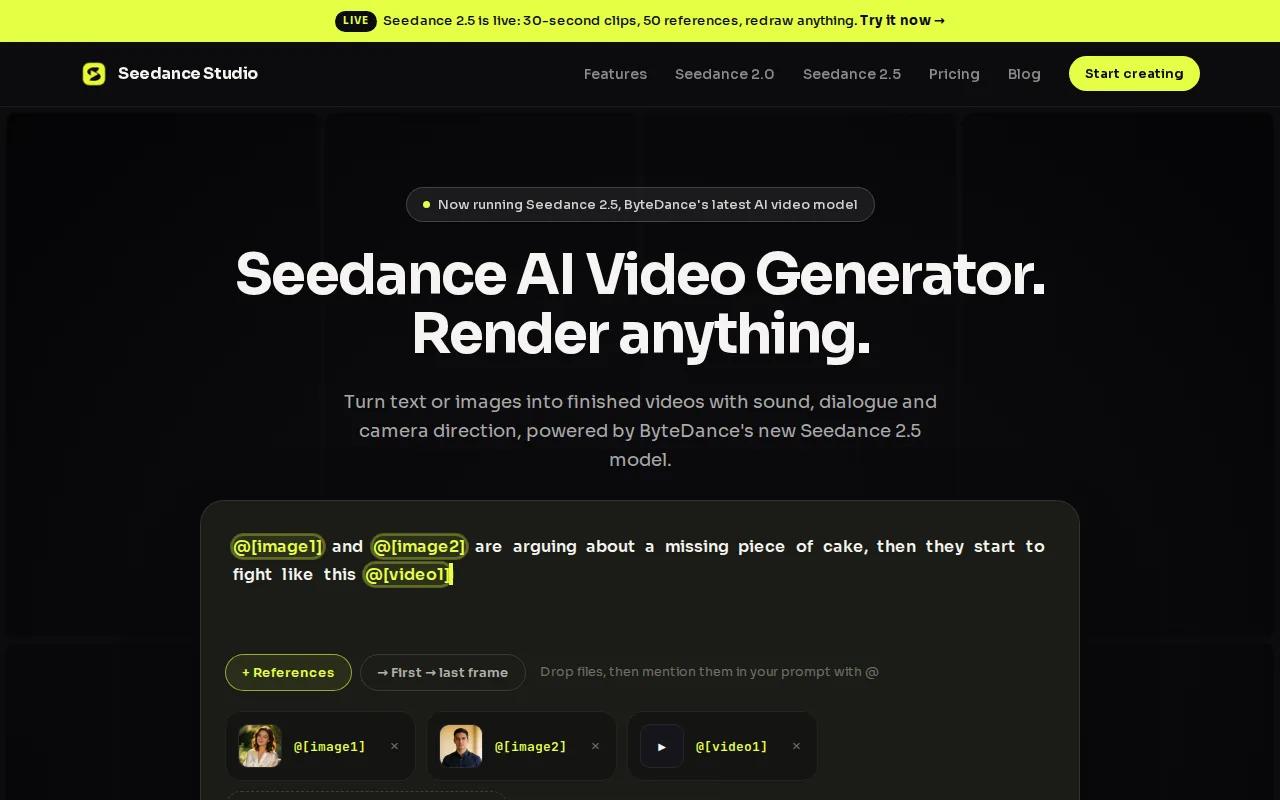
The price is a major reason it leads this list. Paid plans start at $14 per month, and a free tier lets you test the workflow before paying. You don't need a download or a waitlist. That makes it easy to move from an idea to a first draft during a campaign sprint.
Seedance Studio fits short ads for TikTok, Instagram Reels, and YouTube Shorts. Upload a product photo and ask for a close-up reveal. Add a reference image when the same person or object must stay consistent between shots. You can also add audio when the sound needs to match the mood of the ad.
That combination matters because many low-cost tools focus on one narrow task. One may make a clip from text. Another may add captions after you edit. Seedance Studio brings the generation work into one browser workflow, which cuts down on app switching.
It also fits teams that need several versions of the same idea. Change the hook, swap the reference image, or ask for a new camera angle. Then export the version that fits your channel. Our guide to creating video ads that convert covers the planning choices behind that process, including how to make video ads with AI from idea to final export.
The caveat is simple. AI video still needs review. Check hands, text on screen, product shape, lip movement, and claims before you publish. If your ad needs exact brand typography or frame-by-frame control, you may still want a traditional editor after generation.
For most creators and small marketing teams, Seedance Studio gives the best balance of cost, speed, and automation. Create a free account, test one product concept, and judge the output before you commit to a paid plan.
2. Clipchamp, Simple social ad editing on a budget
Clipchamp is a good cheap video ads software choice when you already have footage and need to turn it into social-ready cuts. It is less about generating a full commercial from one prompt. Its strength is quick editing with AI help around the rough edges.
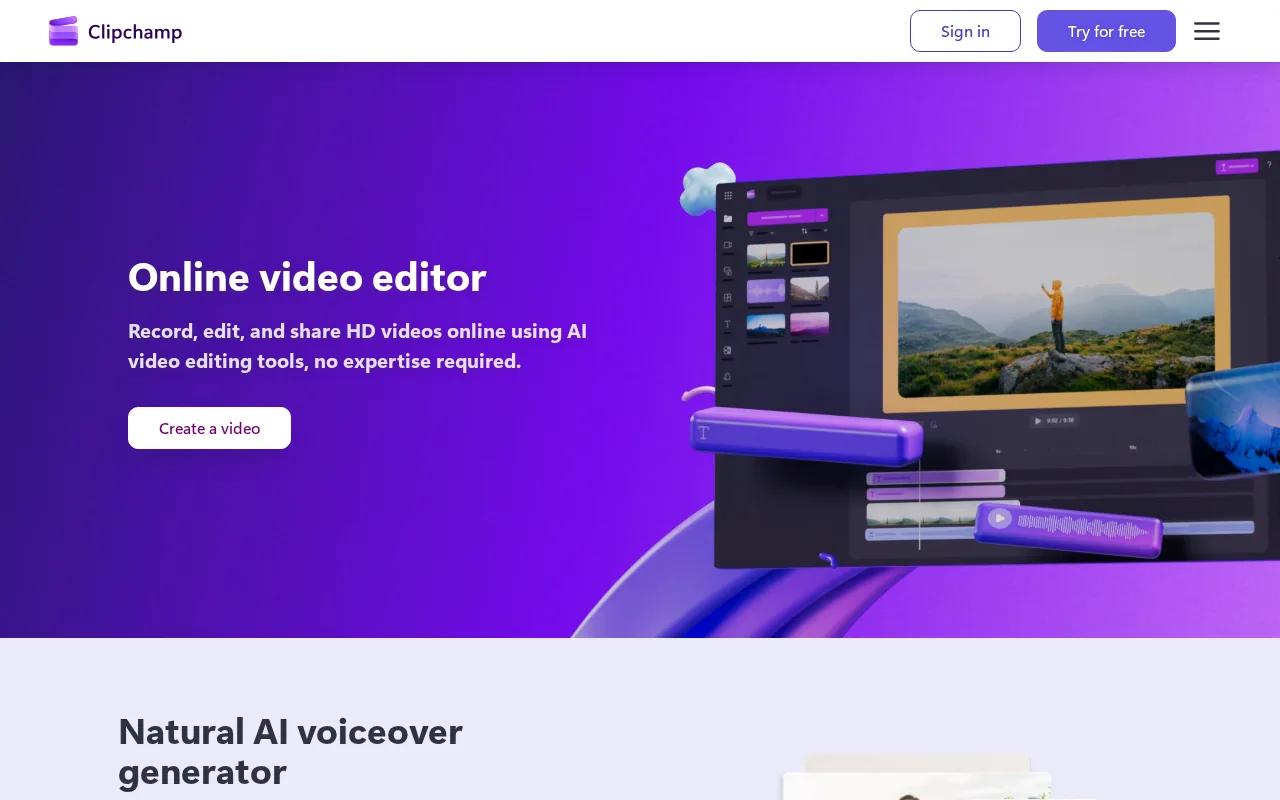
Its speech-to-text tool can make captions from spoken audio. AI voice-over generation helps when you need narration without recording it yourself. Tools for background noise and silence removal can also clean up a talking-head clip before you add a call to action.
Templates for Facebook, Instagram, TikTok, and YouTube can reduce setup time. A brand kit helps keep colors and other brand assets in one place. That is useful when a small team needs to make several ads from the same source footage.
Imagine a local service firm with six phone-shot clips. You could trim the dead space, add captions, record a voice-over, and export a few channel-specific versions without handing the project to a specialist editor.
Clipchamp is also a sensible fit for teams that care more about ease than visual effects. It keeps the workflow approachable. You can start with a template, then adjust the first three seconds so the ad gets to the point faster.
Its limit is scope. If you want generated characters, complex camera movement, or a full image-to-video concept, this isn't the strongest choice in the shortlist. It works best when the raw material already exists.
For a simple edit desk, Clipchamp keeps costs and training time low.
3. Pika, Creative AI effects for short video ads
Pika suits creators who want cheap video ads software with a playful visual angle. It focuses on creative effects rather than a standard timeline edit. That makes it a good match for short ads that need a surprising first frame.
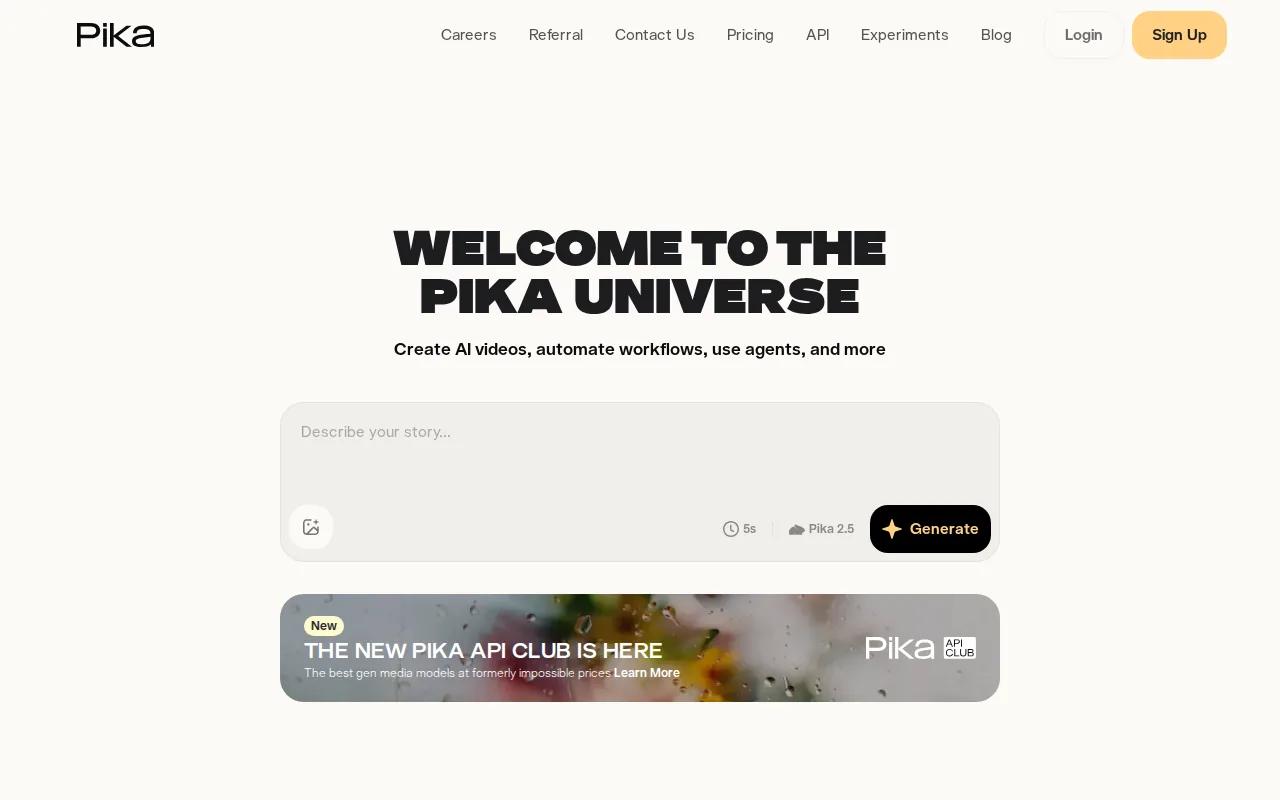
Its listed tools include Pikaframes, Pikaswaps, and Pikatwists. It also supports video-to-video and image-to-video work. You can start with a still product image, then test a few ways to add motion or change the visual treatment.
Pika has a free Basic plan with 80 monthly video credits. A starting price of $10 per month places it in the lower price band. That makes it worth testing when a campaign needs many quick creative directions before the team picks one.
Here is a useful ad test. Start with the same product image. Make one version with a fast visual swap. Make another with a frame effect. Keep the spoken hook the same. You can then compare whether the opening visual changes watch time or click behavior.
The active Discord community may help creators who like sharing ideas and learning through examples. But a community-led workflow won't suit every marketing team. Some businesses need clear support paths and strict brand controls.
Pika is also less suited to ads that depend on exact product geometry. Generated effects can change small details. Review the final clip before it reaches a paid campaign, especially if the product has fine parts, small labels, or a shape customers need to recognize.
If your ad brief says “make this product look strange for one second,” Pika is a strong fit. If the brief says “keep this product identical across a ten-scene demo,” choose a tool built around reference consistency instead.
4. Runway, Advanced control for polished AI ad concepts
Runway is for teams that want more control over AI-generated ad concepts. It costs $15 per month at the listed starting price. The tool is a better fit when the visual direction matters as much as speed.

Its listed features include Advanced Camera Controls and Multi-Motion Brush. Those tools give you more ways to guide movement inside a shot. Custom AI training is also listed, which may help teams that want a model shaped around a specific visual style.
Runway's free plan gives 125 credits as a one-time allotment. Still, credits don't tell the whole story. The number of generations you get depends on the cost of each action and the length of each output.
Runway makes sense for a product launch where the first draft needs a strong visual idea. You might generate a slow product reveal, guide motion around a subject, then hand the chosen concept to an editor for final brand work.
The tradeoff is learning time. More controls mean more choices. A small team may spend longer tuning a shot than it would with a simpler prompt-first tool. That isn't a flaw, but it changes the cost calculation. A low monthly fee can still become expensive if each ad needs many hours of testing.
Runway also isn't the best pick when native sound and fast social exports are your first concern. It is strongest when you need a controlled visual concept. Use it when the shot itself is the creative centerpiece.
For a quick ad batch, start with Seedance Studio. For a hero shot that needs careful motion, Runway deserves a place in the edit stack.
5. CyberLink PowerDirector, Fast AI-assisted ad editing
CyberLink PowerDirector is a desktop editor for business video producers and YouTubers who want AI help without giving up timeline control. It is a strong cheap video ads software choice when you already have footage and need to polish it quickly.
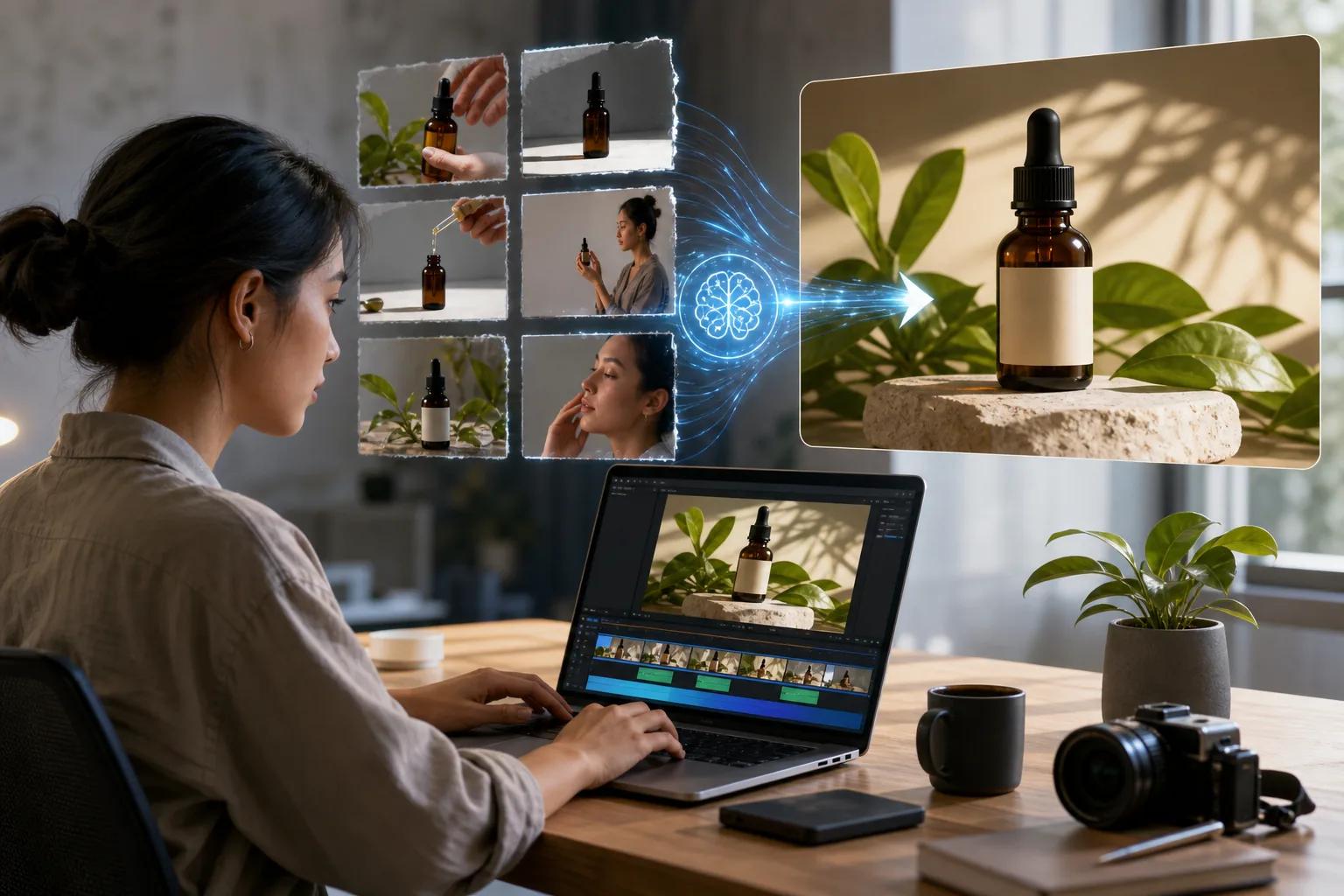
The software includes auto-captioning with text-based editing, AI voice-over generation, and automatic face blurring. These features can reduce the small tasks that slow down a social ad edit. You can fix the rough cut first, then return to the timeline for precise changes.
The editor also supports platform-focused reframing. A wide clip can be adjusted for vertical social placements while keeping the subject in view. That helps when one shoot needs to become several ad versions.
PowerDirector has a free Essential version with limits on advanced AI tools and some export options. Its listed paid plans include a monthly option, an annual PowerDirector 365 plan, and a lifetime purchase. Check the current plan details before you budget for a team, since access changes by plan.
The downside is that PowerDirector is more involved than a browser generator. You need a desktop workflow, file management, and some editing skill. It is a better fit for repeat production than for a marketer who wants one prompt to produce a finished concept.
Choose it when the edit itself is the work. Choose Seedance Studio when the hard part is generating the footage in the first place.
6. Wondershare Filmora, Affordable all-purpose AI video editing
Wondershare Filmora is an all-purpose editor for AI creators who want a broad set of tools at a lower entry cost. It fits teams that need one editor for short ads, creator clips, and light product video work.
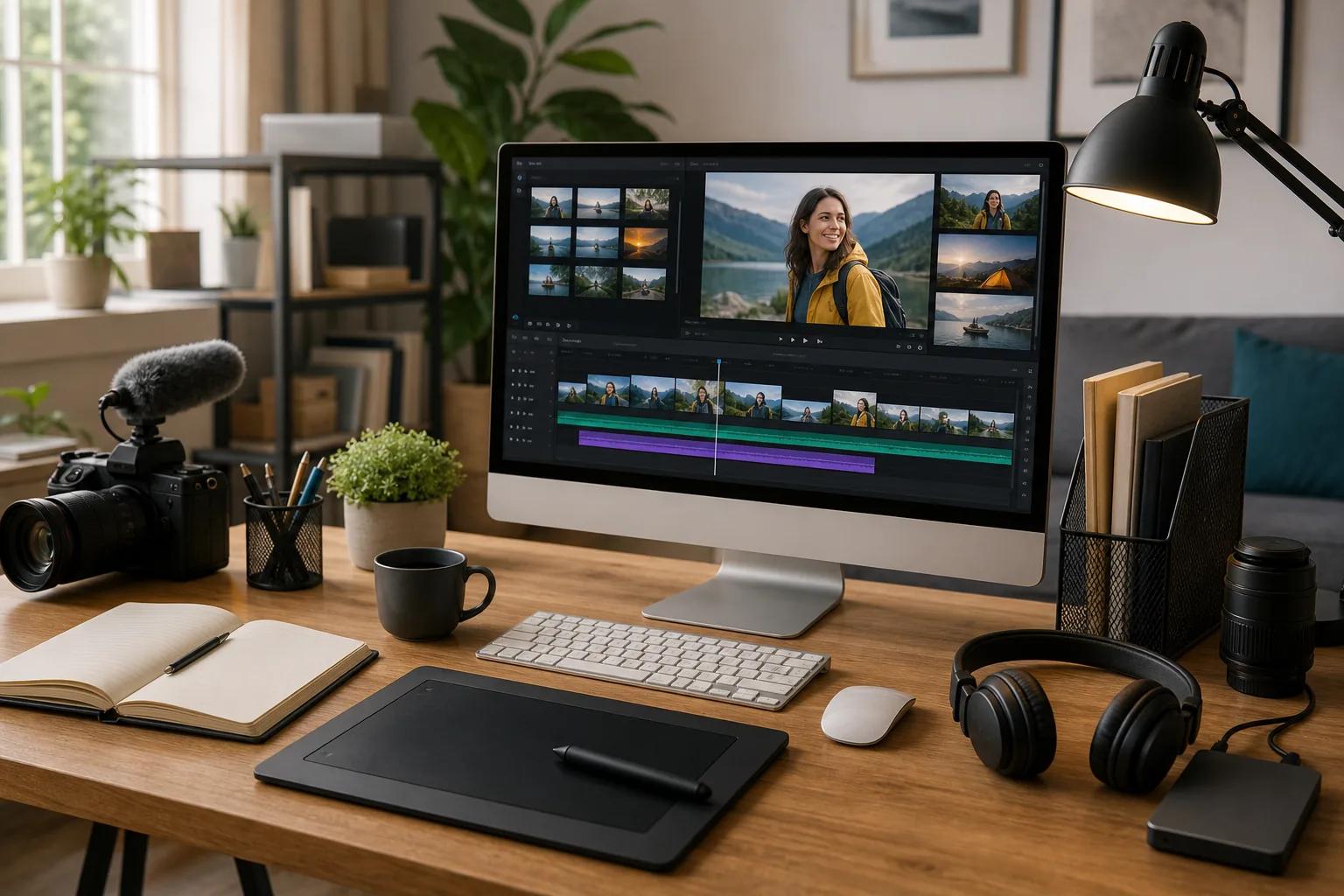
Filmora lists an AI Mate chatbot for natural-language editing. That means you can describe an edit instead of hunting through every menu first. The tool also lists audio-to-video and image-to-video generators, a music generator, and Smart Short Clips.
Smart Short Clips can help when you have a longer recording but need several short cuts. For example, a product demo could become a version with a problem hook, another with a feature hook, and a third with a customer question. Each cut still needs a human check for context and brand tone.
Filmora is a better choice than a pure generator when you need to bring in your own footage. It gives you room to cut scenes, add text, clean sound, and adjust the pace. The AI tools speed up parts of that work without replacing the full edit.
It can also help a solo creator who wants more control than a template tool provides. But a broad editor can feel busy at first. Set up one repeatable project file before making a campaign batch. Keep the same opening frame, caption style, and end card across each version.
The main caveat is workflow fit. Filmora may be affordable as an editor, but it won't replace a dedicated generator for every kind of synthetic scene. If your ads depend on new characters or generated camera shots, pair it with a generation tool rather than forcing it to do every job.
Filmora makes sense when your raw footage is valuable. Seedance Studio makes more sense when you need to produce the raw footage quickly.
Cheap video ads software comparison table
Price alone can give you the wrong answer. A $10 tool may be cheap but narrow. A $15 tool may save more time if it handles the first draft, sound, and visual direction in one place. For more options, compare these cheap AI video generators by their features and limits.
| Tool | Best use | Listed price or free access | Strong point | Watch for |
|---|---|---|---|---|
| Seedance Studio | Generated short ads | Free tier, plans from $14/month | Camera direction, character consistency, native sound | Review every generated detail |
| Clipchamp | Editing existing clips | Free access listed | Captions, voice-over, noise and silence removal | Less suited to full scene generation |
| Pika | Creative effects | Free Basic plan, from $10/month | Pikaframes, Pikaswaps, and Pikatwists | Check product shape and fine details |
| Runway | Controlled visual concepts | Free plan with 125 credits, from $15/month | Camera controls and Multi-Motion Brush | More learning time |
| CyberLink PowerDirector | Desktop ad editing | Free Essential version, paid plans available | AI editing plus a detailed timeline | Needs a desktop workflow |
| Wondershare Filmora | General AI-assisted editing | From $49.99/year | AI Mate and Smart Short Clips | Broad feature set can feel busy |
Integrations matter if your campaign depends on Zapier, an API, or automatic publishing. A simple export workflow can be easier to manage than a connector that only works on a higher plan.
Free access also varies sharply. Runway's free plan gives 125 credits as a one-time allotment. Luma Dream Machine's free plan allows eight draft videos with a watermark, and Kling AI's free Basic plan gives daily credits subject to traffic. Don't treat the word “free” as a common unit. Test the exact output length and watermark rules before you build a campaign around it.
For a broader look at pricing, free tiers, and feature limits, see this AI video generator price comparison. It helps separate a low sticker price from a low cost per usable ad.
FAQ
What is the cheapest software for making video ads?
Seedance Studio is the strongest low-cost choice for generating complete short video ads because it has a free tier and paid plans starting at $14 per month. Clipchamp also has free access for editing existing footage. Your cheapest option depends on whether you need new generated scenes or only need to cut and caption clips.
Can I make video ads without filming anything?
Yes, you can make video ads without filming when you use a text-to-video or image-to-video tool. Seedance Studio lets you type a prompt or upload reference media. You should still check the final video for product accuracy, readable text, sound quality, and claims before using it in a paid campaign.
Is cheap video ads software good enough for TikTok and Reels?
Yes, cheap video ads software can work well for TikTok and Reels when it produces clear vertical clips with a strong opening. Seedance Studio targets short-form channels, while Clipchamp and PowerDirector help reframe or edit existing footage. Keep the first message short, then test different hooks instead of changing everything at once.
Which tool is best for AI-generated product ads?
Seedance Studio is the best first test for AI-generated product ads in this shortlist because it supports reference images, automatic camera direction, consistent characters, and native sound. Pika is better for playful effects. Runway is better when you need detailed control over movement and the visual concept.
Do free video ad tools add watermarks?
Some free video ad tools add watermarks or limit credits, but the exact rule depends on the product and plan. Luma Dream Machine's free plan allows eight draft videos with a watermark, while other tools use credits or daily limits. Make one complete test export before choosing a free workflow for paid media.
Conclusion
Start with Seedance Studio if you need a low-cost way to generate polished short ads from prompts or reference media. Create a free account, make one product concept, and check whether the output fits your channel before upgrading. If you already have footage, use Clipchamp, PowerDirector, or Filmora for the edit instead.