

AI video pricing looks cheap until you count credits, clip length, and watermarks. Seedance Studio stands out with a usable free tier and paid plans from $14 per month. Here are five named tools and the job each one fits best.
1. Seedance Studio (Our Top Pick)
Seedance Studio is a browser-based AI video and image generator built for short-form content. It runs on Seedance 2.0, with text-to-video and image-to-video generation in one workflow.
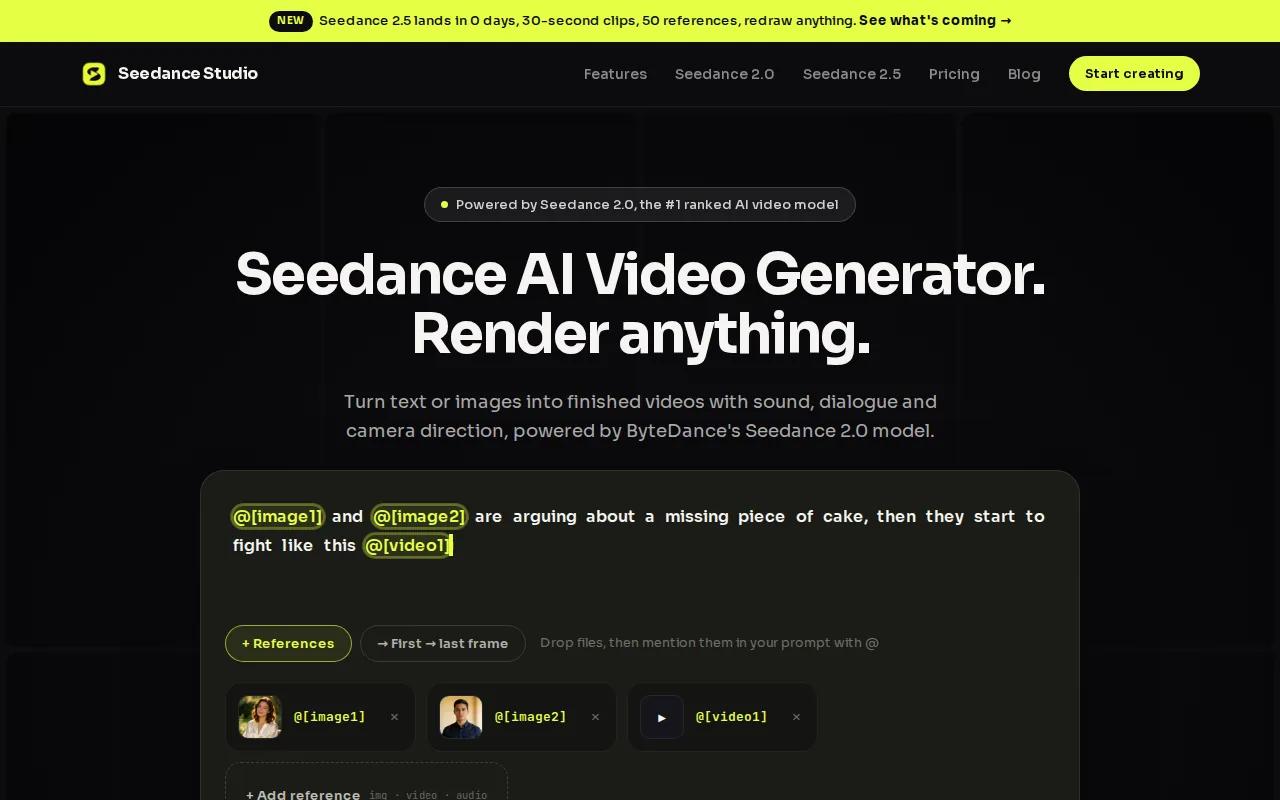
It suits creators, marketers, and social teams that need clips for TikTok, Reels, or YouTube Shorts. Type a prompt, then add reference images, video clips, or audio when the scene needs more control.
We like the price because it matches the job. The free plan gives you up to two videos at 480p with a watermark. No card is needed. The Creator plan costs $14 per month and includes up to eight videos or 320 images each month. See the full Seedance pricing and plan breakdown before you choose a tier.
Seedance Studio also handles camera direction, consistent characters, and native sound. That means you can ask for a slow push-in, keep the same character across shots, and get audio with the clip instead of adding it later.
The tradeoff is output length. Clips top out at 15 seconds, so this is a short-form tool rather than a long video editor. Free exports also carry a watermark.
If your goal is to test a trend today and post before it fades, this is the clearest value pick.
2. WaveSpeedAI, Best for broad model access and longer outputs
WaveSpeedAI fits a different part of an AI video generator price comparison. It targets professional creators, studios, agencies, and teams that need access to many models.
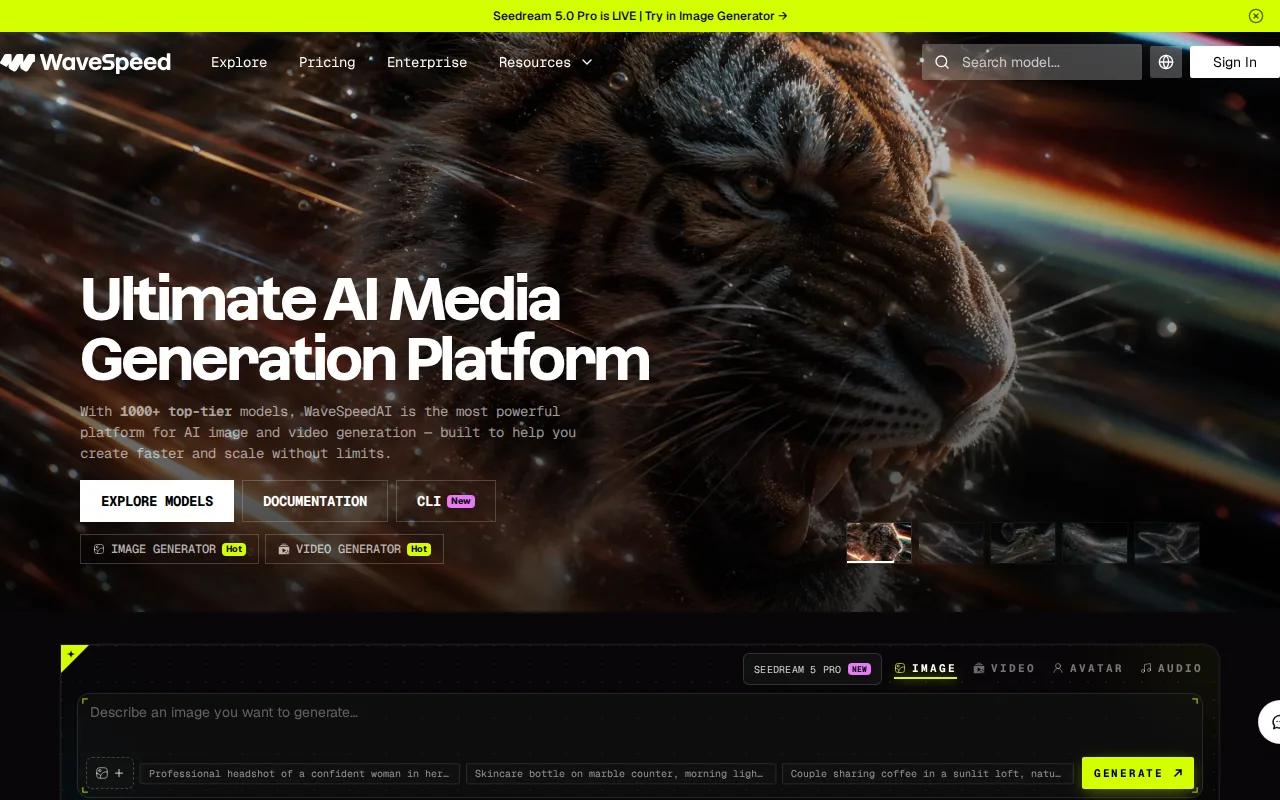
The research source lists more than 600 models, including ByteDance and Alibaba options. Its API-based pricing is flexible, with enterprise plans available. That makes the monthly headline price harder to compare with a simple creator subscription.
Its main strength is choice. A team can test different models for motion, realism, or a specific visual style without managing several vendor accounts. WaveSpeedAI also supports outputs up to 10 minutes with some models, which is far longer than Seedance Studio's 15-second focus.
The platform has web, API, and desktop paths. The desktop option includes local tools for image and video work, while the API suits production workflows that need repeatable calls. The broader AI video pricing breakdown is useful when you want to compare subscription plans with usage-based billing.
But broad access can add work. You still need to pick the right model, track usage, and check the terms for commercial output. A large model library is helpful only when someone on the team has time to test it.
Choose WaveSpeedAI when model range and longer output matter more than a simple monthly plan.
3. Runway, Best for creative control and camera tools
Runway is aimed at filmmakers, video editors, and creative professionals who want to direct motion. It is a strong choice when a prompt alone isn't enough.
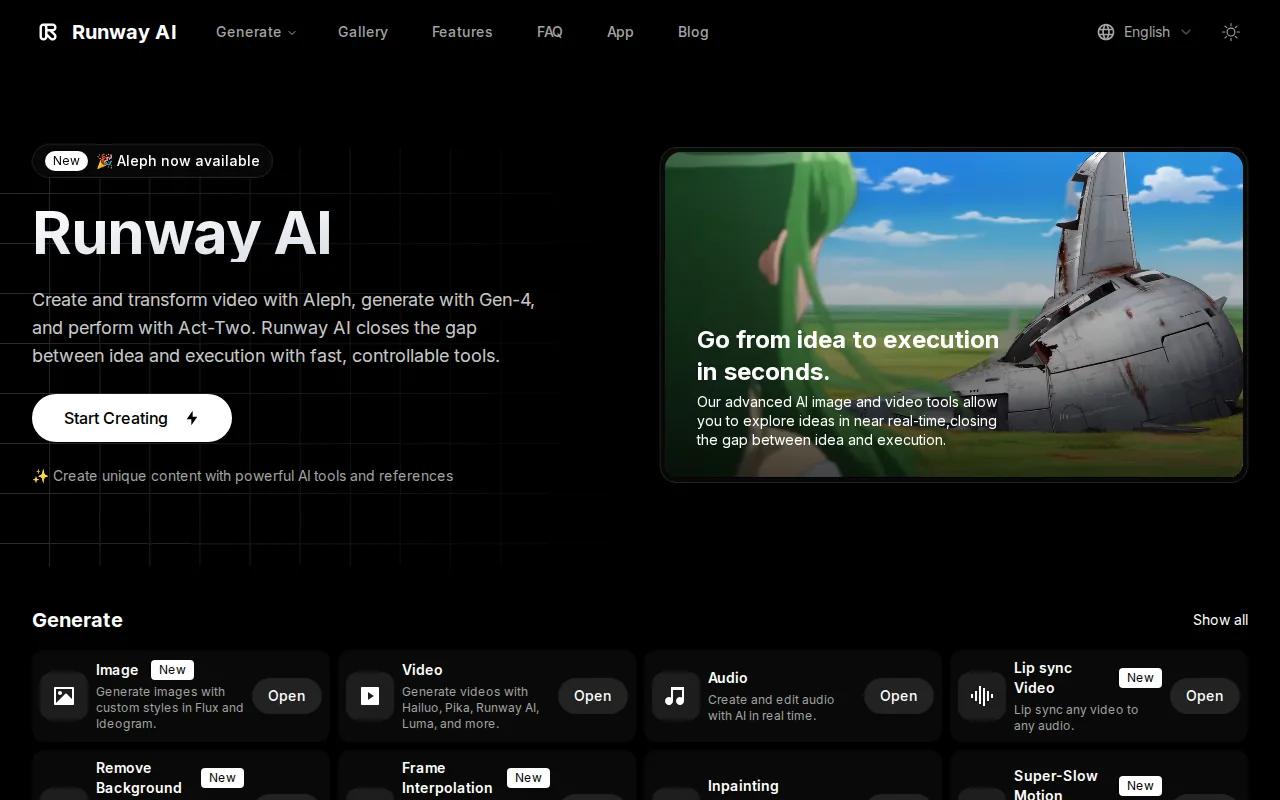
The grounded research lists Runway's Gen 4.5 plan at $15 per month, with a free tier that includes 125 credits. Its camera controls let you shape moves such as a pan, tilt, zoom, or dolly. A multi-motion brush gives more control over which parts of a frame move.
Runway also lists AI model training and custom voice lip sync among its automation features. These tools can help when a brand needs a repeatable visual style instead of a fresh look on every render.
For a broader view of model fit and credit limits, our AI video generator review compares the main workflows creators tend to use.
Runway's limitation is model access. The research notes that it is limited to Runway's own models, without access to specialized models such as Kling or WAN. Its free credits are also a one-time test rather than a recurring monthly allowance.
That makes Runway a better fit for a directed shot than for casual daily posting. If you care about the exact path of a camera, it earns its place. If you need many quick social clips, the credit meter may feel tight.
4. Pika Labs, Best for trying short-form effects on a free tier
Pika Labs is a quick way to test short social clips and visual effects. It has a free tier, which makes it easy to try before paying.
The free plan has major limits on resolution, duration, and generation count. Those limits are fine for testing an effect or checking how a prompt behaves. They become a problem when you need clean footage for a client post.
Pika Labs works best for social creators who want fast iterations. You might test several versions of a strange product reveal, a stylized transition, or a short visual joke. The tool's appeal is speed of experimentation rather than deep production control.
The research describes Pika as using one proprietary model. It also notes fewer professional features than enterprise-focused tools. That keeps the workflow easy to grasp, but it gives you less room when a scene needs detailed control.
Its free access is the key reason to consider it. Still, check the output size before you plan a campaign. A clip that looks fine in a small preview may not meet your delivery needs.
Pika Labs is a sensible test bench for effects. For a repeatable brand workflow with sound and character consistency, Seedance Studio has the stronger fit.
5. HeyGen, Best for avatar-led marketing videos
HeyGen focuses on avatar-led video, so it belongs in a different lane of this AI video generator price comparison. It fits marketing teams that need a person on screen without filming a new presenter each time.
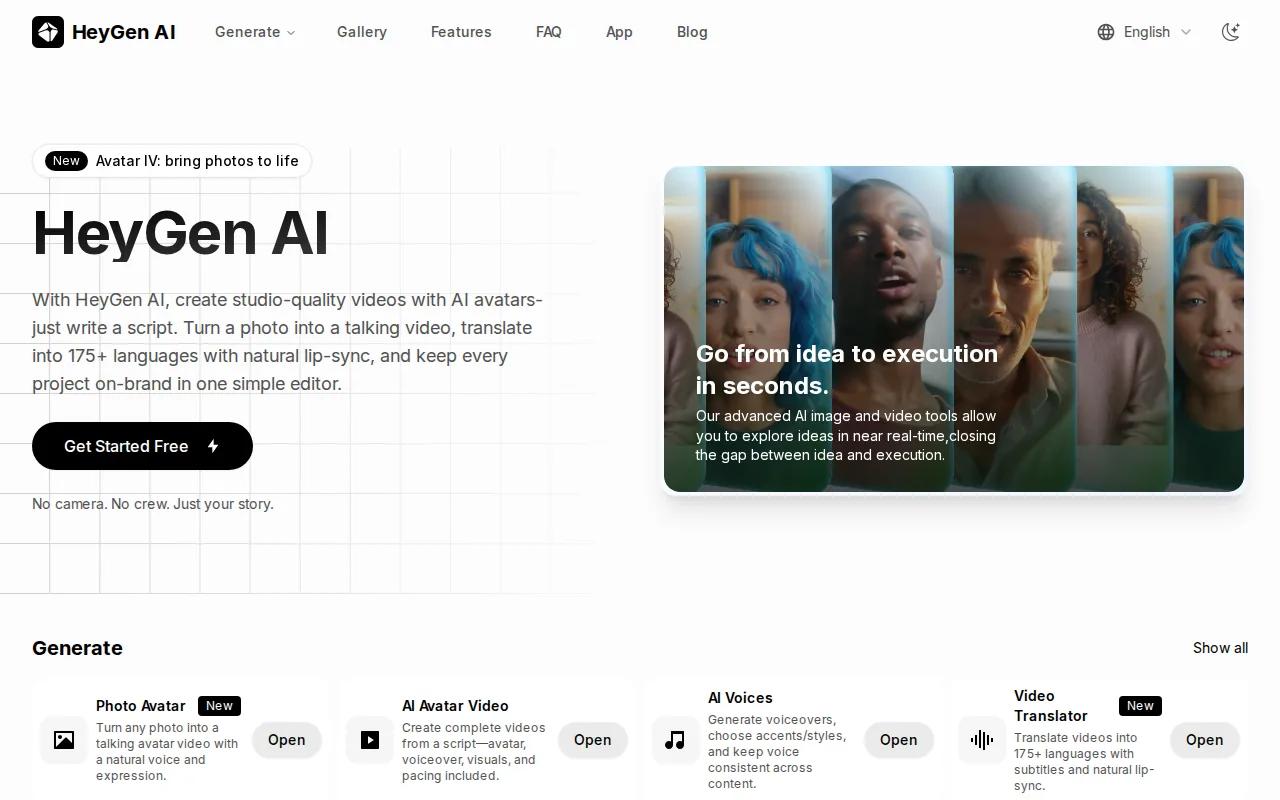
The grounded pricing data lists a $29 monthly starting price. Its free tier allows up to three videos per month, with a maximum output length of three minutes. That is enough to test the avatar workflow, but free use is limited.
HeyGen's listed automation features include AI video translation, custom avatar creation, and interactive avatar tools. These features suit product explainers, training messages, and localized marketing content where spoken delivery matters.
Our marketing video generator comparison covers the different jobs these tools handle. The key split is simple. HeyGen starts with a presenter. Seedance Studio starts with a generated scene.
That difference affects your costs. HeyGen can make sense when every video needs a talking person. It may be a poor fit if you want cinematic shots, product motion, or stylized scenes without an avatar.
Pick HeyGen when lip-synced presenter content is the main output. Pick Seedance Studio when the story needs a world, a product shot, or a character-led scene.
AI Video Generator Price Comparison Table
A useful comparison needs more than a monthly price. Free credits may be one-time, recurring, or capped by video count. Output length also changes the value of each plan.
The table below uses the data available for the five picks. A dash means the supplied research did not give a comparable figure.
| Tool | Free test | Starting price | Best output fit | Main catch |
|---|---|---|---|---|
| Seedance Studio | Up to 2 videos, 480p, watermark | $14/month | Short social clips with native sound | 15-second output cap |
| WaveSpeedAI | No free tier listed | Usage-based | Model access and longer outputs | More choices to manage |
| Runway | 125 one-time credits | $15/month | Directed creative shots | Proprietary model access |
| Pika Labs | Yes, with tight limits | — | Short effects and experiments | Resolution and count limits |
| HeyGen | Up to 3 videos monthly | $29/month | Avatar-led marketing | Three-minute maximum output |
The wider sample gives useful context. Across 47 tools, the average starting price was $62.17, while the median was $12. A few high-priced tools pull the average up, so the median better reflects what many entry plans cost.
Free access is also scarce. Only 14 of the 47 tools had a free tier in the supplied sample. That is why Seedance Studio's recurring allowance matters, even with its watermark and short clip limit.
FAQ: AI Video Generator Pricing
What is the cheapest AI video generator with a free tier?
Seedance Studio has the lowest stated paid starting price among the featured tools at $14 per month. Its free plan includes up to two 480p videos with a watermark and no card requirement. Pika Labs also has free access, but the supplied research says its limits on resolution, duration, and generation count are significant.
How much does an AI video generator cost per month?
AI video generator pricing ranges from free access to usage-based or enterprise billing. In the supplied 47-tool sample, the median starting price was $12, while the average was $62.17. Featured paid plans include Seedance Studio at $14, Runway at $15, and HeyGen at $29 per month.
Which AI video generator is best for TikTok and Reels?
Seedance Studio is the best fit of these picks for TikTok and Reels because it focuses on short clips and supports social-friendly formats. It also includes camera direction and native sound. Runway suits more directed creative work, while Pika Labs is better for quick effect tests with tight free-tier limits.
Are free AI video generators good enough for commercial work?
Free AI video generators are usually better for testing than final commercial delivery. Watermarks, low resolution, short limits, and small credit pools are common. Seedance Studio's paid plans include a commercial licence and remove the free-plan watermark, so check the plan terms before publishing client work.
Is a longer video always better value?
A longer output is better only when your project needs it. WaveSpeedAI supports outputs up to 10 minutes with some models, while Seedance Studio focuses on 15-second clips for social posts. Short clips can be cheaper and easier to revise, but longer work may reduce the need to join many scenes later.
Conclusion
Choose Seedance Studio if you want the best balance of price, free testing, short-form output, camera direction, and native sound. Start with the free plan, test one prompt with a reference image, then move to the $14 Creator plan when you need more clips and commercial use.


