
Shorter isn't always better on TikTok. Research gathered across 36 data points found that 31 to 60 second videos reached a 68% average completion rate, while clips under 15 seconds often fell between 10% and 18%.
The best video length for TikTok depends on the job your post must do. Use the steps below to pick a starting length, shape the edit, and test what your viewers actually finish.
1. Seedance Studio (Our Top Pick)
If you need to make several TikTok cuts fast, Seedance Studio gives you a useful starting point. We built it for creators, marketers, and social teams who need short video assets without a download or waitlist.
Type a prompt or upload reference images, clips, and audio. Seedance Studio can return a finished video with camera direction, consistent characters, and native sound. You can also start with a still image, then turn the idea into motion.
That workflow fits TikTok's short clip habit. Generate one strong visual beat first. Then build several beats into a longer post when the idea needs more room. A 4 to 15 second generation can become a hook, a reveal, or a product shot inside a 20 or 30 second edit.
Seedance Studio runs in your browser. It has a free tier, with paid plans starting at $14 per month. The tool is independent and isn't affiliated with ByteDance. If you're working against a trend, that speed matters. You can test a concept before the trend dies.
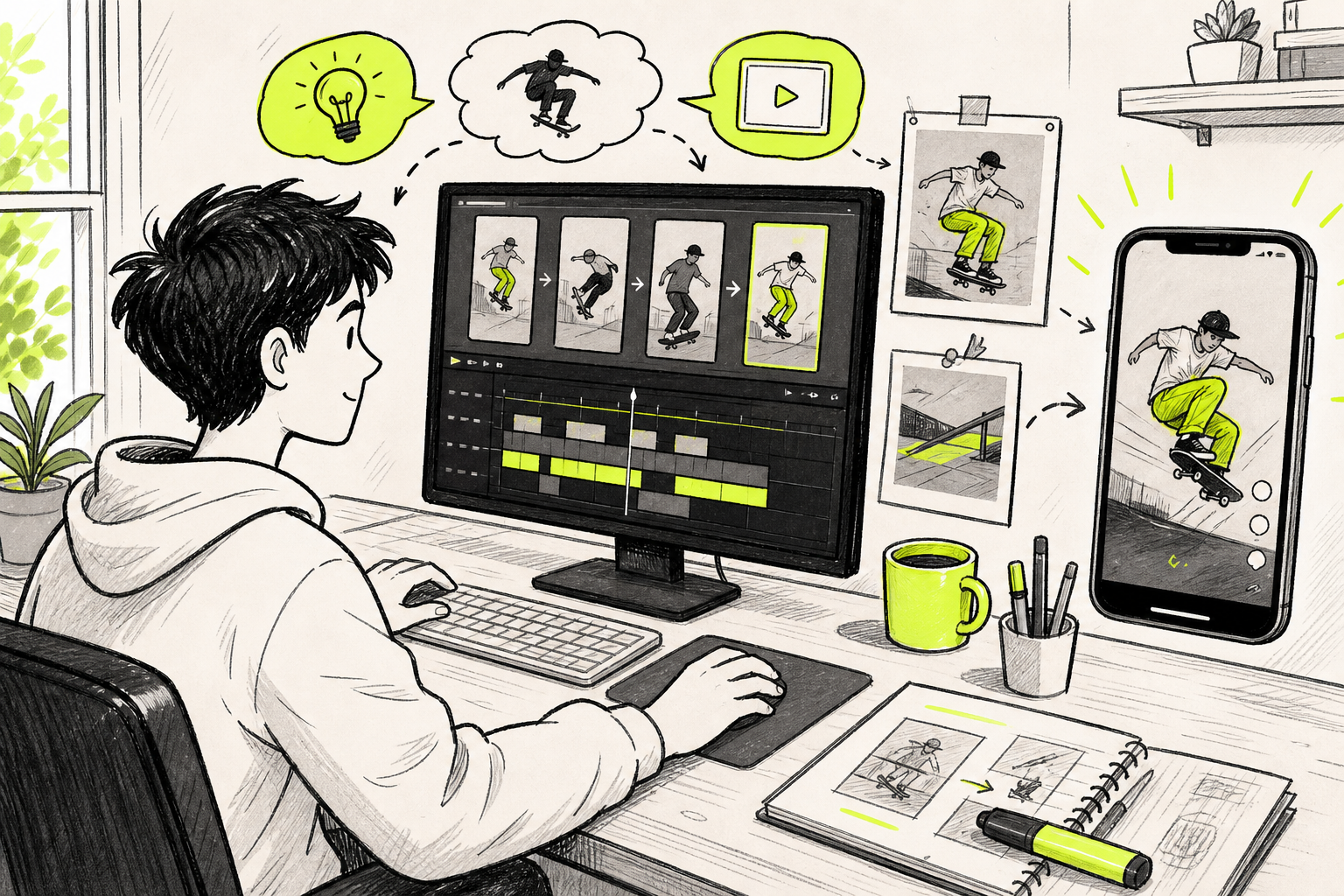
Use this workflow for making viral TikTok videos when you need help with the hook, frame ratio, and post setup. Keep the generation focused on one action. A crowded prompt often produces a crowded clip.
Start here:make one 5 to 8 second visual test. If the motion works, build the rest of the TikTok around that shot instead of forcing one long generation to do everything.
Step 2: Match the Length to Your Content Type
The best video length for TikTok changes with the content type. Start with the viewer's reason for watching, then choose a range that gives the idea enough time to land.
For trend posts, reactions, and quick visual reveals, start short. Research tags 15 to 25 seconds as a useful range for trend participation. Reaction content often fits 12 to 20 seconds. A clean reaction does not need a long setup.
Pure entertainment can sit near 18 to 31 seconds. That gives you time for a setup and a payoff without asking viewers to wait too long. A joke that needs 45 seconds may need a sharper edit, or it may belong in a story format instead.
For general reach, test 21 to 34 seconds first. Several research sources point to this range as a broad sweet spot. It gives a creator enough time to show the idea while keeping the finish line close.
Educational posts need a different rule. A single tip may fit in 15 seconds. A product explainer or myth-busting post may need 31 to 60 seconds. Educational content aimed at coaches, consultants, or SaaS buyers often fits 42 to 54 seconds because the viewer needs context before the answer.
Storytelling, case studies, and tutorials can run for two or three minutes when each beat earns its place. A longer post must keep resolving questions. If the viewer sees the answer early, extra runtime becomes a reason to swipe.
Use this quick match:
- Trend or reaction:12 to 25 seconds.
- Comedy or visual reveal:18 to 31 seconds.
- General reach:21 to 34 seconds.
- Product explainer:31 to 60 seconds.
- Tutorial or case study:2 to 3 minutes.
TikTok supports different post lengths depending on how you record or upload.
Before you edit, write the video's promise in one sentence. If you can't, the idea may contain two posts. Split them.
This short-video workflow can help when your first cut feels loose. Cut the greeting, repeated point, and slow transition. Keep the part that proves the promise.
Step 3: Choose a Starting Length That Fits Your Idea
Pick a starting length before you write the script. That choice gives the edit a shape, but it shouldn't become a cage.
For most new TikTok posts, start at 21 to 34 seconds. This range is long enough for a hook, a clear middle, and a payoff. It also matches the general optimal range found in several research summaries.
Use a shorter target when the idea has one beat. A 12 second reaction needs a look, a response, and a clean end. A 20 second trend post may need only a fast setup before the visual payoff.
Use 31 to 60 seconds when the viewer must understand something. Product demos, objection handling, and short lessons usually need more than one beat. The extra time can help total watch time, but only when the viewer keeps moving through the video.
Do not treat completion rate as the only score. One research set found a 32.1% completion rate for clips under 7 seconds. The next ranges fell to 17.5% for 7 to 10 seconds and 10.6% for 10 to 15 seconds. Those figures come from a limited sample, so use them as signals rather than promises.
Another source reported a 75% average completion rate for an 18 second video. That supports a useful idea: short clips can win when the promise is clear and the payoff arrives fast.
Longer posts can still work. Research tags 2 to 3 minutes as a fit for tutorials, case studies, and real storytelling. Posts longer than 60 seconds also fit interviews, webinars, podcasts, and product walkthroughs. The viewer must have a reason to stay.
| Video job | Starting range | What must happen | Cut it shorter when |
|---|---|---|---|
| Trend or reaction | 12 to 25 seconds | The viewer sees the reaction quickly | The setup explains more than the reaction |
| Reach post | 21 to 34 seconds | The hook leads to one clear payoff | The edit repeats the same point |
| Product explainer | 31 to 60 seconds | The problem and proof both appear | The product needs no extra context |
| Tutorial | 60 seconds to 3 minutes | Each step answers a viewer question | A step adds no new information |
| Deep story | 2 to 3 minutes | The narrative keeps changing | The next beat is easy to predict |
TikTok's post tools can change over time and may differ by account or region.
Write the first draft to the range that fits the idea. Then watch it with the sound off. If the story still makes sense through the captions and visuals, the structure is doing its job.
Step 4: Structure the Video So Viewers Keep Watching
Length only helps when the video has forward motion. Build each TikTok so the viewer knows what is happening and why the next second is worth watching.
Open with the promise
Use the first one to three seconds to show the subject or state the result. Skip a long greeting. A direct question works well when it names a real problem, such as “Why do your videos lose viewers after the hook?”
Pair the words with a visual change. Show the finished result first. Put the key phrase on screen. Move the camera or subject. The opening should make the viewer understand the point before they decide to swipe.
Build in beats
Break a 30 second video into three jobs:
- Open with the problem or promise.
- Use the middle to show the proof or process.
- End with the result and one next step.
Change the visual when the idea changes. That may mean a new angle, a closer crop, a screen recording, or a short text card. Don't add random cuts just to make the edit feel busy.
Pay off the opening
Return to the promise near the end. If you open with a product problem, show the fix. If you promise a reveal, reveal it. A video that delays its answer can hold attention, but a video that never answers loses trust.
For AI-made clips, keep each generation focused on one beat. Seedance Studio helps you build that sequence with reference images, motion prompts, and native sound. You can then join the best clips into one vertical edit.
The Seedance prompt guide uses a simple order: subject, action, setting, camera, style, sound, and limits. That order helps when a single shot keeps missing the key motion.
Use captions for people watching without sound. Keep text away from the edges where app controls may cover it. A longer video needs more than a longer script. It needs a new reason to continue every few seconds.
Step 5: Test Different TikTok Lengths and Improve Your Results
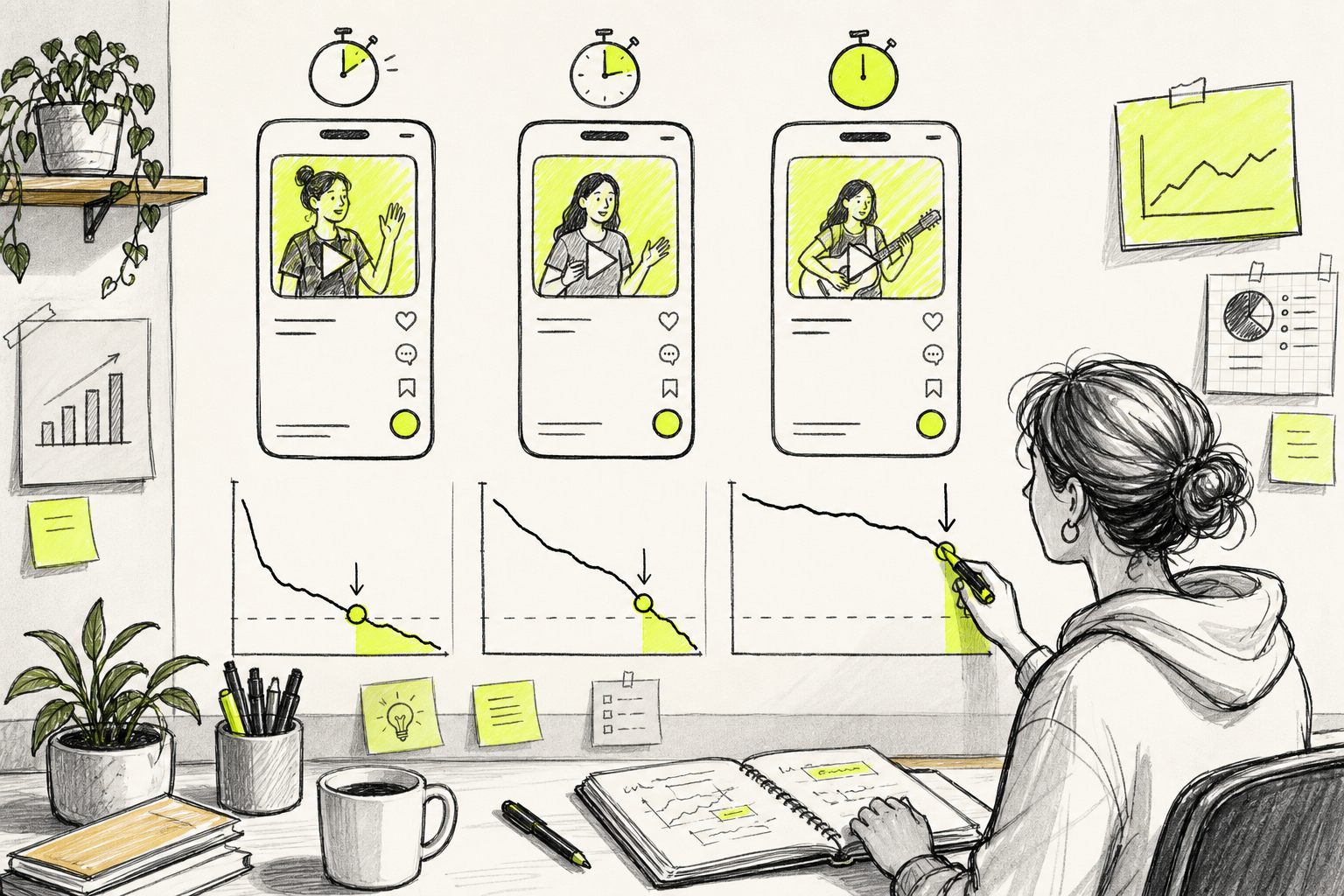
Testing turns a general timing tip into your own answer. Keep the topic and opening similar while you change the runtime.
Make three edits from one idea:
- A short version near 15 to 20 seconds.
- A mid-length version near 30 to 40 seconds.
- A longer version near 60 seconds, if the topic needs it.
Do not change the hook, subject, or call to action in every test. If you change everything at once, you won't know what caused the result. Keep the comparison fair.
Track more than views. Record the video length beside these measures:
- Average watch time.
- Completion rate.
- Rewatches.
- Comments and saves.
- Shares when available.
- Profile visits or clicks for sales posts.
Engagement data for length is still thin. One research source reports a 6% engagement rate for 15 to 30 second videos, but the wider sample had no share data. That gap matters. A video can earn strong completion without moving people to comment, save, or buy.
Look for drop-off points. If many viewers leave in the first three seconds, fix the opening before changing the runtime. If they leave near the end, move the payoff closer. If watch time rises with the longer cut, keep the extra length only when the other signals hold up.
Use an AI UGC video workflow when you need several versions of a creator-style ad. Change one factor per version, such as the opening line or the visual proof. That gives your test a clear question.
Seedance Studio can help you make these variants quickly. Generate a few opening shots with the same reference image, then place each one before the same middle section. You can learn which hook earns attention without filming a new ad each time.
Run each version long enough to gather a useful set of views. Don't crown a winner from the first hour. A post may need time before its performance settles.
FAQ
What is the best video length for TikTok?
The best video length for TikTok is often 21 to 34 seconds for a general reach post. Use 15 to 25 seconds for trends and reactions. Move toward 31 to 60 seconds when the viewer needs an explanation. The right length is the shortest version that delivers the promise without cutting needed proof.
Are shorter TikTok videos better?
Shorter TikTok videos can earn strong completion, but they aren't always better. Research found that 31 to 60 second videos reached a higher average completion rate than ultra-short clips in one data set. A short post works best when one visual beat carries the full idea. A longer post works when each section adds value.
How long should a TikTok tutorial be?
A TikTok tutorial should usually start between 31 and 60 seconds. Use two to three minutes when the viewer needs several steps or a full case study. Cut greetings and repeated points first. Keep the visual proof for each step, then watch retention to see where the lesson loses people.
Does TikTok video length affect watch time?
Yes, TikTok video length affects watch time because a longer clip has more seconds available per view. That advantage disappears when viewers swipe early. Compare average watch time with completion rate. A 40 second video watched for 24 seconds may beat a 20 second video watched for 14 seconds, even if the shorter clip has a higher percentage.
How can I test the right TikTok length?
Test three cuts of the same idea at short, mid, and longer runtimes. Keep the hook and topic close so the comparison stays fair. Track average watch time, completion, rewatches, saves, and clicks. Use the winner as your next starting point, then test again when the content type changes.
Conclusion
Start most TikToks at 21 to 34 seconds, but let the idea earn more time when it teaches, proves, or tells a story. Make three versions of your next post and compare retention instead of guessing. If you need fast visual tests, create a free account with Seedance Studio and build the first hook before the trend moves on.


