Most AI video tools make you trade speed for cost. Seedance Studio gives marketers a free way to start, plus paid plans from $14 per month. Here are six strong options, with the job each one handles best.
1. Seedance Studio
Seedance Studio is the best ai video maker for marketing when you want prompt-to-video production without a waitlist or download. Type a prompt, upload reference images or clips, then shape the result with camera direction, character consistency, and native sound.
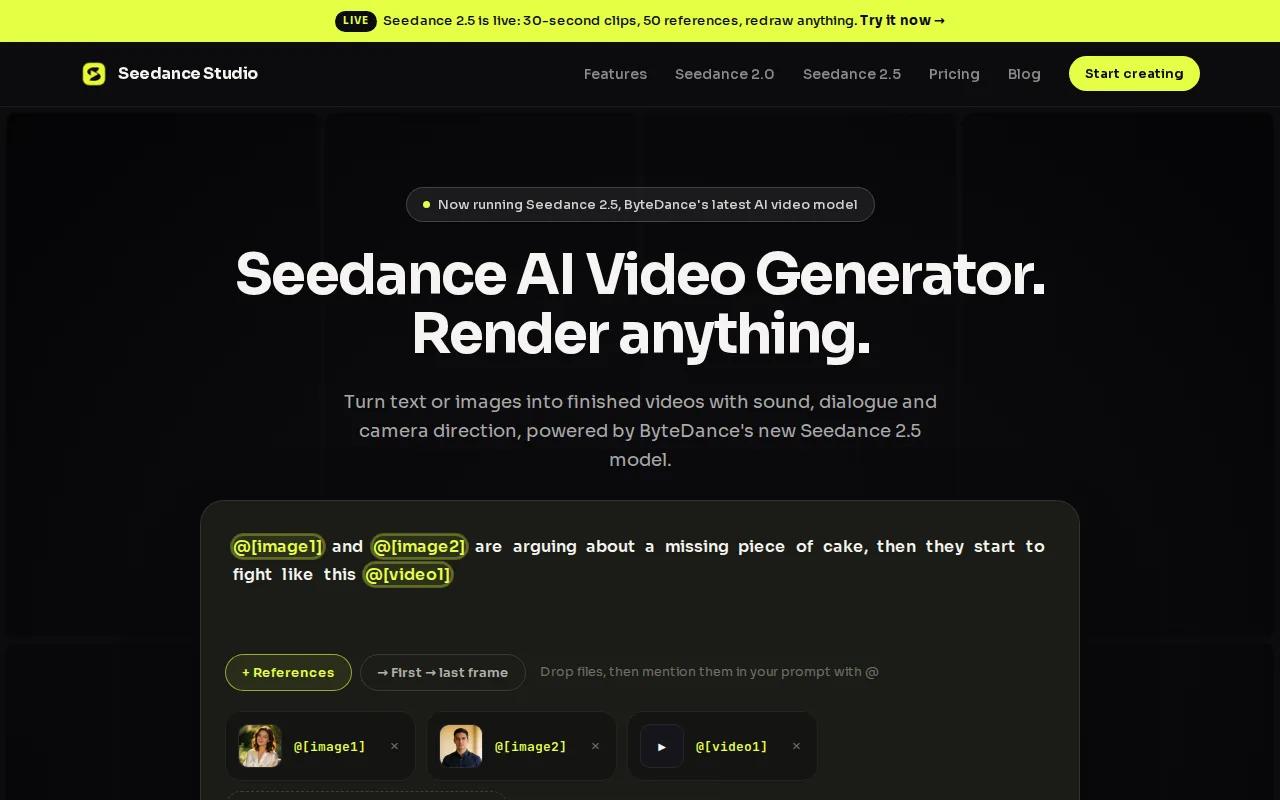
That workflow fits short campaigns well. A marketer can make a product teaser for Reels, then revise the same idea for TikTok or YouTube Shorts. Reference images help keep the main subject on track across new shots. Audio is built into the output, so you don't have to begin with a silent clip and fix it later.
Seedance Studio is browser-based. Your team can open it on a work laptop, test a prompt, and share the result without installing editing software. That low-friction setup matters when a trend has a short shelf life. You can move from a brief to a draft before the trend dies.
Cost is another clear point in its favor. Its paid plans start at $14 per month, keeping entry costs low.
That doesn't mean every generated clip will work on the first try. AI video still needs a human check for hand motion, text, brand details, and claims in the script. Treat the first output as a draft. A short review pass can catch errors before a clip reaches a paid campaign.
If you need a prompt formula, the Seedance 2.0 prompt guide can help you write clearer direction for shots, movement, sound, and reference images.
2. InVideo, a broad marketing workflow with many AI models
InVideo is a broad choice for marketers who want one workspace for script-to-video work, visual selection, voiceover, subtitles, and music sync. It also gives users access to more than 200 AI models, including Sora 2 and Veo 3.1.
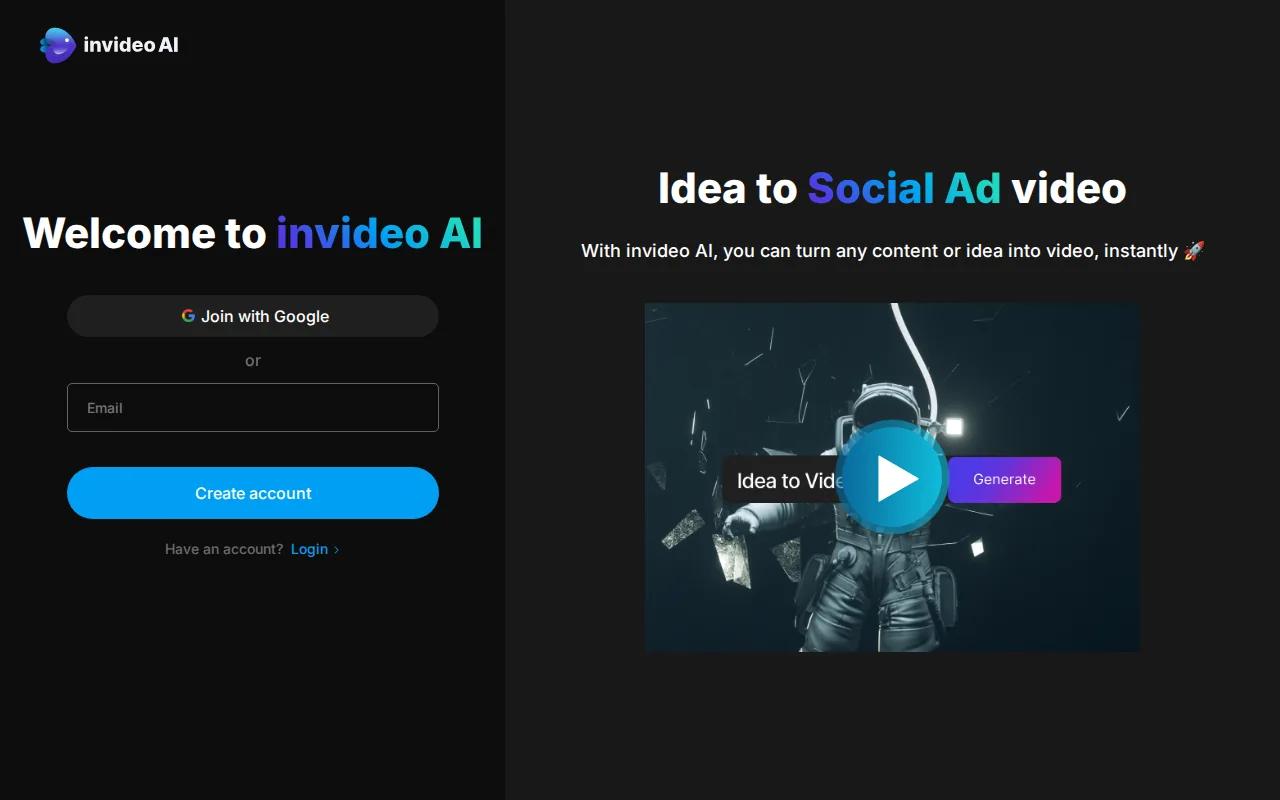
That model access changes the buying question. You aren't choosing one generation style for every campaign. You can test different models inside one workflow, then use the editor to shape the result around a brief.
Imagine a small team launching a product on three channels. One person can start with a script. InVideo can help select visuals, build scenes, add a voiceover, and place subtitles. The team can then cut the result into a vertical social version instead of handing each task to a different tool.
InVideo makes sense when the marketing process matters as much as the raw generation model. It can be a useful fit for teams that need repeatable production around a content calendar. A broad model library also gives experienced users room to compare outputs for the same idea.
The tradeoff is choice overload. More models can mean more tests before you settle on a look. A team without a clear style guide may spend time comparing outputs instead of finishing a campaign. Set a target format first, then judge each model against that target.
InVideo's broad approach also raises an integration question. Your team may still need to move finished files into its email, ad, or social workflow by hand.
Use the AI script-to-video workflow guide when you want to compare a broad editing process with a more direct prompt-to-video approach.
3. Veo 3.1, strong character consistency for campaign series
Veo 3.1 is a strong pick for marketers who need the same person or object to look consistent across several shots. That makes it useful for a campaign series where one visual subject carries the story.
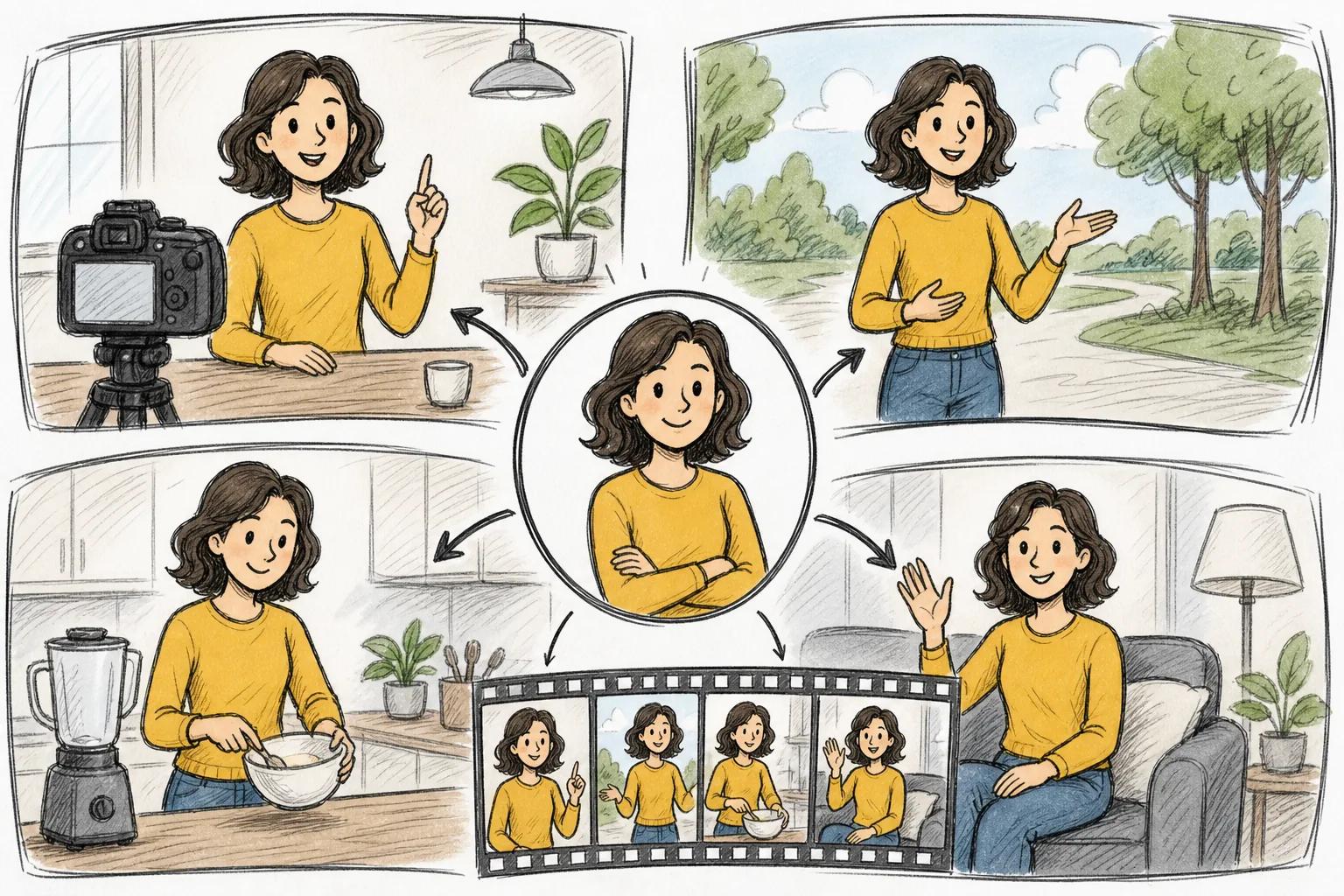
Character consistency sounds narrow until you plan a real campaign. A product team may need one presenter in a hook, a feature explanation, and a closing scene. If the face, clothes, or product shape shifts between shots, the edit feels weak. Keeping the subject stable gives the series a better chance of looking like one campaign.
Veo 3.1 is also worth a look when the team plans a set of related clips instead of one isolated post. Start with a reference look. Keep the same description for the subject. Then review each shot side by side before you assemble the sequence.
Marketers should still check small details. AI can change logos, package text, fingers, or product edges even when the main subject stays similar. For regulated claims or paid ads, send the final cut through your normal brand and legal review.
One more point matters for larger teams: native connections may affect the total work. If your stack needs a direct connection to storage or campaign software, confirm that before you commit.
For a campaign that depends on a stable visual lead, Veo 3.1 is easier to justify than a tool chosen only for flashy single clips. It earns its place when continuity is part of the brief.
Teams building short product campaigns can pair the model choice with an AI product video workflow that sets the scene, product angle, and call to action before generation starts.
4. Sora 2, best for story-led ads and branded content
Sora 2 fits marketers who want story-led ads, short narratives, or branded content with several shots. Its main strength is the structure of the idea. You can think in scenes instead of asking for one isolated visual.
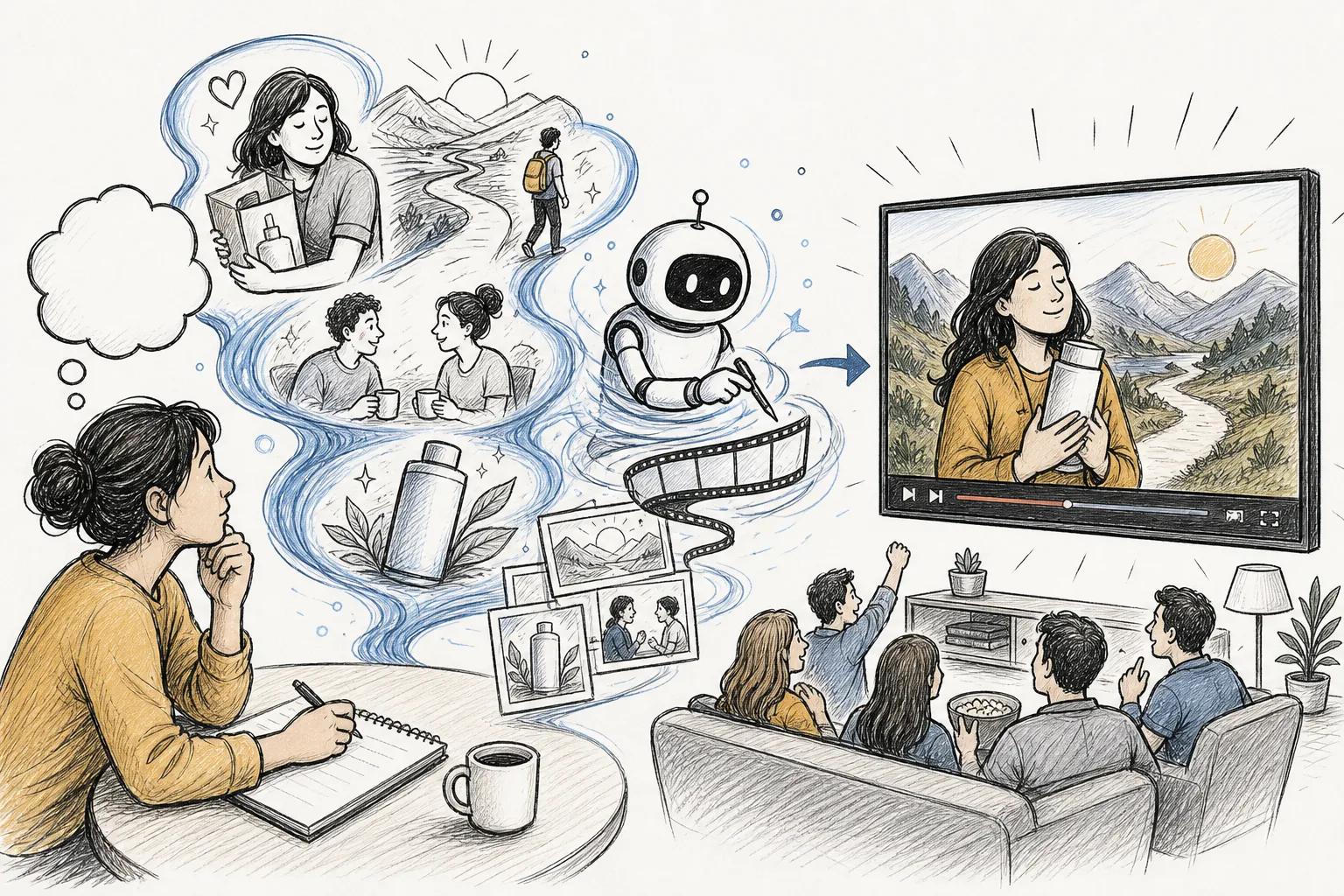
That makes Sora 2 a natural choice for a campaign with a beginning, middle, and end. A food brand might open with a rushed morning, show the product solving the problem, then close with a calm breakfast scene. The value comes from the sequence and the emotional turn, not only from image quality.
Before you generate, write the action for each shot in plain language. State who is on screen. Say what changes. Give the camera one clear job. This keeps a story prompt from becoming a pile of disconnected visual ideas.
Sora 2 is less suited to a team that only needs a quick product loop or a batch of simple social variations. A story-led tool can invite more creative work than the campaign needs. If your brief is “show the product from three angles,” use a more controlled workflow.
Brand safety also needs attention. Review faces, spoken lines, background details, and any text that appears in the frame. A beautiful scene can still create a problem if it suggests a claim your company can't support.
The best use case is a campaign where the viewer should remember a moment. Give Sora 2 a clear character goal and a short arc. Then cut hard. A story loses force when the opening takes too long.
For ad teams that want to turn the result into a broader campaign, the guide to creating video ads that convert covers the planning work around the generated footage.
5. Kling 2.5 Turbo, controlled motion for product and social videos
Kling 2.5 Turbo is a good match for marketers who care about stable motion, cleaner anatomy, and tighter camera control. It also stands out for lower-cost generations within the comparison research.
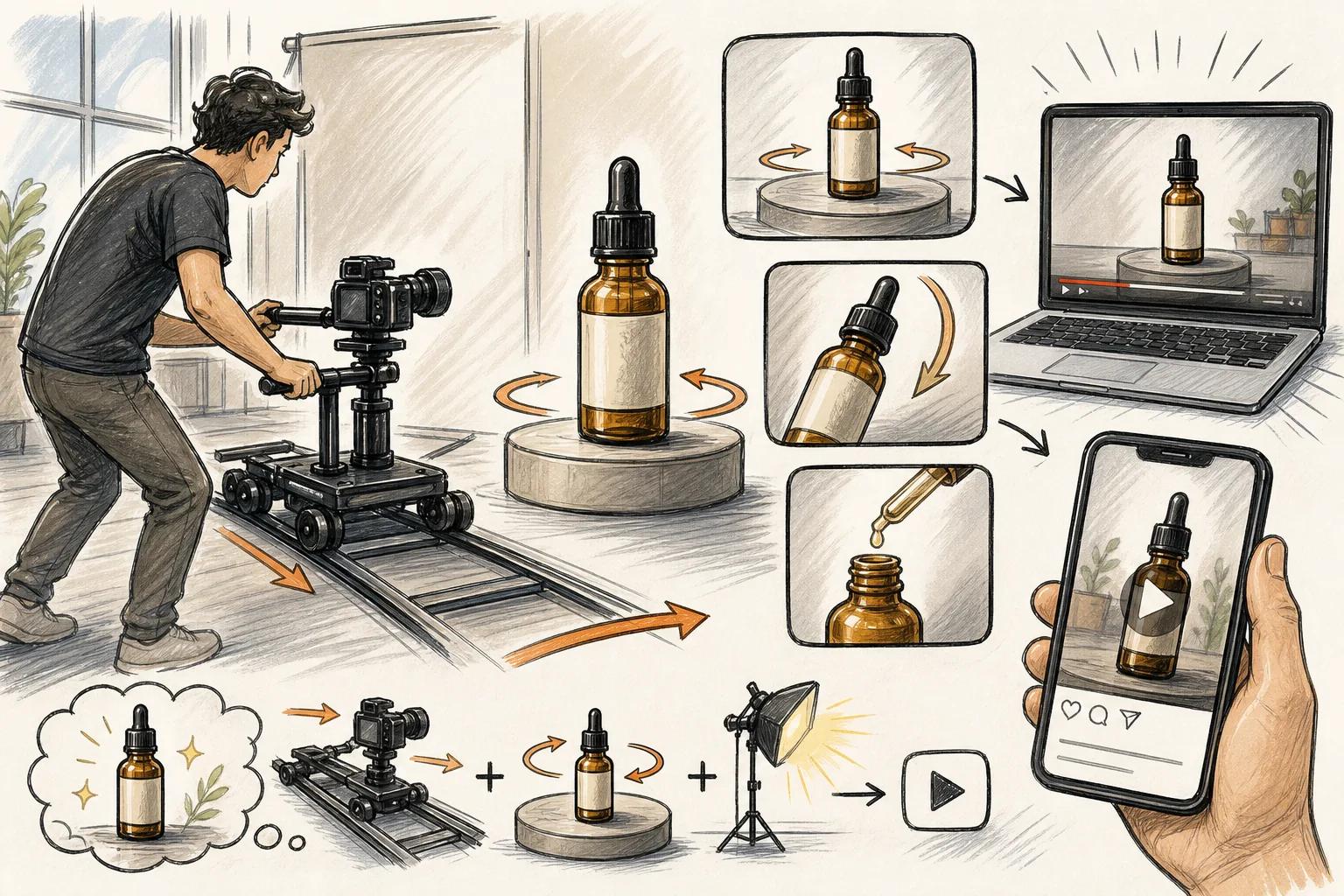
Controlled motion matters in product clips. You may want a camera to push toward a shoe, follow a hand, or move around a package without the scene melting between frames. A tool with better motion control gives you more useful drafts to review.
Kling 2.5 Turbo can also fit social work that needs movement in the first seconds. A still product image can feel flat in a feed. A short camera move gives the viewer a reason to pause, while a clear first frame keeps the message easy to read.
Don't confuse motion control with full brand control. Product names, logos, labels, and small interface text still deserve a close look. If the clip includes a price or offer, add that text during the edit rather than trusting the model to draw it correctly.
This choice works best when the visual direction is specific. Say what moves first. State where the camera ends. Tell the model what must stay fixed. Vague prompts often produce motion that looks active but doesn't support the message.
For social teams, output volume can matter as much as one perfect shot. Make several short versions with different hooks, then compare watch time and click behavior in your normal reporting system. The generator makes the drafts. Your campaign data decides which one stays.
Kling 2.5 Turbo is the better fit when camera behavior is central to the brief. Pick a simpler editor when the main need is branded text and a fast template.
6. Biteable, simple branded videos from a marketing prompt
Biteable is built for teams that want a branded video from a short prompt without a complex editing setup. Its AVA assistant can turn a script into an editable storyboard, then turn that storyboard into a video.
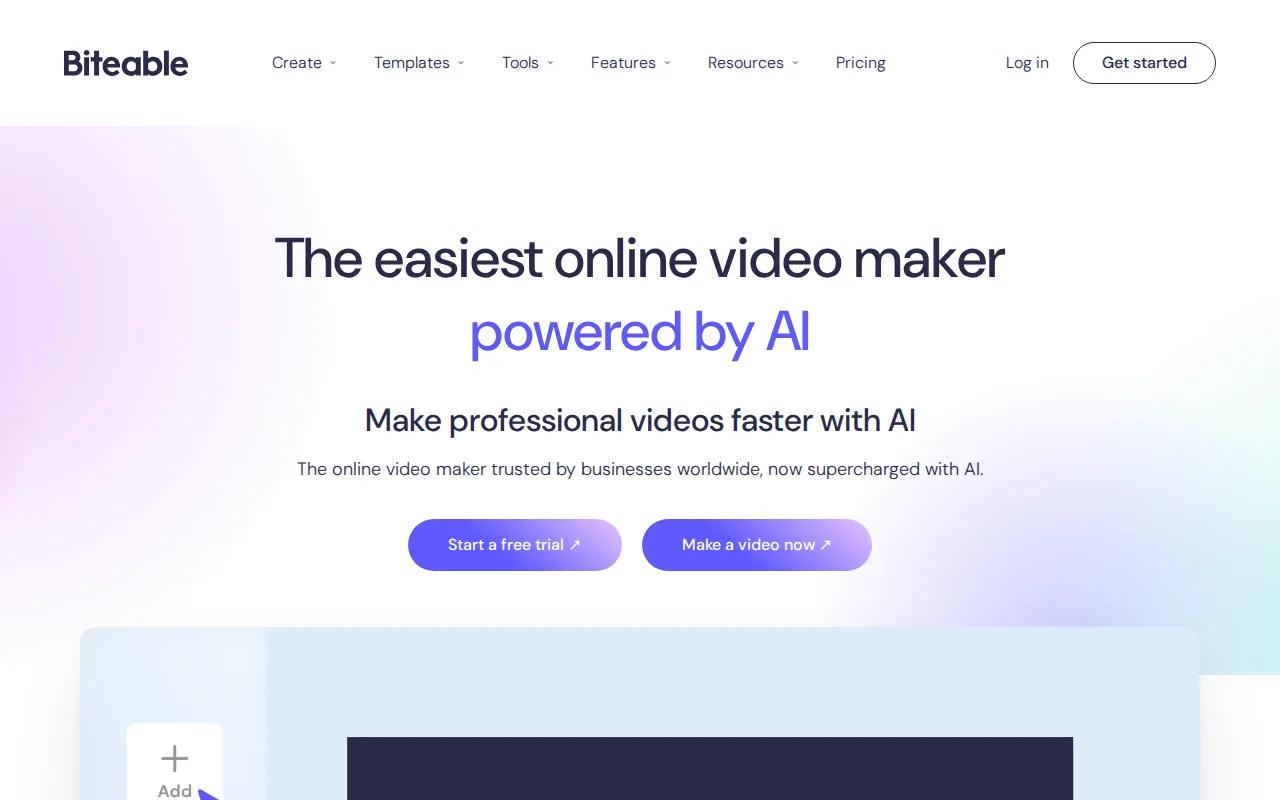
That flow suits a small marketing team with a clear message but limited production time. Give Biteable the topic, review the scene plan, then adjust the parts that need your voice. The tool supports animated and life-like avatars, and voiceover creation.
Biteable also fits common brand work. Its brand builder can apply fonts, colors, and logos across videos. Its editor includes templates, stock footage, captions, subtitles, and music. Those pieces help when the goal is a polished announcement rather than a fully generated cinematic scene.
A useful example is a product update. Start with a short script. Let AVA suggest the storyboard. Replace any generic scene with a brand asset. Then check the captions on a phone-sized preview before export.
Biteable supports vertical video for social channels, which helps teams reuse a concept in a feed-friendly shape. It also supports collaboration in the cloud, so people can review a project without passing large files around.
The limitation is clear too. Biteable is strongest as a branded production and editing tool. If you want highly controlled camera motion or a generated world built around reference images, another option on this list may suit you better.
Biteable offers a trial. Check the current terms before you plan a large batch, since trial limits can affect how much content you can render.
Best AI Video Makers for Marketing Compared
The best ai video maker for marketing depends on the part of production that slows you down. Use this view to narrow the shortlist before you test prompts.
| Tool | Best fit | Strong point | Watch for |
|---|---|---|---|
| Seedance Studio | Fast short-form production | Prompt-to-video workflow with reference inputs and native sound | Review every output for visual errors |
| InVideo | Broad marketing workflows | Access to more than 200 AI models in one platform | More choice can mean more testing |
| Veo 3.1 | Campaigns with a repeated subject | Character and object consistency across shots | Confirm integrations and brand details |
| Sora 2 | Story-led ads | Multi-shot narrative and branded content | May be more than a simple product loop needs |
| Kling 2.5 Turbo | Motion-focused clips | Stable motion and camera control | Add important text in post |
| Biteable | Branded team videos | Prompt to storyboard to editable video | Less focused on advanced generated worlds |
Price and access can change the choice quickly. That makes it a sensible first test for a small team that needs to prove a workflow before adding another monthly bill.
Still, price should not be your only filter. Test one prompt against your real brief. Check the subject, motion, sound, text, aspect ratio, and edit time. A cheap draft that takes an hour to repair may cost more than a clean first pass.
For marketers who also need a strong landing page around the campaign, a complementary AI design tool such as an AI design tool can sit beside the video workflow. Keep the roles clear: video earns attention, while the page turns that attention into an action.
FAQ
What is the best ai video maker for marketing?
Seedance Studio is the strongest starting point for marketers who want low-cost, prompt-led video production. It has a free tier, paid plans from $14 per month, reference image and clip uploads, camera direction, consistent characters, and native sound. Teams that need story scenes, motion control, or branded templates may prefer another tool from the shortlist.
Which AI video tool is best for marketing ads?
Seedance Studio is a good fit for fast ad drafts, while Sora 2 suits story-led ads with several shots. Biteable works well for branded template-style videos. Your choice should follow the ad format. Test the opening frame, message clarity, product accuracy, and time needed for final edits.
Can I make marketing videos with AI for free?
Yes, some AI video makers provide a free tier or trial, but the limits differ. Seedance Studio has a genuine free tier, which makes it easy to test a prompt-to-video workflow before paying. Check output limits, export rules, watermark terms, and commercial-use conditions before publishing a free-generated clip.
Which AI video maker is best for social media?
Seedance Studio is a strong option for short videos made for TikTok, Reels, and YouTube Shorts. Kling 2.5 Turbo fits motion-heavy clips, while Biteable helps with branded social templates. Start with the platform's aspect ratio and hook, then generate a short version that gets to the point quickly.
How do I choose an AI video tool for my marketing team?
Choose the tool that matches your main production task. Pick Seedance Studio for quick prompt-to-video work, Veo 3.1 for repeated characters, Sora 2 for narrative ads, Kling 2.5 Turbo for controlled motion, InVideo for model choice, or Biteable for branded editing. Run one real campaign test before you commit.
Conclusion
Start with Seedance Studio if you want an affordable, browser-based way to turn prompts and reference media into marketing videos. Create a free account, test one product or ad brief, and judge the output against your actual publishing workflow before you scale.