
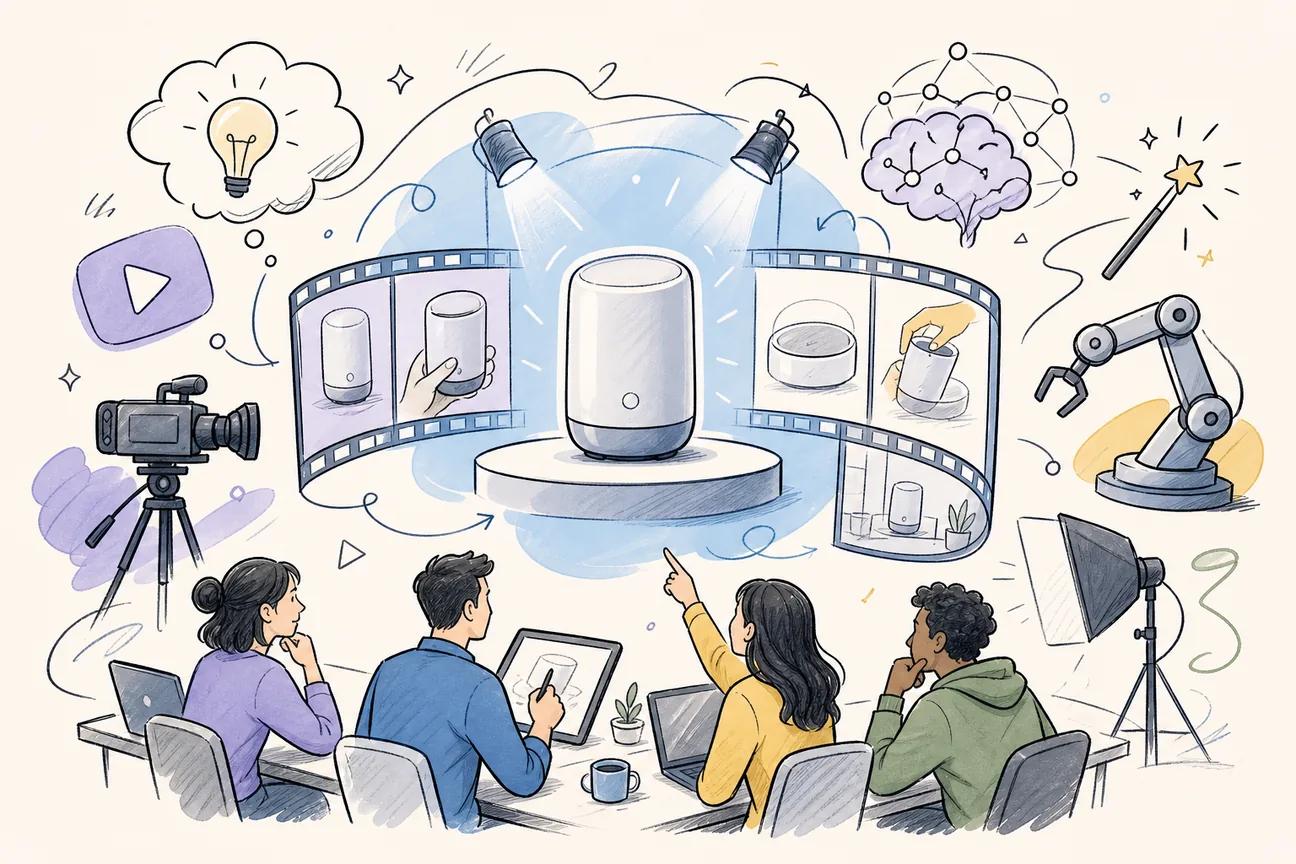
Most AI video tools promise automation but still hand you a blank storyboard and a blinking cursor. These five tools actually deliver finished product video, and each one fits a different kind of creator. Here's who each is for and what you should know before you commit.
1. Seedance Studio (Our Top Pick) — Browser‑Based AI Video Generator
Seedance Studio runs entirely in your browser, built on Seedance 2.0, ByteDance Seed's flagship video model. You type a prompt or upload reference images, clips, and audio, and get back a finished video with camera direction, consistent characters, and native sound. No download, no waitlist, no invite code.
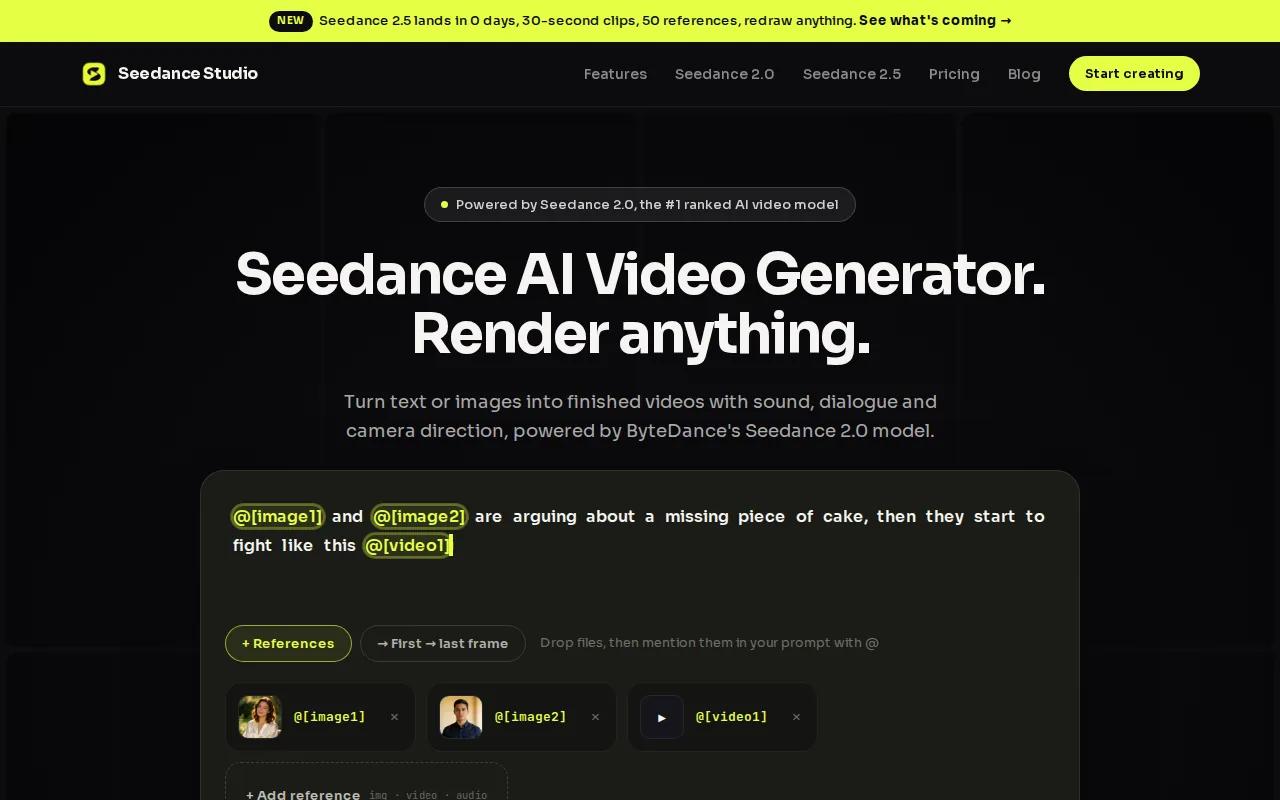
What puts it at the top of this list is genuine end‑to‑end automation. According to our research across 44 AI video generators, zero products explicitly claim full automation from text prompt to finished video with AI‑driven camera moves, character consistency, and audio syncing. Seedance Studio is the one exception. That matters a lot when you're trying to post before a trend dies.
The model accepts up to 12 reference inputs per generation, covering images, video clips, and audio tracks. You can specify a Hitchcock zoom, an orbit shot, or a dolly move in plain language, and the model executes it. Lip‑synced dialogue, sound effects matched to on‑screen actions, and background music are all generated in one pass, so there's no separate audio post‑production step.
Best for: Content creators, marketers, and social media teams making short product videos for TikTok, Reels, and YouTube Shorts.
Pricing starts at $14/month with a free tier available. That sits below typical market pricing. The free plan includes watermarked 480p exports. Paid plans remove the watermark, unlock up to 4K, and include a commercial license.
The main caveat: clip length tops out at 15 seconds per generation. For longer product videos, you'll stitch clips together in a separate editor. If your workflow already uses CapCut, ElevenLabs, or Artlist, Seedance Studio connects directly to all three, offering integration advantages.
2. WaveSpeedAI — Flexible API for Pro‑Level Video Creation
WaveSpeedAI is a managed generative media platform built around API-first access to a large catalog of video models. Where Seedance Studio is a finished app, WaveSpeedAI is infrastructure. You get programmatic access to models spanning text-to-video and image-to-video, with a credits-based pricing model that charges per run or per video-second depending on the model you call.
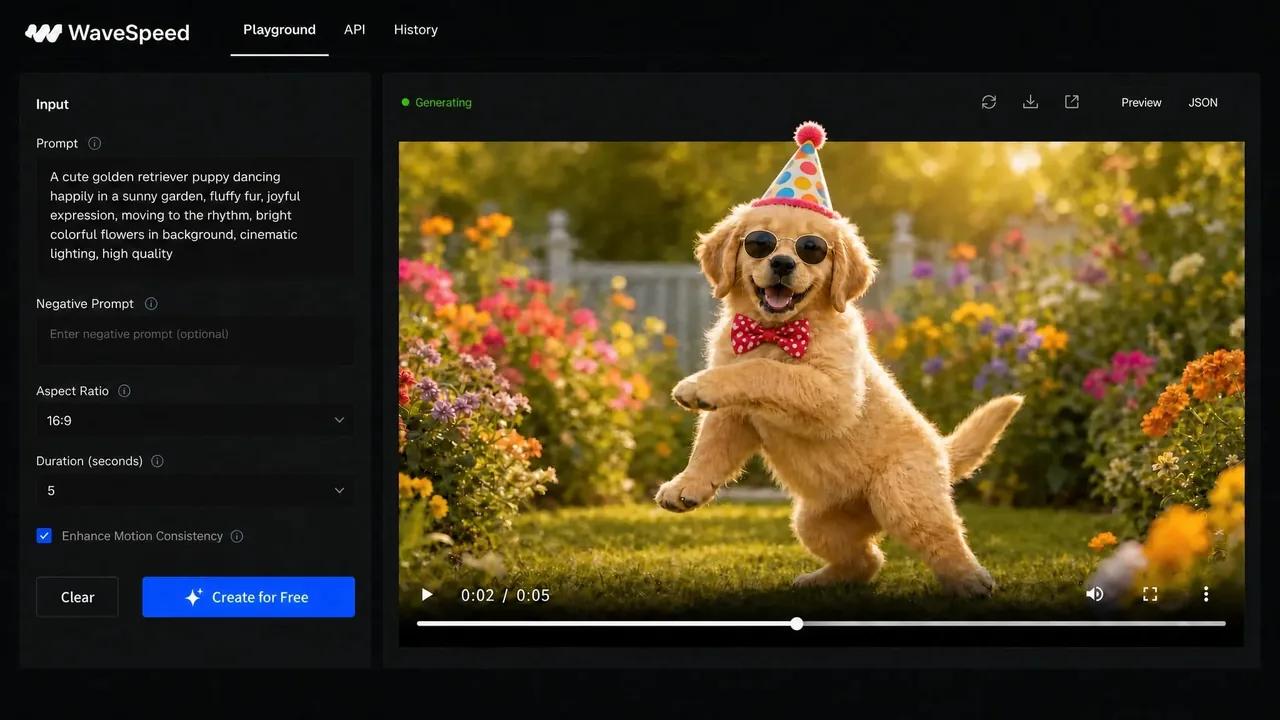
The catalog includes access to models from ByteDance and other providers, which means professional teams can select the right model for each specific job rather than being locked into one proprietary pipeline. Rate limits are tiered by account level, ranging from a Bronze tier handling a handful of concurrent video jobs up to a Gold tier supporting 200 concurrent generations. For studios or agencies running batch production, that concurrency matters.
Best for: Professional content creators, studios, marketing agencies, and businesses that need diverse video generation at scale through a single API endpoint.
Pricing is API-based and flexible, with enterprise options available. Credits expire after 365 days, and outputs are stored for 7 days, so production teams should auto-archive assets. One limitation worth flagging: there's no public SLA or status page, which means enterprise buyers should run their own benchmarks on their exact workloads before making volume commitments. If you need a polished browser-based UI with zero setup, WaveSpeedAI isn't the right starting point. But if you're building a production pipeline that calls video generation programmatically, it's worth evaluating.
3. Runway — Artistic Control for Filmmakers and Creators
Runway is the tool that professional video editors and filmmakers reach for when they want creative control over motion quality and visual style. The platform brings together image, video, audio, and language models in one workspace, and its Gen-4 series focuses specifically on cinematic realism.
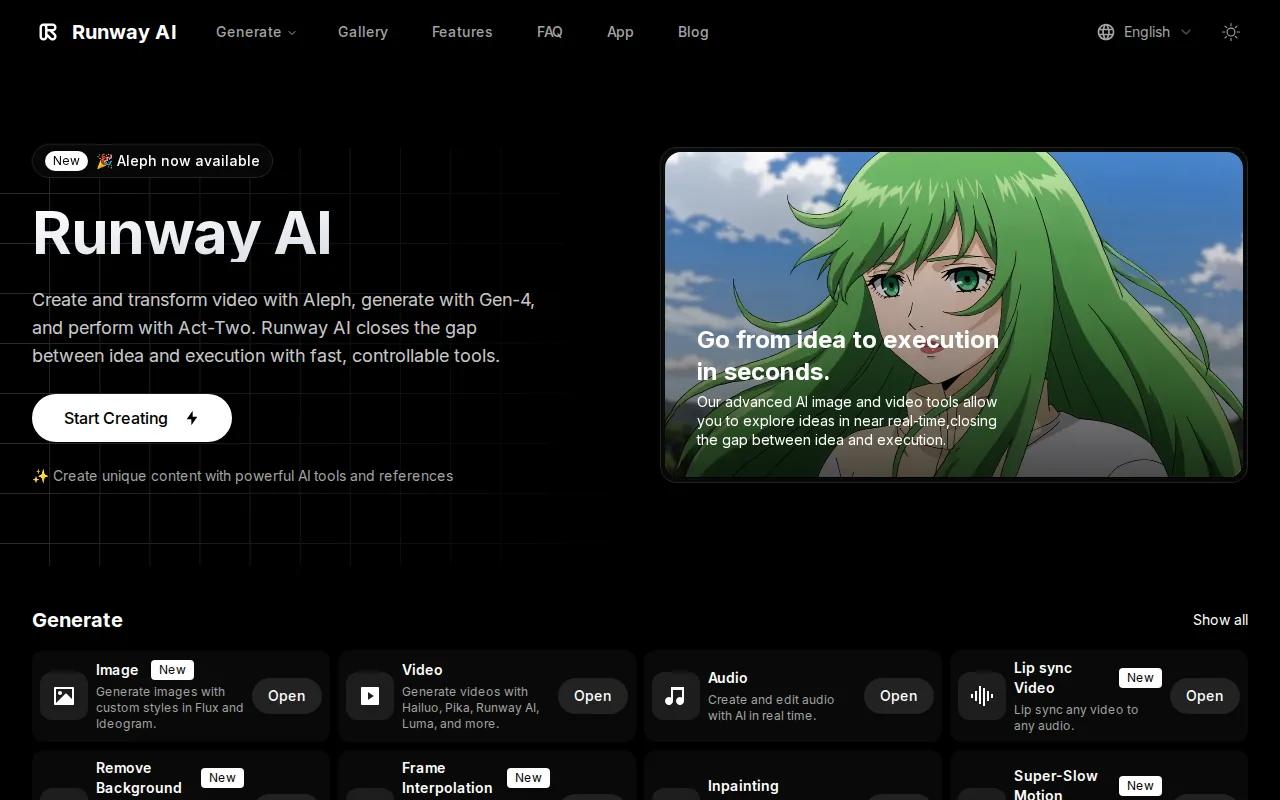
You can generate video from text, image, video, or audio inputs. Runway also supports real‑time AI video agents, meaning you can have a natural conversation to refine a scene rather than rewriting prompts from scratch. For editors who already work in a traditional post‑production flow, Runway connects to AI assistants such as ChatGPT as agents, which fits into existing creative workflows without forcing a full platform switch.
Best for: Filmmakers, video editors, and creative professionals who want fine‑grained artistic control and cinematic output quality.
The trade‑off is that Runway is limited to its own proprietary models. You won't get access to specialized models like Kling or Seedance through Runway's interface. For marketers who need fast product video turnaround without deep editing knowledge, the learning curve and the model limitation both push toward simpler tools. Runway earns its place on this list for creators who treat video as a craft, not just a deliverable.
If you're comparing Runway's output directly against ByteDance's model, various comparisons show where each model wins on specific criteria.
4. Pika Labs — Fast, Free Tier for Quick Social Clips
Pika Labs built its own proprietary video model from scratch, and the current version (Pika 2.5) is designed specifically for fast short-form work. TikToks, Reels, Shorts, and product teasers are the core use cases. The model generates 3x faster than earlier versions while using 7x fewer credits, which makes it usable for high-volume social creators who need to iterate quickly.
The creative toolkit is genuinely useful. Pikaframes handles frame-to-frame animation, Pikaswaps replaces objects inside existing clips, Pikadditions inserts new elements, and Pikaformance turns any portrait into a lip-synced talking video from an audio file. These aren't gimmicks. For a creator building product content that needs a talking-face hook or a surreal transformation effect, Pika has specific tools for those exact jobs.
Best for: Social media creators who want quick iterations, style experimentation, and a free tier to test ideas before committing to a paid plan.
The free tier is available on web and iOS. The honest limitation is that Pika runs a single proprietary model. It doesn't give you the model flexibility of a platform like WaveSpeedAI, and it doesn't match Seedance Studio's end-to-end audio automation. For a creator who just needs to move fast on social content and wants a low barrier to entry, Pika is a solid starting point. For AI UGC video production at scale, you'll likely outgrow the free tier quickly.
5. Luma AI — Realistic Product Visualizations
Luma AI's Dream Machine focuses on photorealistic video generation. The platform is built for scenes that need to look real, which makes it a natural fit for product marketing where the goal is showing a physical object in a believable environment rather than a stylized or animated clip.
For e-commerce brands, product launches, and marketing content where photorealism is the priority, Luma produces results that hold up at full screen. The platform is also pushing toward agentic creative workflows, meaning teams can build more automated pipelines around it rather than treating each generation as a one-off task.
Best for: Product videos, realistic visualizations, and marketing content where photographic fidelity matters more than stylistic flexibility.
The limitation is the flip side of its strength. Luma is less effective for stylized or animated content. If your brand voice calls for motion graphics, illustrated video, or anything that deliberately doesn't look like real footage, a different tool fits better. For straightforward product visualization, though, it's one of the more reliable options on this list. Pair it with a dedicated AI video generator with sound workflow if you need polished audio alongside the visuals.
How to Choose the Right AI Product Video Generator
The right tool depends on three things: your output format, your production volume, and how much manual control you actually want.
- Output format: Are you making 9:16 vertical clips for social platforms, or 16:9 horizontal content for YouTube and ads? Not every tool handles both well. Check aspect ratio support before you commit.
- Automation vs. control: If you want to type a prompt and get a finished video with audio, Seedance Studio is the clearest option. If you want to direct every shot manually or need API access for a production pipeline, look at WaveSpeedAI or Runway.
- Integrations: Only 18% of AI video tools in the current market connect to any third-party platform. If your workflow depends on a specific audio tool or editing suite, verify integration support before signing up.
- Pricing reality: Pricing varies widely across the market, with many tools offering free tiers to validate your workflow before upgrading.
According to industry overviews, these systems synthesize outputs by interpreting semantic inputs, which is exactly why prompt quality matters so much. A vague prompt produces a vague video regardless of which tool you use. The model is only as good as the direction you give it.
Feature Comparison Table
Here's how the five tools stack up on the criteria that matter most for product video production.
| Tool | Best For | Free Tier | Starting Price | Native Audio | API Access | Key Limitation |
|---|---|---|---|---|---|---|
| Seedance Studio | Marketers, social creators, small teams | Yes | $14/month | Yes (one-pass) | Yes | 15-second max per clip |
| WaveSpeedAI | Studios, agencies, API-first workflows | — | Flexible / credits | Varies by model | Yes | No public SLA or status page |
| Runway | Filmmakers, creative professionals | Yes (limited) | ~$15/month | Partial | Yes | Proprietary models only |
| Pika Labs | Social creators, quick iterations | Yes | Free tier available | Lip-sync only | — | Single proprietary model |
| Luma AI | Product visualization, marketing | — | Pricing varies | Partial | Yes | Weak on stylized/animated content |
Pricing for Runway may change; verify current plan details before purchasing. For Seedance Studio's full plan breakdown, visit the Seedance website for details.
FAQ
What is an AI product video generator?
An AI product video generator is a tool that turns text prompts, images, or reference clips into finished video content, typically with camera movement, consistent subjects, and audio, without manual filming or editing. You describe what you want, and the AI renders the output. The best tools handle audio in the same generation pass so you don't need a separate post-production step.
Which AI video generator is best for TikTok and Reels?
Seedance Studio is the strongest option for short social content. It generates 9:16 vertical clips with native audio in one pass, has no waitlist, and starts free. Pika Labs is a solid alternative if you want a free tier with fast iteration. For a deeper look at TikTok-specific features, the best AI video generator for TikTok guide compares the options head to head.
Can I use AI-generated product videos commercially?
Most paid plans on the major platforms include a commercial license, but the terms vary. Seedance Studio's paid plans explicitly include commercial use rights. Always check the terms of service for the specific tool and plan you're on before publishing AI-generated content in paid advertising or for client work. Free tiers often restrict commercial use.
How long does it take to generate a product video with AI?
Generation time depends on the tool, resolution, and clip length. On Seedance Studio, a typical 5-8 second clip at 1080p takes roughly the time it takes to drink a coffee. Pika 2.5 is notably fast, generating 3x faster than earlier versions. API-based platforms like WaveSpeedAI vary by model and server load, so run your own timing tests before committing to volume production.
Do I need video editing experience to use these tools?
No. Browser-based tools like Seedance Studio and Pika Labs are designed for creators with no editing background. You write a prompt in plain language, set your aspect ratio, and download the finished clip. More control-focused tools like Runway have a steeper learning curve but still don't require traditional editing skills. The main skill that matters is writing clear, specific prompts.
What's the difference between text-to-video and image-to-video for product content?
Text-to-video generates a scene entirely from a written description. A free image-to-video generator starts from a photo of your actual product and animates it, which is far better for brand consistency. For product marketing, image-to-video almost always produces more useful results because the AI anchors to your real product rather than generating a generic version of it.
Conclusion
If you're making product videos for social platforms and want the fastest path from idea to finished clip, start with Seedance Studio. It's the only tool on this list that handles camera direction, character consistency, and audio in one generation pass, at a price that's below the market median. Follow the five-step guide to your first Seedance 2.0 video and you can have something post-ready today, no credit card required to start.


