Most AI video apps either generate a clip or edit footage you already have. Seedance Studio takes a wider approach with text-to-video, image-to-video, camera direction, consistent characters, and native sound in one browser app. Here are the best AI tools for short form video, matched to the job each one handles best. For practical advice on how to make short videos for TikTok, Reels, and YouTube Shorts, start with the format and workflow before choosing a tool.
1. Seedance Studio
Seedance Studio is the strongest fit when you want a finished short video from a prompt, image, clip, or audio file. We built it for creators, marketers, and social teams that need to move from an idea to a vertical post without a long setup.
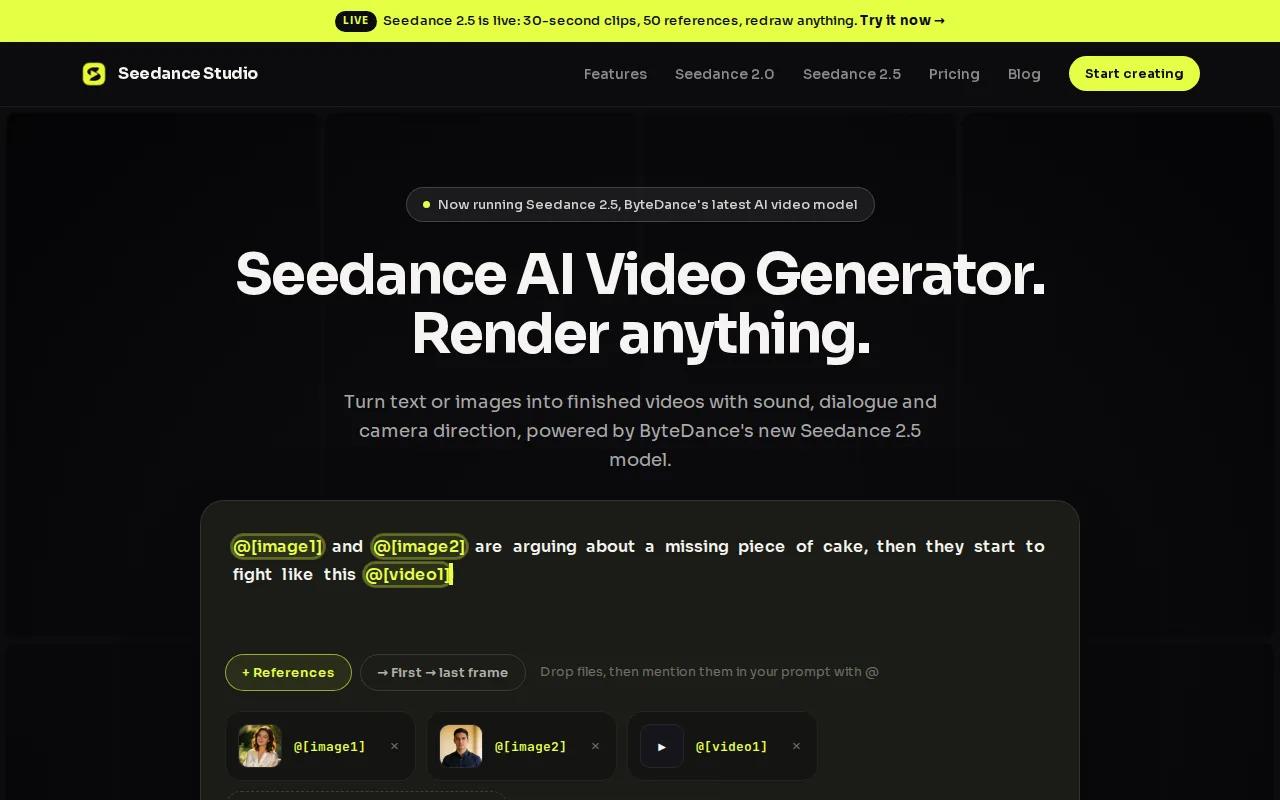
Type a prompt and describe the subject, movement, setting, and camera direction. Or upload reference images and clips when the look needs to stay close to a source. The model can keep characters more consistent across a scene, which helps when a short video has more than one shot. For more guidance, these AI video prompt examples can help you write clearer prompts for social clips.
Seedance Studio runs in a browser. You don't need a download or a waitlist. It also supports native sound, so the result can include audio rather than leaving you with a silent clip that needs more work in another editor. That end-to-end path is the key difference between a video generator and a simple clip maker.
Many tools focus on clipping, captions, or reframing. Fewer can handle the full path from script or prompt to finished footage. Seedance Studio is built for that second group. It uses Seedance 2.0, which the company describes as its top-ranked text-to-video and image-to-video model.
That makes it a good choice for a product teaser, a visual hook for a Reel, a fictional scene, or a fast concept test. Plain language works. You can write, “A red kite rises over a windy beach at sunset, slow push-in, natural wave sound,” then refine the result.
| Best use | Why it fits | Watch for |
|---|---|---|
| Prompt-led short videos | Generates footage instead of only editing uploads | AI output still needs review for odd motion or detail |
| Image-to-video posts | Reference files help guide the look | Weak source images can limit the result |
| Fast social concepts | Browser workflow with no download or waitlist | You may still want a final caption pass |
Seedance Studio has a free tier, with paid plans starting at $14 per month. If you want to test an idea before committing to a full workflow, try Seedance Studio first. Create a free account, write one clear prompt, and judge the output on the actual format you plan to post.
2. CapCut: Fast mobile editing and creator controls
CapCut is one of the best AI tools for short form video when your raw footage already exists and speed matters most. It is built around mobile editing, so trimming, vertical framing, captions, effects, and export sit close to the main workflow.
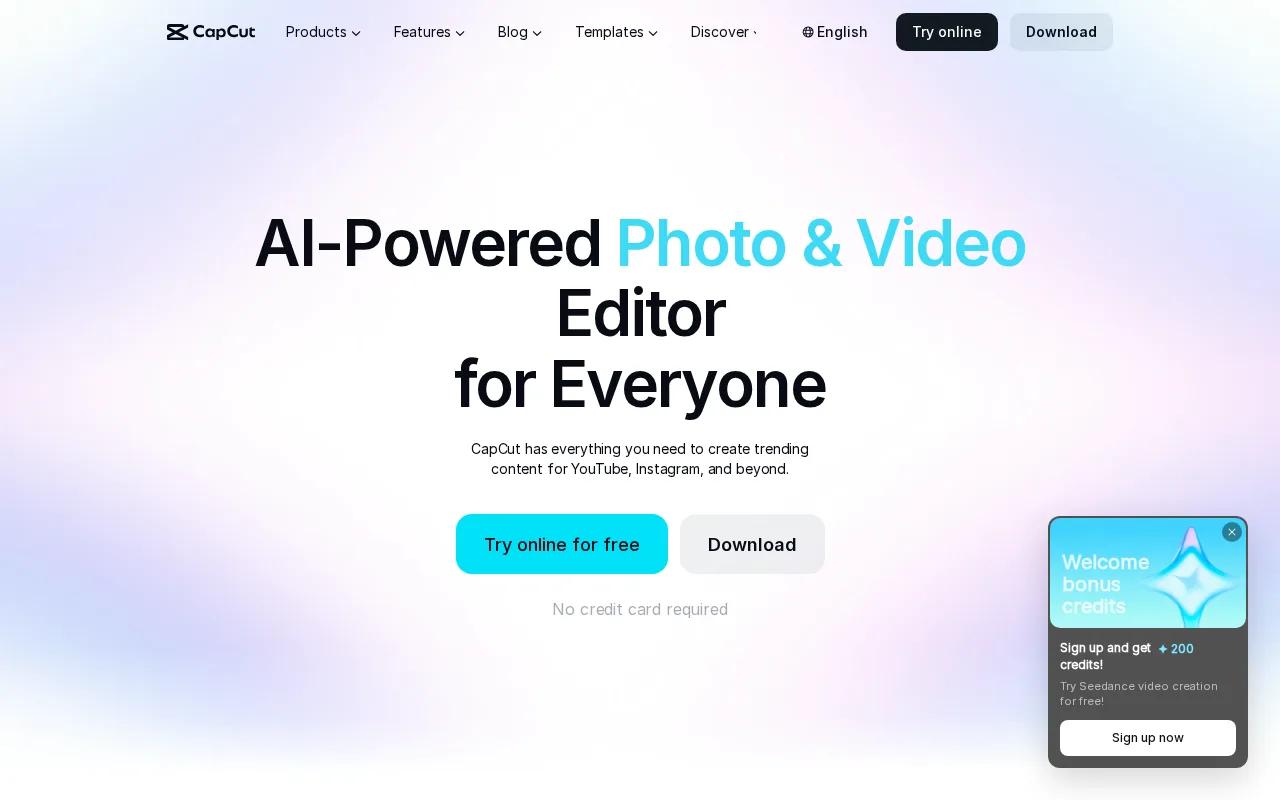
A creator can import a talking-head clip, cut pauses, add auto captions, remove a background, then shape the edit with text animation. Motion tracking helps attach text or graphics to a moving subject. Noise reduction can clean up a rough recording before export. If captions are a major part of your workflow, learn how to add captions automatically to short videos and then review the text by hand.
CapCut also works well for trend-led content. Templates and beat-based edits can help when the goal is a quick TikTok or Reel rather than a carefully paced brand film. That speed matters when you have several clips to publish in one day.
The app gives you more control than a basic template tool. You can still work with layers, timing, sound, and effects when the first automatic pass isn't right. For creators who edit on a phone, that balance is useful.
The tradeoff is brand control. A template or effect can push the video toward a familiar social style. Teams with strict review rules may need to check fonts, colors, music rights, and caption errors before publishing. Some advanced features and assets also depend on your plan, region, or account.
CapCut is a better match for footage-led work than prompt-led generation. If your camera roll is full and your bottleneck is editing, start here. If you have no footage and want the system to invent the scene, Seedance Studio is the more direct route.
For mobile teams, the smallest useful workflow is often enough:
- Cut the first pause.
- Keep the main subject in a 9:16 frame.
- Generate captions, then fix names and terms by hand.
- Watch the export with sound before posting.
That last check catches small errors that can make a polished short feel careless. CapCut earns its place when hands-on editing remains part of the job.
3. Canva: Simple branded social video creation
Canva is a strong pick for branded short form video, especially when several people need to make content from the same visual system. Its drag-and-drop editor supports short videos for TikTok, Instagram Reels, YouTube Shorts, and Stories.

Canva's official short video tool includes more than one million professionally designed templates. You can start with a layout, then swap in your own clips, photos, text, music, and graphics. The result is easier to keep on brand when your team already has approved fonts, colors, and design assets in Canva.
Its AI tools can generate images, graphics, and video from text. Beat Sync can adjust timing to music, which helps with quick promo posts or photo-led edits. You can also record inside the app when a direct voice or face-to-camera section matters.
The editor is less suited to complex storytelling. If you need deep control over many layers, detailed audio work, or frame-level timing, you may outgrow it. Canva works best when the content has a clear visual shape, such as a quote video, product teaser, event post, or short explainer.
Canva supports common video formats such as MOV, MP4, MPEG, MKV, GIF, and WEBM. Its documented maximum upload size is 1GB. That detail matters when a team tries to move a large source file into a browser workflow.
The best reason to choose Canva is repeatability. A social manager can set up a template once, then produce a fresh post without rebuilding the frame. A brand lead can review the design system instead of correcting every color choice later.
Use Canva when the message is more important than cinematic motion. For prompt-led scenes, look elsewhere. For clean, repeatable brand posts, it stays easy to operate.
4. InVideo: Script-to-video production with stock media
InVideo fits creators who start with a written idea and want a narrated social video built from stock media. Its workflow centers on auto script generation, media pairing, and AI voiceover.
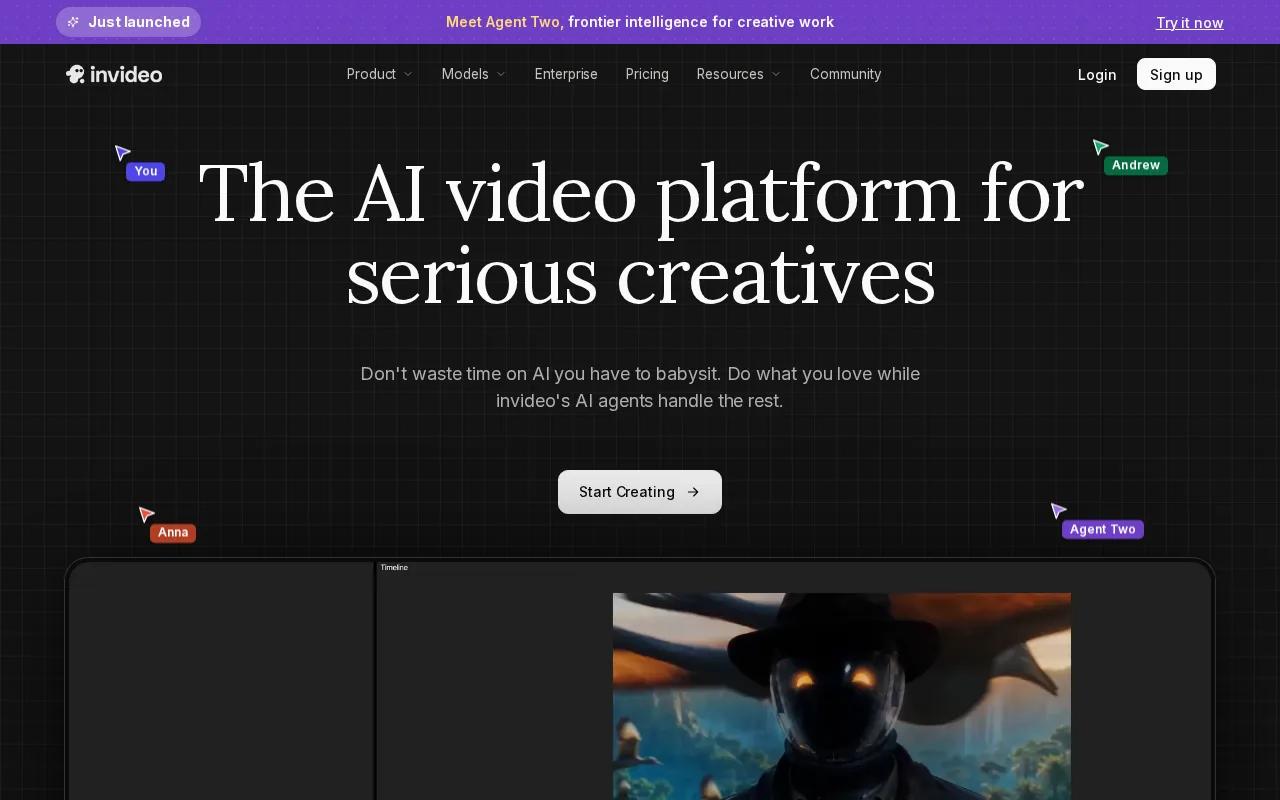
You can begin with a topic or rough script. InVideo then helps shape the words into scenes and match those scenes with stock footage. That can save time for list videos, simple explainers, product education, and news-style social posts where a presenter isn't needed.
This is different from a prompt-to-video model. InVideo usually assembles a story from existing media rather than inventing every visual from scratch. That can be a benefit when you need a clear visual for a known subject and don't want to manage many generated shots.
The tool is useful for a small content team that needs volume but has limited editing time. A marketer can turn a blog idea into a draft, then replace weak stock clips and tighten the first few seconds. The automatic version is a starting point, not a final cut.
Stock media can also make videos feel generic. A script about a niche product may produce a polished sequence with the wrong type of customer, room, or action. Review every visual against the words. If the scene doesn't prove or explain the point, replace it.
Choose InVideo when speed comes from assembly. Choose Seedance Studio when you need a specific scene that stock footage can't show. The two approaches solve different bottlenecks.
5. Synthesia: Avatar-led videos without filming
Synthesia is best for short videos that need a digital presenter rather than generated action scenes. Its main draw is a library of avatars, plus the ability to make custom avatars for fast video generation.
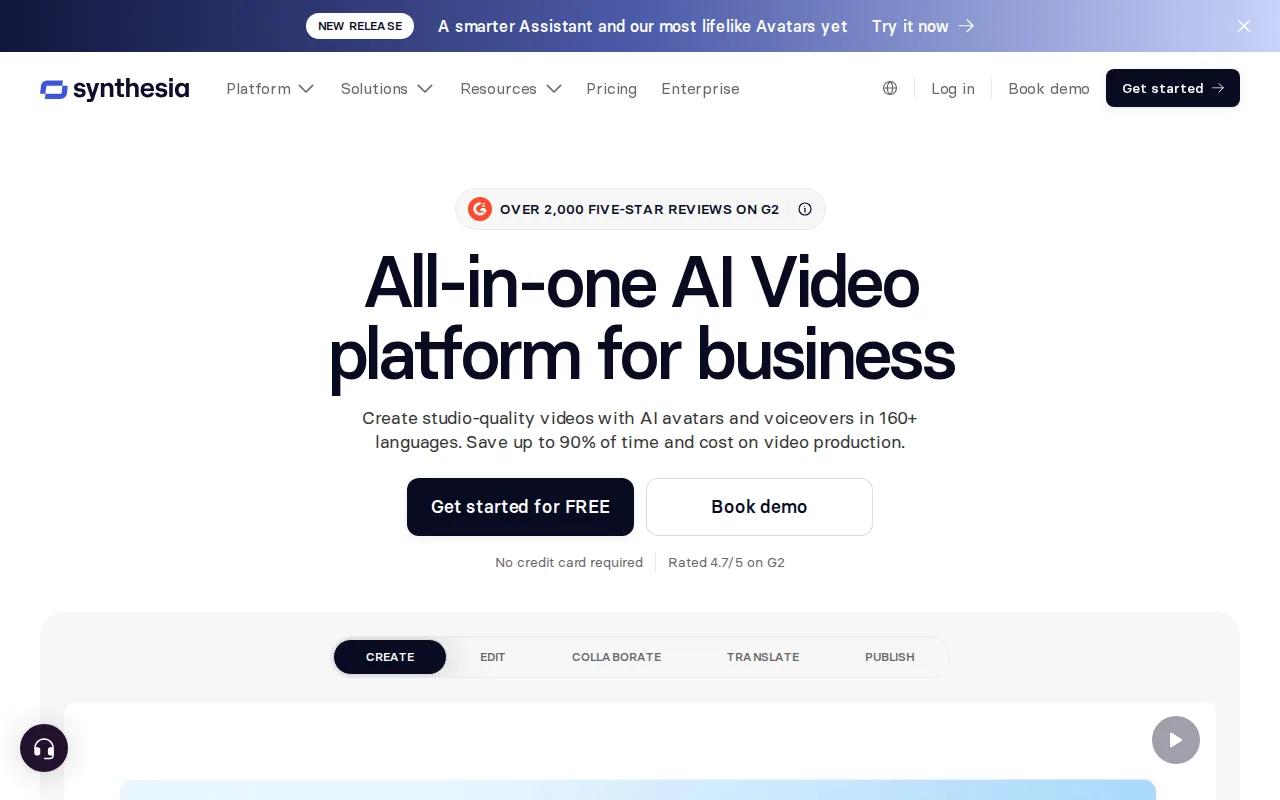
An avatar can read a prepared script while the system handles the delivery. That helps when a company needs a product update, onboarding clip, internal announcement, or repeatable presenter format without setting up a camera each time.
The format is clear. Write the message, pick the presenter, set the scene, and review the voice and timing. A short vertical version can work for social education when the first line answers a direct question.
Synthesia also makes sense when the same message needs frequent edits. A team can change a sentence without arranging a new shoot. That cuts the cost of small updates, though the result still needs a human review for tone, names, claims, and pronunciation.
Avatar videos have a narrow visual language. They won't replace a product demo that depends on close-up movement or a story that needs a real location. Some viewers also respond better to a real person, especially when the message is personal or sensitive.
Keep the script short. Put the useful point near the start. Use on-screen text for names or figures that viewers may miss while watching without sound.
Synthesia is a sensible choice for presenter-led content. It is less useful when the video's value comes from a unique world, a physical action, or a strong visual surprise.
6. Adobe Express: Branded editing and AI finishing tools
Adobe Express suits teams that care about design quality and brand consistency more than a deep creator timeline. It combines social design work with AI video tools that help finish a short post.
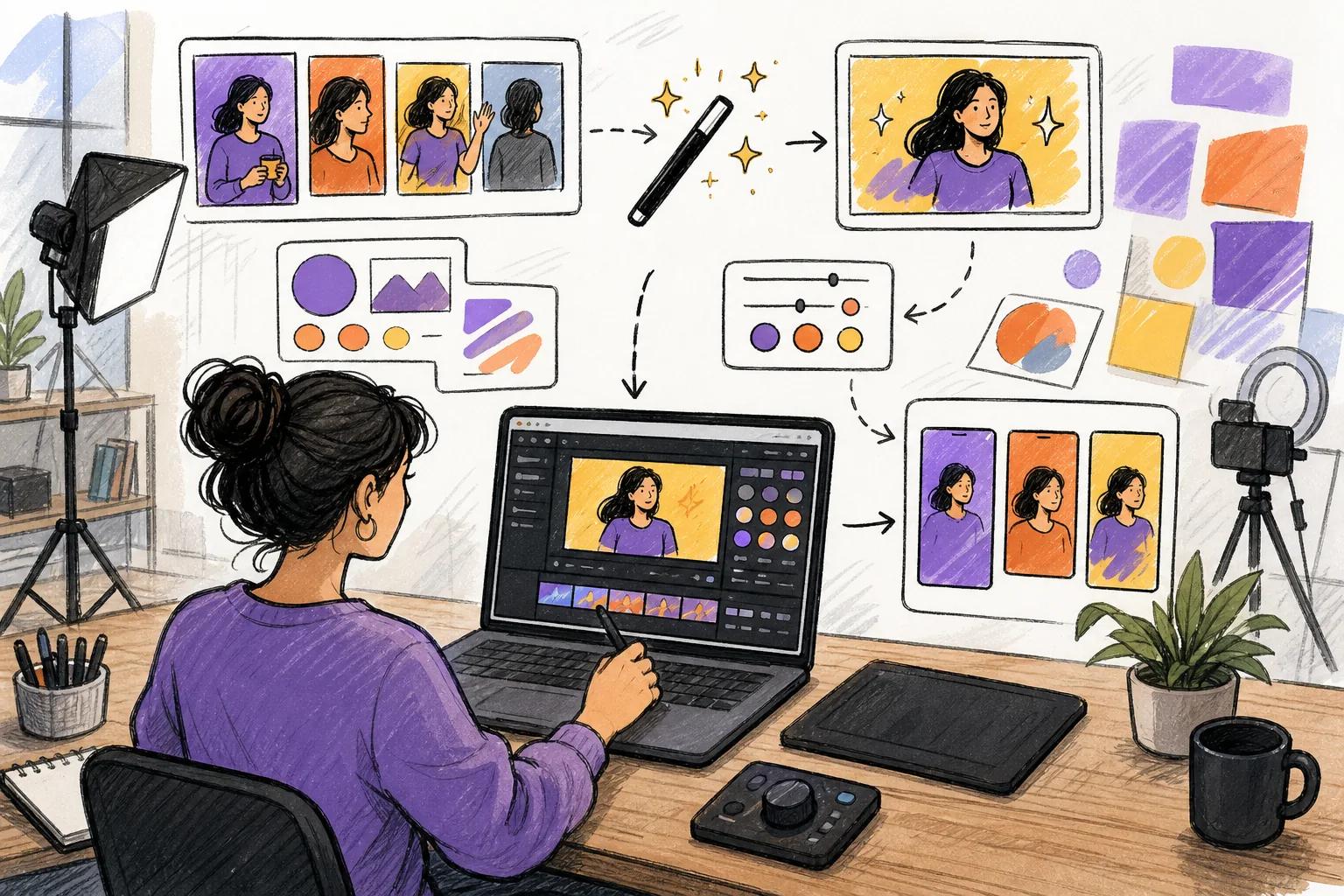
Its listed tools include AI video generation, background removal, captions, resizing, and Enhance Speech. Those features cover common cleanup tasks after a creator records or assembles footage.
Resizing is useful when one idea needs versions for several vertical placements. Captions help when viewers watch with sound off. Enhance Speech can help make a rough voice recording easier to hear, but you should still check the result for unnatural edits.
Adobe Express is also a good fit when the design team already works with Creative Cloud assets. A brand can keep a closer link between a social post and its wider visual system. That matters when a short video must sit beside paid ads, landing pages, and campaign graphics.
The limitation is depth. A creator who wants detailed timing, complex compositing, or a large multi-track project may need a more focused editor. Express is built for fast content work, not for replacing a full post-production suite.
Use Adobe Express for the last mile. It can take a rough clip and make the layout, sound, captions, and format fit the channel. If the source idea itself needs a new generated scene, start with a video generator first.
It is a solid choice for brand teams with a design-first workflow. The tool earns its place through control and polish rather than unusual visual effects.
7. Kaiber: Artistic visuals for music-led short videos
Kaiber is aimed at music-led short videos with an abstract or dreamlike look. It uses generative frame-by-frame creation to produce visuals that can shift with a track.
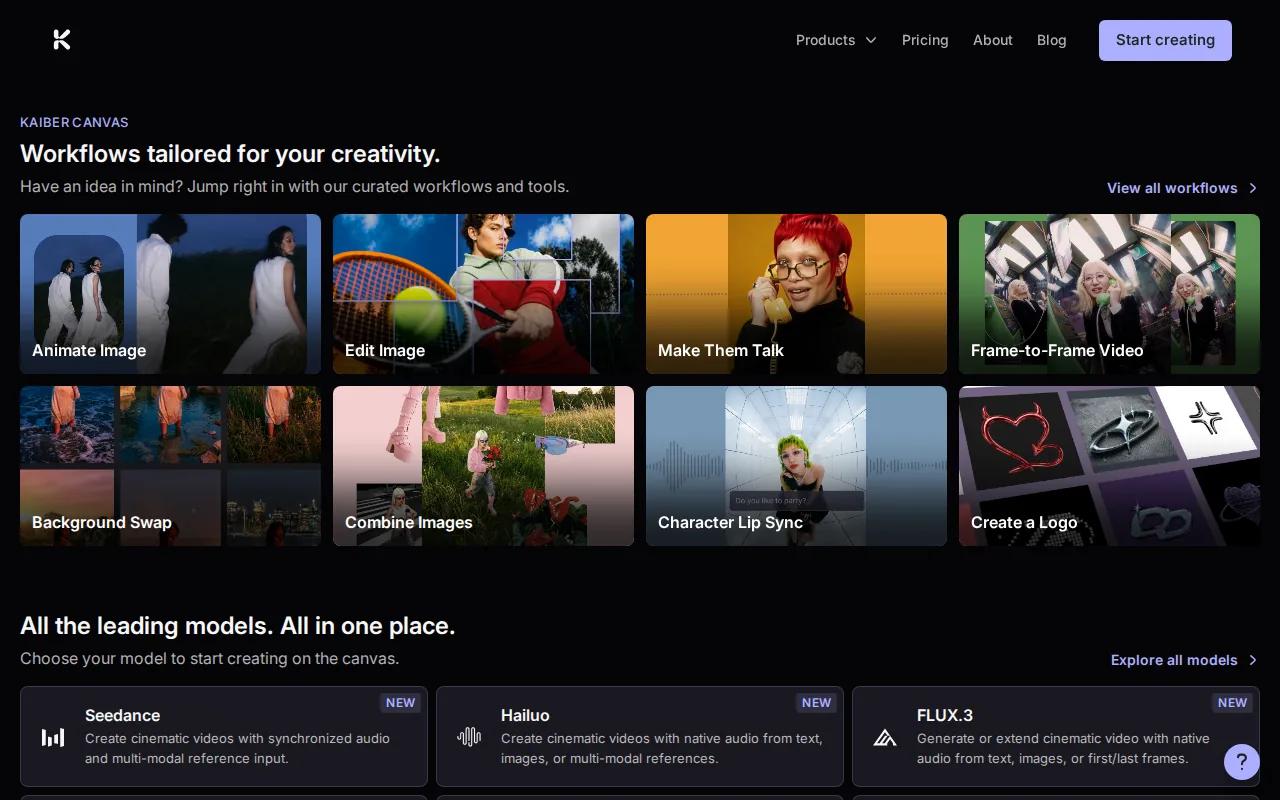
This makes Kaiber a better fit for an electronic music teaser, an experimental loop, or a visual post where mood matters more than a clear product demonstration. Its style can feel fluid and animated in a way that standard stock footage cannot match.
Kaiber's beat-triggered transitions can help a visual respond to the music. But the system does not fully understand song structure in the way a music-first tool might. It may react to volume without knowing that a chorus needs a different visual idea from a verse.
That distinction matters when you plan a full song. A track with a clear story needs consistent characters and controlled scene changes. Kaiber is stronger when the visual can morph, repeat, or stay abstract.
Research on the tool also points to limited character consistency across scenes. Credit costs can be hard to predict because rerendering a shot may require more credits. Treat the first output as a visual test before you build a larger campaign around it.
Kaiber works well beside a regular editor. Generate the mood clips first. Then cut them to the strongest moments in the song and add the final title or lyric treatment elsewhere if needed.
Pick Kaiber for style. Pick an end-to-end generator when the short needs a clear subject, repeatable character, or spoken message.
How to choose the right tool
The best AI tools for short form video don't all solve the same problem. Before you sign up, name the part of the workflow that is slowing you down.
- You need new footage: Choose Seedance Studio when a prompt, image, or audio file should become a generated scene.
- You have footage but no time: Choose CapCut for fast mobile edits, captions, and social effects.
- You need brand control: Choose Canva or Adobe Express when templates, approved assets, and repeatable layouts matter.
- You have a script: Choose InVideo for stock-led narration or Synthesia for an avatar presenter.
- You need music visuals: Choose Kaiber when an abstract style fits the track.
Check the export before you judge the tool. Watch the first two seconds without sound. Then view the full clip on a phone. Look for tiny text, strange hands, poor lip sync, wrong captions, or a subject that drifts out of frame.
Also check the handoff. Research across the wider tool market found that native integrations are uncommon, so “automatic” may still end with a manual download and upload. Plan that step instead of assuming auto-posting is included.
Free access can help you test a workflow, but free plans often have limits. Some tools cap generations. Others add watermarks or provide a short trial. Test one complete post before you commit to a monthly plan.
FAQ
What is the best AI tool for making short videos?
Seedance Studio is a strong fit for making a complete short video from a prompt or reference file. It generates footage with camera direction, character consistency, and native sound in one browser workflow. CapCut is better when you already have footage and need fast edits, while Canva suits branded template work.
Which AI video tool is best for TikTok and Reels?
Seedance Studio is a strong choice for TikTok and Reels when you need fresh AI-generated scenes. CapCut is better for editing phone footage with captions and effects. Canva works well for branded posts that rely on templates. Your choice depends on whether the raw material is a prompt, a camera clip, or a saved design.
Can I make short videos with AI for free?
Yes, several tools have some form of free access, but the limits differ. Seedance Studio has a free tier for testing prompt-led video creation. Other tools may limit weekly generations, add watermarks, or provide a trial instead. Make one full test export before you plan a high-volume workflow.
What is the easiest AI tool for short form video?
Canva is often the easiest option for simple branded videos because its templates reduce the number of editing choices. Seedance Studio is easier when you want the AI to generate the scene itself. CapCut is the simplest fit for mobile creators who already have clips and want to edit them quickly.
Can AI tools add captions to short videos?
Yes, CapCut, Canva, and Adobe Express can help add captions to short videos. Caption tools save time, but they can miss names, slang, or technical terms. Read every line before export. Captions should also stay inside the safe area so platform controls don't cover them.
Conclusion
Choose Seedance Studio if you want the shortest path from an idea to a finished AI video. Start with one prompt, add a reference image when the look matters, and test the result in a vertical format. If your footage already exists, use CapCut for the edit. Create a free Seedance Studio account and make one post before the next trend passes.