
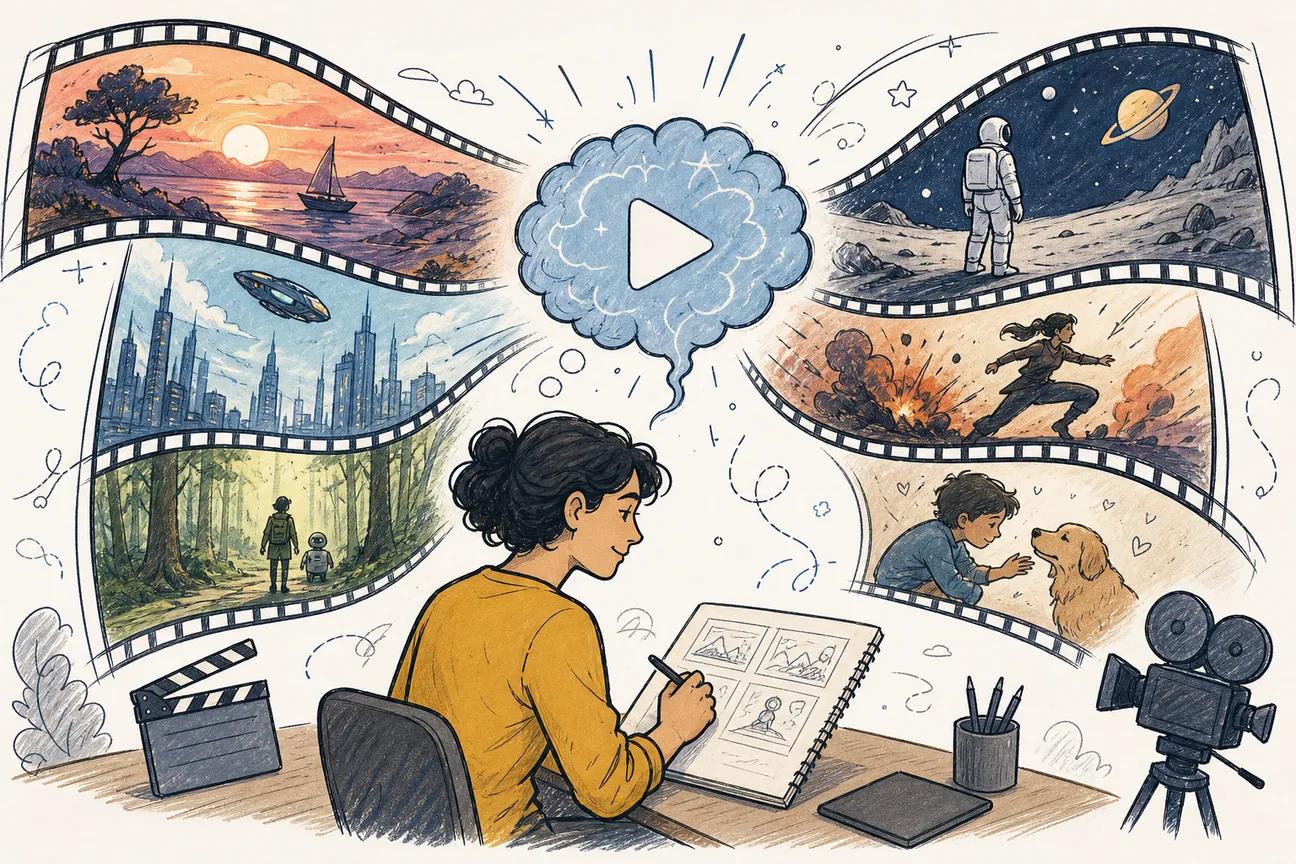
Most AI video prompts fail before the first frame renders. Our research across 56 prompt entries found that only 36% even spell out the intended use case, and just 4% mention aspect ratio. That gap is where productions go wrong. Here are six of the best sources for AI video prompt examples right now, starting with the one that gets the most right out of the box.
1. Seedance Studio — Prompt Templates for Fast Video Generation
Seedance Studio is a browser-based AI video generator built on the Seedance 2.0 model, ranked #1 for text-to-video and image-to-video output. It's the clearest example of a prompt system done right: explicit aspect-ratio presets (16:9, 9:16, 1:1), a 15-second length cap, and a structured five-part prompt template you can reuse without rewriting from scratch each time.
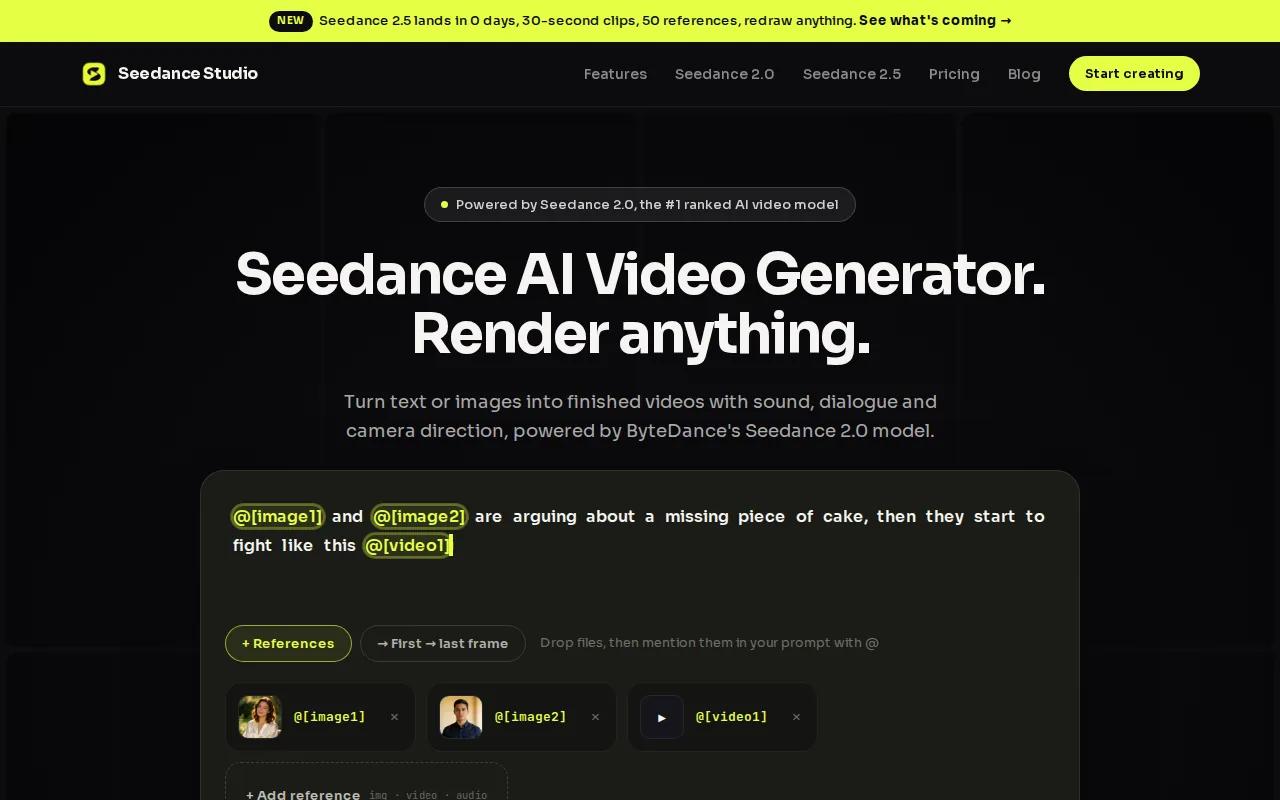
The template spine goes: Subject, Action, Camera, Style, Constraints. Fill in the brackets and you get a prompt that actually holds shape across multiple generations. That matters because most drift happens when the model has to guess at camera behavior. Seedance 2.0 treats camera movement as a first-class input, so naming the shot size and motion explicitly cuts surprise reframes.
A working product prompt looks like this:Subject: matte black travel mug on a wooden desk. Action: steam rises slowly. Camera: close-up, slow dolly-in, locked horizon. Style: soft morning window light, neutral grade. Constraints: no text overlays, no logo distortion, 8 seconds, 9:16.You can adapt that shell for any product or scene in under two minutes.
We also offer native audio generation in the same pass, so lip-synced dialogue, sound effects, and background music don't need a separate post-production step. The Seedance 2.0 Prompt Guide breaks this formula into 21 ready-to-use prompts you can swap your own subject into right now.
The one caveat: free-tier generations are capped, so high-volume creators will want a paid plan starting at $14/month. But for anyone who needs a prompt system that removes the guesswork on aspect ratio and camera behavior, this is the strongest starting point.
2. Prompt-Driven Video Generation Workflows
Prompt‑driven text‑to‑video tools often rely on visual description first. The model works best when you front‑load lighting, camera angle, and subject behavior in a single sentence.
A typical prompt might read: A woman in a red coat walks along a rain‑slicked street at night, slow dolly forward, neon signs reflecting in puddles, shallow depth of field. This structure—subject, movement, environment, camera—helps produce consistent output. Vague prompts like “a cinematic city scene” usually return generic footage.
These tools let you control motion intensity, which is handy for product videos where you want a mostly static scene with subtle ambient motion (steam, leaves, water) instead of full camera movement.
Prompt length matters; concise prompts under about 30 words tend to work best. Longer, detailed prompts can confuse motion output. If you need a multi‑shot sequence, generate each shot separately and edit them together rather than trying to prompt an entire narrative at once. For a deeper look at building cinematic sequences from scratch, see our guide on how to use an AI cinematic video generator.
3. Enterprise Video Platform Prompt Library — Scalable Video Prompts for Production
This platform is a different animal. It's not a consumer video generator. It's a production‑grade video analysis and synthesis system aimed at teams running surveillance, safety monitoring, and large‑scale video QA pipelines. But its official prompt library is one of the most instructive public examples of how to write structured, purpose‑built video prompts at scale.
The library includes prompts for traffic analysis, warehouse safety, bridge inspection, and 82‑minute long‑form video. Each entry has three prompt layers: a primary VLM prompt, a Caption Summarization Prompt, and a Summary Aggregation Prompt. That three‑layer structure is worth borrowing even if you never use the platform itself, because it shows how to separate the "what to look at" instruction from the "how to summarize" instruction.
Here's an example from the warehouse safety use case. The primary prompt tells the model to watch for PPE violations. The summarization prompt tells it how to compress 10‑second chunks into event descriptions. The aggregation prompt tells it how to roll those descriptions into a final report. That separation prevents the model from conflating observation with analysis.
The chunk size settings (10 seconds for fast‑moving scenes, 60 seconds for longer surveillance footage) also map directly to how you should think about prompt scope in creative video work. A 10‑second prompt should describe one continuous action. A 60‑second prompt needs beat markers.
This is best for production teams or developers building video pipelines, not solo creators. But the prompt architecture is genuinely useful for anyone doing multi‑shot AI video work.
4. Avatar-Based Video Prompt Pack — Language-Aware Prompts for Avatars
An avatar-based video platform focuses on script-driven prompts rather than visual scene descriptions. Users input a script in any language, and the system handles lip sync, facial expression, and voice delivery. The prompting skill here is script writing, not cinematography.
This approach flips the usual priority order. Instead of starting with visuals, you start with language. A well‑written prompt is a tight, spoken‑word script with clear pacing: short sentences, one idea per line, no run‑ons that the avatar has to rush through.
Data from such platforms shows many users publish their first video without a tutorial, reflecting how much of the complexity is abstracted away. However, the quality ceiling is still set by the script. A vague script produces a flat delivery, while a script with natural pauses, emphasis words, and clear sentence breaks yields a more believable presenter.
For multilingual content, the prompt structure matters more than most creators expect. A sentence that works in English may be too long for Spanish or too short for German once the avatar's speech rate adjusts. Writing slightly shorter sentences than you think you need gives the model room to breathe in any language. Avatar systems are strong for training content, internal communications, and explainer videos at scale.
The main gap: you don't control camera movement or scene composition the way you do in generative video tools. If you need dynamic visuals alongside avatar delivery, you'll combine this platform with a separate video layer. For solo creators who want a single tool that handles camera, audio, and character in one pass, Seedance Studio's free tier covers that without needing to stitch tools together.
5. Script-to-Video Prompts — Prompt Ideas for Social Video Shorts
A script-to-video tool is aimed at content repurposing. You paste in a blog post, article, or script, and it pulls out key sentences to pair with stock footage. The prompt system is less about writing cinematic directions and more about structuring the source text so the AI picks the right moments to highlight.
For social video Shorts, that means front-loading your hook. The first sentence of your input becomes the first frame of your video. If that sentence is weak or buried in context, the video starts flat. The usable rule: write your most important claim first, then support it. That's the opposite of how most people write blog posts.
These tools also respond well to short paragraph breaks. Each paragraph tends to become one scene. Long, dense paragraphs produce cluttered scenes with too much on-screen text. Breaking your script into two-sentence blocks gives the model clean, usable segments. For TikTok and Reels, aim for paragraphs that read aloud in under five seconds each.
Once your finished clips are ready, distribution is its own challenge. Some platforms offer a streaming channel option for creators who want to reach audiences beyond the standard social feeds, which can be useful for longer-form AI video content that doesn't fit the short-form format.
The limitation of these tools is creative range. They're repurposing tools, not generative ones. You can't direct camera movement or specify lighting. The visual output depends on what stock footage matches your text. For original, visually directed content, you'll hit a ceiling fast. But for turning existing written content into quick social clips, the prompt-as-script approach works and the learning curve is low. If you want to go deeper on building vertical-format social videos with full creative control, the guide on how to pick and use an AI video app walks through the full decision.
6. Descript Overdub Prompts — Audio-to-Video Alignment Prompts
Descript is a podcast and video editor that uses AI to handle transcription, voiceover generation, and script-based editing. Its prompt model is unique: instead of describing a visual scene, you write a script and the AI generates or replaces a spoken voice to match it. The Descript team's own guidance on prompt writing emphasizes context and specificity over length.
For audio-to-video alignment, the key prompt technique is what Descript calls few-shot prompting: you give the model sample inputs and outputs so it understands the tone and structure you want before it generates anything. Instead of just saying "write a voiceover for this product," you provide a sample line in your brand voice and ask it to match that style for the remaining sections.
The usable workflow: write your script in short declarative sentences. Feed it to Descript's AI voice with a style note (conversational, authoritative, upbeat). Review the output against your video timeline and adjust sentence length where the audio runs long or short. Descript also generates images from text prompts to fill visual gaps, producing three image options per prompt that you can drop into a scene.
One honest limitation: Descript is strongest when you already have audio or a script to work from. It's an editing tool first. If you're starting from zero and want to generate original video from a text prompt alone, you'll want a generative tool alongside it. But for creators who record their own voice and need to clean up, replace, or extend that audio against a video timeline, Descript's prompt-driven approach saves real time in post-production. For creators who want to generate a full video from a script without recording anything, the AI script-to-video workflow guide covers that path end to end.
How to Choose the Right Prompt Style for Your Video
The right prompt format depends on what you're actually making. Here's a quick decision frame:
- Original short-form social clips with camera control:Use a structured five-part prompt (Subject, Action, Camera, Style, Constraints) in a generative tool like Seedance Studio.
- Avatar-based training or explainer videos:Write a clean spoken script, short sentences, one idea per line. An avatar-based platform can handle the rest.
- Repurposing existing written content into social clips:Format your text with short paragraph breaks and a strong first sentence. A script-to-video tool works well here.
- Podcast or voiceover-driven video:Use few-shot prompting with a style sample. Descript's audio-first workflow fits this.
- Multi-shot production pipelines:Separate your prompt into observation, summarization, and aggregation layers. A multi-shot workflow shows this in practice.
- Cinematic single-shot clips:Keep prompts concise, under 30 words, with one clear camera move. A video generation platform handles this well.
One number worth keeping in mind: across 56 prompts we analyzed, the median prompt text was just 4 words, while the average was nearly 12. Outliers ran to 90 words. The takeaway isn't that longer is better. It's that specificity beats length every time. A 6-word prompt with a named camera move outperforms a 30-word mood paragraph with no motion direction.
FAQ
What makes a good AI video prompt?
A good AI video prompt names the subject, describes the action, specifies the camera move, sets the lighting or style, and includes constraints on what should not appear. According to Wikipedia's overview of prompt engineering, specificity and structure consistently outperform vague, open-ended instructions. Aspect ratio and duration are the two most commonly missing fields, and leaving them out is the fastest way to get output that doesn't fit your platform.
How long should an AI video prompt be?
Most effective prompts are between 6 and 30 words of core description, plus a short constraints line. The median across 56 analyzed prompts was 4 words, but those were often incomplete. Aim for one clear sentence that names the subject and action, one sentence for camera and lighting, and a final line for constraints. That structure works better than a long paragraph with no clear priority order.
Do I need to specify aspect ratio in my prompt?
Yes, and most people skip it. Only 4% of prompts in our research dataset mentioned aspect ratio at all. For social video, use 9:16 for TikTok, Reels, and YouTube Shorts. Use 16:9 for YouTube and horizontal content. Generating at the wrong ratio and cropping afterward usually degrades quality. Set it before you generate, not after.
Can I use the same prompt across different AI video tools?
You can use the same structure, but each tool interprets motion language differently. Some platforms respond to short, scene-first prompts. Seedance 2.0 handles detailed camera direction in natural language. Other avatar-based platforms ignore visual prompts entirely and work from scripts. Test your base prompt on each tool at low resolution before committing to a full generation, and adjust the camera and motion language to match how each model reads it.
What's the most common reason AI video prompts fail?
Missing motion direction. When a prompt describes a scene but doesn't say what moves or how the camera behaves, the model fills in that gap unpredictably. The second most common failure is stacking multiple camera moves into one clause, such as "pan and dolly and zoom," which produces confused output. Give the model one clear motion instruction per shot, then add a second beat as a separate sentence if you need a compound move.
Conclusion
If you're starting out, the fastest path to usable output is a structured prompt with a named camera move, a clear subject action, and an aspect ratio set before you generate. Seedance Studio gives you that framework built in, with no waitlist and a free tier to test it immediately. Try the Seedance workflow guide to build your first prompt using the seven-part formula, then swap in your own subject and run it.


