
The AI video generator market is flooded right now, and most tools look impressive in demos but disappoint in real workflows. We tested the top options head-to-head using the same prompts, the same reference images, and the same output targets. Here are the ten worth your time, and who each one is actually for.
1. Seedance Studio (Our Top Pick) — Best for Short-Form Content & Consistency
Seedance Studio runs Seedance 2.0, ByteDance Seed's flagship video model, which currently ranks #1 for both text-to-video and image-to-video on independent benchmarks. You type a prompt or upload reference images, clips, and audio, and get back a finished video with camera direction, consistent characters, and native sound. No download. No waitlist.
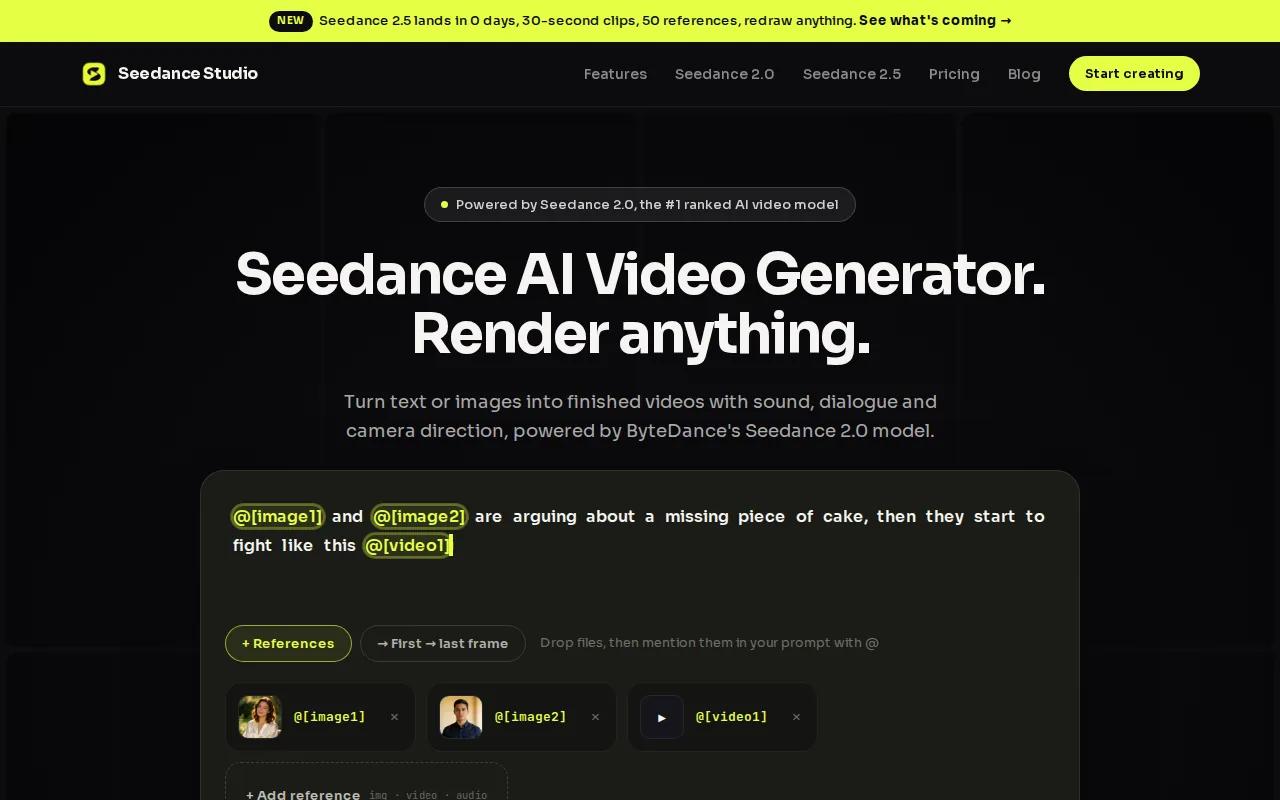
The model is the real story here. In side-by-side tests using identical prompts, Seedance 2.0 scored 9.5 out of 10 for physics realism and matched Google Veo 3.1 on lip-sync quality. Water splashes land cleanly. Character movement stays natural. The audio, including background ambient sound, generates in the same pass as the visuals.
For short-form creators specifically, the workflow is fast. Type a prompt, upload a reference photo, hit generate, and you have a 720p draft in under 60 seconds. Scale to 1080p or 4K for the final export. The free tier gives you daily credits with no credit card required, which is more generous than most competitors. Paid plans start at $14/month.
Pricing is the other differentiator. Most tools charge flat monthly rates between $15 and $250. Seedance Studio uses a per-minute model at $0.50 per minute, which means high-volume creators running dozens of clips daily pay a fraction of what flat subscriptions cost for comparable 4K output. If you want to understand how to get the most from the model, the Seedance 2.0 prompt guide covers the exact formula for directing camera moves, dialogue, and multi-shot sequences.
The one limitation: the free tier adds a watermark. You need a paid plan for watermark-free 4K exports. But for testing prompts and iterating on short-form ideas before committing credits, it's the most generous free tier in this comparison.
If you produce TikToks, Reels, or YouTube Shorts at any real volume, Seedance Studio is the clearest starting point.
2. Runway Gen-3 Alpha — Unmatched Visual Realism
Runway Gen-3 Alpha is the go-to for creators who need cinematic quality above all else. Its strength is generating complex scenes with realistic lighting and smooth subject movement, the kind of output that holds up on a large screen, not just a phone.
The platform includes a motion brush tool, which lets you paint motion onto specific areas of a still image. That's a niche feature, but it's genuinely useful for animating a product shot or adding subtle movement to a background without touching the subject. No other tool in this list offers it as a native feature.

Runway also supports 4K output and connects to Zapier, making it one of the few AI video tools with any real automation integration. The free tier gives you 125 one-time credits for image and video generation. Once those are gone, paid plans start at $15/month. The catch is speed: Runway prioritizes quality, and generation times are slower than Pika or Seedance Studio. If you're producing high-volume short-form content, that lag adds up. But for a single hero video or a cinematic product showcase, it's hard to beat.
3. Pika 2.0 — Fastest Turnaround for Agencies
Pika 2.0 is built for speed. It's the only generator in this list that consistently delivers usable output in under 3 minutes, which matters when you're running multiple client revisions in a single day.
The platform has a proprietary video model built from scratch rather than fine-tuning an existing one. That shows up in how it handles creative inputs. One feature animates between a start and end frame, giving you precise control over scene transitions without frame-by-frame work. Another feature turns any portrait into a talking-face video driven entirely by audio, no animation skills needed. A third feature lets you replace objects in existing footage while preserving the original motion and lighting.
For agencies managing social content at scale, these tools reduce the number of manual steps between brief and final export. The essential plan is $10/month, and there's a free tier to test before committing. Available on web and iOS.
The tradeoff is visual realism. Pika's output looks polished and creative, but it doesn't match Runway or Seedance 2.0 on physics accuracy or character consistency across multiple scenes. For agencies producing high-volume social content where turnaround beats perfection, that's an acceptable trade. For a brand film or hero video, you'd want a different tool.
4. Kling 1.6 — Best Physics Simulation for Creatives
Kling 1.6 is the favorite among game developers and indie filmmakers for one specific reason: it simulates physics better than almost anything else at its price point. Cloth movement, water dynamics, and impact effects all render with a level of accuracy that most generators miss.
In a direct comparison using a diving scene prompt, Kling 3.0 (the current generation) scored 9 out of 10 for physics realism. The shirt removal looked natural, the slow-motion before the splash was added automatically, and the underwater scene held up. The only deduction was a slight awkwardness in how the character shrugged the shirt rather than pulling it off cleanly.
Kling 3.0 now supports 15-second continuous video generation with native audio and lip-sync in multiple languages. You can lock a character's appearance using a single reference photo, which eliminates the AI morphing effect that plagues most generators on multi-shot projects. Export goes up to 4K on Pro plans.
The free tier limits you to 5-second clips with a watermark. Pro plans start at around $20/month. The platform also integrates with Atlas Cloud API, ElevenLabs, and CapCut, which makes it one of the few tools with real third-party connections. Creators building stylized storytelling projects, music videos, or fashion campaigns will find it particularly useful.
5. Synthesia — Enterprise-Grade Avatars & Localization
Synthesia is the clear choice for enterprise training and internal communications. It has 160+ photorealistic AI avatars with improved lip-syncing across 160+ languages, and the platform is built around the specific workflows that large organizations need: LMS integration, version control, brand customization, and compliance.
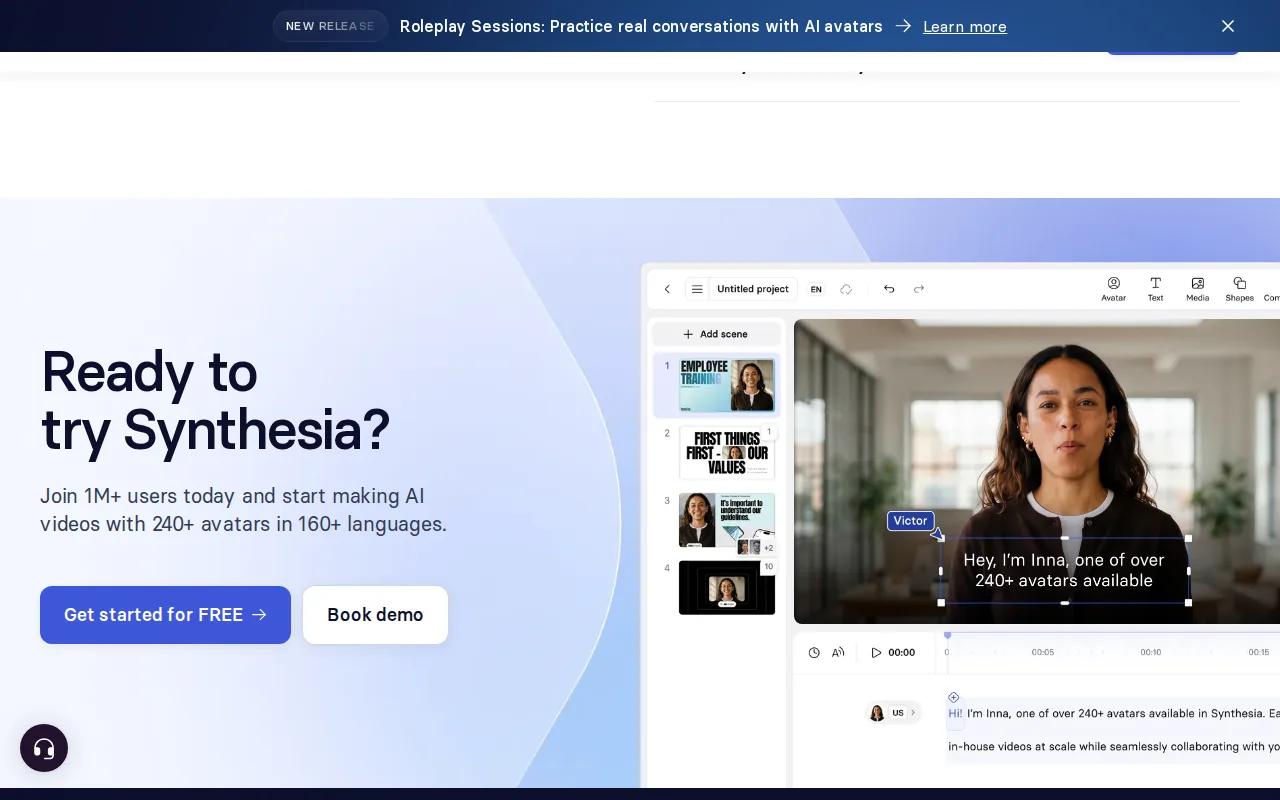
The numbers that show up in user feedback are striking. One reported updating many courses without rebuilding from scratch. Another completed 100 hours of translation in 10 minutes. A third saved a significant amount on a custom video project. These aren't edge cases; they reflect what Synthesia is actually designed for: high-volume localization at scale.
90% of Fortune 100 companies have run it through compliance audits. That's a real differentiator for any organization where legal review is part of the video production process.
The Creator plan starts at $29/month. There's a free plan with 10 minutes of video per month and 9 stock avatars, which is enough to evaluate the workflow. Output is 1080p. The limitation is creative flexibility: Synthesia excels at structured, script-driven content, but it's not the right tool for cinematic storytelling or physics-heavy scenes.
If you're a solo creator or small agency, the price-to-output ratio doesn't make sense. But for an L&D team producing multilingual training content at volume, it's the most purpose-built solution in this list.
6. HeyGen 3.0 — Real-Time Translation & 4K Output
HeyGen 3.0 does two things better than anyone else: real-time video translation and voice cloning. Upload a video in English, and HeyGen can produce a version in another language with your voice, not a generic synthesized one, synced to your lip movements. For creators or businesses with multilingual audiences, that's a significant capability.
The Starter plan is $24/month for 15 minutes of video. There's a free tier that includes 3 videos per month, which is tight but enough to validate the translation quality before committing. Output goes up to 4K. The platform has an API, making it one of the few tools that can be integrated into a custom production pipeline without manual intervention.
HeyGen 3.0 supports text-to-video generation, but its real strength is avatar-based content with dialogue. If you're producing product explainers, sales outreach videos, or multilingual marketing content, the voice cloning and translation pipeline saves hours of re-recording. Creators who rely on AI video generation with native sound will find HeyGen's audio handling among the most polished in this category.
The caveat: HeyGen is not a physics or motion realism tool. It's a dialogue-and-avatar platform. Use it for what it's built for, and it's excellent. Push it toward cinematic action or complex scene generation, and it falls short of Runway or Seedance Studio.
7. Higgsfield — Multi-Model Suite Under One Subscription
Higgsfield's core proposition is simple: access 15+ video and image models under one subscription instead of paying for each separately. The Starter plan is $15/month. For creators who want to test Seedance 2.0, Kling 3.0, Veo 3.1, and others without managing multiple accounts and billing cycles, that's a real convenience.
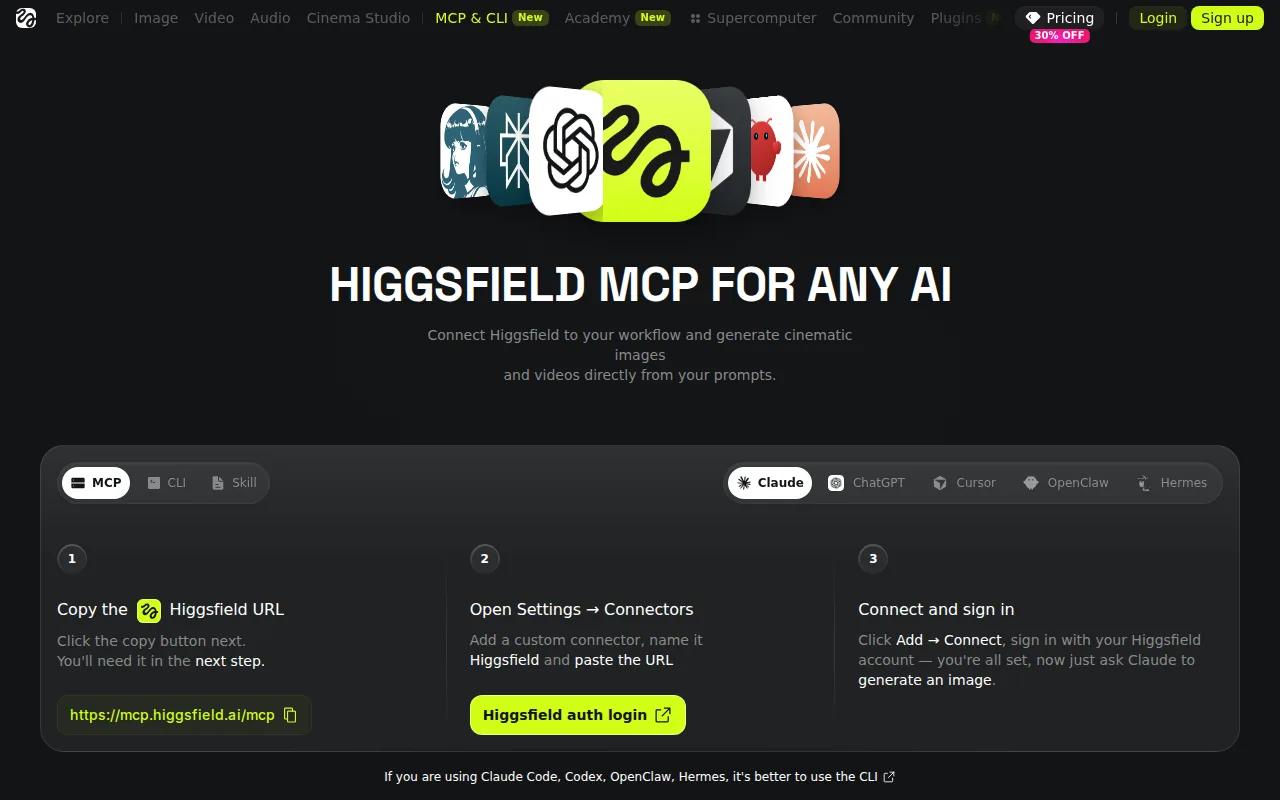
The platform includes Soul ID for character consistency, Cinema Studio for cinematic production workflows, and Marketing Studio for ad-focused content. These aren't just model wrappers; they're purpose-built environments that shape how you interact with each underlying model.
Higgsfield is also where most of the independent head-to-head comparisons happen. The YouTube tests referenced in this review ran through Higgsfield because it's the only platform where you can swap between Seedance 2.0, Kling 3.0, and Veo 3.1 using the same prompt and reference image without switching tabs. That makes it genuinely useful for evaluating models, not just using them.
The limitation is that you're working through an aggregator layer. If a specific model updates or changes its behavior, Higgsfield may lag behind the native platform. And for creators who've settled on one model, paying for a multi-model suite adds cost without adding value.
8. Krea — Daily Free Credits & Aggregated Models
Krea is the most accessible entry point in this list. The free tier gives you 100 compute units per day with access to image generation, video generation, 3D tools, lip-sync, upscaling, and LoRA training. That's a broader free offering than most platforms provide at any price.
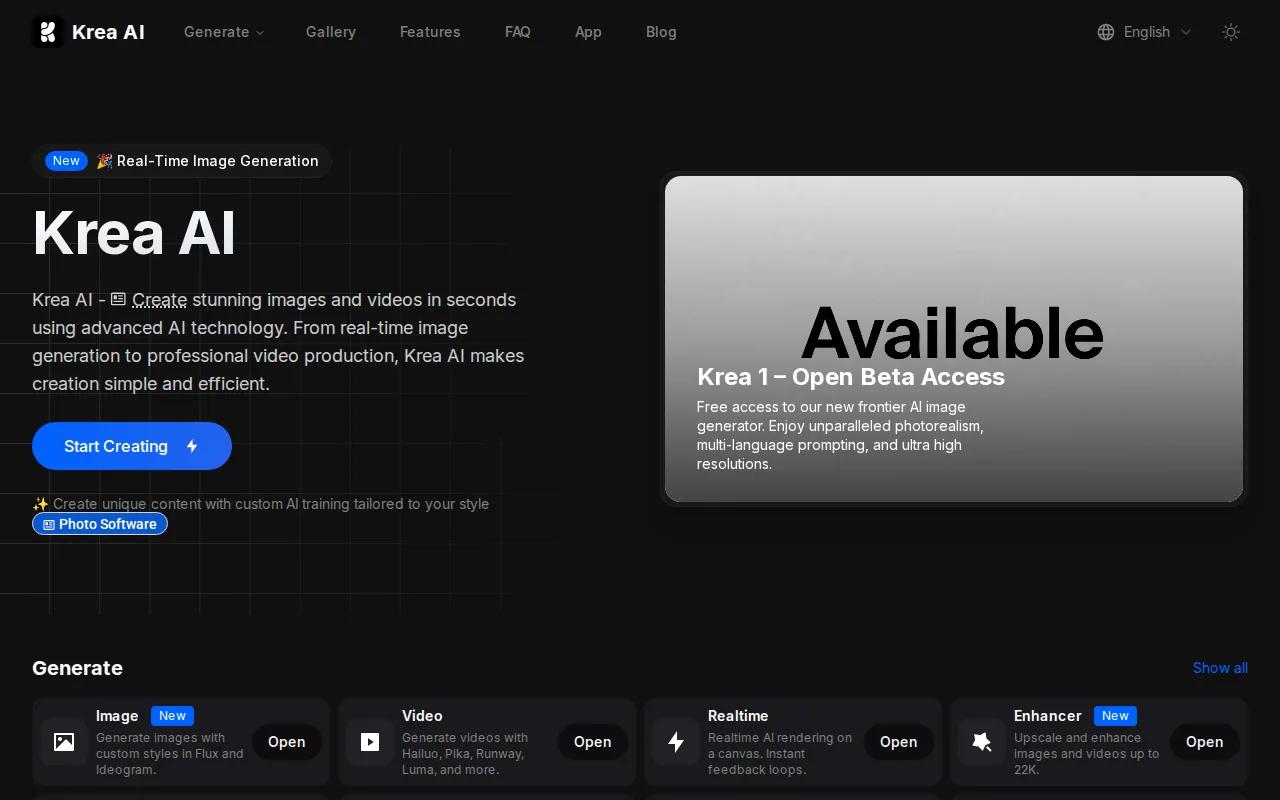
The Basic plan is $9/month, making it the cheapest paid option in this comparison. Krea works as an aggregator, routing prompts to multiple underlying models behind a single interface. You're not locked into one model's strengths or limitations.
For new creators testing AI video generation for the first time, Krea's daily free credits let you experiment without committing to a subscription. The image-to-video workflow is particularly approachable here: upload a photo, write a motion prompt, and Krea handles the rest. The output quality at the free tier is solid for social content, though it won't match Seedance Studio or Runway at their paid tiers.
The tradeoff is depth. Krea's aggregator model means you get breadth across tools, but less fine-grained control over any single model's parameters. Power users who want to push a specific model's capabilities will hit that ceiling quickly.
9. Dreamina — Advanced Plan for Power Users
Dreamina is an all-in-one AI creative platform from CapCut's parent company, covering image generation, video generation, brand design, and photo editing in one workspace. The Advanced plan is $70/month, which positions it at the higher end of this list.
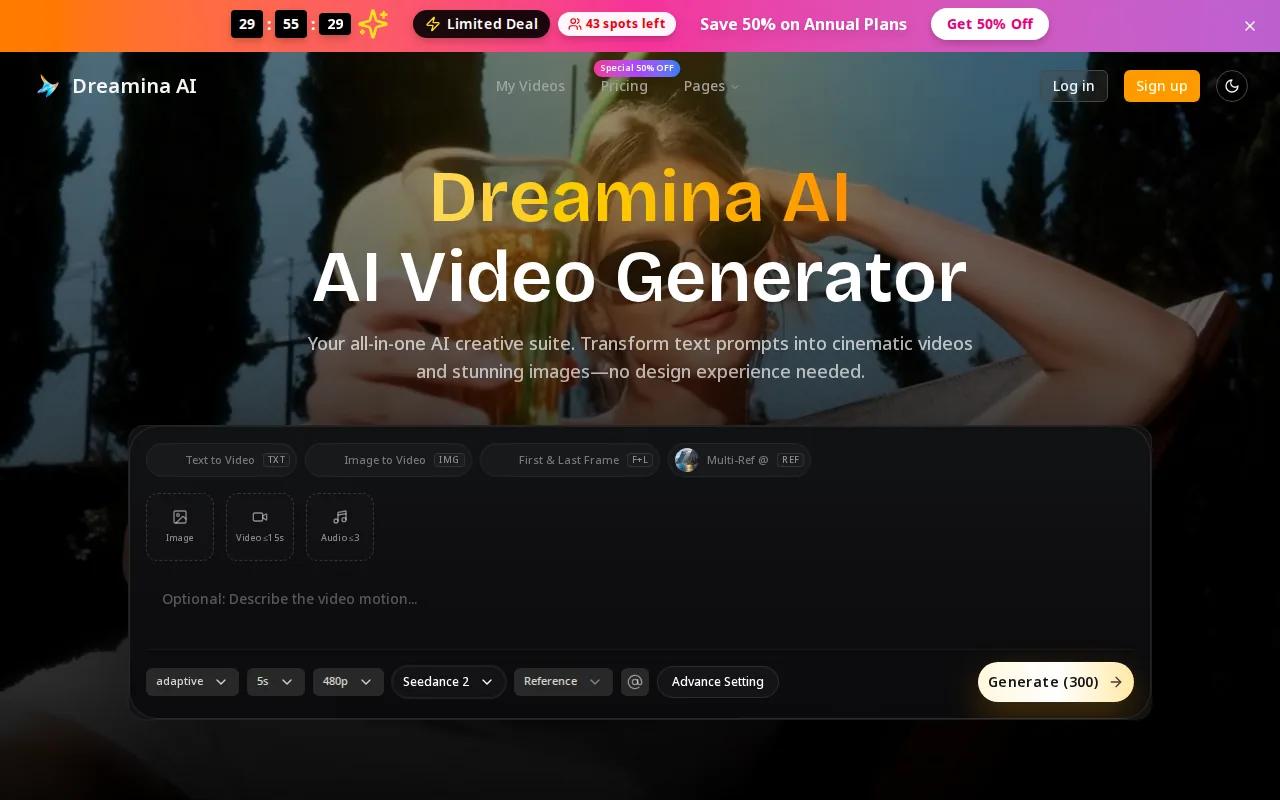
The platform handles a wide range of creative tasks: logos, app icons, 3D brand visuals, product showcases, social reels, face swaps, and AI character clips. For a creative team that needs all of these in one place without switching tools, the consolidated workspace has real value. The image generator delivers fast, high-fidelity output with strong prompt adherence.
Dreamina's video generation is solid for social content and product animation, and the CapCut integration means finished clips can move directly into an editing workflow without export friction. For creators already inside the CapCut ecosystem, that's a meaningful convenience.
At $70/month, the price makes sense for teams with diverse creative needs. For someone who only needs video generation, it's expensive relative to Seedance Studio or Pika. The platform also skews toward template-driven workflows rather than open-ended cinematic generation, so it's better suited to brand content than experimental or physics-heavy video.
10. Google Veo 3.1 — Best in Class Motion Realism
Google Veo 3.1 produces the most realistic motion, physics, and environmental lighting of any model tested. The audio quality is a 10 out of 10 in direct comparisons: clear American voice, accurate lip-sync, and ambient sound that matches the scene without being prompted. In a seaside scene test, Veo generated fire crackling in the background without any instruction to do so.
The limitation is price. Veo 3.1 is available through Google's premium subscription at $249.99/month. That's a significant commitment. For individual creators, it's hard to justify. For production studios or enterprise teams where output quality directly affects client deliverables, it may be the right call.
There's also a free credits tier, though it's limited. Generation is capped at 8 seconds per clip, which constrains what you can build in a single pass. In the cinematic action test, Veo scored lower than expected: the rider disappeared before the cliff launch, and the speedometer stayed at zero throughout. High audio realism doesn't compensate for those kinds of prompt-adherence failures on complex scenes.
Veo 3.1 is genuinely the best model for audio realism and environmental detail. But at $249.99/month with an 8-second clip limit, it's a specialized tool for teams with specific needs and the budget to match. For most creators, Seedance Studio delivers comparable audio quality at a fraction of the cost. If you want to compare model outputs directly before choosing, the Seedance 2.0 vs Veo vs Kling comparison breaks down the differences across physics, lip-sync, and prompt adherence.
Comparison Table: AI Video Generators at a Glance
Prices and features shift frequently in this market, but the table below reflects current data as of July 2026. Use it as a starting filter, then test the free tier of your top two or three picks before committing to a subscription.
| Tool | Starting Price | Free Tier | Max Resolution | Best For | Key Strength |
|---|---|---|---|---|---|
| Seedance Studio | $14/mo (or $0.50/min) | Daily credits, no card | 4K | Short-form creators | #1 ranked text-to-video model, native audio |
| Runway Gen-3 Alpha | $15/mo | 125 one-time credits | 4K | Cinematic quality | Motion brush, complex scene realism |
| Pika 2.0 | $10/mo | Yes | Full HD | Agencies, fast turnaround | Under 3-min generation, creative toolkit |
| Kling 1.6 | ~$20/mo (Pro) | 5-sec clips, watermarked | 4K (Pro) | Game devs, filmmakers | Physics simulation, cloth movement |
| Synthesia | $29/mo | 10 min/mo, 9 avatars | 1080p | Enterprise training | 160+ languages, LMS integration |
| HeyGen 3.0 | $24/mo | 3 videos/mo | 4K | Multilingual content | Real-time translation, voice cloning |
| Higgsfield | $15/mo | — | Varies by model | Multi-model testers | 15+ models under one subscription |
| Krea | $9/mo | 100 units/day | Varies by model | New creators, budget users | Daily free credits, broad tool access |
| Dreamina | $70/mo (Advanced) | — | — | Creative teams, brand content | All-in-one image and video workspace |
| Google Veo 3.1 | $249.99/mo (Ultra) | Limited free credits | 1080p (tested) | Production studios | Best audio realism and environmental detail |
One pattern stands out across this data: 79% of these tools have no native third-party integrations, which means most "automation-first" marketing is overstated. If your workflow depends on connecting your video generator to other tools, Runway (Zapier), HeyGen (API), and Seedance Studio (API) are the only real options right now. Everyone else requires manual steps between platforms.
For creators who produce UGC-style content regularly, the question of which model handles AI UGC video generation with consistent characters across scenes is worth thinking through before picking a tool. Only a handful of models in this list, Seedance 2.0 and Kling 3.0 among them, handle multi-shot character consistency without significant drift.
How to Choose the Right AI Video Generator
Most people over-optimize for raw output quality and under-think the workflow. Here's what actually matters when you're choosing between these tools:
- Volume:If you're generating dozens of clips per week, per-minute pricing beats flat subscriptions. If you generate a few videos per month, a flat plan is simpler.
- Use case:Avatar-based dialogue content points toward HeyGen or Synthesia. Physics-heavy cinematic work points toward Kling or Runway. Short-form social content at scale points toward Seedance Studio.
- Free tier generosity:Only 43% of AI video tools offer any free tier at all. Among those that do, daily credits (Seedance Studio, Krea) let you iterate without burning through a monthly allowance.
- Integration needs:If you need your video generator to connect to other tools in your stack, check integration support before subscribing. Most tools don't have it.
- Character consistency:If your content requires the same character to appear across multiple scenes, test this specifically. Many generators drift significantly between generations.
The best approach is to pick two tools from this list based on your use case, test both on the same prompt using their free tiers, and compare the output side by side. What looks good in a demo often behaves differently on your specific content type.
Businesses managing their content security posture alongside video production workflows may also want to evaluate how their creative tools fit into a broader digital stack. Resources like attack surface management tools are worth reviewing separately to ensure any cloud-based creative platform you adopt meets your security requirements before you start uploading proprietary assets.
FAQ
Which AI video generator is best for beginners?
Seedance Studio is the clearest starting point for beginners. It has a free tier with daily credits, no credit card required, and runs entirely in the browser. The prompt interface is straightforward: type what you want, upload a reference image if you have one, and hit generate. Krea is also beginner-friendly with 100 free compute units per day, though its output quality at the free tier is lower than Seedance Studio's.
What is the cheapest AI video generator that still produces quality output?
Seedance Studio's per-minute pricing at $0.50/min is the most cost-efficient option for high-volume creators. For occasional use, Pika 2.0 at $10/month or Krea at $9/month are the cheapest flat-rate paid options. The key is matching your pricing model to your usage pattern. Per-minute pricing saves money when you generate a lot; flat plans save money when you generate a little.
Can AI video generators create realistic lip-sync?
Yes, but quality varies significantly. Google Veo 3.1 and Seedance 2.0 both scored 9.5 or higher on lip-sync in direct tests using identical prompts. HeyGen 3.0 and Synthesia are purpose-built for dialogue-driven content and handle lip-sync across 120 to 160 languages. Grok Imagine and Wan 2.6 both struggled in the same tests, with robotic voices and audio dropouts.
Do any AI video generators work without a subscription?
Several offer genuinely usable free tiers. Seedance Studio gives daily credits with no credit card. Krea provides 100 compute units per day. Runway gives 125 one-time credits. Kling's free plan offers 66 daily credits for non-commercial use, but clips include a watermark. Synthesia's free plan allows 10 minutes of video per month. None of these free tiers are unlimited, but they're enough to test before paying.
Which AI video generator handles character consistency best across multiple scenes?
Seedance 2.0 and Kling 3.0 are the strongest options for character consistency. Seedance Studio supports up to 12 reference inputs per generation, letting you anchor your character's appearance across every clip in a project. Kling 3.0 has a strict character lock feature that uses a single photo to eliminate AI morphing across shots. Both are significantly better than most competitors on this specific challenge.
Is there an AI video generator with native audio generation?
Yes. Seedance 2.0 generates music, sound effects, and lip-synced dialogue in the same pass as the visuals, without needing a separate audio step. Google Veo 3.1 also generates ambient audio automatically and scored the highest on audio realism in testing. HeyGen 3.0 handles voice cloning and real-time translation. Kling 3.0 includes native audio with multi-language lip-sync. Minimax Halo 02 and some others produce no audio at all.
Conclusion
If you're producing short-form video at any real volume, Seedance Studio is the pick: the #1-ranked model, daily free credits, and per-minute pricing that beats flat subscriptions for high-output creators. Start with the free tier today at tryseedance.ai and run your first prompt in under two minutes.


