
Most AI video tools claim to work for YouTube Shorts, but a surprising number don't even support the 9:16 vertical format Shorts actually requires. After reviewing 48 tools, only a handful deliver real vertical output plus enough automation to skip a separate editing step. Here are the seven best options right now, starting with our top pick.
1. Seedance Studio (Our Top Pick) — Browser‑based AI video generator
Seedance Studio runs on Seedance 2.0, ByteDance Seed's flagship AI video model, which currently ranks #1 for both text-to-video and image-to-video in the independent Artificial Analysis arena. You type a prompt or upload reference images, clips, and audio, and the model returns a finished video with camera direction, consistent characters, and native sound already mixed in. No download, no waitlist.
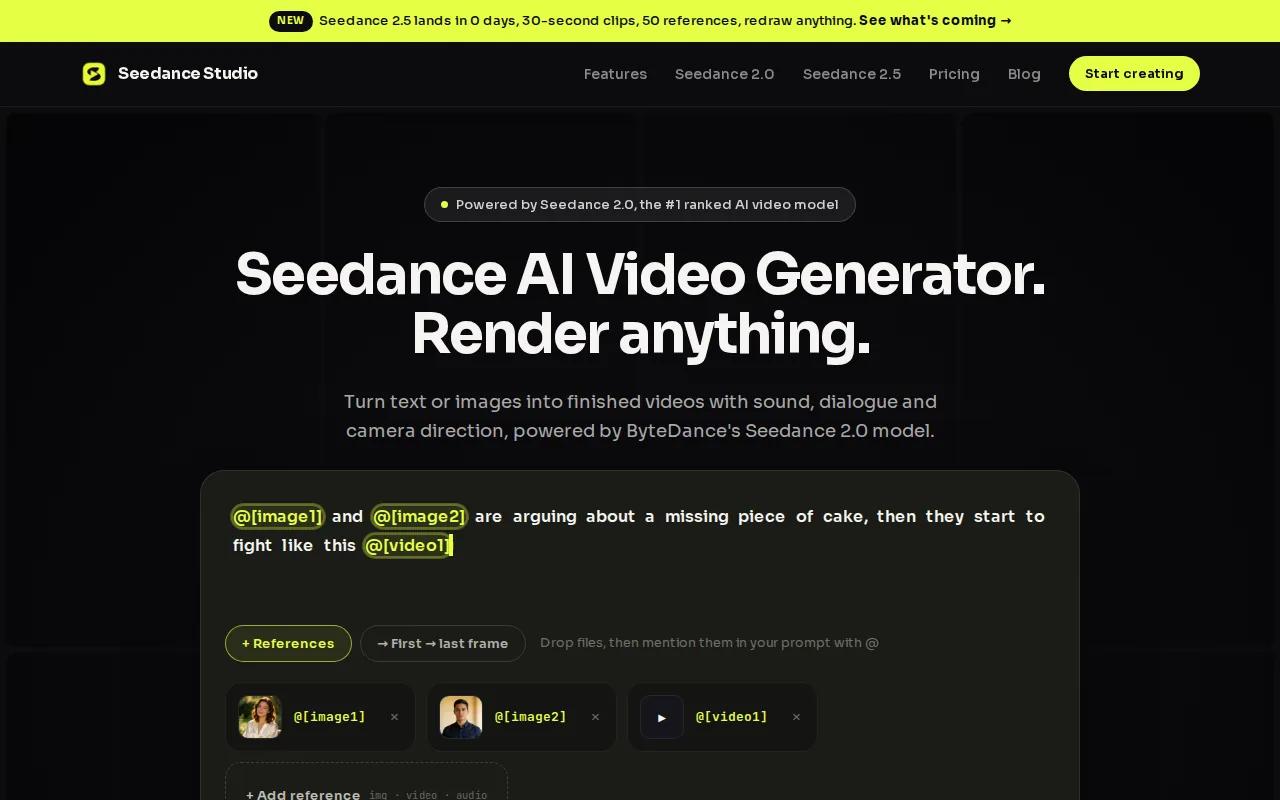
For YouTube Shorts specifically, the 9:16 aspect ratio is a one-click setting. Generate at 480p on the free tier to test your prompt fast, then render at 1080p or 4K once you're happy with the shot. Clips go up to 15 seconds, which covers the typical hook-and-payoff structure most Shorts use.
The reference system is what sets it apart from other generators. You can attach up to 12 inputs per generation: 9 images, 3 video clips, and 3 audio tracks. Tag each one directly in your prompt, and the model holds your character's face, your product's look, or a specific camera move consistent across every clip. That matters a lot when you're making a series or testing multiple Shorts from the same concept.
Paid plans start at $14/month and remove the watermark, unlock higher resolutions, and include a commercial license. The free tier is genuinely usable for testing, not just a teaser. If you want to see the full workflow before committing, the free plan needs no credit card.
The one real caveat: generation takes a little time. It's not instant. If you need 20 Shorts in an afternoon, plan your prompts in advance and batch your renders.
2. Runway — Integrated generation‑to‑edit workflow for vertical shorts
Runway (runwayml.com) is built around one idea: generate a clip, then refine it into something publish-ready without ever leaving the platform. That tightly integrated generation-to-edit workflow is its clearest advantage over tools that drop a raw clip and leave you to finish it elsewhere.
It supports text-to-video and image-to-video in vertical 9:16, and the Gen-4.5 model adds native audio generation and multi-shot continuity. That continuity feature is useful for Shorts creators who want to cut between two or three scenes while keeping the same character or environment consistent.
Runway is best for creators and small teams who treat generation as the first draft, not the final product. If your workflow involves adjusting timing, trimming clips, or swapping a background after generation, Runway's in-platform editing tools save you the round-trip to a separate editor. A limited free tier is available for testing before you commit to a paid plan.
The tradeoff is complexity. Runway has more controls than most generators, which is great for experienced users but can slow down beginners who just want to hit generate and post. If you're new to AI video, expect a steeper learning curve than some alternatives on this list.
3. Luma AI (Dream Machine) — High‑quality motion‑rich clips from text
Luma AI's Dream Machine (lumalabs.ai) focuses on one thing: generating short, motion-rich clips that look cinematic. Its key strength is carrying visual references into generated video. You can feed it a reference image and a text prompt, and it builds motion around what you uploaded rather than inventing a scene from scratch.

That image-to-video capability is particularly useful for Shorts creators who have a strong visual identity. If you have a product photo, a character design, or a specific location shot, Dream Machine can animate it into a vertical clip with real motion rather than a static pan. Output supports 9:16 vertical format.
The platform is designed for fast iteration. Generate a clip, adjust the prompt or swap the reference image, and generate again. Most creators run two or three versions per concept before they find one worth posting. Turnaround is reasonably quick, which keeps that iteration loop from feeling painful.
Dream Machine works best when you already have reference material to work from. If you're starting from a blank prompt with no images, the results can be less predictable than tools like Seedance Studio that are optimized for character consistency across multiple clips. It's a strong option for one-off Shorts with a strong visual hook, less ideal for building a consistent series.
4. Pika — Rapid generation of social‑ready vertical videos
Pika (pika.art) is built for speed. You type a prompt, set your style, and get a short vertical clip back fast. The whole platform is optimized for the "generate, check, post" rhythm that social creators actually use rather than a longer production pipeline.
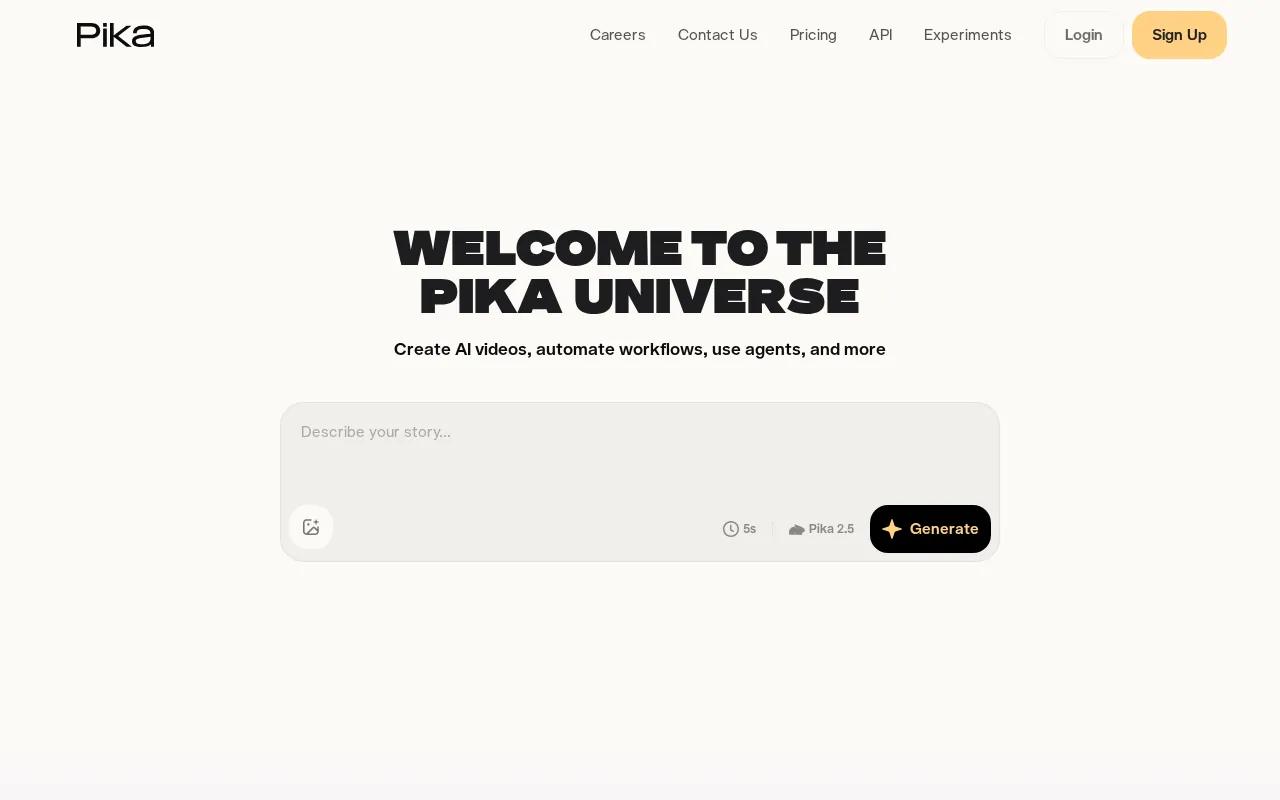
It supports vertical 9:16 output and is designed specifically for social and mobile-first formats. The prompt‑driven workflow means you don't need to learn complex controls. Write what you want to see, adjust a few style settings, and iterate. That simplicity makes Pika a good fit for marketers who need to test a lot of concepts quickly without spending hours on each one.
Pika is one of only a few tools in this space that combines prompt‑driven generation with an integrated editing workflow. That puts it alongside Runway and Kling AI as tools that go beyond raw generation toward something closer to end‑to‑end production.
Where Pika falls short is in character consistency across multiple clips. If you're building a series of Shorts featuring the same person or product, you may find the character drifts between generations. For one‑off Shorts or concept testing, that's rarely a problem. For a channel with a recurring host or mascot, it matters more.
5. CapCut — Template‑driven editor with AI assistance
CapCut takes a different approach from the pure generators above. It's primarily an editor with AI features layered in, not a text-to-video generator at its core. That distinction matters for how you'd use it to make YouTube Shorts.
The platform is strong on templates. You pick a Shorts template, drop in your footage or AI-generated clips, and CapCut handles the pacing, transitions, and captions automatically. The auto-caption feature alone saves a meaningful amount of time for creators who post regularly, since captioned Shorts consistently outperform uncaptioned ones on mobile. Background removal and AI-assisted effects round out the toolkit.
For creators who already have raw footage or AI-generated clips and need to polish them into a finished Short quickly, CapCut is hard to beat on ease of use. The mobile app is particularly good, which fits the workflow of creators who film on their phone and want to edit on the same device. It also supports the kind of UGC-style content that performs well in the Shorts feed.
The limitation is that CapCut is not a standalone AI video generator. You still need source material. If you want to go from a text prompt to a finished Short with no pre-existing footage, you'll need to pair it with a generator like Seedance Studio or Pika first, then bring the output into CapCut for finishing.
6. Kapwing — End‑to‑end vertical publishing with AI text‑to‑video
Kapwing sits between a pure generator and a full editor. It has AI text-to-video built in, but its real strength is the publishing workflow that wraps around it. Auto subtitles, resizing, and direct publishing tools make it one of the more complete options for creators who want to go from idea to posted Short inside one platform.
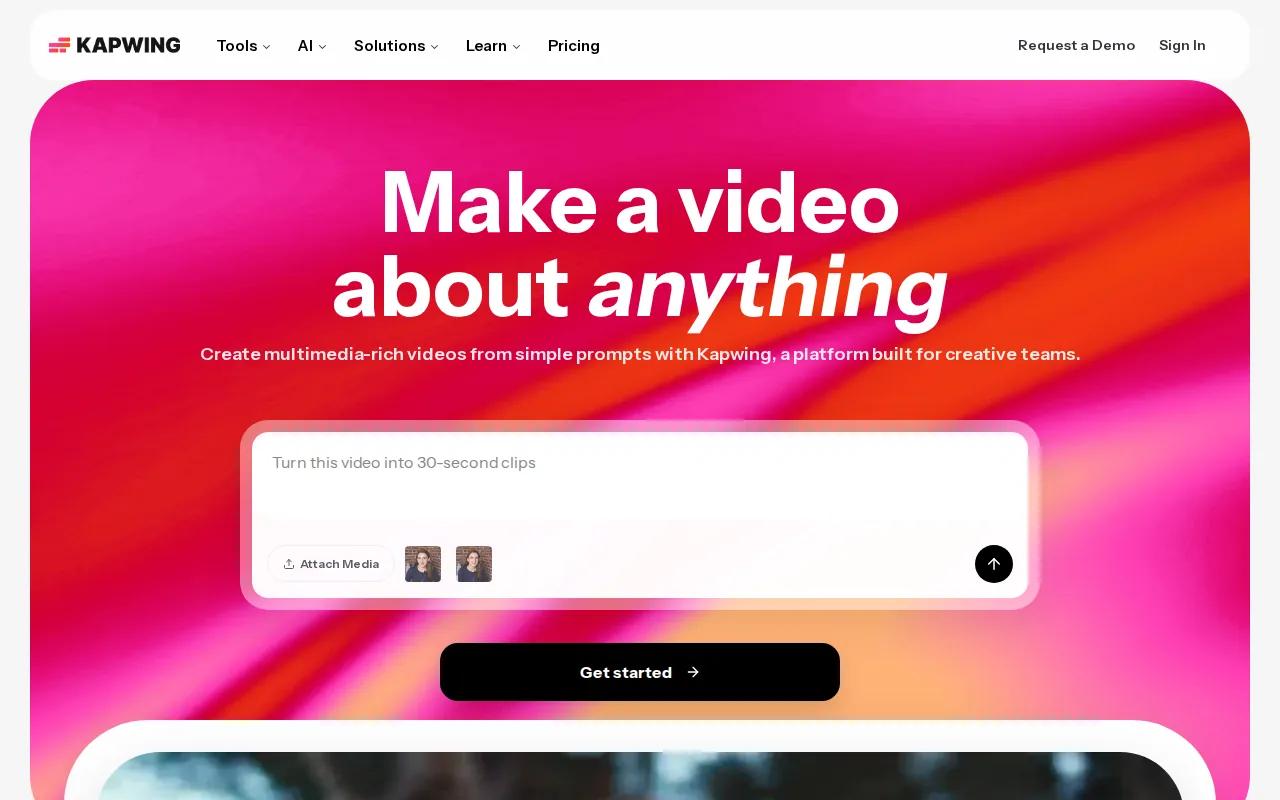
The text-to-video feature generates vertical clips from a prompt, and the surrounding editor handles subtitles, aspect ratio adjustments, and basic cuts without switching tools. For a solo creator managing a Shorts channel, that end-to-end flow reduces the friction that comes from bouncing between a generator, an editor, and a caption tool.
Kapwing is a good fit for teams that value workflow over raw generation quality. The AI-generated clips are solid but not at the same visual level as Seedance Studio or Luma AI. If your priority is publishing speed and you're comfortable with "good enough" visuals, Kapwing delivers. If you're chasing cinematic quality or need tight character consistency, the dedicated generators above are a better call.
One usable note: Kapwing's free tier adds a watermark. For YouTube Shorts where your channel branding matters, you'll want a paid plan to publish clean.
7. Google Vids — Simplified prompt‑driven short vertical videos
Google Vids is the most accessible entry point on this list, especially for anyone already using Google’s suite of tools. You describe what you want, and the tool drafts a short vertical video with minimal setup. The workflow is genuinely fast for simple concepts.
It's positioned for quick iteration rather than high production value. Creators, marketers, and small teams who need a vertical video draft to react to a trend or test an idea will find it useful. The prompt-driven approach means you don't need video editing experience to get something watchable out of it.
Google Vids leverages an efficient underlying model that keeps per‑clip costs low, especially when accessed through Google Cloud. Teams already using Google Cloud may find this advantageous, while independent creators may need a different access route.
Google Vids is best treated as a drafting tool. It gets you to a first version fast, but you'll likely want to refine the output in a separate editor before posting to a channel where quality is visible. Think of it as a starting point, not a final step. For creators who want to go deeper into turning a script directly into a finished video, a more capable generator will serve better.
Comparison Table: Feature Snapshot of the Top AI Video Generators
Here's how the seven tools stack up on the factors that matter most for YouTube Shorts production. Use this to narrow your choice based on your specific workflow.
| Tool | 9:16 Vertical Output | Native Audio | Character Consistency | Free Tier | Best For |
|---|---|---|---|---|---|
| Seedance Studio | Yes | Yes (native sound + dialogue) | Strong (up to 12 references) | Yes, no card required | Creators wanting full generation + audio in one tool |
| Runway | Yes | Yes (Gen-4.5) | Good (multi-shot continuity) | Yes, limited | Teams who need generation + in-platform editing |
| Luma AI (Dream Machine) | Yes | — | Moderate (image-to-video) | — | Cinematic one-off clips from reference images |
| Pika | Yes | — | Moderate | — | Fast concept testing and social campaigns |
| CapCut | Yes | Via editor | Depends on source footage | Yes, watermarked | Polishing existing clips into finished Shorts |
| Kapwing | Yes | Via editor | Moderate | Yes, watermarked | End-to-end publishing workflow for solo creators |
| Google Vids | Yes | — | Basic | Via integrated platform | Quick drafts for Google Cloud / Workspace users |
One pattern worth noting from the broader market: the 9:16 aspect ratio is now the de facto standard for short-form video, with many tools that specify a format listing vertical as their primary output. But native audio support and character consistency across clips are far less common, which is where the tools above actually separate from the pack.
For creators who want a deeper look at how image-to-video generation works across platforms, the guide to AI video generators from images covers the workflow in detail.
Pricing across the market is wildly uneven. Starting prices vary widely, and many tools offer free tiers, though they often include watermarks or other limitations. For Shorts creators who need to publish clean, unwatermarked video, factor that into your decision before picking a "free" option.
How to Choose the Right AI Video Generator for Shorts
Before you sign up for anything, answer these four questions:
- Do you need to generate from scratch, or polish existing footage?Pure generators (Seedance Studio, Runway, Luma AI, Pika) work from prompts and images. Editors with AI features (CapCut, Kapwing) work best when you already have clips to refine.
- Does the tool output 9:16 natively?Every tool on this list does. But if you're considering something not listed here, check before you pay. Cropping a 16:9 clip to vertical after the fact almost always cuts off key visual elements.
- Do you need character consistency across multiple Shorts?If you're building a series with a recurring host, product, or mascot, prioritize tools with strong reference systems. Seedance Studio's 12-reference-per-generation limit is the highest here.
- Will a watermark block you?Free tiers on most tools add a watermark. For a YouTube Shorts channel where your branding matters, check whether the free plan is actually usable for publishing or just for testing.
Shorts are identified by their vertical aspect ratio and duration under 60 seconds (source). Any tool that can't natively export 9:16 at the right duration adds unnecessary post-production work to every clip you make.
FAQ
What is the best free AI video generator for YouTube Shorts?
Seedance Studio is the strongest free option right now. It generates 9:16 vertical clips with native audio on a no-card free tier, using the Seedance 2.0 model that currently ranks #1 for text-to-video quality. CapCut and Kapwing also have free tiers, but both add watermarks to exports, which limits their usefulness for publishing to an actual channel.
Can AI video generators make vertical 9:16 videos for Shorts?
Yes, but check before you commit. Among the 48 tools reviewed for this article, 86% of those that specify a format support 9:16 vertical output. The tools on this list all support it natively. A few tools in the broader market default to 16:9 or square formats and require manual cropping, which usually degrades quality.
How long does it take to generate a YouTube Short with AI?
Most AI video generators take between 30 seconds and a few minutes per clip, depending on the model, resolution, and clip length. Seedance Studio and Pika are on the faster end for short clips. Higher resolutions and longer durations take more time. Plan to run two or three iterations per Short before you have something post-ready.
Do I need video editing skills to use an AI video generator for Shorts?
No. Tools like Seedance Studio, Pika, and Google Vids are entirely prompt-driven. You describe what you want in plain language and the AI handles the camera direction, motion, and audio. CapCut and Kapwing require slightly more hands-on editing, but both are designed for beginners and have template-based workflows that don't require prior editing experience.
Can I use AI-generated videos on YouTube Shorts without copyright issues?
Generally yes, but check your tool's license terms. Seedance Studio's paid plans include a commercial license for published content. Free-tier outputs may have restrictions. YouTube also requires disclosure of AI-generated content in some cases under its synthetic media policy, so review the current guidelines on YouTube's creator help pages before publishing.
Conclusion
If you want one tool that takes you from a text prompt to a finished, audio-ready YouTube Short without switching apps, start with Seedance Studio. The Seedance 2.0 model handles generation, character consistency, and native sound in one pass, and the free tier lets you test it with no commitment. Follow the five-step guide to make your first video, set your aspect ratio to 9:16, and post before the trend moves on.


