

Most AI video generation APIs charge from day one. Many services only mention a free tier, and those that do limit you to short, low‑quality clips. If you need motion control, native audio, or consistent characters across shots, you'll almost certainly pay. Here are the six best options right now, and who each one is actually for.
1. Seedance Studio (Our Top Pick) — Browser‑Based AI Video Generator
Seedance Studio runs Seedance 2.0, ByteDance's flagship AI video model, directly in your browser. No download, no waitlist. You type a prompt or upload reference images, video clips, and audio, and get back a finished MP4 with camera direction, consistent characters, and native sound already mixed in.
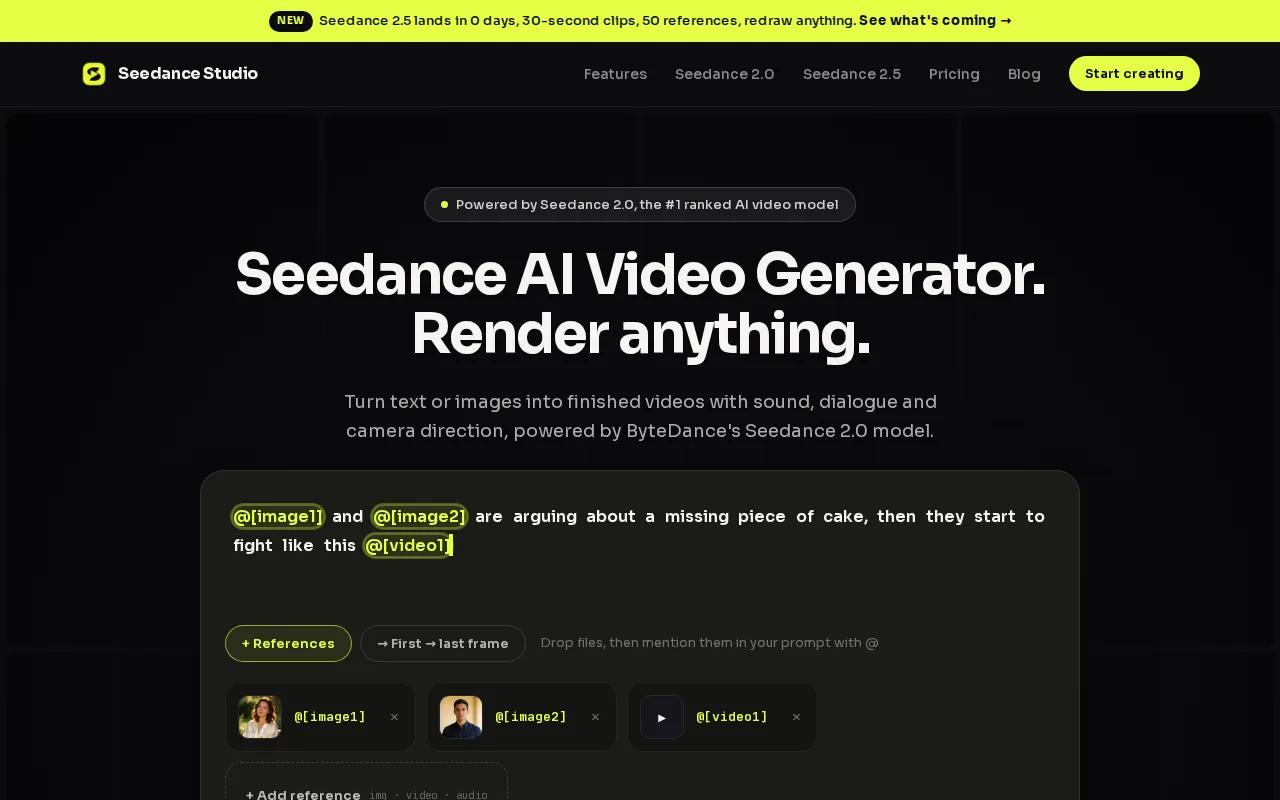
The model currently ranks #1 for both text-to-video and image-to-video in the independent Artificial Analysis arena. That matters because rankings there are based on blind human preference tests, not marketing claims. You can pass up to 12 reference inputs per generation, so a product shot, a character photo, and an audio clip can all anchor the same clip. Output goes up to 15 seconds at 1080p, sized for TikTok, Reels, or YouTube Shorts.
For developers, the Seedance API for programmatic video generation runs the same Seedance 2.0 model over a single REST call. POST a prompt with optional references, get a job ID back, then poll or register a webhook to download the finished MP4. Every paid plan includes API access. Paid plans start at $14/month, and there's a free tier with no credit card required.
The one honest caveat: because it's built on a single model, you don't get the model-switching flexibility of a marketplace like fal.ai. If you need to swap between five different video models in one pipeline, look further down this list. But for creators who want the best single model with the least friction, this is the pick.
2. Google Veo — High‑Fidelity Cinematic Output with Native Audio
Google Veo is built for high-resolution cinematic content. It generates video from text or image prompts and produces native audio in the same pass, which puts it in a small group of models that don't require a separate audio layer bolted on afterward.
Veo integrates directly with the Gemini API, Vertex AI, and other Google services. If your team already runs on Google Cloud infrastructure, that integration is a genuine time-saver. You're not copying outputs between platforms; the video generation sits inside the same stack as your other AI calls.
The target audience is developers and organizations building on Google Cloud who need high-quality output for advertising or premium content. It's not the cheapest option, and there's no free tier for API access. For teams outside the Google ecosystem, the integration advantage disappears, and you'd be paying premium rates for output quality you might match elsewhere for less.
3. Runway — Creative Control with Motion & Style Parameters
Runway is the go-to for creators who want to direct exactly how a video moves. It supports text-to-video, image-to-video, and video-to-video, and its motion control parameters let you specify camera trajectory and subject movement with more precision than most APIs in this space.
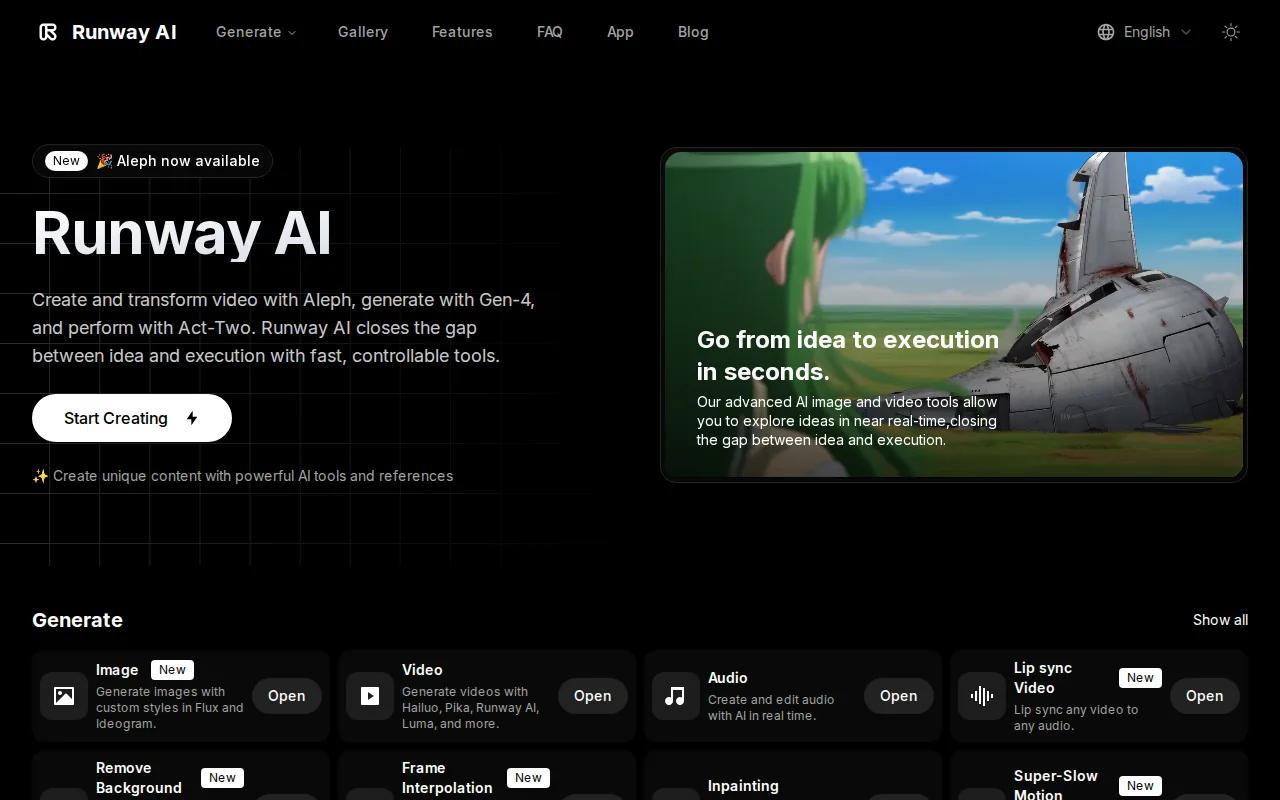
The API is RESTful and well-documented. According to Runway's official pricing docs, credits are purchased through the developer portal. Different models and upscaling options bill at varying credit rates, so you can calculate costs before you commit to a generation run. There's a limited free credit allocation for new accounts, but no ongoing free tier for production use.
Runway fits creative teams producing short-form ads or stylized content where motion quality matters more than cost-per-clip. The caveat is that the credit system can get expensive fast at scale. If you're generating hundreds of clips a month for B-roll or filler content, the cost adds up quickly. For that use case, scroll down to ModelsLab.
4. Synthesia — Avatar Library & Enterprise Localization
Synthesia is built around one specific workflow: you write a script, pick an AI avatar, and get back a talking-head video. It's not a general-purpose video generation API. But for corporate training, internal communications, and multilingual product walkthroughs, it's the most complete solution on this list.
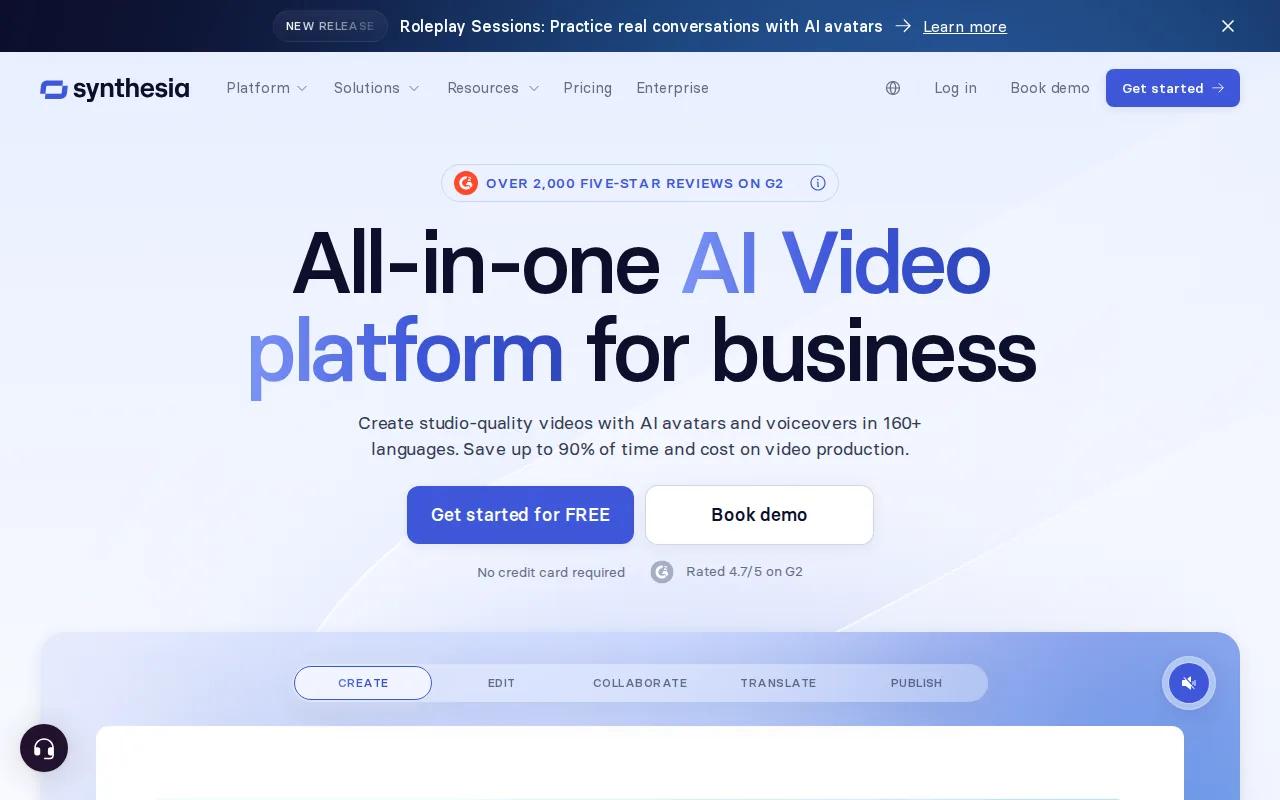
The localization depth is real. Synthesia supports 160+ languages with lip-synced dialogue, and their site cites a user completing 100 hours of translation in 10 minutes. The platform is SOC 2 Type II and GDPR compliant, which matters for enterprise procurement teams. Synthesia also reports a 4.7/5 rating from over 2,000 reviews, and 90% of users publish their first video without needing a tutorial.
There's a free plan with 10 minutes of video per month and 9 stock avatars. Paid plans are custom-priced, so you'll need to book a demo to get numbers. That's a friction point for smaller teams who just want to see a price before committing. Synthesia is the right pick for L&D teams and enterprise content departments, not for social media creators who need fast, visually dynamic clips. If your output is a person talking to camera in a branded setting, this is purpose-built for you.
5. fal.ai — One API Key, 600+ Models, Async Generation
fal.ai takes a different approach. Instead of one model, you get a single API key that unlocks access to over 600 AI models for image, video, audio, and 3D generation. You pick the model per request. That's the core value: model flexibility without managing separate accounts and authentication flows for each provider.
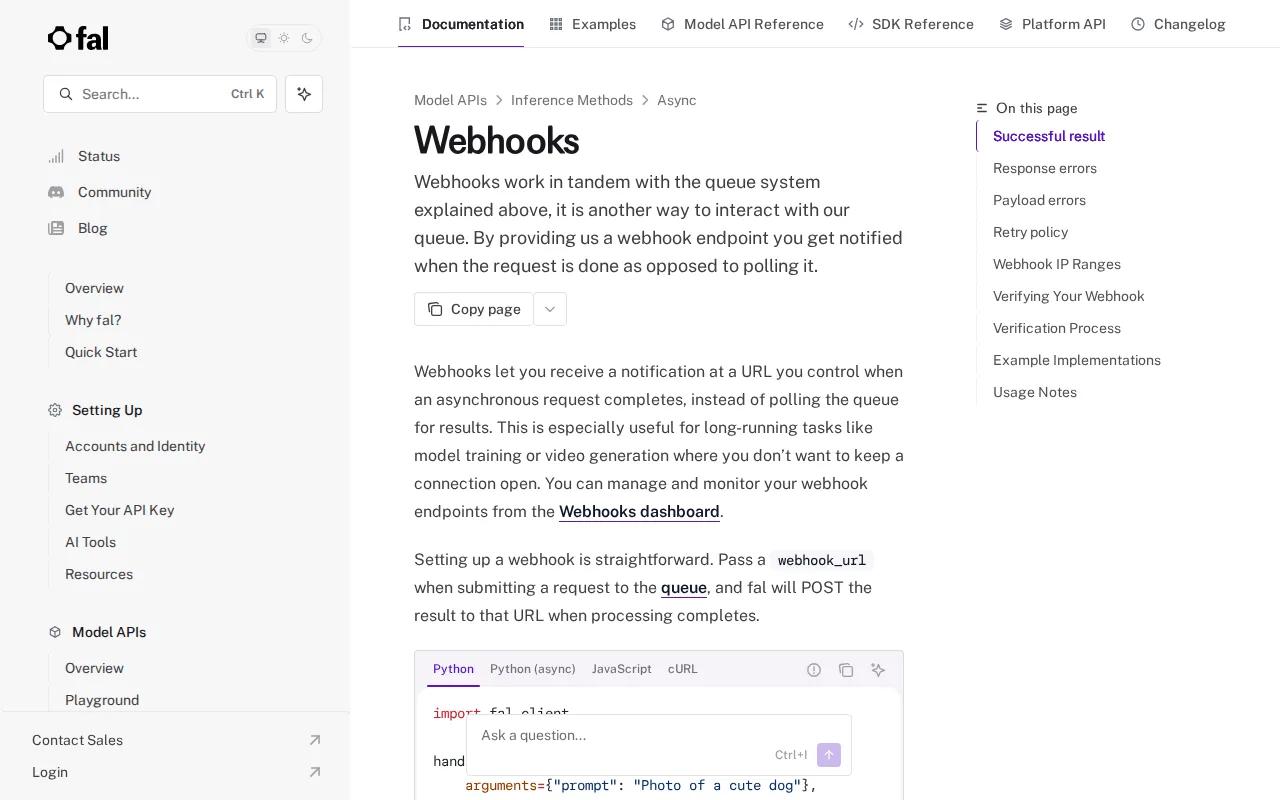
The async generation setup is developer-friendly. According to fal.ai's official webhook documentation, you submit a job with a webhook URL, and fal POSTs the result to your endpoint when processing completes. No polling loop required. The webhook system includes cryptographic signature verification and a retry policy that attempts redelivery 10 times over 2 hours if your endpoint is slow or temporarily down.
The trade-off is that fal.ai has no free tier. You pay per output or per GPU hour depending on which pricing model you choose. And with 600+ models available, choosing the right one for a given task requires some experimentation. Teams who know exactly which models they want and need to call them at scale will find this efficient. Teams still exploring what works best might burn through credits faster than expected during the evaluation phase.
6. ModelsLab — Lowest Cost for Short‑Form Scale
ModelsLab is the cost leader in this list. Video generation is priced very low per second of output, which is lower than most competitors at comparable quality. If you're producing short-form clips at volume, like daily social content or B-roll for a content pipeline, the math here works in your favor.
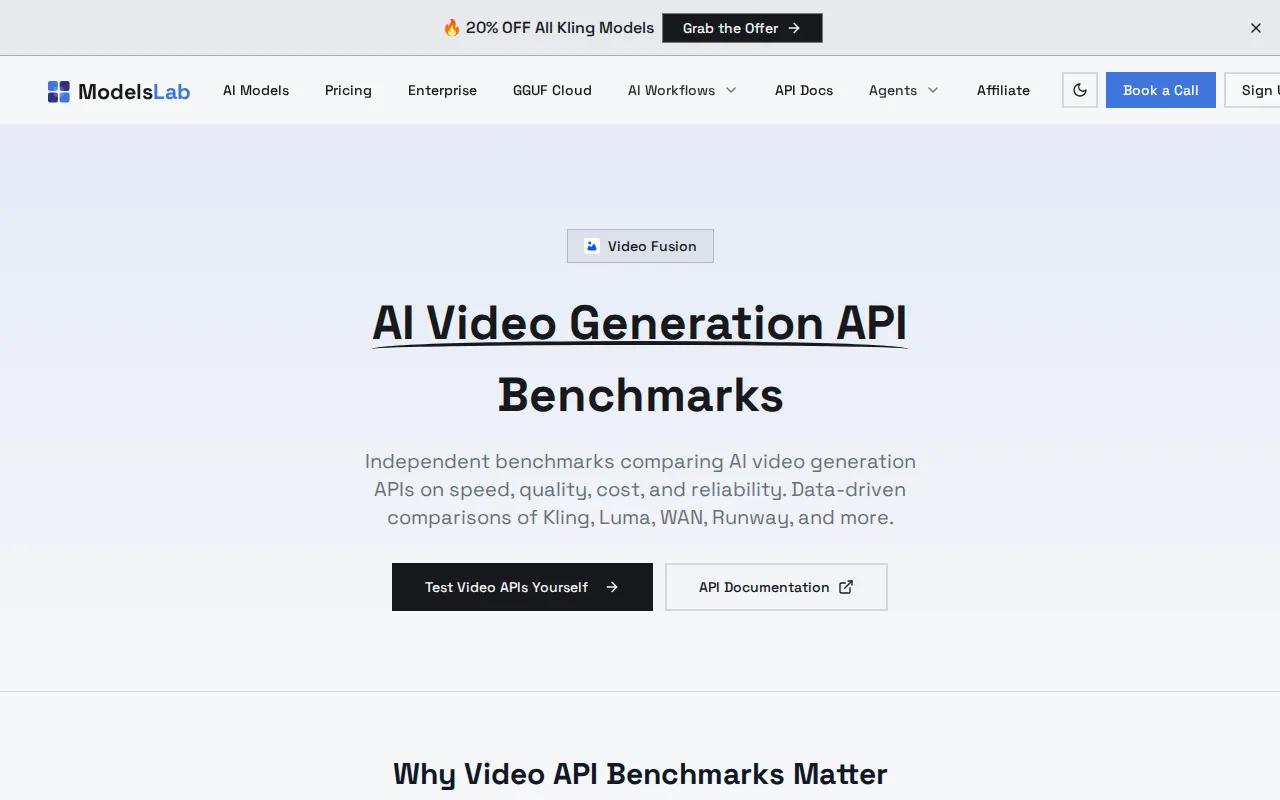
The platform covers more than video. Text-to-image, voice cloning, 3D generation, and LLM inference all sit behind the same account and API key. Plans are priced competitively, and every plan reaches every model, so you're never gated to a subset of capabilities based on your tier. The webhook system works the same way as fal.ai: pass a webhook URL with your request, and ModelsLab POSTs the result when the job finishes.
There's no free tier. That's a real barrier if you want to test output quality before committing. The quality ceiling is also lower than Seedance Studio or Google Veo for cinematic or character-consistent work. ModelsLab fits teams that need volume over visual polish. Think bulk B-roll, background clips, or secondary shots where cost-per-second matters more than 4K motion quality. For a creator who needs one great clip for a hero ad, it's the wrong tool.
Comparison Table: Features & Pricing at a Glance
Here's how the six options stack up on the decisions that actually matter when choosing an AI video generation API.
| Tool | Best For | Free Tier | Native Audio | API Access | Starting Price |
|---|---|---|---|---|---|
| Seedance Studio | Creators, marketers, social video | Yes | Yes | Yes (paid plans) | $14/month |
| Google Veo | Google Cloud teams, cinematic output | No | Yes | Yes (Gemini API) | Varies |
| Runway | Creative teams, motion control | Limited credits | No | Yes (REST) | Pricing varies |
| Synthesia | Enterprise training, localization | Yes (10 min/mo) | Yes (avatar lip-sync) | Yes | Custom pricing |
| fal.ai | Developers needing multi-model access | No | Depends on model | Yes (REST, Python, JS SDKs) | Pay per output |
| ModelsLab | High-volume short-form at low cost | No | Depends on model | Yes (REST) | $21/month |
For creators who want the best single model with a free entry point and a clean API, Seedance Studio consistently comes out on top across these criteria. Enterprise teams with a localization focus should look at Synthesia. Developers building flexible multi-model pipelines will find fal.ai hard to beat on breadth.
How to Choose the Right AI Video API
A few questions narrow this down fast.
- Do you need a free tier to test first?Only Seedance Studio and Synthesia offer one without a credit card. Most others charge from the first generation.
- Is native audio required?Seedance Studio and Google Veo generate sound in the same pass as the video. Others require a separate audio workflow.
- How many clips per month?Under 50 clips, a credit-based plan works. Over 200, ModelsLab's per-second pricing becomes the most cost-effective option for short clips.
- Do you need character consistency across shots?Seedance Studio's reference input system (up to 12 references per generation) handles this better than most APIs in this list.
- Are you building on Google Cloud?Google Veo's native integration with Vertex AI and Gemini makes it the obvious choice if you're already in that stack.
- Do you need multiple AI models behind one key?fal.ai is the only option here that gives you 600+ models under a single account.
If you're a creator or marketer who wants to understand how these models actually work under the hood, the step-by-step breakdown of how AI video generation works covers the diffusion pipeline in plain language.
FAQ
What is an AI video generation API?
An AI video generation API is an endpoint that accepts a text prompt, image, or other input and returns a generated video file. You call it from your own code rather than using a visual interface. Most APIs return a job ID immediately and let you poll or use a webhook to download the finished video once rendering completes. They're used to automate video production inside apps, marketing platforms, and content pipelines.
Which AI video API has the best free tier?
Seedance Studio has the most accessible free tier: no credit card required, and you get text-to-video and image-to-video with native sound on the free plan. Synthesia offers a limited free allowance. Most other APIs in this space, including fal.ai, ModelsLab, and Runway Gen-3, have no free tier at all. Only a minority of AI video APIs offer any free access.
Can I use an AI video API for TikTok and Reels content?
Yes. Seedance Studio generates clips up to 15 seconds in 9:16 vertical format, which is the native aspect ratio for TikTok, Instagram Reels, and YouTube Shorts. You can also make an AI-generated music video with audio sync by uploading your track as a reference input alongside a character image. Most APIs support 9:16 output; check aspect ratio options before committing to a plan.
How much does an AI video generation API cost?
Pricing varies widely. ModelsLab offers a low per‑second rate with a base monthly plan. Runway charges per credit, with video generation costs depending on the model and resolution. Seedance Studio provides paid plans at an affordable monthly rate with API access included. Google Veo and Synthesia use custom or usage‑based pricing that requires contacting the vendor for exact rates.
Do AI video APIs include audio, or do I need to add it separately?
Only a few generate native audio in the same pass as the video. Seedance Studio and Google Veo both do this. Runway does not include native audio generation. For APIs without native audio, you'd need to generate or source audio separately and mix it in post. If sound is part of your output requirement, check this before choosing an API to avoid an extra step in your pipeline.
What's the difference between text-to-video and image-to-video APIs?
Text-to-video takes a written prompt and generates a clip from scratch. Image-to-video takes a still photo and animates it, which is useful for product shots, character consistency, and reference-driven content. Most modern APIs support both modes. Seedance Studio, for example, accepts text prompts, image references, video clips, and audio in a single request, letting you mix input types to get more precise output.
Conclusion
If you want one recommendation: start with Seedance Studio. It's the only option here that combines the #1-ranked video model, native audio, a free tier with no credit card, and a clean REST API behind every paid plan. Create a free account and generate your first clip in under five minutes, then upgrade when you're ready to build at scale.


