A good product demo should show the product fast, keep the brand clear, and give viewers a reason to act. The right text to video tool can turn a short brief into a finished clip before your next campaign meeting. For a wider comparison of AI product video generator tools, review features, pricing, and common limits before choosing. Here are six strong options, with the best fit and the main catch for each.
1. Seedance Studio
Seedance Studio is the strongest choice when you want a product demo from a prompt, reference image, or short clip. We built it for creators, marketers, and social teams that need polished videos for TikTok, Reels, and YouTube Shorts.
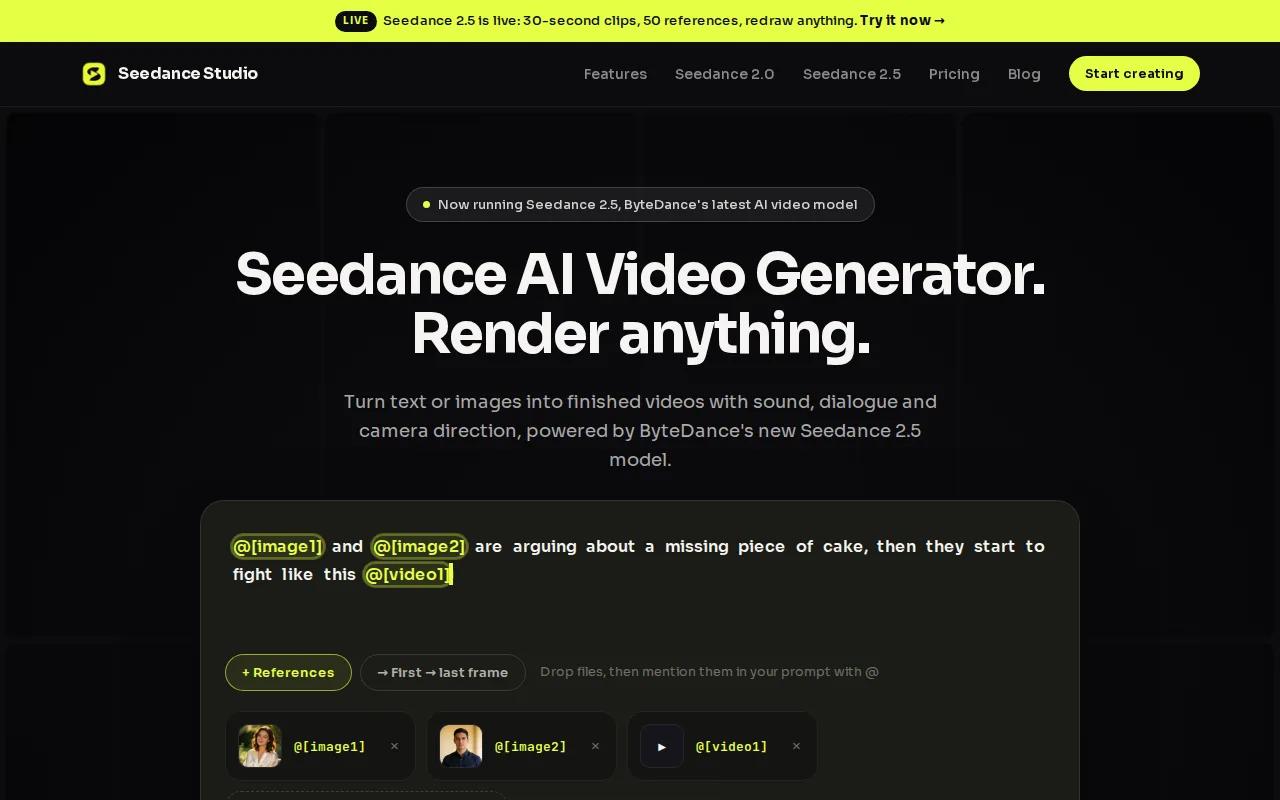
Type a prompt and describe the product, scene, camera move, mood, and format. You can also upload reference images, video clips, or audio. Seedance Studio returns a finished video with camera direction, consistent characters, and native sound.
That matters when a demo has several shots. A product may need to appear in a hand, on a desk, and in a lifestyle scene. Reference consistency helps keep the subject closer from shot to shot, while camera direction gives the clip movement without a long edit pass.
Seedance Studio runs in the browser. There is no download or waitlist. A free tier lets you test the workflow before you commit, while paid plans start at $14 per month. We also support image-to-video work, so you can begin with an existing product image instead of writing every visual from scratch.
Use a prompt such as: “Show [Image1] on a clean kitchen counter, slow close-up, warm morning light, one hand opens the lid, crisp product focus, soft room sound, vertical format.” Plain language works. The more you state what must stay sharp, the less room the model has to guess. For more prompt ideas, see the Seedance 2.0 prompt guide.
The trade-off is familiar with generative video. Tiny text on packaging can change, and hands or fine product parts may need another generation. Still, Seedance Studio gives you the best starting point when model quality, sound, and speed matter more than a large editing suite.
If you need a full planning path, our guide to How to Make a Product Demo Video covers the script, shot plan, and social format.
2. PixVerse V6, Native Audio and Repeatable Characters
PixVerse V6 is a strong text to video tool for product demos that need sound and repeatable characters in short clips. It suits social teams that want to test several versions of the same idea without rebuilding every shot.
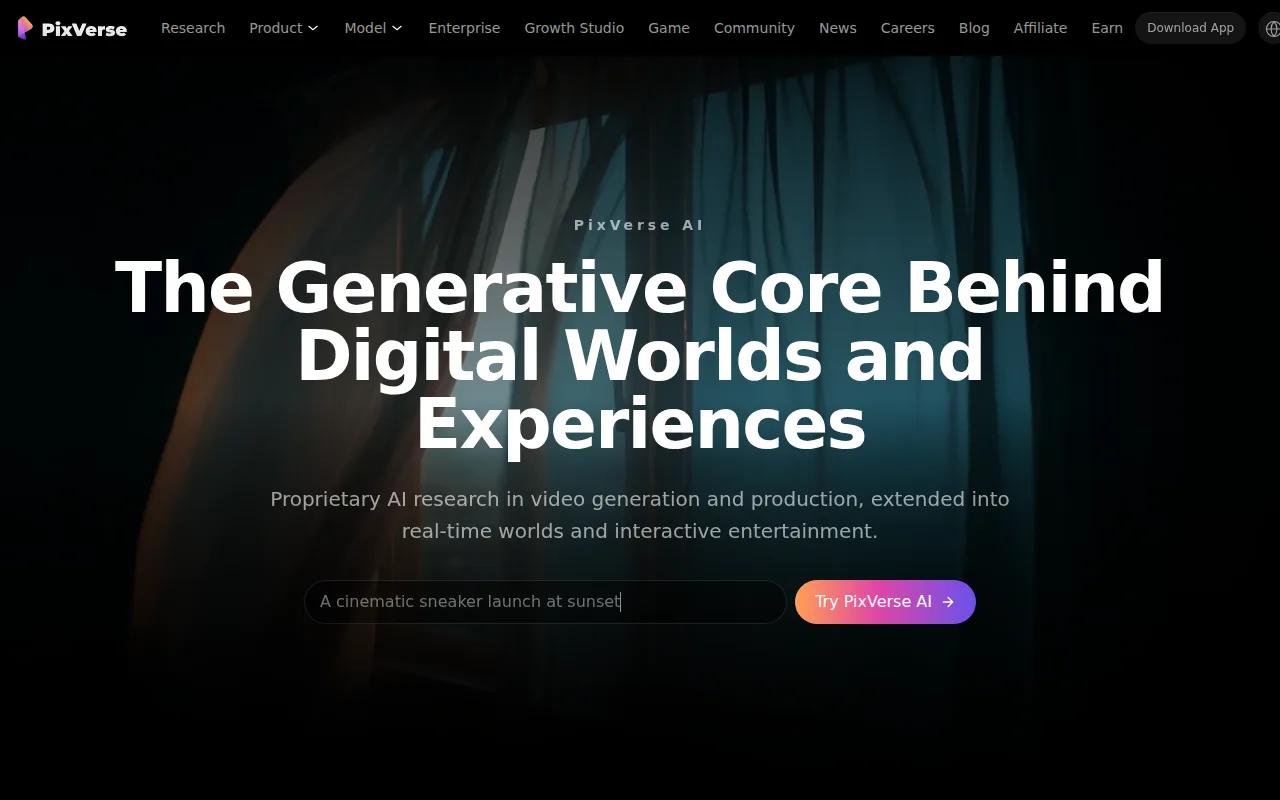
Its workflow includes text-to-video and image-to-video generation. The Extend function can continue a clip, while Modify gives you a way to change parts of an existing result. Character reference tools help keep a person or recurring figure closer across scenes.
Native audio is the key point. A product demo can include a small sound cue when a button clicks, a short line of dialogue, or room tone under a product reveal. That can reduce the amount of work needed after generation.
PixVerse V6 also fits a repeatable campaign pattern. Imagine a skincare brand with one visual concept. You can test a close-up, a creator-style shot, and a before-and-after setup while keeping the same general character reference. That makes the tool useful for early creative tests.
The limit is control. A generated clip may still need review for product shape, label text, or exact hand placement. Native sound is helpful, but it does not replace a final check for brand tone and claims.
For teams that care most about audio inside the first generation, PixVerse V6 deserves a look. If you want a free starting point and a broader Seedance 2.0 workflow, Seedance Studio is easier to test without a separate production plan.
The distinction between text-to-video and image-to-video is useful here. A text-to-video model generates moving visuals from written instructions, while an image-to-video workflow starts with a still reference.
3. Veed.io, Generation Plus Quick Browser Editing
Veed.io combines text-to-video generation with a browser editor, so it fits teams that want to generate a draft and fix it in the same place. It is a good match for product demos that need captions, trims, music, or a quick change to the opening shot.
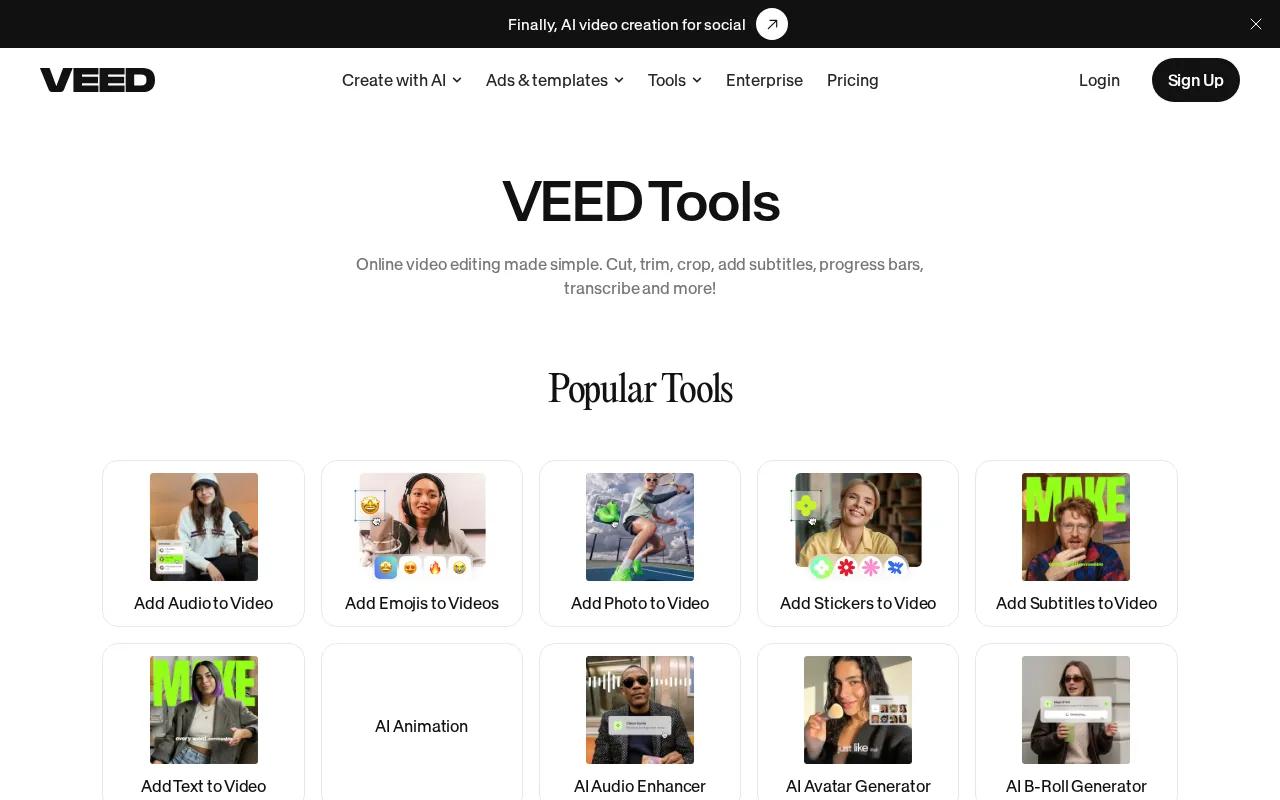
Start with a prompt or upload footage. You can trim clips on a timeline, edit through a transcript, add text, and use Auto Edits for tasks such as subtitles, audio cleanup, and B-roll insertion. The browser setup means a teammate can open the project without installing desktop software.
That workflow works well when the first AI draft is close but not ready. A marketer can remove a slow first scene, add a product benefit as on-screen text, and export a social cut without handing the file to a separate editor.
Veed.io says its free plan includes basic editing and 720p exports. Free exports include a watermark.
Caption work deserves care. See the accessibility guidance for reference. In plain terms, captions help people follow the demo when sound is off or hearing is limited.
Veed.io is less focused on fully generated cinematic shots than a model-first tool. You may still need to replace weak product visuals or adjust the pace by hand. Pick it when editing speed matters as much as the first generation.
4. HeyGen, Prompt-Led Avatar and B-Roll Production
HeyGen is built for product demos where a presenter explains the offer. Its Video Agent can take one prompt and automate a larger part of the production flow, including avatar choice and AI-generated B-roll.
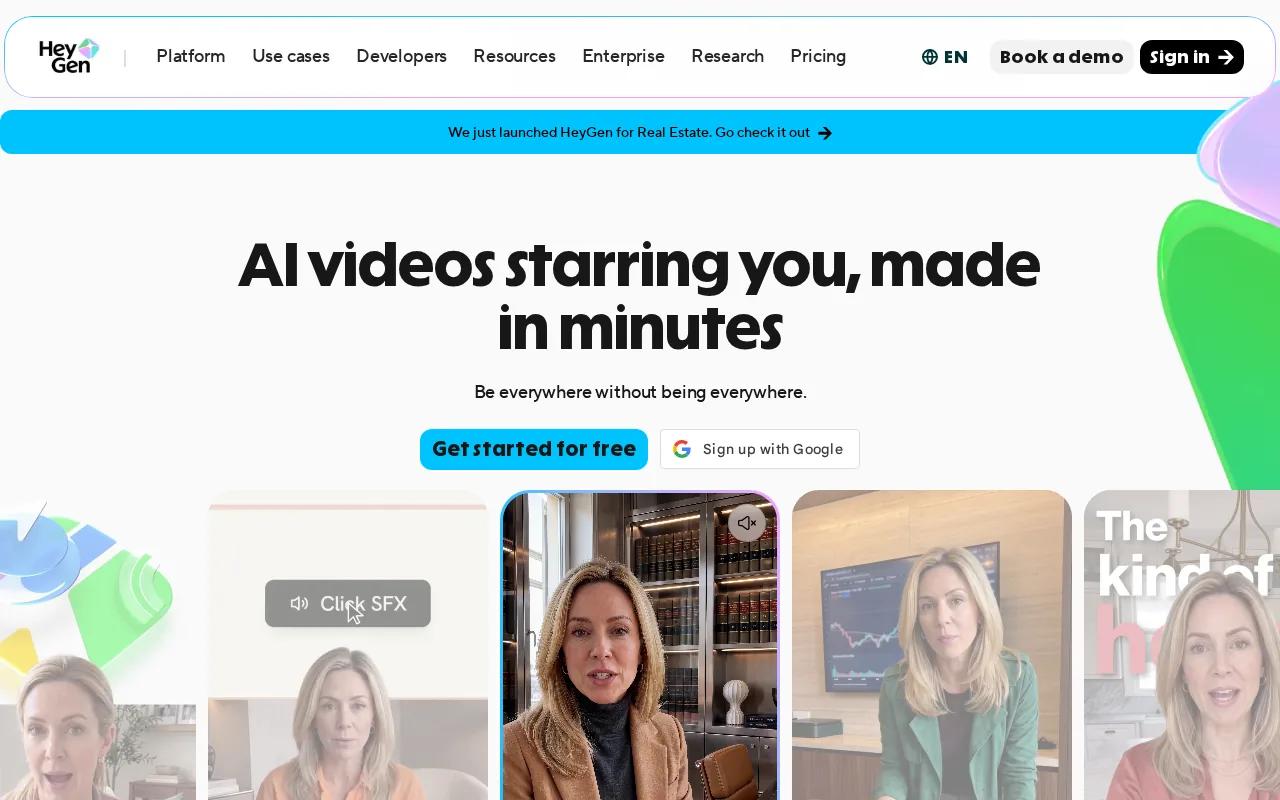
This makes HeyGen a natural fit for software demos, sales follow-ups, and feature explainers. You can write a script, choose an avatar, set the voice, and let the system build a presenter-led video. Auto-captions and subtitles help turn the draft into a clip that works on social feeds.
The avatar format solves a common problem. A product team may know the feature well but lack time to record a fresh presenter video for every release. A prompt-led workflow lets the team update the script and produce a new version without booking a shoot.
AI voice cloning is another useful part of the workflow when a team wants a more familiar voice. Consent still matters. Only clone a voice or likeness when the person has clearly agreed to that use, and tell viewers when disclosure fits the campaign.
HeyGen is less suitable when the product itself must be the visual star in every frame. An avatar can explain a dashboard, but a physical product may need close shots that show texture, scale, and use. In that case, pair a presenter tool with a visual generation tool, or choose Seedance Studio for a prompt-led product scene.
Choose HeyGen when trust comes from a speaker. Choose a model-first generator when the demo needs a controlled product reveal, a stylized setting, or a short visual hook before the explanation begins.
5. InVideo, Stock Footage Assembled From a Product Script
InVideo takes a different route. It assembles a product demo from a written prompt by matching the script with stock clips, AI voiceovers, and automated edits. This is useful when the message matters more than a custom generated product scene.
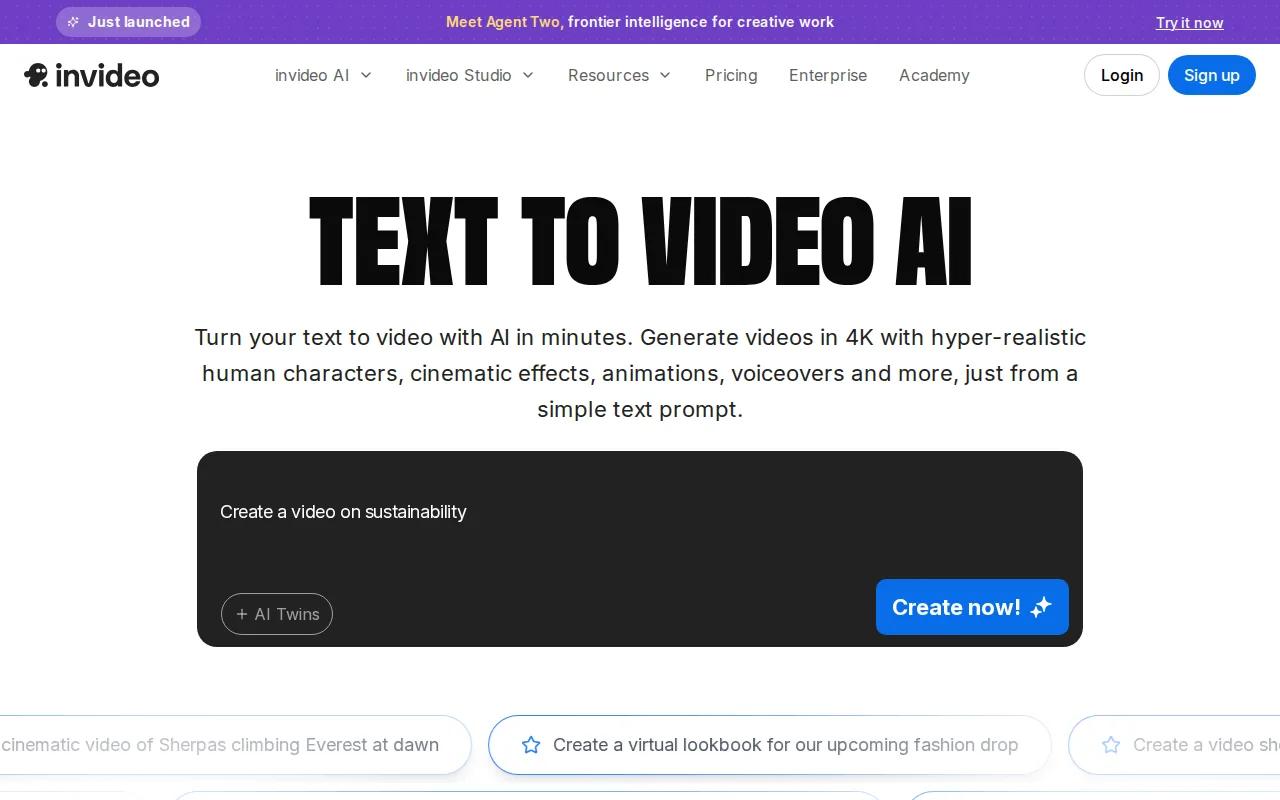
The research material lists a stock library of more than 16 million clips. That gives a marketer many options for scenes such as a person working at a desk, a team reviewing a screen, or a customer using a service. The tool then builds those pieces around the text prompt.
InVideo fits a familiar product-demo structure. Open with the problem. Show the use case. Add the main benefit. Finish with a clear next step. The system can match stock footage to that structure and add an AI voiceover, which helps when you need a draft for a campaign review the same day.
Stock footage is also the main weakness. It may show the idea of a product without showing the actual product well. A stock laptop scene cannot prove how your software menu works, and a generic lifestyle shot may make a physical item look interchangeable.
Use InVideo for a script-led explainer, launch teaser, or ad concept. Add your own product footage when the demo needs proof. If the brief starts with a product image and depends on visual consistency, Seedance Studio gives you a more direct path.
Online sellers often face the same split. Marketing content brings attention, while operations keep orders moving. Merchants who need help with supplier records, landed costs, or stock planning can also review ecommerce inventory management software as a separate part of the workflow.
6. Runway, Advanced Controls for Polished Product Visuals
Runway is aimed at creators who want deeper control over generated product visuals. It fits a product team with a strong art direction brief and enough time to test several shots before the final cut.
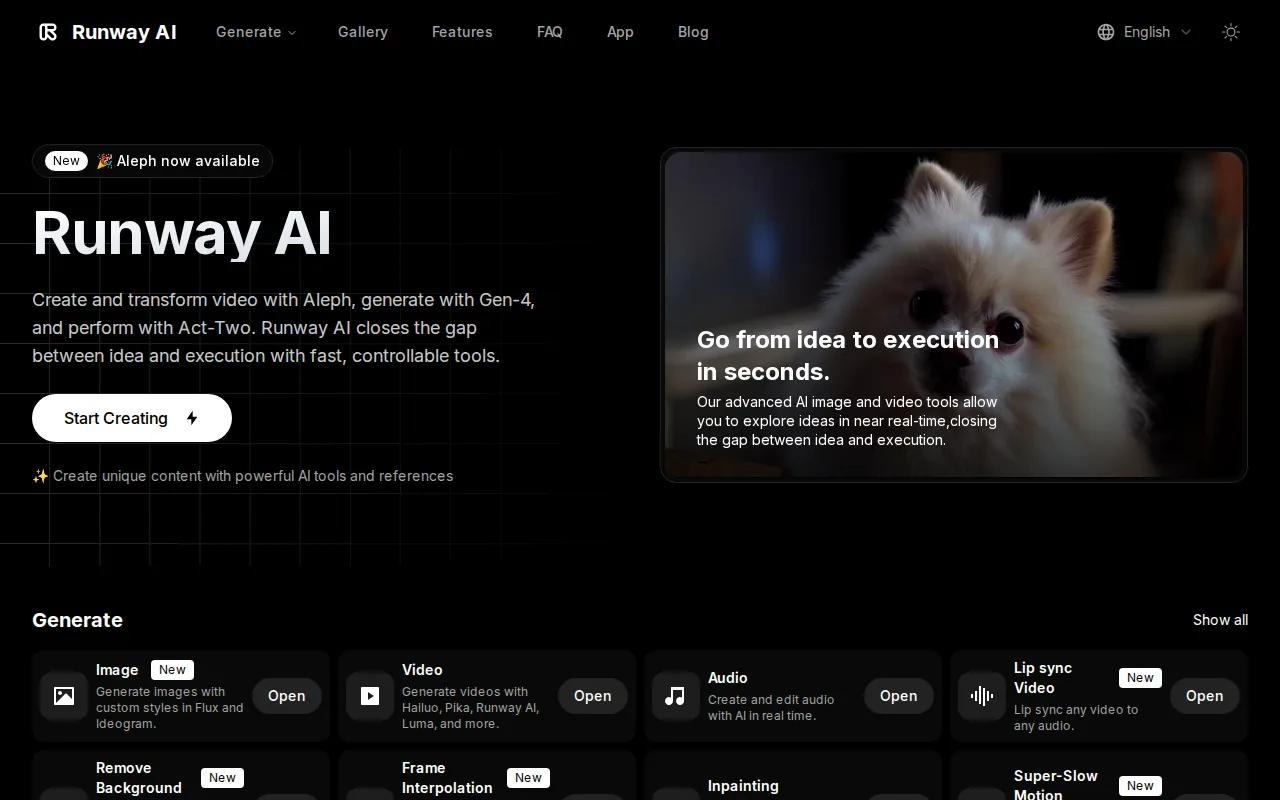
The grounded research describes Runway as a pro toolkit with Gen-family video models, motion brush and control features, plus tools that sit close to editing and visual effects. Its best use is often the visual layer of a campaign, such as a cinematic product reveal or a controlled background change.
Reference consistency matters here too. A campaign may need the same character or visual subject across several shots. Runway's focus on world consistency helps support that type of sequence, though every generated frame still needs a quality check.
Runway also makes sense for B-roll. A product team could generate a slow camera move through a stylized room, then cut to recorded footage of the real product. This split gives the campaign a stronger visual opening without forcing every shot to be synthetic.
The trade-off is time and access. Its control set can also mean more decisions. That is useful for an experienced creator, but it may slow a small team that needs a finished demo tonight.
Pick Runway when visual control is the main goal. For quick prompts, native sound, reference uploads, and a free way to start, Seedance Studio remains the simpler first test.
Buyer Checklist: Match the Tool to Your Product Demo
The best choice depends on what the viewer must see. Start with the proof point, then match the tool to that job.
| Demo need | Best fit | Why it fits | Watch for |
|---|---|---|---|
| Product-led scenes from a prompt | Seedance Studio | Prompt, image, video, and audio references with camera direction | Check small text and fine product parts |
| Native sound and repeatable characters | PixVerse V6 | Audio, character reference, Extend, and Modify workflows | Review character and product continuity |
| Fast edits after generation | Veed.io | Browser editing, captions, audio cleanup, and B-roll tools | Free exports include a watermark |
| Presenter-led explanation | HeyGen | Avatar selection, script-to-video, voice tools, and subtitles | Physical products may need extra close-up footage |
| Script-led explainer with stock clips | InVideo | Large stock library, voiceovers, and automated matching | Stock scenes may not prove the product |
| Stylized B-roll and deeper visual control | Runway | Gen models, motion controls, and visual effects tools | Consider the access and control needs |
Pay close attention to the input you already have. If you own strong product photos, pick a tool with image-to-video support. If you have a finished script but no footage, stock assembly may be faster. If the demo depends on a person explaining the value, an avatar workflow can save recording time.
Also check the last mile. Can the tool export the right aspect ratio? Can someone add captions without leaving the app? Does the free plan add a watermark? Will the team need a separate editor for brand fonts and color?
Integrations are less common than many buyers expect. The supplied market review found that only 23% of 26 surveyed tools listed third-party connections. That means the model and workflow often matter more than a long integrations page.
Before you choose, make one fair test. Use the same prompt, the same product reference, and the same target length in two tools. Compare product accuracy first. Then judge sound, pacing, captions, and how much repair the draft needs.
FAQ
What is the best text to video tool for product demos?
Seedance Studio is the best first choice for many product demos because it combines prompt generation with reference inputs, camera direction, consistent characters, and native sound. It runs in a browser and has a free tier. Test one product image with a short prompt before choosing a paid plan or a more complex editing suite.
Can AI make a product demo from text alone?
Yes, an AI text to video tool can turn a written product brief into a draft demo. The result improves when you state the subject, action, camera move, setting, sound, and format. For packaging, screens, or small controls, add a reference image and check the output before publishing.
Which tool is best for avatar product demos?
HeyGen is the strongest fit in this shortlist for avatar-led product demos. Its Video Agent can build a video from one prompt, with avatar selection, AI voice tools, B-roll, and captions. Use it when a presenter should explain the offer. Use a model-first tool when the product needs most of the screen.
Can I make product demos for TikTok and Reels with AI?
Yes, these tools can produce short vertical demos for TikTok and Reels. Set the format in the prompt or editor, keep the first visual clear, and add captions for viewers who watch without sound. Seedance Studio is designed for short-form content, while Veed.io helps with final trims and caption edits.
Are free AI video tools good enough for product demos?
Free tools can be good enough for testing a concept, but limits vary. Watermarks, export quality, credit caps, or short trial access may affect the final file. Seedance Studio has a free tier for testing its workflow. Veed.io also starts free, though its free exports include a watermark.
Conclusion
Start with Seedance Studio if you want the shortest path from a product brief to a finished visual demo. Upload one strong reference image, write a prompt that protects the product details, and generate a few versions. When one works, adjust the hook for each channel and learn how to make product videos with AI. Create a free account and test the first clip today.