

Runway is well known, but it isn't the only serious choice for AI video. The best runway alternatives now cover full video creation, camera control, multi-shot scenes, social effects, and prompt-based production.
Here are six named tools and who each one fits best. Seedance Studio takes the top spot for creators who want a fast, browser-based workflow with no waitlist.
1. Seedance Studio (Our Top Pick)
Seedance Studio is a browser-based AI video and image generator built around Seedance 2.0. It is our top pick for creators, marketers, and social teams that need finished clips without stitching together several tools.
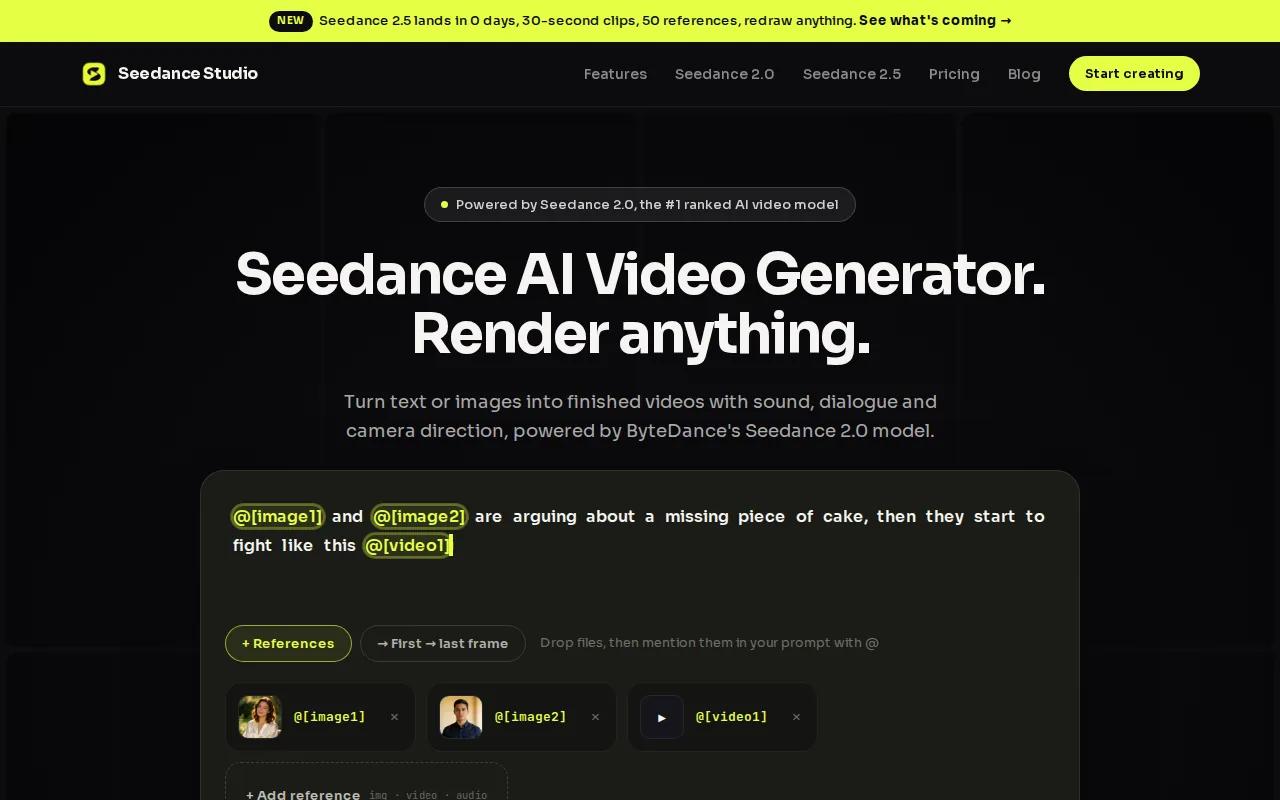
Type a prompt or upload reference images, clips, and audio. Seedance Studio can then generate a video with camera direction, consistent characters, and native sound. It also supports text-to-video and image-to-video work, so you can start with a rough idea or an existing visual.
That single-prompt workflow is the big draw. A marketer can upload a product image, describe a short vertical ad, and get a first cut without setting up an API or adding a separate audio tool. A creator can keep the same character across several clips by using reference inputs.
Seedance Studio supports 4K video with 16:9, 9:16, and 1:1 formats. That covers YouTube, TikTok, Reels, and square feeds without forcing you to crop every clip after export. The model is ranked first for text-to-video and image-to-video in the supplied comparison data. You can see the model details on the Seedance 2.0 model page.
Access is simple. There is no download and no waitlist. A free tier lets you test the workflow before paying, while paid plans start at $14 per month. That price sits below the listed median for the wider tool set, while the product still covers generation, sound, camera direction, and reference consistency in one place.
The caveat is that Seedance Studio runs in a browser rather than as a desktop editing app. If you need deep frame-by-frame post-production, you may still move the finished clips into an editor. For most short-form work, though, the browser workflow cuts out a lot of setup. Start with the first Seedance 2.0 video workflow and test one 9:16 concept before you commit.
2. Higgsfield, Creative Control and Consistent Characters
Higgsfield is one of the more control-focused runway alternatives. It fits creators who care about camera movement, standout shots, and fast ad concepts.
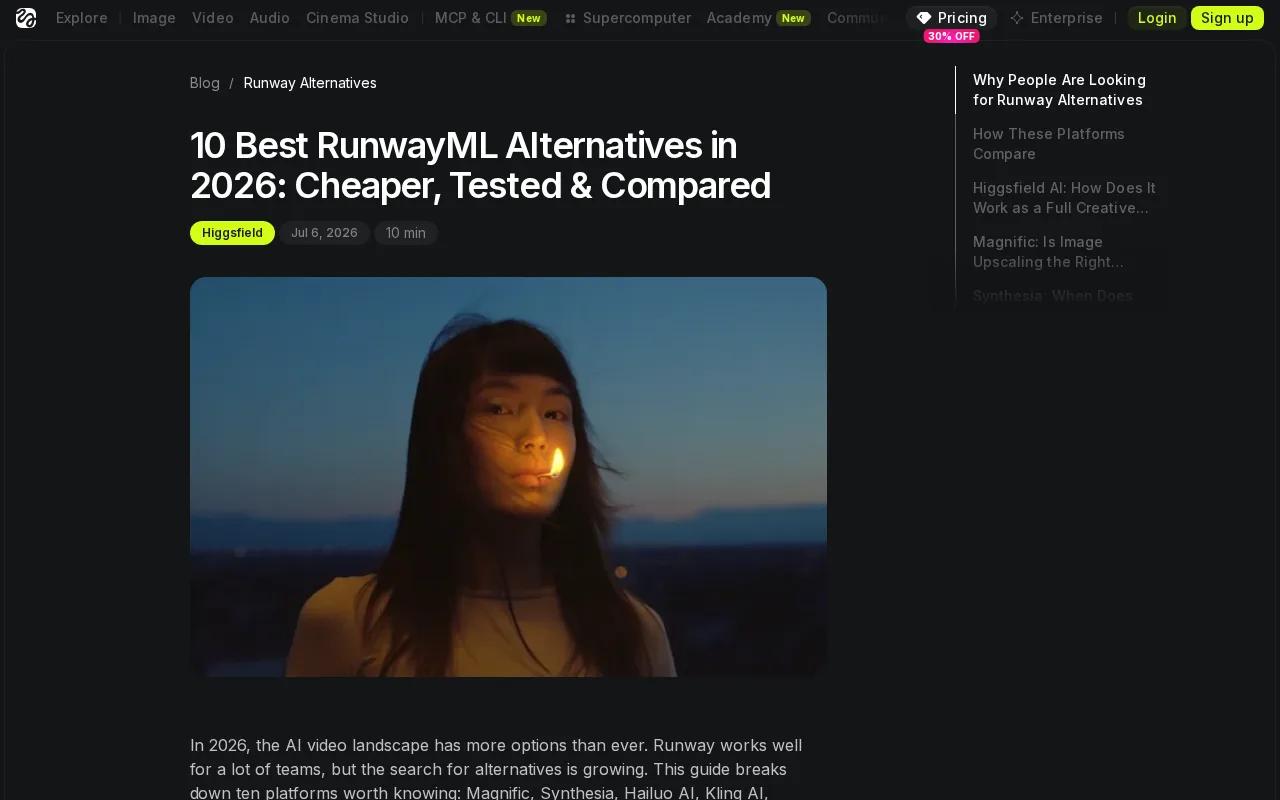
The platform is known for a large set of camera presets. These include moves such as Bullet Time and crash zooms, which give a shot a clear directorial feel without writing every camera instruction from scratch. A marketing tool can turn a product URL into ad concepts in styles such as UGC, cinematic, or CGI.
Higgsfield also brings multiple models into one subscription. That can help when you want to compare outputs without opening several accounts. Its plugins for creative apps may also fit teams that already work inside those apps.
The tradeoff is focus. Higgsfield is strongest when you need one striking shot or a quick promotional clip. It is less suited to a long story where the same face, outfit, and setting must stay stable across many scenes. The supplied research also notes that premium generations can consume large amounts of credit, so high-volume work needs close cost checks.
That makes Higgsfield a good pick for a dramatic opener, product teaser, or quick URL-to-ad test. If the job is a full character-led video, Seedance Studio gives you a more direct path to a finished sequence.
Generative video tools still depend on models that predict visual content rather than record a scene. That is why small details can shift between shots. The basic idea is explained in Wikipedia's definition of generative artificial intelligence, which helps set fair expectations for any of these platforms.
3. Kling, Multi-Shot Scenes for Connected Stories
Kling stands out among runway alternatives because it can generate up to six connected scenes in one pass. It is a strong fit for creators who want a short story rather than a single isolated clip.
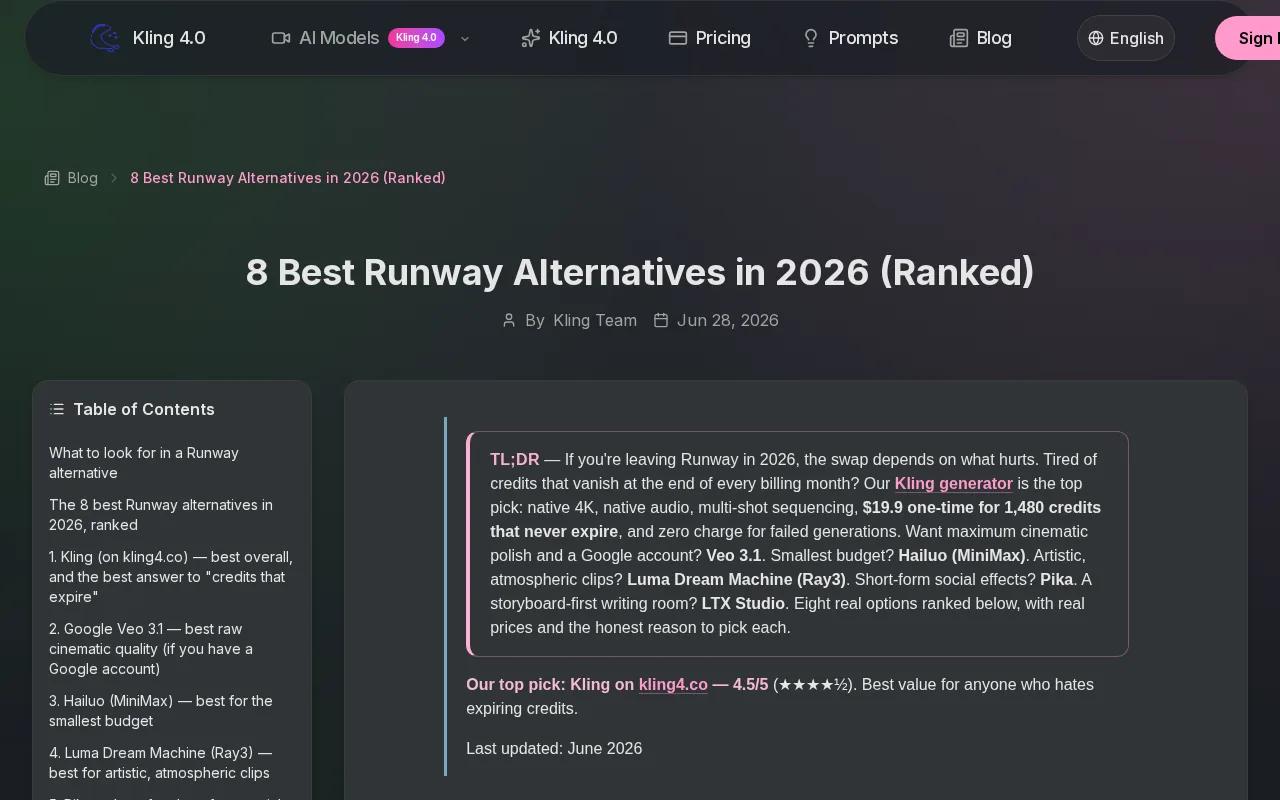
Multi-shot generation changes the prompt task. Instead of writing six unrelated requests, you can describe a sequence with a clear subject and linked actions. That helps when a person walks into a room, picks up an object, and then reacts to what happens next.
Kling supports output up to 4K in the supplied comparison data. It also has a free tier with 66 daily credits, though that tier is limited to non-commercial use. The listed Pro price is about $26 to $37 per month, so commercial teams should review the current plan terms before building a repeat workflow.
The strength here is continuity across a planned sequence. Kling can be a useful choice for a short narrative, a product demo with several beats, or a social clip that needs a clear beginning and end.
Its limitation is also worth stating. A connected scene plan does not guarantee perfect faces, hands, text, or object shape in every frame. Review each shot before you publish. For high-volume social work, compare the credit cost against the number of usable clips you actually get.
4. Google, Realistic Motion, Physics, and Lighting
Google is a strong runway alternative for teams that put believable motion and scene realism first. It is best suited to users who need convincing physics, environmental light, and high-resolution output.
The supplied research ranks Google highest for believable motion, physics, and lighting in the group. The listed format reaches 4K, which gives teams more room when a clip needs to appear on a large screen or go through further editing.
Google's video work also connects text-to-video with native audio generation in the supplied tool data. That can help when the first draft needs sound built into the clip rather than added later. A scene with footsteps, room tone, or a short spoken line may feel more complete at the first review.
There is a major cost and access issue. The listed Ultra plan starts at $249.99 per month. The wider research also points to ecosystem ties around Google Cloud for some Veo workflows. That may suit a larger team with an existing Google setup, but it can be too much for a solo creator who only needs several short clips each week.
Pick Google when physical realism is worth the higher spend. For a quick social test, Seedance Studio is easier to start and costs much less.
5. Pika, Fast Creative Effects for Social Content
Pika is one of the more playful runway alternatives. It fits social creators who want quick effects, meme-ready ideas, and visual changes that are easy to understand in a feed.
Its standout feature is the creative toolkit known as Pika Powers. The tool is aimed at text-to-video work with effects that can push a normal concept into a short social moment. Think of a simple visual that needs an obvious twist rather than a long film plan.
Pika works well when speed matters more than strict scene continuity. A social manager can test several visual hooks for one post theme, then keep the version that reads best in the first few seconds. The workflow is also a good match for creators who post often and don't want to spend an hour on one shot.
The limit is depth. Pika's creative effects are useful, but they do not replace a full production workflow when you need a stable cast, native sound, or a linked multi-scene story. You may also need another editor for captions, final timing, or brand layout.
Choose Pika for short effects and fast experiments. Choose Seedance Studio when the clip needs a character, a camera plan, and sound in the same generation.
For a wider view of social-focused tools, the AI video generator comparison breaks down the main use cases and output choices. Use it to check whether your work is mostly effects, narrative clips, or complete short-form ads.
6. InVideo AI, Automated Video Production From a Prompt
InVideo AI is a useful runway alternative for people who want a script turned into a finished production draft. It is less about directing one cinematic shot and more about assembling a complete content package.
The supplied research describes InVideo AI as close to an automated video production studio. It can generate a script, select footage, add a voiceover, and place subtitles. That makes it a fit for explainers, list videos, training content, and marketing pieces where structure matters more than a fully generated world.
InVideo AI also lists integrations with OpenAI Sora 2 and Google Veo 3.1. Those connections may give teams more model choices inside a broader production flow. The tradeoff is that your workflow can become tied to the tools and plan rules around those integrations.
| Tool | Best fit | Main strength | Watch for |
|---|---|---|---|
| Seedance Studio | Short-form ads and social videos | Finished generation with sound and reference consistency | Browser-only workflow |
| Higgsfield | Standout shots and quick ads | Camera presets and marketing concepts | Long multi-scene continuity |
| Kling | Connected story scenes | Up to six shots in one pass | Commercial terms on the free tier |
| High-end realistic motion | Physics, lighting, and 4K output | High listed price | |
| Pika | Social effects and memes | Fast creative toolkit | Less suited to full production |
| InVideo AI | Script-led content | Voiceover, footage selection, and subtitles | More dependent on connected services |
InVideo AI makes sense when your raw material is a brief or script. It is less useful when the core need is one custom character moving through a carefully directed world. In that case, start with Seedance Studio and generate the visual sequence first.
One more point matters for buyers. The supplied comparison found that 62% of tools listed no integrations, while many teams still spend time managing connected services. A standalone workflow can reduce setup work. The AI commercial workflow guide shows how Seedance Studio handles a short ad without separate APIs or plugins.
FAQ
What is the best runway alternative?
Seedance Studio is the best starting point for most creators who need short AI videos. It combines text-to-video, image-to-video, camera direction, consistent characters, native sound, and 4K output in a browser-based workflow. A free tier lets you test it first, while paid plans start at $14 per month.
Which runway alternative is best for social media?
Seedance Studio is a strong choice for social media because it supports 9:16 output and can produce sound with the video. Pika is better when the goal is a quick visual effect or meme-style clip. Pick based on the job: full short-form production favors Seedance Studio, while fast effects favor Pika.
Which AI video tool is best for multi-shot scenes?
Kling is the clearest choice for connected multi-shot scenes among these runway alternatives. The supplied data says it can generate up to six linked scenes in one pass and supports output up to 4K. Check the commercial terms carefully because its free tier is listed for non-commercial use.
Are runway alternatives free?
Some runway alternatives have a free tier, but access rules vary. Seedance Studio provides a free tier with no waitlist, while Kling lists daily credits with non-commercial limits. A free label may still include watermarks, credit caps, or restricted usage, so read the plan terms before posting client work.
Which tool is best for AI video ads?
Seedance Studio is the best fit when you want a short ad with a custom subject, camera direction, and native sound. Higgsfield is useful for quick URL-to-ad concepts and dramatic camera moves. InVideo AI fits script-led ads that need voiceover, selected footage, and subtitles in one draft.
Conclusion
Start with Seedance Studio if you want the widest fit for short-form AI video without a waitlist or complex setup. Create a free account, upload one reference image, and test a 9:16 prompt today. If your work later calls for a narrow strength, such as multi-shot scenes or social effects, add Kling or Pika for that specific job.


