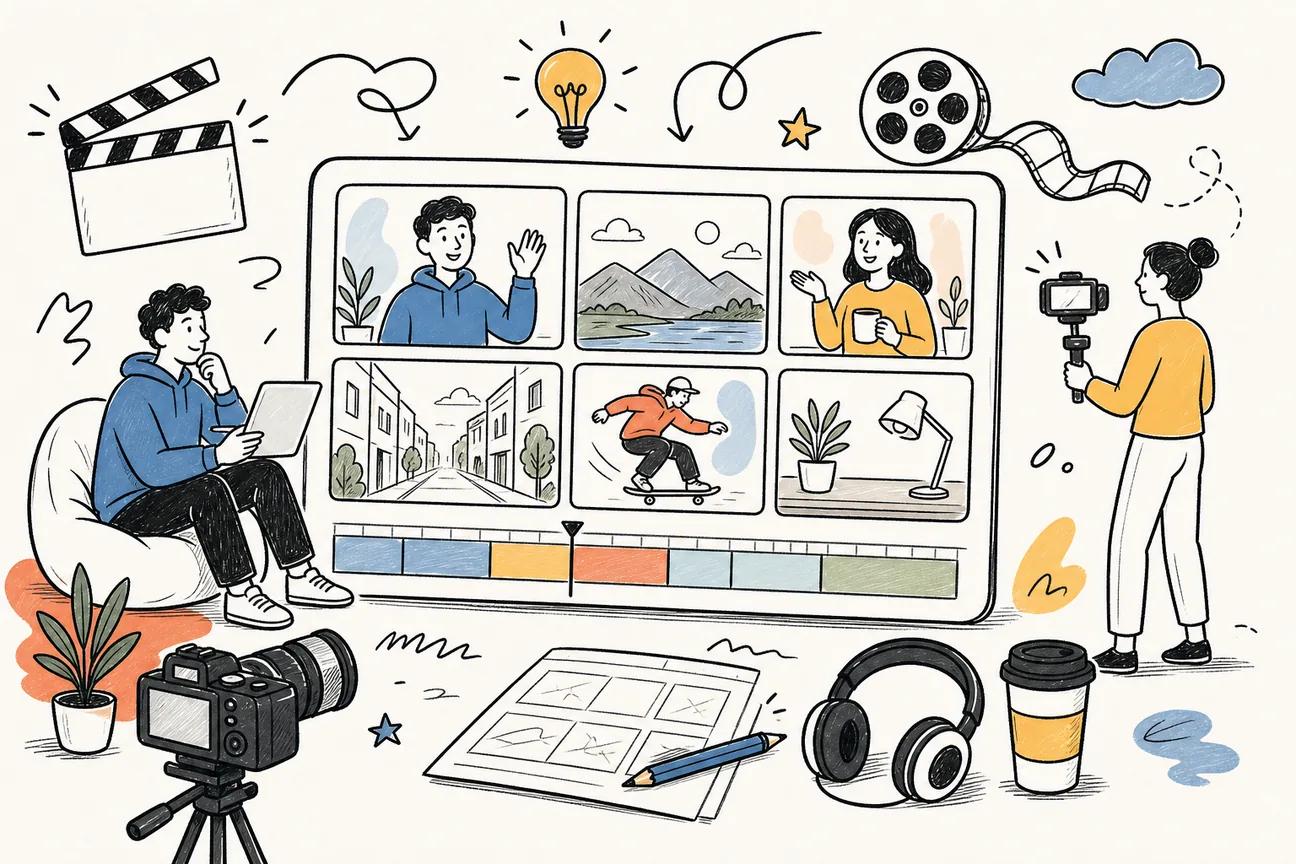
Looking for a fast way to make TikTok, Reels, or Shorts that stitch together several shots? Below is a short list of the best multi shot short video creator tools you can try right now.
1. Seedance Studio — Fast multi-shot videos with native sound
Seedance Studio is a browser‑based AI video generator that builds on ByteDance’s Seedance 2.0 model. It lets you type a prompt or drop in up to nine reference images, three video clips, and three audio tracks, then spits out a finished short with camera moves, consistent characters, and synced stereo sound.
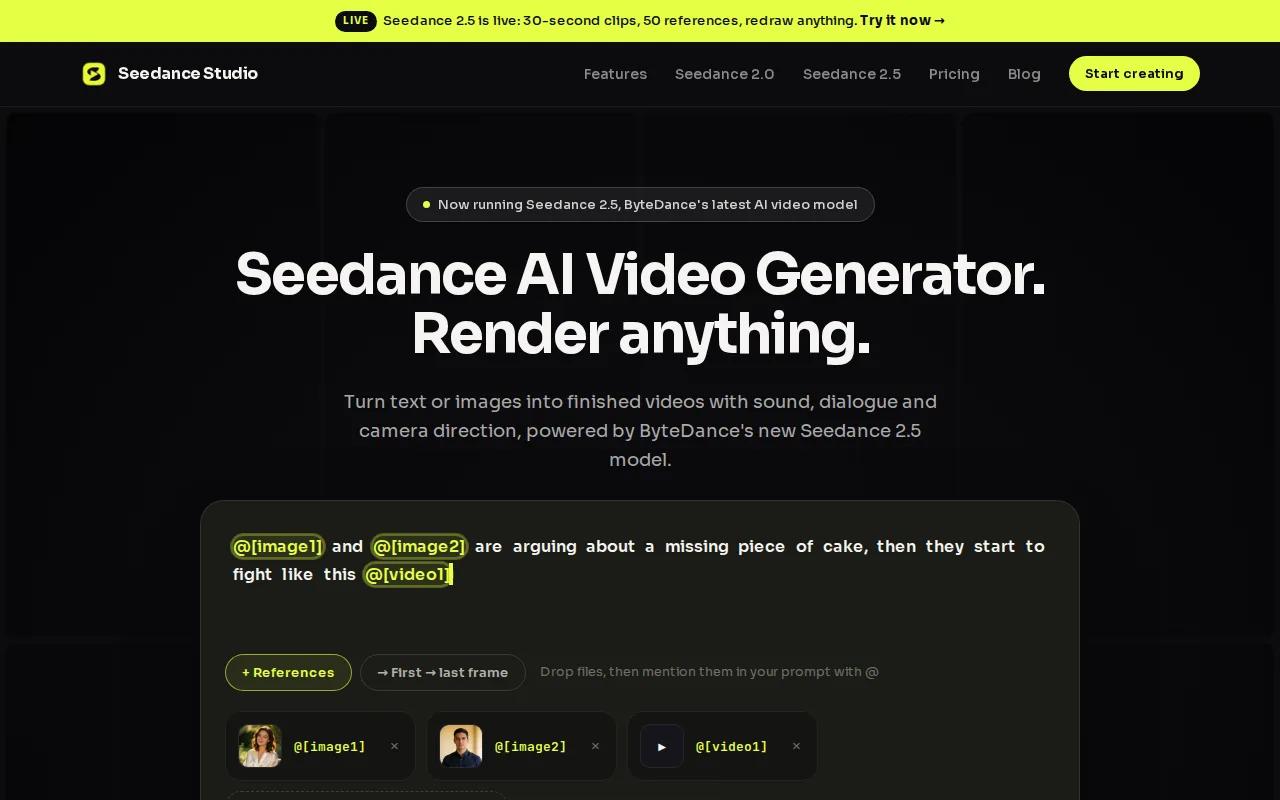
Creators love it because the model handles camera direction, character continuity, and background music in one pass. That means you skip the tedious step of adding sound after the video renders.
Pricing starts at $14 per month, and there’s a free tier that lets you generate a limited number of videos without a credit‑card. Learn more about the multi‑reference workflow in this overview.
One caveat: the free tier caps video length at 15 seconds, so you’ll need a paid plan for longer stories.
2. Kling AI — Multi-shot generation with text, images, and audio
Kling AI offers a cloud‑based platform that turns text, images, or audio into a series of short clips. It supports native audio generation, so you can add background beats that match the visual rhythm.
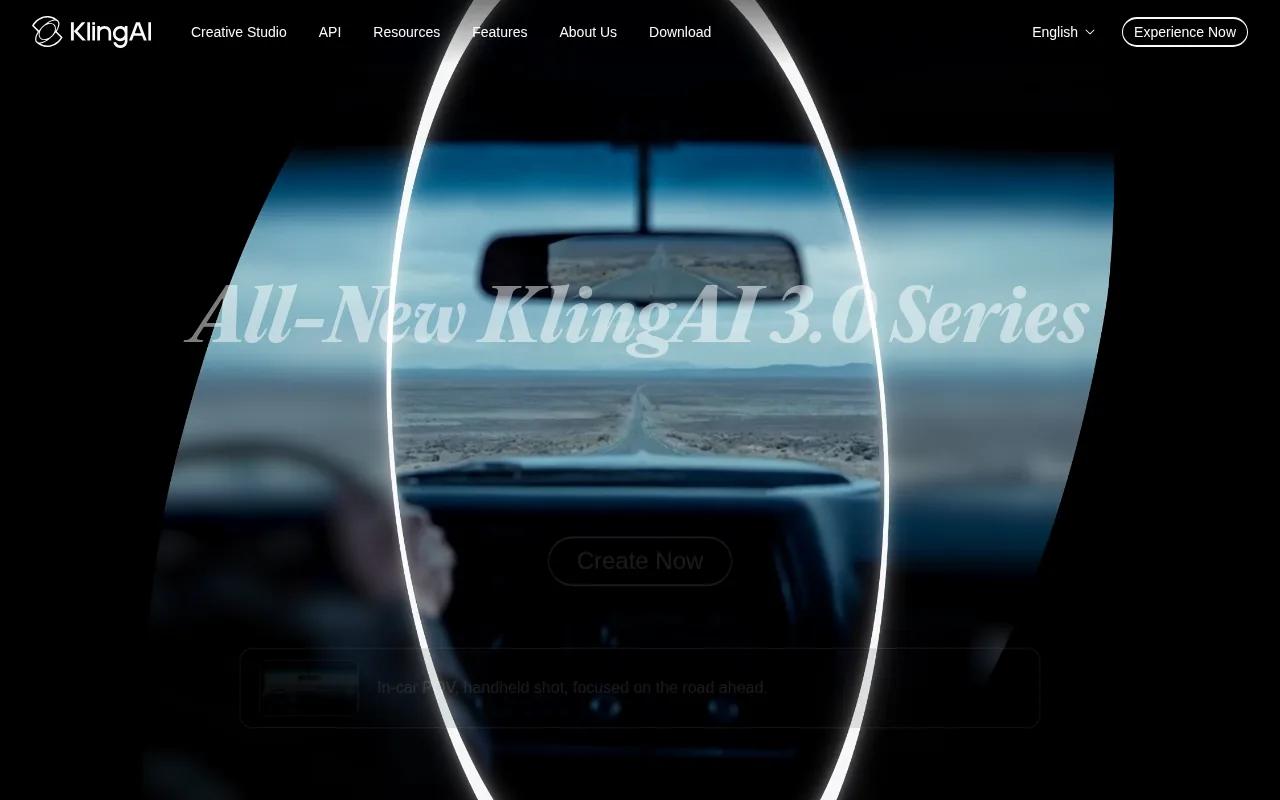
The tool shines for marketers who need quick turn‑around on ad concepts. You can upload a brand logo image and a short music clip, then watch the AI stitch together a three‑shot storyboard.
Pricing isn’t listed publicly, but a free trial lets you test the multi‑shot pipeline before committing.
Because Kling AI focuses on automation, it lacks the granular camera‑move controls that Seedance Studio provides.
For creators who want a no‑code way to add sound to AI videos, Kling’s native audio feature is a solid start.
3. Higgsfield AI — Strong camera control and character consistency
Higgsfield AI targets advertisers who need consistent characters across multiple shots. Its engine can keep a brand mascot’s face and outfit identical from one scene to the next.
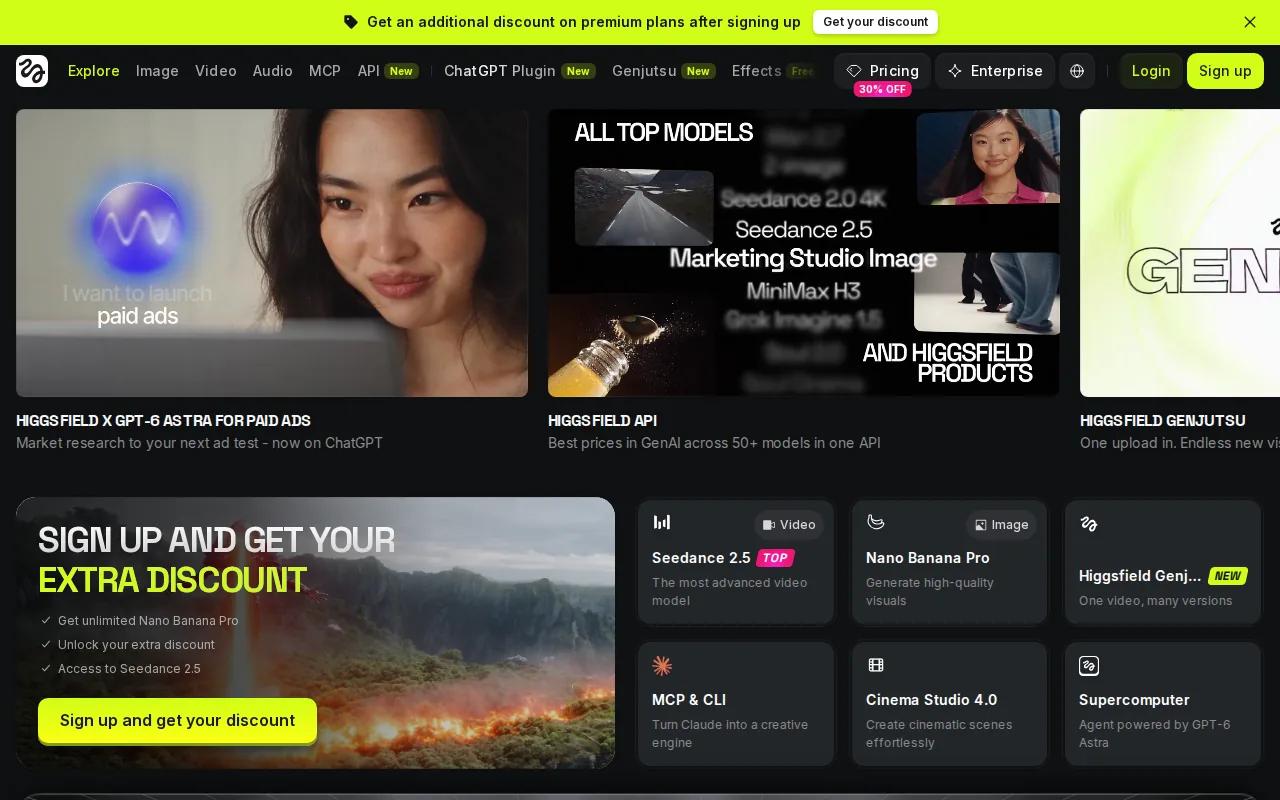
The platform also lets you specify camera actions like dolly moves or orbit shots in plain language. That helps you build a mini‑movie without learning a video editor.
Starter plans begin at $15 per month, a shade above Seedance Studio’s entry price.
While the tool offers strong camera control, it doesn’t include built‑in audio synthesis; you’ll need to add a soundtrack afterward.
Learn how to craft effective prompts with this guide, which also works for Higgsfield AI.
4. Sora — A simple option for multi-shot AI video concepts
Sora provides a straightforward web UI for generating multi‑shot videos. You type a short script, choose an aspect ratio, and the AI produces a sequence of clips.
Its main strength is the integration with ChatGPT, letting you brainstorm ideas and generate the script in the same window.
Pricing starts at $20 per month, and there’s a limited free tier that lets you try a single video.
Unlike Seedance Studio, Sora does not let you upload reference images to guide character looks.
For more ideas, see the Short Form Video Trends blog post.
5. Seedance AI — Flexible video creation and style transfer
Seedance AI is another offering from the Seedance family that focuses on style transfer and video enhancement. You can feed the engine a reference clip and ask it to apply that visual style to a new storyline.
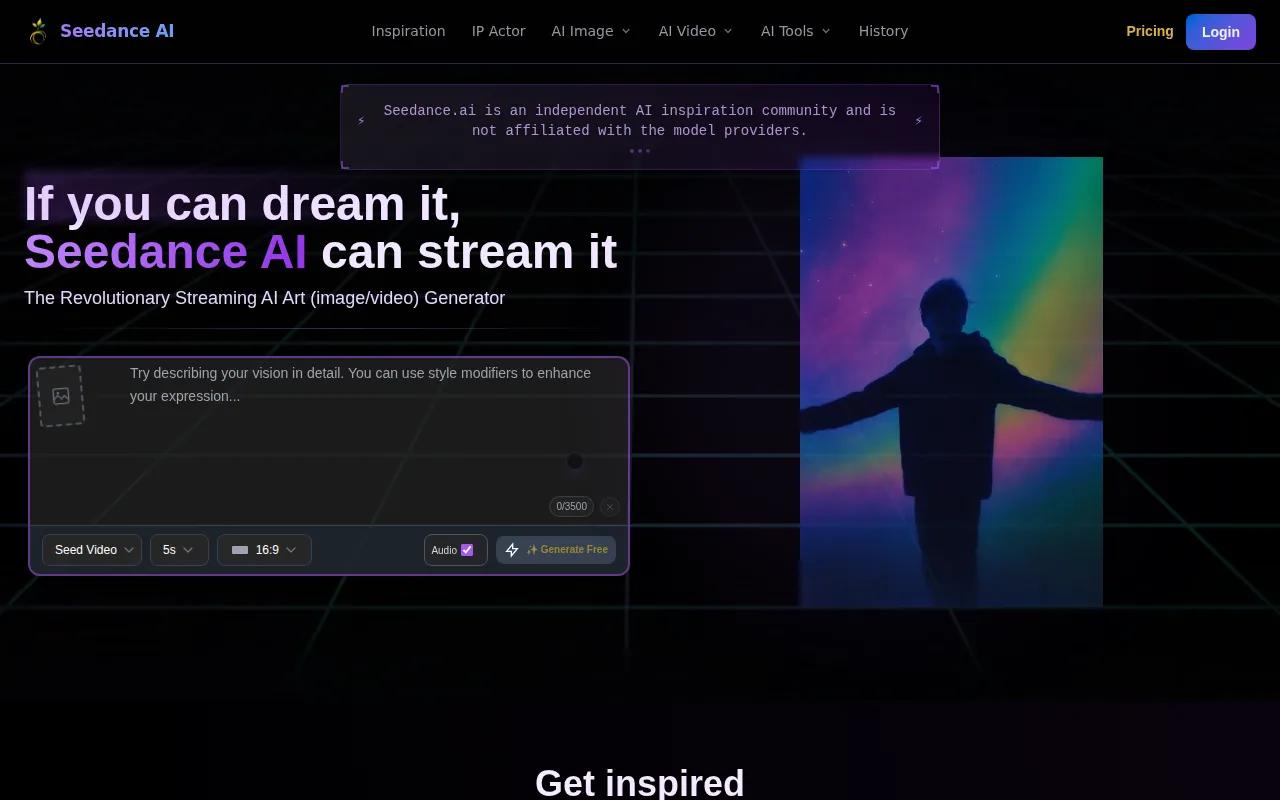
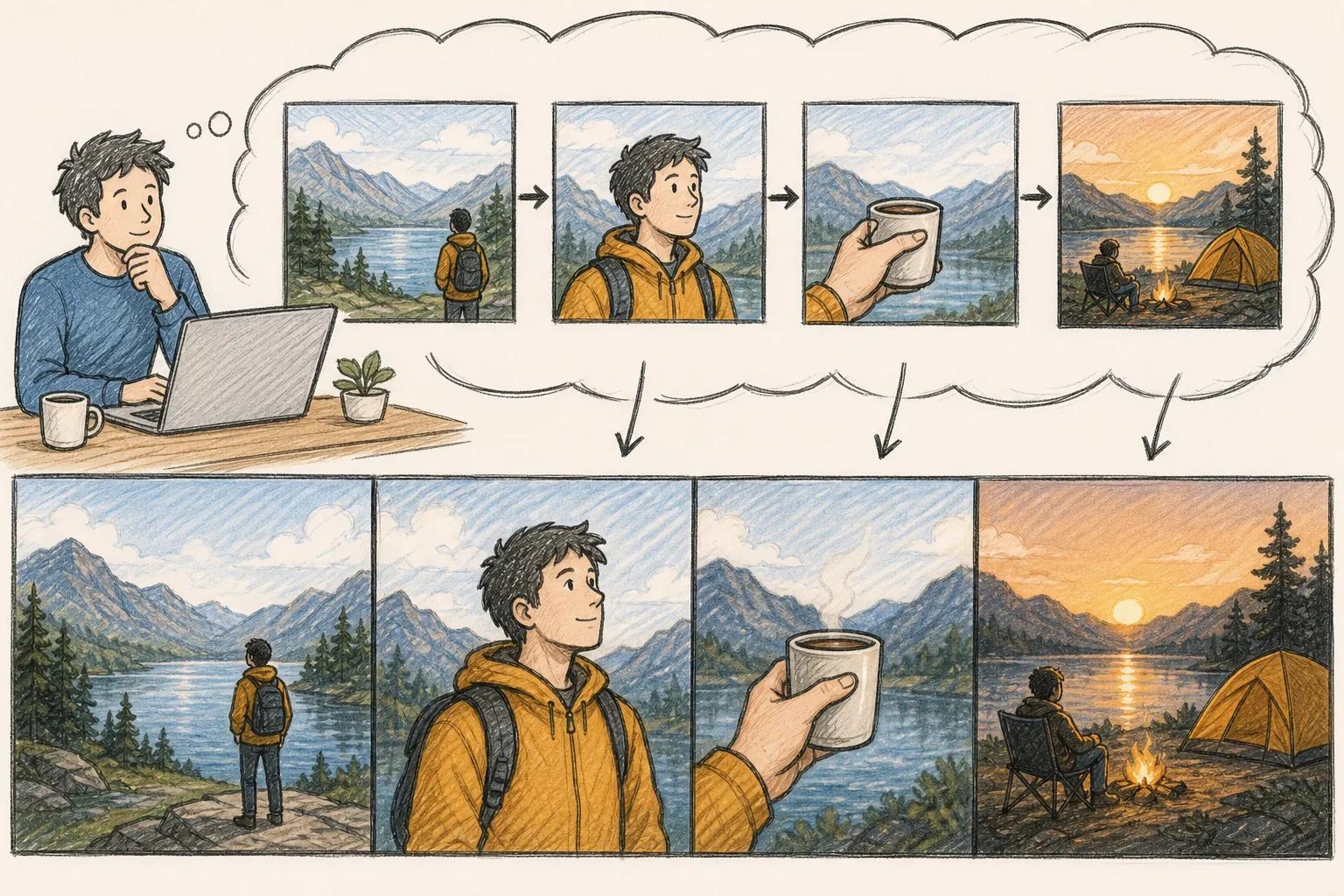
The tool also supports image‑to‑video generation, so you can turn a storyboard sketch into an animated short.
There’s a free tier with basic quality output, and paid plans unlock higher resolutions and longer runtimes.
One limitation: the platform does not generate native audio, so you’ll need a separate sound design step.
How These Multi-Shot Short Video Creators Compare
All the tools above can produce short clips, but they differ on key dimensions. The table below gives a quick view of each platform’s core strengths.
| Tool | Multi‑shot | Native audio | Aspect ratios | Free tier | Starting price |
|---|---|---|---|---|---|
| Seedance Studio | Yes | Yes | 16:9, 9:16, 1:1 | Yes | $14/mo |
| Kling AI | Yes | Yes | — | Free trial | — |
| Higgsfield AI | Yes | No | — | No | $15/mo |
| Sora | Yes | No | 16:9, 9:16 | Limited | $20/mo |
| Seedance AI | Yes | No | — | Yes | — |
FAQ About Multi-Shot Short Video Creators
Can I use a multi shot short video creator for free?
Yes, a few platforms offer a free tier. Seedance Studio gives you a genuine free plan with no credit‑card required, while Kling AI and Seedance AI provide limited trial access.
Do these tools support vertical video for TikTok?
All of them can output vertical 9:16 video, but Seedance Studio, Sora, and Seedance AI list the format explicitly, making it easier to match platform specs.
Is native audio generation common?
Only Seedance Studio and Kling AI generate synchronized sound in the same pass; the other options require you to add music or voice‑overs later.
How does multi‑shot generation differ from single‑shot?
Multi‑shot generation creates several linked scenes in one request, keeping characters and camera motion consistent across cuts, which saves you from stitching clips manually.
Are there any privacy concerns with uploading reference assets?
Most providers store assets temporarily for processing and delete them after rendering. Seedance Studio’s privacy page notes that no personal data is retained beyond the generation session.
Conclusion
For creators who want the most bang for their buck, Seedance Studio is our recommendation with its multi‑shot automation, native audio, and a free entry tier.