
Kling is good. But it's not the only option, and for many creators it's not even the best one. The free tier runs dry fast, queues get long, and the pricing jumps sharply once you want watermark-free exports. If you're building a posting schedule around AI video, you need a tool that keeps up. Here's how to find, test, and scale with the right alternative for your workflow.
Step 1: Start with Seedance Studio (Our Top Pick)
Seedance Studio runs on Seedance 2.0, ByteDance Seed's flagship video model, and it's the only browser-based platform that lets you go from a single prompt to a finished video with no download, no waitlist, and no credit cap on the free tier. You type a prompt or upload reference images, clips, and audio, and the model returns a finished video with camera direction, consistent characters, and native sound already mixed in.
That last part matters more than it sounds. Most tools make you sort out audio after the fact. Seedance Studio generates synchronized sound at the same time as the visuals, which cuts a whole editing step out of your workflow. If you're posting five times a week, that compounds quickly.
The model handles multi-shot sequences in one generation, so you get a proper beginning, middle, and end without manually stitching clips together afterward. Resolution goes up to 1080p, and generation speed is roughly 30% faster than the previous Seedance version. For TikTok, Reels, and YouTube Shorts, that's the combination that matters: fast output, vertical-ready format, and audio baked in.
One honest caveat: Seedance Studio is browser-only. There's no desktop app. If your production setup depends on a local application, that's worth knowing upfront. But for the majority of creators working from a laptop or a shared machine, the browser approach actually removes friction rather than adding it.
Paid plans start at $14/month if you need higher volume or priority processing. The free tier has no credit cap, which puts it in a different category from most alternatives. For a side-by-side look at how the model stacks up against other top tools, the Seedance 2.0 vs Sora vs Veo vs Kling comparison breaks down the differences with identical prompts.
Step 2: Choose the Right AI Video Generator

Before you test anything, get clear on what your output actually needs to do. A creator posting daily entertainment clips has completely different requirements from a marketing team producing campaign assets. Picking the wrong tool wastes credits and time.
Ask yourself three questions. First: what's your posting volume? If you're running a channel that uploads five or more videos per day, cost-per-clip and generation speed matter more than cinematic quality. Second: do you need audio in the video itself, or do you add it in post? Third: how important is character consistency across multiple clips?
The AI video market has fragmented sharply. The field has moved from single-frame generation to full multi-modal models that handle text, image, and audio inputs simultaneously. That shift changes what "choosing a tool" actually means, you're not just picking a quality level, you're picking an architecture.
Here's a usable framework. For high-volume social content, prioritize free tier generosity and generation speed. For cinematic or brand work, prioritize resolution and character consistency. For talking-head or spokesperson content, prioritize lip-sync accuracy and language support.
Kling 3.0 is strong on structured control and 4K HDR output, but its free tier gives you roughly 66 daily credits , enough for a handful of clips before you hit the wall. Runway Gen-4 is built around character references and shot-to-shot continuity, which makes it the right pick when the same person needs to appear across many scenes. Veo 3 automatically creates and synchronizes audio to its generated video, which is useful for cinematic work but overkill for quick social clips.
The honest answer is that no single tool wins every category. That's why the next step matters: you need to test the same prompt on two or three platforms before committing to one.
For a detailed breakdown of how leading tools compare on output quality and free access, the best AI video generator guide ranks the top options by what actually matters to working creators.
Step 3: Set Up Your Prompt for Maximum Impact
A weak prompt produces a weak video, regardless of which tool you're using. This is the step most creators rush, and it's the one that separates clips that stop the scroll from clips that get skipped.
Start with the camera. Instead of "a woman walking in a city," write "cinematic 9:16 shot, handheld push-in, a woman in a yellow jacket walking through a rainy street at dusk, puddles reflecting neon signs, realistic motion." The difference in output is significant. Specificity gives the model something concrete to hold onto.
Then add lighting and mood. "Golden hour" or "overcast flat light" or "neon-lit interior" all produce meaningfully different results. Don't leave it to the model to decide.
For action content, describe the physics you want. "Fabric moving with weight," "camera orbiting the subject," "slow-motion impact with dust particles" , these kinds of descriptors push the model toward the motion style you're after rather than a generic default.
For Seedance Studio specifically, you can upload up to 12 reference inputs for multi-scene work. Use that. Drop in a reference image for the visual style, an audio clip for the mood, and a written scene description on top. The model works with all three at once rather than making you choose one input type. That's the usable advantage of a unified multimodal architecture.
One more thing: prompt for the first two seconds deliberately. On TikTok and Reels, the algorithm decides whether to push your clip based on early watch time. A clip that opens with motion , not a static title card , holds attention better in the first few frames. Write your prompt so the action starts immediately.
If you want to go deeper on prompt structure for different video styles, the guide to picking and using an AI video app walks through the exact workflow from prompt to posted clip.
Step 4: Compare Top Kling AI Alternatives
Once you know what you need, it's time to look at the actual options. The table below covers the strongest Kling AI alternatives right now, with honest strengths and real limitations based on research across 42 AI video tools.
| Tool | Best For | Key Strength | Main Limitation | Free Tier |
|---|---|---|---|---|
| Seedance Studio | Social content at volume | Native audio + character consistency + no waitlist | Browser-only, no desktop app | Yes, no credit cap |
| Runway Gen-4 | Cinematic motion graphics and commercial production | Character references for shot-to-shot continuity | Credits deplete fast on complex prompts | Yes, limited |
| Veo 3 | Cinematic videos with automatic audio | Automatic audio creation and synchronization | Limited access without additional subscription | Partial (via Gemini) |
| Sora | Narrative storytelling and audio-in-frame clips | Narrative coherence across longer sequences | Limited motion-control features | No |
| Pika 2.x | Stylized animation and rapid iteration | Iteration speed and stylized effects | Lower realism ceiling than Veo or Sora | Yes, up to 500 credits |
| Luma Ray | Fast preview workflow and real-time editing | Real-time previews and 3D scene understanding | Less consistent on complex multi-character scenes | Yes, 30 generations/month |
| Midjourney | Beginners animating existing images | Animate existing images into video | Limited motion control depth | No |
A few things stand out in that comparison. Free tier availability is genuinely split down the middle , roughly half the market offers no free access at all. Among those that do, the range goes from 1 credit to Seedance Studio's unrestricted access. That gap matters if you're testing tools before committing to a paid plan.
Runway Gen-4 is worth a closer look if character consistency across a campaign is your priority. It integrates with TikTok Symphony and Instagram, and its adaptive scoring responds to visual emotional beats in real time. For commercial production, that level of control is hard to find elsewhere. The tradeoff is cost: a high-resolution 10-second cinematic clip can run $2 to $3 in credits depending on your plan tier.
Sora's Storyboard mode chains scenes up to 25 seconds, which is the longest single-render length of any tool in this comparison. If you're producing narrative content rather than short social clips, that's a meaningful advantage. But Sora has no free tier, which makes it a harder sell for creators who want to test before paying.
For a full head-to-head on resolution, physics modeling, and audio handling across the top models, the AI video generator review covers each tool across the same criteria.
Step 5: Test, Iterate, and Scale Your Videos
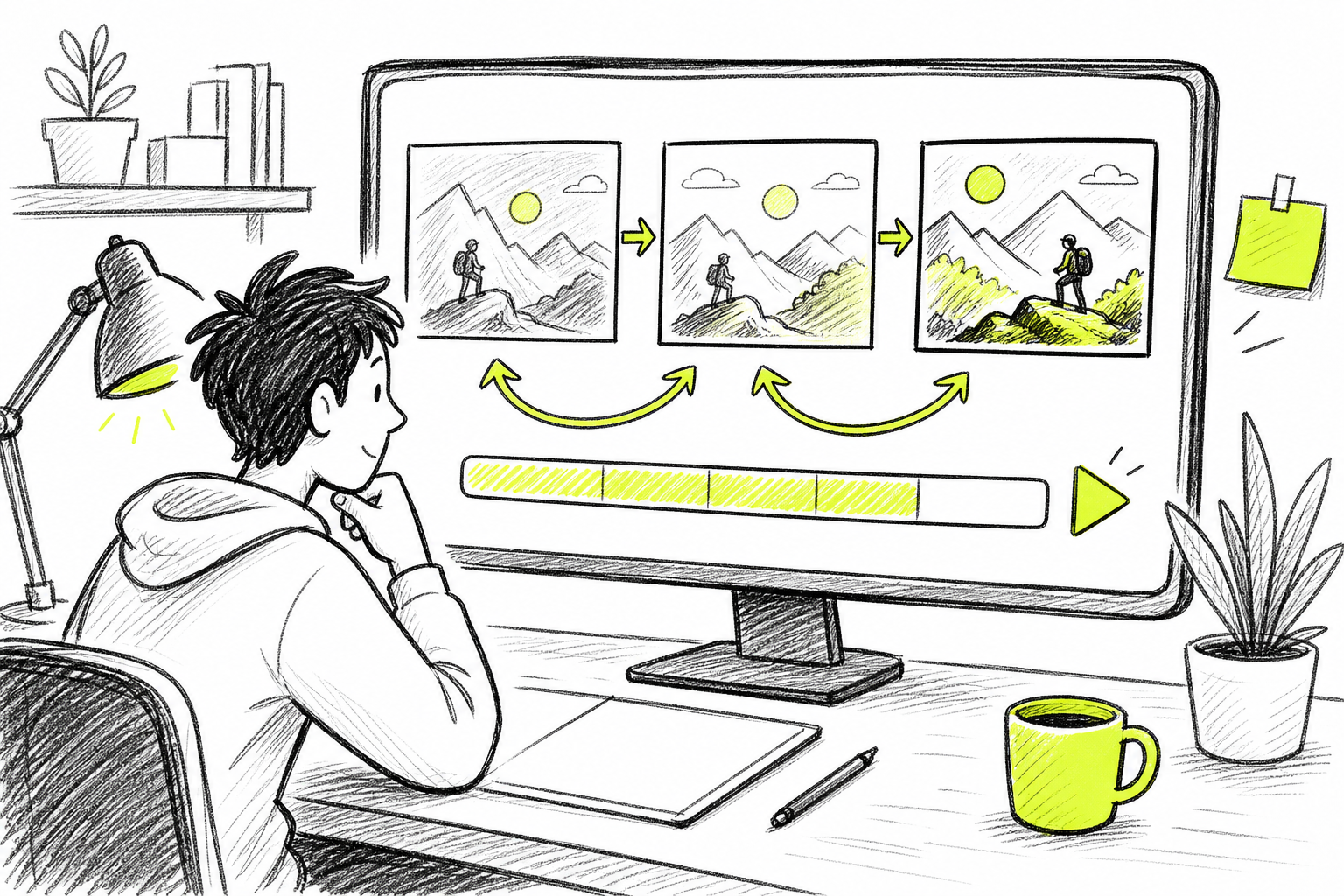
Your first output is a draft. That's normal. Most experienced creators run two or three generations per clip before they have something post-ready. The goal of the first generation is to see what the model does with your prompt, not to produce a finished clip.
Watch the clip once all the way through. Then note what's off. Is the motion too fast? Is a character's face drifting between shots? Is the audio out of sync? Adjust one variable at a time , don't rewrite the whole prompt at once. Changing the camera direction, the lighting description, or the pacing word in isolation tells you what each element actually does to the output.
Once you have a clip you're happy with, save the prompt. That's your template. Use it as the base for the next clip in the series, swapping only the specific details that need to change. This is how you build a consistent visual identity across a channel without spending hours on each individual video.
Scaling means batch production. Generate several clips in one session rather than one at a time. On Seedance Studio, you can chain reference inputs so that multiple clips in a batch share the same character look and visual style. That consistency is what makes a channel feel intentional rather than random.
Once you've built a library of clips, the distribution side becomes the next variable. Getting your content in front of the right audience is a separate challenge from producing it. Social media promotion services focus on growth and engagement, which can complement a consistent AI video posting schedule once your content quality is locked in.
Check your analytics after 24 to 48 hours. Watch time, completion rate, and early shares tell you whether the clip is working. If completion rate is low, the problem is usually a weak hook or a clip that runs too long. Adjust the next prompt with that feedback in mind. This feedback loop is what separates creators who improve quickly from those who keep generating the same type of clip and wondering why growth stalls.
Step 6: Optimize for Social Platforms
The clip that works on YouTube Shorts doesn't automatically work on TikTok. Platform behavior is different enough that it's worth thinking about format before you generate, not after.
For TikTok and Reels, generate at 9:16 from the start. Cropping a 16:9 clip to vertical always loses something. Set the aspect ratio in your prompt and in the tool settings before you hit generate. Most platforms, including Seedance Studio, support native 9:16 output.
Keep clips between 15 and 30 seconds for short-form platforms. Anything longer needs a strong hook in the first two seconds or the algorithm stops pushing it. AI-generated clips that open with motion hold attention better than those that start on a static frame. Plan your prompt with this in mind.
Export at the highest quality setting your plan allows. Social platforms re-compress uploaded video, so starting with the highest quality file gives you a buffer against that quality loss. Check the file on your phone before posting , what looks good on a desktop monitor can look washed out on a mobile screen.
Post within the trend window. AI tools are fast enough that you can go from idea to posted clip in under an hour. A trend that's 48 hours old is already past its peak on most platforms. The speed advantage of tools like Seedance Studio is only useful if you actually use it. For guidance on choosing the right format for specific platforms, the guide to Veo 3 alternatives covers platform-specific output considerations in detail.
One more thing: Shorts are often ranked based on early viewer engagement such as likes and comments, so posting when your audience is active matters as much as the clip quality itself. Know your audience's active hours and schedule accordingly.
FAQ
What is the best free Kling AI alternative?
Seedance Studio is the strongest free option among Kling AI alternatives right now. It has no credit cap on the free tier, produces watermark-free clips, and runs entirely in the browser with no waitlist. Pika 2.x offers up to 500 free credits, and Luma Ray gives 30 free generations per month , both solid for testing, but neither matches Seedance Studio's unrestricted access.
Is Runway better than Kling for professional video?
Runway Gen-4 is better than Kling when you need shot-to-shot character consistency across a campaign or commercial production. It's built around character references and integrates with TikTok Symphony and Instagram. Kling 3.0 is better when you need 4K HDR output or native multilingual lip-sync. The right choice depends on your specific production requirement.
Which AI video tool is best for TikTok and Reels?
Seedance Studio is built for exactly this use case. It generates native 9:16 vertical clips with synchronized audio in one step, and the free tier lets you iterate without running out of credits. Pika 2.x is also strong for stylized animation and fast iteration on short social clips. Both support the format and speed that short-form platforms reward.
How does Seedance 2.0 compare to Kling 3.0?
Seedance 2.0 is faster and better suited to high-energy social content. Kling 3.0 pushes to 4K HDR and has stronger physics modeling , fabric, gravity, and lighting behave more realistically. Kling also leads on character consistency across long multi-shot sequences. Seedance 2.0 wins on generation speed, free tier access, and native audio synchronization in a single generation.
Do any Kling AI alternatives have no watermark on the free tier?
Seedance Studio produces watermark-free clips on the free tier, which is uncommon in this market. Most tools either add watermarks at the free level or restrict exports to lower resolution. If watermark-free output on a free plan is your priority, Seedance Studio is currently the clearest option among the major alternatives.
Can I use AI video tools for YouTube Shorts without paying?
Yes. Seedance Studio's free tier has no credit cap, so you can generate clips for YouTube Shorts without a paid plan. Luma Ray offers 30 free generations per month and Pika 2.x gives up to 500 free credits. The usable limit on truly free output is generation speed and queue time, not a hard credit wall , at least on the platforms listed above.
Conclusion
If you're looking for a Kling AI alternative that handles the full workflow , prompt to finished clip with native audio, no waitlist, and a genuinely free tier , start with Seedance Studio. It's the fastest path from idea to posted video for creators working on TikTok, Reels, and YouTube Shorts. Go to tryseedance.ai, type a prompt, and have a clip ready before the trend moves on.


