
Most dropshipping ads fail before the first click. The product may be fine, but the hook is weak, the demo is unclear, or the video feels made for a brand instead of a real person. To make dropshipping ads that sell, build each one around a clear offer, a fast visual proof, and one simple next step.
Use this five-step process to plan the ad, write the script, make the video, format it for each platform, and test it without burning through your budget.
Step 1: Choose the Product, Audience, and Offer
The first step in learning how to make dropshipping ads is choosing one product and one buyer problem. Your ad can't speak clearly to everyone.
Start with a product that shows well on video. A useful item should have a visible use case. A small kitchen tool, storage aid, pet item, or travel accessory can work because the viewer can see the change in seconds.
Now write down three things:
- The problem the product solves.
- The person most likely to feel that problem.
- The offer that gives them a reason to act now.
For example, don't target “people who like home products.” Target renters who need more counter space in a small kitchen. The message becomes sharper: “Clear your counter without adding another shelf.”
Next, check the numbers before you film. List the product cost, shipping cost, payment fees, and expected ad cost. Your selling price must leave room for mistakes. If the margin is thin, no clever hook can save the campaign.
Pick one offer for the first test. That might be free shipping, a bundle, or a limited first-order discount. Keep the offer easy to understand in one line. You can test a new offer later, but don't change the product, price, and creative at the same time.
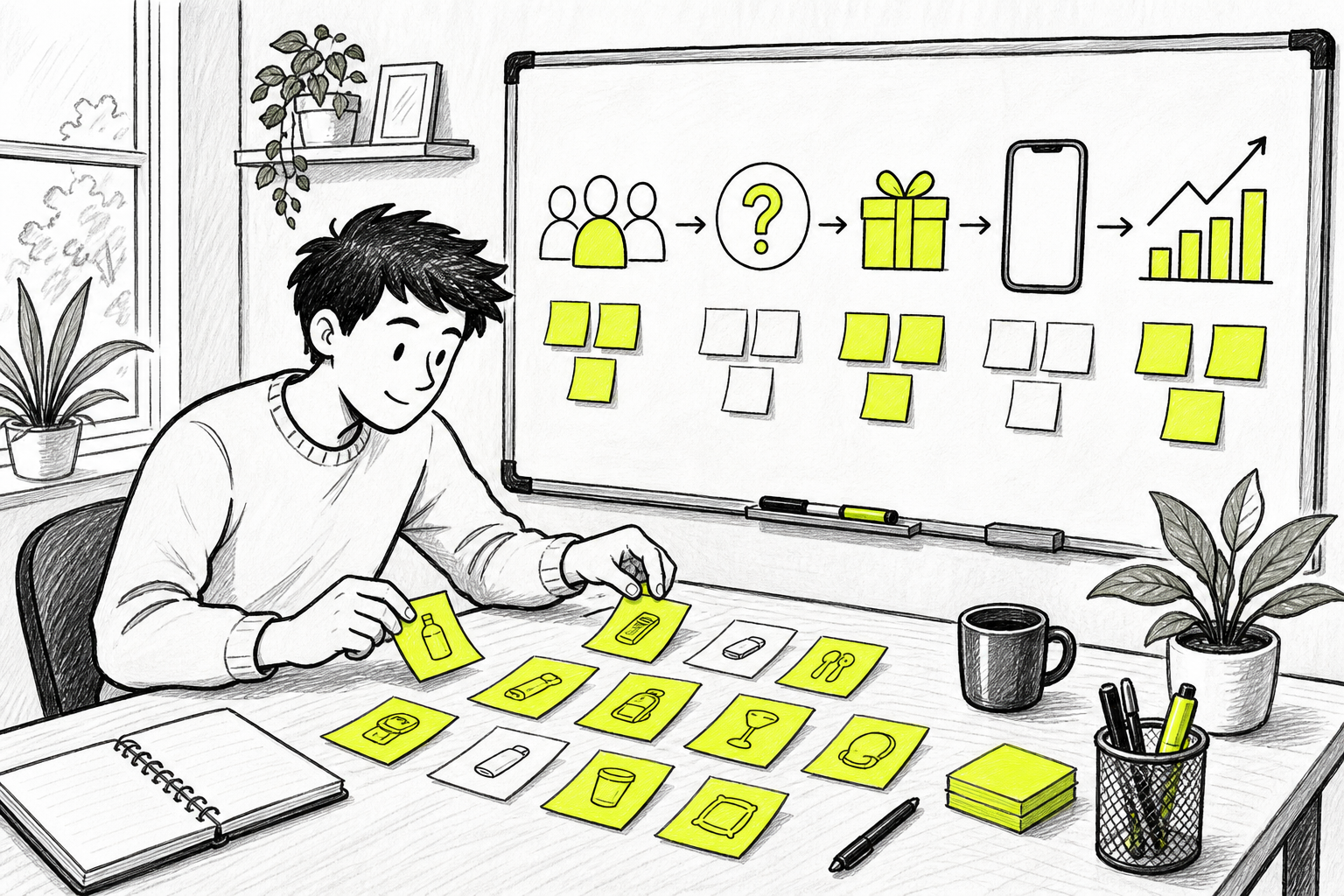
Before you write the script, check that the product has a clear “show me” moment. If the benefit needs a long explanation, find a visual way to prove it. A before-and-after shot is often stronger than five lines of copy.
Step 2: Write a Short Script With a Strong Hook
A strong script gives your dropshipping ad one job: earn attention, prove the benefit, then ask for the click. Keep the first version short enough to read aloud in one breath.
Write the opening first. Your hook should name a problem, show a surprising result, or challenge a common habit. Try lines such as:
- “Still wasting space under your sink?”
- “This small fix stopped my cables from tangling.”
- “I wish I found this before my last trip.”
Only use a claim you can prove. A hook that promises too much may earn a view, but it can also create doubt when the product appears.
For the rest of the script, use a simple flow:
- Show the problem in the first shot.
- Introduce the product as the fix.
- Demonstrate one clear benefit.
- State the offer.
- Tell the viewer what to do next.
This follows the basic AIDA path, which moves a person from attention toward action.
Write the words for the screen and the voiceover separately. Many people watch without sound, so the text must still make sense. Keep each text card large enough to read on a small phone.
Don't cram five benefits into a 15-second ad. Pick the strongest one. If the item saves space, show that. If it makes a task faster, show the task. One clean proof beats a list of vague claims.
Use plain words in your prompt when you generate the first draft. Then add details for the shot, camera move, lighting, and sound.
Read the script aloud. Cut any line that sounds like an ad from a boardroom. A person should understand the product before the video ends.
Step 3: Create Product Visuals With Seedance Studio
Good visuals make the product feel easy to understand. For a complete ad workflow, the AI commercial generator guide can help you turn product ideas into polished video ads. Seedance Studio lets you type a prompt or upload reference images, clips, and audio to build a short video in your browser.
Start with a clean product photo if you have one. Use a front view for the main shot. Add a second image if the product has a key detail that must stay consistent. A reference image helps the model keep the shape and look closer to the item you want to sell.
Then write one prompt for one shot. Don't ask for a full commercial with six camera moves in one paragraph. Ask for a product on a kitchen counter, a hand using it, or a close shot of the result. Simple prompts give you more control.
Try this structure:
- Subject: the product or person in the shot.
- Action: one movement, such as opening, folding, pouring, or attaching.
- Setting: the room or place.
- Camera: a close-up, slow push-in, or handheld view.
- Constraint: keep the product shape clear and avoid extra text.
Seedance Studio supports text-to-video and image-to-video work. It can also use reference files for consistent subjects, camera direction, and native sound. The Seedance Studio video generator is browser-based, has a free tier, and needs no download or waitlist.
That free tier matters when you're testing a product.
Generate two or three versions of the same shot. Change one detail at a time. Try a closer camera angle in one version, then a brighter room in the next. This gives you useful creative choices instead of a pile of unrelated clips.
Watch each result all the way through. Check the hands, product edges, text, and final frame. If a label or small feature looks wrong, remove it from the shot or use a tighter crop.
For a full workflow, the Seedance Studio setup guide explains how to prepare references, set the aspect ratio, write prompts, and review exports.
Step 4: Edit Each Ad for the Right Platform
Platform-ready editing is part of how to make dropshipping ads that feel native. One file rarely works well everywhere.
Begin with the format. Use a vertical frame for TikTok, Reels, and Shorts. Use a horizontal frame when the ad will run in a wide video placement. Set the ratio before you generate the main footage, since a crop can cut off the product or the hand using it.
Keep the product near the center safe area. App buttons and captions can cover the lower part of the screen. Leave enough space around the subject so the key action remains visible.
Edit three versions of the opening. The rest of the ad can stay close to the same cut. This gives you a fair test of the hook while keeping the offer and product demo stable.
Your first two seconds should show movement or a clear problem. Avoid a long logo reveal. Most viewers don't know your store yet, so the product benefit needs to arrive first.
Add captions that match the spoken words. Use short lines. If a sentence takes three screens to read, rewrite it.
Sound can help, but the ad must still work on mute. Use a voiceover when the explanation matters. Use a visual demo when the result is easy to see.
The first-video walkthrough for Seedance Studio covers aspect ratios, duration, references, and export checks. Use those settings as part of your production plan, not as a last-minute fix.
End with one action. “Shop the bundle” is clearer than “Learn more today.” Make sure the landing page repeats the same offer shown in the video.
Step 5: Launch, Test, and Improve Your Dropshipping Ads
Testing turns dropshipping ads into a process instead of a guess. Set a clear question before you spend money.
For the first test, hold the product, offer, and audience steady. Change only the creative angle. For example, compare a space-saving hook with a time-saving hook. If you change the price too, you won't know what caused the result.
Make three to five short ads if your budget allows. Give each one a clear name that records the hook. A simple sheet can track:
- Creative angle.
- Spend.
- Link click rate.
- Cost per click.
- Add-to-cart rate.
- Purchase cost or return on ad spend.
Set a decision rule before launch. You might decide to pause an ad when it spends several times your target acquisition cost without a purchase. You might keep an ad live when clicks are strong but the product page needs work.
Don't edit the campaign every few hours. Early changes muddy the data and make each result harder to read. Let the test collect enough signal for the question you're asking.
Look at the metrics in order. A weak click rate points to the hook or first frame. Cheap clicks with no add-to-carts point to the product page, price, or offer. Add-to-carts with no purchases can point to shipping cost, trust, or checkout friction.
Making several creative drafts before you commit ad spend can lower the risk. Seedance Studio can help you test different product angles without paying for every first attempt.
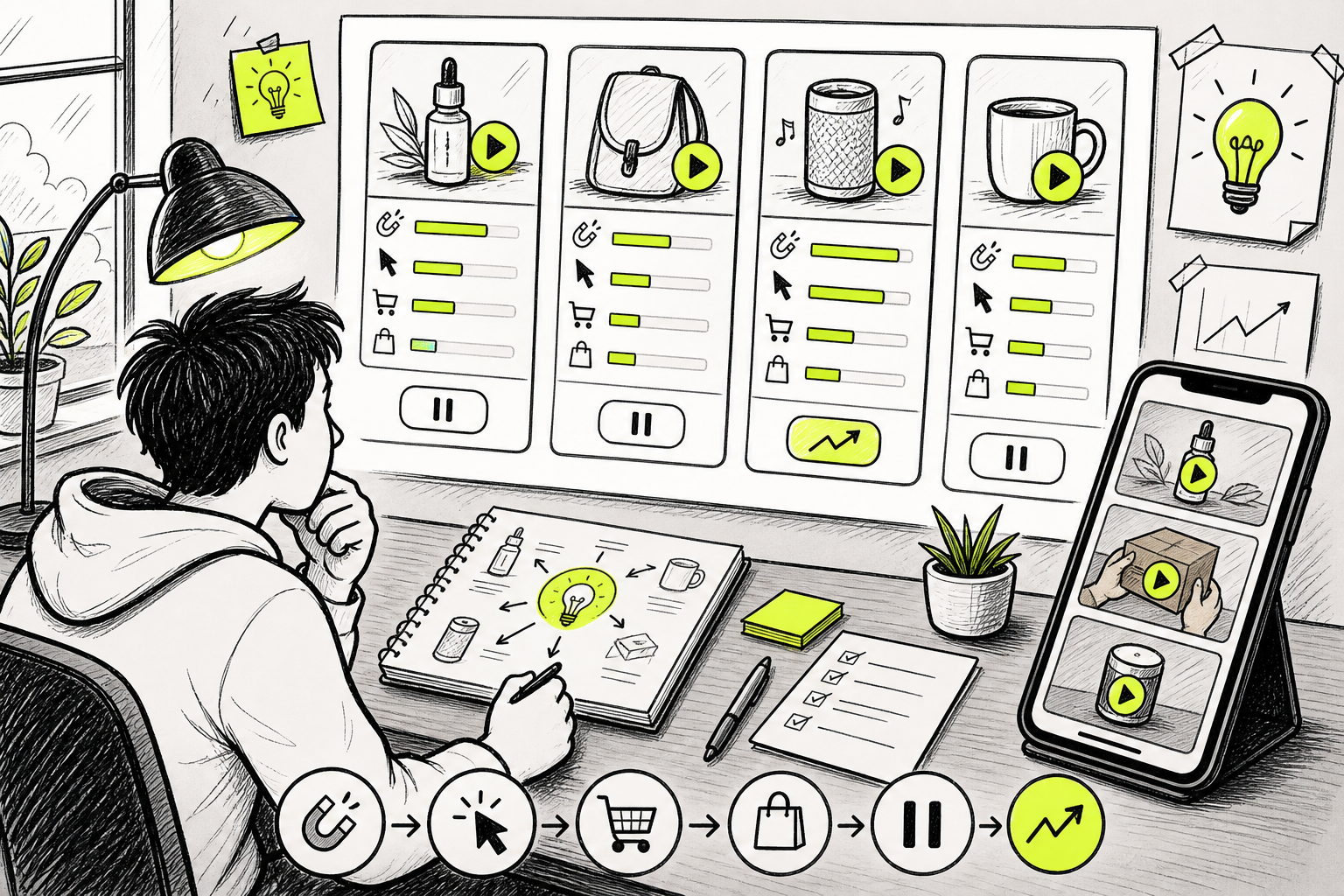
After the test, keep the winner's structure and make a new variation. Change the first line, camera angle, or proof shot. Don't throw away a useful concept because one export had a weak opening.
Keep a record of every test. After several rounds, you'll see which problems earn clicks and which benefits lead to sales. That record becomes more useful than a single lucky result.
FAQ
How do I make dropshipping ads for beginners?
Start with one product, one buyer problem, and one offer. Write a short script with a problem-first hook, then show the product solving that problem. Make a vertical video with captions and one call to action. Test a few hooks before changing the product or audience.
What should a dropshipping ad include?
A dropshipping ad should include a fast hook, a clear product demo, one main benefit, the offer, and a direct next step. Show the product in use instead of relying on claims. Keep the message easy to follow with sound off.
Can AI make dropshipping video ads?
Yes, AI can make dropshipping video ads from text prompts and reference files. Seedance Studio lets you upload images, clips, or audio, then generate short video drafts in a browser. You still need to check the product details, edit the strongest version, and confirm that every claim is true.
What is the best length for a dropshipping ad?
A short ad is usually easier to test because it forces one clear message. Aim for a clip that shows the problem, product, proof, and offer without pauses. The right length depends on the product, but remove any shot that doesn't help the viewer understand or act.
How much should I spend testing a dropshipping ad?
Set the test budget around your target acquisition cost rather than picking a random flat amount. Give the campaign enough room to collect clicks and checkout data, but write the pause rule first. If the creative earns attention while the page fails, fix the page before raising spend.
Conclusion
Make one clear ad before making ten rushed ones. Choose a focused offer, show the product in use, and test the hook with a steady setup. Seedance Studio can help you turn a prompt or reference image into a video draft quickly, so create a free account and make your first three angles before the trend dies.


