Instagram ads can drive real results, but most first-timers waste money because they skip the setup basics. The process runs from picking a clear goal to watching your numbers after launch, and every step affects what you pay and who you reach. Follow these six steps in order and you'll have a live campaign that actually makes sense.
Step 1: Define Your Ad Objective
Your objective tells Meta's algorithm what to optimize for. Pick the wrong one and you'll pay for the wrong actions, clicks from people who never buy, video views from people who never click, or reach that never converts.
Meta groups objectives into six categories: Awareness, Traffic, Engagement, Leads, App Promotion, and Sales. Here's how to read them:
- Awareness, good for new brands that need eyeballs, not clicks.
- Traffic, sends people to your website or landing page. Start here if you're not sure.
- Engagement, optimizes for likes, comments, and shares. Use it for community building.
- Leads, collects contact info through a native form without leaving Instagram.
- Sales, optimizes for purchases. Requires a connected Meta Pixel on your site.
Before you touch Ads Manager, write your goal in one sentence. Something like: "I want 50 people to sign up for my free trial this week." That sentence tells you the objective (Leads or Sales), the metric (sign-ups), and the timeline (one week). Everything you build from here follows from it.
One thing most guides skip: if you plan to run conversion-focused campaigns, install the Meta Pixel on your website before you launch. Without it, the algorithm has no signal to learn from and your cost per result will be much higher in the first few days.
By the end of this step, you should have one written objective, the right campaign type selected in Ads Manager, and the Meta Pixel installed if you're going after conversions.
Step 2: Identify Your Target Audience
Targeting is where most ad budgets go wrong. Too broad and you're paying to show ads to people who will never care. Too narrow and you starve the algorithm of data it needs to optimize.
Ads Manager gives you several ways to define who sees your ad:
- Demographic and interest-based targeting, built from demographics (age, gender, location) and interests. Good starting point for new accounts.
- Data-driven audience targeting, built from your own data: website visitors, email lists, or people who've already engaged with your Instagram profile.
- Similar audience targeting, Meta finds people similar to your best existing customers. Requires a source audience of at least 100 people.
- AI-powered audience optimization, Meta's AI-driven option. You give it signals and it finds the audience. Worth testing once you have some conversion data.
For a first campaign, start with demographic and interest-based targeting. Set your location, pick an age range that matches your actual buyers, and add two or three interest categories. Don't stack ten interests. That tells the algorithm almost nothing.
A useful rule: if your estimated audience size is too narrow, it's probably too narrow for the algorithm to work with. Over 5 million for a small budget is too wide. Aim for a moderate-sized audience for most local or niche campaigns.
Also think about placement. Different placement types all perform differently. For video ads, short-form video placement tends to get more organic-feeling reach. You can let Meta auto-place your ads across Facebook and Instagram, or restrict to Instagram only. For a first test, restrict to Instagram so your data stays clean and readable.
Step 3: Create Engaging Video Content
Video is the dominant format on Instagram right now. Short-form video gets more reach than static images in the feed, and short-form video holds attention in a way a single photo rarely does. The good news: you don't need a film crew or a studio to make something that works.
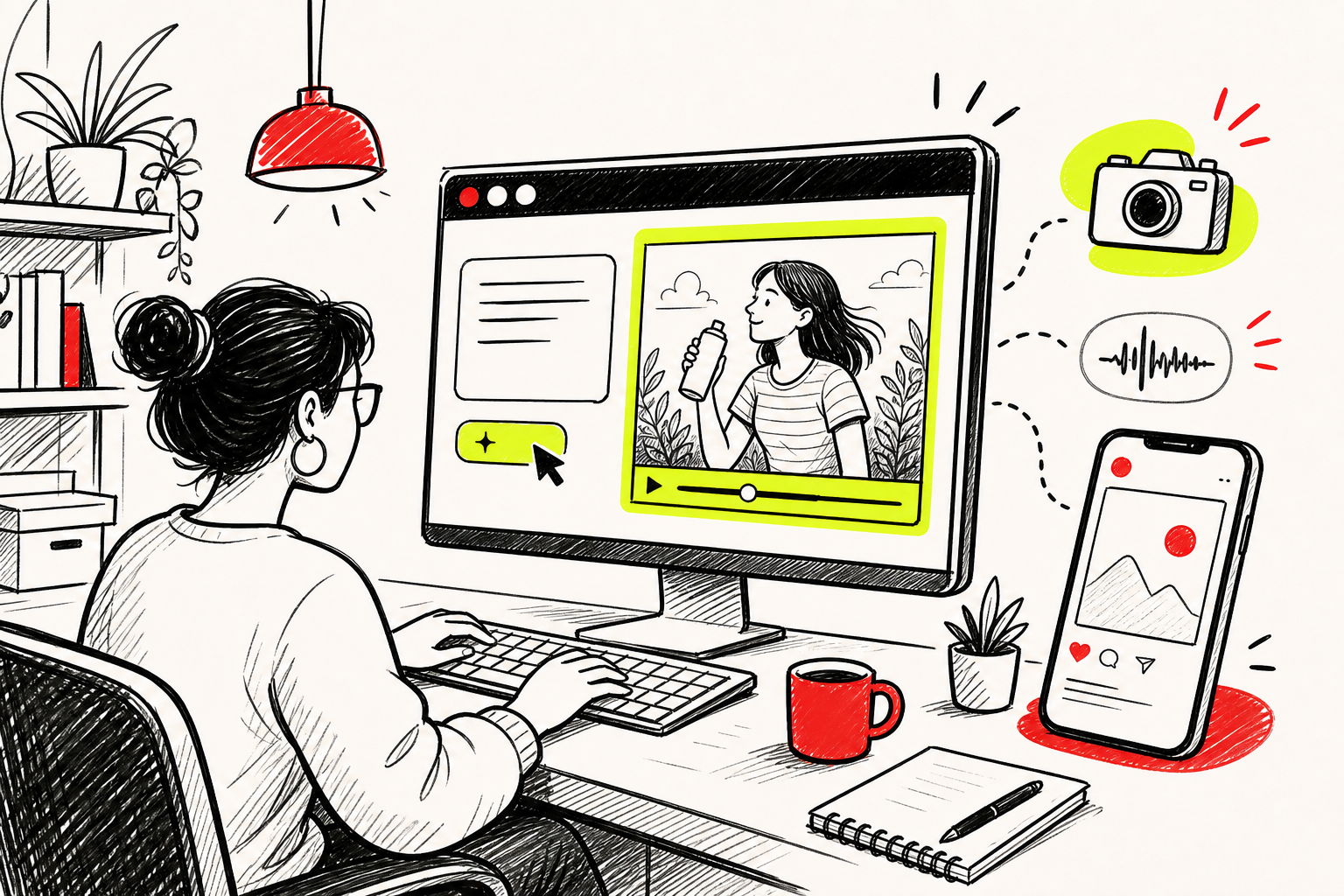
The fastest way to produce scroll-stopping video for Instagram ads is with an AI video generator. We built Seedance Studio's AI video ad maker workflow specifically for this use case. You type a prompt describing your scene, upload reference images of your product or character, and get back a finished clip with camera direction and native audio already mixed in. No download, no waitlist. The free tier gets you started, and paid plans begin at $14/month.
Here's what makes a strong Instagram ad video:
- Hook in the first 2 seconds.The scroll happens fast. Your first frame needs to stop it. A bold visual, an unexpected angle, or a direct statement all work.
- 9:16 aspect ratio.This fills the full mobile screen. Anything else gets letterboxed and looks like an afterthought.
- 15 to 30 seconds.Long enough to make a point, short enough to hold attention.
- Captions on screen.A large share of users watch without sound. Text keeps them engaged.
If you're writing prompts for an AI video tool, be specific. Instead of "show a product on a table," write something like: "Close-up dolly shot of a skincare serum on a marble countertop, warm morning light, steam rising from a coffee cup in the background." Name the camera move, the setting, and the mood. Our Seedance 2.0 prompt guide breaks down the exact formula for getting consistent, high-quality results from text prompts.
Make at least two or three versions of your video with different opening hooks. You'll test them against each other in later steps, and it's much cheaper to produce variations now than to rebuild creative after you've already spent budget.
Step 4: Write Compelling Ad Copy
Instagram ad copy has three parts: the primary text (the caption above the image or video), the headline (shown below the creative in some placements), and the call-to-action button. Each one does a different job.
The primary text is where you make your case. Keep it tight. The first line is what people see before they tap "more," so lead with your strongest point. Don't start with your brand name. Start with the problem you solve or the result you deliver.
A few copy patterns that work well for Instagram ads:
- Problem → Solution:"Tired of videos that look cheap? Here's how we fixed that in 60 seconds."
- Result first:"Our clients cut their content production time in half. Here's what changed."
- Direct offer:"Free trial. No card required. Cancel any time." Short, clear, no friction.
The headline (if your placement shows one) should restate the offer in five words or fewer. Think of it as a billboard. "Try it free today." "See how it works." Simple wins.
For the CTA button, match it to your objective. If you're driving traffic, use "Learn More." If you want sign-ups, use "Sign Up." If you're selling, use "Shop Now." Don't use "Learn More" when you actually want someone to buy. The mismatch confuses people and raises your cost per click.
Write two versions of your primary text. One longer (three to four sentences) and one shorter (one to two sentences). Different audiences respond differently, and you won't know which works until you test. If you're running e-commerce ads and also managing a product catalog, keeping your feed data clean with a reliable product feed solution helps ensure your ad inventory stays accurate across channels.
Step 5: Set Up Your Ad in Ads Manager
You need a Facebook Business account and an Instagram account connected to it before you can run ads. If you haven't done that yet, go to Meta Business Suite and connect your Instagram profile. You'll also need a payment method on file.
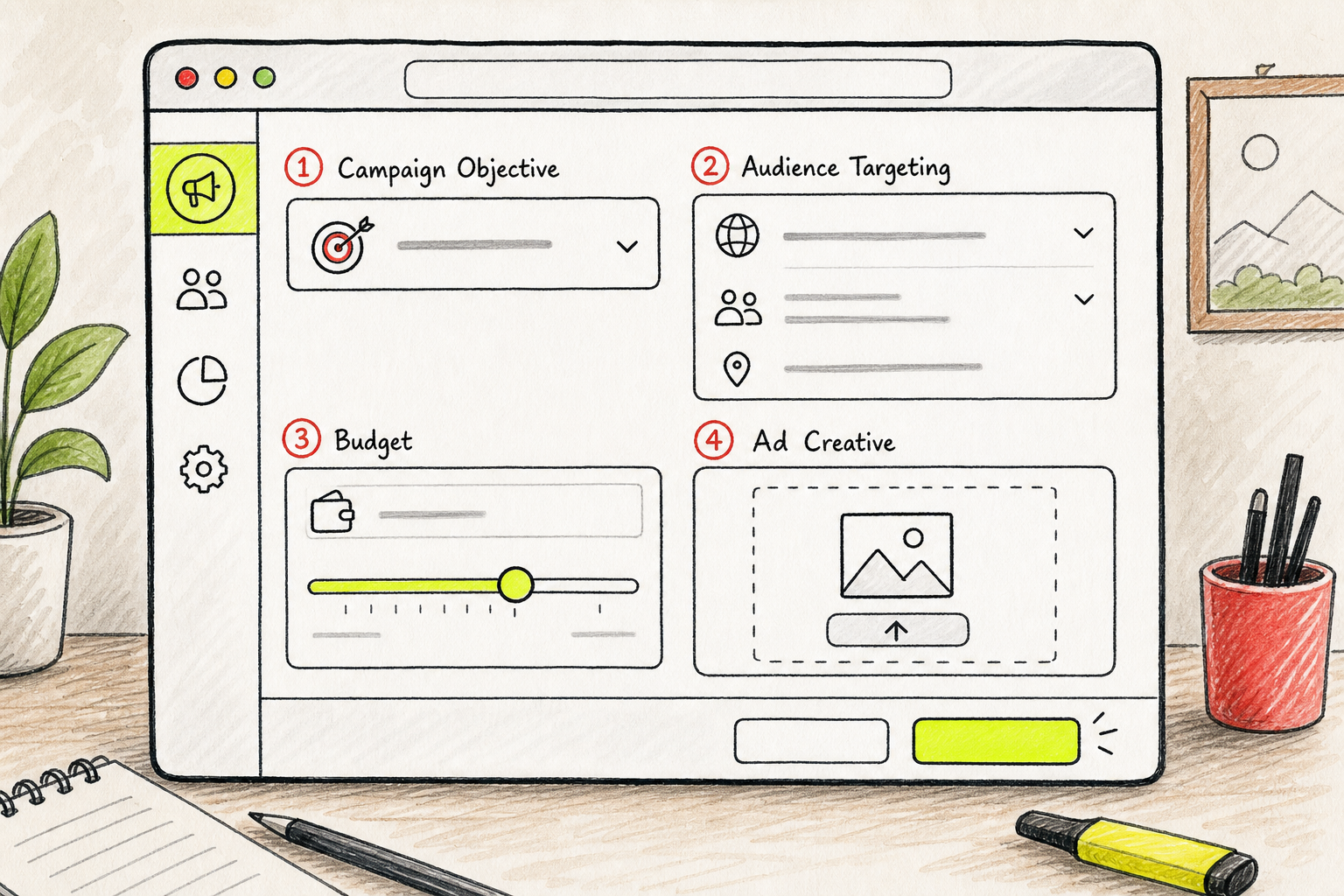
Ads Manager uses a three-level structure: Campaign, Ad Set, and Ad. Here's what each level controls:
- Campaign:Your objective. This is where you pick Awareness, Traffic, Leads, Sales, etc.
- Ad Set:Your audience, placement, budget, and schedule. This is where most of the targeting decisions live.
- Ad:Your actual creative. The video, image, copy, and CTA button.
For budget, you have two choices. A daily budget spends up to a set amount each day and keeps running until you pause it. A lifetime budget spends a total amount over a date range you define. For a first campaign, use a daily budget so you can pause quickly if something isn't working. Start with at least $10 to $20 per day. Below that, the algorithm doesn't get enough data to optimize.
One thing most guides miss: check your time zone settings before you set your schedule. Ads Manager defaults to the time zone on your ad account. If your account is set to Pacific Time but your audience is on the East Coast, your "morning" ads may be running at noon for them. Check the account time zone under Business Settings before you schedule anything.
Upload your video, paste in your primary text and headline, pick your CTA button, and preview the ad in every placement you've selected. The short-form video preview and the story preview look different. Check both before you hit Publish. Meta's review process usually takes a few hours, sometimes up to 24. Ads that use restricted content (alcohol, financial products, health claims) may take longer or require additional verification.
Step 6: Monitor and Optimize Performance
Your ad is live. Now the real work starts. Don't check results after two hours. Give it at least 48 to 72 hours before you draw any conclusions. Meta's algorithm goes through a learning phase when a new ad set launches, and the numbers are noisy until it has enough data.
The metrics that matter most depend on your objective:
- For Traffic campaigns:Cost per click (CPC) and click-through rate (CTR). A CTR below 1% usually means your creative or targeting needs work.
- For Lead campaigns:Cost per lead (CPL). Compare it to the value of a lead for your business.
- For Sales campaigns:Cost per purchase and return on ad spend (ROAS). You need the Meta Pixel firing correctly to see these.
Once you have data, run a simple A/B test. Change one variable at a time: the hook on your video, the first line of your copy, or the CTA button text. If you change three things at once, you won't know what moved the needle. Most platforms, including Ads Manager, have a built-in A/B test feature under the campaign level. Use it instead of manually duplicating ad sets, because it splits traffic evenly and gives you cleaner results.
Meta also has a Campaign Score report inside Ads Manager that flags common setup issues: audience overlap, budget too low for the objective, creative fatigue, and more. Check it weekly. It surfaces problems you'd otherwise only notice after wasting spend.
Add UTM parameters to your destination URL before you launch. A UTM tag looks like this:?utm_source=instagram&utm_medium=paid&utm_campaign=spring_launch. It lets Google Analytics (or whatever analytics tool you use) show you exactly which ad drove which traffic. Without UTM parameters, all your Instagram ad traffic shows up as a single lump and you can't tell which creative or audience actually worked.
If your video creative is running well but you need more volume, the fastest path is to produce new variations quickly. That's where an AI video tool pays off. In Seedance Studio, you can submit several prompt variations back to back while earlier clips render in the background, which means you can have five new creative tests ready in the time it would take a traditional workflow to finish one. on how to use an AI commercial generator for a deeper look at batch production and variation testing.
FAQ
How much does it cost to run an Instagram ad?
Instagram ads don't have a fixed price. You set your own budget, and Meta charges based on how many people see or click your ad. Most small businesses start with $10 to $20 per day. Your actual cost per result depends on your audience size, your objective, and how well your creative performs. Competitive niches like finance or insurance typically cost more per click than lifestyle or entertainment categories.
Do I need a business account to advertise on Instagram?
Yes. You need an Instagram professional account (either Business or Creator) connected to a Facebook Page and a Meta Business Suite account. The switch from a personal account is free and takes about two minutes in your Instagram settings. Without it, you can't access Ads Manager or run paid promotions through the platform.
What's the best ad format for Instagram?
Video in short-form video placement gets the most organic-feeling reach right now. A 15 to 30 second vertical video at 9:16 ratio with captions performs well across most objectives. For e-commerce with multiple products, carousel ads let you show several items in one placement. For brand awareness with a single strong image, a static feed post still works. Test formats against each other before committing your full budget to one.
How long does Instagram ad review take?
Most ads go through Meta's review process in a few hours. Some take up to 24 hours. Ads in restricted categories like alcohol, financial services, or health products may take longer or require additional documentation. If your ad is rejected, Meta sends a notification with the policy it violated. You can edit the ad and resubmit without starting a new campaign from scratch.
Can I make Instagram ads without a big production budget?
Yes. AI video tools have made it possible to produce professional-looking ad creative without a camera or editing software. Tools like Seedance Studio let you type a prompt, upload a product photo, and generate a finished video clip ready for short-form video. You can make an ad for Instagram in under an hour this way. The creative quality depends on how specific your prompts are, not how much you spend on production.
How do I know if my Instagram ad is working?
Look at the metrics that match your objective. For traffic campaigns, watch click-through rate and cost per click. For sales, track cost per purchase and ROAS. Give any new ad at least 48 to 72 hours before judging it, because Meta's algorithm needs time to exit the learning phase. If CTR is below 1% after three days, your creative or targeting probably needs a change.
Conclusion
The biggest mistake people make when creating Instagram ads is skipping straight to the creative without a clear objective or audience. Get those two right first, then build your video, write your copy, and set up the campaign in that order. If you want to move fast on the creative side, start with Seedance Studio to generate your first ad video from a text prompt, no camera required. Create a free account and have your first clip ready before you finish setting up your ad set.