
Most ad videos take days to produce and cost hundreds of dollars before a single frame gets tested. AI changes that math completely. This guide walks you through every step, from picking a tool to shipping multiple variations, so you can go from blank screen to live ad in one afternoon.
Step 1: Start with Seedance Studio (Our Top Pick)
Before you pick any tool, you need one that actually handles the full job. Most AI video platforms do one thing well, then leave you stitching the rest together in a separate editor. Seedance Studio runs on Seedance 2.0, the #1 ranked text-to-video and image-to-video model, and it handles camera direction, character consistency, and native sound in a single generation pass.
You don't download anything. Open a browser, go to tryseedance.ai, and type a prompt. Or upload reference photos, clips, and audio. The model handles the rest. You get a finished video with motion, camera work, and synced sound, not a raw clip you still need to build out.
That matters for ads specifically. Free-tier rarity is a real problem in this space. Across more than 30 surveyed AI video tools, only about 3% offer a free tier at all. Seedance Studio is one of them. You can generate your first ad without spending anything, then move to a paid plan starting at $14/month if you need higher volume. Check the full Seedance pricing breakdown to see what each tier includes.
One caveat: Seedance Studio is built for short-form social ads, TikTok, Reels, YouTube Shorts, and similar formats. If you need a 90-second avatar-driven explainer for a corporate LMS, a different tool fits better. But for marketers who need scroll-stopping social ads fast, this is where to start.
Step 2: Choose the Right AI Video Tool for Your Ad Goals
Not every AI video tool is built for ads. Some are built for filmmakers. Some are built for corporate training. Some are just raw video generators with no ad structure at all. Choosing wrong wastes money and time.
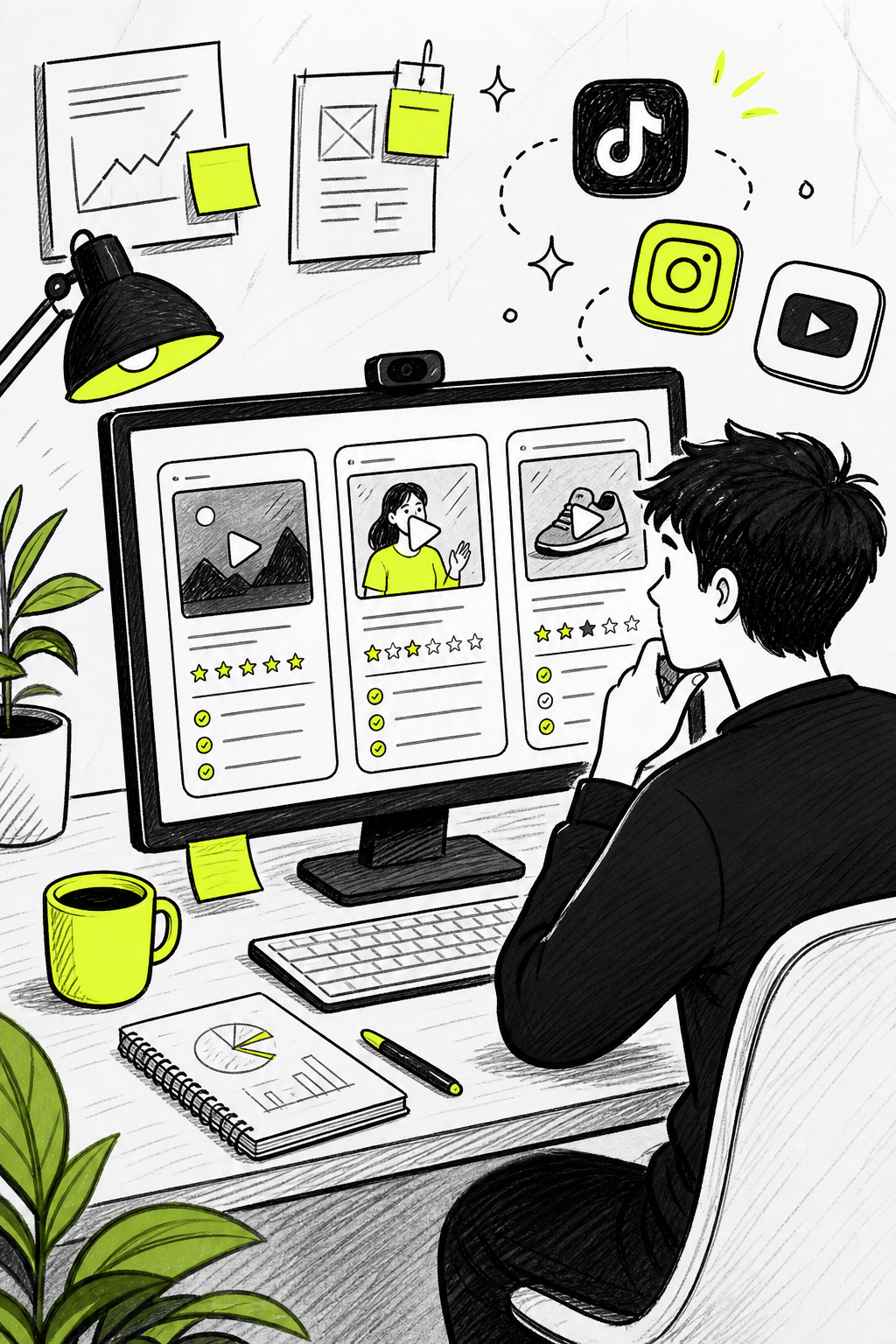
Here's how the main categories break down for ad use cases:
| Tool / Type | Best For | Key Strength | Main Limitation |
|---|---|---|---|
| Seedance Studio | Short-form social ads | #1 ranked model, free tier, native sound + camera direction | Not built for long corporate explainers |
| HeyGen | Avatar-driven, multilingual ads | 175+ languages, timing-aware localization, realistic avatars | Free tier is 3 videos/month at 720p only |
| Creatify | UGC-style paid social ads | Batch production, hook selection, Meta and TikTok integration | Less flexibility for cinematic or brand storytelling |
| Runway | Cinematic B-roll assets | Cinematic camera moves and performance capture | No script-to-ad workflow; requires manual editing after |
| Synthesia | Structured enterprise video | Quick avatar video from scripts or documents | LMS integration locked to enterprise tier; aggressive content moderation |
| CapCut | Quick social content | AI generation from text or images, automated captions | General-purpose tool, not optimized for ad performance |
| invideo AI | Template-driven social videos | End-to-end script-to-video with stock footage and voiceovers | No URL scraping, no batch testing, limited to pre-built structures |
The clearest decision rule: if your goal is short-form social ads with cinematic quality and you want to go from prompt to post-ready video in one session, Seedance Studio wins. If you need avatar presenters speaking in 20+ languages for global campaigns, HeyGen is worth evaluating. If you're running e-commerce paid social and need to batch-produce UGC-style variations at scale, Creatify was built for exactly that workflow.
One pattern worth noting from testing across these platforms: only four tools in the broader market mention any integrations at all. HeyGen connects to HubSpot, Slack, and Zapier. Creatify has Meta, TikTok, and API access. Most tools, even popular ones, require you to export and upload manually. That limits how easily you can embed them into an existing marketing stack.
For an iOS app developer who needs video ads to drive downloads, a tool with direct social platform export saves a lot of friction. Tools that help developers ship apps quickly show how much an ad creation workflow matters when you're moving fast and need impressions on day one.
Step 3: Write a Winning Prompt or Script for Your Ad
The quality of your output is almost entirely determined by the quality of your prompt. Vague prompts produce generic videos. Specific prompts produce ads.
A prompt that works for ads follows this structure: Subject → Action → Setting → Camera move → Lighting or style → Dialogue or sound → Constraints. For example: "A woman in her late 20s picks up a skincare bottle from a marble countertop, holds it toward camera, smiles. Close-up shot. Warm bathroom lighting. She speaks a short line about her morning routine. No text overlays."
That prompt gives the model everything it needs. Character, action, object, camera instruction, audio, and a constraint to prevent unwanted elements. The full Seedance prompt guide covers multi-shot timeline prompting for when you need scene changes inside a single generation.
For ad scripts specifically, your first three seconds determine everything. Viewers decide whether to scroll within two to three seconds of your video starting. Your opening line, whether spoken or text on screen, needs to state the hook before anything else happens. Write the hook first, then work backward to the supporting visuals.
If you're generating UGC-style ads where authenticity matters more than polish, a slightly rougher prompt can actually help. Ask for handheld camera movement, natural lighting, and casual speech patterns. The goal is to look like a real person filmed it. For a deeper look at that specific format, the AI UGC video generator workflow covers the full approach.
Step 4: Customize Your Video with Avatars, Branding, and Scenes
Once your base video is generated, you have three layers to customize: the person on screen, the brand elements, and the scenes themselves.
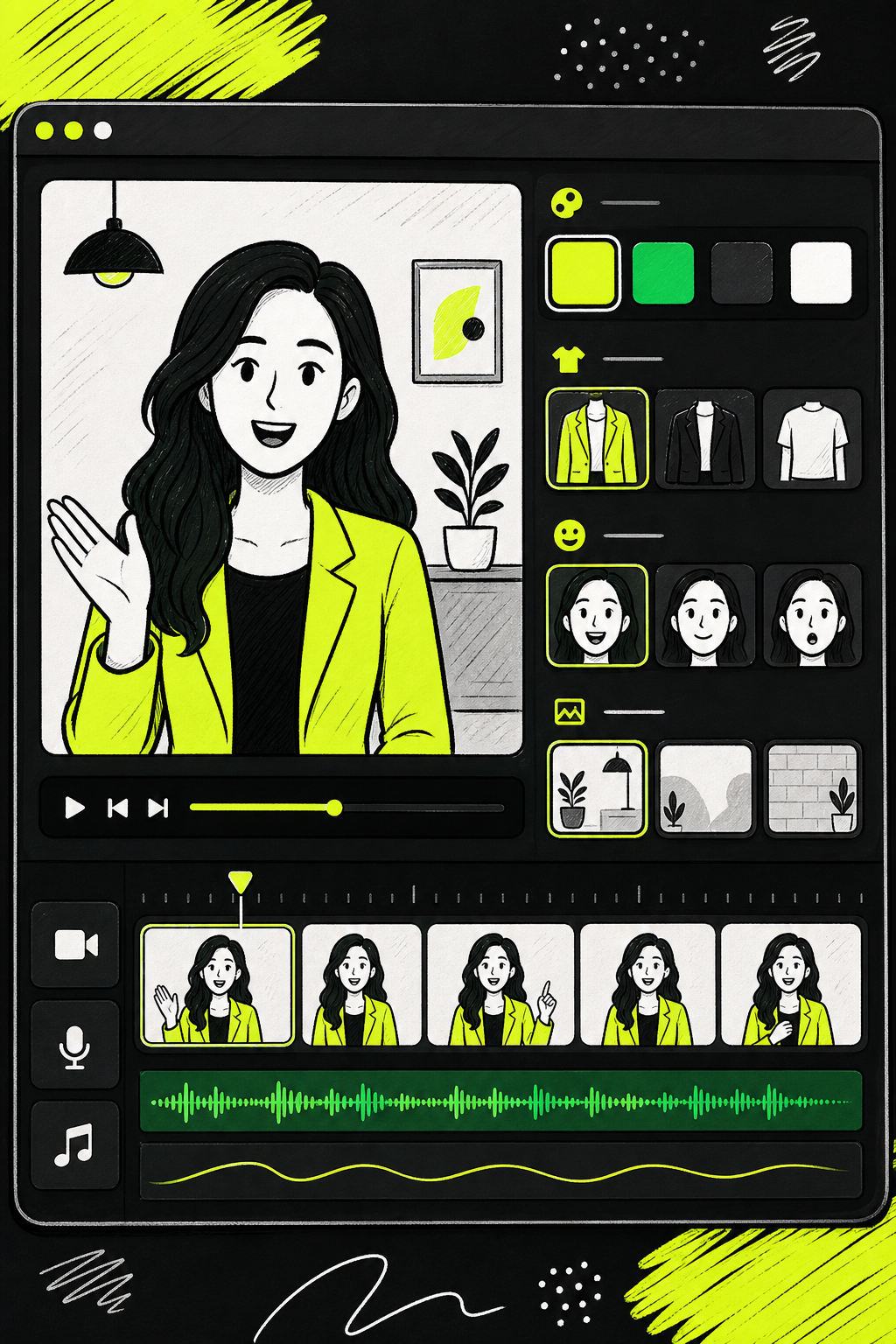
For the avatar, you have two routes. Text-to-video with no reference generates a character from your description. Describe age, expression, outfit, and setting, and the model builds the person from scratch. Image-to-video with a reference photo lets you upload a real image and animate it into the scene. Both approaches can produce photorealistic results that look like a real person recorded the video.
Seedance Studio lets you attach up to 12 references per generation. That means you can tag a character, a product, a location, and even an audio clip all in one prompt. Use consistent tags like [Char_A] and [Product_1] across every generation in a campaign so your character and product stay visually identical across multiple clips.
Branding matters more than most creators expect. Your ad's visual identity, the color palette, the font style in any text overlays, and the overall mood, should match what your brand already looks like everywhere else. If you haven't locked down those visual guidelines yet, working with a brand designer before you start generating at scale is worth it. The article on what brand design actually means breaks down what those guidelines should include and how they differ from just having a logo.
For scenes, think about start and end frames. Some AI tools support setting a specific starting frame and ending frame so your transitions feel intentional rather than cut. If your tool supports it, generate a scene that ends with the subject looking directly at camera. That's the natural placement for a CTA overlay or a spoken call to action.
Step 5: Render and Optimize Your Ad for Each Platform
Generating a good video is step one. Getting the format right for each platform is where a lot of marketers lose quality.
Match your aspect ratio to the destination before you render. Use 9:16 for TikTok in-feed ads, Instagram Reels, and YouTube Shorts. Use 16:9 for YouTube pre-roll and standard display placements. Use 1:1 for Facebook and Instagram feed posts. Generating at the wrong ratio and then cropping after will cut off characters or product details that matter.
Resolution is the next decision. Generate your first draft at 720p to keep credit costs low and confirm the composition is right. Once framing, character, and motion all look correct, regenerate at 1080p for your final export. Most ad platforms accept 1080p as the floor for anything running at scale. Some accept 4K, but the visual difference in a 15-second social ad is marginal compared to the credit cost.
After export, check the file on a phone screen before you upload. Most viewers watch on mobile. What looks clean on a desktop monitor can appear too dark or overly compressed on a smaller screen. TikTok's ad manager caps video uploads at 500MB. Meta's Ads Manager allows up to 4GB for most formats. Stay within those limits and export as MP4 with H.264 encoding.
Audio optimization matters too. Sound design in video ads is often underweighted, but platform data consistently shows that captions keep viewers watching even when sound is off. Add captions to every ad. Most AI video tools generate captions automatically from the voiceover transcript. If yours doesn't, add them in a basic video editor before export. Sync your voiceover so the main claim lands within the first three seconds.
Step 6: Test Multiple Ad Variations and Track Performance
One AI-generated ad is a starting point, not a finished campaign. The real advantage of AI video tools is how fast you can produce variations for testing.
Start with four variables in your first batch. First, the hook: what happens in seconds one through three. Try a bold claim in version A and a question in version B. Second, aspect ratio: the same ad at 9:16 and 1:1 often performs differently on the same platform. Third, voiceover tone: warm and conversational versus fast and urgent can shift click-through rate on the same underlying script. Fourth, the call-to-action phrasing at the end.
Keep each test variable isolated. If you change the hook and the background music at the same time, you won't know which one caused the performance difference. Change one element per variant in your first round. Then cross-test the winners from that round.
The technical workflow for batch production is straightforward. Write one base prompt, then create variants by changing the hook line or the opening visual. Most AI video tools let you queue multiple generations at once. For a detailed walkthrough of the full variation workflow, the guide on using an AI video ad maker step by step covers how to structure your test batches efficiently.
Set a minimum spend threshold before you call a winner. A 15-second short-form ad needs at least a few hundred impressions before click-through rate data is meaningful. Calling a winner at 50 impressions just adds noise to your decisions.
Once you have a winning variant, the AI workflow pays off at scale. You can generate 10 to 20 variations of a proven concept in an afternoon. Swap the hook, change the product color, update the CTA for a seasonal offer. Each generation costs a fraction of what a single reshooting session would cost. That's where the speed and cost advantage of AI-generated ads becomes real in practice.
Frequently Asked Questions
What is the best AI video generator for ads right now?
Seedance Studio is the strongest option for short-form social ads. It runs on the #1 ranked Seedance 2.0 model, handles camera direction and native sound automatically, and includes a free tier, a combination very few tools offer. For avatar-driven multilingual ads, HeyGen is a solid second choice. For UGC-style e-commerce ads at scale, Creatify was built specifically for that workflow.
Can I make an AI video ad for free?
Yes, but options are limited. Across the AI video tool market, fewer than 5% offer a genuine free tier. Seedance Studio has a free plan with no waitlist. HeyGen gives three free videos per month at 720p. Most other tools either require a paid plan immediately or cap free output with watermarks that make the video unusable for real ads.
How long does it take to generate an AI video ad?
Most AI video generators return a finished clip in two to five minutes after you hit generate. The full workflow, prompt writing, generation, review, and export, typically takes 20 to 40 minutes for a first ad. Once you have a proven prompt and reference set, batch-generating variations of that ad takes much less time per clip.
What format should I export my AI video ad in?
Export as MP4 with H.264 encoding at 1080p minimum. For aspect ratio, use 9:16 for TikTok, Instagram Reels, and YouTube Shorts. Use 16:9 for YouTube pre-roll. Use 1:1 for Facebook and Instagram feed. Generate at the correct ratio from the start rather than cropping after export, since post-generation cropping often cuts off key visual elements.
Do AI-generated ads actually convert?
Yes, when the prompt is structured for ad intent. The key difference between a generic AI video and a converting ad is the hook. Your opening three seconds need a clear, specific claim or question that matches your audience's problem. AI tools generate the visuals, but the ad structure, hook, offer, and CTA, still comes from you. Test multiple variations to find what resonates before scaling spend.
How do I keep characters consistent across multiple ad clips?
Use reference images tagged consistently in every prompt. In Seedance Studio, you can attach up to 12 references per generation and tag each one by name in the prompt. Assign one clear reference image to each character and reuse the same tag, such as [Char_A], across every clip in a campaign. This keeps the same face, outfit, and general appearance from shot to shot without regenerating from scratch.
Conclusion
The fastest path to a live, tested ad is a tight prompt, the right tool, and multiple variations running in parallel. Start with Seedance Studio: open a free account at tryseedance.ai, write your first hook-forward prompt, and have a draft ad ready before the end of today.


