Want TikTok-ready videos without filming every clip yourself? The right AI TikTok video maker can turn a prompt, script, or long video into a postable short in minutes. Here are 10 strong options, with the best use for each and the trade-offs you should know before paying.
1. Seedance Studio
Seedance Studio is a browser-based AI video and image maker built for short-form creators. It's best for creators, marketers, and product teams that want one prompt to produce a finished TikTok-style video.
Type a prompt or upload reference images, video clips, and audio. Seedance Studio can handle camera direction, character consistency, and native sound in the same generation. Plans start at $14 per month, with a free tier available.
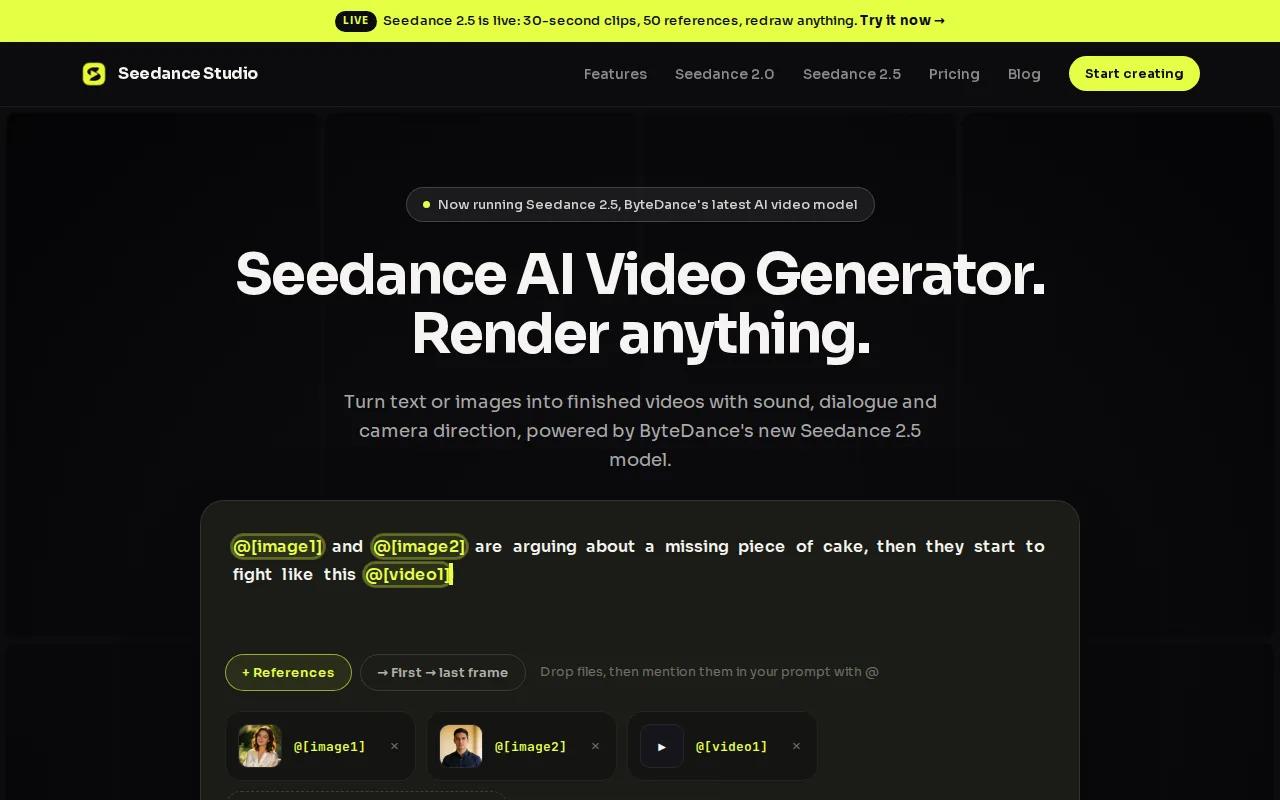
That price sits below the $16.67 average starting price in the comparison set. You can move from script to visual generation, then review the clip before export. The main caveat is that AI output still needs a human check for hands, text, timing, and brand details.
If speed matters, this is the first tool I'd test. You can also review the Seedance 2.0 prompt guide before your first batch.
2. Reelbase - TikTok-first publishing and ad testing
Reelbase is a TikTok-first video tool for faceless channels, content creators, and e-commerce brands testing ad ideas.
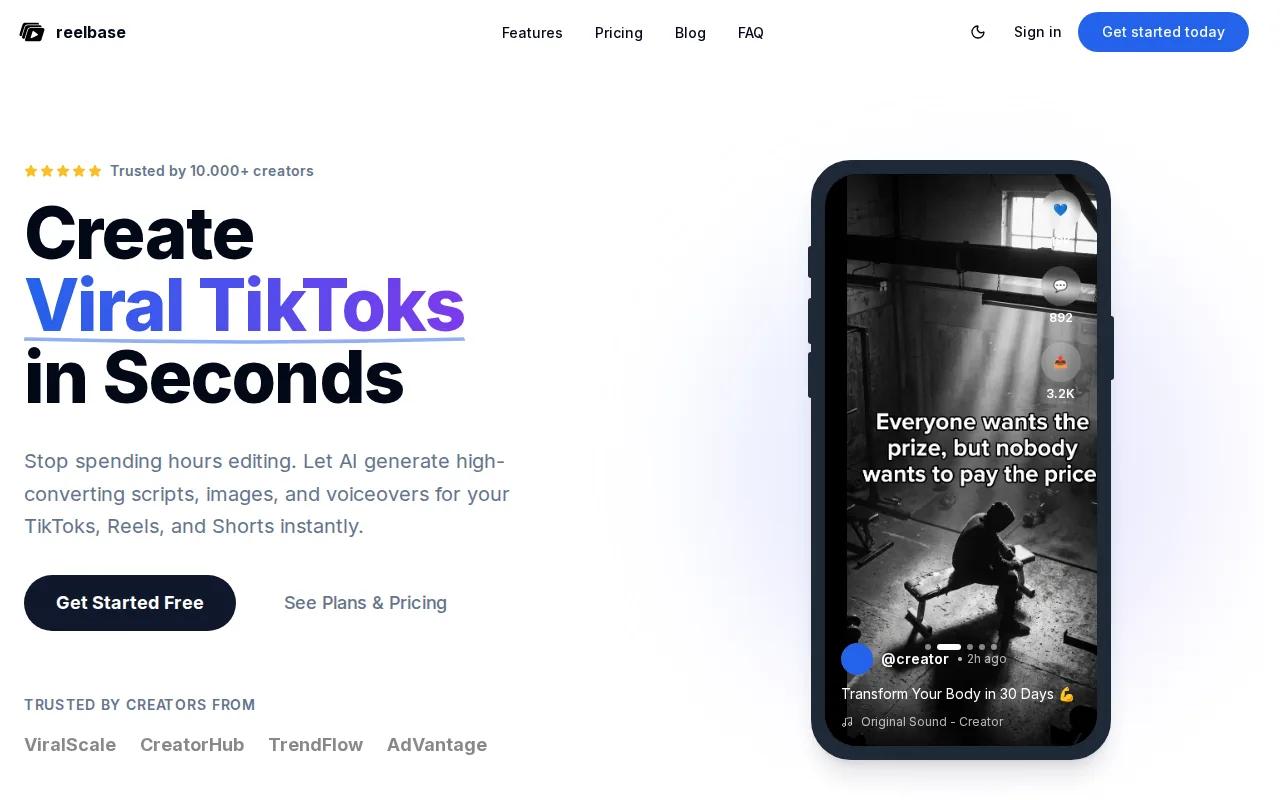
It can start with a text prompt or product URL. The workflow writes a script with a hook, assembles visuals, and supports direct TikTok publishing. Its listed starting price is $19 per month.
Reelbase fits teams that want fewer handoffs. You can test several hooks for one product instead of asking a designer to build each cut from scratch. The trade-off is focus: it leans toward slideshow-style short content, while cinematic tools give you more control over individual shots.
Keep the first seconds sharp. TikTok videos work best when the opening gives viewers a reason to stay, not a slow logo reveal. The tool's TikTok workflow comparison also stresses vertical output, hooks, captions, sound, and fast production.
3. Pictory - Repurpose blogs and written content
Pictory turns blog posts, scripts, articles, and presentations into short video clips. It's best for marketers and bloggers who already have written content.
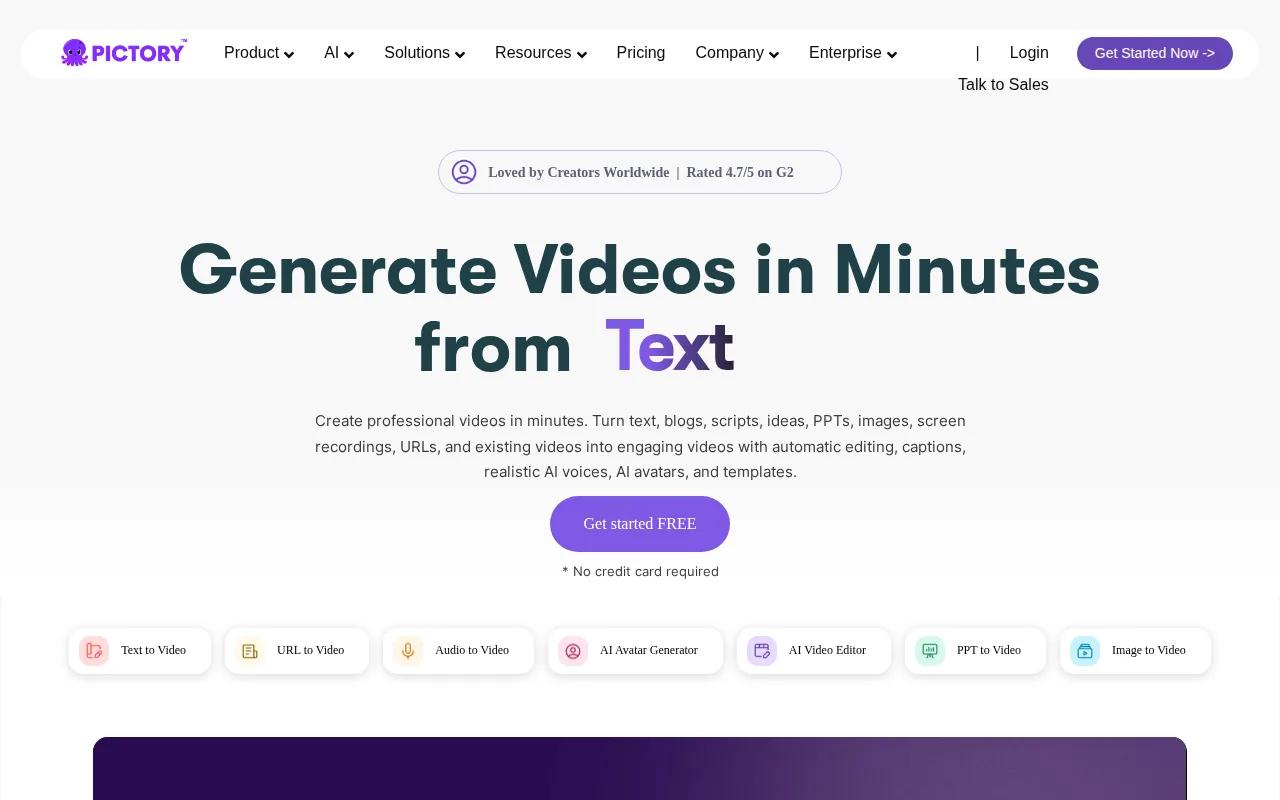
Paste in an article, then use the generated structure as a first draft. The tool's main strength is text-to-video conversion from existing content. That makes it useful for turning one blog post into several short educational clips without filming a new piece.
You still need to rewrite the opening for TikTok. Blog intros often explain too much before making a point. Cut the setup, place the result first, and add captions that work with the sound off. Pictory is less suited to fully AI-generated cinematic scenes.
Choose it when your content library is your raw material. If you need fresh visual stories from a single prompt, another pick will fit better.
4. Opus Clip - Turn long videos into TikTok clips
Opus Clip finds short moments inside podcasts, webinars, YouTube videos, and other long recordings. It's best for people who already have long-form video.
The tool can split a long recording into clips suited to TikTok, Reels, and Shorts. That saves the first round of searching, cutting, and reframing.
Opus Clip is a poor fit if you have no source footage. It won't replace a text-to-video generator for a new product scene or fictional story. But if you have a 45-minute interview, it can surface several possible posts before you open a full editor.
For creators who make both long and short content, a clipping tool can stretch each recording further. A complementary clipping tool can help with related editing tasks.
5. InVideo - Beginner-friendly video creation on a budget
InVideo is a general-purpose AI video maker for beginners and budget-minded creators.
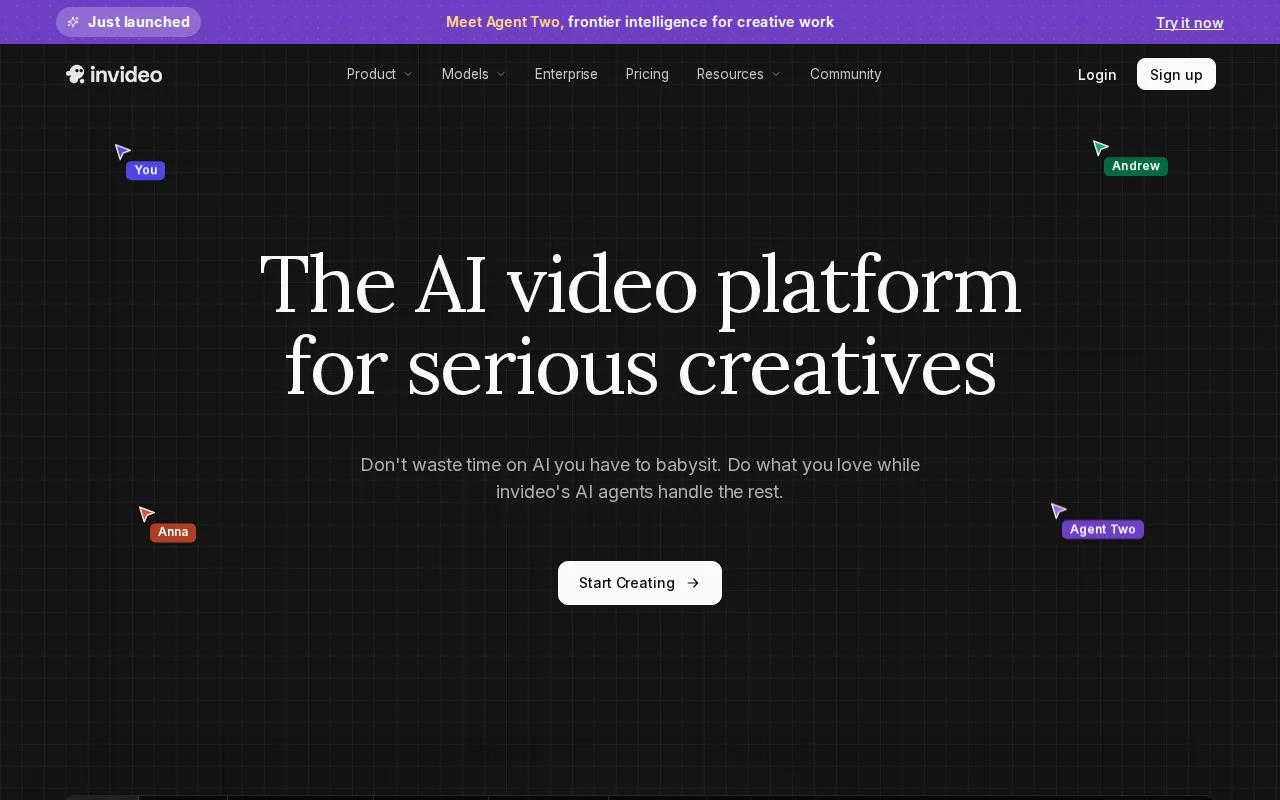
Its listed starting price is $9 per month. InVideo has text-to-video and AI avatar tools. It also has VFX-like editing tools, AI color grading, and a continuity engine that helps scenes feel less disconnected.
It doesn't have native TikTok publishing in the comparison, so you may need an extra upload step. That matters when you publish several variations each day.
Pick InVideo when you want a broad editor at a low entry cost. If TikTok-first output and native sound matter more than editing range, Seedance Studio is the sharper choice.
6. Runway - Precise motion control for creative videos
Runway is aimed at filmmakers, VFX artists, and brand video teams that want more control over motion.
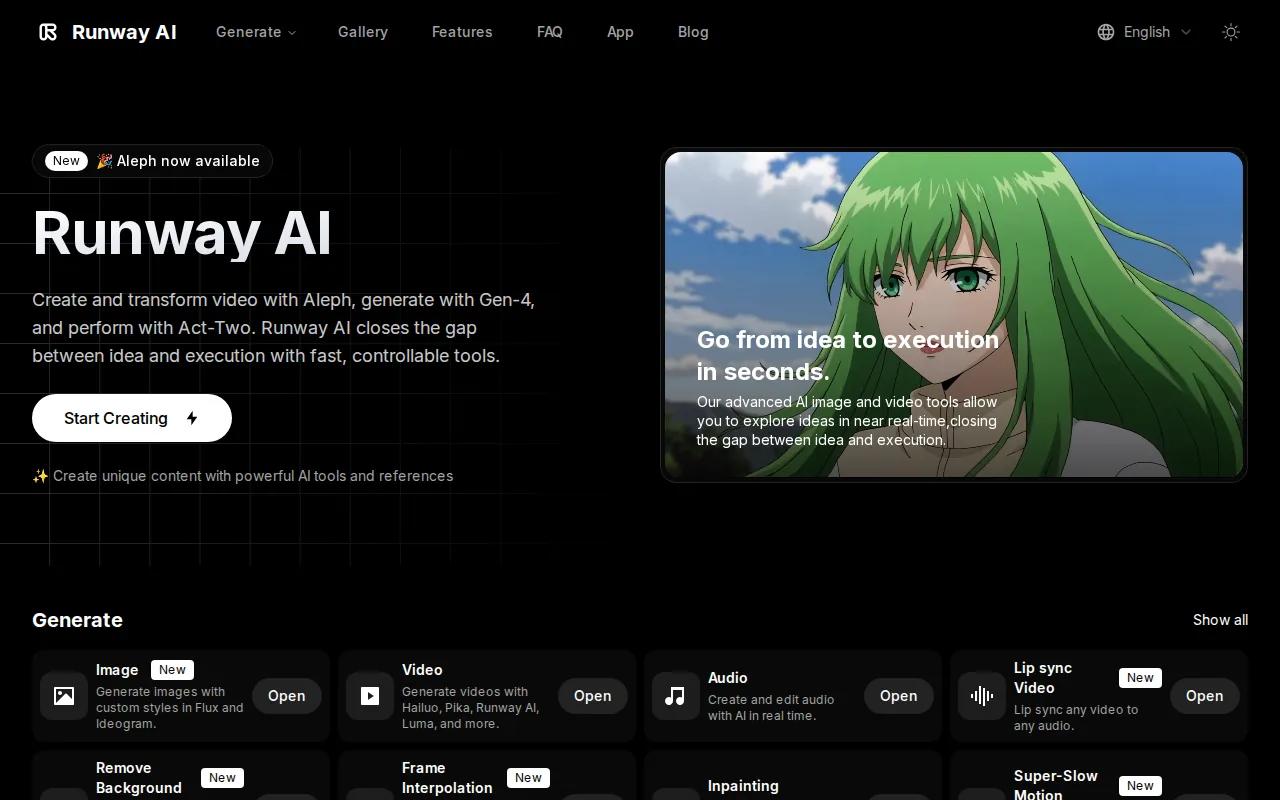
Its standout feature is the multi-motion brush. That gives you a way to guide separate movement areas inside a shot instead of relying on one broad prompt. The starting price is $12 per month.
This control helps when a product must stay still while a hand moves, or when the camera needs to track one subject. It also adds work. Runway is better for a creator who wants to shape a shot than someone who wants instant batch production.
Think of it as a shot-building tool. Use it when a generic result is close, but not close enough for the scene you want.
Generative video is still a form of AI-generated media, so review every frame before posting. Outputs can vary between prompts; see this overview for general background.
7. Kling AI - Realistic human motion for social content
Kling AI is designed for social creators and marketers who need believable movement from human subjects.
It starts at approximately $10 per month. Its strength is photorealistic human motion. It also supports multi-shot generation from one prompt, which can help a short story feel less like a set of unrelated clips.
Use Kling AI for dance, action, sports, or a person moving through a scene. Lip sync can be less reliable in some tests, so don't assume a talking character will match every word. For a voice-led post, test a short sample before building a full campaign.
It's a sensible pick when movement matters more than a complete TikTok publishing workflow.
8. Veo 3.1 - Cinematic clips with native audio
Veo 3.1 is a cinematic video model for brand clips, creator stories, and dialogue-led scenes.
Its key strength is native audio. The model generates sound in the same call as the video, which can help speech and action feel connected. It supports clips up to 120 seconds. The starting price is $28.99 per month.
Veo 3.1 also integrates with Adobe Firefly. Its main limitation is that base clips can cap at eight seconds, so longer work may need extensions and stitched scenes. That adds review time.
Use it for a polished dialogue scene when audio carries the message. Veo 3.1 has a strong fit for speech-driven shots. See the AI video generator comparison for TikTok if you're weighing model quality against workflow speed.
9. Fliki - Voice-led videos in many languages
Fliki is a text-to-video tool built around voice quality and language choice. It's best for creators who publish in more than one language.
It can turn text into video while adding voiceover, which makes it useful for narration-led explainers and faceless posts.
Test the same script in several voices before choosing one. A voice that sounds fine in a 10-second sample may feel tiring across a full series.
Fliki makes sense when language reach is the main need. For one-language TikTok content that depends on strong visual scenes, Seedance Studio or a scene-focused tool may save more work.
10. Sora - Coherent narrative videos and product stories
Sora is aimed at narrative videos, short films, and product stories where scene continuity matters.
Sora has a $20 per month starting price. Its noted strength is narrative and temporal consistency across a 60-second clip. That can help when a character must move through a sequence without changing shape or setting between shots.
The trade-off is cost. Check access and plan terms before you build a production system around it.
| Tool | Best fit | Known starting price | Key decision |
|---|---|---|---|
| Seedance Studio | Prompt-to-TikTok video | $14/month | Best balance of sound, references, and speed |
| Reelbase | TikTok publishing and ad tests | $19/month | Choose for direct publishing |
| Pictory | Written content repurposing | — | Choose when you already have articles |
| Opus Clip | Long-form repurposing | — | Choose when you already have footage |
| InVideo | Low-cost general editing | $9/month | Choose for a broad beginner editor |
| Runway | Motion control | $12/month | Choose when shot control matters |
| Kling AI | Human movement | Approx. $10/month | Choose for realistic action |
| Veo 3.1 | Dialogue and native audio | $28.99/month | Choose for cinematic speech scenes |
| Fliki | Voice-led multilingual posts | — | Choose for language coverage |
| Sora | Coherent story clips | $20/month | Check access before committing |
FAQ
Do I need a TikTok account to use an AI TikTok video maker?
You don't need a TikTok account to generate a video with most AI TikTok video maker tools. You will need an account to publish through TikTok, track views, or use direct publishing features. Start by exporting a test clip. Check its aspect ratio, captions, sound, and commercial-use terms before posting.
Can I export videos from AI TikTok tools?
Most paid AI video tools let you export finished clips, but free plans may add watermarks, lower resolution, or usage limits. Export the same test video before buying. Confirm that the plan allows commercial use if you're making ads, sponsored posts, or product content.
Which AI TikTok video maker is best for beginners?
InVideo is the clearest low-cost starting point for beginners because its listed paid plan starts at $9 per month. Seedance Studio is a better first test if you want prompt-based generation with camera direction, consistent characters, and native sound. Your choice depends on whether you need editing breadth or fast scene generation.
Can AI-generated TikTok videos make money?
AI-generated TikTok videos can support monetization, but the tool alone won't produce income. You still need original ideas, a clear niche, and content people choose to watch. Check TikTok's current rules for disclosure and monetization. Avoid copying another creator's script or visual style too closely.
What is the best workflow for making AI TikTok videos?
The best workflow starts with a short hook and script. Generate the visual, review the first seconds, edit captions and timing, then export in vertical format. Post a small batch before scaling. Compare watch time and retention, then make new versions of the strongest idea.
Conclusion
For most creators, Seedance Studio is the strongest first test because it joins prompt-based video, reference consistency, camera direction, and native sound at $14 per month. Start with one simple prompt, make three variations, and review them before you build a larger content batch. Learn how to use Seedance to make AI videos fast, then create a free account and test your first clip.