
A free tier doesn't always mean a clean export. In a review of 41 AI video tools, only 19 listed free access, and just about 9 appeared to offer watermark-free exports. Here are six strong picks for Reels, with the right use case and trade-off for each.
1. Seedance Studio: Our Top Pick
Seedance Studio is a browser-based AI video generator for Reels built around Seedance 2.0. Type a prompt, upload reference files, or mix both inputs to get a short video with camera direction, character consistency, and native sound.
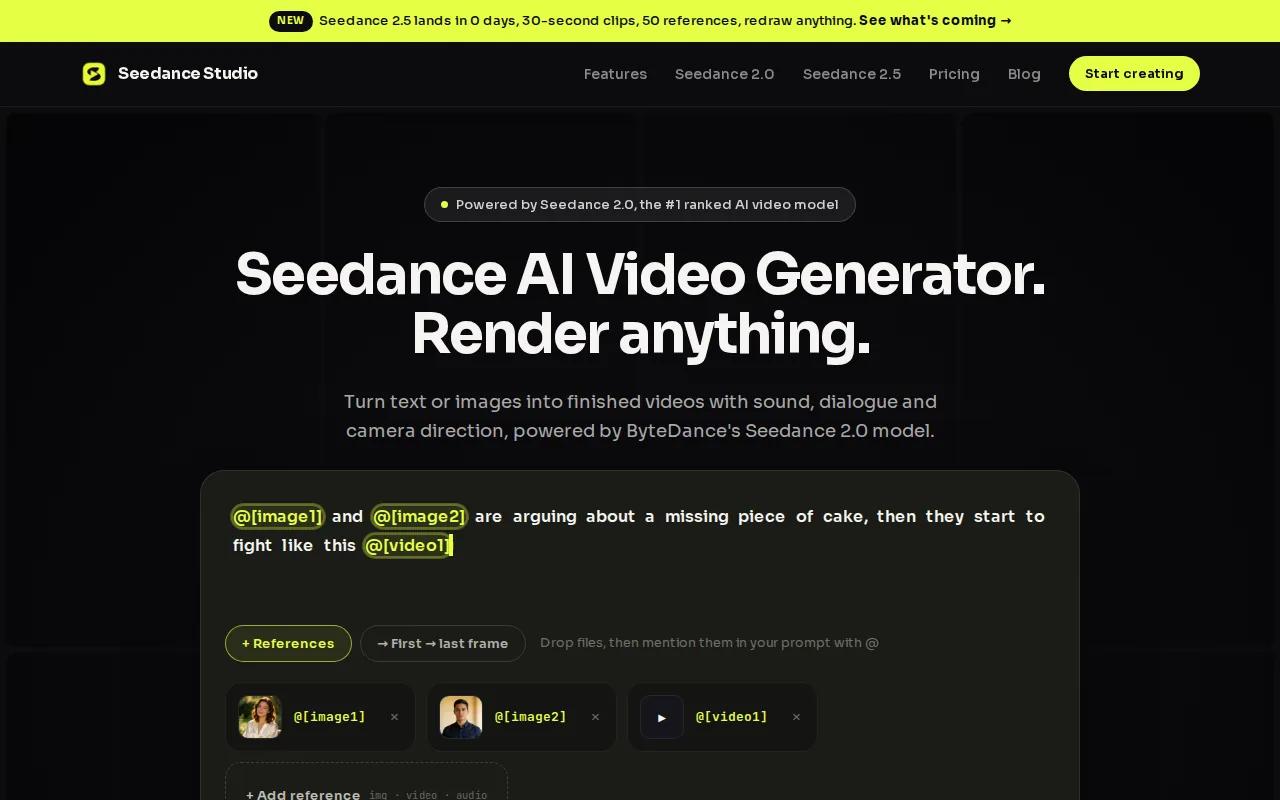
We like it most for creators who need more than a one-off visual. You can build a product teaser with a fixed logo, a character-led story with the same face, or a music clip that follows an audio reference. Seedance 2.0 can take text, images, video clips, and audio in one job. Its reference system lets you tell the model what each file should control.
The model supports clips from 4 to 15 seconds. That range fits Reels well because you can test a short hook before spending more credits on a longer scene. You can also describe shots such as a tracking move, orbit, dolly, or handheld camera in plain language.
We also like the built-in AI video generator with sound workflow. It can generate dialogue, sound effects, music, and ambient audio with the video. That cuts down the handoff to a separate audio tool.
If you want to test the workflow first, the Seedance 2.0 free plan gives you a way to start without a card. Paid plans begin at $14 per month, .
| Best use | What you get | Watch for |
|---|---|---|
| Character-led Reels | Reference consistency and native sound | Free exports use lower resolution and include a watermark |
| Product clips | Camera direction and image references | Short clips may need stitching for longer stories |
| Music-led content | Audio references and beat-aware visuals | Strong inputs still matter |
Seedance Studio is our top pick when you want one generation pass to handle both picture and sound. It runs in a browser, has no waitlist, and works well for fast social tests.
2. Runway: Best for Precise Camera Control
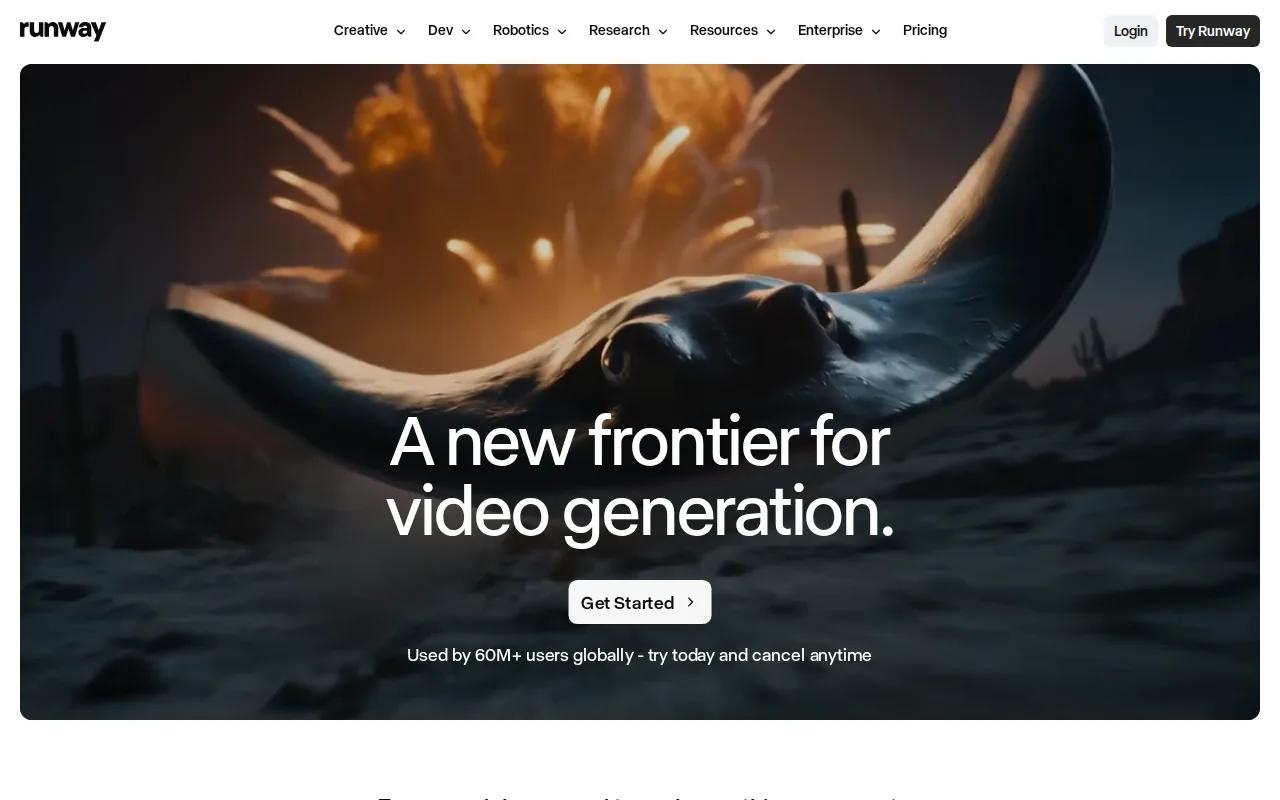
Runway is a strong AI video generator for Reels when camera movement matters more than speed. Its multi-motion brush gives you granular control over how parts of a scene move, while text prompts can set the camera direction.
That makes Runway a good fit for a product team that needs a controlled shot. Imagine a watch turning on a table while the camera makes a slow arc. You can direct the subject motion separately from the camera path instead of hoping one broad prompt gets both right.
Runway also supports text-to-video, custom model training, and native audio in the supplied research. Those tools suit a brand that needs repeated visual work with a known look. A trained style can help a team keep its output closer to a set visual brief.
The free tier includes 125 one-time credits, based on the research data used here. Credits can disappear quickly when you test many camera variations, so draft with short clips first.
Runway is less attractive when you need a full Reel assembled in one pass. You may still want a separate editor for captions, timing, and the final audio mix. For camera-led shots, though, it earns its place near the top.
Use Runway when the shot list is specific and the camera move is part of the idea, not a detail you can leave to chance.
3. Kling AI: Best for Realistic People and Lip-Sync
Kling AI is a strong pick for an AI video generator for Reels that centers on people speaking or moving. Its current video tools focus on character consistency, native audio, and lip-sync.
Start with a portrait or a text prompt. Then set the character, action, and scene. Kling says its video tools can lock a character's look across motion, which helps reduce the face changes that often ruin talking-head clips.
The lip-sync workflow is useful for short ads, skits, and creator-style hooks. You can generate matched voices and lip movement in more than one language or accent. In a multi-person scene, you can assign the speaker instead of leaving the model to guess.
Kling supports up to 15 seconds of continuous video in the supplied research. Its Narrative mode also targets longer story beats within a short clip. That gives you more room for a setup, line, and reaction than a very short generation.
The free tier includes a watermark. Memberships remove it, while higher plans support higher export quality. That fits the wider pattern in this category: free access often helps you test the tool, but a clean post may require payment.
Kling is a video tool for creating short clips. For a talking person, product presenter, or reaction clip, Kling is one of the clearest choices.
Pick Kling when a face must stay stable and the spoken line must match the mouth. Pick another tool if your Reel depends more on complex object motion than human performance.
4. Veo 3.1: Best for Cinematic Clips With Sound
Veo 3.1 is aimed at creators who want cinematic clips with native audio. It supports strong prompt adherence and clip lengths of up to 120 seconds in the supplied research, which is far beyond the length of most single Reel shots.
That extra duration helps when a scene needs a slow reveal. You might want a camera to move through a room, follow a subject down a street, or hold on a product before the final action. Longer generation can reduce the need to stitch many tiny clips together.
Native audio is the main draw. The model can produce sound with the picture instead of leaving you with silent footage. That matters for a scene where footsteps, room tone, or a spoken line carries the hook.
Veo 3.1 sits in the premium part of the research sample. The supplied comparison places it above $28 per month and notes that it has no meaningful free export. Watermarks or paid access can change the cost of testing, so set a clear shot brief before you generate.
For context, generative AI means software that produces new content from learned patterns and user input. Here, this tool applies it to moving images and sound.
Veo 3.1 makes sense for cinematic brand work where sound is part of the scene. It is harder to justify for quick daily posts that need many cheap variations.
5. Pika 2.5: Best for Creative Effects and Quick Edits
Pika 2.5 is a good AI video generator for Reels when the idea needs a visual trick. Its tool set includes Pikaframes, Pikaswaps, Pikaffects, and other effects, so you can alter a clip instead of starting from a blank prompt every time.
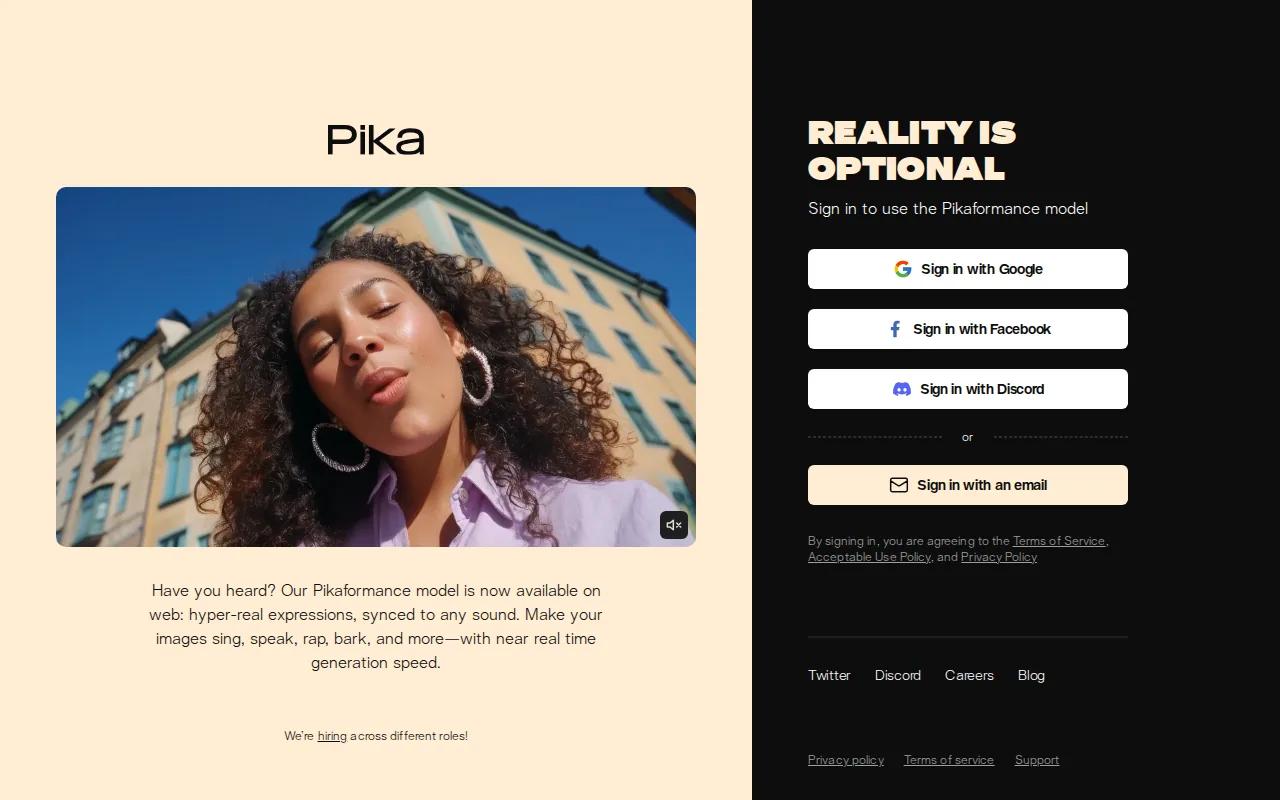
Use Pikaframes when you want to define a start frame and an end frame. Pikaswaps can replace an object. Pikaffects handle playful changes such as melting, inflating, or exploding an item. These are useful for short hooks because the effect can happen in the first seconds of the Reel.
Pika accepts text, still images, video, and audio. Its portrait animation tool can turn a portrait into a talking face that follows an audio track. That gives you a quick route to a mascot reaction, music clip, or short presenter shot.
The research places Pika 2.5 in the low-cost paid tier. It also notes a free tier and native vertical formats. Free use can still mean lower resolution or limits, so check the export setting before you plan a campaign around it.
For a deeper look at the input choices, the free image-to-video workflow explains why a clean reference image helps. The same rule applies here: a sharp subject with a simple background gives the model less to misread.
Pika 2.5 is the fun pick. Choose it when the visual effect is the content. Choose Seedance Studio or Runway when identity or camera control needs to stay steady across a series.
6. CapCut: Best for Mobile-First Reels Workflows
CapCut is the most natural choice for a mobile-first AI video generator for Reels. Its tools sit inside a broader editing workflow, so you can generate or assemble a clip and then add captions, music, timing changes, or templates in the same place.
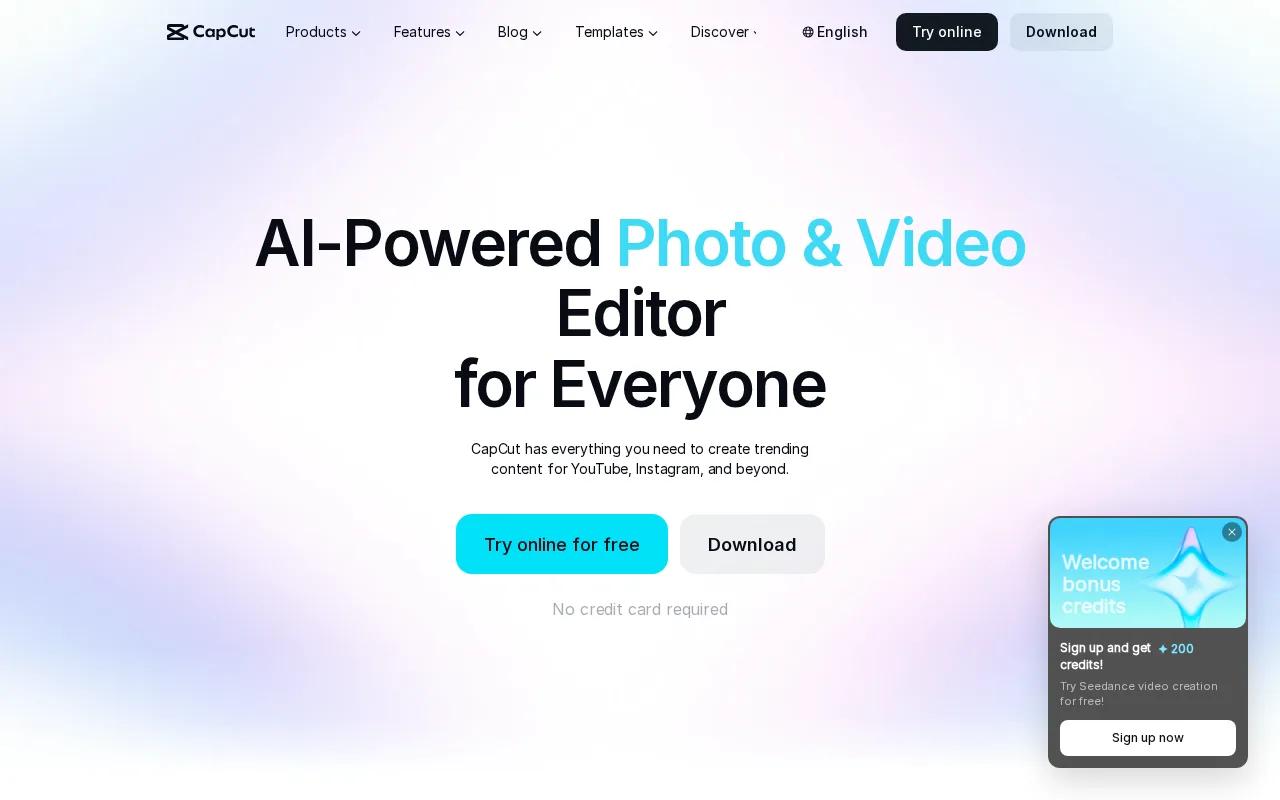
CapCut supports text, reference images, and keyframes for video work. It also has AI voice tools, auto subtitles, background removal, and social templates. That mix suits a creator who already has phone footage and needs to turn it into a finished post quickly.
The platform supports 9:16 vertical video, which matches the standard Reel shape. It also promotes free online editing with HD exports without a watermark for its video editor. Still, review each export because a template, stock asset, or paid feature may have its own limits.
CapCut is less focused on long, consistent AI scenes than Seedance Studio or Kling AI. Think of it as the finishing room. You can bring in generated clips, cut the weak parts, add text, and check the result on the device where most viewers will watch it.
That makes CapCut a sensible choice for daily posting, especially when editing speed matters more than one model's image quality.
Use CapCut when your Reel starts with existing clips or ends with a fast mobile edit. If you need the model to preserve a character through several generated shots, start with a more focused video model.
FAQ: AI Video Generators for Reels
What is the best ai video generator for reels?
Seedance Studio is the best overall pick when you want text or image input, camera direction, character consistency, and native sound in one workflow. Runway is better for precise camera control. Kling AI fits speaking characters. Pika 2.5 suits visual effects, while CapCut works best for mobile editing.
Can I make Reels with AI for free?
Yes, you can make test Reels for free, but clean exports are less common. The research sample found that only 19 of 41 tools listed a free tier, and many free plans add watermarks or limit resolution. Use free access to test prompts first. Pay only when the clip is worth posting.
What format should AI Reels use?
Use a vertical 9:16 format for most Reels. That fills the phone screen and avoids a crop after generation. Set the ratio before you render when the tool supports it. A late crop can cut off a face, product, or caption that looked fine in the original frame.
Which AI video tool is best for talking characters?
Kling AI is the strongest fit in this shortlist for talking characters because it focuses on identity control, native voices, and lip-sync. Seedance Studio is also a good choice when you need the character to appear across a wider scene with reference images and sound in the same generation.
Do AI-generated Reels have watermarks?
They may. Free tiers often add watermarks or lower the export resolution, while paid plans remove those limits. Check the export terms before you build a batch of posts. A free preview can look great in the editor but still fail your publishing needs after download.
Conclusion
Start with Seedance Studio if you want the best balance of control, consistent characters, and built-in sound. Create a free account, set the canvas to 9:16, and test one short prompt before you plan a full Reel series.


