Most AI avatar tools make a talking presenter. Seedance Studio goes further, with full video generation, camera direction, character consistency, and native sound in one pass. Here are five strong options, with a clear pick for creators, marketers, training teams, and small businesses.
1. Seedance Studio (Our Top Pick)
Seedance Studio is the best fit when you want an AI avatar video maker that produces the whole clip, not only a talking head. We built it for creators, marketers, and social teams that need short videos without a waitlist or download.
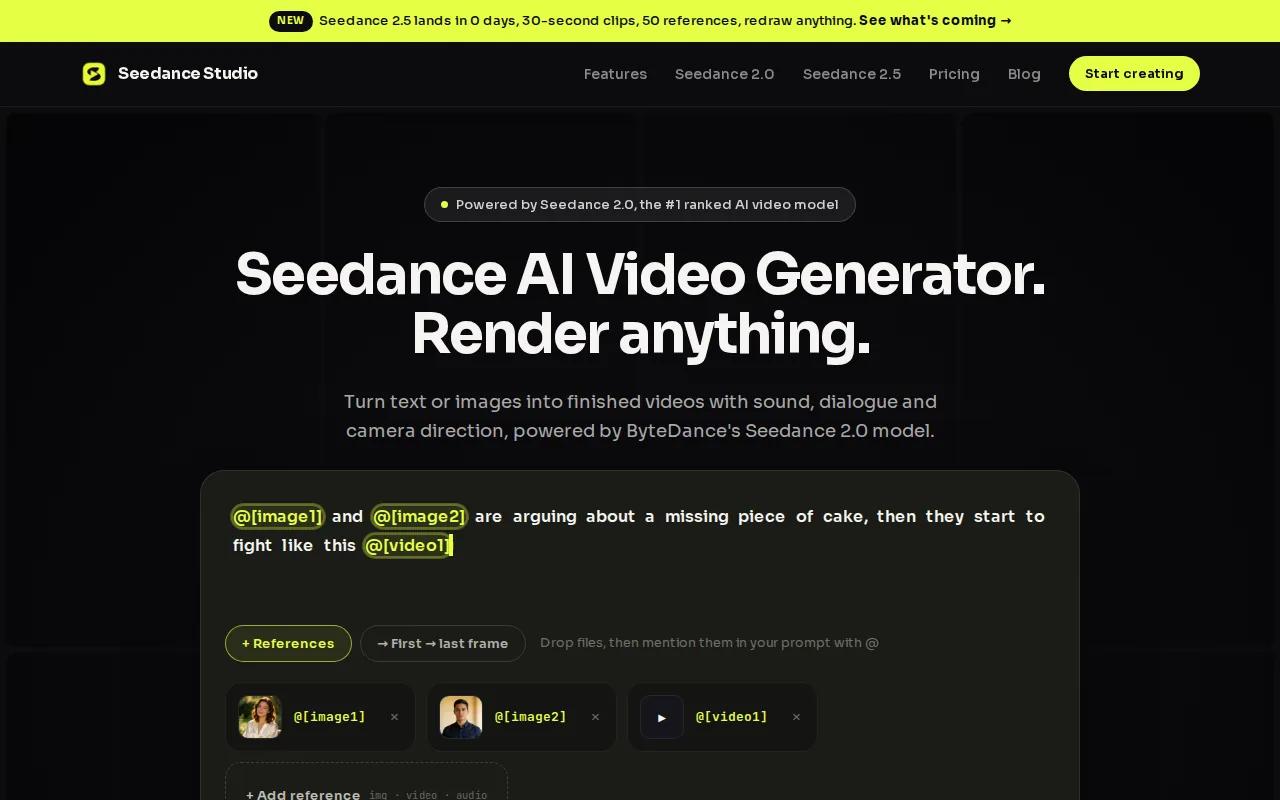
Type a prompt or upload reference images, video clips, and audio. Seedance Studio uses Seedance 2.0 to shape the scene, guide the camera, keep characters consistent, and add sound. The model accepts multimodal input, which means text, images, video, and audio can work together in one generation.
That changes the workflow. You can describe a person walking into a shop, add a reference image, request a slow tracking shot, and include spoken dialogue. The result can include lip-synced speech, sound effects, music, and motion that fits the scene. For more on Seedance 2.0, visit the Seedance 2.0 model page.
It also suits short-form work. Set a vertical format for TikTok, Reels, or Shorts. Add a product image for a quick ad concept. Use the same character reference across several clips when a campaign needs a steady look.
We offer a free tier, and paid plans start at $14 per month. That gives budget-minded creators a low-risk way to test the workflow before they commit. You can start in the browser, then move to a paid plan when you need more output.
The trade-off is clear. Seedance Studio focuses on generation rather than deep business integrations. If you need a direct CRM or LMS connection, another tool may fit better. For fast visual work with sound and camera control, it is the strongest first test.
You can also visit our making an AI avatar guide.
2. HeyGen, the widest avatar selection for beginners
HeyGen is a beginner-friendly AI avatar video maker built around ready-made presenters. It works well for marketers who want to paste a script, pick an avatar, and publish a clean talking video quickly.
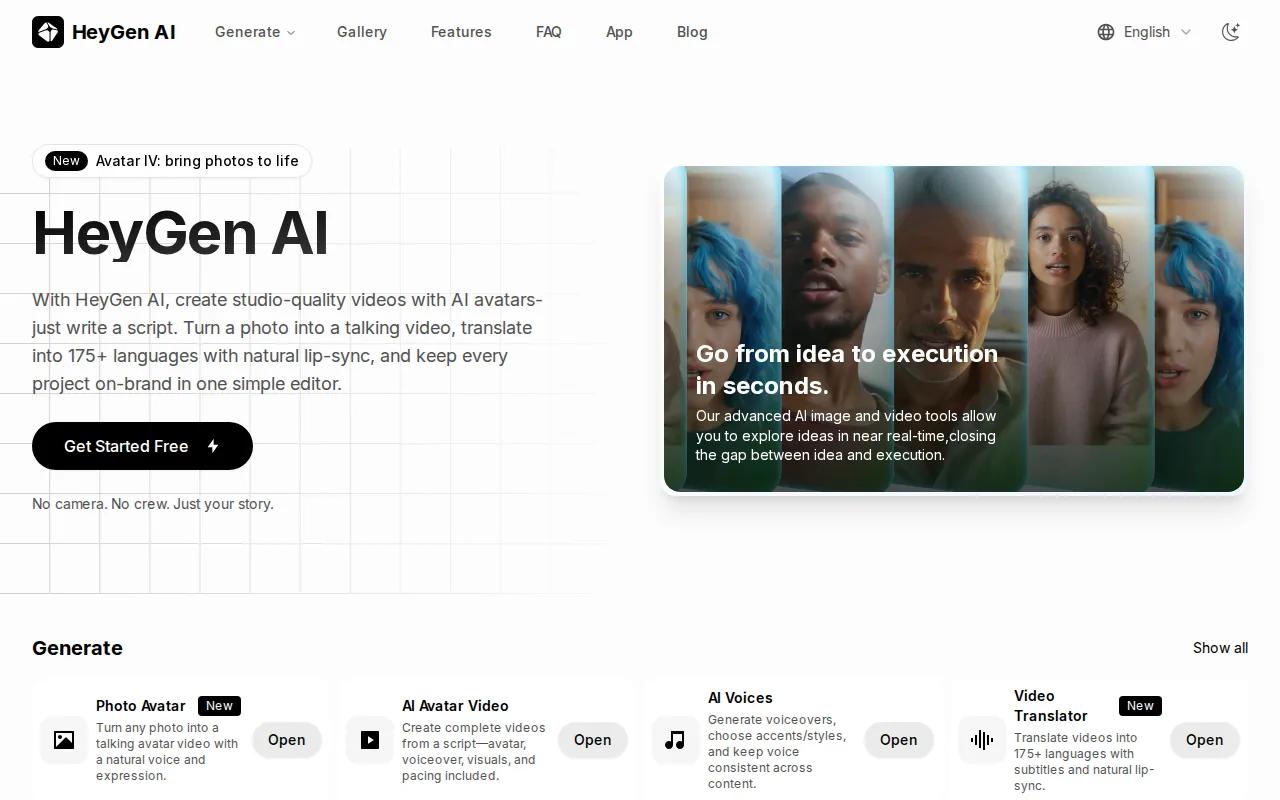
Its main strength is choice. It offers more than 500 avatars, which gives new users many looks to test before they record a custom presenter. HeyGen also supports an Instant Avatar made from a short webcam recording, so a founder or creator can build a digital version of themselves.
Language support is another reason to consider it. Its video translation workflow includes lip-sync in more than 40 languages. That can help a social team adapt one product message for several markets without filming each version again.
HeyGen also lists a real-time streaming avatar. That matters when the avatar needs to respond during a live demo or interactive session instead of playing one fixed clip. For a standard social post, though, the script-to-video workflow is the main draw.
The free tier includes three videos per month. That is enough to test the editor and judge the voice and lip-sync before paying. At higher volume, credit-based pricing can make repeated drafts more expensive, especially when you are testing many hooks for ads.
HeyGen is a good choice for a marketer who wants a human presenter on screen. It is less suited to a cinematic clip where the character moves through a detailed scene. Seedance Studio is the better match when the video needs wider visual direction, native sound, or a more open-ended setting.
Keep your first script short. A strong opening line, one clear benefit, and one next action usually make a better test than a long company speech.
3. Synthesia, best for polished company training videos
Synthesia is the strongest fit for companies that need polished training, onboarding, or internal communication videos. Its AI avatar video maker is built around brand control, team review, and repeatable production.
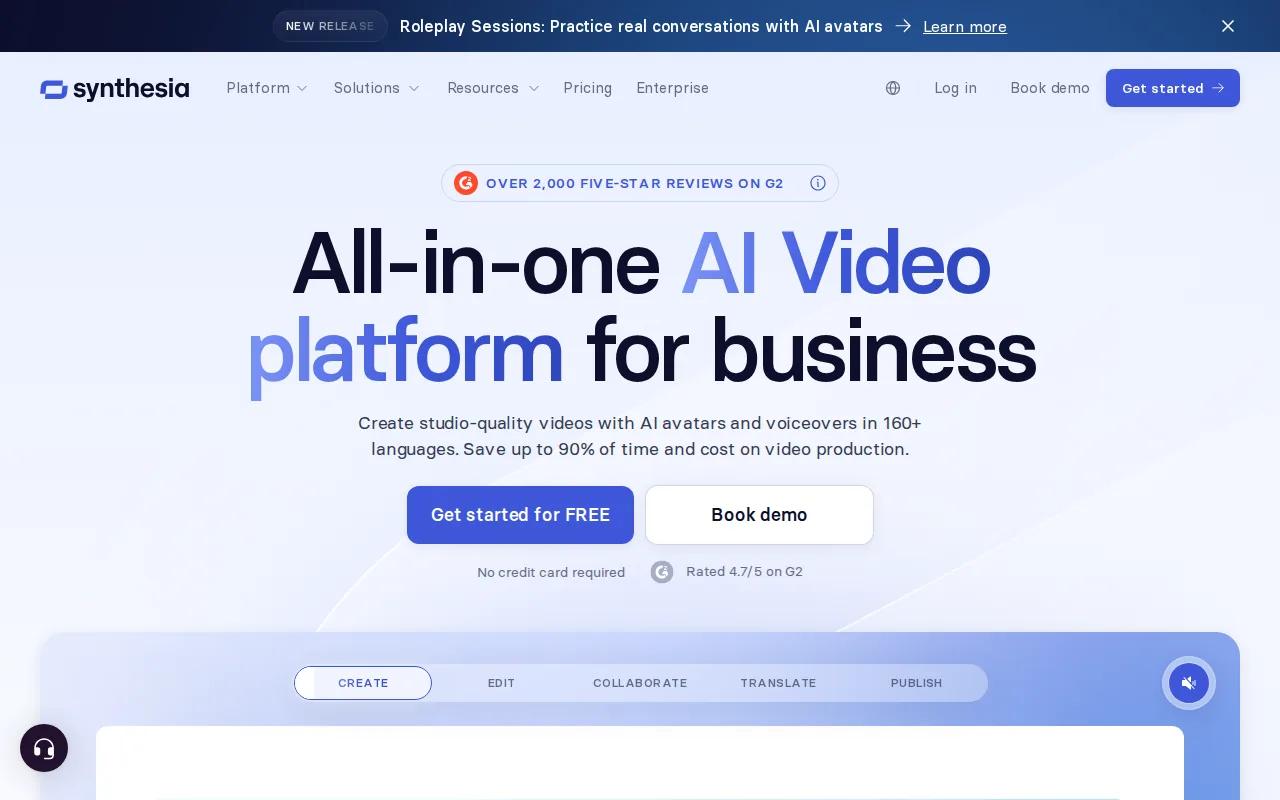
The platform has a brand kit for company colors, logos, and fonts. That helps when many people make videos but every video still needs to look like it came from the same company. A training manager can set the visual rules once, then hand the work to other team members.
Synthesia also turns documents, links, or ideas into video drafts. Its AI scribe can help convert existing material into a starting point. That is useful when a policy document needs to become a short onboarding lesson instead of sitting unread in a shared folder.
Security and governance matter here. The company lists SOC 2 Type II and GDPR compliance, along with controls for personal avatar consent. These details make the tool easier to review when legal, HR, or security teams need to approve an avatar workflow. The Seedance Studio homepage is a useful contrast because Seedance Studio keeps its pitch focused on quick browser-based generation rather than enterprise governance.
Synthesia is not the natural pick for trend-led social clips. Its strengths show up when a business needs the same lesson updated, translated, and shared across a team. Pricing can also rise when you need advanced team features or a high volume of content.
Choose it when the video is part of a formal learning system. Choose Seedance Studio when the main goal is to make a striking short clip before the trend passes.
4. D-ID, best for turning real photos into avatars
D-ID is a strong AI avatar video maker for teams that want to animate a real photo. Upload a face image, add a script, and turn that still image into a speaking digital person.
Photo-to-avatar conversion is its clearest strength. That makes D-ID useful for a founder message, a campaign built around a real person, or a history project that brings an old portrait to life. The tool can also work with illustrations and other stylized faces, which gives artists more room than a stock presenter library.
D-ID supports video creation and real-time interaction in more than 120 languages. It also provides an API, so a development team can add avatar video or a digital human to its own app. That is a different path from a simple browser editor. You may need technical help, but the result can fit a custom customer or support workflow.
The platform also covers interactive agents. An agent can respond to users in a live experience instead of delivering one fixed script. That could suit a product guide on a website, though it adds planning work around the knowledge base, response rules, and user safety.
D-ID is less compelling if you want rich camera direction or a full scene made from several references. Its center of gravity is the face and the interaction. For a photo-led announcement, that focus is useful. For a fast cinematic social clip, Seedance Studio gives you more control over the full frame.
Check image rights before you animate a real person. You need permission to use their face and voice, especially when the clip will run in ads or public channels.
5. VEED, best for avatars plus quick video editing
VEED combines AI avatars with a general video editor. This makes it a usable AI avatar video maker for creators and small teams that need to make a presenter clip, add captions, trim it, and post it without switching tools.
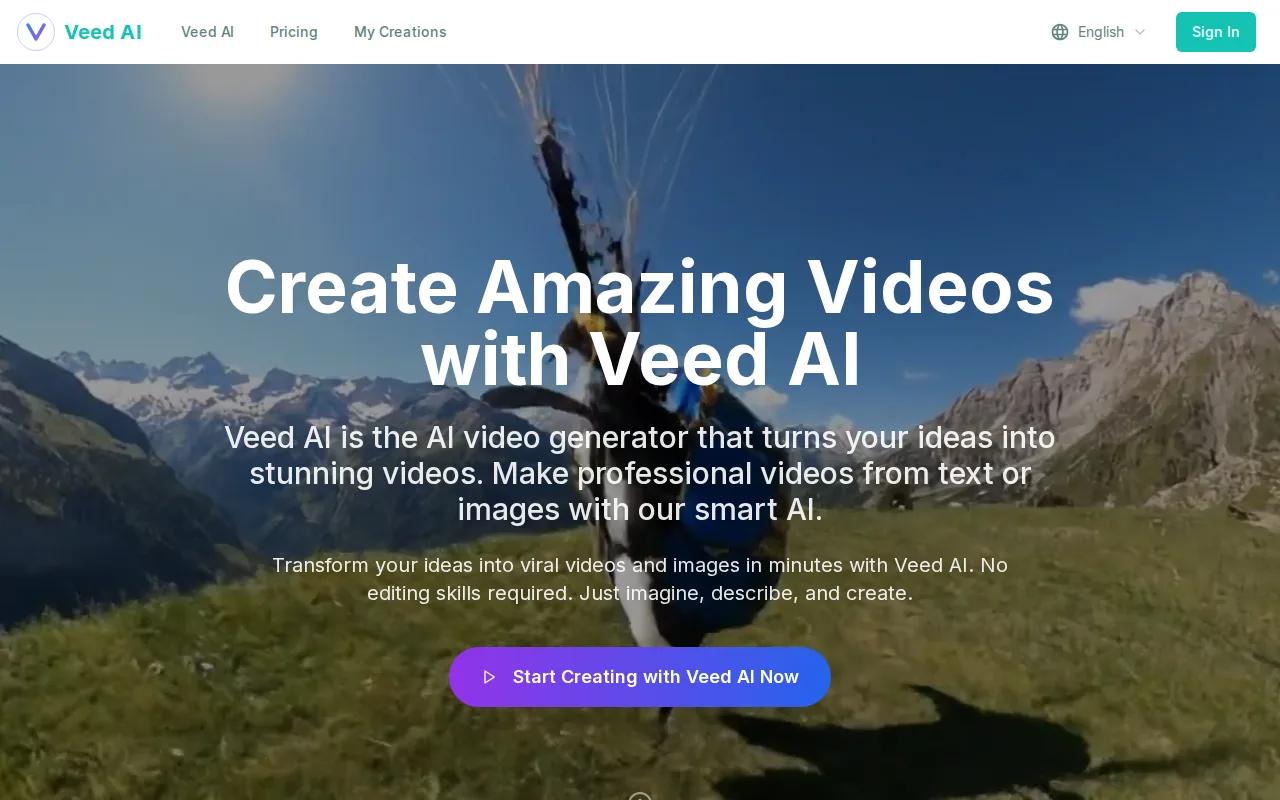
The editor is the main reason to choose VEED. You can start with an avatar-led clip, then shape it for a feed with subtitles, brand colors, fonts, logos, and other edits. That suits a social manager who has a finished script but still needs to fit the video to a platform format.
VEED also targets quick production. It combines AI avatars with general video editing tools for creating quick videos. The tool is better for short edits and social packaging than for complex character scenes. Think of it as an avatar layer inside a broader editing desk.
That wider editor can save time in a daily content workflow. A team might make a short presenter clip, cut the first two seconds, add captions, place a product image beside the avatar, and export a vertical version. The work stays in one browser tab.
The limit is depth. If your main need is native audio, detailed camera movement, or strong character continuity across generated scenes, VEED may feel more like an editor than a full video engine. Seedance Studio is a better starting point when the generation itself is the hard part.
Use VEED when you already know how the video should look and need fast polish. Use a generation-first tool when you are still building the scene from a prompt.
For teams that want to turn a script into a finished clip before editing, explore AI script-to-video workflows.
AI avatar video maker comparison: Which tool fits your workflow?
The right pick depends on where the work starts. Some tools begin with a stock presenter and a script. Others begin with a photo. Seedance Studio begins with the scene, then lets you add a character, a camera move, or sound reference.
Use this table as a decision filter rather than a scorecard. A free plan helps you test a tool, but it does not tell you how well it fits your full workflow.
| Tool | Best fit | Strongest point | Watch for |
|---|---|---|---|
| Seedance Studio | Short clips, ads, and creator content | Full-scene generation with camera direction, consistent characters, and native sound | Fewer stated integrations |
| HeyGen | Beginners and multilingual marketing | More than 500 avatar choices and three free videos per month | Credit costs can rise with many drafts |
| Synthesia | Company training and internal video | Brand kits, team workflows, and broad language support | May be more than a solo creator needs |
| D-ID | Photo-led videos and digital humans | Photo-to-avatar conversion and API access | Less focused on cinematic scene generation |
| VEED | Social teams that need editing too | Avatar creation inside a broader video editor | Generation depth may be lighter |
There is also a clear split between automation and integration. A tool with an API can fit a larger software stack, while a tool with full-scene generation can reduce the number of production steps. You should decide which problem costs your team more time.
For a no-cost first test, compare the free tiers and the number of usable drafts they allow. Free access varies across tools. That makes Seedance Studio a sensible first stop if you want to test broad video generation without waiting for approval or downloading software.
Before you subscribe, make one sample for your real use case. Use the same script, the same character idea, and the same target format. Watch for lip-sync, face drift, awkward movement, caption work, and how many manual edits remain.
For prompt control, use the Seedance 2.0 prompt guide. State the subject, action, setting, camera, light, sound, and limits without stuffing every idea into one vague sentence.
FAQ
What is the best AI avatar video maker for beginners?
Seedance Studio is the best first test for beginners who want more than a talking head. You can type a plain prompt, add reference files, and generate a short clip in the browser. HeyGen is also easy for script-led presenter videos, while VEED is better when quick editing and captions matter as much as the avatar.
Which AI avatar video maker has a free plan?
Seedance Studio has a free tier, and the research also lists free access for tools such as HeyGen and Synthesia. Free plans vary in limits, so check how many videos, minutes, or exports you receive. A free tier is most useful when it lets you test your actual script and target format.
Can AI avatar videos include sound?
Yes, some AI avatar video tools can include sound during generation. Seedance Studio supports native sound, including dialogue and effects, while other tools may focus on voice and lip-sync first. If sound is central to your video, test music timing, spoken words, and lip movement before you judge the final output.
What is the best tool for company training videos?
Synthesia is the best fit for formal company training because it focuses on brand kits, team workflows, language support, and business controls. D-ID can also help with lessons that use a real photo or interactive digital human. Seedance Studio fits training previews and short explainers when scene control matters more than LMS features.
Can I turn a photo into an AI avatar video?
Yes, D-ID is built for turning real photos into speaking avatars. Seedance Studio can also use reference images inside a wider text-to-video or image-to-video scene. Use a clear image with visible facial details, and make sure you have permission to use the person’s likeness before publishing the result.
Conclusion
Choose Seedance Studio if you want the broadest creative control in one browser-based workflow. Start with a free account, upload one clear reference image, and test a 10 to 15-second vertical clip before the next trend moves on.