The fastest ad teams don't wait for one polished idea. They make several rough versions, cut the weak ones, and improve the winner. A lean agency plan for fast ad production pairs clear briefs with AI video generation, quick review cycles, and channel-ready exports.
That shift matters because many AI video tools stop at the render. The best agency workflows keep moving through scripts, captions, format checks, approval, and testing.
Step 1: Set Clear Speed, Quality, and Output Targets
Your agency plan for fast ad production needs a target before anyone opens a generator. Set the time from brief to first cut, the number of drafts per batch, and the quality checks every ad must pass.
Start by reviewing your last creative cycle. Mark the time spent on active work. Then mark every period when an asset sat in an inbox, a review queue, or a shared folder.
Those gaps often matter more than editing speed. A single ad may need about six hours of active work, yet take four to seven days to reach approval because each handoff creates a wait.
Write a simple service target for each client. For example, your team might aim to send three approved variants in the same week. A single revision request may have a 48-hour target once the client has a working hook bank.
Next, set the batch size. A useful starting point is six to nine rough variants. Give each one a clear angle, then make two or three cuts inside that angle.
Judge the batch with a short rubric:
- Does the opening claim make sense within the first few seconds?
- Does the ad match the approved offer?
- Can a viewer understand it without sound?
- Does the frame fit the planned channel?
- Does the claim need legal or platform review?
Keep a separate target for volume. A three-person performance shop may support six to eight retainer clients. At four to eight fresh ads per client each month, that can mean 30 to 60 finished videos before test results come back.
Don't assume another editor will fix a queue. First remove needless handoffs. Then give one person clear ownership for the brief, the cull, and the client batch.
Set your budget by production stage, too. Spend human time on judgment. Let software handle repeat work such as rough cuts, captions, and format changes. You can compare current plan levels on Seedance Studio pricing and plans before you set a per-client production budget.
Step 2: Turn Each Client Brief Into Modular Ad Concepts
A modular brief gives your agency plan a repeatable unit of work. It lets you change the hook or opening scene without rewriting the whole ad.
Keep the brief to one page. Include the landing page, the offer, the audience, and the one question this batch should test. Add approved proof points and words the client doesn't want used.
Then split the idea into parts. A useful ad module might contain:
- One opening hook.
- One problem or desire.
- One product action or visual proof.
- One benefit statement.
- One call to action.
Write three angles before you write six scripts. For a skincare brand, one angle may focus on a daily problem. Another may show a simple routine. A third may lead with a customer question. For B2B software, the angles might focus on lost time, a costly error, or a slow handoff.
Don't make six cosmetic versions of one thought. If every opening says the same thing with a new background, your team learns very little.
Keep the spoken copy short. A 15-second ad usually needs about 30 to 40 spoken words. A 30-second ad usually needs about 60 to 80. Use plain speech. Cut any line that sounds like a brochure.
Use stable reference tags across the batch. A prompt might call the person [Char_A] and the item [Product_1]. Upload a reference image when the face, product shape, or color must stay consistent. Seedance Studio supports prompt-based generation plus reference images, video clips, and audio, so your brief can carry visual direction into the first cut.
Build the prompt in this order: subject, action, setting, camera move, light, sound, and limits. This keeps the model focused. It also makes the prompt easy to reuse when you change only the hook.
For more prompt structure, use the Seedance Studio prompt examples for AI video as a starting point. Keep your own winning prompts in a client folder. Add the result beside each prompt after the ad runs.
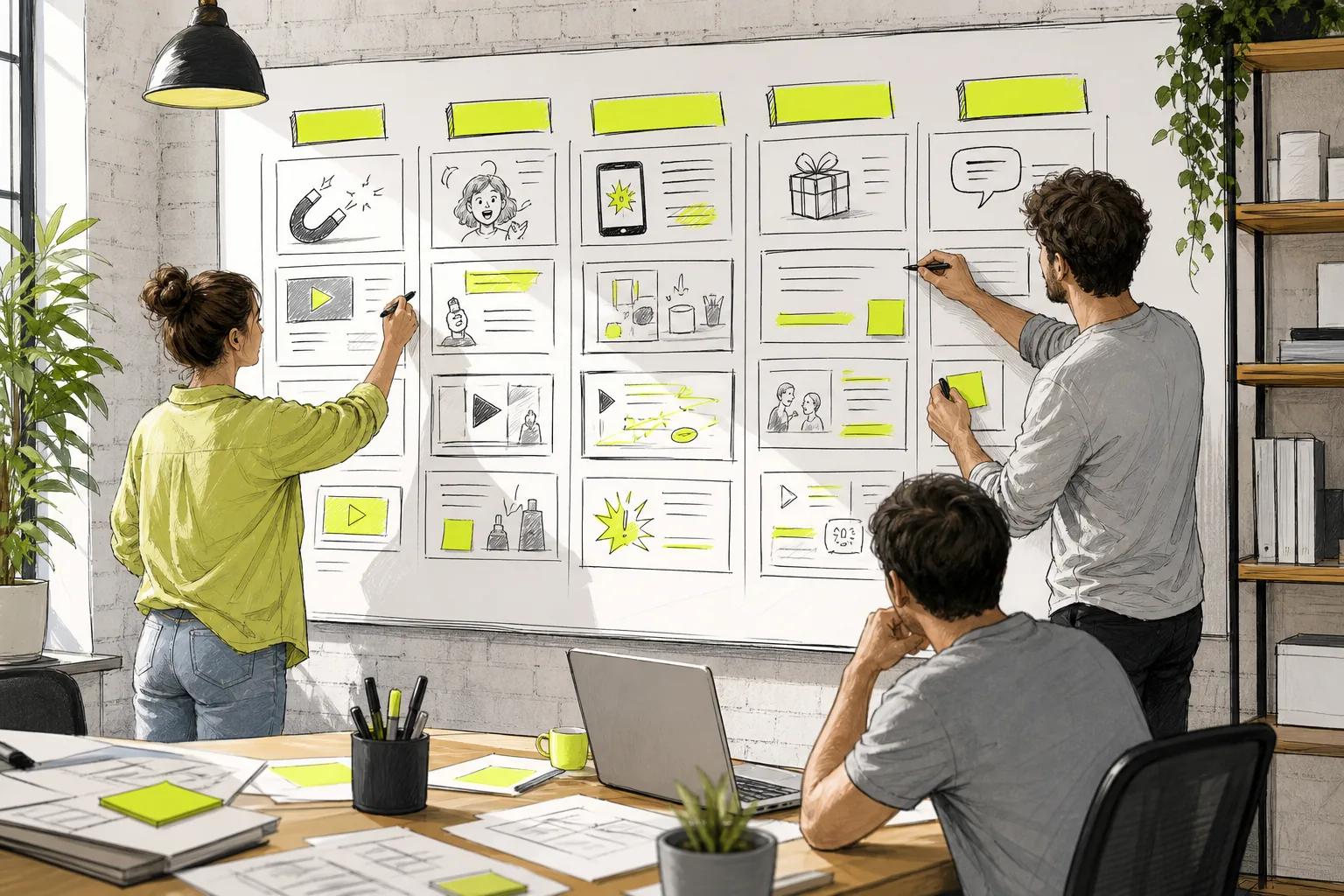
Over time, split that folder into three columns: hooks that beat the account baseline, hooks that stalled, and approved offer language. A skincare hook should not become the default for a SaaS account. Context changes how people scroll.
By the end of this step, you should have three angles, six to nine rough concepts, and a prompt that can be reused without starting from zero.
Step 3: Produce First Cuts Quickly With AI Video Tools
Use AI video tools to make first cuts fast, not to skip judgment. The goal is to turn one brief into enough useful footage for a smart cull.
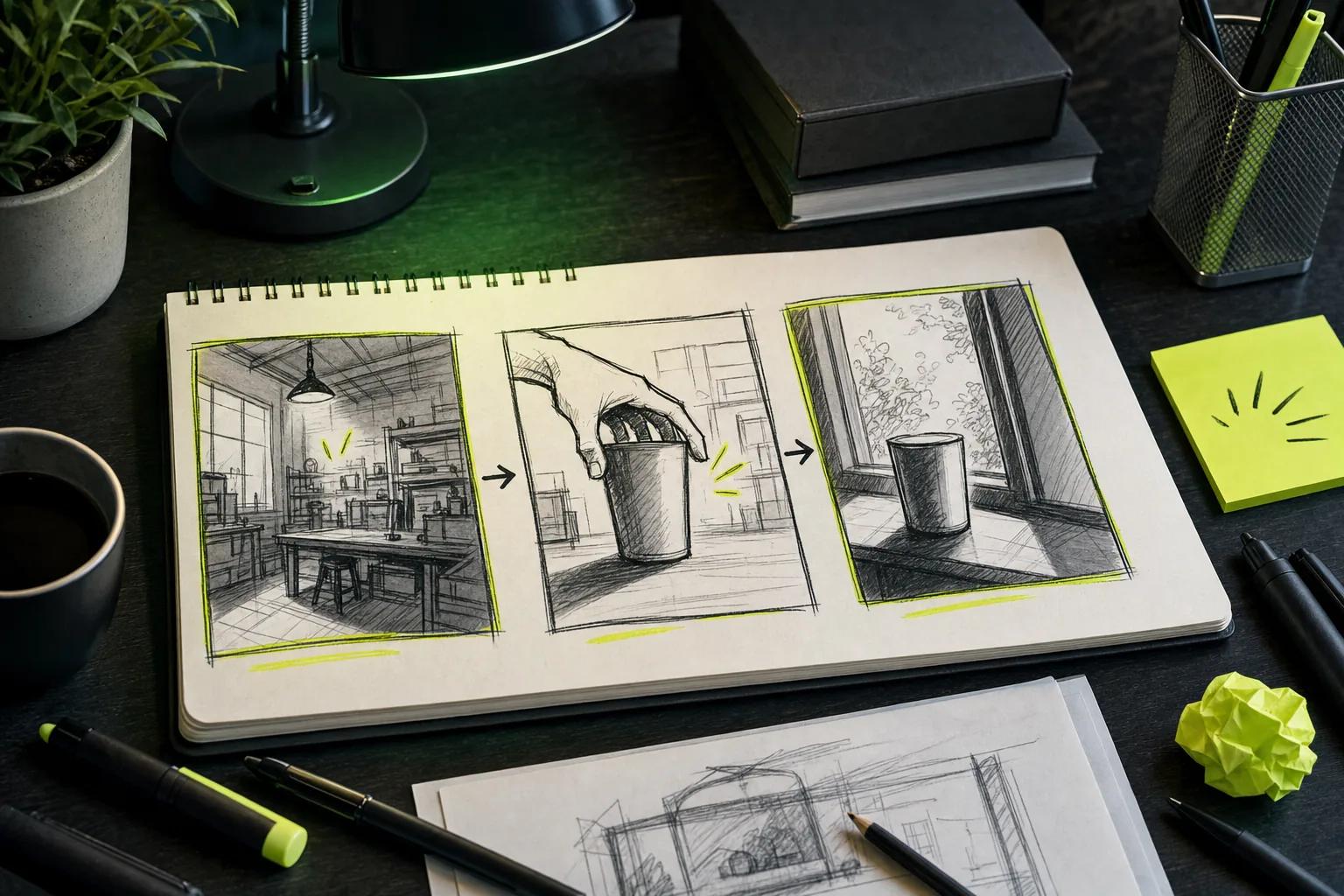
Start with the shortest useful shot. Current video models often work best when you generate focused clips of a few seconds, then join them in an editor. A 15-second ad may need three short scenes rather than one long prompt with several actions.
Open Seedance Studio in your browser. Type a prompt or upload reference images, clips, and audio. We built Seedance Studio for creators and marketers who need short videos for TikTok, Reels, and YouTube Shorts without a download or waitlist.
Set the format before you generate. Use 9:16 for vertical short-form placements. Use 1:1 or 4:5 when the feed needs a square or portrait cut. Use 16:9 for widescreen placements.
Ask for camera direction in the prompt. “Show a person holding the item” leaves too much open. “Start on a close shot, then move toward the subject as they turn to camera” gives the model a clearer path.
Keep dialogue and sound tied to the scene. If the tool generates native sound, check the words and timing before you move on. If the clip has no sound, add voiceover in your edit step.
Generate rough cuts at a lower setting when your plan supports it. First check the composition, face, motion, and product shape. Only render the final version after the shot works.
Seedance Studio uses Seedance 2.0 for text-to-video and image-to-video generation. It can handle camera direction, consistent characters, and native sound in one workflow. You can test the process with the step-by-step Seedance video workflow before adding it to a client queue.
Now make variants by changing one major input. Change the first line in one cut. Change the opening visual in another. Keep the offer stable so the test can tell you which hook worked.
Don't ask a generator to solve every brand problem. Synthetic presenters may fit a direct-response offer. They can feel wrong when the brand depends on a real person or a highly specific visual style. Use generated b-roll when a talking head would feel forced.
By now you should have six to nine rough cuts, each tied to one angle and one test idea. The next job is deciding what deserves a client review.
Step 4: Build a Fast Review and Quality-Control Loop
A fast ad production plan needs a hard review loop. Speed without review creates rework, rejected ads, and trust problems.
Watch each cut twice. On the first pass, judge the opening and the main idea. On the second, inspect faces, hands, text, audio sync, captions, and any product detail.
Use a 30-second internal check for every variant. Score the ad against the same questions. A reviewer should be able to reject a weak idea without asking the editor for another round.
- Is the hook clear before the viewer scrolls?
- Does the first frame work on a small phone screen?
- Does the spoken claim match the landing page?
- Are captions easy to read?
- Is the call to action visible and accurate?
- Does the ad meet the channel's file and ratio rules?
Keep compliance inside the first review. A fast render doesn't make a health claim safe. It also doesn't make an offer true. Advertising claims should be truthful and backed by evidence when evidence is required.
Use one shared review document. Put the cut, its angle, the intended audience, and one-line reasoning together. Clients can approve a batch with one decision instead of reviewing three separate email threads.
Ask for focused feedback. “The opening feels slow” helps. “Can you make it pop?” sends the work back into guesswork. Give clients a short list of choices when possible, such as hook A or hook B.
Set a limit for revisions. If the core idea fails, replace it. Don't spend an hour polishing a weak hook because the edit already exists.
Run a platform check before launch. Other channels have their own rules, so the account owner should confirm the current requirements.
After launch, wait for enough data to guide the next batch. The research behind this workflow found that agency-style plans tend to cover the full path from hook to post, while many standalone generators describe only the render. Your review system is what closes that gap.
The milestone is simple: three cuts leave your team with a rationale, a clean export plan, and no open claim question.
Step 5: Scale the System Across Channels and Client Campaigns
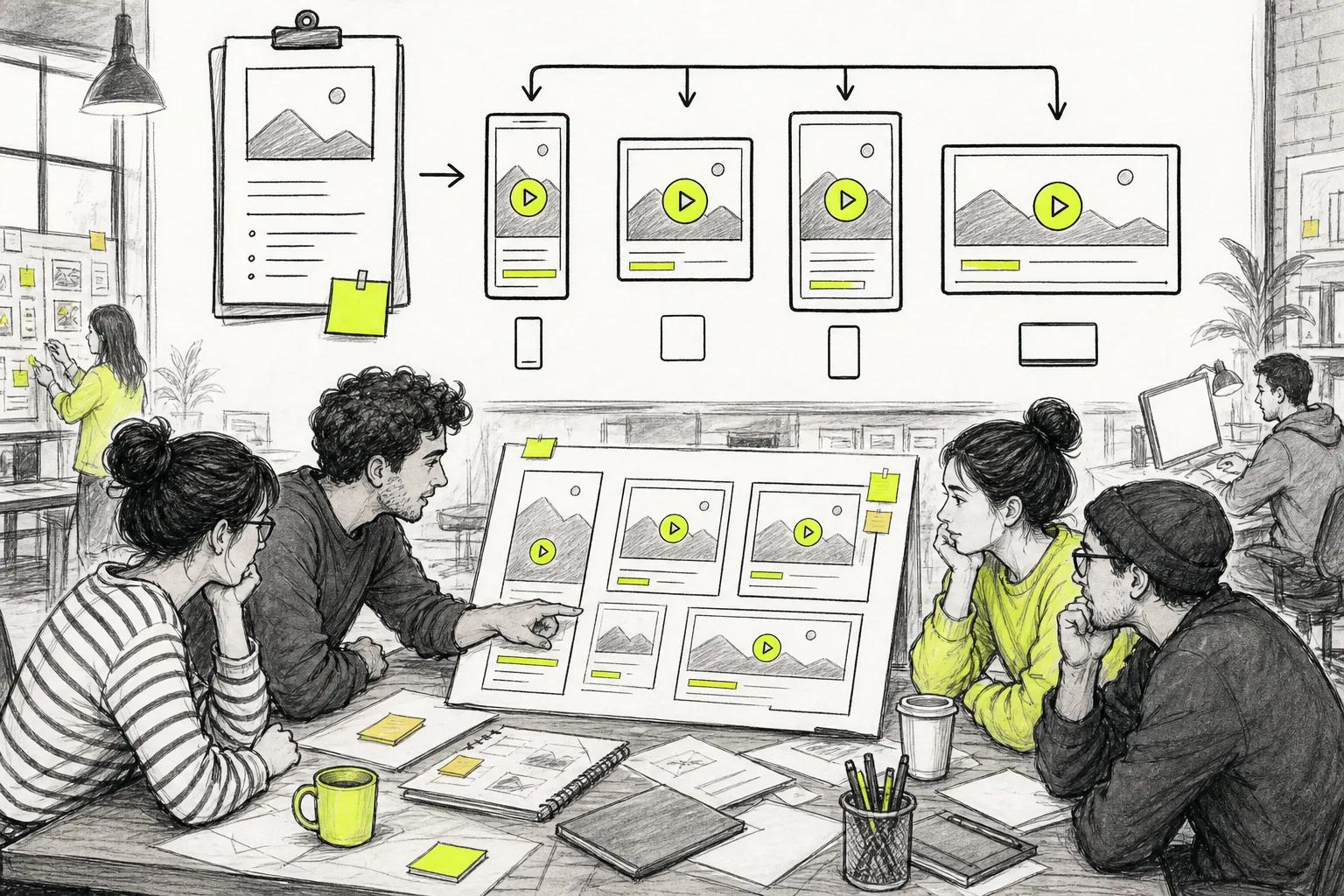
Scale your agency plan by reusing decisions, not by copying every ad everywhere. Each channel needs its own frame, pace, caption placement, and opening moment.
Make the vertical cut first when the campaign targets TikTok, Reels, or Shorts. Keep the subject inside the safe center area. Then adapt the idea for 1:1, 4:5, or 16:9 when the media plan calls for it.
Don't crop a finished vertical ad and hope it works. Reframe the shot. Move the subject. Rewrite any text that now sits under a platform control.
Build a client template with fixed fields:
- Offer and landing page.
- Approved claims.
- Audience and platform.
- Primary hook bank.
- Reference files.
- Export ratios.
- Approval owner.
That template makes onboarding faster. It also reduces the chance that a new editor invents a claim or changes the brand voice by accident.
Use a simple naming rule. Include the client, campaign, angle, hook, ratio, and version. A file called “final-new-2.mp4” creates a search problem the moment a client runs three campaigns.
Track the batch after launch. Read early signals at about 72 hours, then make the next group near the strongest hook. Drop the weak angle instead of giving it endless revisions.
Our free Seedance Studio video plan can help a small team test the workflow before it adds a paid seat. Paid plans start at $14 per month, with higher plans for teams that need more monthly output.
For larger teams, check whether an API belongs in the system. An API is a way for software to send requests to another service without manual copy and paste. Seedance Studio includes API access on paid plans, with usage drawn from plan credits and no per-seat fee listed in the supplied plan details. Read the Seedance Studio video API details before you design an automated queue.
Keep a human at the approval point. Automation can move a file through a pipeline. It can't know if a claim is legally safe, if the hook fits the brand, or if the client has changed its offer.
Automation details are scarce, while agency-style examples describe end-to-end pipelines. The data found that only nine listed specific automation details, while all four agency-style examples described an end-to-end pipeline. That difference explains why a low-cost generator alone may not raise output per hour.
Price also tells a mixed story. Among 16 tools that disclosed cost, the median starting price was $16 per month. A few high-end entries reached $2,000, which pulled the average far higher. Compare the whole workflow, not the subscription price alone.
FAQ
What is an agency plan for fast ad production?
An agency plan for fast ad production is a repeatable system for turning one client brief into tested ad variants. It sets output targets, breaks ideas into modules, uses AI for first cuts, and adds human review before launch. The plan also stores winning hooks so each new batch starts with useful evidence.
How can an agency make video ads faster?
An agency can make video ads faster by reducing handoffs and generating several rough versions at once. Start with one clear brief. Then test different hooks while the offer stays fixed. Batch client approvals and use one export checklist. This keeps the team from polishing a weak idea through several slow review rounds.
Which AI video tool is best for agency ad production?
The best AI video tool depends on the ad and the workflow around it. Seedance Studio fits teams that need browser-based text-to-video and image-to-video generation with reference consistency, camera direction, and native sound. A tool that only renders footage may still need separate work for captions, editing, format changes, and approval.
How many ad variations should an agency make?
An agency can start with six to nine rough variations from three distinct angles. Cull those to about three cuts for client review. Change one major test input at a time, such as the hook or opening visual. That gives the next agency production batch a clearer lesson than changing every part at once.
Can AI-generated ads pass quality control?
AI-generated ads can pass quality control when a person checks every final cut. Review the claim, first frame, captions, audio sync, faces, hands, product details, and format. Synthetic footage may fit direct-response work, but brand-led campaigns may need real footage. Fast production never removes the need for approval.
Conclusion
Build the workflow around batches, not single finished ads. Start with one client brief, make several focused concepts, generate quick cuts in Seedance Studio, and cull them with a firm review rubric. Then reuse the winning hook in the next channel cut. Create a free account, test one batch this week, and measure which opening earns the next round.