
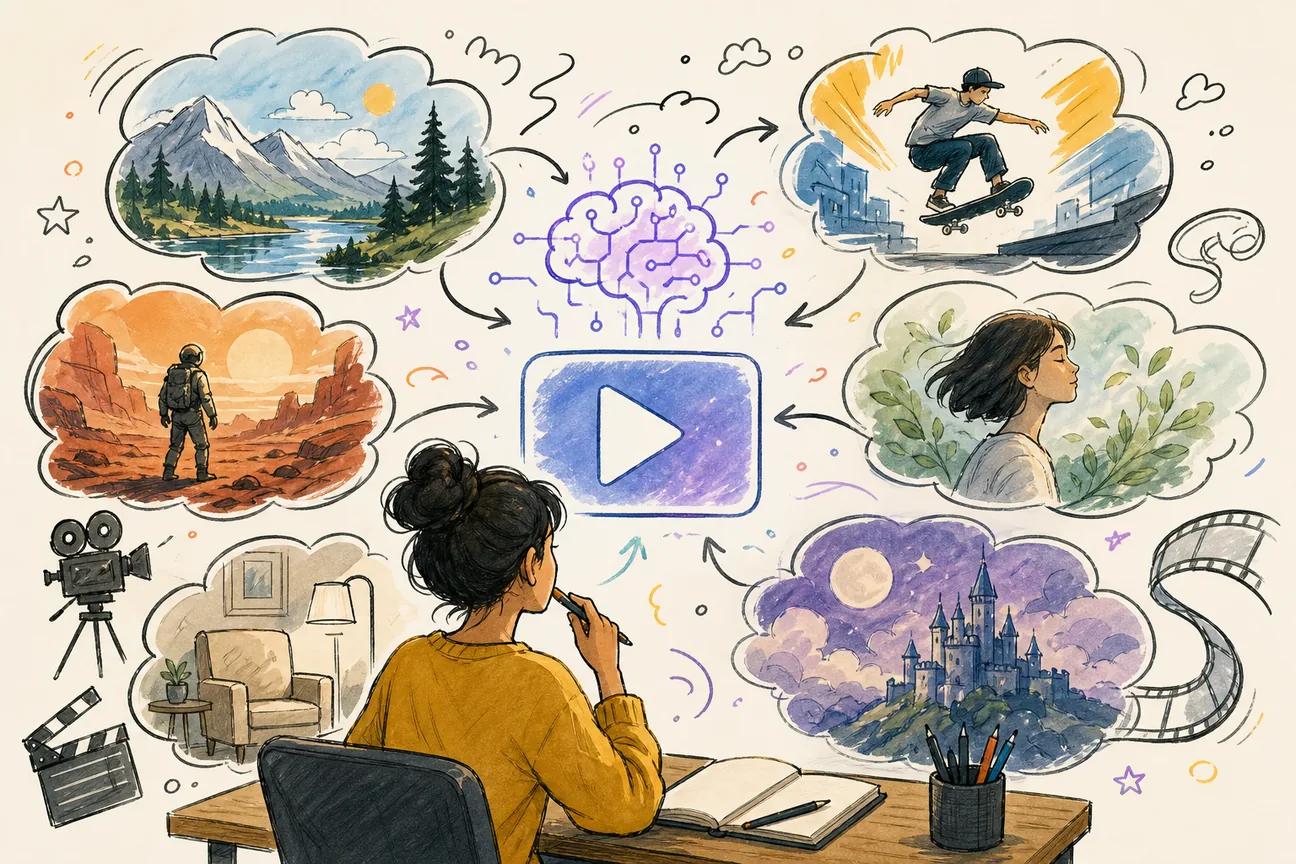
The best AI video prompts do more than describe a pretty scene. They tell the model what moves, how the camera moves, what the viewer hears, and where the clip will live. Here are six ready-to-use prompt ideas, plus the tool each one fits best.
1. Seedance Studio (Our Top Pick): Best for complete social video prompts
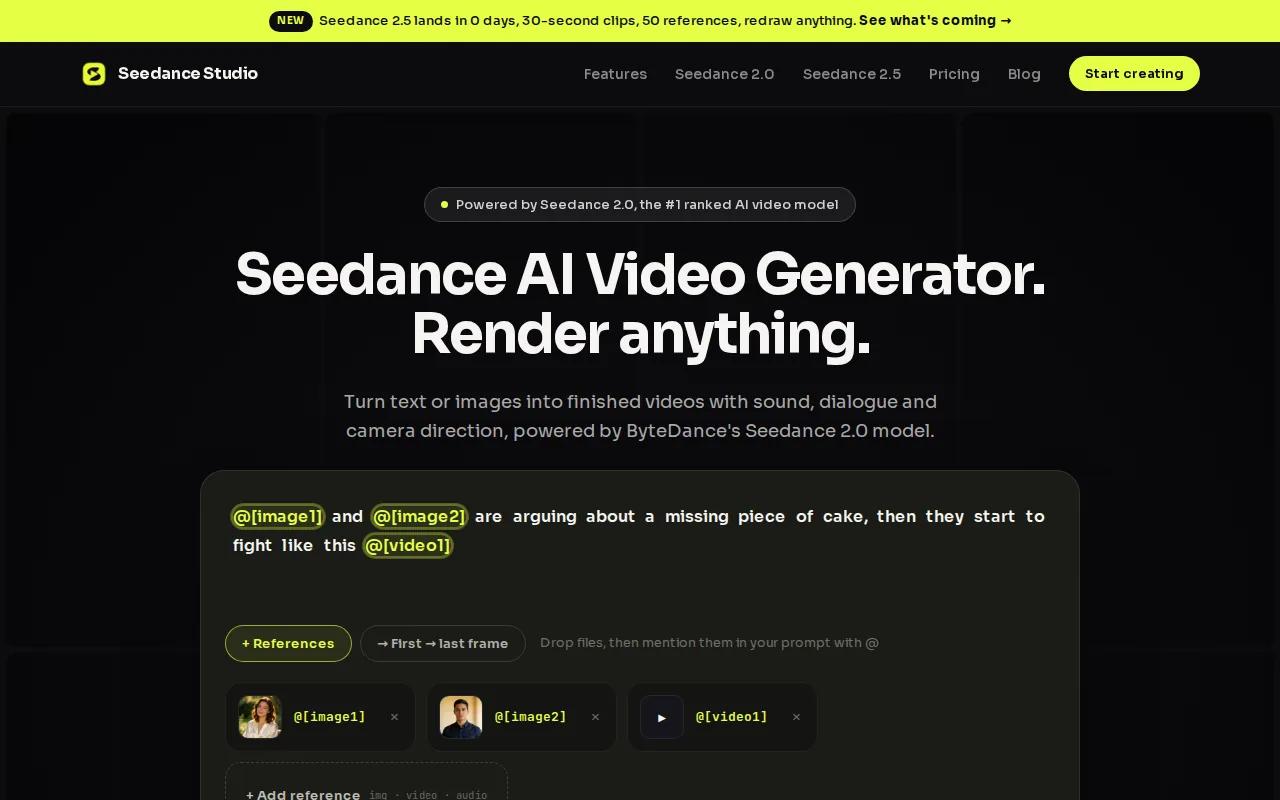
Seedance Studio is our top pick for creators who need one prompt to cover the scene, motion, camera, character, and sound. It runs in your browser, accepts text plus reference images, clips, or audio, and works well for short videos made for TikTok, Reels, and Shorts.
Use this prompt for a product launch:
Prompt:“A matte black wireless speaker sits on a wet stone table at blue hour. Slow 360-degree orbit around the speaker as small drops of water slide across its surface. Begin with a close-up of the texture, then pull back to reveal a quiet rooftop garden. Soft blue light with a warm amber rim light. Native audio: light rain, distant city hum, one clean product chime at the final reveal. No text, no extra objects, keep the speaker shape and logo consistent, vertical 9:16, 10 seconds.”
The prompt works because each line gives the model one job. Seedance Studio can also use reference assets for a person, product, location, or sound style. Its Seedance 2.0 workflow supports text, images, video clips, and audio in one generation, with camera direction and native sound built into the result.
This structure can be broken into subject, action, setting, camera, lighting, sound, and constraints. That order is easy to reuse when you need five social clips in two days.
We like Seedance Studio when one idea needs several outputs. You can choose 16:9, 9:16, or 1:1, then adapt the same concept for different feeds. The free tier gives you a low-risk way to test the workflow, while paid plans are available.
The caveat is simple: detailed prompts still need review. Watch faces, hands, logos, and spoken words before you post. If a detail must stay exact, upload a reference instead of adding more adjectives.
2. Runway Gen-3 Alpha: Best for cinematic quality prompts
Runway Gen-3 Alpha fits creators who care more about cinematic movement than fast batch output. It supports text-to-video and image-to-video, with a strong grasp of camera language and detailed scene descriptions.
Try this prompt for a film-style establishing shot:
Prompt:“A lone cyclist rides through a misty coastal town before sunrise. Wide 24mm lens, slow forward tracking shot from street level. The cyclist passes wet stone walls and warm window light. Fog moves across the road in layers. The camera rises gently as the ocean appears behind the rooftops. Muted teal and gold color grade, natural motion, quiet mood, no dialogue, 8 seconds.”
Runway says Gen-3 Alpha was trained with dense captions that help it interpret key frames, transitions, and cinematic terms. It also supports text-to-video and image-to-video workflows. The model is a strong choice when your prompt names the lens feel, camera path, light source, and pace.
For a second pass, add one reference image for the town. Then keep the camera instruction short. Too many moves in one clip can make the shot feel confused.
Runway’s limitation is fit. It may be a better match for a polished hero shot than a quick series of vertical ad variants. Pick it when the mood and camera work carry the idea.
3. Pika 2.0: Best for fast, simple social video prompts
Pika 2.0 is a good fit for quick social concepts and teams that don't want a steep learning curve. Its prompt style works best when the action is clear and the joke lands fast.
Use this prompt for a playful Reel:
Prompt:“A golden retriever in oversized sunglasses sits at a small café table and taps a laptop with one paw. Handheld phone camera, slight natural shake. A barista looks over, then smiles. The dog pauses and gives a proud nod. Warm afternoon light, quick comic timing, upbeat café ambience, vertical 9:16, 6 seconds.”
Keep the first prompt short. Name the subject, one action, the setting, and the mood. That gives you a clean test before you spend time on fine detail.
Pika is listed with text-to-video support and 1080p output. That makes it useful for rapid drafts, simple social effects, and concept work that needs to move before the trend fades.
For reference-based work, describe the motion instead of repeating what the image already shows.
Don't ask for three complex actions in six seconds. Split the idea into separate clips if the subject must turn, jump, speak, and reveal an object.
4. Kling 1.6: Best for realistic motion and physics prompts
Kling 1.6 suits prompts where weight, impact, or physical motion matters. Game developers and indie filmmakers often look for this kind of control when a scene must feel grounded.
Try this prompt for a physics-led action shot:
Prompt:“A red skateboard rolls down a rain-slick concrete ramp. The wheels hit a shallow puddle and spray water toward the camera. The board jumps over a metal rail, lands hard, and keeps moving. Low tracking camera beside the board, realistic weight and friction, overcast daylight, sharp water motion, no slow motion, 7 seconds.”
The best Kling prompts name the force behind the action. Say what hits, bends, falls, splashes, or stops. Generic words like ‘epic movement’ give the model less to work with.
Kling’s listed strengths include text-to-video, image-to-video, 2K output, and realistic physics simulation.
That model-version detail is the caveat. Check which Kling model you have selected before judging a result. If the shot includes a product, use a clear reference image and keep the camera path simple.
5. Veo 3.1: Best for prompts with dialogue and sound effects
Veo 3.1 is the strongest fit in this shortlist when the sound belongs inside the prompt. It can generate dialogue, synced sound effects, and background audio with the video.
Use this prompt for a short brand story:
Prompt:“A weathered sea captain with a grey beard stands at a ship’s railing during a storm. Slow dolly toward his face as waves rise behind him. Warm lantern light catches the rain on his coat. He says: ‘The ocean teaches respect, one wave at a time.’ Audio: waves crashing, strong wind, rope creaking, no music, no subtitles. Deep blue and warm amber palette, cinematic close-up, 8 seconds.”
Put exact speech after a clear speaker cue. Then name the sound you want. If you leave audio vague, the model may add music or crowd noise that fights the message.
Prompt examples for Veo work best when they describe the shot, action, speaker, and audio in separate chunks. A product demo might ask for a slow turntable move, clean narration, and a soft click when the feature appears.
Research on prompt structure also warns against overloading one clip. Keep each shot focused. A short spoken line usually gives the model more room to match timing and mouth movement.
Veo’s limitation is workflow cost and access. It makes sense when sound is central to the deliverable. If you only need silent b-roll, a simpler generator may be faster.
6. Sora 2: Best for story-driven multi-shot prompts
Sora 2 is aimed at story ideas that need more than one visual beat. Its storyboard approach lets text-first creators plan a sequence with several shots.
Try this prompt for a small story:
Prompt:“Shot 1, 0 to 3 seconds: a girl places a paper boat in a rain-filled street gutter, close-up on her hands. Shot 2, 3 to 6 seconds: the boat travels through a glowing underground tunnel, side tracking shot. Shot 3, 6 to 10 seconds: the boat reaches a moonlit river and opens into a tiny paper city. Keep the girl’s yellow raincoat consistent. Quiet rain, soft footsteps, gentle orchestral swell.”
Timeline prompts help when the story has a beginning, change, and payoff. Keep the same character description in every shot. If the model loses identity, use a reference image and shorten the sequence.
Sora 2 is listed with a text-only workflow and storyboard mode for multi-shot work. That makes it appealing to writers who want to test a visual idea without gathering many assets first.
Best AI Video Prompts Compared: Features, Use Cases, and Output
The right tool depends on the job behind the prompt. Use this quick view before you write a full storyboard.
| Tool | Best prompt type | Useful strength | Watch for |
|---|---|---|---|
| Seedance Studio | Social ads and complete scenes | Native sound, references, three aspect ratios, up to 4K | Review exact details before posting |
| Runway Gen-3 Alpha | Cinematic camera prompts | Strong film language and visual control | Better for hero shots than fast batches |
| Pika 2.0 | Short social gags | Fast, simple text prompts | Keep actions basic |
| Kling 1.6 | Physics and impact | Realistic motion focus | Model versions can differ |
| Veo 3.1 | Dialogue and sound design | Native audio with synced speech | Access and generation cost |
| Sora 2 | Multi-shot story prompts | Storyboard-led planning | Availability risk |
Across the market, output format is often the deciding factor. Many tools center on 1080p, while short-form teams may need one idea in vertical, square, and widescreen formats. Seedance Studio is the clearest fit when that repurposing step is part of the brief.
For more context, see this Seedance 2.0 resource.
For a wider market view, one research set reviewed 51 AI video platforms and found that only 27 listed any automation capability. The result is a useful warning: don't judge a tool by a vague promise. Test one real prompt and inspect the full workflow.
FAQ
What makes the best AI video prompts work?
The best AI video prompts name the subject, action, setting, camera move, light, sound, and limits. Start with one clear action per shot. Add an exact spoken line only when dialogue matters. If a face, logo, or product must stay consistent, upload a reference image rather than adding more descriptive words.
What is the best AI video generator for TikTok?
Seedance Studio is the best fit in this shortlist for TikTok when you need vertical video, native sound, and reference consistency in one workflow. Use 9:16 before generating. Keep the opening action clear, place the main visual change early, and review the clip on a phone before posting.
How long should an AI video prompt be?
An AI video prompt should be long enough to direct the shot, but short enough to keep the action clear. One focused paragraph often works well. Put the subject and action first. Add camera and sound next. Remove style words that don't change what appears on screen.
Can AI video tools generate dialogue and sound effects?
Yes, some AI video apps can generate dialogue and sound effects with the clip. Veo 3.1 is built for prompts that include synced speech and ambient sound, while Seedance Studio also supports native audio. Write the speaker clearly, keep the line short, and say “no subtitles” when you don't want text on screen.
Should I use text-to-video or image-to-video?
Use text-to-video for a fresh scene and image-to-video when a face, product, or layout must stay close to a reference. Image-to-video prompts should focus on movement. Describe how the subject turns, walks, rotates, or reacts instead of repeating every detail already visible in the image.
Conclusion
Start with Seedance Studio if you need one idea adapted for social formats with camera direction, consistent references, and native sound. Pick a prompt above, swap in your subject, and create a free account. Run a short draft first, then refine the version you want to post.


