
Sora alternatives now range from cinematic video tools to browser apps built for daily social posts. The best fit depends on how much control, sound, editing, and format support you need. Here are six named options, with Seedance Studio as our top pick for short-form creators.
1. Seedance Studio, Our Top Pick, Best for Short-Form Creators
Seedance Studio is a browser-based AI video and image generator built on Seedance 2.0. It suits creators, marketers, and social teams that need finished clips without a download or waitlist.
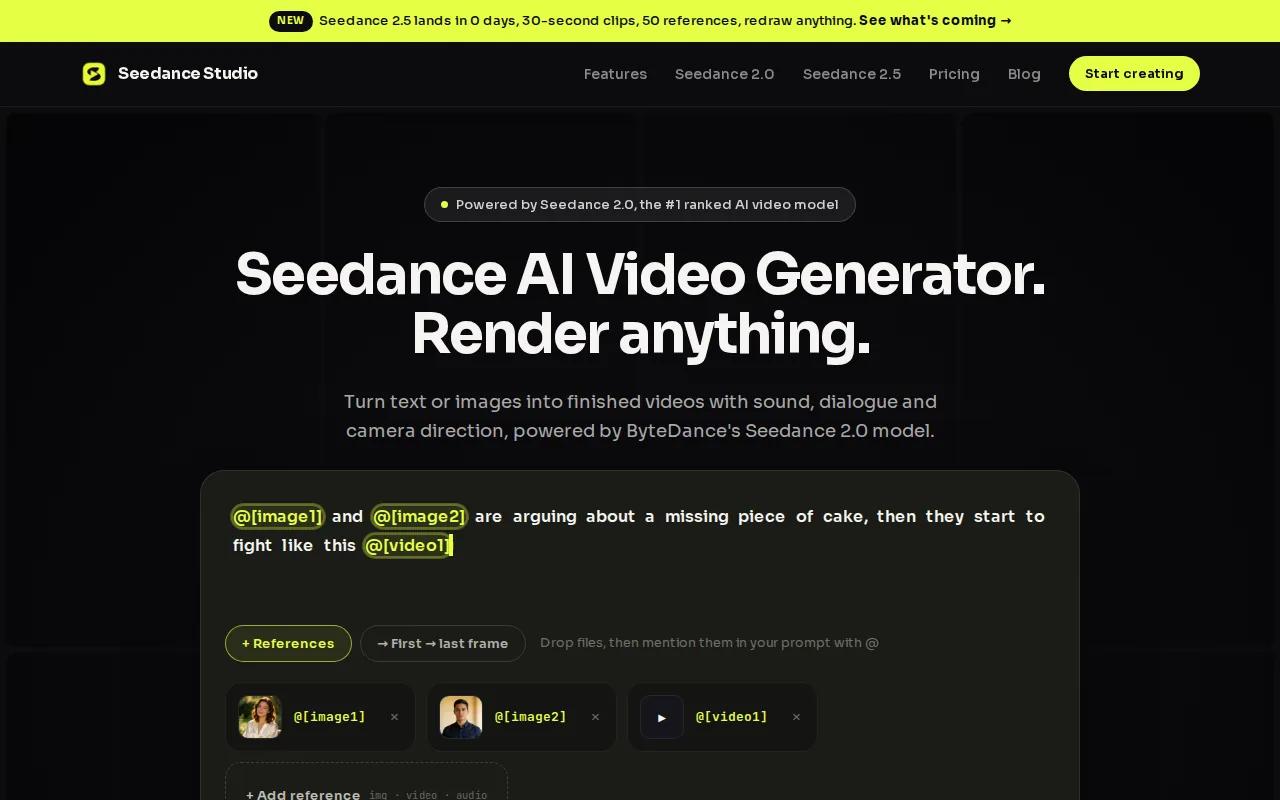
Type a prompt, or upload reference images, video clips, and audio. The tool can return a short video with camera direction, consistent characters, and native sound. That means dialogue, sound effects, and music can be part of the first render instead of a later edit.
Short-form work is where this setup makes the most sense. Pick 9:16 for TikTok, Reels, or YouTube Shorts. Use 16:9 for YouTube and ads. A square 1:1 format works for feed posts. The model also supports output up to 4K on paid plans.
Seedance Studio lists automation for scoring, camera moves, sound effects, multi-shot scenes, lip-synced dialogue, and beat-synced cuts. That gives you more than a blank prompt box. You can start with a product photo, add a music clip, then ask for a fast vertical promo with cuts that follow the beat.
There is a free tier with no card needed. Paid plans start at $14 per month, with higher resolution, more generations, watermark-free exports, and a commercial license. The free plan is limited, but it gives you a useful first test.
Seedance Studio is an independent app and isn't affiliated with ByteDance. If you want a closer look at the model behind it, read what Seedance 2.0 is and how its video model works. The trade-off is simple: it's browser-first, so creators who demand a native desktop app may prefer another workflow.
For most solo creators and small marketing teams, that trade-off is easy to accept. Create a free account, test one prompt, and see if the output fits your feed.
2. Runway, Best for Creative Control
Runway is one of the stronger Sora alternatives for filmmakers, video editors, and creative professionals who want more control over the shot.
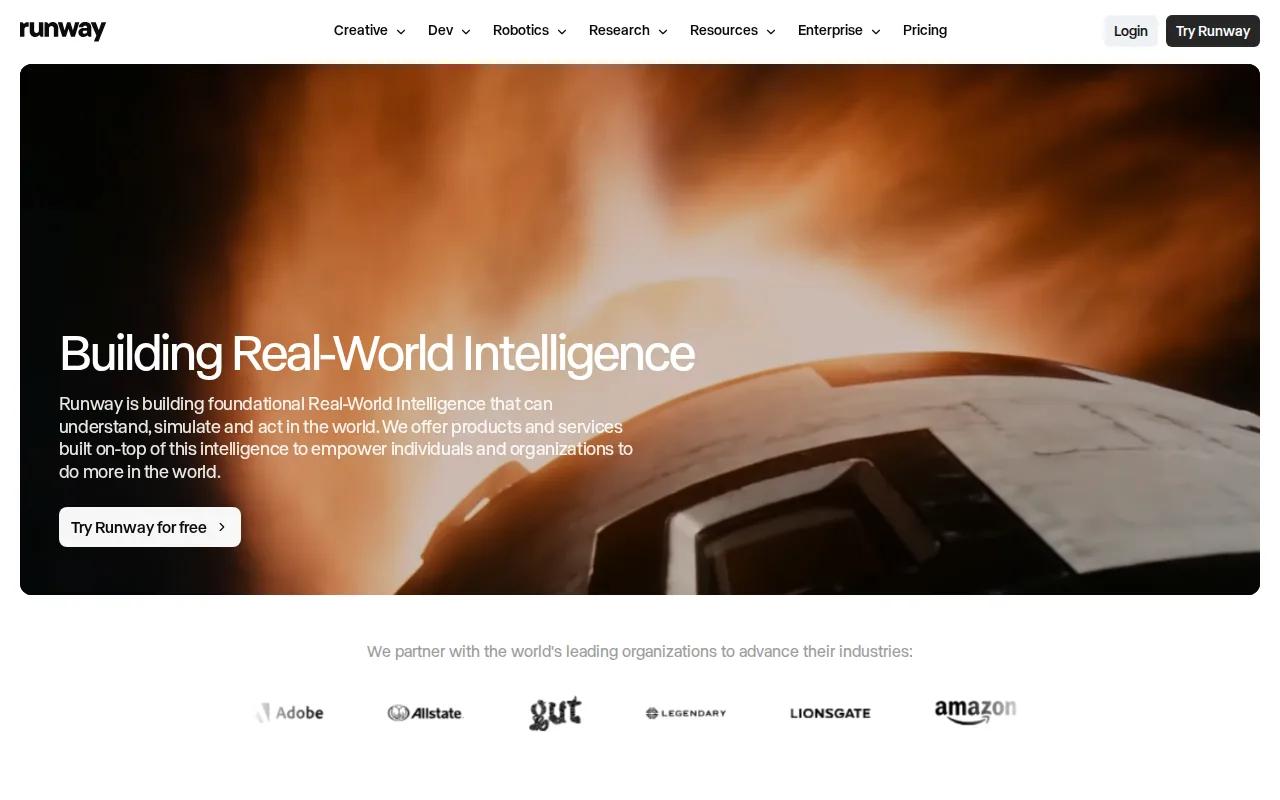
Its appeal is the gap between generation and editing. You can work from text or an image, then refine the clip instead of treating the first result as final. That matters when the camera move is close but the timing is wrong.
Runway fits a director-led workflow. You may care about framing, motion, performance, or a specific visual mood. The tool is a better match when you have a shot list and want to test several takes against it.
The main caveat is usage cost. Research for this shortlist found that credits can run out quickly when you generate many versions. That can make a single polished shot expensive in time and credits, especially if your team needs dozens of social variations each week.
Runway also isn't the first pick for presenter-led training or sales videos. Its strength is creative scene work. If your job is to turn one script into a steady stream of branded vertical clips, a more automated browser tool may save more work.
Choose Runway when the edit itself matters as much as the generated footage. It earns its place when you want to shape the shot, not merely publish the first pass.
3. Pika Labs, Best for Fast Social Media Experiments
Pika Labs is a useful Sora alternative for social creators who want quick iterations and style tests.
The fit is simple. You have a short idea, a visual gag, or a trend format. You want to try it now, see the result, and move on if it misses. Pika Labs is aimed at social media creators who value speed and experimentation.
Its free tier lowers the barrier for a first test. That matters because free access is less common than many comparison pages suggest. In the 45-tool research set behind this article, only two entries listed a free tier.
Use Pika Labs for a reaction clip, a quick image-to-video post, or a style variation around an existing idea. Keep your prompts focused on one action. Short prompts are easier to compare when you're testing several visual directions.
The limitation is depth. Pika Labs is a better fit for quick social work than for a long chain of shots with strict character continuity. It may also leave you with more editing work when your clip needs a full sound design pass or a detailed brand structure.
Here is the usable rule: pick Pika Labs when speed beats control. Pick Seedance Studio when you need the generated clip to carry more of the production work.
4. Luma AI, Best for Realistic Product Visuals
Luma AI is a strong option among Sora alternatives for product videos, realistic visualizations, and marketing content.
It makes sense when your product needs to look believable in motion. Imagine a new chair rotating in a sunlit room, a watch catching a narrow beam of light, or a package moving through a clean kitchen scene. These shots need a clear subject and a camera move that doesn't feel random.
Luma AI is worth testing when realism matters more than a large automation stack. Product teams can use it to explore a concept before a shoot. Marketers can use it for campaign ideas, mood clips, and visual drafts that help a team agree on direction.
There is a catch. A realistic product shot still needs review. AI can alter small details such as logos, buttons, labels, or the shape of a familiar object. Those errors can make a product ad unusable, even when the overall motion looks good.
Research on the wider market also found that no single tool replaces every part of a Sora workflow. A review of alternative tools points to different strengths across cinematic generation, business video, and social production. of tested AI video alternatives for that broader view.
Choose Luma AI when the first question is, “Can this object look right on screen?” Choose a more automated tool when the next question is, “Can I make 20 versions by Friday?”
5. InVideo AI, Best for Marketing Videos with Stock Media
InVideo AI is a Sora alternative for marketers and small businesses that need stock footage, voiceover, music, and transitions in one marketing workflow.

It suits a different job from a pure text-to-video model. You may have a script for a product explainer, a list of points for a social ad, or a short update for customers. The goal is a complete marketing video, not a single cinematic shot.
Stock media helps when an AI-generated scene would take too many tries. A marketer can draft the message, add voiceover, then use stock footage where the idea calls for a real place or activity. Transitions and music help turn separate pieces into something ready for review.
InVideo AI has a free tier. Its listed starting price is $25 per month, so it sits above Seedance Studio's $14 starting plan. Pricing is only one part of the choice, though. If your team already works from scripts and stock clips, the editing path may matter more than model rankings.
The limitation is visual originality. Stock media can look familiar, and it may be harder to keep one fictional character consistent across several scenes. For a product launch built around a new visual world, a generative video tool may give you more room.
Pick InVideo AI when the content brief starts with a script and ends with a complete marketing edit. It is less suited to creators who want every frame to come from one custom visual prompt.
6. CapCut, Best for TikTok-Native Editing
CapCut is a Sora alternative for creators who already have clips and need fast TikTok-native editing.
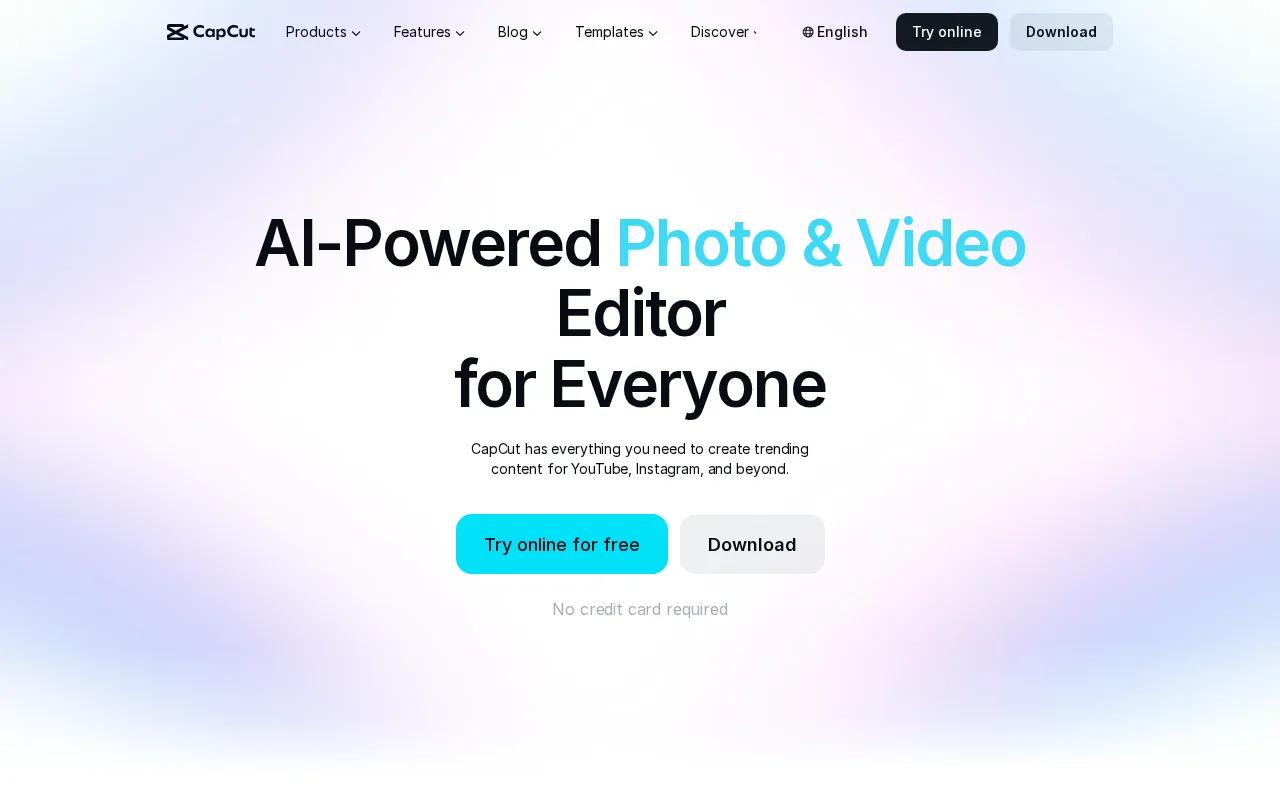
Its strength is the edit after generation. You can trim clips, add captions, apply templates, and shape a trend-style post for a mobile-first workflow. That makes CapCut a natural second tool when an AI generator gives you raw footage.
CapCut works well for creator clips that need a quick finish. You might generate a few scenes in Seedance Studio, then cut them to a song and add text in CapCut. For music videos, replacing separate clip audio with one master track can keep the full piece in sync.
The limitation is that CapCut is mainly an editor in this comparison. It doesn't replace a full text-to-video workflow for teams that need custom scenes, reference consistency, or native dialogue generated with the image.
It also may not fit a team that wants a browser-only production system with fewer handoffs. Moving files between a generator and an editor adds a small task to every batch. That task is fine for five clips. It becomes a concern when you make hundreds.
Choose CapCut when your bottleneck is editing speed. Choose Seedance Studio when your bottleneck is generating the right footage in the first place.
Sora Alternatives Compared: Which Tool Fits Your Workflow?
The right choice depends on where your work slows down. Use this view to pick by workflow, not by a single quality claim.
| Tool | Best fit | Where it helps | Watch for |
|---|---|---|---|
| Seedance Studio | Short-form production | Browser access, native sound, character consistency, multiple formats | Free exports are limited and watermarked |
| Runway | Filmmaking and creative control | Shot refinement and artistic direction | Credits can limit repeated tests |
| Pika Labs | Fast social experiments | Quick style tests and a free tier | Less suited to deep multi-shot work |
| Luma AI | Product visuals | Realistic object-focused scenes | Product details still need checking |
| InVideo AI | Script-led marketing | Stock footage, voiceover, music, and transitions | Less custom than a pure generation workflow |
| CapCut | TikTok editing | Captions, cuts, templates, and effects | It is mainly the editing stage |
Seedance Studio is the best starting point when you want a free tier, browser access, short-form formats, and more automation in one place. The broader AI video generator comparison is useful if you also need tools outside this shortlist.
When comparing Sora alternatives, also check commercial rights, export limits, and the number of handoffs in your process. A tool that saves one editing step on every clip can matter more than a small difference in visual quality.
FAQ About Sora Alternatives
What is the best Sora alternative?
Seedance Studio is the best Sora alternative for creators who need short-form videos with a free starting tier, browser access, native sound, and character consistency. Runway is a better fit for filmmaker-led control. Luma AI suits product visuals, while InVideo AI fits script-led marketing work.
Is there a free Sora alternative?
Yes, several Sora alternatives list free access, including Seedance Studio and Pika Labs. Seedance Studio's free tier lets you test the browser workflow without a card, though free exports are limited and watermarked. Always check the current usage limits before planning a paid campaign around a free plan.
Which AI video tool is best for TikTok?
Seedance Studio is the strongest pick when you need new AI footage in a vertical format. CapCut is better when you already have footage and need cuts, captions, templates, or effects. Pika Labs works well for quick style experiments. Your choice should follow the part of the TikTok workflow that takes the most time.
Can AI video tools keep characters consistent?
Yes, some Sora alternatives support reference images or character consistency, but results still need review. Seedance Studio lets you upload reference files and use them in a prompt. Keep the character description steady, use the same reference image, and regenerate any shot where the face or clothing changes.
Is Seedance Studio affiliated with ByteDance?
No, Seedance Studio is an independent app and isn't affiliated with ByteDance. It gives you browser access to the Seedance 2.0 model through a prompt-based workflow. You can learn more about the app and its available plans on the official Seedance Studio site.
Conclusion
Start with Seedance Studio if you want to make short-form AI videos without downloading software or paying before you test the workflow. Create a free account, upload one reference image, and generate a 9:16 clip. If the result fits your brief, move to a paid plan when you need higher resolution and commercial exports.